Verifying the ESA installation from the Web UI
After you install the ESA v10.1.0, perform the following steps to verify the installation.
To verify the ESA installation from the Web UI:
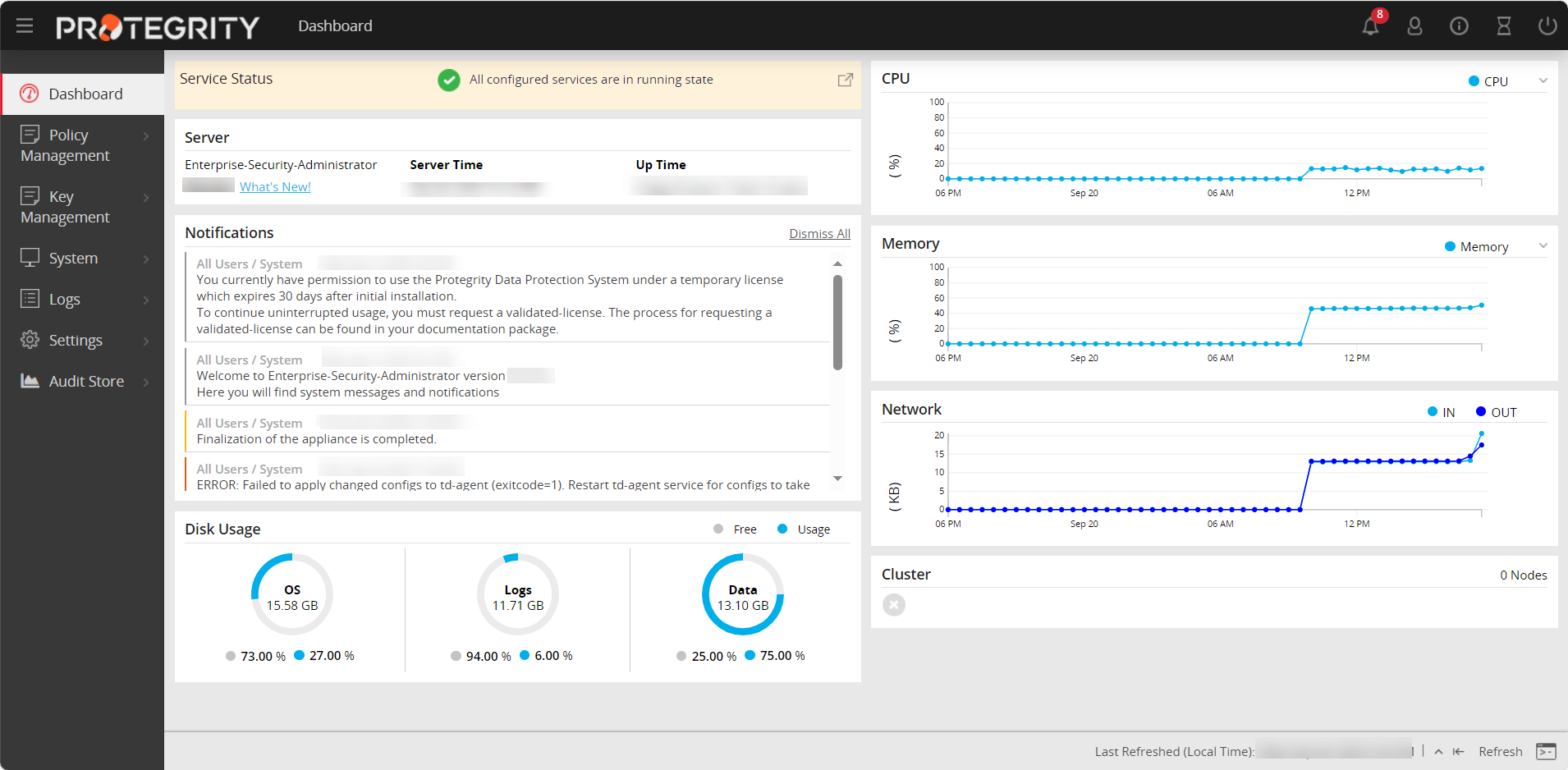
Login to the ESA Web UI.
The ESA dashboard appears.
Navigate to System > Information.
The screen displaying the information of your system appears.
Under the Installed Patches area, the ESA_10.1.0 entry appears.
Navigate to System > Services and ensure that all the required services are running.
Feedback
Was this page helpful?