Verifying the ESA installation from the Web UI
After installing the ESA v10.2.0, perform the following steps to verify the installation.
To verify the ESA installation from the Web UI:
Login to the ESA Web UI.
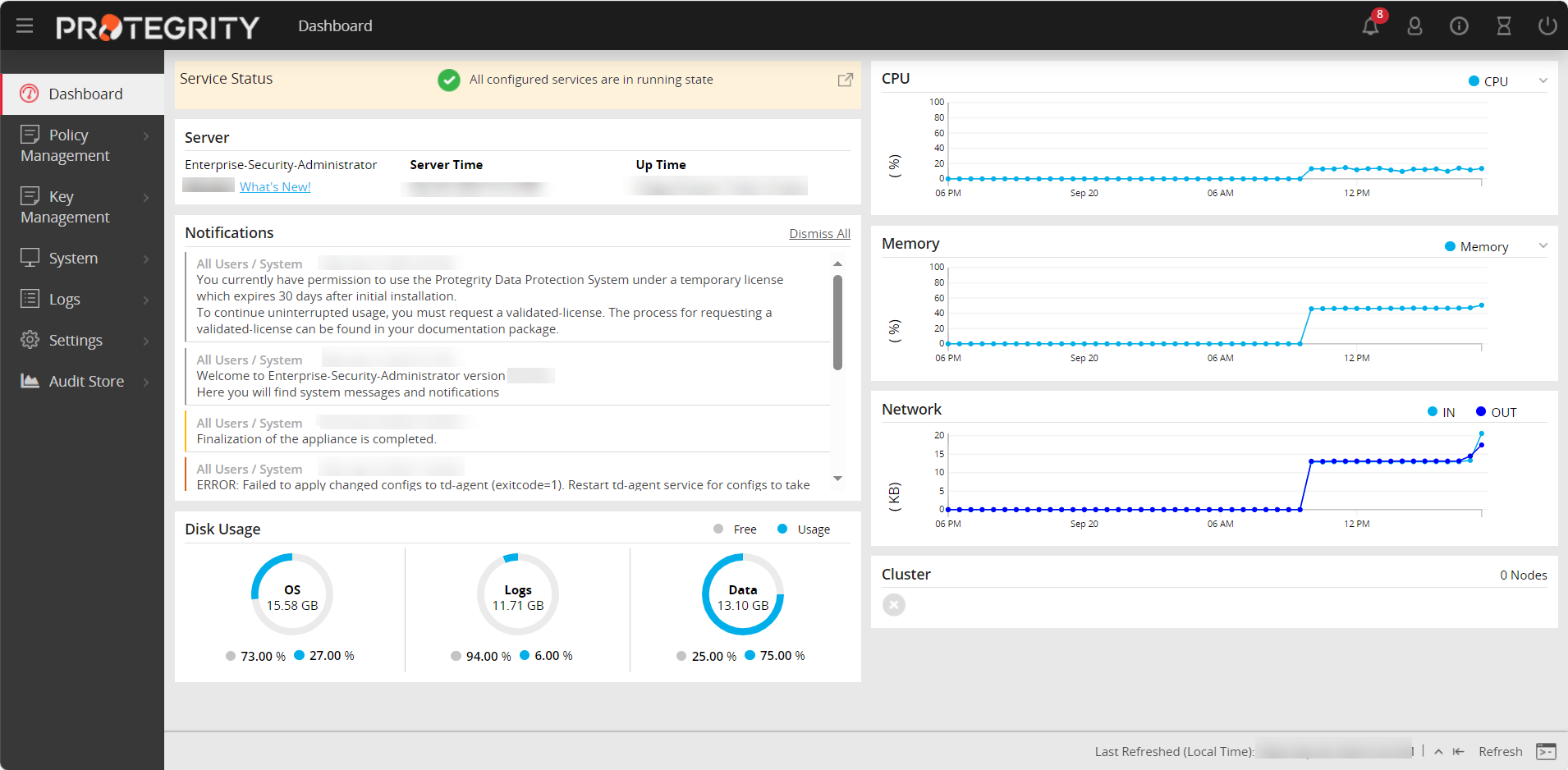
The ESA dashboard appears.
Navigate to System > Information.
The screen displaying the information of your system appears.
Under the Installed Patches area, the ESA_10.2.0 entry appears.
Navigate to System > Services and ensure that all the required services are running.
Feedback
Was this page helpful?