Using mode to Auto Anonymize
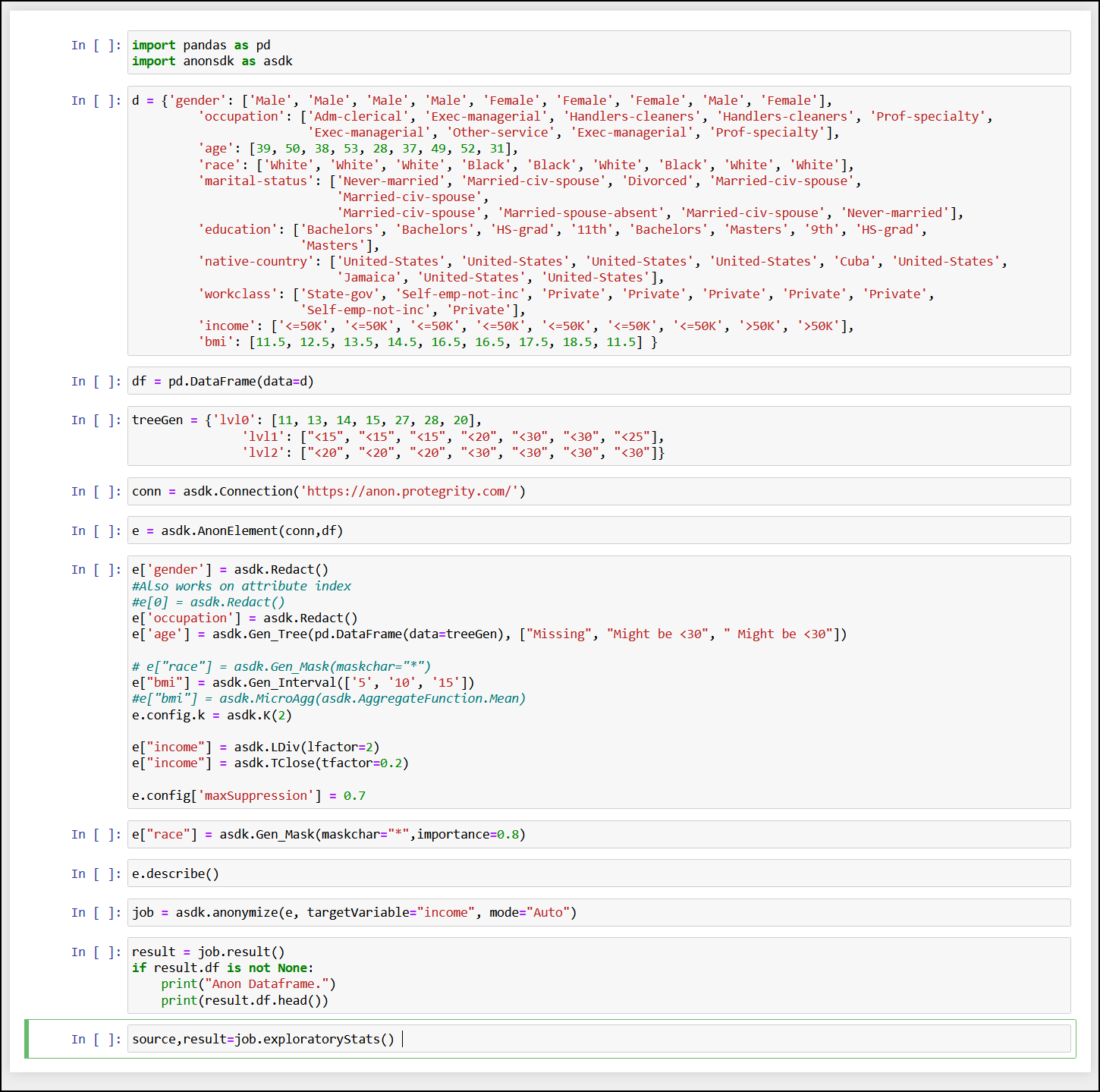
Set the mode to Auto to auto anonymize. The auto anonymization auto-detects the data-domain, classification type, hierarchies, and anonymization configuration in Protegrity Anonymization. Any user-defined configuration, such as, QI attribute assignments, hierarchy, and K value, are retained and considered while performing the auto anonymization. You can also specify the targetVariable that must be considered for obtaining the best possible result set in terms of quality data while performing the anonymization job.
Ensure that you complete the following checks before starting the Protegrity Anonymization job:
- Verify that the destination file is not in use and that the required permissions are set for creating and modifying the destination file.
- Ensure that the disk is not full and enough free space is available to save the destination file.
- Verify that you have imported the Pythonic SDK, for example, import anonsdk as asdk.
The folowing table shows the auto anonymization information.
| Using mode to Auto Anonymize Information | Description |
|---|---|
| Function | job = asdk.anonymize(e, targetVariable="targetVariable", mode=“Auto”) |
| Parameters | targetVariable: The field specified here is used as a focus point for performing the anonymization. |
| Return Type | It returns the result set after performing the anonymization job. |
| Sample Request | job = asdk.anonymize(e, targetVariable=“date”, mode=“Auto”) |
For more sample requests that you can use, refer to Sample Requests for Protegrity Anonymization.
Note: You can use e.measure() to modify the request and view different outcomes of the result set.
For more information about the measure API, refer to Measure API.
Feedback
Was this page helpful?