Registering the DSG node with ESA
Before you begin
Ensure that the TAC is created on the ESA.
Ensure that the ESA communication is completed.
Note: Ensure that only one DSG node is registered with the ESA.
On the ESA CLI Manager, navigate to Tools > Register DSG Details.
Enter the root password, press Tab to select OK and press Enter.
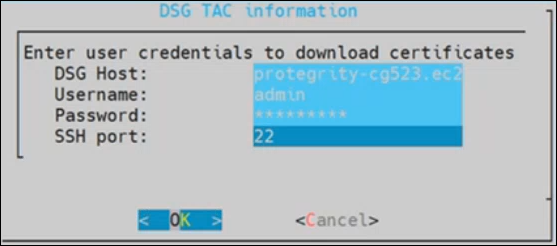
Enter the FQDN of the DSG and enter the DSG administrator credentials in the Username and Password text boxes. Press Tab to select OK and press Enter.
The DSG TAC Registration screen appears.
After successfully registering the DSG with the ESA, the following dialog box appears.
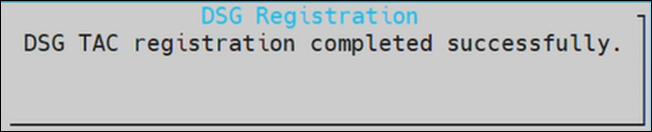
The ESA communication is established successfully between the DSG and the ESA.
Feedback
Was this page helpful?