Distributions of the Big Data Protector
The Protegrity Big Data Protector is available for the following platforms:
- Amazon EMR
- AWS Databricks
- CDP-PVC-Base
- CDP-AWS-DataHub
- Trino
This is the multi-page printable view of this section. Click here to print.
The Protegrity Big Data Protector is available for the following platforms:
The Big Data Protector on Amazon Elastic MapReduce (EMR) is a cloud-based protector that allows users to process data efficiently. The EMR cluster is a collection of Amazon EC2 instances that collaborate to process data using popular Big Data frameworks, such as, Apache Hadoop, Apache Spark, Apache HBase, and others.
The Big Data Protector on EMR utilizes the following components to process and protect data:
The architecture for the EMR distribution of the Big Data Protector is depicted in the image below.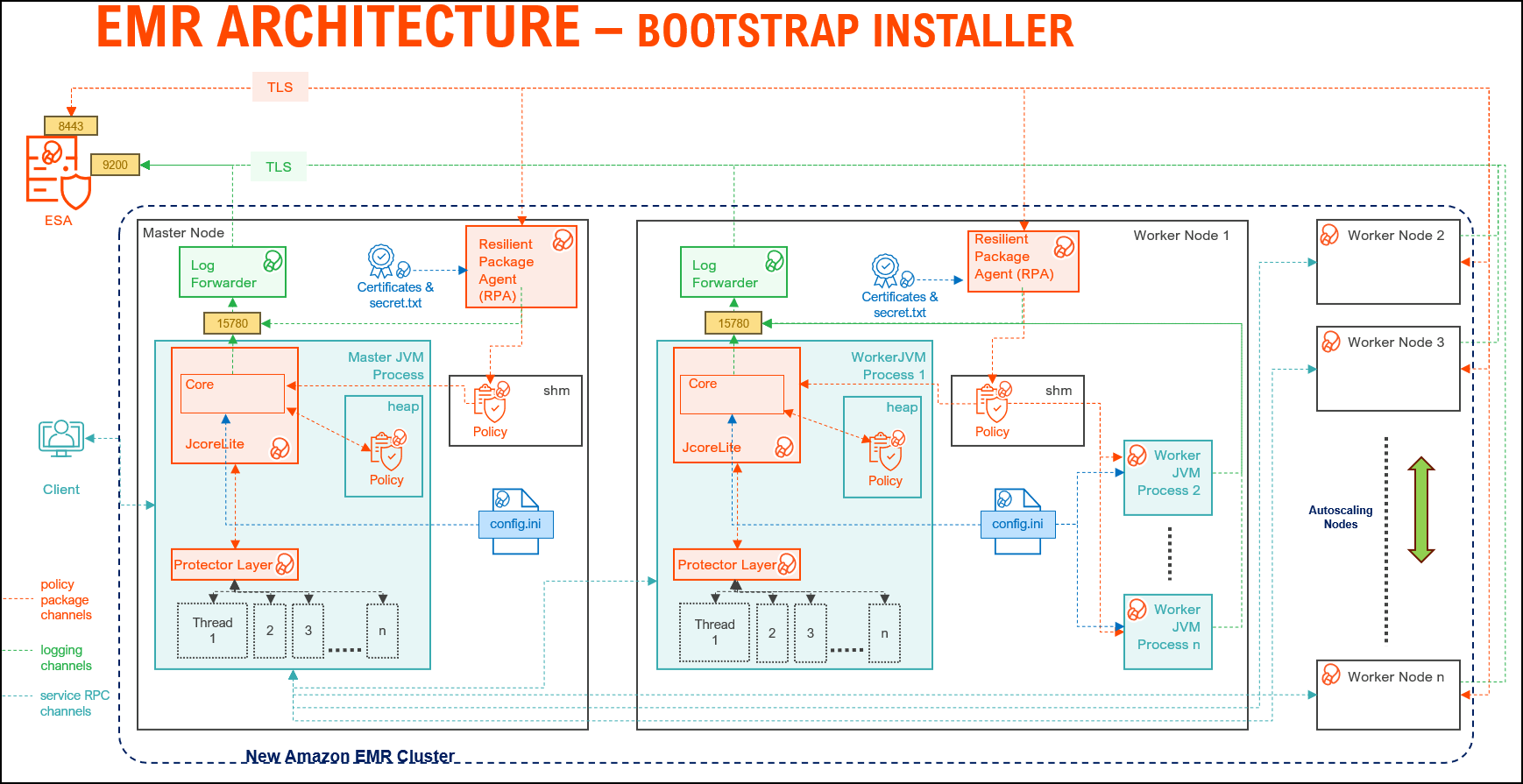
| Component | Description |
|---|---|
| RPAgent | Is a daemon running on each node that downloads the package from ESA over a TLS channel using the installed Certificates. |
| Log Forwarder | Is a daemon running on each node that routes the audit logs and application logs to ESA/Audit Store. |
| config.ini | Is a file on each node containing the set of configuration parameters to modify the protector behavior. |
| BDP Layer | Contains the Big Data Protector UDFs and APIs executing in CDP service processes. |
| JcoreLite | Is the JNI library that provides a Java API layer to the Core libraries. |
| Core | Is the set of various libraries that provide the Protegrity Core functionality. |
The architecture for the EMR distribution of the Big Data Protector is depicted in the image below.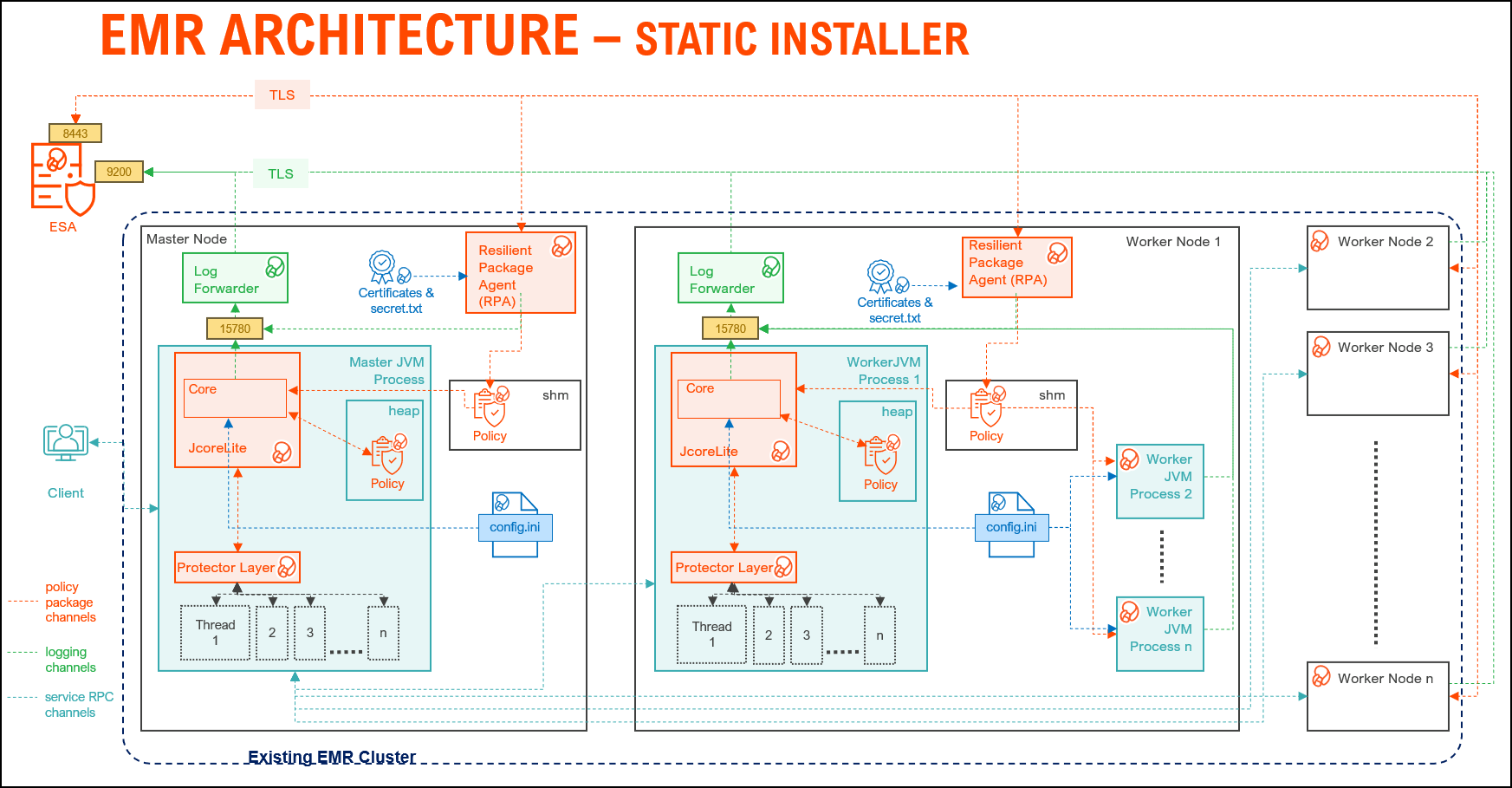
| Component | Description |
|---|---|
| RPAgent | A daemon running on each node that downloads the package from ESA over a TLS channel using the installed Certificates. |
| Log Forwarder | A daemon running on each node that routes the audit logs and application logs to ESA/Audit Store. |
| config.ini | A file on each node containing the set of configuration parameters to modify the protector behavior. |
| BDP Layer | Contains the Big Data Protector UDFs and APIs executing in CDP service processes. |
| JcoreLite | The JNI library that provides a Java API layer to the Core libraries. |
| Core | The set of various libraries that provide the Protegrity Core functionality. |
The procedures mentioned in this section are applicable only for the Bootstrap installer approach to prepare the environment for the Big Data Protector.
The content mentioned in this section is applicable only for the Bootstrap approach to install the Big Data Protector.
Ensure that the following prerequisites are met, before installing the Big Data Protector on an Amazon EMR cluster:
For more information about creating an S3 bucket, refer to the Amazon documentation for creating the S3 bucket.
| Destination Port No. | Protocols | Sources | Destinations | Descriptions |
8443 | TCP | RPAgent on the Big Data Protector cluster node | ESA | The RPAgent communicates with ESA through port
8443 to download a Policy. |
9200 | Log Forwarder on the Big Data Protector cluster node | Protegrity Audit Store appliance | The Log Forwarder sends all the logs to the Protegrity
Audit Store appliance through port
9200. | |
15780 | Protector on the Big Data Protector cluster node | Log Forwarder on the Big Data Protector cluster node | The Big Data Protector writes Audit Logs to localhost
through port 15780. The RPAgent
Application Logs are also written to localhost through port
15780. The Log Forwarder reads the logs from
that socket. |
The steps mentioned in this section are applicable only for the Bootstrap approach to install the Big Data Protector.
After receiving the Big Data Protector installation package from Protegrity, copy it to any Amazon EC2 instance or any node that has connectivity to ESA.
After downloading the Big Data Protector package, extract it to:
To extract the Configurator script from the installation package:
Log in to the CLI on a machine or an Amazon EC2 node that has connectivity to ESA.
Copy the Big Data Protector package BigDataProtector_Linux-ALL-64_x86-64_EMR-<EMR_version>-64_<BDP_version>.tgz to any directory.
For example, /opt/protegrity/.
To extract the contents of the package, run the following command:
tar -xvf BigDataProtector_Linux-ALL-64_x86-64_EMR-<EMR_version>-64_<BDP_version>.tgz
Press ENTER.
The command extracts the installer package and the signature files.
BigDataProtector_Linux-ALL-64_x86-64_EMR-<EMR_version>-64_<BDP_version>.tgz
signatures/
signatures/BigDataProtector_Linux-ALL-64_x86-64_EMR-<EMR_version>-64_<BDP_version>.tgz_<BDP_version>.sig
Verify the authenticity of the build using the signatures folder. For more information, refer Verification of Signed Protector Build.
To extract the configurator script, run the following command:
tar –xvf BigDataProtector_Linux-ALL-64_x86-64_EMR-<EMR_version>-64_<BDP_version>.tgz
Press ENTER.
The command extracts the configurator script.
BDP_Configurator_EMR-<EMR_version>_<BDP_version>.sh
The steps mentioned in this section are applicable only for the Bootstrap approach to install the Big Data Protector.
Execute the configurator script to create the installation files for installing the Big Data Protector on an Amazon EMR cluster. You can install the Big Data Protector on an Amazon EMR cluster in any one of the following methods:
To execute the configurator script:
Log in to the staging environment.
Navigate to the directory that contains the BDP_Configurator_EMR-<EMR_version>_<BDP_version>.sh script.
To execute the configurator script, run the following command:
./BDP_Configurator_EMR-<EMR_version>_<BDP_version>.sh
Press ENTER.
The prompt to continue the installation of the Big Data Protector appears.
***********************************************************************
     Welcome to the Big Data Protector Configurator Wizard
***********************************************************************
This will create the Big Data Protector Installation files for AWS EMR.
Do you want to continue? [yes or no]:
To continue, type yes.
Press ENTER.
The prompt to create the Big Data Protector installation package, depending on the EMR cluster, appears.
Protegrity Big Data Protector Configurator started...

Enter the EMR cluster for which the Big Data Protector installation package needs to be created:
[ 1 ] : New EMR Cluster
[ 2 ] : Existing EMR cluster
[ 1 or 2 ]:
Depending on your requirement, select any one of the following options:
1.2.To create the Big Data Protector installation package for a new EMR cluster, type 1.
Press ENTER.
The prompt to enter the S3 URI to upload the Big Data Protector installation files appears.
Generating Big Data Protector for a new EMR cluster......
Enter the S3 URI where the BDP Installation files are to be uploaded.
(E.g. s3://examplebucket/folder):
Type the path of the S3 storage bucket.
Note: Ensure that the path of the S3 storage bucket is in the following format:
s3://<bucket_name>/<folder_in_the_bucket>
where,
Press ENTER.
The prompt to either upload the installation files to the S3 bucket or generate them locally appears.
Choose one option among the following for BDP Installation files:
[1] -> Upload files to 's3://<bucket_name>/<folder_in_the_bucket>' S3 URI.
[2] -> Generate files locally to current working directory. (You would have to manually upload the files to the specified S3 URI)
[ 1 or 2 ]:
To upload the installation files to the S3 storage bucket, type 1.
Press ENTER.
The prompt to select the type of AWS access key appears.
Choose the Type of AWS Access Keys from the following options:
[1] -> IAM User Access Keys (Permanent access key id & secret access key)
[2] -> Temporary Security Credentials (Temporary access key id, secret access key & session token)
[ 1 or 2 ]:
Depending on the type of AWS Access Keys you want to use, type 1 or 2. For example, to use the temporary security credentials, type 2.
Press ENTER.
The prompt to enter the access key ID appears.
Enter the Access Key ID:
Enter the access key ID.
Press ENTER.
The prompt to enter the secret access key appears.
Enter the Secret Access Key:
Enter the secret access key.
Press ENTER.
The prompt to enter the security session token appears.
Enter the Security Session Token:
Enter the Security Session Token.
Press ENTER.
The prompt to enter ESA hostname or IP address appears.
Enter the ESA Hostname/IP Address:
Enter the hostname or the IP address of ESA.
Press ENTER.
The prompt to enter the listening port for ESA appears.
Enter ESA host listening port [8443]:
Enter the listening port for ESA.
Alternatively, to use the default listening port, press ENTER.
Press ENTER.
The prompt to enter the JWT token appears.
If you have an existing ESA JSON Web Token (JWT) with Export Certificates role, enter it otherwise enter 'no':
Enter the JWT token.
Press ENTER.
The prompt to select the audit store type appears.
Select the Audit Store type where Log Forwarder(s) should send logs to.

[ 1 ] : Protegrity Audit Store
[ 2 ] : External Audit Store
[ 3 ] : Protegrity Audit Store + External Audit Store

Enter the no.:
Depending on the Audit Store type, select any one of the following options:
| Option | Description |
|---|---|
1 | To use the default setting using the Protegrity Audit Store appliance, type 1. If you enter 1, then the default Fluent Bit configuration files are used and Fluent Bit will forward the logs to the Protegrity Audit Store appliances. |
2 | To use an external audit store, type 2. If you enter 2, then the default Fluent Bit configuration files used for the External Audit Store (out.conf and upstream.cfg in the /opt/protegrity/fluent-bit/data/config.d/ directory) are renamed (out.conf.bkp and upstream.cfg.bkp) so that they will not be used by Fluent Bit. Additionally, the custom Fluent Bit configuration files for the external audit store are copied to the /opt/protegrity/fluent-bit/data/config.d/ directory. |
3 | To use a combination of the default setting with an external audit store, type 3. If you enter 3, then the default Fluent Bit configuration files used for the Protegrity Audit Store (out.conf and upstream.cfg in the /opt/protegrity/fluent-bit/data/config.d/ directory) are not renamed. However, the custom Fluent Bit configuration files for the external audit store are copied to the /opt/protegrity/fluent-bit/data/config.d/ directory. |
Press ENTER.
The prompt to enter the comma separated list of hostname or IP addresses appears.
Enter comma-separated list of Hostnames/IP Addresses and/or Ports of Protegrity Audit Store.
Allowed Syntax: hostname[:port][,hostname[:port],hostname[:port]...] (Default Value - <ESA_IP_Address>:9200)
Enter the list:
Enter the comma-separated IP addresses/ports in the correct syntax.
Press ENTER.
The prompt to enter the local directory path that stores the custom Fluent Bit configuration file appears.
Enter the local directory path on this node that stores the custom Fluent-Bit configuration files for External Audit Store:
Note: The configurator script will display this prompt only if you select option
2or3in step 28. When you select option2or3in step 28, the custom configuration files are copied to the /<installation_directory>/fluent-bit/data/config.d/ directory during the execution of bootstrap script on the EMR nodes.
Enter the local directory path that stores the custom Fluent Bit configuration files.
Press ENTER.
The prompt to generate the application logs for the RPAgent appears.
Do you want RPAgent's log to be generated in a file? [yes or no]:
To generate the logs in a file, type yes.
Press ENTER.
The script generates the installation files and uploads them to the specified S3 bucket.
RPAgent's log will be generated in a file.
************************************************************************************
                    Welcome to the RPAgent Setup Wizard.
************************************************************************************

Unpacking...................
Extracting files...
Unpacked rpagent compressed file...
Temporarily setting up rpagent directory structure on current node...
Unpacking...
Extracting files...
Downloading certificates from <ESA_IP_Address>:8443...
% Total    % Received % Xferd  Average Speed   Time    Time     Time  Current
                                Dload  Upload   Total   Spent    Left  Speed
100 11264  100 11264    0     0   163k      0 --:--:-- --:--:-- --:--:--  164k

Extracting certificates...
Certificates successfully downloaded and stored in /<installation_dir>/rpagent/data

Protegrity RPAgent installed in /<installation_dir>/rpagent.


Retrieving the S3 bucket's AWS Region via AWS S3 REST API...
Successfully retrieved S3 bucket's AWS region: <AWS_region_name>


Started Uploading the generated installation files via AWS S3 REST API......

Uploading bdp_bootstrap_installer.sh to the S3 bucket.
File uploaded to s3://<bucket_name>/<folder_in_the_bucket>/bdp_bootstrap_installer.sh

Uploading bdp_classpath_configurator.py to the S3 bucket.
File uploaded to s3://<bucket_name>/<folder_in_the_bucket>/bdp_classpath_configurator.py

Uploading BigDataProtector_Linux-ALL-64_x86-64_EMR-7.9-64_<BDP_version>.tgz to the S3 bucket.
File uploaded to s3://<bucket_name>/<folder_in_the_bucket>/BigDataProtector_Linux-ALL-64_x86-64_EMR-<EMR_version>-64_<BDP_version>.tgz

Successfully Uploaded BigDataProtector_Linux-ALL-64_x86-64_EMR-<EMR_version>-64_<BDP_version>.tgz, bdp_bootstrap_installer.sh, bdp_classpath_configurator.py to S3 bucket 's3://<bucket_name>/<folder_in_the_bucket>'

Successfully Generated installation files at ./Installation_Files/ directory.

Successfully configured Big Data Protector for a new EMR cluster..
The procedures mentioned in this section are applicable only for the Static installer approach to prepare the environment for the Big Data Protector.
The content mentioned in this section is applicable only for the Static installer approach to install the Big Data Protector.
Ensure that the following prerequisites are met, before installing the Big Data Protector:
The EMR cluster is installed, configured, and running.
The ESA v10.0.x instance is installed, configured, and running.
The static installer for EMR uses utilities, such as, pssh (parallel ssh) and pscp (parallel scp). These utilities require Python to be installed on the Primary node. To verify whether Python is installed on the Primary node, run the following command:
/usr/bin/env python --version
The command returns the version of Python installed on the system.
If you are unable to detect Python on the Primary node, then ensure that you have a compatible version of Python installed on the lead node (preferably Python 3.x). Ensure that the utilities are able to detect the version of Python using the following command:
/usr/bin/env python
A sudoer user account with privileges to perform the following tasks:
The following user accounts are present to perform the required tasks:
ADMINISTRATOR_USER is the sudoer user account that is responsible to install and uninstall the Big Data Protector
on the cluster. This user account must have sudo access to install the product.EXECUTOR_USER: It is a user that has ownership of all Protegrity files, directories, and services.OPERATOR_USER: It is responsible for performing tasks, such as, starting or stopping tasks, monitoring services,
updating the configuration, and maintaining the cluster while the Big Data Protector is installed on it. If you want to start, stop, or restart the Protegrity services, then you require sudoer privileges for this user to impersonate the EXECUTOR_USER.ADMINISTRATOR_USER, EXECUTOR_USER, and OPERATOR_USER,
then ensure that the user is assigned the privileges of the ADMINISTRATOR_USER.A Private Key file (.pem file) for the sudoer user, which is used for enabling key-based authentication, and for communicating
with all the nodes in the EMR cluster, is present on the Master node.
As key-based authentication for the sudoer user is provided, which is required for installing and using Big Data Protector
on the EMR cluster, ensure that the ADMINISTRATOR_USER or OPERATOR_USER have the value of the NOPASSWD
parameter set to ALL in the sudoer’s file.
The management scripts provided by the installer in the cluster_utils directory should be run only by the user
(OPERATOR_USER) having privileges to impersonate the EXECUTOR_USER.
AUTOCREATE_PROTEGRITY_IT_USR parameter in the BDP.config file is set to No, then ensure that
a service group containing a user for running the Protegrity services on all the nodes in the cluster already exists.AUTOCREATE_PROTEGRITY_IT_USR parameter in the BDP.config file is set to No and that the required service
account user is created on all the nodes in the cluster.The table lists the ports required for the EMR cluster.
| Destination Port No. | Protocols | Sources | Destinations | Descriptions |
8443 | TCP | RPAgent on the Big Data Protector cluster node | ESA | The RPAgent communicates with ESA through port
8443 to download a Policy. |
9200 | Log Forwarder on the Big Data Protector cluster node | Protegrity Audit Store appliance | The Log Forwarder sends all the logs to the Protegrity
Audit Store appliance through port
9200. | |
15780 | Protector on the Big Data Protector cluster node | Log Forwarder on the Big Data Protector cluster node | The Big Data Protector writes Audit Logs to localhost
through port 15780. The RPAgent
Application Logs are also written to localhost through port
15780. The Log Forwarder reads the logs from
that socket. |
The steps mentioned in this section are applicable only for the Static installer approach to install the Big Data Protector.
To extract the files from the installation package:
Ensure that the installation package BigDataProtector_Linux-ALL-64_x86-64_EMR-<emr_version>-64_<BDP_version>.tgz is copied to the Master node on the EMR cluster in any temporary directory, such as /opt/protegrity/.
To extract the files from the installation package, run the following command:
tar -xvf BigDataProtector_Linux-ALL-64_x86-64_EMR-<emr_version>-64_<BDP_version>.tgz
Press ENTER. The command extracts the following files:
uninstall.sh
ptyLogAnalyzer.sh
ptyLog_Consolidator.sh
PepHbaseProtector<HBase_version>Setup_Linux_emr-<emr_version>_<BDP_version>.sh
bdp_classpath_deconfigurator.py
PepSpark<Spark_version>Setup_Linux_emr-<emr_version>_<BDP_version>.sh
JcoreLiteSetup_Linux_x64_<JcoreLite_version>.gadcc.release-<BDP_version>.sh
PepPig<pig_version>Setup_Linux_emr-<emr_version>_<BDP_version>.sh
bdp_common/
bdp_common/bdp.properties.template
bdp_common/config.ini.template
Logforwarder_Setup_Linux_x64_<core_version>.sh
node_uninstall.sh
bdp_classpath_configurator.py
RPAgent_Setup_Linux_x64_<core_version>.sh
PepMapreduce<MapReduce_version>Setup_Linux_emr-<emr_version>_<BDP_version>.sh
PepHive<Hive_version>Setup_Linux_emr-<emr_version>_<BDP_version>.sh
BDP.config
BdpInstallx.x.x_Linux_<BDP_version>.sh
The steps mentioned in this section are applicable only for the Static Installer approach to install the Big Data Protector.
Note: Ensure that the
BDP.configfile is updated before the Big Data Protector is installed.
Do not update the BDP.config file when the installation of the Big Data Protector is in progress.
To update the BDP.config file:
Create a hosts file containing the IP addresses of all the nodes in the cluster, except the Lead node, and specify them in the BDP.config file.
The installation script uses this file to install the Big Data Protector on the nodes.
Open the BDP.config file in any text editor and modify the following parameter values:
HADOOP_DIR – is the installation home directory for the Hadoop distribution.
PROTEGRITY_DIR – is the directory where the Big Data Protector will be installed.
The examples used in this document assume that the Big Data Protector is installed in the /opt/protegrity/ directory.
CLUSTERLIST_FILE – This file contains the host name or IP addresses all the nodes in the cluster, except the Lead node, listing one host name and IP address per line.
Ensure that you specify the file name with the complete path.
SPARK_PROTECTOR – Specifies one of the following values, as required:
Yes – Specifies to install the Spark protector. Set the value of this parameter to Yes, if the user wants to run Hive UDFs with Spark SQL, or use the Spark protector samples if the INSTALL_DEMO parameter is set to Yes.No – Specifies to skip installing the Spark protector.AUTOCREATE_PROTEGRITY_IT_USR – Determines the Protegrity service account. The service group and service user name specified in the PROTEGRITY_IT_USR_GROUP and PROTEGRITY_IT_USR parameters respectively will be created if this parameter is set to Yes. One of the following values can be specified, as required:
Yes – Instructs the installer to create the service group PROTEGRITY_IT_USR_GROUP containing the user PROTEGRITY_IT_USR for executing the Protegrity services on all the nodes in the cluster.
If the service group or service user are already present, then the installer exits.
If you uninstall the Big Data Protector, then the service group and the service user are deleted.
No – Instructs the installer to skip creating a service group PROTEGRITY_IT_USR_GROUP with the service user PROTEGRITY_IT_USR for executing the Protegrity services on all the nodes in the cluster.
PROTEGRITY_IT_USR_GROUP – is the service group required for running the Protegrity services on all the nodes in the cluster. All the Protegrity installation directories are owned by this service group.
PROTEGRITY_IT_USR – is the service account user required for running the Protegrity services on all the nodes in the cluster and is a part of the group PROTEGRITY_IT_USR_GROUP. All the Protegrity installation directories are owned by this service user.
The Big Data Protector on Amazon EMR enables cluster creation using a bootstrap action. This action enables:
Bootstrap actions are scripts that run on cluster instances after they are launched. These scripts installs the specified applications during cluster creation and before the cluster nodes start processing data. To create a bootstrap action, can specify the script when creating the cluster in any one of the following methods:
--bootstrap-actions parameter.In this method of cluster creation, the nodes are automatically scaled depending on the workload. In case of instances where the workloads are minimal for a node, Amazon decomissions the node to balance the workload optimally.
The procedures mentioned in this section are applicable only for the Bootstrap approach to install the Big Data Protector.
Perform the following steps to create an EMR cluster on AWS and install Big Data Protector on all the nodes in the EMR cluster.
To install Big Data Protector on a New EMR Cluster:
On the AWS services screen, click EMR under the Analytics section.
The Amazon EMR screen appears.
Click Create cluster.
The Create Cluster - Quick Options screen appears.
Type the name of the cluster in the Cluster name box.
Depending on the requirements, enter the sum of the master and core nodes in the Number of instances box.
Click Create cluster.
The Software and Steps tab on the Create Cluster - Advanced Options screen appears.
Depending on the requirements, select the components under the Software Configuration section.
Click Next.
The Hardware tab on the Create Cluster - Advanced Options screen appears.
On the Hardware tab, if required, you can add or reduce the number of instances of the Master, Core, and Task nodes.
Click Next.
The General Cluster Settings tab on the Create Cluster - Advanced Options screen appears.
Type the name of the cluster in the Cluster name box.
Under the Bootstrap Actions area, in the Add bootstrap action drop-down list, click Custom action.
The Add Bootstrap Action dialog box appears.
Enter the name of the bootstrap action in the Name box.
To select the location of the bootstrap script, click the icon besides the Script location box.
The Select S3 File dialog box appears.
Enter the path of the S3 bucket in the URL box.
The contents of the S3 bucket appear.
Select the bdp_bootstrap_installer.sh file from the S3 bucket.
Click Select.
The Big Data Protector bootstrap script file is selected and the Add Bootstrap Action dialog box appears.
To specify the directory in which the Big Data Protector needs to be installed on the nodes in the cluster, then provide the directory path in the Optional arguments box.
If an installation directory for the Big Data Protector is not specified, then /opt/protegrity/ is considered as the default directory.
Click Add.
The General Cluster Settings tab on the Create Cluster - Advanced Options screen appears and the Bootstrap actions are updated.
Click Next.
The Security tab on the Create Cluster - Advanced Options screen appears.
Select the required EC2 key pair for the EMR cluster from the EC2 key pair drop-down list.
Click Create Cluster.
The EMR cluster is created, Big Data Protector is installed on all the nodes in the cluster, and the required Big Data Protector parameters are configured.
You can also install create a new EMR cluster and install Big Data Protector on the nodes in the cluster using the CLI using the following command:
aws emr create-cluster --auto-scaling-role EMR_AutoScaling_DefaultRole --termination-protected --applications Name=Hadoop Name=Hive Name=Pig Name=Hue Name=Spark Name=Tez Name=HBase --bootstrap-actions '[{"Path":"<S3_Path_For_BootstrapInstaller>","Name":"<Script_Name>"}]' --ec2-attributes '{"KeyName":"<KEY_NAME>","InstanceProfile":"EMR_EC2_DefaultRole","EmrManagedSlaveSecurityGroup":"sg-c8ef00de","EmrManagedMasterSecurityGroup":"sg-2deb043b"}' --service-role EMR_DefaultRole --enable-debugging --release-label emr-<EMR_Version> --log-uri 's3n://aws-logs-406396743807-us-east-1/elasticmapreduce/' --name '<Cluster_Name>' --instance-groups '[{"InstanceCount":2,"InstanceGroupType":"CORE","InstanceType":"m3.xlarge","Name":"Core - 2"},{"InstanceCount":1,"InstanceGroupType":"MASTER","InstanceType":"m3.xlarge","Name":"Master - 1"}]' –
scale-down-behavior TERMINATE_AT_INSTANCE_HOUR --region us-east-1
where:
S3_Path_For_BootstrapInstaller: Specifies the S3 bucket path containing the Big Data Protector bootstrap installer script.Script_Name: Specifies the name of the Big Data Protector installation script.KEY_NAME: Specifies the Private Key file on the Master node in the EMR cluster, which is used to communicate with the other nodes in the cluster.Cluster_Name: Specifies the name of the new EMR cluster.The steps mentioned in this section are applicable only for the Bootstrap approach to install the Big Data Protector.
Depending on the workload on the EMR cluster, you can add or remove the Big Data Protector nodes. You can either set the cluster to automatically scale or manually add or remove nodes in the EMR cluster. You can add or remove nodes in the EMR cluster either while you create the cluster or after you have created the cluster. Before you add or remove the nodes from the cluster, ensure that you save all your data to S3, as standard practice, to avoid any data loss.
This section covers the procedure to add or remove nodes from an Amazon EMR cluster after you have created it.
To add or remove nodes from an Amazon EMR cluster:
On the AWS management console, expand Services and click Analytics.
The sub-menu appears.
From the sub-menu, click EMR.
The Amazon EMR page appears.
Click the required cluster.
The Properties tab of the cluster appears.
Click the Instances tab.
To add an instance, perform the following steps:
To resize an instance, perform the following steps:
The content mentioned in this section is applicable only for the Bootstrap approach to install the Big Data Protector.
Before using Big Data Protector, configure the required Protegrity-related parameters in EMR. The Big Data Protector configuration parameters are set for the EMR cluster when it is installed on all the nodes in the cluster.
The following table provides the parameters that are set for the existing Amazon EMR cluster before using the Big Data Protector:
| Component | Configuration File | Updated Classpath Parameter |
|---|---|---|
| MapReduce | /etc/hadoop/conf/mapred-site.xml | mapreduce.application.classpath : /opt/protegrity/pepmapreduce/lib/* /opt/protegrity/pephive/lib/* /opt/protegrity/bdp_version/ mapreduce.admin.user.env : LD_LIBRARY_PATH=/opt/protegrity/jpeplite/lib |
| Hive | /etc/hive/conf/hive-site.xml /etc/tez/conf/tez-site.xml /etc/hive/conf/hive-env.sh | hive.exec.pre.hooks : com.protegrity.hive.PtyHiveUserPreHook tez.cluster.additional.classpath.prefix:/opt/protegrity/pephive/lib/:/opt/protegrity/bdp_version/ tez.am.launch.env: LD_LIBRARY_PATH=/opt/protegrity/jpeplite/lib/ export HIVE_CLASSPATH=${HIVE_CLASSPATH}:/opt/protegrity/pephive/lib/:/opt/protegrity/bdp_version/ export JAVA_LIBRARY_PATH=${JAVA_LIBRARY_PATH}:/opt/protegrity/jpeplite/lib/ |
| Pig | /etc/pig/conf/pig-env.sh | PIG_CLASSPATH="/opt/protegrity/peppig/lib/*:/opt/protegrity/bdp_version/" export JAVA_LIBRARY_PATH=${JAVA_LIBRARY_PATH}:/opt/protegrity/jpeplite/lib/ |
| HBase | /etc/hbase/conf/hbase-site.xml /etc/hbase/conf/hbase-env.sh | hbase.coprocessor.region.classes:com.protegrity.hbase.PTYRegionObserver export HBASE_CLASSPATH=${HBASE_CLASSPATH}:/opt/protegrity/pephbase/lib/*:/opt/protegrity/bdp_version/ export JAVA_LIBRARY_PATH=${JAVA_LIBRARY_PATH}:/opt/protegrity/jpeplite/lib/ |
| Spark | /etc/spark/conf/spark-defaults.conf | spark.driver.extraClassPath=/opt/protegrity/pephive/lib/:/opt/protegrity/pepspark/lib/:/opt/protegrity/bdp_version/ spark.executor.extraClassPath=/opt/protegrity/pephive/lib/:/opt/protegrity/pepspark/lib/:/opt/protegrity/bdp_version/ spark.executor.extraLibraryPath= /opt/protegrity/jpeplite/lib spark.driver.extraLibraryPath= /opt/protegrity/jpeplite/lib |
The static installer method of installation is applicable where the Big Data Protector must be installed on an existing EMR cluster. Using the Static Installer, users can enforce data protection policies at a granular level. This feature helps organizations to define specific rules for data protection based on sensitivity and usage.
The nodes in the cluster created using the static installer are do not have auto-scaling enabled. The nodes must be manually added or decommissioned depending upon the usage. The installation provides additional scripts to monitor and control the cluster behaviour. These scripts are available in the <installation_directory>/cluster_utils/ directory after installation.
The steps mentioned in this section are applicable only for the Static Installer approach to install the Big Data Protector.
Log in to the Master or Lead node of the EMR cluster.
Navigate to the directory that contains the BdpInstallx.x.x_Linux_<BDP_version>.sh script.
To run the installer, execute the following script:
./BdpInstallx.x.x_Linux_<BDP_version>.sh
Press ENTER.
The prompt to continue the installation of the Big Data Protector appears.
************************************************************************************
           Welcome to the Hadoop Big Data Protector Setup Wizard
************************************************************************************
This will install the Hadoop Big Data Protector on your system.

This installation requires a Private Key file for communicating with other nodes in the cluster.

Do you want to continue? [yes or no]:
To continue, type yes.
Press ENTER.
The prompt to enter path of the Private Key file (.pem file) appears.
Big Data Protector installation started
Enter the path of the Private Key (.PEM) file:
Enter the path of the .PEM file.
Press ENTER.
The prompt to enter ESA hostname or IP address appears.
libhadoop.so located in directory '/usr/lib/hadoop/lib/native'
Unpacking...
Extracting files...

Preparing for cluster deploy, Wait...

Enter ESA Hostname or IP Address:
If you have installed a proxy, then enter the IP address of the proxy node. Alternatively, enter the IP Address of ESA.
Press ENTER.
The prompt to enter the listening port for ESA appears.
Enter ESA host listening port [8443]:
Enter the port for ESA.
Press ENTER.
The prompt to enter the JWT token appears.
If you have an existing ESA JSON Web Token (JWT) with Export Certificates role, enter it otherwise enter 'no':
Enter the JWT token.
Press ENTER.
If you fail to provide a JWT token, the script will prompt to enter the username and password for ESA.
JWT was not provided. Script will now prompt for ESA username and password.

Enter ESA Username:
Enter the username for ESA.
Press ENTER.
The prompt to enter the password appears.
************************************************************************************
                Welcome to the RPAgent Setup Wizard.
************************************************************************************

Unpacking...................
Extracting files...
Unpacked rpagent compressed file...
RPAgent Installing in Lead Node...
Please enter the password for downloading certificates[]:
Enter the password.
Press ENTER.
The script retrieves the JWT token from ESA, installs the RPAgent, and the prompt to select the Audit Store type appears.
Unpacking...
Extracting files...
Obtaining token from <ESA_IP_Address>:8443...
Downloading certificates from <ESA_IP_Address>:8443...
  % Total    % Received % Xferd  Average Speed   Time    Time     Time  Current
                                Dload  Upload   Total   Spent    Left  Speed
100 11264  100 11264    0     0  12124      0 --:--:-- --:--:-- --:--:-- 12111

Extracting certificates...
Certificates successfully downloaded and stored in /opt/protegrity/rpagent/data

Protegrity RPAgent installed in /opt/protegrity/rpagent.


RPAgent installed on Lead node at location /opt/protegrity/rpagent.

Performing install on other nodes...

RPAgent installed on other nodes at location /opt/protegrity/rpagent.

Check the status in /opt/protegrity/logs/rpagent_setup.log


Select the Audit Store type where Log Forwarder(s) should send logs to.

[ 1 ] : Protegrity Audit Store
[ 2 ] : External Audit Store
[ 3 ] : Protegrity Audit Store + External Audit Store

Enter the no.:
Depending on the Audit Store type, select any one of the following options:
| Option | Description |
|---|---|
1 | To use the default setting using the Protegrity Audit Store appliance, type 1. If you enter 1, then the default Fluent Bit configuration files are used and Fluent Bit will forward the logs to the Protegrity Audit Store appliances. |
2 | To use an external audit store, type 2. If you enter 2, then the default Fluent Bit configuration files used for the External Audit Store (out.conf and upstream.cfg in the /opt/protegrity/fluent-bit/data/config.d/ directory) are renamed (out.conf.bkp and upstream.cfg.bkp) so that they will not be used by Fluent Bit. Additionally, the custom Fluent Bit configuration files for the external audit store are copied to the /opt/protegrity/fluent-bit/data/config.d/ directory. |
3 | To use a combination of the default setting with an external audit store, type 3. If you enter 3, then the default Fluent Bit configuration files used for the Protegrity Audit Store (out.conf and upstream.cfg in the /opt/protegrity/fluent-bit/data/config.d/ directory) are not renamed. However, the custom Fluent Bit configuration files for the external audit store are copied to the /opt/protegrity/fluent-bit/data/config.d/ directory. |
Press ENTER.
The prompt to enter the comma separated list of hostnames/IP addresses appears.
Enter comma-separated list of Hostnames/IP Addresses and/or Ports of Protegrity Audit Store.
Allowed Syntax: hostname[:port][,hostname[:port],hostname[:port]...] (Default Value - <ESA_IP_Address>:9200)
Enter the list:
To use the default value, press ENTER.
The prompt to enter the location of the Fluent Bit configuration file appears.
Enter the local directory path on this node that stores the custom Fluent-Bit configuration files for External Audit Store:
Note: The script will display this prompt only if you select option
2in step19. When you select option2in step 19, the custom configuration files are copied to the/<Installation directory>/fluent-bit/data/config.d/directory on all the EMR nodes selected for installation.
Enter the path that contains the Fluent Bit configuration file.
Press ENTER.
The prompt to save the RPAgent’s log in a file appears.
Do you want RPAgent's log to be generated in a file? [yes or no]:
To generate the logs in a file, type yes.
Press ENTER.
The script installs the protector on all the nodes in the cluster.
RPAgent's log will be generated in a file.
************************************************************************************
                Welcome to the LogForwarder Setup Wizard.
************************************************************************************

Unpacking...................
Extracting files...
Unpacked logforwarder compressed file...
Logforwarder Installing in Lead Node...
Unpacking...
Extracting files...

Protegrity Log Forwarder installed in /opt/protegrity/logforwarder.


LogForwarder installed on Lead node at location /opt/protegrity/logforwarder.

Performing install on other nodes...

Logforwarder installed on other nodes at location /opt/protegrity/logforwarder.

Check the status in /opt/protegrity/logs/logforwarder_setup.log
************************************************************************************
                    Welcome to the JcoreLite Setup Wizard.
************************************************************************************

Unpacking...................
Extracting files...
Unpacked jcorelite compressed file...
Installing JcoreLite ....

JcoreLite installed on lead node at location /opt/protegrity/bdp/lib.

Performing install on other nodes...

JcoreLite installed on other nodes at location /opt/protegrity/bdp/lib.

Check the status in /opt/protegrity/logs/jcorelite_setup.log
************************************************************************************
                Welcome to the Hive Protector Setup Wizard.
************************************************************************************

Unpacking...................
Extracting files...
Unpacked pephive compressed file...

Hive Big Data Protector installed on lead node at location /opt/protegrity/bdp/lib/ and /opt/protegrity/pephive/scripts/.

Performing install on other nodes...

Hive Big Data Protector installed on other nodes at location /opt/protegrity/bdp/lib/ and /opt/protegrity/pephive/scripts/.

Check the status in /opt/protegrity/logs/pephive_setup.log
************************************************************************************
                    Welcome to the Pig Protector Setup Wizard.
************************************************************************************

Unpacking...................
Extracting files...
Unpacked peppig compressed file...

Pig Big Data Protector installed on lead node at location /opt/protegrity/bdp/lib/ and /opt/protegrity/peppig.

Performing install on other nodes...

Pig Big Data Protector installed on other nodes at location /opt/protegrity/bdp/lib/ and /opt/protegrity/peppig.

Check the status in /opt/protegrity/logs/peppig_setup.log
************************************************************************************
                Welcome to the MapReduce Protector Setup Wizard.
************************************************************************************

Unpacking...................
Extracting files...
Unpacked pepmapreduce compressed file...

Mapreduce Big Data Protector installed on lead node at location /opt/protegrity/bdp/lib/.

Performing install on other nodes...

Mapreduce Big Data Protector installed on other nodes at location /opt/protegrity/bdp/lib/.

Check the status in /opt/protegrity/logs/pepmapreduce_setup.log
************************************************************************************
                    Welcome to the Hbase Protector Setup Wizard.
************************************************************************************

Unpacking...................
Extracting files...
Unpacked pephbase compressed file...

Hbase Big Data Protector installed on lead node at location /opt/protegrity/bdp/lib/.

Performing install on other nodes...

Hbase Big Data Protector installed on other nodes at location /opt/protegrity/bdp/lib/.

Check the status in /opt/protegrity/logs/pephbase_setup.log
************************************************************************************
                Welcome to the Spark Protector Setup Wizard.
************************************************************************************

Unpacking...................
Extracting files...
Unpacked pepspark compressed file...

Spark Big Data Protector installed on lead node at location /opt/protegrity/bdp/lib/ and /opt/protegrity/pepspark/scripts/.

Performing install on other nodes...

Spark Big Data Protector installed on other nodes at location /opt/protegrity/bdp/lib/ and /opt/protegrity/pepspark/scripts/.

Check the status in /opt/protegrity/logs/pepspark_setup.log

Starting Logforwarder on lead node...

Starting Logforwarder on other nodes...

Starting RPAgent on lead node...

Starting RPAgent on other nodes...

Hadoop Big Data Protector installed in /opt/protegrity.

Generating Big Data Protector installation status report ...

Clearing previous logs files ...

Installation Status report generated in /opt/protegrity/cluster_utils/installation_report.txt
Restart the Hadoop, Hive, and HBase service daemon processes to start using the updated configuration.
The steps mentioned in this section are applicable only for the Static Installer approach to install the Big Data Protector.
Protegrity provides the BdpInstallx.x.x_Linux_<arch>_<BDP_version>.sh script to install the Big Data Protector on the new nodes that you add to an existing EMR cluster.
Ensure to install the Big Data Protector from an account having full
sudoerprivileges.
Log in to the Lead Node on the EMR cluster.
Navigate to the <PROTEGRITY_DIR>/cluster_utils directory.
In the NEW_HOSTS_FILE file, add an additional entry for each new node in the EMR cluster, on which you want to install the Big Data Protector. The new nodes from the NEW_HOSTS_FILE file will be appended to the CLUSTERLIST_FILE.
To install the Big Data Protector on the new nodes, run the the following command:
./BdpInstallx.x.x_Linux_<arch>_<BDP_version>.sh –a <NEW_HOSTS_FILE>
Press ENTER.
The prompt to enter the path of the Private Key file (.pem file) appears.
Enter the path of the Private Key file.
Press ENTER.
The script installs the Big Data Protector on the new nodes in the EMR cluster.
The content in this section is applicable only for the Static installer approach to install the Big Data Protector.
Before using the Big Data Protector, configure the required Protegrity-related parameters in EMR. The Big Data Protector configuration parameters are set for the EMR cluster when it is installed on all the nodes in the cluster.
The following table provides the parameters that are set for the existing Amazon EMR cluster before using the Big Data Protector:
| Component | Configuration File | Updated Classpath Parameter |
|---|---|---|
| MapReduce | /etc/hadoop/conf/mapred-site.xml | mapreduce.application.classpath : /opt/protegrity/pepmapreduce/lib/* /opt/protegrity/pephive/lib/* /opt/protegrity/bdp_version/ mapreduce.admin.user.env : LD_LIBRARY_PATH=/opt/protegrity/jpeplite/lib |
| Hive | /etc/hive/conf/hive-site.xml /etc/tez/conf/tez-site.xml /etc/hive/conf/hive-env.sh | hive.exec.pre.hooks : com.protegrity.hive.PtyHiveUserPreHook tez.cluster.additional.classpath.prefix:/opt/protegrity/pephive/lib/:/opt/protegrity/bdp_version/ tez.am.launch.env: LD_LIBRARY_PATH=/opt/protegrity/jpeplite/lib/ export HIVE_CLASSPATH=${HIVE_CLASSPATH}:/opt/protegrity/pephive/lib/:/opt/protegrity/bdp_version/ export JAVA_LIBRARY_PATH=${JAVA_LIBRARY_PATH}:/opt/protegrity/jpeplite/lib/ |
| Pig | /etc/pig/conf/pig-env.sh | PIG_CLASSPATH="/opt/protegrity/peppig/lib/*:/opt/protegrity/bdp_version/" export JAVA_LIBRARY_PATH=${JAVA_LIBRARY_PATH}:/opt/protegrity/jpeplite/lib/ |
| HBase | /etc/hbase/conf/hbase-site.xml /etc/hbase/conf/hbase-env.sh | hbase.coprocessor.region.classes:com.protegrity.hbase.PTYRegionObserver export HBASE_CLASSPATH=${HBASE_CLASSPATH}:/opt/protegrity/pephbase/lib/*:/opt/protegrity/bdp_version/ export JAVA_LIBRARY_PATH=${JAVA_LIBRARY_PATH}:/opt/protegrity/jpeplite/lib/ |
| Spark | /etc/spark/conf/spark-defaults.conf | spark.driver.extraClassPath=/opt/protegrity/pephive/lib/:/opt/protegrity/pepspark/lib/:/opt/protegrity/bdp_version/ spark.executor.extraClassPath=/opt/protegrity/pephive/lib/:/opt/protegrity/pepspark/lib/:/opt/protegrity/bdp_version/ spark.executor.extraLibraryPath= /opt/protegrity/jpeplite/lib spark.driver.extraLibraryPath= /opt/protegrity/jpeplite/lib |
The Big Data Protector provides the following files that contain different parameters to control the protector behavior:
config.ini - provides parameters to control the protector behavior.rpagent.cfg - provides parameters to control the RPAgent behavior.The procedure to access the configuration files and update the parameters is the same. However, the stage in which the modification is to be done differs between the bootstrap and the static installer.
/Installation_Files/ directory, where the files are generated using the configurator script.mkdir extraction_dir/
tar -xf BDP_Package_<version>_<tag>.tgz -C extraction_dir/
config.ini file.config.ini file.Note: For more information about the parameters in the
config.inifile, refer here.
config.ini file.rpagent.cfg file.rpagent.cfg file.Note: For more information about the parameters in the
rpagent.cfgfile, refer here.
rpagent.cfg file.tar -zcf BDP_Package_<version>_<tag>.tgz -C extraction_dir/ $(ls extraction_dir) --owner=0 --group=0
Log in to the master node.
Navigate to the /opt/protegrity/bdp/data directory.
To open the config.ini file, run the following command:
vi config.ini
Press ENTER.
The command opens the config.ini file.
###############################################################################
# Protector configuration
###############################################################################
[protector]

# Cadence determines how often the protector connects with ESA / proxy to fetch the policy updates in background.
# Default is 60 seconds. So by default, every 60 seconds protector tries to fetch the policy updates.
# If the cadence is set to "0", then the protector will get the policy only once.
#
# Default 60.
cadence = 60


###############################################################################
# Log Provider Config
###############################################################################
[log]

# In case that connection to fluent-bit is lost, set how audits/logs are handled
#
# drop  : (default) Protector throws logs away if connection to the fluentbit is lost
# error : Protector returns error without protecting/unprotecting
#         data if connection to the fluentbit is lost
mode = drop

# Host/IP to fluent-bit where audits/logs will be forwarded from the protector
#
# Default localhost
host = localhost
Update the parameters, as per the description in the table.
| Parameter | Description |
|---|---|
cadence | Specifies the frequency at which the protector connects to ESA to fetch the policy. The default value is 60 seconds. If the cadence is set to “0”, then the protector will get the policy only once. |
mode | Specifies the approach of handling logs when the connection to the Log Forwarder is lost. |
Save the changes to the config.ini file.
For the static installer, use the sync_config_ini.sh script to load the changes to the configuration files in all the cluster nodes.
Note: For more information about using the helper script, refer Sync Config.ini
Log in to the master node.
Navigate to the /opt/protegrity/rpagent/data directory.
To open the rpagent.cfg file, run the following command:
vi rpagent.cfg
Press ENTER.
The command opens the rpagent.cfg file.
###############################################################################
# Resilient Package Sync Config
###############################################################################
[sync]

# Protocol to use when communicating with the service providing Resilient Packages.
# Use 'https' for ESA or 'shmem' for local shared memory.
protocol = https

# Host/IP to the service providing Resilient Packages
host = <IP_address>
port = 8443

# Path to CA certificate
ca = /opt/protegrity/rpagent/data/CA.pem

# Path to client certificate
cert = /opt/protegrity/rpagent/data/cert.pem

# Path to client certificate key
key = /opt/protegrity/rpagent/data/cert.key

# Path to a secret file that is used to decrypt the client certificate key.
# When using a custom certificate bundle, the 'secretcommand' can instead be
# used to execute an external command that obtains the secret.
secretfile = /opt/protegrity/rpagent/data/secret.txt

###############################################################################
# Log Provider Config
###############################################################################
[log]

# In case that connection to fluent-bit is lost, set how audits/logs are handled
#
# drop  : (default) Protector throws logs away if connection to the fluentbit is lost
# error : Protector returns error without protecting/unprotecting
#         data if connection to the fluentbit is lost
mode = drop

# Host/IP to fluent-bit where audits/logs will be forwarded from the protector
#
# Default localhost
host = localhost
Update the parameters, as per the description in the table.
| Parameter | Description |
|---|---|
| interval | Specifies the frequency at which the RPAgent will fetch the policy from ESA. The minimum value is 1 second and the maximum value is 86400 seconds. This is an optional parameter and must be included in the Sync section of the rpagent.cfg file. |
| protocol | Specifies the protocol to use when communicating with the service providing Resilient Packages. |
| host | Specifies the hostname to the service providing the Resilient packages. |
| port | Specifies the port to the service providing the Resilient packages. |
| ca | Specifies the path to the CA certificate. |
| cert | Specifies the path to the client certificate. |
| key | Specifies the path to the client certificate key. |
| secretfile | Specifies the path to the secret file that is used to decrypt the client certificate key. |
| mode | Specifies the approach of handling logs when the connection to the Log Forwarder is lost. |
| host | Specifies the hostname or the IP address to where the Log Forwarder will forward the audit logs from the protector. |
Save the changes to the rpagent.cfg file.
For the static installer, use the sync_config_ini.sh script to load the changes to the configuration files in all the cluster nodes.
Note: For more information about using the helper script, refer Sync RPAgent Configuration.
The Big Data Protector package provides utility scripts to perform different operations on the EMR cluster. The scripts and their usage is listed in the table.
| Script | Description |
|---|---|
| RPAgent Control | Manages the RPAgent service across the cluster. |
| Log Forwarder Control | Manages the Log Forwarder service across the cluster. |
| Sync Configuration | Updates the configuration from the config.ini file across the nodes in the cluster. |
| RPAgent Configuration | Updates the RPAgent configuration from the rpagent.cfg file across the nodes in the cluster. |
| Log Forwarder Configuration | Updates the Log Forwarder configuration across the nodes in the cluster. |
The cluster_rpagentctrl.sh script, in the <installation_directory>/cluster_utils directory, manages the RPAgent services on all
the nodes in the cluster that are listed in the BDP hosts file.
The utility provides the following options:
Note: When you run the RPAgent Control utility, the script will prompt to enter the path of the SSH private key file to securely login into the cluster nodes.
To verify the status of the RPAgent on all the nodes in the cluster:
Log in to the lead or Primary node.
Navigate to the <installation_directory>/cluster_utils directory.
Run the following command:
./cluster_rpagentctrl.sh
Press ENTER.
The prompt to enter the path of the private key file appears.
Enter the path of the Private Key (.PEM) file:
Enter the location of the Private Key (.PEM) file.
Press ENTER.
The script verifies the connectivity on the cluster nodes and the options appear.
Checking connectivity of cluster nodes...

Select option:
    1) Start
    2) Stop
    3) Restart
    4) Status
Option(1-4):
To verify the status of the RPAgent on all the nodes, type 4.
Press ENTER.
The script checks the status of the RPAgent on all the nodes and appends the event details to a log file.
Checking status of RPAgent on current node...

Checking status of RPAgent on all nodes...

The script's logs and operation results are logged in /opt/protegrity/logs/cluster_rpagentctrl.log
To start the RPAgent on all the nodes in the cluster:
Log in to the lead or Primary node.
Navigate to the <installation_directory>/cluster_utils directory.
Run the following command:
./cluster_rpagentctrl.sh
Press ENTER.
The prompt to enter the path of the private key file appears.
Enter the path of the Private Key (.PEM) file:
Enter the location of the Private Key (.PEM) file.
Press ENTER.
The script verifies the connectivity on the cluster nodes and the options appear.
Checking connectivity of cluster nodes...

Select option:
    1) Start
    2) Stop
    3) Restart
    4) Status
Option(1-4):
To start the RPAgent on all the nodes, type 1.
Press ENTER.
The script starts the RPAgent on all the nodes and appends the event details to a log file.
Starting RPAgent on current node...

RPAgent started on current node

Starting RPAgent on all nodes...

RPAgent started on all nodes

The script's logs and operation results are logged in /opt/protegrity/logs/cluster_rpagentctrl.log
To stop the RPAgent on all the nodes in the cluster:
Log in to the lead or Primary node.
Navigate to the <installation_directory>/cluster_utils directory.
Run the following command:
./cluster_rpagentctrl.sh
Press ENTER.
The prompt to enter the path of the private key file appears.
Enter the path of the Private Key (.PEM) file:
Enter the location of the Private Key (.PEM) file.
Press ENTER.
The script verifies the connectivity on the cluster nodes and the options appear.
Checking connectivity of cluster nodes...

Select option:
    1) Start
    2) Stop
    3) Restart
    4) Status
Option(1-4):
To stop the RPAgent on all the nodes, type 2.
Press ENTER.
The script stops the RPAgent on all the nodes and appends the event details to a log file.
Stopping RPAgent on current node...

RPAgent stopped on current node

Stopping RPAgent on all nodes...

RPAgent stopped on all nodes


The script's logs and operation results are logged in /opt/protegrity/logs/cluster_rpagentctrl.log
To restart the RPAgent on all the nodes in the cluster:
Log in to the lead or Primary node.
Navigate to the <installation_directory>/cluster_utils directory.
Run the following command:
./cluster_rpagentctrl.sh
Press ENTER.
The prompt to enter the path of the private key file appears.
Enter the path of the Private Key (.PEM) file:
Enter the location of the Private Key (.PEM) file.
Press ENTER.
The script verifies the connectivity on the cluster nodes and the options appear.
Checking connectivity of cluster nodes...

Select option:
    1) Start
    2) Stop
    3) Restart
    4) Status
Option(1-4):
To restart the RPAgent on all the nodes, type 3.
Press ENTER.
The script restarts the RPAgent on all the nodes and appends the event details to a log file.
Stopping RPAgent on current node...

RPAgent stopped on current node

Starting RPAgent on current node...

RPAgent started on current node

Stopping RPAgent on all nodes...

RPAgent stopped on all nodes

Starting RPAgent on all nodes...

RPAgent started on all nodes

The script's logs and operation results are logged in /opt/protegrity/logs/cluster_rpagentctrl.log
The cluster_logforwarderctrl.sh script, in the <installation_directory>/cluster_utils directory, manages the Log Forwarder services on all
the nodes in the cluster that are listed in the BDP hosts file.
The utility provides the following options:
Note: When you run the Log Forwarder Control utility, the script will prompt to enter the path of the SSH private key file to securely login into the cluster nodes.
To verify the status of the Log Forwarder on all the nodes in the cluster:
Log in to the lead or Primary node.
Navigate to the <installation_directory>/cluster_utils directory.
Run the following command:
./cluster_logforwarderctrl.sh
Press ENTER.
The prompt to enter the path of the private key file appears.
Enter the path of the Private Key (.PEM) file:
Enter the location of the Private Key (.PEM) file.
Press ENTER.
The script verifies the connectivity on the cluster nodes and the options appear.
Checking connectivity of cluster nodes...

Select option:
    1) Start
    2) Stop
    3) Restart
    4) Status
Option(1-4):
To verify the status of the Log Forwarder on all the nodes, type 4.
Press ENTER.
The script checks the status of the Log Forwarder on all the nodes and appends the event details to a log file.
Checking status of Logforwarder on current node...

Checking status of Logforwarder on all nodes...

The script's logs and operation results are logged in /opt/protegrity/logs/cluster_logforwarderctrl.log
To start the Log Forwarder on all the nodes in the cluster:
Log in to the lead or Primary node.
Navigate to the <installation_directory>/cluster_utils directory.
Run the following command:
./cluster_logforwarderctrl.sh
Press ENTER.
The prompt to enter the path of the private key file appears.
Enter the path of the Private Key (.PEM) file:
Enter the location of the Private Key (.PEM) file.
Press ENTER.
The script verifies the connectivity on the cluster nodes and the options appear.
Checking connectivity of cluster nodes...

Select option:
    1) Start
    2) Stop
    3) Restart
    4) Status
Option(1-4):
To start the Log Forwarder on all the nodes, type 1.
Press ENTER.
The script starts the Log Forwarder on all the nodes and appends the event details to a log file.
Starting Logforwarder on current node...

Logforwarder started on current node

Starting Logforwarder on all nodes...

Logforwarder started on all nodes

The script's logs and operation results are logged in /opt/protegrity/logs/cluster_logforwarderctrl.log
To stop the Log Forwarder on all the nodes in the cluster:
Log in to the lead or Primary node.
Navigate to the <installation_directory>/cluster_utils directory.
Run the following command:
./cluster_logforwarderctrl.sh
Press ENTER.
The prompt to enter the path of the private key file appears.
Enter the path of the Private Key (.PEM) file:
Enter the location of the Private Key (.PEM) file.
Press ENTER.
The script verifies the connectivity on the cluster nodes and the options appear.
Checking connectivity of cluster nodes...

Select option:
    1) Start
    2) Stop
    3) Restart
    4) Status
Option(1-4):
To stop the Log Forwarder on all the nodes, type 2.
Press ENTER.
The script stops the Log Forwarder on all the nodes and appends the event details to a log file.
Stopping Logforwarder on current node...

Logforwarder stopped on current node

Stopping Logforwarder on all nodes...

Logforwarder stopped on all nodes

The script's logs and operation results are logged in /opt/protegrity/logs/cluster_logforwarderctrl.log
To restart the Log Forwarder on all the nodes in the cluster:
Log in to the lead or Primary node.
Navigate to the <installation_directory>/cluster_utils directory.
Run the following command:
./cluster_logforwarderctrl.sh
Press ENTER.
The prompt to enter the path of the private key file appears.
Enter the path of the Private Key (.PEM) file:
Enter the location of the Private Key (.PEM) file.
Press ENTER.
The script verifies the connectivity on the cluster nodes and the options appear.
Checking connectivity of cluster nodes...

Select option:
    1) Start
    2) Stop
    3) Restart
    4) Status
Option(1-4):
To restart the Log Forwarder on all the nodes, type 3.
Press ENTER.
The script restarts the Log Forwarder on all the nodes and appends the event details to a log file.
Stopping Logforwarder on current node...

Logforwarder stopped on current node

Starting Logforwarder on current node...

Logforwarder started on current node

Stopping Logforwarder on all nodes...

Logforwarder stopped on all nodes

Starting Logforwarder on all nodes...

Logforwarder started on all nodes

The script's logs and operation results are logged in /opt/protegrity/logs/cluster_logforwarderctrl.log
The sync_config_ini.sh script in the <installation_directory>/cluster_utils/ directory, updates the config.ini parameters across all the nodes in the cluster.
For example, if you want to make any changes to the config.ini file, make the changes on the Lead node and then
propagate the change to all the nodes in the cluster using the sync_config_ini.sh script.
Log in to the lead or the Primary node.
Navigate to the <installation_directory>/cluster_utils/ directory.
To replicate the config.ini file from the lead node to all the nodes, run the following command:
./sync_config_ini.sh
Press ENTER.
The prompt to continue appears.
********************************************
Welcome to BDP Script for Cloning config.ini
********************************************

This will clone deployed config.ini from lead node to all other nodes.

Do you want to continue? [yes or no]:
To continue, type yes.
Press ENTER.
The prompt to enter the location of the Private Key file appears.
Big Data Protector config.ini cloning started
Enter the path of the Private Key (.PEM) file:
Enter the location of the Private Key file.
Press ENTER.
The script creates a backup, updates the configuration, and updates the file permissions on all the nodes.
Checking connectivity of cluster nodes...

Big Data Protector config.ini cloning started

Creating config.ini backup on all nodes...

Creating bdp/data_07-24-2025_07:44:54/ directory on all nodes...

Changing ownership of bdp/data_07-24-2025_07:44:54/ directory recursively on all nodes...

Changing permission of bdp/data_07-24-2025_07:44:54/ on all nodes...

Removing original config.ini from all nodes...
Removed config.ini from all nodes

Copying current node's config.ini to all other nodes...

Changing ownership of bdp/data_07-24-2025_07:44:54/config.ini...

Changing permission of bdp/data_07-24-2025_07:44:54/config.ini...

Moving bdp/data_07-24-2025_07:44:54/config.ini to bdp/data/...

Changing permission of bdp/data/config.ini...

Removing bdp/data_07-24-2025_07:44:54/ directory and config.ini backup file...

Successfully updated BDP config.ini across all cluster nodes. Please restart Hadoop Service daemons to reload new config.ini.

The script's logs and operation results are logged in /opt/protegrity/logs/sync_config_ini.log
The sync_logforwarder.sh script in the <installation_directory>/cluster_utils/ directory, updates the Log Forwarder configuration across the nodes in the cluster.
For example, if you want to make any changes to the Log Forwarder conifguration, make the changes on the Lead node and then
propagate the change to all the nodes in the cluster using the sync_logforwarder.sh script.
Log in to the lead or the Primary node.
Navigate to the <installation_directory>/cluster_utils/ directory.
To replicate the RPAgent configuration from the lead node to all the nodes, run the following command:
./sync_logforwarder.sh
Press ENTER.
The prompt to continue appears.
************************************************************
Welcome to BDP Script for Cloning Logforwarder Configuration
************************************************************

This will clone deployed Logforwarder configuration & files from lead node
to all other nodes.

Do you want to continue? [yes or no]:
To continue, type yes.
Press ENTER.
The prompt to enter the location of the Private Key file appears.
Big Data Protector Logforwarder Configuration cloning started
Enter the path of the Private Key (.PEM) file:
Enter the location of the Private Key file.
Press ENTER.
The script stops the Log Forwarder on all the nodes, creates a backup, updates the configuration, and restarts the Log Forwarder on all the nodes.
Checking connectivity of cluster nodes...

Big Data Protector Logforwarder Configuration cloning started

Stopping Logforwarder on current node...

Stopping Logforwarder on all nodes...

Creating logforwarder_old/data_07-24-2025_07:46:51/new_data directory on all nodes...

Changing ownership of logforwarder_old/ directory recursively on all nodes...

Changing permission of logforwarder_old/ on all nodes...

Removing Logforwarder Configuration from all nodes...
Removed /opt/protegrity/logforwarder/data/ from all nodes

Copying current node's logforwarder/data/ to all other nodes...

Changing ownership of logforwarder_old/data_07-24-2025_07:46:51/new_data/data.tgz...

Changing permission of logforwarder_old/data_07-24-2025_07:46:51/new_data/data.tgz...

Extracting logforwarder_old/data_07-24-2025_07:46:51/new_data/data.tgz to logforwarder/data/...

Changing permission of logforwarder/data/...

Removing backup directory logforwarder_old/...

Starting Logforwarder on current node...

Starting Logforwarder on all nodes...

Successfully updated Logforwarder Configuration across all cluster nodes

The script's logs and operation results are logged in /opt/protegrity/logs/sync_logforwarder.log
The sync_rpagent.sh script in the <installation_directory>/cluster_utils/ directory, updates the RPAgent configuration and the
certificates across the nodes in the cluster.
For example, if you want to make any changes to the RPAgent conifguration, make the changes on the Lead node and then
propagate the change to all the nodes in the cluster using the sync_rpagent.sh script.
Log in to the lead or the Primary node.
Navigate to the <installation_directory>/cluster_utils/ directory.
To replicate the RPAgent configuration from the lead node to all the nodes, run the following command:
./sync_rpagent.sh
Press ENTER.
The prompt to continue appears.
**********************************************************************
Welcome to BDP Script for Cloning RPAgent Configuration & Certificates
**********************************************************************

This will clone deployed RPAgent configuration & files from lead node
to all other nodes.

Do you want to continue? [yes or no]:
To continue, type yes.
Press ENTER.
The prompt to enter the location of the Private Key file appears.
Big Data Protector RPAgent Configuration & Certificates cloning started
Enter the path of the Private Key (.PEM) file:
Enter the location of the Private Key file.
Press ENTER.
The script stops the RPAgent on all the nodes, creates a backup, updates the configuration, and restarts the RPAgent on all the nodes.
Checking connectivity of cluster nodes...

Big Data Protector RPAgent Configuration & Certificates cloning started

Stopping RPAgent on current node...

Stopping RPAgent on all nodes...

Creating rpagent_old/data_07-24-2025_07:45:43/new_data directory on all nodes...

Changing ownership of rpagent_old/ directory recursively on all nodes...

Changing permission of rpagent_old/ on all nodes...

Removing RPAgent Configuration & Certificates from all nodes...
Removed /opt/protegrity/rpagent/data/ from all nodes

Copying current node's rpagent/data/ to all other nodes...

Changing ownership of rpagent_old/data_07-24-2025_07:45:43/new_data/data.tgz...

Changing permission of rpagent_old/data_07-24-2025_07:45:43/new_data/data.tgz...

Extracting rpagent_old/data_07-24-2025_07:45:43/new_data/data.tgz to rpagent/data/...

Changing permission of rpagent/data/...

Removing backup directory rpagent_old/...

Starting RPAgent on current node...

Starting RPAgent on all nodes...

Successfully updated RPAgent Configuration and Certificates across all cluster nodes

The script's logs and operation results are logged in /opt/protegrity/logs/sync_rpagent.log
This section is applicable only for the Bootstrap installer.
When the Bootstrap installer is used, the cluster auto scales as per the requirement. When the nodes are not required, they are automatically reduced.
This section is applicable only for the Static installer.
The procedures to uninstall the Big Data Protector from the EMR cluster are listed below. Use any one of the following methods to remove the Big Data Protector from the EMR cluster:
Log in to the Lead or Primary node as the sudoer user.
Navigate to the <installation_directory>/cluster_utils directory.
To remove the Big Data Protector from all the nodes in the cluster, execute the following script:
./uninstall.sh
Press ENTER.
The prompt to continue the uninstallation of the Big Data Protector appears.
************************************************************************************
     Welcome to the Hadoop Big Data Protector Uninstallation Wizard
************************************************************************************
This will uninstall the Hadoop Big Data Protector on your system.
Do you want to continue? [yes or no]:
To continue with the uninstall, type yes.
Press ENTER.
The prompt to enter the path of the private key file appears.
Big Data Protector uninstallation started
Enter the path of the Private Key (.PEM) file:
Enter the path of the Private Key (.PEM) file.
Press ENTER.
The script starts and completes the uninstallation process.
************************************************************************************
                Welcome to the RPAgent Setup Wizard.
************************************************************************************


Uninstalling RPAgent...
Stopping RPAgent. Please wait...

RPAgent uninstalled on Lead node at location /opt/protegrity/rpagent.

Performing uninstall on other nodes...

RPAgent uninstalled on other nodes at location /opt/protegrity/rpagent.

Check the status in /opt/protegrity/logs/rpagent_setup.log
************************************************************************************
                Welcome to the LogForwarder Setup Wizard.
************************************************************************************

Uninstalling LogForwarder....
Stopping Logforwarder. Please wait...

LogForwarder uninstalled on Lead node at location /opt/protegrity/logforwarder.

Performing uninstall on other nodes...

Logforwarder uninstalled on other nodes at location /opt/protegrity/logforwarder.

Check the status in /opt/protegrity/logs/logforwarder_setup.log
************************************************************************************
                    Welcome to the JcoreLite Setup Wizard.
************************************************************************************

Uninstalling JcoreLite ....

JcoreLite uninstalled on lead node at location /opt/protegrity/bdp/lib.

Performing uninstall on other nodes...

JcoreLite uninstalled on other nodes at location /opt/protegrity/bdp/lib.

Check the status in /opt/protegrity/logs/jcorelite_setup.log
************************************************************************************
                Welcome to the Hive Protector Setup Wizard.
************************************************************************************

Uninstalling PepHive ....

Hive Big Data Protector uninstalled on lead node at location /opt/protegrity/bdp/lib/ and /opt/protegrity/pephive/scripts/.

Performing uninstall on other nodes...

Hive Big Data Protector uninstalled on other nodes at location /opt/protegrity/bdp/lib/ and /opt/protegrity/pephive/scripts/.

Check the status in /opt/protegrity/logs/pephive_setup.log
************************************************************************************
                    Welcome to the Pig Protector Setup Wizard.
************************************************************************************

Uninstalling PepPig ....

Pig Big Data Protector uninstalled on lead node at location /opt/protegrity/bdp/lib/ and /opt/protegrity/peppig.

Performing uninstall on other nodes...

Pig Big Data Protector uninstalled on other nodes at location /opt/protegrity/bdp/lib/ and /opt/protegrity/peppig.

Check the status in /opt/protegrity/logs/peppig_setup.log
************************************************************************************
                Welcome to the MapReduce Protector Setup Wizard.
************************************************************************************

Uninstalling PepMapreduce ....

Mapreduce Big Data Protector uninstalled on lead node at location /opt/protegrity/bdp/lib/.

Performing uninstall on other nodes...

Mapreduce Big Data Protector uninstalled on other nodes at location /opt/protegrity/bdp/lib/.

Check the status in /opt/protegrity/logs/pepmapreduce_setup.log
************************************************************************************
                    Welcome to the Hbase Protector Setup Wizard.
************************************************************************************

Uninstalling PepHbase....

Hbase Big Data Protector uninstalled on lead node at location /opt/protegrity/bdp/lib/.

Performing uninstall on other nodes...

Hbase Big Data Protector uninstalled on other nodes at location /opt/protegrity/bdp/lib/.

Check the status in /opt/protegrity/logs/pephbase_setup.log
************************************************************************************
                Welcome to the Spark Protector Setup Wizard.
************************************************************************************


Spark Big Data Protector uninstalled on lead node at location /opt/protegrity/bdp/lib/ and /opt/protegrity/pepspark/scripts/.

Performing uninstall on other nodes...

Spark Big Data Protector uninstalled on other nodes at location /opt/protegrity/bdp/lib/ and /opt/protegrity/pepspark/scripts/.

Check the status in /opt/protegrity/logs/pepspark_setup.log

Clearing previous log files ...

Uninstallation Status report generated in /opt/protegrity/cluster_utils/uninstallation_report.txt

Removing Protegrity service user from all nodes...
Uninstallation process done.
To uninstall Big Data Protector from selective nodes in the EMR cluster, use the node_uninstall.sh script from the <installation_directory>/cluster_utils/ directory.
Ensure that you uninstall the Big Data Protector from an account having full
sudoerprivileges.
Log in to the Lead node.
Navigate to the <installation_directory>/cluster_utils/ directory.
Create a new hosts file.
For example, NEW_HOSTS_FILE. The NEW_HOSTS_FILE file contains the required nodes in the EMR cluster from where the Big Data Protector must be uninstalled.
Add the nodes on the EMR cluster, from which the Big Data Protector needs to be uninstalled in the NEW_HOSTS_FILE.
To remove the Big Data Protector from the nodes that are listed in the new hosts file, run the following command:
./node_uninstall.sh -c NEW_HOSTS_FILE
Press ENTER.
The prompt to enter the path of the Private Key file (.pem file) appears.
Type the path of the private key file.
Press ENTER.
The Big Data Protector is uninstalled from the nodes in the EMR cluster, which are listed in the new hosts file.
Check whether the nodes from which the Big Data Protector is uninstalled in Step 5 are removed from the CLUSTERLIST_FILE file.
The Protegrity Big Data Protector for AWS Databricks delivers end‑to‑end data protection. Organizations deploying the Big Data Protector rely on modern, supported storage options such as Workspace storage, Unity Catalog Volumes, and cloud object storage like Amazon S3.
Designed to secure sensitive data across analytics pipelines, the Big Data Protector applies advanced tokenization and encryption during Spark execution and enforces centralized, policy‑driven controls. Whether installed via Workspace-backed paths or deployed using S3 buckets for configuration and script delivery, the Protector ensures resilient execution across AWS Databricks clusters.
By embracing cloud‑native storage paths, this approach ensures long‑term compatibility with Databricks platform changes while maintaining Protegrity’s standard of seamless and transparent protection. Organizations can continue to process high‑value datasets on AWS Databricks with confidence knowing that sensitive information is secured across its lifecycle, even as the underlying platform evolves.
The Protegrity Big Data Protector for AWS Databricks empowers organizations to secure sensitive data across their analytics pipelines by combining high‑performance protection mechanisms with flexible deployment models tailored for modern cloud architectures. Central to this capability are two approaches:
Each approach is designed to address different customer requirements around scalability, infrastructure usage, and cost optimization. Together, these two approaches provide enterprises the flexibility to choose a data protection strategy aligned with their architectural, cost, and compliance requirements. For example, a fully cluster-local data protection strategy can be leveraged using AP REST. On the other hand, a data protection strategy can also be centrally managed via Cloud Protector, or in hybrid deployments. This dual-path model ensures that AWS Databricks customers can achieve seamless, transparent, policy-based data protection while continuing to extract high-value insights from their data securely and efficiently.
Note: The documentation covers instructions to install the Big Data Protector on AWS Databricks using the x86-64 and ARM64 architectures. For ease of access, the commands and or terminal logs will appear in a tabbed format for each of the architectures.
The AP REST model enables data protection directly within the Databricks cluster itself, eliminating the need for a separate Cloud API infrastructure. This approach is particularly suitable for customers who want to avoid maintaining additional cloud-native services for protection operations.
With AP REST, protection workflows are executed through REST endpoints running on the cluster, allowing seamless scaling along with Databricks’ auto-scaling compute. This ensures that sensitive data remains protected throughout processing while also adapting automatically to dynamically assigned IPs in auto-scaling environments. This results in an operationally efficient fit for Spark-driven workloads on AWS.
For the Application Protector REST Approach, the following cluster types are supported:
For the Application Protector REST approach, the following sections are applicable:
The Cloud Protector approach extends protection capabilities by offering centralized, cloud-hosted security services for environments that require externally managed protection layers. It enables highly scalable, policy-driven tokenization and encryption without requiring protection logic to reside inside the Databricks compute itself.
In contexts where Cloud Protector is integrated with the Big Data Protector, organizations benefit from lifecycle-wide protection that spans storage, compute, and inter-system data transfers. Cloud Protector provides the foundation for UDF-driven protections, including Spark and Unity Catalog–level enforcement, ensuring centralized governance across distributed analytics ecosystems.
For the Cloud Protector approach, the following cluster types are supported:
For the Cloud Protector approach, the following sections are applicable:
The architecture for installing the AWS Databricks protector using the Application Protector REST approach is depicted in the image below.
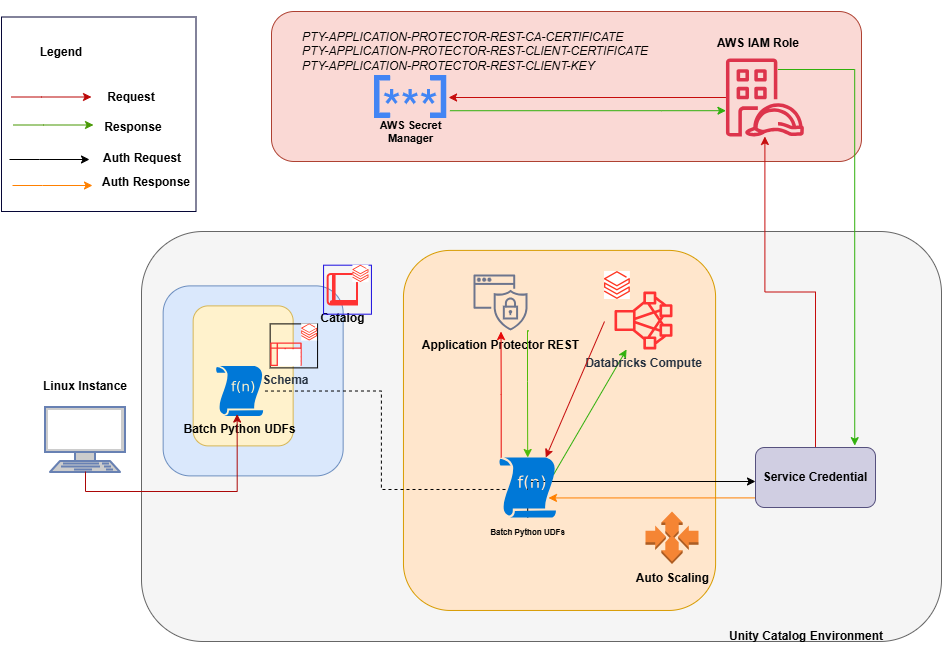
An outline of the steps in the workflow is explained below.
The architecture for installing the AWS Databricks protector using the Cloud Protector approach is depicted in the image below.
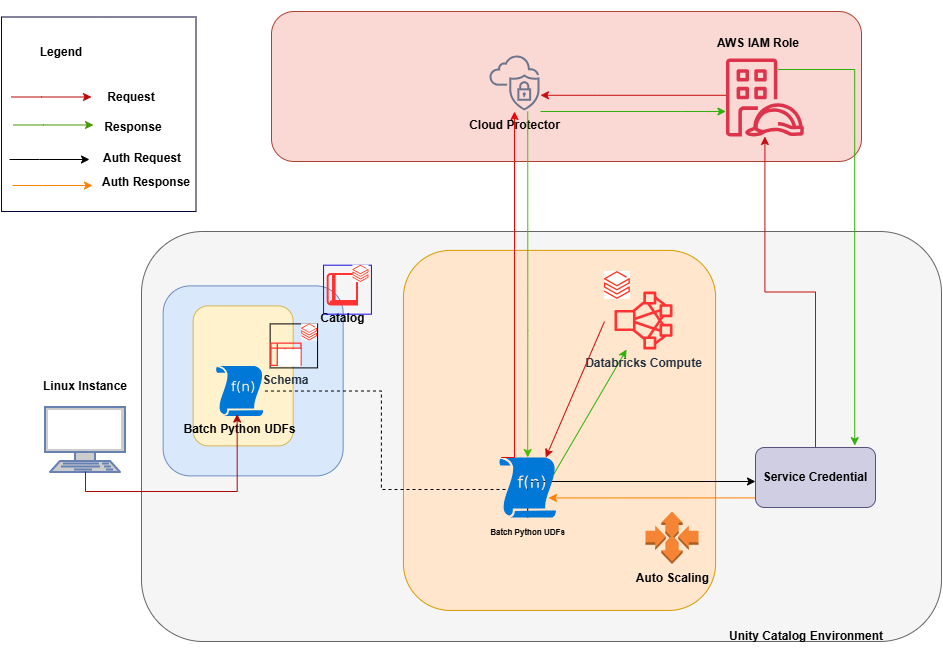
An outline of the steps in the workflow is explained below.
Ensure that the following prerequisites are available before installing the Big Data Protector:
Python3 along with the requests module is installed on the machine to execute the configurator script.
A compatible version of the ESA is installed, configured, and running.
Access to the Databricks workspace is available.
A Databricks cluster, of any one of the following types, is created and is in the running state:
Create the Databricks Service Principal.
The Databricks Service Principal must have the Can attach to permission on the cluster.
Create the following certificates for mutual TLS authorization:
Note: These certificates must be generated ONLY after retrieving the IP address of the Application Protector REST server.
Permission to create a Secrets Manager and store secrets is available.
Create an AWS Databricks Unity Catalog Service Credential.
Note: For more information about creating the credential, refer to Create service credentials.
The Databricks Service Principal must have the access permissions on the Databricks Unity Catalog Service Credential.
A Databricks Unity Catalog Volume is available with a Catalog and a Schema and the following permissions:
The prerequisites required to install and run the Big Data Protector on a Databricks Compute are listed below.
Python3 along with the requests module is installed on the machine to execute the configurator script.
A compatible version of the ESA is installed, configured, and running.
Access to the Databricks workspace is available.
A Databricks cluster, of any one of the following types, is created and is in the running state:
Create the Databricks Service Principal.
The Databricks Service Principal must have the Can attach to permission on the cluster.
Install and configure the Cloud API on AWS.
Note: For more information about installing and configuring the Cloud API on AWS, refer to Cloud API.
To modify the core parameters for RPSync, refer to Policy Agent Lambda Configuration.
Install and configure a compatible version of the ESA.
Note: For more information about compatible ESA versions, refer to Cloud API.
Create an AWS Databricks Unity Catalog Service Credential.
Note: For more information about creating the credential, refer to Create service credentials.
Assigned the ACCESS privilege to the principals that will be using the AWS Databricks Unity Catalog Service Credential.
Create a service principal and OAuth secret to deploy the UDFs.
Note: For more information, refer to Authorize service principal access to Databricks with OAuth.
(Optional) Configure private connectivity to the Protegrity Cloud API.
Note: For more information, refer to Configure private connectivity to resources in your VPC.
A Databricks Unity Catalog Volume is available with a Catalog and a Schema and the following permissions:
To use a SQL Warehouse with the Cloud Protector approach, create a SQL Warehouse. For more information, refer to Create a SQL warehouse.
Extract the contents of the installation package to access the configurator script. This script generates the required files to install the Big Data Protector.
To extract the files from the installation package:
Log in to the Linux staging machine.
Download the Big Data Protector package to any local directory.
BigDataProtector_Linux-ALL-64_x86-64_AWS.Databricks-<DBR_version>-64_<BDP_version>.tgz
BigDataProtector_Linux-ALL-64_ARM64_AWS.Databricks-<DBR_version>-64_<BDP_version>.tgz
To extract the files from the installation package, run the following command:
tar -xvf BigDataProtector_Linux-ALL-64_x86-64_AWS.Databricks-<DBR_version>-64_<BDP_version>.tgz
tar -xvf BigDataProtector_Linux-ALL-64_ARM64_AWS.Databricks-<DBR_version>-64_<BDP_version>.tgz
Press ENTER.
The command extracts the installation package and the GPG signature files.
BigDataProtector_Linux-ALL-64_x86-64_AWS.Databricks-<DBR_version>-64_<BDP_version>.tgz
signatures/
signatures/BigDataProtector_Linux-ALL-64_x86-64_AWS.Databricks-<DBR_version>-64_<BDP_version>.tgz_10.0.sig
BigDataProtector_Linux-ALL-64_ARM64_AWS.Databricks-<DBR_version>-64_<BDP_version>.tgz
signatures/
signatures/BigDataProtector_Linux-ALL-64_ARM64_AWS.Databricks-<DBR_version>-64_<BDP_version>.tgz_10.0.sig
Note: Verify the authenticity of the build using the signatures folder. For more information, refer to Verification of Signed Protector Build.
To extract the configurator script, run the following command:
tar -xvf BigDataProtector_Linux-ALL-64_x86-64_AWS.Databricks-<DBR_version>-64_<BDP_version>.tgz
tar -xvf BigDataProtector_Linux-ALL-64_ARM64_AWS.Databricks-<DBR_version>-64_<BDP_version>.tgz
Press ENTER.
The command extracts the configurator script.
BigDataProtector-Configurator_Linux-ALL-64_x86-64_AWS.Databricks-<DBR_version>-64_<BDP_version>.sh
BigDataProtector-Configurator_Linux-ALL-64_ARM64_AWS.Databricks-<DBR_version>-64_<BDP_version>.sh
The configurator script performs the following tasks:
The configurator script provides the --help option to understand the options and the arguments to be provided.
To understand the options and the arguments for the configurator script:
Log in to the node where the installation files are extracted.
To view the options and the arguments, run the following command:
./BigDataProtector-Configurator_Linux-ALL-64_x86-64_AWS.Databricks-<DBR_version>-64_<BDP_version>.sh --help
./BigDataProtector-Configurator_Linux-ALL-64_ARM64_AWS.Databricks-<DBR_version>-64_<BDP_version>.sh --help
Press ENTER. The command displays all the options and the arguments required to execute the configurator script.
This script needs the following inputs as a string:
 1. The ID of the operation.
    ----------------------------------------------------------
    | ID | Operation                                         |
    ----------------------------------------------------------
    |  1 | Get Application Protector REST's Server IP        |
    |  2 | Create Databricks Unity Catalog Batch Python UDFs |
    |  3 | Delete Databricks Unity Catalog Batch Python UDFs |
    ----------------------------------------------------------
 2. The URL of the Databricks Workspace.
 3. The Application ID of the Databricks Service Principal
 4. The OAuth Secret of the Databricks Service Principal
 5. The ID of the Databricks Compute.

If the ID of the operation is specified as "2" or "3", then the script will require the following additional inputs as a string:
 6. The name of the Databricks Unity Catalog Catalog-Schema.
 7. The ID of the approach.
    -----------------------------------
    | ID | Approach                   |
    -----------------------------------
    |  1 | Application Protector REST |
    |  2 | Cloud Protector            |
    -----------------------------------

If the ID of the operation is specified as "2" and the ID of the approach is specified as "1", then the script will require the following additional inputs as a string:
 8. The path of the CA Certificate.
 9. The path of the Server Certificate.
10. The path of the Server Key.
11. The name of the AWS Secret.
12. The name of the AWS Secret's AWS Region.
13. The name of the Databricks Unity Catalog Service Credential.
14. The path of the Databricks Unity Catalog Volume.

If the ID of the operation is specified as "2" and the ID of the approach is specified as "2", then the script will require the following additional inputs as a string:
 8. The name of the AWS Lambda Function.
 9. The name of the AWS Lambda Function's AWS Region.
10. The name of the Databricks Unity Catalog Service Credential.

If the ID of the operation is specified as "3" and the ID of the approach is specified as "1", then the script will require the following additional input as a string:
 8. The path of the Databricks Unity Catalog Volume.

This script accepts the above-mentioned inputs in any one of the following ways:
 1. Using .cfg file (pass the path of the .cfg file to this script as a command-line argument).
 2. Using command-line arguments.
 3. Using interactive prompts.

Structure of the .cfg file:
operation_id = "operation_id"
databricks_workspace_url = "databricks_workspace_url"
databricks_service_principal_application_id = "databricks_service_principal_application_id"
databricks_service_principal_oauth_secret = "databricks_service_principal_oauth_secret"
databricks_compute_id = "databricks_compute_id"
databricks_unity_catalog_catalog_schema_name = "databricks_unity_catalog_catalog_schema_name"
approach_id = "approach_id"
ca_certificate_path = "ca_certificate_path"
server_certificate_path = "server_certificate_path"
server_key_path = "server_key_path"
aws_secret_name = "aws_secret_name"
aws_secret_aws_region_name = "aws_secret_aws_region_name"
databricks_unity_catalog_service_credential_name = "databricks_unity_catalog_service_credential_name"
databricks_unity_catalog_volume_path = "databricks_unity_catalog_volume_path"
aws_lambda_function_name = "aws_lambda_function_name"
aws_lambda_function_aws_region_name = "aws_lambda_function_aws_region_name"

Syntax of the command-line arguments:
--operation_id "operation_id"
--databricks_workspace_url "databricks_workspace_url"
--databricks_service_principal_application_id "databricks_service_principal_application_id"
--databricks_service_principal_oauth_secret "databricks_service_principal_oauth_secret"
--databricks_compute_id "databricks_compute_id"
--databricks_unity_catalog_catalog_schema_name "databricks_unity_catalog_catalog_schema_name"
--approach_id "approach_id"
--ca_certificate_path "ca_certificate_path"
--server_certificate_path "server_certificate_path"
--server_key_path "server_key_path"
--aws_secret_name "aws_secret_name"
--aws_secret_aws_region_name "aws_secret_aws_region_name"
--databricks_unity_catalog_service_credential_name "databricks_unity_catalog_service_credential_name"
--databricks_unity_catalog_volume_path "databricks_unity_catalog_volume_path"
--aws_lambda_function_name "aws_lambda_function_name"
--aws_lambda_function_aws_region_name "aws_lambda_function_aws_region_name"
This script utilizes one of the following approaches:
-----------------------------------
| ID | Approach                   |
-----------------------------------
|  1 | Application Protector REST |
|  2 | Cloud Protector            |
-----------------------------------

###########################################################################################

If you want to use Application Protector REST approach, following operations are supported:
----------------------------------------------------------
| ID | Operation                                         |
----------------------------------------------------------
|  1 | Get Application Protector REST's Server IP        |
|  2 | Create Databricks Unity Catalog Batch Python UDFs |
|  3 | Delete Databricks Unity Catalog Batch Python UDFs |
----------------------------------------------------------

To Get Application Protector REST's Server IP, following inputs are required:
Using interactive prompts:
1. The ID of the operation as "1"
2. The URL of the Databricks Workspace
3. The Application ID of the Databricks Service Principal
4. The OAuth Secret of the Databricks Service Principal
5. The ID of the Databricks Compute

Using command-line arguments:
--operation_id "1"
--databricks_workspace_url "databricks_workspace_url"
--databricks_service_principal_application_id "databricks_service_principal_application_id"
--databricks_service_principal_oauth_secret "databricks_service_principal_oauth_secret"
--databricks_compute_id "databricks_compute_id"

Using .cfg file (pass the path of the .cfg file to this script as a command-line argument):
operation_id = "1"
databricks_workspace_url = "databricks_workspace_url"
databricks_service_principal_application_id = "databricks_service_principal_application_id"
databricks_service_principal_oauth_secret = "databricks_service_principal_oauth_secret"
databricks_compute_id = "databricks_compute_id"

To Create Databricks Unity Catalog Batch Python UDFs, following inputs are required:
Using interactive prompts:
1. The ID of the operation as "2"
2. The URL of the Databricks Workspace
3. The Application ID of the Databricks Service Principal
4. The OAuth Secret of the Databricks Service Principal
5. The ID of the Databricks Compute
6. The name of the Databricks Unity Catalog Catalog-Schema
7. The ID of the approach as "1"
8. The path of the CA Certificate
9. The path of the Server Certificate
10. The path of the Server Key
11. The name of the AWS Secret
12. The name of the AWS Secret's AWS Region
13. The name of the Databricks Unity Catalog Service Credential
14. The path of the Databricks Unity Catalog Volume

Using command-line arguments:
--operation_id "2"
--databricks_workspace_url "databricks_workspace_url"
--databricks_service_principal_application_id "databricks_service_principal_application_id"
--databricks_service_principal_oauth_secret "databricks_service_principal_oauth_secret"
--databricks_compute_id "databricks_compute_id"
--databricks_unity_catalog_catalog_schema_name "databricks_unity_catalog_catalog_schema_name"
--approach_id "1"
--ca_certificate_path "ca_certificate_path"
--server_certificate_path "server_certificate_path"
--server_key_path "server_key_path"
--aws_secret_name "aws_secret_name"
--aws_secret_aws_region_name "aws_secret_aws_region_name"
--databricks_unity_catalog_service_credential_name "databricks_unity_catalog_service_credential_name"
--databricks_unity_catalog_volume_path "databricks_unity_catalog_volume_path"

Using .cfg file (pass the path of the .cfg file to this script as a command-line argument):
operation_id = "2"
databricks_workspace_url = "databricks_workspace_url"
databricks_service_principal_application_id = "databricks_service_principal_application_id"
databricks_service_principal_oauth_secret = "databricks_service_principal_oauth_secret"
databricks_compute_id = "databricks_compute_id"
databricks_unity_catalog_catalog_schema_name = "databricks_unity_catalog_catalog_schema_name"
approach_id = "1"
ca_certificate_path = "ca_certificate_path"
server_certificate_path = "server_certificate_path"
server_key_path = "server_key_path"
aws_secret_name = "aws_secret_name"
aws_secret_aws_region_name = "aws_secret_aws_region_name"
databricks_unity_catalog_service_credential_name = "databricks_unity_catalog_service_credential_name"
databricks_unity_catalog_volume_path = "databricks_unity_catalog_volume_path"

To Delete Databricks Unity Catalog Batch Python UDFs, following inputs are required:
Using interactive prompts:
1. The ID of the operation as "3"
2. The URL of the Databricks Workspace
3. The Application ID of the Databricks Service Principal
4. The OAuth Secret of the Databricks Service Principal
5. The ID of the Databricks Compute
6. The name of the Databricks Unity Catalog Catalog-Schema
7. The ID of the approach as "1"
8. The path of the Databricks Unity Catalog Volume

Using command-line arguments:
--operation_id "3"
--databricks_workspace_url "databricks_workspace_url"
--databricks_service_principal_application_id "databricks_service_principal_application_id"
--databricks_service_principal_oauth_secret "databricks_service_principal_oauth_secret"
--databricks_compute_id "databricks_compute_id"
--databricks_unity_catalog_catalog_schema_name "databricks_unity_catalog_catalog_schema_name"
--approach_id "1"
--databricks_unity_catalog_volume_path "databricks_unity_catalog_volume_path"

Using .cfg file (pass the path of the .cfg file to this script as a command-line argument):
operation_id = "3"
databricks_workspace_url = "databricks_workspace_url"
databricks_service_principal_application_id = "databricks_service_principal_application_id"
databricks_service_principal_oauth_secret = "databricks_service_principal_oauth_secret"
databricks_compute_id = "databricks_compute_id"
databricks_unity_catalog_catalog_schema_name = "databricks_unity_catalog_catalog_schema_name"
approach_id = "1"
databricks_unity_catalog_volume_path = "databricks_unity_catalog_volume_path"

################################################################################

If you want to use Cloud Protector approach, following operations are supported:
----------------------------------------------------------
| ID | Operation                                         |
----------------------------------------------------------
|  1 | Create Databricks Unity Catalog Batch Python UDFs |
|  2 | Delete Databricks Unity Catalog Batch Python UDFs |
----------------------------------------------------------

To Create Databricks Unity Catalog Batch Python UDFs, following inputs are required:
Using interactive prompts:
1. The ID of the operation as "2"
2. The URL of the Databricks Workspace
3. The Application ID of the Databricks Service Principal
4. The OAuth Secret of the Databricks Service Principal
5. The ID of the Databricks Compute
6. The name of the Databricks Unity Catalog Catalog-Schema
7. The ID of the approach as "2"
8. The name of the AWS Lambda Function
9. The name of the AWS Lambda Function's AWS Region
10. The name of the Databricks Unity Catalog Service Credential

Using command-line arguments:
--operation_id "2"
--databricks_workspace_url "databricks_workspace_url"
--databricks_service_principal_application_id "databricks_service_principal_application_id"
--databricks_service_principal_oauth_secret "databricks_service_principal_oauth_secret"
--databricks_compute_id "databricks_compute_id"
--databricks_unity_catalog_catalog_schema_name "databricks_unity_catalog_catalog_schema_name"
--approach_id "2"
--aws_lambda_function_name "aws_lambda_function_name"
--aws_lambda_function_aws_region_name "aws_lambda_function_aws_region_name"
--databricks_unity_catalog_service_credential_name "databricks_unity_catalog_service_credential_name"

Using .cfg file (pass the path of the .cfg file to this script as a command-line argument):
operation_id = "2"
databricks_workspace_url = "databricks_workspace_url"
databricks_service_principal_application_id = "databricks_service_principal_application_id"
databricks_service_principal_oauth_secret = "databricks_service_principal_oauth_secret"
databricks_compute_id = "databricks_compute_id"
databricks_unity_catalog_catalog_schema_name = "databricks_unity_catalog_catalog_schema_name"
approach_id = "2"
aws_lambda_function_name = "aws_lambda_function_name"
aws_lambda_function_aws_region_name = "aws_lambda_function_aws_region_name"
databricks_unity_catalog_service_credential_name = "databricks_unity_catalog_service_credential_name"

To Delete Databricks Unity Catalog Batch Python UDFs, following inputs are required:
Using interactive prompts:
1. The ID of the operation as "3"
2. The URL of the Databricks Workspace
3. The Application ID of the Databricks Service Principal
4. The OAuth Secret of the Databricks Service Principal
5. The ID of the Databricks Compute
6. The name of the Databricks Unity Catalog Catalog-Schema
7. The ID of the approach as "2"

Using command-line arguments:
--operation_id "3"
--databricks_workspace_url "databricks_workspace_url"
--databricks_service_principal_application_id "databricks_service_principal_application_id"
--databricks_service_principal_oauth_secret "databricks_service_principal_oauth_secret"
--databricks_compute_id "databricks_compute_id"
--databricks_unity_catalog_catalog_schema_name "databricks_unity_catalog_catalog_schema_name"
--approach_id "2"

Using .cfg file (pass the path of the .cfg file to this script as a command-line argument):
operation_id = "3"
databricks_workspace_url = "databricks_workspace_url"
databricks_service_principal_application_id = "databricks_service_principal_application_id"
databricks_service_principal_oauth_secret = "databricks_service_principal_oauth_secret"
databricks_compute_id = "databricks_compute_id"
databricks_unity_catalog_catalog_schema_name = "databricks_unity_catalog_catalog_schema_name"
approach_id = "2"
The IP address for the Application Protector REST approach is required to generate the certificates. The certificates must be created using the retrieved IP address. These certificates will be used to establish a mutual trust between the Unity Catalog Batch Python UDFs and the Application Protector REST Server.
Note: The instructions mentioned in the section apply only to the Application Protector REST approach.
To retrieve the IP address:
Log in to the node where the installation files are extracted.
To execute the configurator script, run the following command:
./BigDataProtector-Configurator_Linux-ALL-64_x86-64_AWS.Databricks-<DBR_version>-64_<BDP_version>.sh
./BigDataProtector-Configurator_Linux-ALL-64_ARM64_AWS.Databricks-<DBR_version>-64_<BDP_version>.sh
Press ENTER.
The prompt to enter the operation ID appears.
Creating installation files...
Created installation files.

Enter the ID of the operation:
Creating installation files...
Created installation files.

The ID of the operation needs to be one of the following:
----------------------------------------------------------
| ID | Operation                                         |
----------------------------------------------------------
|  1 | Get Application Protector REST's Server IP        |
|  2 | Create Databricks Unity Catalog Batch Python UDFs |
|  3 | Delete Databricks Unity Catalog Batch Python UDFs |
----------------------------------------------------------
Enter the ID of the operation:
To retrieve the IP address of the Application Protector REST server, type 1.
Press ENTER.
The prompt to enter the Databricks Workspace URL appears.
Enter the URL of the Databricks Workspace:
Enter the Databricks Workspace URL.
Press ENTER.
The prompt to enter the application ID of the Databricks Service Principal appears.
Enter the Application ID of the Databricks Service Principal:
Enter the Application ID of the Databricks Service Principal.
Press ENTER.
The prompt to enter the OAuth secret for the Service Principal appears.
Enter the OAuth Secret of the Databricks Service Principal:
Enter the OAuth secret.
Press ENTER.
The prompt to enter the cluster ID appears.
Enter the ID of the Databricks Compute:
Enter the Cluster ID.
Press ENTER.
The script retrieves the IP address of the Application Protector REST server.
Executing specified operation...

APREST Protector's Server IP: x.x.x.x

Executed specified operation.
The CA and the Client certificates are important entities in the mutual trust process. These certificates determine the authentication and authorization for the Application Protector REST server. As a result, it is critical to store these certificates in a secured location. Therefore, the certificates must be uploaded to the Secrets Manager in AWS where they will be stored as secrets.
Note: The instructions mentioned in the section apply only to the Application Protector REST approach.
To upload the secrets:
{
"Version": "2012-10-17",
"Statement": [
    {
        "Sid": "VisualEditor0",
        "Effect": "Allow",
        "Action": [
            "secretsmanager:*"
        ],
        "Resource": [
            "arn:aws:secretsmanager:<aws_region_name>:<aws_account>:secret:*"
        ]
    },
    {
        "Action": "sts:AssumeRole",
        "Resource": "arn:aws:iam::<aws_account>:role/<aws_iam_role>",
        "Effect": "Allow"
    }
]
}
CA.pem file and store it as PTY-APPLICATION-PROTECTOR-REST-CA-CERTIFICATE, run the following command:with open("ca/CA.pem") as file:
file.read()
Store CA cert as PTY-APPLICATION-PROTECTOR-REST-CA-CERTIFICATE
CA.pem file.client.pem file and store it as PTY-APPLICATION-PROTECTOR-REST-CLIENT-CERTIFICATE, run the following command:with open("client/client.pem") as file:
file.read()
Store client cert as PTY-APPLICATION-PROTECTOR-REST-CLIENT-CERTIFICATE
client.pem file.client.key file and store it as PTY-APPLICATION-PROTECTOR-REST-CLIENT-KEY, run the following command:with open("client/client.key") as file:
file.read()
Store client key as PTY-APPLICATION-PROTECTOR-REST-CLIENT-KEY
client.key file.| Key | Value |
|---|---|
| PTY-APPLICATION-PROTECTOR-REST-CA-CERTIFICATE | 1. In the Key box, enter PTY-APPLICATION-PROTECTOR-REST-CA-CERTIFICATE. 2. In the Value box, enter the contents of the CA.pem file. |
| PTY-APPLICATION-PROTECTOR-REST-CLIENT-CERTIFICATE | 1. In the Key box, enter PTY-APPLICATION-PROTECTOR-REST-CLIENT-CERTIFICATE. 2. In the Value box, enter the contents of the client.pem file. |
| PTY-APPLICATION-PROTECTOR-REST-CLIENT-KEY | 1. In the Key box, enter PTY-APPLICATION-PROTECTOR-REST-CLIENT-KEY. 2. In the Value box, enter the contents of the client.key file. |
The process of installing the Big Data Protector involves the process of creating the user-defined functions.
The following combinations will work for a successful execution of the configurator script:
The Databricks SQL Warehouse + Application Protector REST approach combination will not work. This is because Protegrity executes a few Python commands on the Databricks Compute to retrieve a listening IP for the Application Protector REST’s Server. When the Databricks Compute is a SQL Warehouse, the Python commands fail to execute. This occurs because the SQL Warehouse supports only SQL commands.
The configurator script is used to create the UDFs. These Unity Catalog Batch Python UDFs are designed to perform data protection and unprotection operations. Select the required approach and the operation ID to create the UDFs using the Application Protector REST server. This section explains the process to create the UDFs using the interactive method of installation.
To create the UDFs:
Log in to the staging machine.
Navigate to the directory where the installation files are extracted.
To execute the configurator script, run the following command:
./BigDataProtector-Configurator_Linux-ALL-64_x86-64_AWS.Databricks-<DBR_version>-64_<BDP_version>.sh
./BigDataProtector-Configurator_Linux-ALL-64_ARM64_AWS.Databricks-<DBR_version>-64_<BDP_version>.sh
Press ENTER.
The prompt to enter the operation ID appears.
Creating installation files...
Created installation files.

Enter the ID of the operation:
Creating installation files...
Created installation files.

The ID of the operation needs to be one of the following:
----------------------------------------------------------
| ID | Operation                                         |
----------------------------------------------------------
|  1 | Get Application Protector REST's Server IP        |
|  2 | Create Databricks Unity Catalog Batch Python UDFs |
|  3 | Delete Databricks Unity Catalog Batch Python UDFs |
----------------------------------------------------------
Enter the ID of the operation:
To create the UDFs, type 2.
Press ENTER.
The prompt to enter the Databricks Workspace URL appears.
Enter the URL of the Databricks Workspace:
Enter the Databricks Workspace URL.
Press ENTER.
The prompt to enter the application ID of the Databricks Service Principal appears.
Enter the Application ID of the Databricks Service Principal:
Enter the Application ID of the Databricks Service Principal.
Press ENTER.
The prompt to enter the OAuth secret for the Service Principal appears.
Enter the OAuth Secret of the Databricks Service Principal:
Enter the OAuth secret.
Press ENTER.
The prompt to enter the cluster ID appears.
Enter the ID of the Databricks Compute:
Note: The Cluster ID can be either for Standard Compute or Dedicated Compute. For more information about identifying the Cluster ID, refer to Get identifiers for workspace objects.
Enter the Cluster ID.
Press ENTER.
The prompt to enter the name of the schema appears.
Enter the name of the Databricks Unity Catalog Catalog-Schema:
Enter the name of the catalog and the schema in the <catalog_name.schema_name> format.
Press ENTER.
The prompt to select the approach appears.
Enter the ID of the approach:
The ID of the approach needs to be one of the following:
-----------------------------------
| ID | Approach                   |
-----------------------------------
|  1 | Application Protector REST |
|  2 | Cloud Protector            |
-----------------------------------
Enter the ID of the approach:
To create the UDFs using the Application Protector REST approach, type 1.
Press ENTER.
The prompt to enter the path of the CA Certificate appears.
Enter the path of the CA Certificate:
Enter the path of the CA Certificate.
Press ENTER.
The prompt to enter the path of the Server Certificate appears.
Enter the path of the Server Certificate:
Enter the path of the Server Certificate.
Press ENTER.
The prompt to enter the path of the Server key appears.
Enter the path of the Server Key:
Enter the path of the Server Key.
Press ENTER.
The prompt to enter the name of the AWS Secret appears.
Enter the name of the AWS Secret:
Enter the name of the AWS Secret.
Press ENTER.
The prompt to enter the region of the Secret appears.
Enter the name of the AWS Secret's AWS Region:
Enter the region where the Secret is created.
Press ENTER.
The prompt to enter the name of the Service Credential appears.
Enter the name of the Databricks Unity Catalog Service Credential:
Enter the name of the Databricks Unity Catalog Service Credential.
Press ENTER.
The prompt to enter the path of the Unity Catalog Volume appears.
Enter the path of the Databricks Unity Catalog Volume:
Enter the path of the Databricks Unity Catalog Volume.
Press ENTER.
The script creates the UDFs at the specified location.
Executing specified operation...

1. Create the following environment variables in the Spark section of the Advanced properties of the Databricks Compute:
PTY_ESA_IP=PTY_ESA_IP
PTY_ESA_PORT=PTY_ESA_PORT
Either PTY_ESA_TOKEN=PTY_ESA_TOKEN or PTY_ESA_ADMINISTRATOR_USERNAME=PTY_ESA_ADMINISTRATOR_USERNAME and PTY_ESA_ADMINISTRATOR_PASSWORD=PTY_ESA_ADMINISTRATOR_PASSWORD
PTY_AUDIT_STORE_IP_PORT=PTY_AUDIT_STORE_IP_PORT
PTY_PROTECTOR_CONFIGURATION=PTY_PROTECTOR_CONFIGURATION
2. Attach "DATABRICKS_UNITY_CATALOG_VOLUME_PATH/DATABRICKS_INIT_SCRIPT_NAME" as an Init Script to the Databricks Compute.
3. Restart the Databricks Compute.

Executed specified operation.
Executing specified operation...
Creating <catalog_name>.<schema_name>.pty_decrypt_string Databricks Unity Catalog Batch Python UDF...
Created <catalog_name>.<schema_name>.pty_decrypt_string Databricks Unity Catalog Batch Python UDF.
Creating <catalog_name>.<schema_name>.pty_encrypt_string Databricks Unity Catalog Batch Python UDF...
Created <catalog_name>.<schema_name>.pty_encrypt_string Databricks Unity Catalog Batch Python UDF.
Creating <catalog_name>.<schema_name>.pty_get_version Databricks Unity Catalog Batch Python UDF...
Created <catalog_name>.<schema_name>.pty_get_version Databricks Unity Catalog Batch Python UDF.
Creating <catalog_name>.<schema_name>.pty_get_version_extended Databricks Unity Catalog Batch Python UDF...
Created <catalog_name>.<schema_name>.pty_get_version_extended Databricks Unity Catalog Batch Python UDF.
Creating <catalog_name>.<schema_name>.pty_protect_binary Databricks Unity Catalog Batch Python UDF...
Created <catalog_name>.<schema_name>.pty_protect_binary Databricks Unity Catalog Batch Python UDF.
Creating <catalog_name>.<schema_name>.pty_protect_date Databricks Unity Catalog Batch Python UDF...
Created <catalog_name>.<schema_name>.pty_protect_date Databricks Unity Catalog Batch Python UDF.
Creating <catalog_name>.<schema_name>.pty_protect_int Databricks Unity Catalog Batch Python UDF...
Created <catalog_name>.<schema_name>.pty_protect_int Databricks Unity Catalog Batch Python UDF.
Creating <catalog_name>.<schema_name>.pty_protect_smallint Databricks Unity Catalog Batch Python UDF...
Created <catalog_name>.<schema_name>.pty_protect_smallint Databricks Unity Catalog Batch Python UDF.
Creating <catalog_name>.<schema_name>.pty_protect_string Databricks Unity Catalog Batch Python UDF...
Created <catalog_name>.<schema_name>.pty_protect_string Databricks Unity Catalog Batch Python UDF.
Creating <catalog_name>.<schema_name>.pty_protect_string_fpe Databricks Unity Catalog Batch Python UDF...
Created <catalog_name>.<schema_name>.pty_protect_string_fpe Databricks Unity Catalog Batch Python UDF.
Creating <catalog_name>.<schema_name>.pty_unprotect_binary Databricks Unity Catalog Batch Python UDF...
Created <catalog_name>.<schema_name>.pty_unprotect_binary Databricks Unity Catalog Batch Python UDF.
Creating <catalog_name>.<schema_name>.pty_unprotect_date Databricks Unity Catalog Batch Python UDF...
Created <catalog_name>.<schema_name>.pty_unprotect_date Databricks Unity Catalog Batch Python UDF.
Creating <catalog_name>.<schema_name>.pty_unprotect_int Databricks Unity Catalog Batch Python UDF...
Created <catalog_name>.<schema_name>.pty_unprotect_int Databricks Unity Catalog Batch Python UDF.
Creating <catalog_name>.<schema_name>.pty_unprotect_smallint Databricks Unity Catalog Batch Python UDF...
Created <catalog_name>.<schema_name>.pty_unprotect_smallint Databricks Unity Catalog Batch Python UDF.
Creating <catalog_name>.<schema_name>.pty_unprotect_string Databricks Unity Catalog Batch Python UDF...
Created <catalog_name>.<schema_name>.pty_unprotect_string Databricks Unity Catalog Batch Python UDF.
Creating <catalog_name>.<schema_name>.pty_unprotect_string_fpe Databricks Unity Catalog Batch Python UDF...
Created <catalog_name>.<schema_name>.pty_unprotect_string_fpe Databricks Unity Catalog Batch Python UDF.
Creating <catalog_name>.<schema_name>.pty_who_am_i Databricks Unity Catalog Batch Python UDF...
Created <catalog_name>.<schema_name>.pty_who_am_i Databricks Unity Catalog Batch Python UDF.
Creating /Volumes/<catalog_name>/<schema_name>/<volume_name>/BigDataProtector_Linux-ALL-64_ARM64_AWS.Databricks-<DBR_version>-64_<BDP_version>.tgz file...
Created /Volumes/<catalog_name>/<schema_name>/<volume_name>/BigDataProtector_Linux-ALL-64_ARM64_AWS.Databricks-<DBR_version>-64_<BDP_version>.tgz file.
Creating /Volumes/<catalog_name>/<schema_name>/<volume_name>/BigDataProtector-Init-Script_Linux-ALL-64_ARM64_AWS.Databricks-<DBR_version>-64_<BDP_version>.sh file...
Created /Volumes/<catalog_name>/<schema_name>/<volume_name>/BigDataProtector-Init-Script_Linux-ALL-64_ARM64_AWS.Databricks-<DBR_version>-64_<BDP_version>.sh file.

1. Create the following environment variables in the Spark section of the Advanced properties of the Databricks Compute:
PTY_ESA_IP=PTY_ESA_IP
PTY_ESA_PORT=PTY_ESA_PORT
Either PTY_ESA_TOKEN=PTY_ESA_TOKEN or PTY_ESA_ADMINISTRATOR_USERNAME=PTY_ESA_ADMINISTRATOR_USERNAME and PTY_ESA_ADMINISTRATOR_PASSWORD=PTY_ESA_ADMINISTRATOR_PASSWORD
PTY_AUDIT_STORE_IP_PORT=PTY_AUDIT_STORE_IP_PORT
PTY_PROTECTOR_CONFIGURATION=PTY_PROTECTOR_CONFIGURATION
2. Attach "/Volumes/<catalog_name>/<schema_name>/<volume_name>/BigDataProtector-Init-Script_Linux-ALL-64_ARM64_AWS.Databricks-<DBR_version>-64_<BDP_version>.sh" as an Init Script to the Databricks Compute.
3. Restart the Databricks Compute.

Executed specified operation.
The configurator script is used to create the UDFs. These Unity Catalog Batch Python UDFs are used to perform data protection and unprotection operations. Select the required approach and the operation ID to create the UDFs using the Cloud Protector. This section explains the process to create the UDFs using the interactive method of installation.
To create the UDFs:
Log in to the staging machine.
Navigate to the directory where the installation files are extracted.
To execute the configurator script, run the following command:
./BigDataProtector-Configurator_Linux-ALL-64_x86-64_AWS.Databricks-<DBR_version>-64_<BDP_version>.sh
./BigDataProtector-Configurator_Linux-ALL-64_ARM64_AWS.Databricks-<DBR_version>-64_<BDP_version>.sh
Press ENTER.
The prompt to enter the operation ID appears.
Creating installation files...
Created installation files.

Enter the ID of the operation:
Creating installation files...
Created installation files.

The ID of the operation needs to be one of the following:
----------------------------------------------------------
| ID | Operation                                         |
----------------------------------------------------------
|  1 | Get Application Protector REST's Server IP        |
|  2 | Create Databricks Unity Catalog Batch Python UDFs |
|  3 | Delete Databricks Unity Catalog Batch Python UDFs |
----------------------------------------------------------
Enter the ID of the operation:
To create the UDFs, type 2.
Press ENTER.
The prompt to enter the Databricks Workspace URL appears.
Enter the URL of the Databricks Workspace:
Enter the Databricks Workspace URL.
Press ENTER.
The prompt to enter the application ID of the Databricks Service Principal appears.
Enter the Application ID of the Databricks Service Principal:
Enter the Application ID of the Databricks Service Principal.
Press ENTER.
The prompt to enter the OAuth secret for the Service Principal appears.
Enter the OAuth Secret of the Databricks Service Principal:
Enter the OAuth secret.
Press ENTER.
The prompt to enter the cluster ID appears.
Enter the ID of the Databricks Compute:
Note: The Cluster ID can be either for Standard Compute or Dedicated Compute. For more information about identifying the Cluster ID, refer to Get identifiers for workspace objects.
Enter the Cluster ID.
Press ENTER.
The prompt to enter the name of the schema appears.
Enter the name of the Databricks Unity Catalog Catalog-Schema:
Enter the name of the catalog and the schema in the <catalog_name.schema_name> format.
Press ENTER.
The prompt to select the approach appears.
Enter the ID of the approach:
The ID of the approach needs to be one of the following:
-----------------------------------
| ID | Approach                   |
-----------------------------------
|  1 | Application Protector REST |
|  2 | Cloud Protector            |
-----------------------------------
Enter the ID of the approach:
To create the UDFs using the Cloud Protector approach, type 2.
Press ENTER.
The prompt to enter the name of the AWS Lambda Function appears.
Enter the name of the AWS Lambda Function:
Enter the name of the AWS Lambda Function.
Press ENTER.
The prompt to enter the region of the AWS Lambda function appears.
Enter the name of the AWS Lambda Function's AWS Region:
Enter the region name.
Press ENTER.
The prompt to enter the name of the Service Credential appears.
Enter the name of the Databricks Unity Catalog Service Credential:
Enter the name of the Databricks Unity Catalog Service Credential.
Press ENTER.
The script creates the UDFs at the specified location.
Executing specified operation...
Executed specified operation.
Executing specified operation...
Creating <catalog_name>.<schema_name>.pty_decrypt_string Databricks Unity Catalog Batch Python UDF...
Created <catalog_name>.<schema_name>.pty_decrypt_string Databricks Unity Catalog Batch Python UDF.
Creating <catalog_name>.<schema_name>.pty_encrypt_string Databricks Unity Catalog Batch Python UDF...
Created <catalog_name>.<schema_name>.pty_encrypt_string Databricks Unity Catalog Batch Python UDF.
Creating <catalog_name>.<schema_name>.pty_get_version Databricks Unity Catalog Batch Python UDF...
Created <catalog_name>.<schema_name>.pty_get_version Databricks Unity Catalog Batch Python UDF.
Creating <catalog_name>.<schema_name>.pty_get_version_extended Databricks Unity Catalog Batch Python UDF...
Created <catalog_name>.<schema_name>.pty_get_version_extended Databricks Unity Catalog Batch Python UDF.
Creating <catalog_name>.<schema_name>.pty_protect_binary Databricks Unity Catalog Batch Python UDF...
Created <catalog_name>.<schema_name>.pty_protect_binary Databricks Unity Catalog Batch Python UDF.
Creating <catalog_name>.<schema_name>.pty_protect_date Databricks Unity Catalog Batch Python UDF...
Created <catalog_name>.<schema_name>.pty_protect_date Databricks Unity Catalog Batch Python UDF.
Creating <catalog_name>.<schema_name>.pty_protect_int Databricks Unity Catalog Batch Python UDF...
Created <catalog_name>.<schema_name>.pty_protect_int Databricks Unity Catalog Batch Python UDF.
Creating <catalog_name>.<schema_name>.pty_protect_smallint Databricks Unity Catalog Batch Python UDF...
Created <catalog_name>.<schema_name>.pty_protect_smallint Databricks Unity Catalog Batch Python UDF.
Creating <catalog_name>.<schema_name>.pty_protect_string Databricks Unity Catalog Batch Python UDF...
Created <catalog_name>.<schema_name>.pty_protect_string Databricks Unity Catalog Batch Python UDF.
Creating <catalog_name>.<schema_name>.pty_protect_string_fpe Databricks Unity Catalog Batch Python UDF...
Created <catalog_name>.<schema_name>.pty_protect_string_fpe Databricks Unity Catalog Batch Python UDF.
Creating <catalog_name>.<schema_name>.pty_unprotect_binary Databricks Unity Catalog Batch Python UDF...
Created <catalog_name>.<schema_name>.pty_unprotect_binary Databricks Unity Catalog Batch Python UDF.
Creating <catalog_name>.<schema_name>.pty_unprotect_date Databricks Unity Catalog Batch Python UDF...
Created <catalog_name>.<schema_name>.pty_unprotect_date Databricks Unity Catalog Batch Python UDF.
Creating <catalog_name>.<schema_name>.pty_unprotect_int Databricks Unity Catalog Batch Python UDF...
Created <catalog_name>.<schema_name>.pty_unprotect_int Databricks Unity Catalog Batch Python UDF.
Creating <catalog_name>.<schema_name>.pty_unprotect_smallint Databricks Unity Catalog Batch Python UDF...
Created <catalog_name>.<schema_name>.pty_unprotect_smallint Databricks Unity Catalog Batch Python UDF.
Creating <catalog_name>.<schema_name>.pty_unprotect_string Databricks Unity Catalog Batch Python UDF...
Created <catalog_name>.<schema_name>.pty_unprotect_string Databricks Unity Catalog Batch Python UDF.
Creating <catalog_name>.<schema_name>.pty_unprotect_string_fpe Databricks Unity Catalog Batch Python UDF...
Created <catalog_name>.<schema_name>.pty_unprotect_string_fpe Databricks Unity Catalog Batch Python UDF.
Creating <catalog_name>.<schema_name>.pty_who_am_i Databricks Unity Catalog Batch Python UDF...
Created <catalog_name>.<schema_name>.pty_who_am_i Databricks Unity Catalog Batch Python UDF.
Executed specified operation.
The process of configuring the Big Data Protector involves the process of editing the cluster configuration.
After executing the configurator script and creating the UDFs, update the cluster to include the following configurations:
BigDataProtector-Init-Script_Linux-ALL-64_<ARCH>_AWS.Databricks-<DBR_version>-64_<BDP_version>.sh script to the Databricks compute.Ensure that the ESA is started and in a running state before restarting the Databricks cluster after updating the configurations.
Note: The instructions mentioned in the section apply only to the Application Protector REST approach.
To edit the cluster:
Log in to the Databricks portal.
Edit the required cluster.
Expand the Advanced section.
Click the Spark tab.
Under Environment variables, add the variables, with their values, listed in the table:
| Variable | Value |
|---|---|
PTY_ESA_IP | Enter the ESA IP address. |
PTY_ESA_PORT | Enter the port number to connect to ESA. |
PTY_ESA_TOKEN | Enter the JWT token to connect to ESA. |
PTY_ESA_ADMINISTRATOR_USERNAME | Enter the username to connect to ESA. This is required only if a token is not used. |
PTY_ESA_ADMINISTRATOR_PASSWORD | {{secrets/<scope_name>/<key_name>}} This is required only if a token is not used. |
PTY_AUDIT_STORE_IP_PORT | Enter the IP address to connect to the Audit Store. The value is a comma-separated string of <audit_store_ip>:<audit_store_port>. For example, 11.22.33.44:9200, 55.66.77.88:9200 |
PTY_PROTECTOR_CONFIGURATION | Specify the values as [core]emptystring=empty,[sync]interval=10 |
Note: To store the ESA password, it is recommended to use Databricks Secrets. For more information about using Databricks Secrets, refer to Secret management.
| Variable | Value |
|---|---|
PTY_ESA_IP | Enter the ESA IP address. |
PTY_ESA_PORT | Enter the port number to connect to ESA. |
PTY_ESA_TOKEN | Enter the JWT token to connect to ESA. |
PTY_ESA_ADMINISTRATOR_USERNAME | Enter the username to connect to ESA. This is required only if a token is not used. |
PTY_ESA_ADMINISTRATOR_PASSWORD | {{secrets/<scope_name>/<key_name>}} This is required only if a token is not used. |
PTY_AUDIT_STORE_IP_PORT | Enter the IP address to connect to the Audit Store. The value is a comma-separated string of <audit_store_ip>:<audit_store_port>. For example, 11.22.33.44:9200, 55.66.77.88:9200 |
PTY_PROTECTOR_CONFIGURATION | Specify the values as [core]emptystring=empty,[sync]interval=10 |
PTY_ESA_CA_CERTIFICATE | {{secrets/<scope_name>/<key_name>}} Set this configuration only to interact with PPC. Enter the base64-encoded PEM of the ESA signing CA. Required when the ESA presents a CA-signed certificate without its CA chain. |
PTY_ESA_FQDN | Enter the Fully Qualified Domain Name of ESA or PPC. This is an optional parameter. |
Note: To store the ESA password, it is recommended to use Databricks Secrets. For more information about using Databricks Secrets, refer to Secret management.
Click the Init scripts tab.
From the Source list, select Volumes.
In the File path box, enter the location of the initialization script.
To save the changes and restart the cluster, click Confirm and restart.
Note: If the initialization script fails with a non-zero exit code, enable cluster logging to view the error log files for troubleshooting purposes. When the cluster is restarted, the initialization script starts the Application Protector REST service on every node in the cluster. After the Application Protector REST service is started, use the Unity Catalog Batch Python UDFs to protect and unprotect data.
Note: The process to execute the initialization script will take some time before the cluster is ready to use for performing protect and unprotect operations. For more information on using the UDFs for protect and unprotect operations, refer to Unity Catalog Batch Python UDFs.
The process of uninstalling the Big Data Protector involves the process of removing the user-defined functions.
Deleting the UDFs is an optional step. Delete the UDFs only to clean up the Databricks cluster. The configurator script is used to delete the UDFs. You must select the required approach and the operation ID to delete. This section explains the process to delete the UDFs using the interactive method of installation.
To delete the UDFs:
Log in to the staging machine.
Navigate to the directory where the installation files are extracted.
To execute the configurator script, run the following command:
./BigDataProtector-Configurator_Linux-ALL-64_x86-64_AWS.Databricks-<DBR_version>-64_<BDP_version>.sh
./BigDataProtector-Configurator_Linux-ALL-64_ARM64_AWS.Databricks-<DBR_version>-64_<BDP_version>.sh
Press ENTER.
The prompt to enter the operation ID appears.
Creating installation files...
Created installation files.

Enter the ID of the operation:
Creating installation files...
Created installation files.

The ID of the operation needs to be one of the following:
----------------------------------------------------------
| ID | Operation                                         |
----------------------------------------------------------
|  1 | Get Application Protector REST's Server IP        |
|  2 | Create Databricks Unity Catalog Batch Python UDFs |
|  3 | Delete Databricks Unity Catalog Batch Python UDFs |
----------------------------------------------------------
Enter the ID of the operation:
To delete the UDFs, type 3.
Press ENTER.
The prompt to enter the Databricks Workspace URL appears.
Enter the URL of the Databricks Workspace:
Enter the Databricks Workspace URL.
Press ENTER.
The prompt to enter the application ID of the Databricks Service Principal appears.
Enter the Application ID of the Databricks Service Principal:
Enter the Application ID of the Databricks Service Principal.
Press ENTER.
The prompt to enter the OAuth secret for the Service Principal appears.
Enter the OAuth Secret of the Databricks Service Principal:
Enter the OAuth secret.
Press ENTER.
The prompt to enter the cluster ID appears.
Enter the ID of the Databricks Compute:
Enter the Cluster ID.
Note: The Cluster ID can be either for a Standard Compute or Dedicated Compute. For more information about identifying the Cluster ID, refer to Get identifiers for workspace objects.
Press ENTER.
The prompt to enter the name of the schema appears.
Enter the name of the Databricks Unity Catalog Catalog-Schema:
Enter the name of the catalog and the schema in the <catalog_name.schema_name> format.
Press ENTER. The prompt to select the approach appears.
Enter the ID of the approach:
The ID of the approach needs to be one of the following:
-----------------------------------
| ID | Approach                   |
-----------------------------------
|  1 | Application Protector REST |
|  2 | Cloud Protector            |
-----------------------------------
Enter the ID of the approach:
To delete the UDFs using the Application Protector REST approach, type 1.
Press ENTER.
The prompt to specify the Unity Catalog Volume path appears.
Enter the path of the Databricks Unity Catalog Volume:
Enter the path of the Databricks Unity Catalog Volume.
Press ENTER.
The script deletes the UDFs from the specified location.
Executing specified operation...

Executed specified operation.
Executing specified operation...
Deleting <catalog_name>.<schema_name>.pty_decrypt_string Databricks Unity Catalog Batch Python UDF...
Deleted <catalog_name>.<schema_name>.pty_decrypt_string Databricks Unity Catalog Batch Python UDF.
Deleting <catalog_name>.<schema_name>.pty_encrypt_string Databricks Unity Catalog Batch Python UDF...
Deleted <catalog_name>.<schema_name>.pty_encrypt_string Databricks Unity Catalog Batch Python UDF.
Deleting <catalog_name>.<schema_name>.pty_get_version Databricks Unity Catalog Batch Python UDF...
Deleted <catalog_name>.<schema_name>.pty_get_version Databricks Unity Catalog Batch Python UDF.
Deleting <catalog_name>.<schema_name>.pty_get_version_extended Databricks Unity Catalog Batch Python UDF...
Deleted <catalog_name>.<schema_name>.pty_get_version_extended Databricks Unity Catalog Batch Python UDF.
Deleting <catalog_name>.<schema_name>.pty_protect_binary Databricks Unity Catalog Batch Python UDF...
Deleted <catalog_name>.<schema_name>.pty_protect_binary Databricks Unity Catalog Batch Python UDF.
Deleting <catalog_name>.<schema_name>.pty_protect_date Databricks Unity Catalog Batch Python UDF...
Deleted <catalog_name>.<schema_name>.pty_protect_date Databricks Unity Catalog Batch Python UDF.
Deleting <catalog_name>.<schema_name>.pty_protect_int Databricks Unity Catalog Batch Python UDF...
Deleted <catalog_name>.<schema_name>.pty_protect_int Databricks Unity Catalog Batch Python UDF.
Deleting <catalog_name>.<schema_name>.pty_protect_smallint Databricks Unity Catalog Batch Python UDF...
Deleted <catalog_name>.<schema_name>.pty_protect_smallint Databricks Unity Catalog Batch Python UDF.
Deleting <catalog_name>.<schema_name>.pty_protect_string Databricks Unity Catalog Batch Python UDF...
Deleted <catalog_name>.<schema_name>.pty_protect_string Databricks Unity Catalog Batch Python UDF.
Deleting <catalog_name>.<schema_name>.pty_protect_string_fpe Databricks Unity Catalog Batch Python UDF...
Deleted <catalog_name>.<schema_name>.pty_protect_string_fpe Databricks Unity Catalog Batch Python UDF.
Deleting <catalog_name>.<schema_name>.pty_unprotect_binary Databricks Unity Catalog Batch Python UDF...
Deleted <catalog_name>.<schema_name>.pty_unprotect_binary Databricks Unity Catalog Batch Python UDF.
Deleting <catalog_name>.<schema_name>.pty_unprotect_date Databricks Unity Catalog Batch Python UDF...
Deleted <catalog_name>.<schema_name>.pty_unprotect_date Databricks Unity Catalog Batch Python UDF.
Deleting <catalog_name>.<schema_name>.pty_unprotect_int Databricks Unity Catalog Batch Python UDF...
Deleted <catalog_name>.<schema_name>.pty_unprotect_int Databricks Unity Catalog Batch Python UDF.
Deleting <catalog_name>.<schema_name>.pty_unprotect_smallint Databricks Unity Catalog Batch Python UDF...
Deleted <catalog_name>.<schema_name>.pty_unprotect_smallint Databricks Unity Catalog Batch Python UDF.
Deleting <catalog_name>.<schema_name>.pty_unprotect_string Databricks Unity Catalog Batch Python UDF...
Deleted <catalog_name>.<schema_name>.pty_unprotect_string Databricks Unity Catalog Batch Python UDF.
Deleting <catalog_name>.<schema_name>.pty_unprotect_string_fpe Databricks Unity Catalog Batch Python UDF...
Deleted <catalog_name>.<schema_name>.pty_unprotect_string_fpe Databricks Unity Catalog Batch Python UDF.
Deleting <catalog_name>.<schema_name>.pty_who_am_i Databricks Unity Catalog Batch Python UDF...
Deleted <catalog_name>.<schema_name>.pty_who_am_i Databricks Unity Catalog Batch Python UDF.
Deleting /Volumes/<catalog_name>/<schema_name>/<volume_name>/BigDataProtector_Linux-ALL-64_ARM64_AWS.Databricks-<DBR_version>-64_<BDP_version>.tgz file...
Deleted /Volumes/<catalog_name>/<schema_name>/<volume_name>/BigDataProtector_Linux-ALL-64_ARM64_AWS.Databricks-<DBR_version>-64_<BDP_version>.tgz file.
Deleting /Volumes/<catalog_name>/<schema_name>/<volume_name>/BigDataProtector-Init-Script_Linux-ALL-64_ARM64_AWS.Databricks-<DBR_version>-64_<BDP_version>.sh file...
Deleted /Volumes/<catalog_name>/<schema_name>/<volume_name>/BigDataProtector-Init-Script_Linux-ALL-64_ARM64_AWS.Databricks-<DBR_version>-64_<BDP_version>.sh file.
Executed specified operation.
Deleting the UDFs is an optional step. Delete the UDFs only to clean up the Databricks cluster. The configurator script is used to delete the UDFs. Select the required approach and the operation ID to delete the UDFs. This section explains the process to delete the UDFs using the interactive method of installation.
To delete the UDFs:
Log in to the staging machine.
Navigate to the directory where the installation files are extracted.
To execute the configurator script, run the following command:
./BigDataProtector-Configurator_Linux-ALL-64_x86-64_AWS.Databricks-<DBR_version>-64_<BDP_version>.sh
./BigDataProtector-Configurator_Linux-ALL-64_ARM64_AWS.Databricks-<DBR_version>-64_<BDP_version>.sh
Press ENTER.
The prompt to enter the operation ID appears.
Creating installation files...
Created installation files.

Enter the ID of the operation:
Creating installation files...
Created installation files.

The ID of the operation needs to be one of the following:
----------------------------------------------------------
| ID | Operation                                         |
----------------------------------------------------------
|  1 | Get Application Protector REST's Server IP        |
|  2 | Create Databricks Unity Catalog Batch Python UDFs |
|  3 | Delete Databricks Unity Catalog Batch Python UDFs |
----------------------------------------------------------
Enter the ID of the operation:
To delete the UDFs, type 3.
Press ENTER.
The prompt to enter the Databricks Workspace URL appears.
Enter the URL of the Databricks Workspace:
Enter the Databricks Workspace URL.
Press ENTER.
The prompt to enter the application ID of the Databricks Service Principal appears.
Enter the Application ID of the Databricks Service Principal:
Enter the Application ID of the Databricks Service Principal.
Press ENTER.
The prompt to enter the OAuth secret for the Service Principal appears.
Enter the OAuth Secret of the Databricks Service Principal:
Enter the OAuth secret.
Press ENTER.
The prompt to enter the cluster ID appears.
Enter the ID of the Databricks Compute:
Enter the Cluster ID.
Note: The Cluster ID can be either for a Standard Compute or Dedicated Compute. For more information about identifying the Cluster ID, refer to Get identifiers for workspace objects.
Press ENTER.
The prompt to enter the name of the schema appears.
Enter the name of the Databricks Unity Catalog Catalog-Schema:
Enter the name of the catalog and the schema in the <catalog_name.schema_name> format.
Press ENTER. The prompt to select the approach appears.
Enter the ID of the approach:
The ID of the approach needs to be one of the following:
-----------------------------------
| ID | Approach                   |
-----------------------------------
|  1 | Application Protector REST |
|  2 | Cloud Protector            |
-----------------------------------
Enter the ID of the approach:
To delete the UDFs using the Cloud Protector approach, type 2.
Press ENTER.
The script deletes the UDFs from the specified location.
Executing specified operation...

Executed specified operation.
Executing specified operation...
Deleting <catalog_name>.<schema_name>.pty_decrypt_string Databricks Unity Catalog Batch Python UDF...
Deleted <catalog_name>.<schema_name>.pty_decrypt_string Databricks Unity Catalog Batch Python UDF.
Deleting <catalog_name>.<schema_name>.pty_encrypt_string Databricks Unity Catalog Batch Python UDF...
Deleted <catalog_name>.<schema_name>.pty_encrypt_string Databricks Unity Catalog Batch Python UDF.
Deleting <catalog_name>.<schema_name>.pty_get_version Databricks Unity Catalog Batch Python UDF...
Deleted <catalog_name>.<schema_name>.pty_get_version Databricks Unity Catalog Batch Python UDF.
Deleting <catalog_name>.<schema_name>.pty_get_version_extended Databricks Unity Catalog Batch Python UDF...
Deleted <catalog_name>.<schema_name>.pty_get_version_extended Databricks Unity Catalog Batch Python UDF.
Deleting <catalog_name>.<schema_name>.pty_protect_binary Databricks Unity Catalog Batch Python UDF...
Deleted <catalog_name>.<schema_name>.pty_protect_binary Databricks Unity Catalog Batch Python UDF.
Deleting <catalog_name>.<schema_name>.pty_protect_date Databricks Unity Catalog Batch Python UDF...
Deleted <catalog_name>.<schema_name>.pty_protect_date Databricks Unity Catalog Batch Python UDF.
Deleting <catalog_name>.<schema_name>.pty_protect_int Databricks Unity Catalog Batch Python UDF...
Deleted <catalog_name>.<schema_name>.pty_protect_int Databricks Unity Catalog Batch Python UDF.
Deleting <catalog_name>.<schema_name>.pty_protect_smallint Databricks Unity Catalog Batch Python UDF...
Deleted <catalog_name>.<schema_name>.pty_protect_smallint Databricks Unity Catalog Batch Python UDF.
Deleting <catalog_name>.<schema_name>.pty_protect_string Databricks Unity Catalog Batch Python UDF...
Deleted <catalog_name>.<schema_name>.pty_protect_string Databricks Unity Catalog Batch Python UDF.
Deleting <catalog_name>.<schema_name>.pty_protect_string_fpe Databricks Unity Catalog Batch Python UDF...
Deleted <catalog_name>.<schema_name>.pty_protect_string_fpe Databricks Unity Catalog Batch Python UDF.
Deleting <catalog_name>.<schema_name>.pty_unprotect_binary Databricks Unity Catalog Batch Python UDF...
Deleted <catalog_name>.<schema_name>.pty_unprotect_binary Databricks Unity Catalog Batch Python UDF.
Deleting <catalog_name>.<schema_name>.pty_unprotect_date Databricks Unity Catalog Batch Python UDF...
Deleted <catalog_name>.<schema_name>.pty_unprotect_date Databricks Unity Catalog Batch Python UDF.
Deleting <catalog_name>.<schema_name>.pty_unprotect_int Databricks Unity Catalog Batch Python UDF...
Deleted <catalog_name>.<schema_name>.pty_unprotect_int Databricks Unity Catalog Batch Python UDF.
Deleting <catalog_name>.<schema_name>.pty_unprotect_smallint Databricks Unity Catalog Batch Python UDF...
Deleted <catalog_name>.<schema_name>.pty_unprotect_smallint Databricks Unity Catalog Batch Python UDF.
Deleting <catalog_name>.<schema_name>.pty_unprotect_string Databricks Unity Catalog Batch Python UDF...
Deleted <catalog_name>.<schema_name>.pty_unprotect_string Databricks Unity Catalog Batch Python UDF.
Deleting <catalog_name>.<schema_name>.pty_unprotect_string_fpe Databricks Unity Catalog Batch Python UDF...
Deleted <catalog_name>.<schema_name>.pty_unprotect_string_fpe Databricks Unity Catalog Batch Python UDF.
Deleting <catalog_name>.<schema_name>.pty_who_am_i Databricks Unity Catalog Batch Python UDF...
Deleted <catalog_name>.<schema_name>.pty_who_am_i Databricks Unity Catalog Batch Python UDF.
Executed specified operation.
The Protegrity Big Data Protector for Azure Databricks delivers end‑to‑end data protection. Organizations deploying the Big Data Protector rely on modern, supported storage options. These include Workspace storage, Unity Catalog Volumes, and cloud object storage like ADLS Gen2 or Azure Blob Storage.
Designed to secure sensitive data across analytics pipelines, the Big Data Protector applies advanced tokenization and encryption during Spark execution and enforces centralized, policy‑driven controls. Whether installed via Unity Catalog Volumes for init script and .tgz delivery, the Protector ensures resilient execution across Azure Databricks clusters.
By embracing cloud‑native storage paths, this approach ensures long‑term compatibility with Databricks platform changes while maintaining Protegrity’s standard of seamless and transparent protection. Organizations can continue to process high‑value datasets on Azure Databricks with confidence knowing that sensitive information is secured across its lifecycle, even as the underlying platform evolves.
The Protegrity Big Data Protector for Azure Databricks empowers organizations to secure sensitive data across their analytics pipelines. This can be achieved by combining high‑performance protection mechanisms with flexible deployment models tailored for modern cloud architectures. Central to this capability are two approaches:
The two approaches provide enterprises the flexibility to choose a data protection strategy aligned with their architectural, cost, and compliance requirements. For example, a fully cluster-local data protection strategy can be leveraged using AP REST. On the other hand, a data protection strategy can also be centrally managed via Cloud Protector, or in hybrid deployments. This dual-path model ensures that Azure Databricks customers can achieve seamless, transparent, policy-based data protection while continuing to extract high-value insights from their data securely and efficiently.
The AP REST model enables data protection directly within the Databricks cluster itself, eliminating the need for a separate Cloud API infrastructure. This approach is particularly suitable for customers who want to avoid maintaining additional cloud-native services for protection operations.
With AP REST, protection workflows are executed through REST endpoints running on the cluster, allowing seamless scaling along with Databricks’ auto-scaling compute. This ensures that sensitive data remains protected throughout processing while also adapting automatically to dynamically assigned IPs in auto-scaling environments. This results in an operationally efficient fit for Spark-driven workloads on Azure.
For the Application Protector REST Approach, the following cluster types are supported:
For the Application Protector REST approach, the following sections are applicable:
The Cloud Protector approach extends protection capabilities by offering centralized, cloud-hosted security services for environments that require externally managed protection layers. It enables highly scalable, policy-driven tokenization and encryption without requiring protection logic to reside inside the Databricks compute itself.
In contexts where Cloud Protector is integrated with the Big Data Protector, organizations benefit from lifecycle-wide protection that spans storage, compute, and inter-system data transfers. Cloud Protector provides the foundation for UDF-driven protections including Spark and Unity Catalog–level enforcement, ensuring centralized governance across distributed analytics ecosystems.
For the Cloud Protector approach, the following cluster types are supported:
For the Cloud Protector approach, the following sections are applicable:
The architecture for installing the Azure Databricks protector using the Application Protector REST approach is depicted in the image below.
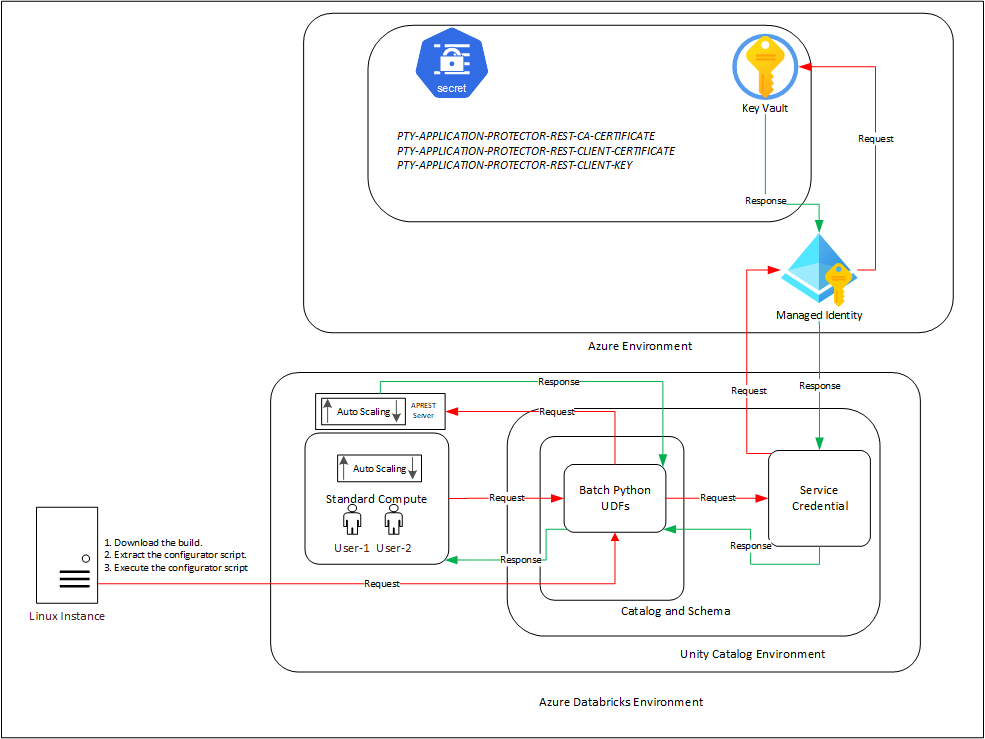
An outline of the steps in the workflow is explained below.
The architecture for installing the Azure Databricks protector using the Cloud Protector approach is depicted in the image below.
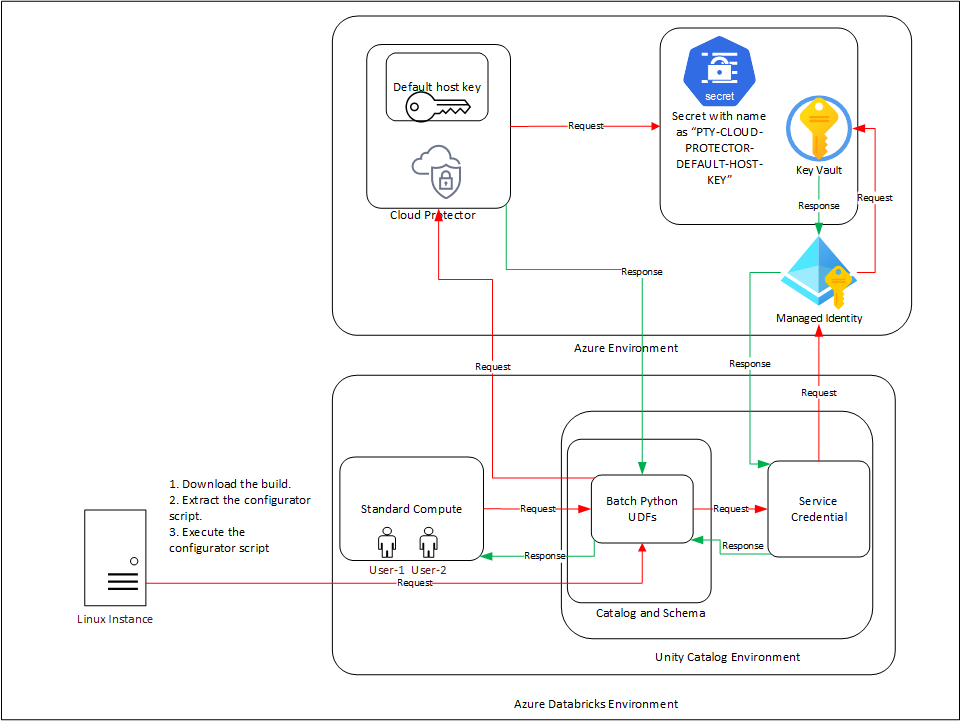
An outline of the steps in the workflow is explained below.
PTY-CLOUD-PROTECTOR-DEFAULT-HOST-KEY.Ensure that the following prerequisites are available before installing the Big Data Protector:
Python3 along with the requests module is installed on the machine to execute the configurator script.
A compatible version of the ESA/PPC is installed, configured, and running.
Access to the Databricks workspace is available.
A Databricks cluster, of any one of the following types, is created and is in the running state:
Create the Databricks Service Principal.
The Databricks Service Principal must have the Can attach to permission on the cluster.
Create the following certificates for mutual TLS authorization:
Note: Generate these certificates ONLY after retrieving the IP address of the Application Protector REST server.
Create an Azure Managed Identity and connect it with the Azure Key Vault Secret.
Permission to create an Azure Key Vault and store secrets is available.
Create an Azure Databricks Unity Catalog Service Credential using the Azure Managed Identity.
Note: For more information about creating the credential, refer to Create a service credential using a managed identity.
The Azure Managed Identity is granted the Key Vault Secrets User permission.
The Databricks Service Principal must have the access permissions on the Databricks Unity Catalog Service Credential.
A Databricks Unity Catalog Volume is available with a Catalog and a Schema and the following permissions:
The prerequisites required to install and run the Big Data Protector on a Databricks Compute are listed below.
Python3 along with the requests module is installed on the machine to execute the configurator script.
A compatible version of the ESA/PPC is installed, configured, and running.
Access to the Databricks workspace is available.
A Databricks cluster, of any one of the following types, is created and is in the running state:
Create the Databricks Service Principal.
The Databricks Service Principal must have the Can attach to permission on the cluster.
Install and configure the Cloud API on Azure.
Note: For more information about installing and configuring the Cloud API on Azure, refer to Cloud API.
To modify the core parameters for RPSync, refer to Policy Agent Installation.
Install and configure a compatible version of the ESA.
Note: For more information about compatible ESA versions, refer to Cloud API.
Create an Azure Databricks Unity Catalog Service Credential.
Note: For more information about creating the credential, refer to Create service credentials.
Assigned the ACCESS privilege to the principals that will be using the Azure Databricks Unity Catalog Service Credential.
Create a service principal and OAuth secret to deploy the UDFs.
Note: For more information, refer to Authorize service principal access to Azure Databricks with OAuth.
Optional: Configure private connectivity to the Protegrity Cloud API.
Note: For more information, refer to Configure private connectivity to resources in your VNet.
A Databricks Unity Catalog Volume is available with a Catalog and a Schema and the following permissions:
To use a SQL Warehouse with the Cloud Protector approach, create a SQL Warehouse. For more information, refer to Create a SQL warehouse.
Extract the contents of the installation package to access the configurator script. This script generates the required files to install the Big Data Protector.
To extract the files from the installation package:
Log in to the Linux machine that has connectivity to ESA/PPC.
Download the Big Data Protector package BigDataProtector_Linux-ALL-64_x86-64_Azure.Databricks-<DBR_version>-64_<BDP_version>.tgz to any local directory.
To extract the files from the installation packaage, run the following command:
tar -xvf BigDataProtector_Linux-ALL-64_x86-64_Azure.Databricks-<DBR_version>-64_<BDP_version>.tgz
Press ENTER.
The command extracts the installation package and the GPG signature files.
BigDataProtector_Linux-ALL-64_x86-64_Azure.Databricks-<DBR_version>-64_<BDP_version>.tgz
signatures/
signatures/BigDataProtector_Linux-ALL-64_x86-64_Azure.Databricks-<DBR_version>-64_<BDP_version>.tgz_10.0.sig
Verify the authenticity of the build using the signatures folder. For more information, refer to Verification of Signed Protector Build.
To extract the configurator script, run the following command:
tar -xvf BigDataProtector_Linux-ALL-64_x86-64_Azure.Databricks-<DBR_version>-64_<BDP_version>.tgz
Press ENTER.
The command extracts the configurator script.
BigDataProtector-Configurator_Linux-ALL-64_x86-64_Azure.Databricks-<DBR_version>-64_<BDP_version>.sh
The configurator script performs the following tasks:
The configurator script provides the --help option to understand the options and the arguments to be provided.
To understand the options and the arguments for the configurator script:
./BigDataProtector-Configurator_Linux-ALL-64_x86-64_Azure.Databricks-<DBR_version>-64_<BDP_version>.sh --help
This script utilizes one of the following approaches:
-----------------------------------
| ID | Approach                   |
-----------------------------------
|  1 | Application Protector REST |
|  2 | Cloud Protector            |
-----------------------------------

###########################################################################################

If you want to use Application Protector REST approach, following operations are supported:
----------------------------------------------------------
| ID | Operation                                         |
----------------------------------------------------------
|  1 | Get Application Protector REST's Server IP        |
|  2 | Create Databricks Unity Catalog Batch Python UDFs |
|  3 | Delete Databricks Unity Catalog Batch Python UDFs |
----------------------------------------------------------

To Get Application Protector REST's Server IP, following inputs are required:
Using interactive prompts:
1. The ID of the operation as "1"
2. The URL of the Databricks Workspace
3. The Application ID of the Databricks Service Principal
4. The OAuth Secret of the Databricks Service Principal
5. The ID of the Databricks Compute

Using command-line arguments:
--operation_id "1"
--databricks_workspace_url "databricks_workspace_url"
--databricks_service_principal_application_id "databricks_service_principal_application_id"
--databricks_service_principal_oauth_secret "databricks_service_principal_oauth_secret"
--databricks_compute_id "databricks_compute_id"

Using .cfg file (pass the path of the .cfg file to this script as a command-line argument):
operation_id = "1"
databricks_workspace_url = "databricks_workspace_url"
databricks_service_principal_application_id = "databricks_service_principal_application_id"
databricks_service_principal_oauth_secret = "databricks_service_principal_oauth_secret"
databricks_compute_id = "databricks_compute_id"

To Create Databricks Unity Catalog Batch Python UDFs, following inputs are required:
Using interactive prompts:
1. The ID of the operation as "2"
2. The URL of the Databricks Workspace
3. The Application ID of the Databricks Service Principal
4. The OAuth Secret of the Databricks Service Principal
5. The ID of the Databricks Compute
6. The name of the Databricks Unity Catalog Catalog-Schema
7. The ID of the approach as "1"
8. The path of the CA Certificate
9. The path of the Server Certificate
10. The path of the Server Key
11. The name of the Azure Key Vault
12. The name of the Databricks Unity Catalog Service Credential
13. The path of the Databricks Unity Catalog Volume

Using command-line arguments:
--operation_id "2"
--databricks_workspace_url "databricks_workspace_url"
--databricks_service_principal_application_id "databricks_service_principal_application_id"
--databricks_service_principal_oauth_secret "databricks_service_principal_oauth_secret"
--databricks_compute_id "databricks_compute_id"
--databricks_unity_catalog_catalog_schema_name "databricks_unity_catalog_catalog_schema_name"
--approach_id "1"
--ca_certificate_path "ca_certificate_path"
--server_certificate_path "server_certificate_path"
--server_key_path "server_key_path"
--azure_key_vault_name "azure_key_vault_name"
--databricks_unity_catalog_service_credential_name "databricks_unity_catalog_service_credential_name"
--databricks_unity_catalog_volume_path "databricks_unity_catalog_volume_path"

Using .cfg file (pass the path of the .cfg file to this script as a command-line argument):
operation_id = "2"
databricks_workspace_url = "databricks_workspace_url"
databricks_service_principal_application_id = "databricks_service_principal_application_id"
databricks_service_principal_oauth_secret = "databricks_service_principal_oauth_secret"
databricks_compute_id = "databricks_compute_id"
databricks_unity_catalog_catalog_schema_name = "databricks_unity_catalog_catalog_schema_name"
approach_id = "1"
ca_certificate_path = "ca_certificate_path"
server_certificate_path = "server_certificate_path"
server_key_path = "server_key_path"
azure_key_vault_name = "azure_key_vault_name"
databricks_unity_catalog_service_credential_name = "databricks_unity_catalog_service_credential_name"
databricks_unity_catalog_volume_path = "databricks_unity_catalog_volume_path"

To Delete Databricks Unity Catalog Batch Python UDFs, following inputs are required:
Using interactive prompts:
1. The ID of the operation as "3"
2. The URL of the Databricks Workspace
3. The Application ID of the Databricks Service Principal
4. The OAuth Secret of the Databricks Service Principal
5. The ID of the Databricks Compute
6. The name of the Databricks Unity Catalog Catalog-Schema
7. The ID of the approach as "1"
8. The path of the Databricks Unity Catalog Volume

Using command-line arguments:
--operation_id "3"
--databricks_workspace_url "databricks_workspace_url"
--databricks_service_principal_application_id "databricks_service_principal_application_id"
--databricks_service_principal_oauth_secret "databricks_service_principal_oauth_secret"
--databricks_compute_id "databricks_compute_id"
--databricks_unity_catalog_catalog_schema_name "databricks_unity_catalog_catalog_schema_name"
--approach_id "1"
--databricks_unity_catalog_volume_path "databricks_unity_catalog_volume_path"

Using .cfg file (pass the path of the .cfg file to this script as a command-line argument):
operation_id = "3"
databricks_workspace_url = "databricks_workspace_url"
databricks_service_principal_application_id = "databricks_service_principal_application_id"
databricks_service_principal_oauth_secret = "databricks_service_principal_oauth_secret"
databricks_compute_id = "databricks_compute_id"
databricks_unity_catalog_catalog_schema_name = "databricks_unity_catalog_catalog_schema_name"
approach_id = "1"
databricks_unity_catalog_volume_path = "databricks_unity_catalog_volume_path"

################################################################################

If you want to use Cloud Protector approach, following operations are supported:
----------------------------------------------------------
| ID | Operation                                         |
----------------------------------------------------------
|  1 | Create Databricks Unity Catalog Batch Python UDFs |
|  2 | Delete Databricks Unity Catalog Batch Python UDFs |
----------------------------------------------------------

To Create Databricks Unity Catalog Batch Python UDFs, following inputs are required:
Using interactive prompts:
1. The ID of the operation as "2"
2. The URL of the Databricks Workspace
3. The Application ID of the Databricks Service Principal
4. The OAuth Secret of the Databricks Service Principal
5. The ID of the Databricks Compute
6. The name of the Databricks Unity Catalog Catalog-Schema
7. The ID of the approach as "2"
8. The URL of the Azure Function App's Protect Function
9. The URL of the Azure Function App's Unprotect Function
10. The name of the Azure Key Vault
11. The name of the Databricks Unity Catalog Service Credential
12. The path of the Databricks Unity Catalog Volume

Using command-line arguments:
--operation_id "2"
--databricks_workspace_url "databricks_workspace_url"
--databricks_service_principal_application_id "databricks_service_principal_application_id"
--databricks_service_principal_oauth_secret "databricks_service_principal_oauth_secret"
--databricks_compute_id "databricks_compute_id"
--databricks_unity_catalog_catalog_schema_name "databricks_unity_catalog_catalog_schema_name"
--approach_id "2"
--azure_function_app_protect_function_url "azure_function_app_protect_function_url"
--azure_function_app_unprotect_function_url "azure_function_app_unprotect_function_url"
--azure_key_vault_name "azure_key_vault_name"
--databricks_unity_catalog_service_credential_name "databricks_unity_catalog_service_credential_name"
--databricks_unity_catalog_volume_path "databricks_unity_catalog_volume_path"

Using .cfg file (pass the path of the .cfg file to this script as a command-line argument):
operation_id = "2"
databricks_workspace_url = "databricks_workspace_url"
databricks_service_principal_application_id = "databricks_service_principal_application_id"
databricks_service_principal_oauth_secret = "databricks_service_principal_oauth_secret"
databricks_compute_id = "databricks_compute_id"
databricks_unity_catalog_catalog_schema_name = "databricks_unity_catalog_catalog_schema_name"
approach_id = "2"
azure_function_app_protect_function_url = "azure_function_app_protect_function_url"
azure_function_app_unprotect_function_url = "azure_function_app_unprotect_function_url"
azure_key_vault_name = "azure_key_vault_name"
databricks_unity_catalog_service_credential_name = "databricks_unity_catalog_service_credential_name"
databricks_unity_catalog_volume_path = "databricks_unity_catalog_volume_path"

To Delete Databricks Unity Catalog Batch Python UDFs, following inputs are required:
Using interactive prompts:
1. The ID of the operation as "3"
2. The URL of the Databricks Workspace
3. The Application ID of the Databricks Service Principal
4. The OAuth Secret of the Databricks Service Principal
5. The ID of the Databricks Compute
6. The name of the Databricks Unity Catalog Catalog-Schema
7. The ID of the approach as "2"
8. The path of the Databricks Unity Catalog Volume

Using command-line arguments:
--operation_id "3"
--databricks_workspace_url "databricks_workspace_url"
--databricks_service_principal_application_id "databricks_service_principal_application_id"
--databricks_service_principal_oauth_secret "databricks_service_principal_oauth_secret"
--databricks_compute_id "databricks_compute_id"
--databricks_unity_catalog_catalog_schema_name "databricks_unity_catalog_catalog_schema_name"
--approach_id "2"
--databricks_unity_catalog_volume_path "databricks_unity_catalog_volume_path"

Using .cfg file (pass the path of the .cfg file to this script as a command-line argument):
operation_id = "3"
databricks_workspace_url = "databricks_workspace_url"
databricks_service_principal_application_id = "databricks_service_principal_application_id"
databricks_service_principal_oauth_secret = "databricks_service_principal_oauth_secret"
databricks_compute_id = "databricks_compute_id"
databricks_unity_catalog_catalog_schema_name = "databricks_unity_catalog_catalog_schema_name"
approach_id = "2"
databricks_unity_catalog_volume_path = "databricks_unity_catalog_volume_path"
The IP address for the Application Protector REST approach is required to generate the certificates. The certificates must be created using the retrieved IP address. These certificates will be used to establish a mutual trust between the Unity Catalog Batch Python UDFs and the Application Protector REST Server.
Note: The instructions mentioned in the section apply only to the Application Protector REST approach.
./BigDataProtector-Configurator_Linux-ALL-64_x86-64_Azure.Databricks-<DBR_version>-64_<BDP_version>.sh
Creating installation files...
Created installation files.

The ID of the operation needs to be one of the following:
----------------------------------------------------------
| ID | Operation                                         |
----------------------------------------------------------
|  1 | Get Application Protector REST's Server IP        |
|  2 | Create Databricks Unity Catalog Batch Python UDFs |
|  3 | Delete Databricks Unity Catalog Batch Python UDFs |
----------------------------------------------------------
Enter the ID of the operation:
1.Enter the URL of the Databricks Workspace:
Enter the Application ID of the Databricks Service Principal:
Enter the OAuth Secret of the Databricks Service Principal:
Enter the ID of the Databricks Compute:
Note: The Cluster ID can be either for Standard Compute or Dedicated Compute. For more information about identifying the Cluster ID, refer to Get identifiers for workspace objects.
Executing specified operation...

APREST Protector's Server IP: x.x.x.x

Executed specified operation.
The CA and the Client certificates are important entities in the mutual trust process. These certificates determine the authentication and authorization for the Application Protector REST server. As a result, it is critical to store these certificates in a secured location. Therefore, upload the certificates to the Azure Key Vault in Azure where they will be stored as secrets.
Note: The instructions mentioned in the section apply only to the Application Protector REST approach.
Before you begin:
To upload the secrets:
Log in to the machine where the certificates are created.
Launch the python console.
To view the contents of the CA.pem file and store it as PTY-APPLICATION-PROTECTOR-REST-CA-CERTIFICATE, run the following command:
with open("ca/CA.pem") as file:
    file.read()
Press ENTER.
The command displays the contents of the CA.pem file.
To view the contents of the client.pem file and store it as PTY-APPLICATION-PROTECTOR-REST-CLIENT-CERTIFICATE, run the following command:
with open("client/client.pem") as file:
    file.read()
Press ENTER.
The command displays the contents of the client.pem file.
To view the contents of the client.key file and store it as PTY-APPLICATION-PROTECTOR-REST-CLIENT-KEY, run the following command:
with open("client/client.key") as file:
    file.read()
Press ENTER.
The command displays the contents of the client.key file.
Log in to the Azure portal.
Navigate to the required key vault.
From the left-pane, expand Objects and click Secrets.
The Secrets page appears.
Click Generate/Import.
The Create a secret page appears.
Enter the details, as listed in the table, in a new row.
Key | Value |
|---|---|
PTY-APPLICATION-PROTECTOR-REST-CA-CERTIFICATE |
|
PTY-APPLICATION-PROTECTOR-REST-CLIENT-CERTIFICATE |
|
PTY-APPLICATION-PROTECTOR-REST-CLIENT-KEY |
|
The parameters are displayed on the Secrets page of the key vault.
The process of installing the Big Data Protector involves the process of creating the user-defined functions.
The following combinations will work for a successful execution of the configurator script:
The Databricks SQL Warehouse + Application Protector REST approach combination will not work. This is because Protegrity executes a few Python commands on the Databricks Compute to retrieve a listening IP for the Application Protector REST’s Server. When the Databricks Compute is a SQL Warehouse, the Python commands fail to execute. This occurs because the SQL Warehouse supports only SQL commands.
The configurator script creates the UDFs. These Unity Catalog Batch Python UDFs are designed to perform data protection and unprotection operations. Select the required approach and the operation ID to create the UDFs using the Application Protector REST server. This section explains the process to create the UDFs using the interactive method of installation.
To create the UDFs:
Log in to the node having connectivity to ESA/PPC.
Navigate to the directory where the installation files are extracted.
To execute the configurator script, run the following command:
./BigDataProtector-Configurator_Linux-ALL-64_x86-64_Azure.Databricks-<DBR_version>-64_<BDP_version>.sh
Press ENTER.
The prompt to enter the operation ID appears.
Creating installation files...
Created installation files.

The ID of the operation needs to be one of the following:
----------------------------------------------------------
| ID | Operation                                         |
----------------------------------------------------------
|  1 | Get Application Protector REST's Server IP        |
|  2 | Create Databricks Unity Catalog Batch Python UDFs |
|  3 | Delete Databricks Unity Catalog Batch Python UDFs |
----------------------------------------------------------
Enter the ID of the operation:
To create the UDFs, type 2.
Press ENTER.
The prompt to enter the Databricks Workspace URL appears.
Enter the URL of the Databricks Workspace:
Enter the Databricks Workspace URL.
Press ENTER.
The prompt to enter the application ID of the Databricks Service Principal appears.
Enter the Application ID of the Databricks Service Principal:
Enter the Application ID of the Databricks Service Principal.
Press ENTER.
The prompt to enter the OAuth secret for the Service Principal appears.
Enter the OAuth Secret of the Databricks Service Principal:
Enter the OAuth secret.
Press ENTER.
The prompt to enter the cluster ID appears.
Enter the ID of the Databricks Compute:
Note: The Cluster ID can be either for Standard Compute or Dedicated Compute. For more information about identifying the Cluster ID, refer to Get identifiers for workspace objects.
Enter the Cluster ID.
Press ENTER.
The prompt to enter the name of the schema appears.
Enter the name of the Databricks Unity Catalog Catalog-Schema:
Enter the name of the catalog and the schema in the <catalog_name.schema_name> format.
Press ENTER.
The prompt to select the approach appears.
The ID of the approach needs to be one of the following:
-----------------------------------
| ID | Approach                   |
-----------------------------------
|  1 | Application Protector REST |
|  2 | Cloud Protector            |
-----------------------------------
Enter the ID of the approach:
To create the UDFs using the Application Protector REST approach, type 1.
Press ENTER.
The prompt to enter the path of the CA Certificate appears.
Enter the path of the CA Certificate:
Enter the path of the CA Certificate.
Press ENTER.
The prompt to enter the path of the Server Certificate appears.
Enter the path of the Server Certificate:
Enter the path of the Server Certificate.
Press ENTER.
The prompt to enter the path of the Server key appears.
Enter the path of the Server Key:
Enter the path of the Server Key.
Press ENTER.
The prompt to enter the name of the key vault appears.
Enter the name of the Azure Key Vault:
Enter the name of the Azure Key Vault.
Press ENTER.
The prompt to enter the name of the Service Credential appears.
Enter the name of the Databricks Unity Catalog Service Credential:
Enter the name of the Databricks Unity Catalog Service Credential.
Press ENTER.
The prompt to enter the path of the Unity Catalog Volume appears.
Enter the path of the Databricks Unity Catalog Volume:
Enter the path of the Databricks Unity Catalog Volume.
Press ENTER.
The script creates the UDFs at the specified location.
Executing specified operation...

Creating /Volumes/<catalog_name>/<schema_name>/<volume_name>/azure_identity-1.25.3-py3-none-any.whl file...
Created /Volumes/<catalog_name>/<schema_name>/<volume_name>/azure_identity-1.25.3-py3-none-any.whl file.

Creating /Volumes/<catalog_name>/<schema_name>/<volume_name>/azure_keyvault_secrets-4.11.0-py3-none-any.whl file...
Created /Volumes/<catalog_name>/<schema_name>/<volume_name>/azure_keyvault_secrets-4.11.0-py3-none-any.whl file.

Creating <catalog_name>.<schema_name>.pty_decrypt_string Databricks Unity Catalog Batch Python UDF...
Created <catalog_name>.<schema_name>.pty_decrypt_string Databricks Unity Catalog Batch Python UDF.

Creating <catalog_name>.<schema_name>.pty_encrypt_string Databricks Unity Catalog Batch Python UDF...
Created <catalog_name>.<schema_name>.pty_encrypt_string Databricks Unity Catalog Batch Python UDF.

Creating <catalog_name>.<schema_name>.pty_get_version Databricks Unity Catalog Batch Python UDF...
Created <catalog_name>.<schema_name>.pty_get_version Databricks Unity Catalog Batch Python UDF.

Creating <catalog_name>.<schema_name>.pty_get_version_extended Databricks Unity Catalog Batch Python UDF...
Created <catalog_name>.<schema_name>.pty_get_version_extended Databricks Unity Catalog Batch Python UDF.

Creating <catalog_name>.<schema_name>.pty_protect_binary Databricks Unity Catalog Batch Python UDF...
Created <catalog_name>.<schema_name>.pty_protect_binary Databricks Unity Catalog Batch Python UDF.

Creating <catalog_name>.<schema_name>.pty_protect_date Databricks Unity Catalog Batch Python UDF...
Created <catalog_name>.<schema_name>.pty_protect_date Databricks Unity Catalog Batch Python UDF.

Creating <catalog_name>.<schema_name>.pty_protect_int Databricks Unity Catalog Batch Python UDF...
Created <catalog_name>.<schema_name>.pty_protect_int Databricks Unity Catalog Batch Python UDF.

Creating <catalog_name>.<schema_name>.pty_protect_smallint Databricks Unity Catalog Batch Python UDF...
Created <catalog_name>.<schema_name>.pty_protect_smallint Databricks Unity Catalog Batch Python UDF.

Creating <catalog_name>.<schema_name>.pty_protect_string Databricks Unity Catalog Batch Python UDF...
Created <catalog_name>.<schema_name>.pty_protect_string Databricks Unity Catalog Batch Python UDF.

Creating <catalog_name>.<schema_name>.pty_protect_string_fpe Databricks Unity Catalog Batch Python UDF...
Created <catalog_name>.<schema_name>.pty_protect_string_fpe Databricks Unity Catalog Batch Python UDF.

Creating <catalog_name>.<schema_name>.pty_unprotect_binary Databricks Unity Catalog Batch Python UDF...
Created <catalog_name>.<schema_name>.pty_unprotect_binary Databricks Unity Catalog Batch Python UDF.

Creating <catalog_name>.<schema_name>.pty_unprotect_date Databricks Unity Catalog Batch Python UDF...
Created <catalog_name>.<schema_name>.pty_unprotect_date Databricks Unity Catalog Batch Python UDF.

Creating <catalog_name>.<schema_name>.pty_unprotect_int Databricks Unity Catalog Batch Python UDF...
Created <catalog_name>.<schema_name>.pty_unprotect_int Databricks Unity Catalog Batch Python UDF.

Creating <catalog_name>.<schema_name>.pty_unprotect_smallint Databricks Unity Catalog Batch Python UDF...
Created <catalog_name>.<schema_name>.pty_unprotect_smallint Databricks Unity Catalog Batch Python UDF.

Creating <catalog_name>.<schema_name>.pty_unprotect_string Databricks Unity Catalog Batch Python UDF...
Created <catalog_name>.<schema_name>.pty_unprotect_string Databricks Unity Catalog Batch Python UDF.

Creating <catalog_name>.<schema_name>.pty_unprotect_string_fpe Databricks Unity Catalog Batch Python UDF...
Created <catalog_name>.<schema_name>.pty_unprotect_string_fpe Databricks Unity Catalog Batch Python UDF.

Creating <catalog_name>.<schema_name>.pty_who_am_i Databricks Unity Catalog Batch Python UDF...
Created <catalog_name>.<schema_name>.pty_who_am_i Databricks Unity Catalog Batch Python UDF.

Creating /Volumes/<catalog_name>/<schema_name>/<volume_name>/BigDataProtector_Linux-ALL-64_x86-64_Azure.Databricks-<DBR_version>-64_<BDP_version>.tgz file...
Created /Volumes/<catalog_name>/<schema_name>/<volume_name>/BigDataProtector_Linux-ALL-64_x86-64_Azure.Databricks-<DBR_version>-64_<BDP_version>.tgz file.

Creating /Volumes/<catalog_name>/<schema_name>/<volume_name>/BigDataProtector-Init-Script_Linux-ALL-64_x86-64_Azure.Databricks-<DBR_version>-64_<BDP_version>.sh file...
Created /Volumes/<catalog_name>/<schema_name>/<volume_name>/BigDataProtector-Init-Script_Linux-ALL-64_x86-64_Azure.Databricks-<DBR_version>-64_<BDP_version>.sh file.

1. Create the following environment variables in the Spark section of the Advanced properties of the Databricks Compute:
PTY_ESA_IP=PTY_ESA_IP
PTY_ESA_PORT=PTY_ESA_PORT
Either PTY_ESA_TOKEN=PTY_ESA_TOKEN or PTY_ESA_ADMINISTRATOR_USERNAME=PTY_ESA_ADMINISTRATOR_USERNAME and PTY_ESA_ADMINISTRATOR_PASSWORD=PTY_ESA_ADMINISTRATOR_PASSWORD
PTY_AUDIT_STORE_IP_PORT=PTY_AUDIT_STORE_IP_PORT
PTY_PROTECTOR_CONFIGURATION=PTY_PROTECTOR_CONFIGURATION
PTY_ESA_CA_CERTIFICATE=PTY_ESA_CA_CERTIFICATE
PTY_ESA_FQDN=PTY_ESA_FQDN
2. Attach "/Volumes/<catalog_name>/<schema_name>/<volume_name>/BigDataProtector-Init-Script_Linux-ALL-64_x86-64_Azure.Databricks-<DBR_version>-64_<BDP_version>.sh" as an Init Script to the Databricks Compute.
3. Restart the Databricks Compute.

Executed specified operation.
The configurator script creates the UDFs. These Unity Catalog Batch Python UDFs can perform data protection and unprotection operations. Select the required approach and the operation ID to create the UDFs using the Cloud Protector. This section explains the process to create the UDFs using the interactive method of installation.
To create the UDFs:
Log in to the node having connectivity to ESA/PPC.
Navigate to the directory where the installation files are extracted.
To execute the configurator script, run the following command:
./BigDataProtector-Configurator_Linux-ALL-64_x86-64_Azure.Databricks-<DBR_version>-64_<BDP_version>.sh
Press ENTER.
The prompt to enter the operation ID appears.
Creating installation files...
Created installation files.

The ID of the operation needs to be one of the following:
----------------------------------------------------------
| ID | Operation                                         |
----------------------------------------------------------
|  1 | Get Application Protector REST's Server IP        |
|  2 | Create Databricks Unity Catalog Batch Python UDFs |
|  3 | Delete Databricks Unity Catalog Batch Python UDFs |
----------------------------------------------------------
Enter the ID of the operation:
To create the UDFs, type 2.
Press ENTER.
The prompt to enter the Databricks Workspace URL appears.
Enter the URL of the Databricks Workspace:
Enter the Databricks Workspace URL.
Press ENTER.
The prompt to enter the application ID of the Databricks Service Principal appears.
Enter the Application ID of the Databricks Service Principal:
Enter the Application ID of the Databricks Service Principal.
Press ENTER.
The prompt to enter the OAuth secret for the Service Principal appears.
Enter the OAuth Secret of the Databricks Service Principal:
Enter the OAuth secret.
Press ENTER.
The prompt to enter the cluster ID appears.
Enter the ID of the Databricks Compute:
Note: The Cluster ID can be either for SQL Warehouse, Standard Compute or Dedicated Compute. For more information about identifying the Cluster ID, refer to Get identifiers for workspace objects.
Enter the Cluster ID.
Press ENTER.
The prompt to enter the name of the schema appears.
Enter the name of the Databricks Unity Catalog Catalog-Schema:
Enter the name of the catalog and the schema in the <catalog_name.schema_name> format.
Press ENTER.
The prompt to select the approach appears.
The ID of the approach needs to be one of the following:
-----------------------------------
| ID | Approach                   |
-----------------------------------
|  1 | Application Protector REST |
|  2 | Cloud Protector            |
-----------------------------------
Enter the ID of the approach:
To create the UDFs using the Cloud Protector approach, type 2.
Press ENTER.
The prompt to enter the protection endpoint appears.
Enter the URL of the Azure Function App's Protect Function:
Enter the protection endpoint.
Press ENTER.
The prompt to enter the unprotection endpoint appears.
Enter the URL of the Azure Function App's Unprotect Function:
Enter the unprotection endpoint.
Press ENTER.
The prompt to enter the name of the key vault appears.
Enter the name of the Azure Key Vault:
Enter the name of the Azure Key Vault.
Press ENTER.
The prompt to enter the name of the Service Credential appears.
Enter the name of the Databricks Unity Catalog Service Credential:
Enter the name of the Databricks Unity Catalog Service Credential.
Press ENTER.
The prompt to enter the path of the Unity Catalog volume appears.
Enter the path of the Databricks Unity Catalog Volume:
Enter the location of the Unity Catalog volume.
Press ENTER.
The script creates the UDFs at the specified location.
Executing specified operation...

Creating /Volumes/<catalog_name>/<schema_name>/<volume_name>/azure_identity-1.25.3-py3-none-any.whl file...
Created /Volumes/<catalog_name>/<schema_name>/<volume_name>/azure_identity-1.25.3-py3-none-any.whl file.

Creating /Volumes/<catalog_name>/<schema_name>/<volume_name>/azure_keyvault_secrets-4.11.0-py3-none-any.whl file...
Created /Volumes/<catalog_name>/<schema_name>/<volume_name>/azure_keyvault_secrets-4.11.0-py3-none-any.whl file.

Creating <catalog_name>.<schema_name>.pty_decrypt_string Databricks Unity Catalog Batch Python UDF...
Created <catalog_name>.<schema_name>.pty_decrypt_string Databricks Unity Catalog Batch Python UDF.

Creating <catalog_name>.<schema_name>.pty_encrypt_string Databricks Unity Catalog Batch Python UDF...
Created <catalog_name>.<schema_name>.pty_encrypt_string Databricks Unity Catalog Batch Python UDF.

Creating <catalog_name>.<schema_name>.pty_get_version Databricks Unity Catalog Batch Python UDF...
Created <catalog_name>.<schema_name>.pty_get_version Databricks Unity Catalog Batch Python UDF.

Creating <catalog_name>.<schema_name>.pty_get_version_extended Databricks Unity Catalog Batch Python UDF...
Created <catalog_name>.<schema_name>.pty_get_version_extended Databricks Unity Catalog Batch Python UDF.

Creating <catalog_name>.<schema_name>.pty_protect_binary Databricks Unity Catalog Batch Python UDF...
Created <catalog_name>.<schema_name>.pty_protect_binary Databricks Unity Catalog Batch Python UDF.

Creating <catalog_name>.<schema_name>.pty_protect_date Databricks Unity Catalog Batch Python UDF...
Created <catalog_name>.<schema_name>.pty_protect_date Databricks Unity Catalog Batch Python UDF.

Creating <catalog_name>.<schema_name>.pty_protect_int Databricks Unity Catalog Batch Python UDF...
Created <catalog_name>.<schema_name>.pty_protect_int Databricks Unity Catalog Batch Python UDF.

Creating <catalog_name>.<schema_name>.pty_protect_smallint Databricks Unity Catalog Batch Python UDF...
Created <catalog_name>.<schema_name>.pty_protect_smallint Databricks Unity Catalog Batch Python UDF.

Creating <catalog_name>.<schema_name>.pty_protect_string Databricks Unity Catalog Batch Python UDF...
Created <catalog_name>.<schema_name>.pty_protect_string Databricks Unity Catalog Batch Python UDF.

Creating <catalog_name>.<schema_name>.pty_unprotect_binary Databricks Unity Catalog Batch Python UDF...
Created <catalog_name>.<schema_name>.pty_unprotect_binary Databricks Unity Catalog Batch Python UDF.

Creating <catalog_name>.<schema_name>.pty_unprotect_date Databricks Unity Catalog Batch Python UDF...
Created <catalog_name>.<schema_name>.pty_unprotect_date Databricks Unity Catalog Batch Python UDF.

Creating <catalog_name>.<schema_name>.pty_unprotect_int Databricks Unity Catalog Batch Python UDF...
Created <catalog_name>.<schema_name>.pty_unprotect_int Databricks Unity Catalog Batch Python UDF.

Creating <catalog_name>.<schema_name>.pty_unprotect_smallint Databricks Unity Catalog Batch Python UDF...
Created <catalog_name>.<schema_name>.pty_unprotect_smallint Databricks Unity Catalog Batch Python UDF.

Creating <catalog_name>.<schema_name>.pty_unprotect_string Databricks Unity Catalog Batch Python UDF...
Created <catalog_name>.<schema_name>.pty_unprotect_string Databricks Unity Catalog Batch Python UDF.

Creating <catalog_name>.<schema_name>.pty_who_am_i Databricks Unity Catalog Batch Python UDF...
Created <catalog_name>.<schema_name>.pty_who_am_i Databricks Unity Catalog Batch Python UDF.

Executed specified operation.
The process of configuring the Big Data Protector involves the process of editing the cluster configuration.
After executing the configurator script and creating the UDFs, update the cluster to include the following configurations:
BigDataProtector-Init-Script_Linux-ALL-64_x86-64_Azure.Databricks-<DBR_version>-64_<BDP_version>.sh script to the Databricks compute.Ensure that the ESA is started and in a running state before restarting the Databricks cluster after updating the configurations.
Note: The instructions mentioned in the section apply only to the Application Protector REST approach.
kubectl -n api-gateway get secret ingress-certificate-secret -o jsonpath='{.data.ca\.crt}' | base64 -d > /tmp/ProtegrityCA.pem
openssl x509 -in /tmp/ProtegrityCA.pem -noout -subject -issuer
base64 -w0 /tmp/ProtegrityCA.pem
PTY_ESA_CA_CERTIFICATE variable.Note: For security reasons, Protegrity recommends storing the base64-encoded value from step 4 in a Databricks Secret and referencing it as {{secrets/<scope_name>/<key_name>}}. For more information about using Databricks Secrets, refer to Secret management.
Log in to the Databricks portal.
Edit the required cluster.
Expand the Advanced section.
Click the Spark tab.
Under Environment variables, add the variables, with their values, listed in the table:
| Variable | Value |
|---|---|
PTY_ESA_IP | Enter ESA or PPC IP address. |
PTY_ESA_PORT | Enter the port number to connect to ESA or PPC. |
PTY_ESA_TOKEN | Enter the JWT token to connect to ESA or PPC. |
PTY_ESA_ADMINISTRATOR_USERNAME | Enter the username to connect to ESA or PPC. This is required only if a token is not used. |
PTY_ESA_ADMINISTRATOR_PASSWORD | {{secrets/<scope_name>/<key_name>}}This is required only if a token is not used. |
PTY_AUDIT_STORE_IP_PORT | Enter the IP address to connect to the Audit Store. The value is a comma-separated string of <audit_store_ip>:<audit_store_port>. For example, 11.22.33.44:9200, 55.66.77.88:9200 |
PTY_PROTECTOR_CONFIGURATION | Enter the protector configuration values. The values will be a single string of comma-separated configurations. For example: [Policy management] policyrefreshinterval = 60[Policy management] emptystring = null |
PTY_ESA_CA_CERTIFICATE | {{secrets/<scope_name>/<key_name>}} Set this configuration only to interact with PPC. Enter the base64-encoded PEM of the ESA signing CA. Required when the ESA presents a CA-signed certificate without its CA chain. |
PTY_ESA_FQDN | Enter the Fully Qualified Domain Name of ESA or PPC. This is an optional parameter. |
Note: To store the ESA or PPC password and PPC CA certificate, it is recommended to use Databricks Secrets. For more information about using Databricks Secrets, refer to Secret management.
Click the Init scripts tab.
From the Source list, select Volumes.
In the File path box, enter the location of the initialization script.
To save the changes and restart the cluster, click Confirm and restart.
Note: If the initialization script fails with a non-zero exit code, enable cluster logging to view the error log files for troubleshooting purposes.
When the cluster is restarted, the initialization script starts the Application Protector REST service on every node in the cluster. After the Application Protector REST service is started, use the Unity Catalog Batch Python UDFs to protect and unprotect data.
Note: The process to execute the initialization script will take some time before the cluster is ready to use for performing protect and unprotect operations. For more information on using the UDFs for protect and unprotect operations, refer to Unity Catalog Batch Python UDFs.
The process of uninstalling the Big Data Protector involves the process of removing the user-defined functions.
Deleting the UDFs is an optional step and must be performed only to clean up the Databricks cluster. The configurator script is used to delete the UDFs. You must select the required approach and the operation ID to delete the UDFs using the Application Protector REST server. This section explains the process to delete the UDFs using the interactive method of installation.
To delete the UDFs:
Log in to the node having connectivity to ESA/PPC.
Navigate to the directory where the installation files are extracted.
To execute the configurator script, run the following command:
./BigDataProtector-Configurator_Linux-ALL-64_x86-64_Azure.Databricks-<DBR_version>-64_<BDP_version>.sh
Press ENTER.
The prompt to enter the operation ID appears.
Creating installation files...
Created installation files.

The ID of the operation needs to be one of the following:
----------------------------------------------------------
| ID | Operation                                         |
----------------------------------------------------------
|  1 | Get Application Protector REST's Server IP        |
|  2 | Create Databricks Unity Catalog Batch Python UDFs |
|  3 | Delete Databricks Unity Catalog Batch Python UDFs |
----------------------------------------------------------
Enter the ID of the operation:
To delete the UDFs, type 3.
Press ENTER.
The prompt to enter the Databricks Workspace URL appears.
Enter the URL of the Databricks Workspace:
Enter the Databricks Workspace URL.
Press ENTER.
The prompt to enter the application ID of the Databricks Service Principal appears.
Enter the Application ID of the Databricks Service Principal:
Enter the Application ID of the Databricks Service Principal.
Press ENTER.
The prompt to enter the OAuth secret for the Service Principal appears.
Enter the OAuth Secret of the Databricks Service Principal:
Enter the OAuth secret.
Press ENTER.
The prompt to enter the cluster ID appears.
Enter the ID of the Databricks Compute:
Enter the Cluster ID.
Note: The Cluster ID can be either for Standard Compute or Dedicated Compute. For more information about identifying the Cluster ID, refer to Get identifiers for workspace objects.
Press ENTER.
The prompt to enter the name of the schema appears.
Enter the name of the Databricks Unity Catalog Catalog-Schema:
Enter the name of the catalog and the schema in the <catalog_name.schema_name> format.
Press ENTER.
The prompt to enter the ID of the approach appears.
The ID of the approach needs to be one of the following:
-----------------------------------
| ID | Approach                   |
-----------------------------------
|  1 | Application Protector REST |
|  2 | Cloud Protector            |
-----------------------------------
Enter the ID of the approach:
To delete the UDFs using the APREST approach, type 1.
Press ENTER.
The prompt to enter the path of the Databricks Unity Catalog Volume appears.
Enter the path of the Databricks Unity Catalog Volume:
Enter the complete location of the Databricks Unity Catalog Volume.
Press ENTER.
The script deletes the UDFs from the specified location.
Executing specified operation...

Deleting <catalog_name>.<schema_name>.pty_decrypt_string Databricks Unity Catalog Batch Python UDF...
Deleted <catalog_name>.<schema_name>.pty_decrypt_string Databricks Unity Catalog Batch Python UDF.

Deleting <catalog_name>.<schema_name>.pty_encrypt_string Databricks Unity Catalog Batch Python UDF...
Deleted <catalog_name>.<schema_name>.pty_encrypt_string Databricks Unity Catalog Batch Python UDF.

Deleting <catalog_name>.<schema_name>.pty_get_version Databricks Unity Catalog Batch Python UDF...
Deleted <catalog_name>.<schema_name>.pty_get_version Databricks Unity Catalog Batch Python UDF.

Deleting <catalog_name>.<schema_name>.pty_get_version_extended Databricks Unity Catalog Batch Python UDF...
Deleted <catalog_name>.<schema_name>.pty_get_version_extended Databricks Unity Catalog Batch Python UDF.

Deleting <catalog_name>.<schema_name>.pty_protect_binary Databricks Unity Catalog Batch Python UDF...
Deleted <catalog_name>.<schema_name>.pty_protect_binary Databricks Unity Catalog Batch Python UDF.

Deleting <catalog_name>.<schema_name>.pty_protect_date Databricks Unity Catalog Batch Python UDF...
Deleted <catalog_name>.<schema_name>.pty_protect_date Databricks Unity Catalog Batch Python UDF.

Deleting <catalog_name>.<schema_name>.pty_protect_int Databricks Unity Catalog Batch Python UDF...
Deleted <catalog_name>.<schema_name>.pty_protect_int Databricks Unity Catalog Batch Python UDF.

Deleting <catalog_name>.<schema_name>.pty_protect_smallint Databricks Unity Catalog Batch Python UDF...
Deleted <catalog_name>.<schema_name>.pty_protect_smallint Databricks Unity Catalog Batch Python UDF.

Deleting <catalog_name>.<schema_name>.pty_protect_string Databricks Unity Catalog Batch Python UDF...
Deleted <catalog_name>.<schema_name>.pty_protect_string Databricks Unity Catalog Batch Python UDF.

Deleting <catalog_name>.<schema_name>.pty_protect_string_fpe Databricks Unity Catalog Batch Python UDF...
Deleted <catalog_name>.<schema_name>.pty_protect_string_fpe Databricks Unity Catalog Batch Python UDF.

Deleting <catalog_name>.<schema_name>.pty_unprotect_binary Databricks Unity Catalog Batch Python UDF...
Deleted <catalog_name>.<schema_name>.pty_unprotect_binary Databricks Unity Catalog Batch Python UDF.

Deleting <catalog_name>.<schema_name>.pty_unprotect_date Databricks Unity Catalog Batch Python UDF...
Deleted <catalog_name>.<schema_name>.pty_unprotect_date Databricks Unity Catalog Batch Python UDF.

Deleting <catalog_name>.<schema_name>.pty_unprotect_int Databricks Unity Catalog Batch Python UDF...
Deleted <catalog_name>.<schema_name>.pty_unprotect_int Databricks Unity Catalog Batch Python UDF.

Deleting <catalog_name>.<schema_name>.pty_unprotect_smallint Databricks Unity Catalog Batch Python UDF...
Deleted <catalog_name>.<schema_name>.pty_unprotect_smallint Databricks Unity Catalog Batch Python UDF.

Deleting <catalog_name>.<schema_name>.pty_unprotect_string Databricks Unity Catalog Batch Python UDF...
Deleted <catalog_name>.<schema_name>.pty_unprotect_string Databricks Unity Catalog Batch Python UDF.

Deleting <catalog_name>.<schema_name>.pty_unprotect_string_fpe Databricks Unity Catalog Batch Python UDF...
Deleted <catalog_name>.<schema_name>.pty_unprotect_string_fpe Databricks Unity Catalog Batch Python UDF.

Deleting <catalog_name>.<schema_name>.pty_who_am_i Databricks Unity Catalog Batch Python UDF...
Deleted <catalog_name>.<schema_name>.pty_who_am_i Databricks Unity Catalog Batch Python UDF.

Deleting /Volumes/<catalog_name>/<schema_name>/<volume_name>/azure_identity-1.25.3-py3-none-any.whl file...
Deleted /Volumes/<catalog_name>/<schema_name>/<volume_name>/azure_identity-1.25.3-py3-none-any.whl file.

Deleting /Volumes/<catalog_name>/<schema_name>/<volume_name>/azure_keyvault_secrets-4.11.0-py3-none-any.whl file...
Deleted /Volumes/<catalog_name>/<schema_name>/<volume_name>/azure_keyvault_secrets-4.11.0-py3-none-any.whl file.

Deleting /Volumes/<catalog_name>/<schema_name>/<volume_name>/BigDataProtector_Linux-ALL-64_x86-64_Azure.Databricks-<DBR_version>-64_<BDP_version>.tgz file...
Deleted /Volumes/<catalog_name>/<schema_name>/<volume_name>/BigDataProtector_Linux-ALL-64_x86-64_Azure.Databricks-<DBR_version>-64_<BDP_version>.tgz file.

Deleting /Volumes/<catalog_name>/<schema_name>/<volume_name>/BigDataProtector-Init-Script_Linux-ALL-64_x86-64_Azure.Databricks-<DBR_version>-64_<BDP_version>.sh file...
Deleted /Volumes/<catalog_name>/<schema_name>/<volume_name>/BigDataProtector-Init-Script_Linux-ALL-64_x86-64_Azure.Databricks-<DBR_version>-64_<BDP_version>.sh file.

Executed specified operation.
Deleting the UDFs is an optional step and must be performed only to clean up the Databricks cluster. The configurator script is used to delete the UDFs. Select the required approach and the operation ID to delete the UDFs using the Cloud Protector. This section explains the process to delete the UDFs using the interactive method of installation.
To delete the UDFs:
./BigDataProtector-Configurator_Linux-ALL-64_x86-64_Azure.Databricks-<DBR_version>-64_<BDP_version>.sh
Creating installation files...
Created installation files.

The ID of the operation needs to be one of the following:
----------------------------------------------------------
| ID | Operation                                         |
----------------------------------------------------------
|  1 | Get Application Protector REST's Server IP        |
|  2 | Create Databricks Unity Catalog Batch Python UDFs |
|  3 | Delete Databricks Unity Catalog Batch Python UDFs |
----------------------------------------------------------
Enter the ID of the operation:
3.Enter the URL of the Databricks Workspace:
Enter the Application ID of the Databricks Service Principal:
Enter the OAuth Secret of the Databricks Service Principal
Enter the ID of the Databricks Compute:
Note: The Cluster ID can be either for SQL Warehouse, Standard Compute or Dedicated Compute. For more information about identifying the Cluster ID, refer to Get identifiers for workspace objects.
Enter the name of the Databricks Unity Catalog Catalog-Schema:
<catalog_name.schema_name> format.The ID of the approach needs to be one of the following:
-----------------------------------
| ID | Approach |
-----------------------------------
| 1 | Application Protector REST |
| 2 | Cloud Protector |
-----------------------------------
Enter the ID of the approach:
2.Enter the path of the Databricks Unity Catalog Volume:
Executing specified operation...

Deleting <catalog_name>.<schema_name>.pty_decrypt_string Databricks Unity Catalog Batch Python UDF...
Deleted <catalog_name>.<schema_name>.pty_decrypt_string Databricks Unity Catalog Batch Python UDF.

Deleting <catalog_name>.<schema_name>.pty_encrypt_string Databricks Unity Catalog Batch Python UDF...
Deleted <catalog_name>.<schema_name>.pty_encrypt_string Databricks Unity Catalog Batch Python UDF.

Deleting <catalog_name>.<schema_name>.pty_get_version Databricks Unity Catalog Batch Python UDF...
Deleted <catalog_name>.<schema_name>.pty_get_version Databricks Unity Catalog Batch Python UDF.

Deleting <catalog_name>.<schema_name>.pty_get_version_extended Databricks Unity Catalog Batch Python UDF...
Deleted <catalog_name>.<schema_name>.pty_get_version_extended Databricks Unity Catalog Batch Python UDF.

Deleting <catalog_name>.<schema_name>.pty_protect_binary Databricks Unity Catalog Batch Python UDF...
Deleted <catalog_name>.<schema_name>.pty_protect_binary Databricks Unity Catalog Batch Python UDF.

Deleting <catalog_name>.<schema_name>.pty_protect_date Databricks Unity Catalog Batch Python UDF...
Deleted <catalog_name>.<schema_name>.pty_protect_date Databricks Unity Catalog Batch Python UDF.

Deleting <catalog_name>.<schema_name>.pty_protect_int Databricks Unity Catalog Batch Python UDF...
Deleted <catalog_name>.<schema_name>.pty_protect_int Databricks Unity Catalog Batch Python UDF.

Deleting <catalog_name>.<schema_name>.pty_protect_smallint Databricks Unity Catalog Batch Python UDF...
Deleted <catalog_name>.<schema_name>.pty_protect_smallint Databricks Unity Catalog Batch Python UDF.

Deleting <catalog_name>.<schema_name>.pty_protect_string Databricks Unity Catalog Batch Python UDF...
Deleted <catalog_name>.<schema_name>.pty_protect_string Databricks Unity Catalog Batch Python UDF.

Deleting <catalog_name>.<schema_name>.pty_protect_string_fpe Databricks Unity Catalog Batch Python UDF...
Deleted <catalog_name>.<schema_name>.pty_protect_string_fpe Databricks Unity Catalog Batch Python UDF.

Deleting <catalog_name>.<schema_name>.pty_unprotect_binary Databricks Unity Catalog Batch Python UDF...
Deleted <catalog_name>.<schema_name>.pty_unprotect_binary Databricks Unity Catalog Batch Python UDF.

Deleting <catalog_name>.<schema_name>.pty_unprotect_date Databricks Unity Catalog Batch Python UDF...
Deleted <catalog_name>.<schema_name>.pty_unprotect_date Databricks Unity Catalog Batch Python UDF.

Deleting <catalog_name>.<schema_name>.pty_unprotect_int Databricks Unity Catalog Batch Python UDF...
Deleted <catalog_name>.<schema_name>.pty_unprotect_int Databricks Unity Catalog Batch Python UDF.

Deleting <catalog_name>.<schema_name>.pty_unprotect_smallint Databricks Unity Catalog Batch Python UDF...
Deleted <catalog_name>.<schema_name>.pty_unprotect_smallint Databricks Unity Catalog Batch Python UDF.

Deleting <catalog_name>.<schema_name>.pty_unprotect_string Databricks Unity Catalog Batch Python UDF...
Deleted <catalog_name>.<schema_name>.pty_unprotect_string Databricks Unity Catalog Batch Python UDF.

Deleting <catalog_name>.<schema_name>.pty_unprotect_string_fpe Databricks Unity Catalog Batch Python UDF...
Deleted <catalog_name>.<schema_name>.pty_unprotect_string_fpe Databricks Unity Catalog Batch Python UDF.

Deleting <catalog_name>.<schema_name>.pty_who_am_i Databricks Unity Catalog Batch Python UDF...
Deleted <catalog_name>.<schema_name>.pty_who_am_i Databricks Unity Catalog Batch Python UDF.

Deleting /Volumes/<catalog_name>/<schema_name>/<volume_name>/azure_identity-1.25.3-py3-none-any.whl file...
Deleted /Volumes/<catalog_name>/<schema_name>/<volume_name>/azure_identity-1.25.3-py3-none-any.whl file.

Deleting /Volumes/<catalog_name>/<schema_name>/<volume_name>/azure_keyvault_secrets-4.11.0-py3-none-any.whl file...
Deleted /Volumes/<catalog_name>/<schema_name>/<volume_name>/azure_keyvault_secrets-4.11.0-py3-none-any.whl file.

Executed specified operation.
The UDFs in this section are applicable only to install and configure the Big Data Protector in the Databricks environment.
This version of the build only supports Unity Catalog Batch Python UDFs that use the Application Protector REST and Cloud Protect approaches. The Hive and Spark UDFs and APIs that provide native protection within the cluster nodes are not packaged in this build. To use those features, please use the 9.1.0.0 builds.
The UDF returns the current user.
Signature:
pty_who_am_i()
Parameters:
| Name | Data Type | Description |
|---|---|---|
input | STRING | Specifies any random string value to be passed to fetch the current user. |
Result:
The UDF returns the current version of the protector.
Signature:
pty_get_version()
Parameters:
| Name | Data Type | Description |
|---|---|---|
input | STRING | Specifies any random string value to be passed to fetch the current version. |
Result:
Example:
select pty_get_version();
The UDF returns the extended version information of the protector.
Signature:
pty_get_version_extended();
Parameters:
| Name | Data Type | Description |
|---|---|---|
input | STRING | Specifies any random string value to be passed to fetch the extended version details. |
Result:
The UDF returns a String in the following format:
BDP: <bdp_version>, Application Protector REST: <aprest_version>, Jcore: <jcore_version>, Core: <core_version>;
where:
BDP: is the current version of the ProtectorApplication Protector REST: is the Application Protector REST versionJcore: is the Jcorelite versionCore: is the Core library versionExample:
select pty_get_version_extended();
The UDF protects the BINARY format data, which is provided as input.
Signature:
pty_protect_binary (input BINARY, data_element STRING)
Parameters:
| Name | Description |
|---|---|
input | Specifies the column that contains data in BINARY format, which needs to be protected. |
data_element | Specifies the data element used to protect the BINARY format data. |
Returns:
The UDF returns the BINARY format data, which is protected.
Example:
SELECT pty_protect_binary(<column_with_binary_data>, "<binary_data_element>");
The UDF unprotects the protected BINARY data, which is provided as an input.
Signature:
pty_unprotect_binary (input BINARY, data_element STRING)
Parameters:
| Name | Description |
|---|---|
input | Specifies the column that contains data in BINARY format, which needs to be unprotected. |
data_element | Specifies the data element used to unprotect the BINARY format data. |
Returns:
The UDF returns the BINARY format data, which is unprotected.
Example:
SELECT pty_unprotect_binary(<column_with_protected_binary_data>, "<binary_data_element>");
The UDF protects the DATE format data, which is provided as input.
Signature:
pty_protect_date (input DATE, data_element STRING)
Note: The supported DATE format is YYYY-MM-DD.
Parameters:
| Name | Description |
|---|---|
input | Specifies the column that contains data in DATE format, which needs to be protected. |
data_element | Specifies the data element used to protect the DATE format data. |
Returns:
The UDF returns the DATE format data, which is protected.
Example:
SELECT pty_protect_date(<column_with_date_data>, "de_datetime");
The UDF unprotects the protected DATE data, which is provided as an input.
Signature:
pty_unprotect_date (input DATE, data_element STRING)
Note: The supported DATE format is YYYY-MM-DD.
Parameters:
| Name | Description |
|---|---|
input | Specifies the column that contains data in DATE format, which needs to be unprotected. |
data_element | Specifies the data element used to unprotect the DATE format data. |
Returns:
The UDF returns the DATE format data, which is unprotected.
Example:
SELECT pty_unprotect_date(<column_with_protected_date_data>, "de_datetime");
The UDF protects the SMALLINT format data, which is provided as input.
Signature:
pty_protect_smallint (input SMALLINT, data_element STRING)
Parameters:
| Name | Description |
|---|---|
input | Specifies the column that contains data in SMALLINT format, which needs to be protected. |
data_element | Specifies the data element used to protect the SMALLINT format data. |
Returns:
The UDF returns the SMALLINT format data, which is protected.
Example:
SELECT pty_protect_smallint(<column_with_smallint_data>, "de_int2");
The UDF unprotects the protected SMALLINT data, which is provided as an input.
Signature:
pty_unprotect_smallint (input SMALLINT, data_element STRING)
Parameters:
| Name | Description |
|---|---|
input | Specifies the column that contains data in SMALLINT format, which needs to be unprotected. |
data_element | Specifies the data element used to unprotect the SMALLINT format data. |
Returns:
The UDF returns the SMALLINT format data, which is unprotected.
Example:
SELECT pty_unprotect_smallint(<column_with_protected_smallint_data>, "de_int2");
The UDF protects the INT format data, which is provided as input.
Signature:
pty_protect_int (input INT, data_element STRING)
Parameters:
| Name | Description |
|---|---|
input | Specifies the column that contains data in INT format, which needs to be protected. |
data_element | Specifies the data element used to protect the INT format data. |
Returns:
The UDF returns the INT format data, which is protected.
Example:
SELECT pty_protect_int(<column_with_int_data>, "de_int4");
The UDF unprotects the protected INT data, which is provided as an input.
Signature:
pty_unprotect_int (input INT, data_element STRING)
Parameters:
| Name | Description |
|---|---|
input | Specifies the column that contains data in INT format, which needs to be unprotected. |
data_element | Specifies the data element used to unprotect the INT format data. |
Returns:
The UDF returns the INT format data, which is unprotected.
Example:
SELECT pty_unprotect_int(<column_with_protected_int_data>, "de_int4");
The UDF protects the STRING format data, which is provided as input.
For BIGINT, DATETIME, DECIMAL, DOUBLE, and FLOAT data types, it is recommended to use the pty_protect_string() UDF.
For example:
SELECT pty_protect_string(CAST(<column_with_input_data> AS STRING), "<data_element>");
It is recommended to use the following data elements corresponding to their input data type:
BIGINT input, use an integer data element.SELECT pty_protect_string(CAST(<column_with_bigint_data> AS STRING), "de_int8");
SELECT pty_protect_string(CAST(<column_with_datetime_data> AS STRING), "de_datetime");
DECIMAL input, use a decimal data element.SELECT pty_protect_string(CAST(<column_with_decimal_data> AS STRING), "de_decimal");
DOUBLE input, either use a decimal, numeric, or a no encryption data element.SELECT pty_protect_string(CAST(<column_with_double_data> AS STRING), "de_decimal");
SELECT pty_protect_string(CAST(<column_with_double_data> AS STRING), "de_numeric");
FLOAT input, either use a decimal, numeric, or a no encryption data element.SELECT pty_protect_string(CAST(<column_with_float_data> AS STRING), "de_decimal");
SELECT pty_protect_string(CAST(<column_with_float_data> AS STRING), "de_numeric");
Signature:
pty_protect_string (input STRING, data_element STRING)
Note: The UDF accepts a maximum input length of 4081 characters.
Parameters:
| Name | Description |
|---|---|
input | Specifies the column that contains data in STRING format, which needs to be protected. |
data_element | Specifies the data element used to protect the STRING format data. |
Returns:
The UDF returns the STRING format data, which is protected.
Example:
SELECT pty_protect_string(<column_with_string_data>, "de_alphanum");
The UDF unprotects the STRING format data, which is provided as input.
For BIGINT, DATETIME, DECIMAL, DOUBLE, and FLOAT data types, it is recommended to use the pty_unprotect_string() UDF.
For example:
SELECT pty_unprotect_string(CAST(<column_with_protected_data> AS STRING), "<data_element>");
It is recommended to use the following data elements corresponding to their input data type:
BIGINT input, use an integer data element.SELECT pty_unprotect_string(CAST(<column_with_protected_bigint_data> AS STRING), "de_int8");
SELECT pty_unprotect_string(CAST(<column_with_protected_datetime_data> AS STRING), "de_datetime");
DECIMAL input, use a decimal data element.SELECT pty_unprotect_string(CAST(<column_with_protected_decimal_data> AS STRING), "de_decimal");
DOUBLE input, either use a decimal, numeric, or a no encryption data element.SELECT pty_unprotect_string(CAST(<column_with_protected_double_data> AS STRING), "de_decimal");
SELECT pty_unprotect_string(CAST(<column_with_protected_double_data> AS STRING), "de_numeric");
FLOAT input, either use a decimal, numeric, or a no encryption data element.SELECT pty_unprotect_string(CAST(<column_with_protected_float_data> AS STRING), "de_decimal");
SELECT pty_unprotect_string(CAST(<column_with_protected_float_data> AS STRING), "de_numeric");
Signature:
pty_unprotect_string (input STRING, data_element STRING)
Parameters:
| Name | Description |
|---|---|
input | Specifies the column that contains data in STRING format, which needs to be unprotected. |
data_element | Specifies the data element used to unprotect the STRING format data. |
Returns:
The UDF returns the STRING format data, which is unprotected.
Example:
SELECT pty_unprotect_string(<column_with_protected_string_data>, "de_alphanum");
The UDF encrypts STRING format data, which is provided as input.
Signature:
pty_encrypt_string (input STRING, data_element STRING)
Parameters:
| Name | Description |
|---|---|
input | Specifies the column that contains data in STRING format, which needs to be encrypted. |
data_element | Specifies the data element used to encrypt the STRING format data. |
Returns:
The UDF returns the BINARY format data, which is encrypted.
Example:
SELECT pty_encrypt_string(<column_with_string_data>, "<encryption_data_element>");
The UDF decrypts the encrypted BINARY data, which is provided as an input.
Signature:
pty_decrypt_string (input BINARY, data_element STRING)
Parameters:
| Name | Description |
|---|---|
input | Specifies the column that contains the data in the BINARY format, which needs to be decrypted. |
data_element | Specifies the data element used to decrypt the BINARY format data. |
Returns:
The UDF returns the STRING format data, which is decrypted.
Example:
SELECT pty_decrypt_string(<column_with_encrypted_string_data>, "<encryption_data_element>");
The UDF protects the STRING format data, which is provided as input.
Note: The UDF is compatible only with the Application Protector REST approach.
Signature:
pty_protect_string_fpe (input STRING, data_element STRING, encoding STRING)
Note: The UDF accepts a maximum input length of 4081 characters.
Parameters:
| Name | Description |
|---|---|
input | Specifies the column that contains the data in the STRING format, which needs to be protected. |
data_element | Specifies the data element used to protect the STRING format data. |
encoding | Specifies the encoding to be used for data protection. |
Returns:
The UDF returns the STRING format data, which is protected.
Example:
SELECT pty_protect_string_fpe(<column_with_string_data>, "de_alphanum", "utf_8");
Note: For more information about the supported encoding formats, refer to Standard Encodings
The UDF unprotects the protected STRING format data, which is provided as input.
Note: The UDF is compatible only with the Application Protector REST approach.
Signature:
pty_unprotect_string_fpe (input STRING, data_element STRING, encoding STRING)
Parameters:
| Name | Description |
|---|---|
input | Specifies the column that contains the data in the STRING format, which needs to be unprotected. |
data_element | Specifies the data element used to unprotect the STRING format data. |
encoding | Specifies the encoding to be used for data protection. |
Returns:
The UDF returns the STRING format data, which is unprotected.
Example:
SELECT pty_unprotect_string_fpe(<column_with_protected_string_data>, "de_alphanum", "utf_8");
Note: For more information about the supported encoding formats, refer Standard Encodings
The Protegrity Big Data Protector (Big Data Protector) uses vaultless tokenization and central policy control for access management and secures sensitive data at rest in the following areas:
The data is protected from internal and external threats, and users and business processes can continue to utilize the secured data.
Data protection may be by encryption or tokenization. In tokenization, the data is converted to similar looking inert data known as tokens where the data format and type can be preserved. These tokens can be detokenized back to the original values whenever required.
Protegrity protects data inside the files using tokenization and strong encryption protection methods. Depending on the user access rights and the policies set using Policy management in ESA, this data is unprotected.
The Protegrity Hadoop Big Data Protector provides the following features:
Currently, Protegrity supports MapReduce, Hive, Pig, HBase, Spark, and Impala, which utilizes HDFS or Ozone as the data storage layer. The following points can be referred to as general guidelines:
The various levels of protection provided by Hadoop Application Protection are explained below.
A MapReduce job in the Hadoop cluster involves sensitive data. You can use Protegrity interfaces to protect data when it is saved or retrieved from a protected source. The output data written by the job can be encrypted or tokenized. The protected data can be subsequently used by other jobs in the cluster in a secured manner. Field level data can be secured and ingested into HDFS by independent Hadoop jobs or other ETL tools. For more information about secure ingestion of data in Hadoop, refer to section Ingesting Files Using Hive Staging. For more information on the list of available APIs, refer to section MapReduce APIs. If Hive queries are created to operate on sensitive data, then you can use Protegrity Hive UDFs for securing data. While inserting data to Hive tables, or retrieving data from protected Hive table columns, you can call Protegrity UDFs loaded into Hive during installation. The UDFs protect data based on the input parameters provided. Secure ingestion of data into HDFS to operate Hive queries can be achieved by independent Hadoop jobs or other ETL tools. For more information about securely ingesting data in Hadoop, refer Ingesting Data Securely.
Protection in Hive queries is done by Protegrity Hive UDFs. These UDFs translate a HiveQL query into a MapReduce, Tez or Spark distributed job before sending it to the Hadoop cluster. For more information on the list of available UDFs, refer Hive UDFs.
Protection in Pig jobs is done by Protegrity Pig UDFs, which are similar in function to the Protegrity UDFs in Hive. For more information on the list of available UDFs, refer Pig UDFs.
HBase is a database which provides random read and write access to tables, consisting of rows and columns, in real-time. HBase is designed to run on commodity servers, to automatically scale as more servers are added, and is fault tolerant as data is divided across servers in the cluster. HBase tables are partitioned into multiple regions. Each region stores a range of rows in the table. Regions contain a datastore in memory and a persistent datastore(HFile). The Name node assigns multiple regions to a region server. The Name node manages the cluster and the region servers store portions of the HBase tables and perform the work on the data.
The Protegrity HBase protector extends the functionality of the data storage framework. It also provides a transparent data protection and unprotection using coprocessors. These coprocessors provide the functionality to run the code directly on region servers. The Protegrity coprocessor for HBase runs on the region servers and protects the data stored in the servers. All clients which work with HBase are supported. The data is transparently protected or unprotected, as required, utilizing the coprocessor framework.
Impala is an MPP SQL query engine for querying the data stored in a cluster. It provides the flexibility of the SQL format and is capable of running the queries on HDFS in HBase. The Protegrity Impala protector extends the functionality of the Impala query engine and provides UDFs which protect or unprotect the data as it is stored or retrieved. For more information about the Impala protector, refer Impala UDFs.
Spark is an execution engine that carries out batch processing of jobs in-memory and handles a wider range of computational workloads. In addition to processing a batch of stored data, Spark is capable of manipulating data in real time. You can also utilise Spark Streaming to process live data streams and store the processed data in Hadoop. The Protegrity Spark Java protector extends the functionality of the Spark engine and provides Java APIs that protect, unprotect, or reprotect the data as it is stored or retrieved. For more information about the Spark Java and SQL protectors, refer to section Spark. The Protegrity Spark Java protector extends the functionality of the Spark engine and provides Java APIs that protect, unprotect, or reprotect the data as it is stored or retrieved. The Protegrity Spark SQL protector provides native UDFs that can be utilized with Spark Scala to protect, unprotect, or reprotect the data as it is stored or retrieved. You can create and submit Spark jobs using the methods listed in the following table.
| Create and submit Spark jobs using | Reference Section |
|---|---|
| Spark Java APIs | Spark Java |
| Spark SQL UDFs | Spark SQL |
| PySpark Scala Wrapper UDFs | PySpark Scala Wrapper UDFs |
The methods by which data can be secured and ingested by various jobs in Hadoop at a field or file level are explained below.
Semi-structured data files can be loaded into a Hive staging table for ingestion into a Hive table with Hive queries and Protegrity UDFs. After loading data in the table, the data will be stored in protected form.
A data security policy establishes processes to ensure the security and confidentiality of sensitive information. In addition, the data security policy establishes administrative and technical safeguards against unauthorized access or use of the sensitive information. Depending on the requirements, the data security policy typically performs the following functions:
For more information about creating a policy, refer Creating a Structured Policy.
The architecture for the CDP-PVC-Base distribution of the Big Data Protector is depicted in the image below.
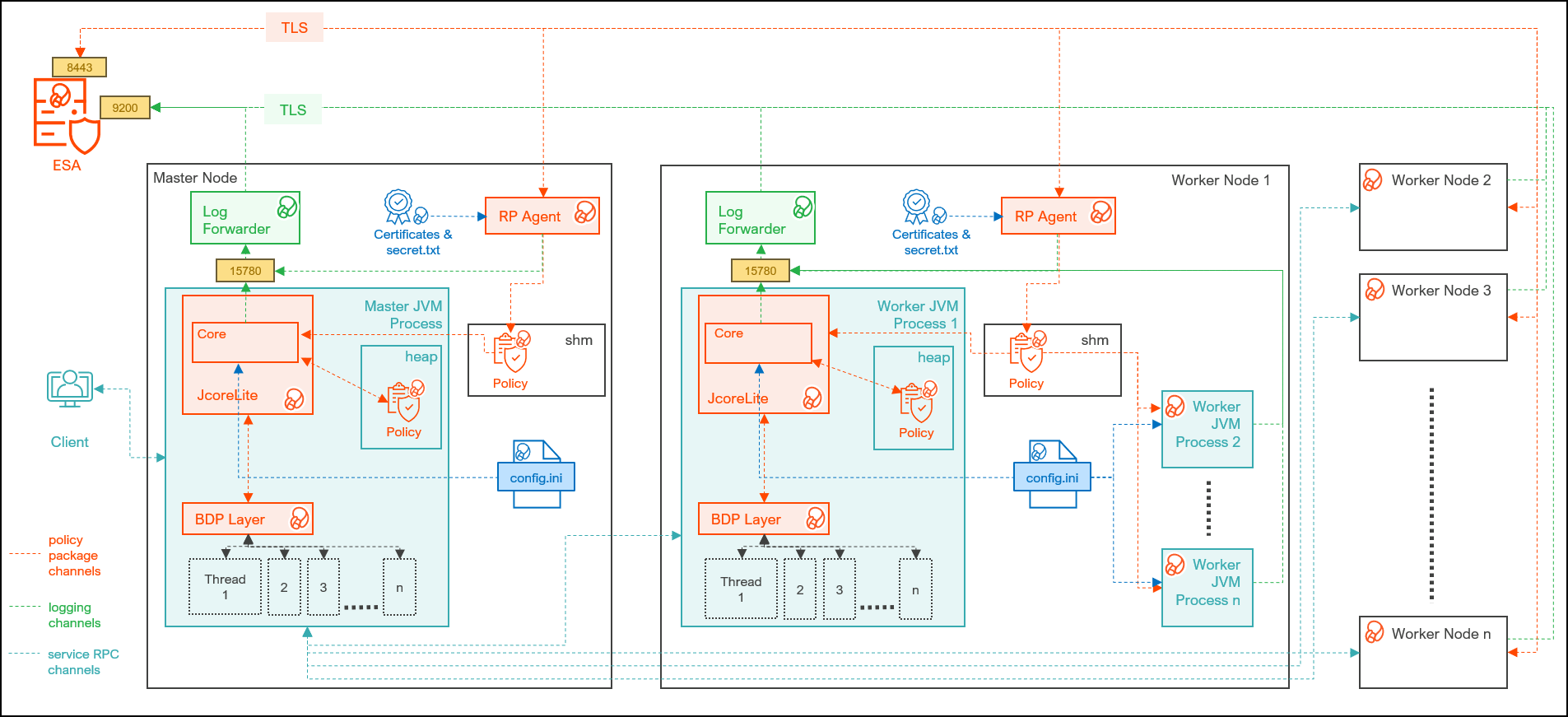
| Component | Description |
|---|---|
| RPAgent | Is a daemon running on each node that downloads the package from ESA over a TLS channel using the installed Certificates. |
| Log Forwarder | Is a daemon running on each node that routes the audit logs and application logs to ESA/Audit Store. |
| config.ini | Is a file on each node containing the set of configuration parameters to modify the protector behavior. |
| BDP Layer | Contains the Big Data Protector UDFs and APIs executing in CDP service processes. |
| JcoreLite | Is the JNI library that provides a Java API layer to the Core libraries. |
| Core | Is the set of various libraries that provide the Protegrity Core functionality. |
Ensure that the following prerequisites are met, before installing the Big Data Protector from the Cloudera Manager:
| Destination Port | Protocol | Source | Destination | Description |
|---|---|---|---|---|
| 8443 | TLS | RP Agent on the Big Data Protector cluster node | ESA | The RP Agent communicates with ESA through port 8443 to download a policy. |
| 9200 | TLS | Log Forwarder on the Big Data Protector Cluster node | Protegrity Audit Store appliance | The Log Forwarder sends all the logs to the Protegrity Audit Appliance through port 9200. |
| 15780 | TCP | Protector on the Big Data Protector cluster node | Log Forwarder on the Big Data Protector cluster node | The Big Data Protector writes Audit Logs to localhost through port 15780. The Application Logs are also written to localhost through port 15780. The Log Forwarder reads the logs from that socket. |
Note: This build supports both Spark 2 and Spark 3 on the cluster using a single pepspark jar.
For more information about installing Spark3 on CDP PVC Base cluster, refer https://docs.cloudera.com/cdp-private-cloud-base/7.1.8/cds-3/topics/spark-install-spark-3-parcel.html
The following table lists the minimum hardware configuration for the Big Data Protector on CDP-PVC-Base.
| Hardware Components | Configuration |
|---|---|
| CPU | Depends on the application. |
| Disk Space | 130 MB on every node for the LogForwarder and RP Agent |
| RAM | In v10.0.0, the RP Agent loads the policy package into the shared memory. Every individual service process on a node that initializes the protector will load a copy of the policy package into the process heap memory. Therefore, the memory requirement on each node depends on the policy size and the number of protector instances (number of processes). In addition, the JVM heap size configuration of each service, such as, the YARN container heap size, must be configured appropriately to prevent out of memory errors. |
You must extract the Big Data Protector package to access the Big Data Protector Configurator script. This script will generate the Big Data Protector parcels and CSDs to install the Big Data Protector on all the nodes in the cluster. The nodes in the cluster are managed by Cloudera Manager.
To extract the files from the installation package:
Log in to the CLI on the Master node that has connectivity to ESA.
Copy the Big Data Protector package BigDataProtector_Linux-ALL-64_x86-64_CDP-PVC-Base-7.1-64_<BDP_version>.tgz to any directory.
For example, /opt/bigdata/.
To create a temporary directory under the specified directory, to extract the files, run the following command:
mkdir /opt/bigdata/extracted/
To navigate to the directory where you have downloaded the installation package, run the following command:
cd /opt/bigdata/
To extract the contents of the Big Data Protector installation package to a specific directory, run the following command:
tar –xvf BigDataProtector_Linux-ALL-64_x86-64_CDP-PVC-Base-7.1-64_<BDP_version>.tgz -C extracted/
To navigate to the directory where you have extracted the files, run the following command:
cd /opt/bigdata/extracted/
Press ENTER.
The command extracts the BigDataProtector_Linux-ALL-64_x86-64_CDP-PVC-Base-7.1-64_<BDP_version>.tgz package and the GPG signature files from the installation package.
BigDataProtector_Linux-ALL-64_x86-64_CDP-PVC-Base-7.1-64_<BDP_version>.tgz
signatures/
Note: Verify the authenticity of the build using the signatures folder. For more information, refer Verification of Signed Protector Build.
To extract the configurator script, run the following command:
tar –xvf BigDataProtector_Linux-ALL-64_x86-64_CDP-PVC-Base-7.1-64_<BDP_version>.tgz
Press ENTER.
The command extracts the configurator script.
BDPConfigurator_CDP-PVC-Base-7.1_<BDP_version>.sh
Execute the Big Data Protector configurator script to:
To run the configurator script and generate the Big Data Protector Parcels and CSDs:
Log in to the CLI on the Master node that has connectivity to ESA.
To execute the configurator script, run the following command:
./BDPConfigurator_CDP-PVC-Base-7.1_<BDP_version>.sh
Press ENTER.
The prompt to continue the configuration of Big Data Protector appears.
*****************************************************************************
        Welcome to the Big Data Protector Configurator Wizard
*****************************************************************************
This will setup the Big Data Protector Installation Files for CDP PVC Base

Do you want to continue? [yes or no]:
To start the configuration of Big Data Protector, type yes.
Press ENTER.
The prompt to select the type of installation files appears.
Big Data Protector Configurator started...
Unpacking...
Extracting files...

Select the type of Installation files you want to generate.
[ 1: Create All ]      : Creates entire Big Data Protector CSDs and Parcels.
[ 2: Update PTY_CERT ] : Creates new PTY_CERT parcel with an incremented patch version.
                     Use this if you have updated the ESA certificates.
[ 3: Update PTY_LOGFORWARDER_CONF ]
                   : Creates new PTY_LOGFORWARDER_CONF parcel with an incremented patch version.
                     Use this if you want to set Custom LogForwarder configuration files to
                     forward logs to an External Audit Store.

[ 1, 2 or 3 ]:
Note: From v10.0.0, the
PTY_FLUENTBIT_CONFparcel is renamed toPTY_LOGFORWARDER_CONF.
To create the Big Data Protector parcels and CSDs, type 1.
To update the PTY_CERT parcels with an incremented patch version, type 2.
Note: For more information about updating the
PTY_CERTparcel, refer to section Updating the Certificates Parcel.
To update the PTY_LOGFORWARDER_CONF parcel with an incremented patch version, type 3.
Note: For more information about updating the PTY_LOGFORWARDER_CONF parcel, refer to section Updating the Log Forwarder Parcel.
Press ENTER.
The prompt to select the operating system for the Cloudera Manager parcel appears.
Select the OS version for Cloudera Manager Parcel.
This will be used as the OS Distro suffix in the Parcel name.

[ 1: el7 ]    :  RHEL 7 and clones (CentOS, Scientific Linux, etc)
[ 2: el8 ]    :  RHEL 8 and clones (CentOS, Scientific Linux, etc)
[ 3: el9 ]    :  RHEL 9 and clones (CentOS, Scientific Linux, etc)
[ 4: sles12 ] :  SuSE Linux Enterprise Server 12.x

Enter the no.:
Depending on the requirements, type 1, 2, 3, or 4 to select the operating system version for the Big Data Protector parcels.
Press ENTER.
The prompt to enter ESA hostname or IP address appears.
Enter the ESA Hostname or IP Address:
Enter ESA hostname or IP address.
Press ENTER.
The prompt to enter ESA host listening port appears.
Enter ESA host listening port [8443]:
If you want to use the default value of ESA host listening port, which is 8443, then press ENTER.
Press ENTER.
The prompt to enter ESA JSON Web Token appears.
If you have an existing ESA JSON Web Token (JWT) with Export Certificates role, enter it otherwise enter 'no':
Note: The script silently reads the user input. Therefore, the user will be unable to see the entered JWT or no.
Enter the JWT token.
a. If you do not have an existing ESA JSON Web Token (JWT), type no.
b. Press ENTER.
The prompt to enter the user name with Export Certificates permission appears.
JWT was not provided. Script will now prompt for ESA username and password.
Enter ESA Username with Export Certificates role: admin
c. Enter the username that has permissions to export the certificates.
d. Press ENTER.
The prompt to enter the password appears.
e. Enter the password.
f. Press ENTER.
The script retrieves the JWT from ESA, validates it, and the prompt to package custom log forwarder configuration appears.
Fetching JWT from ESA....

Fetching Certificates from ESA....

  % Total    % Received % Xferd  Average Speed   Time    Time     Time  Current
                                 Dload  Upload   Total   Spent    Left  Speed
100 11264  100 11264    0     0   164k      0 --:--:-- --:--:-- --:--:--  166k

 -------------------------------------------------------------------------------

 Do you want to package any custom LogForwarder configuration files for External Audit Store?
 [ yes ] : Create a PTY_LOGFORWARDER_CONF parcel containing configuration files to be used with External Audit Store.
 [ no ]  : Skip this step.

 [ yes or no ]:
To package the Log Forwarder configuration file(s) for an external Audit Store, type yes.
Press ENTER.
The prompt to enter the local directory path containing the Log Forwarder configuration files appears.
Do you want to package any custom LogForwarder configuration files for External Audit Store?
[ yes ] : Create a PTY_LOGFORWARDER_CONF parcel containing configuration files to be used with External Audit Store.
[ no ]  : Skip this step.

[ yes or no ]: yes

Creation of PTY_LOGFORWARDER_CONF parcel is enabled.

Enter the local directory path on this machine that stores the LogForwarder configuration files for External Audit Store:
Note: The
PTY_LOGFORWARDER_CONFparcel is used to package any custom Log Forwarder configuration files that the user provides and can be distributed across the CDP nodes through the Cloudera Manager. Ensure that you name the custom Log Forwarder configuration files for the external Audit Store with the.confextension.
Enter the local directory path that contains the Log Forwarder configuration files.
Press ENTER.
Enter the local directory path on this machine that stores the LogForwarder configuration files for External Audit Store: /root/log_forwarder/

Generating Installation files...

Big Data Protector parcels & CSDs are generated in ./Installation_Files/ directory.
NOTE:
Copy Big Data Protector CSDs (jars) to Cloudera Manager local csd repository.
Copy Big Data Protector parcels (*.parcel and *.sha files) to Cloudera Manager local parcel repository.

You can use the './Installation_Files/set_unset_bdp_config.sh' helper script for setting/unsetting BDP configs in Cloudera Manager.
Check the updated configurations on Cloudera Manager and Restart the required services.
The configurator script generates the following Big Data Protector parcels and CSDs in the ./Installation_Files/ directory:
BDP_PEP-<BDP_version>.jarPTY_BDP-<BDP_version>_CDP7.1.p0-<operating_system_version>.parcelPTY_BDP-<BDP_version>_CDP7.1.p0-<operating_system_version>.parcel.shaPTY_CERT-<BDP_version>_CDP7.1.p0-<operating_system_version>.parcelPTY_CERT-<BDP_version>_CDP7.1.p0-<operating_system_version>.parcel.shaPTY_LOGFORWARDER_CONF-<BDP_version>_CDP7.1.p0-<operating_system_version>.parcelPTY_LOGFORWARDER_CONF-<BDP_version>_CDP7.1.p0-<operating_system_version>.parcel.shaset_unset_bdp_config.shIf you type no at the prompt to create the PTY_LOGFORWARDER_CONF parcel, then the installer will skip the creation of the Log Forwarder parcel and proceed to generate the installation files.
Do you want to package any custom LogForwarder configuration files for External Audit Store?

[ yes ] : Create a PTY_LOGFORWARDER_CON parcel containing configuration files to be used with External Audit Store.
[ no ]  : Skip this step.

[ yes or no ] : no

Creation of PTY_LOGFORWARDER_CONF parcel is skipped.

Generating Installation files...

Big Data Protector parcels & CSDs are generated in ./Installation_Files/ directory.
NOTE:
Copy Big Data Protector CSDs (jars) to Cloudera Manager local csd repository.
Copy Big Data Protector parcels (*.parcel and *.sha files) to Cloudera Manager local parcel repository.

You can use the './Installation_Files/set_unset_bdp_config.sh' helper script for setting/unsetting BDP configs in Cloudera Manager.
Check the updated configurations on Cloudera Manager and Restart the required services.
Distribute the following Big Data Protector parcels to the nodes in the cluster before installing or activating them on the nodes:
Note: To distribute the Big Data Protector parcels to the nodes, Cluster Administrator privileges are required.
Note: For more information about the required role, refer to https://docs.cloudera.com/cloudera-manager/7.1.1/managing-clusters/topics/cm-parcels.html.
Note: In the screenshots, the build number for the Cloudera Manager user interface reflects the version number of the Big Data Protector build. This version number indicates the build that you download and install from the My.Protegrity portal.
To distribute the Big Data Protector Parcels to the Nodes in the Cluster:
Using a browser, navigate to the Cloudera Manager page.
Enter the Username.
Enter the Password.
Click Sign In.
The Cloudera Manager Home page appears.
Navigate to Administration > Settings.
The Settings page appears.
To view the settings related to parcels, from the Filters pane, under CATEGORY, click Parcels.
The options related to the parcels appear.
Ensure that you select the following options:
From the left pane, click Parcels.
The Cloudera Manager Parcels page appears.
Note: The PTY_LOGFORWARDER_CONF parcel will be visible only if you choose to add the location of the Log Forwarder configuration files while generating the installation files.
Ensure that the following Protegrity parcels appear on the Parcels page:
To distribute the Big Data Protector parcel, besides the PTY_BDP parcel, click Distribute.
The distribution of the Big Data Protector parcel starts.
To distribute the Certificates parcel, besides the PTY_CERT parcel, click Distribute.
The distribution of the Certificates parcel starts.
To distribute the Log Forwarder configuration parcel, besides the PTY_LOGFORWARDER_CONF parcel, click Distribute.
The distribution of the Log Forwarder configuration parcel starts.
After the Protegrity parcels are distributed to the nodes, Cloudera Manager updates the status of the parcels. The status on the Parcels page is updated to Distributed, and the Activate button appears.
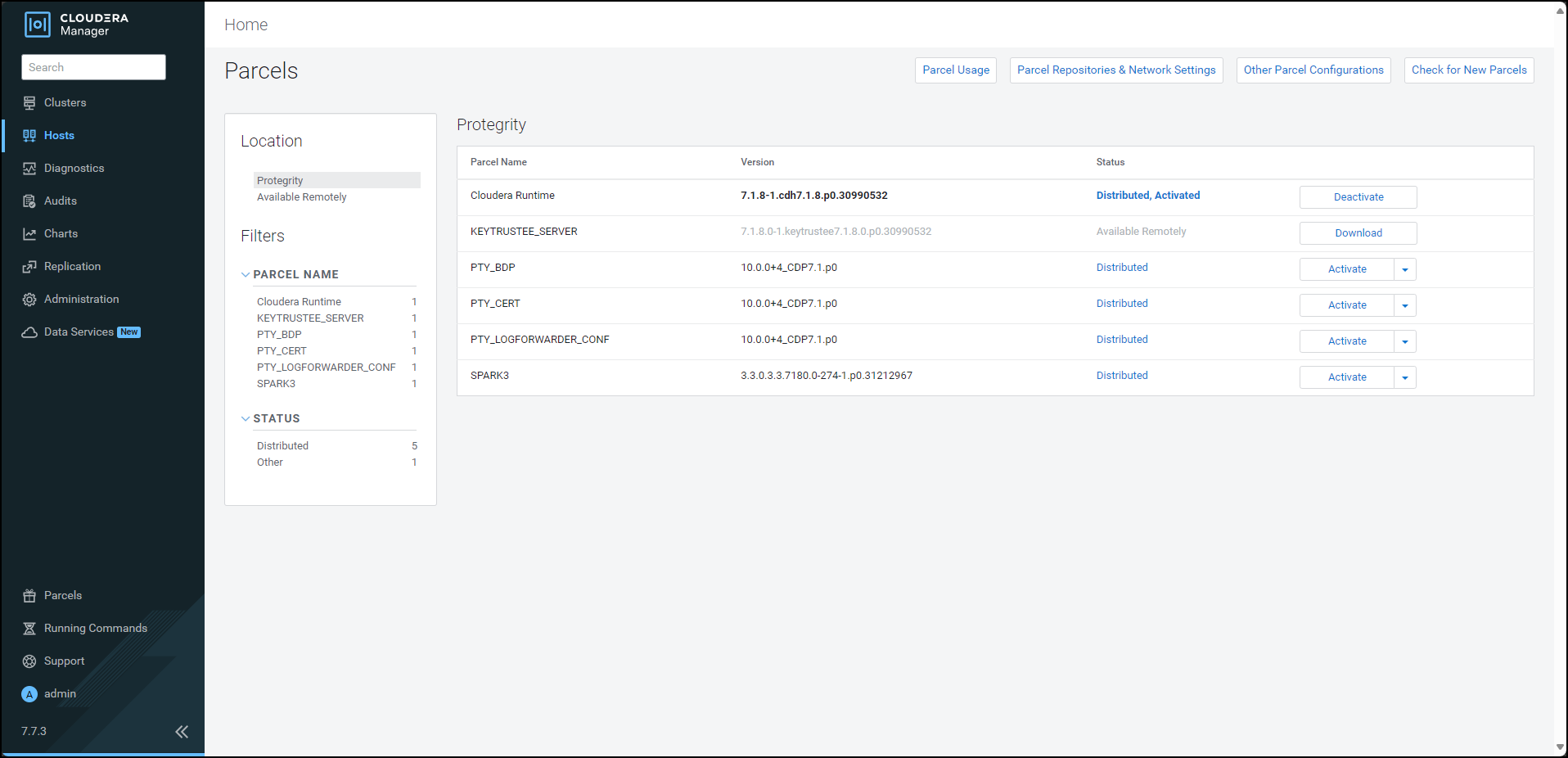
After distributing the Big Data Protector parcels on the cluster nodes, you must activate them to add and start the Big Data Protector-related services on the nodes in the cluster.
To activate the Big Data Protector Parcels on the Nodes:
Using a browser, navigate to the Cloudera Manager screen.
Enter the Username.
Enter the Password.
Click Sign In.
The Cloudera Manager Home page appears.
From the left pane, click Parcels.
The Cloudera Manager Parcels page appears.
Note: The PTY_LOGFORWARDER_CONF parcel will be visible only if you choose to add the location of the Fluent Bit configuration files while generating the installation files.
To activate the Big Data Protector parcel, besides the PTY_BDP parcel, click Activate.
A prompt to confirm the activation of the parcel appears.
To activate the Big Data Protector parcel, click OK.
Cloudera Manager activates the Big Data Protector parcel on all the nodes in the cluster.
To activate the Certificates parcel, besides the PTY_CERT parcel, click Activate.
A prompt to confirm the activation of the parcel appears.
To activate the Certificates parcel, click OK.
Cloudera Manager activates the Certificates parcel on all the nodes in the cluster.
To activate the Log Forwarder configuration parcel, besides the PTY_LOGFORWARDER_CONF parcel, click Activate.
A prompt to confirm the activation of the parcel appears.
To activate the PTY_LOGFORWARDER_CONF parcel, click OK.
After the Protegrity parcels are activated on the nodes, their status on the Parcels page is updated to Distributed, Activated. The Deactivate button appears.
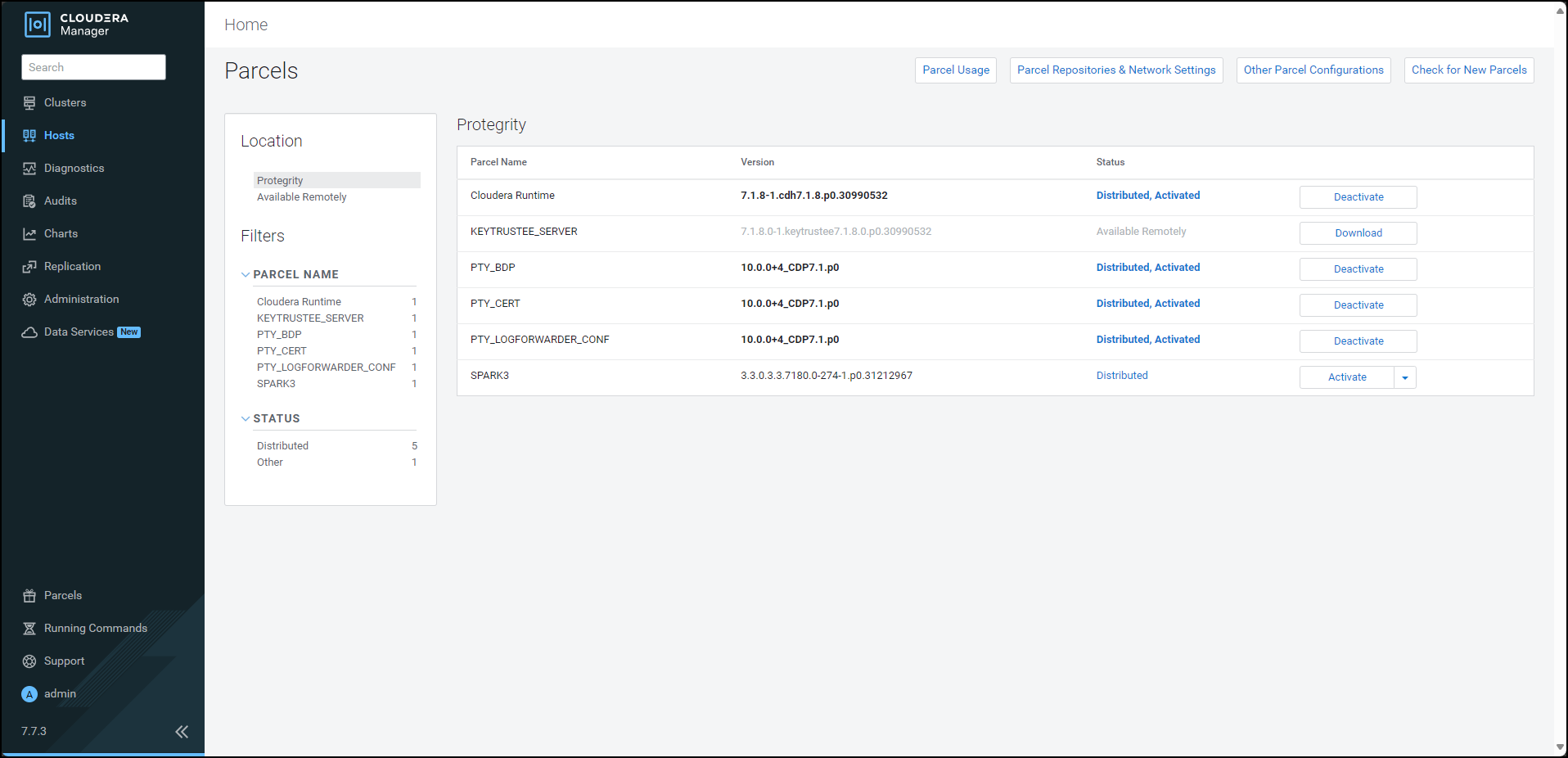
Restart the Cloudera Management Service to re-deploy the service configuration for the stale configurations.
After activating the PTY_BDP parcel, the CDP services will change to Stale configuration state and will require a restart. However, it is recommended to defer the restart of the services until you set all the required configurations for the Big Data Protector.
For more information about setting the configuration, refer Setting the Big Data Protector Configuration
To install the Big Data Protector on a new node in an existing cluster, distribute and activate the following parcels on the new node:
PTY_BDPPTY_CERTPTY_LOGFORWARDER_CONFNote: The Cloudera Manager handles the distribution and activation of the Big Data Protector parcels.
Ensure that the PTY RP Agent, PTY Log Forwarder, and Gateway roles, that are part of the BDP PEP service, are added to the new node.
Note: For more information about starting the BDP PEP service, refer to the section Starting the Big Data Protector Service.
To use the Big Data Protector, start the Big Data Protector PEP service on all the nodes in the cluster.
Before starting the Big Data Protector PEP service, ensure that the following Big Data Protector-related parcels are in the Activated state:
To start the Big Data Protector PEP Service on the Nodes:
Log in to the Cloudera Manager web interface.
Besides the cluster name, click the kebab menu  .
.
The cluster drop-down list appears.
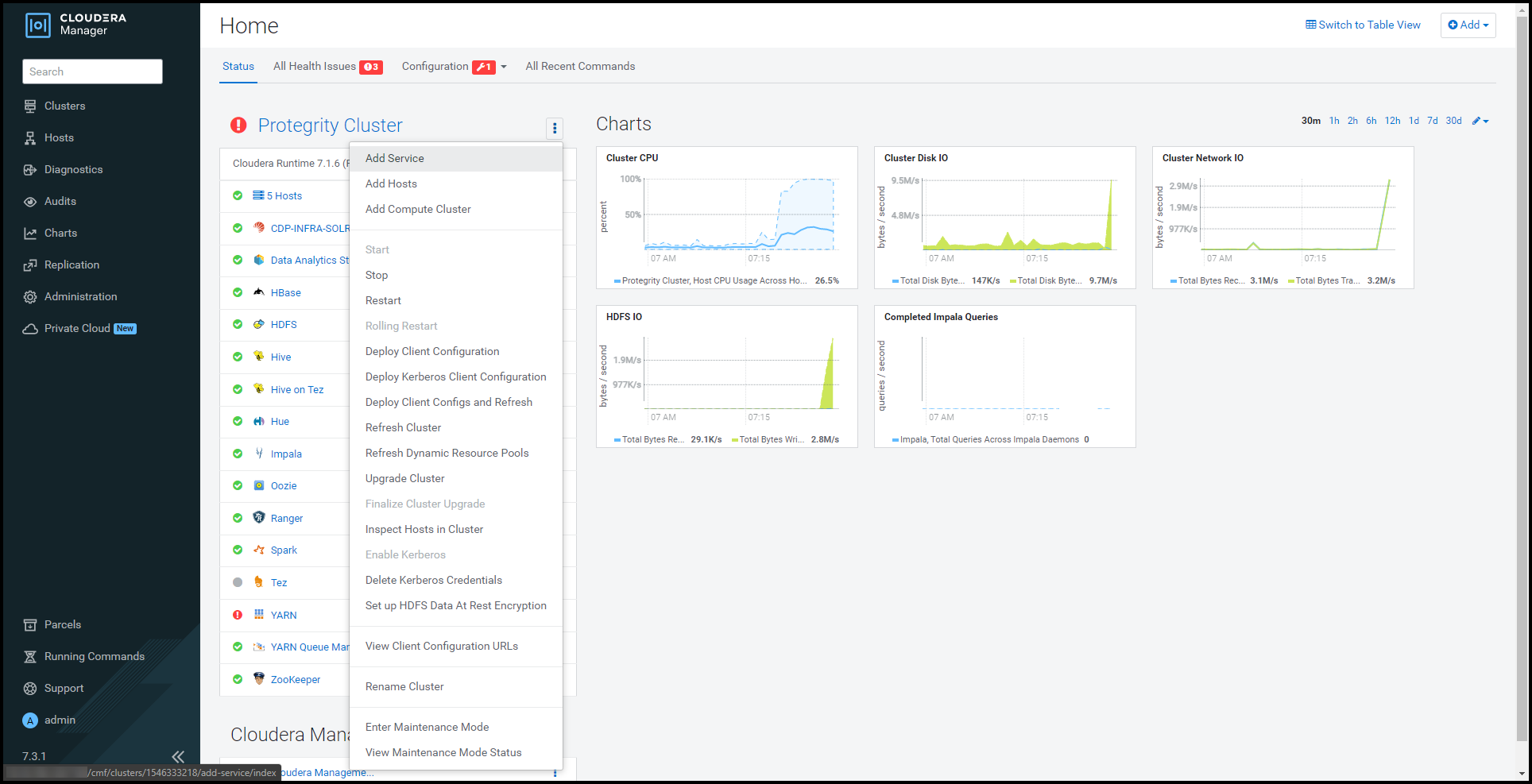
Select Add Service.
The cluster services wizard page appears.
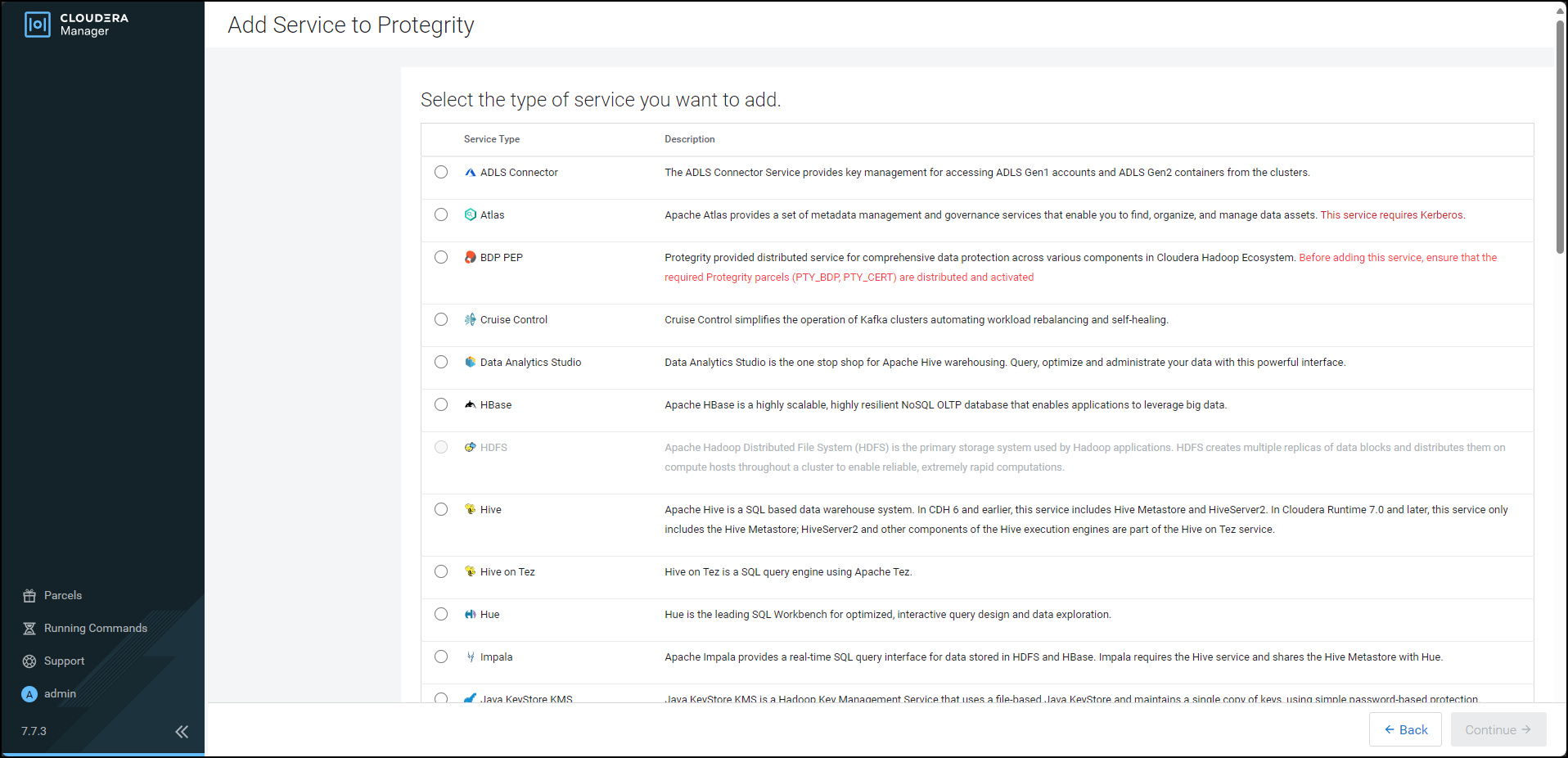
From the Service Type list, select BDP PEP.
When you select the service, Cloudera enables the Continue button.
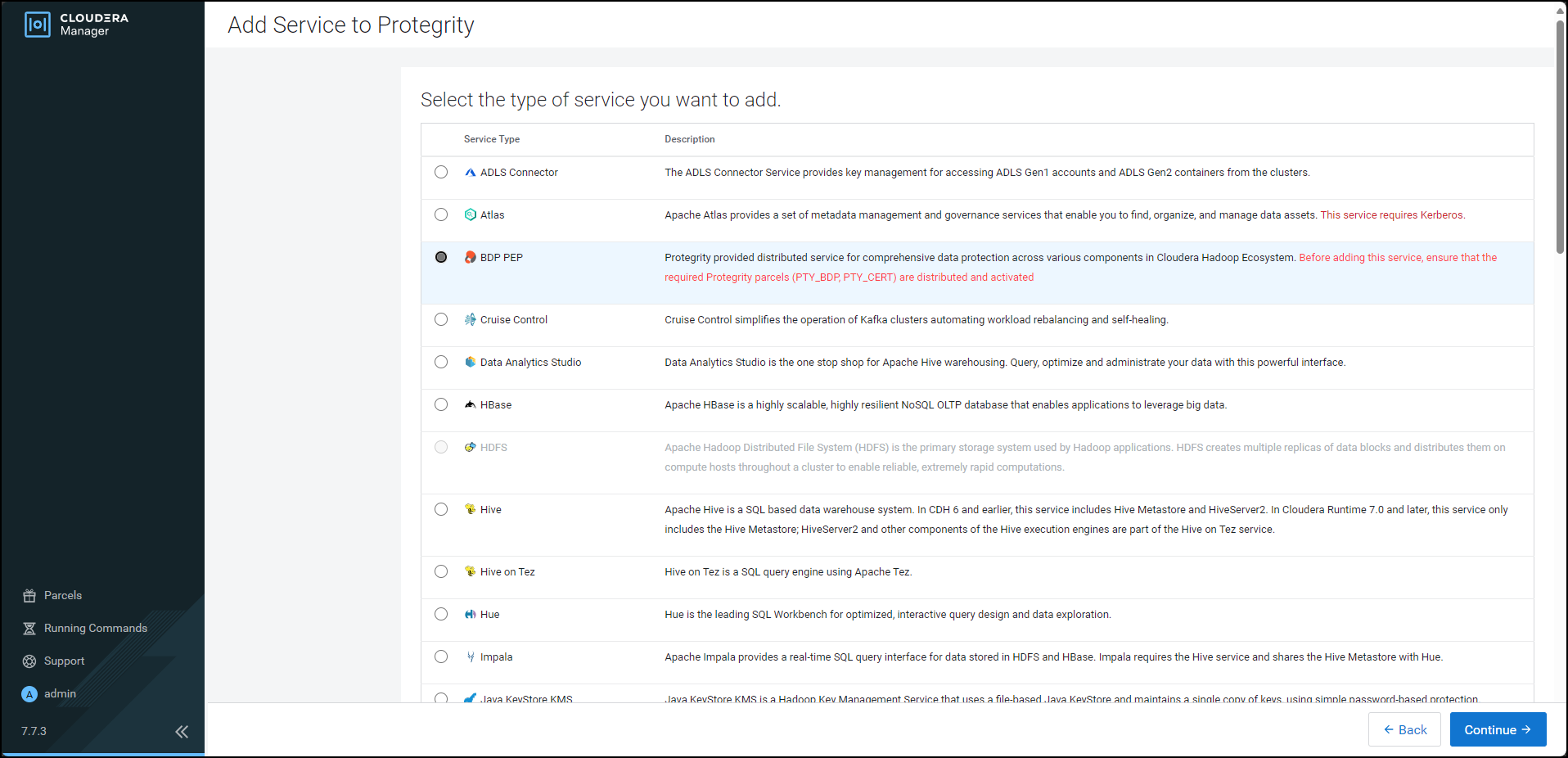
Click Continue.
The Assign Roles page appears.
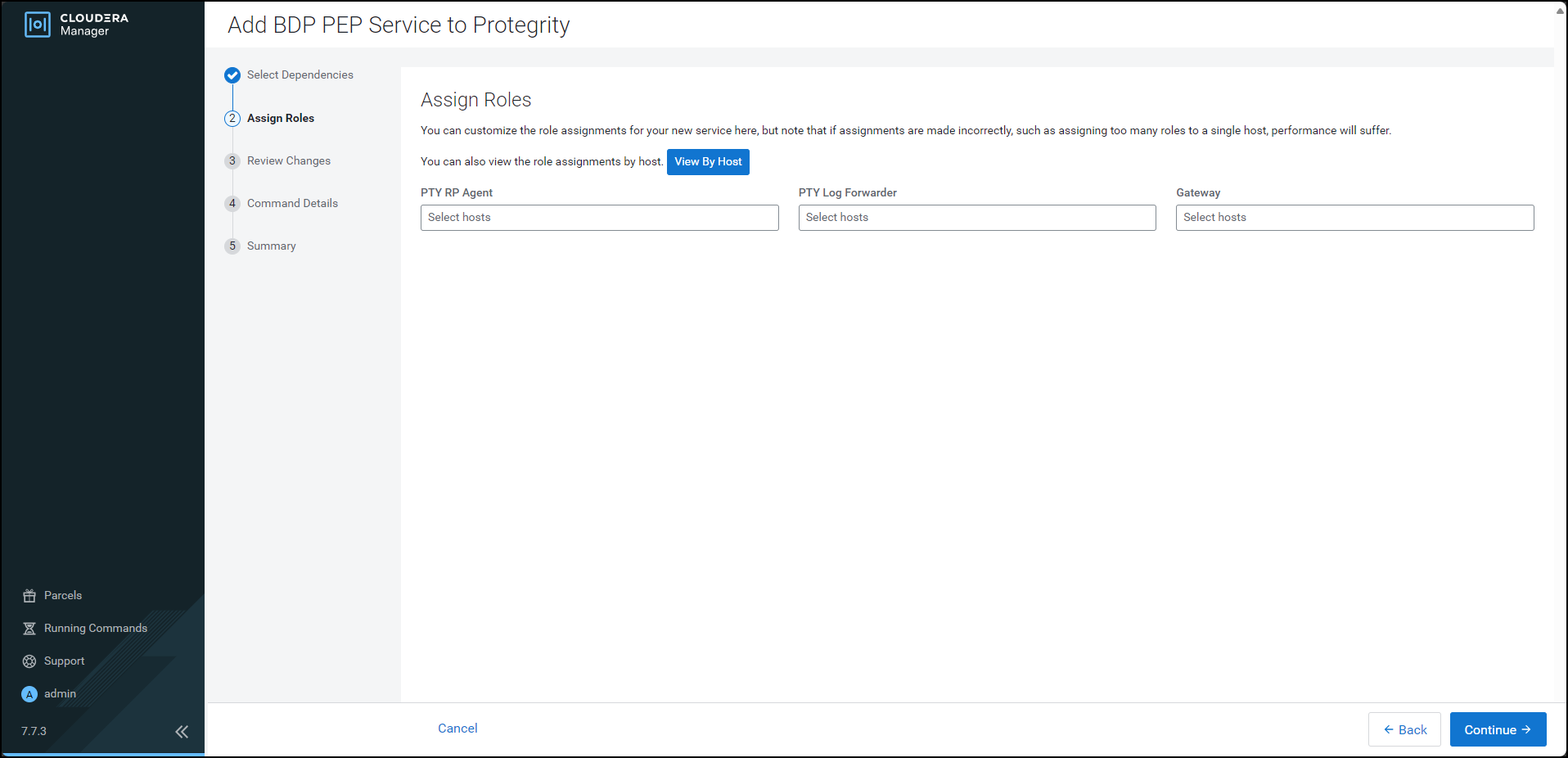
For each of the roles, click the highlighted text box.
The list of nodes in the cluster appear.
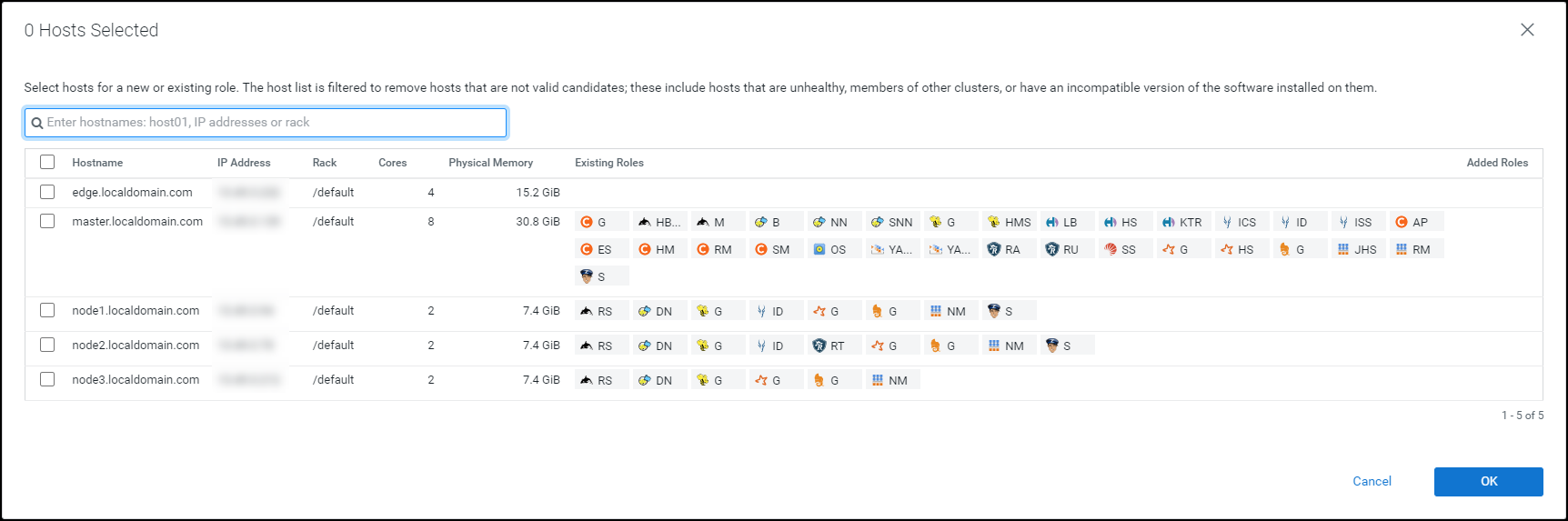
Select the required nodes in the list where you want to install the service.
Note: For more information about installing the BDP PEP service, refer https://my.protegrity.com/knowledge/ka0Ul0000000KYDIA2/.
Cloudera enables the OK button.
Note: The PTY RP Agent, PTY Log Forwarder, and the Gateway roles are installed on the selected node.
Click OK.
The Assign Roles page appears with the nodes in the cluster, which are selected for installing the service.
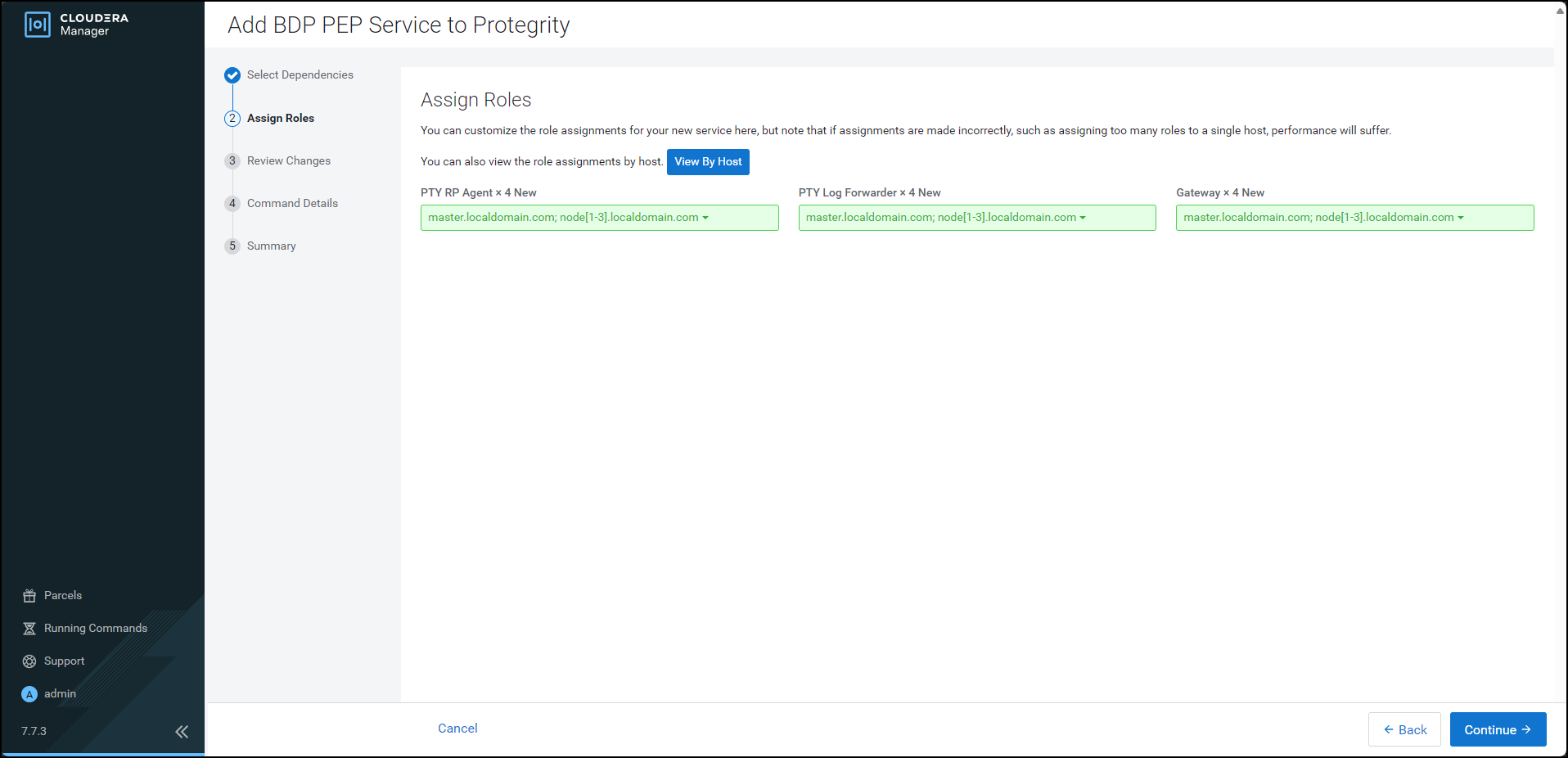
Click Continue.
The Review Changes page appears.
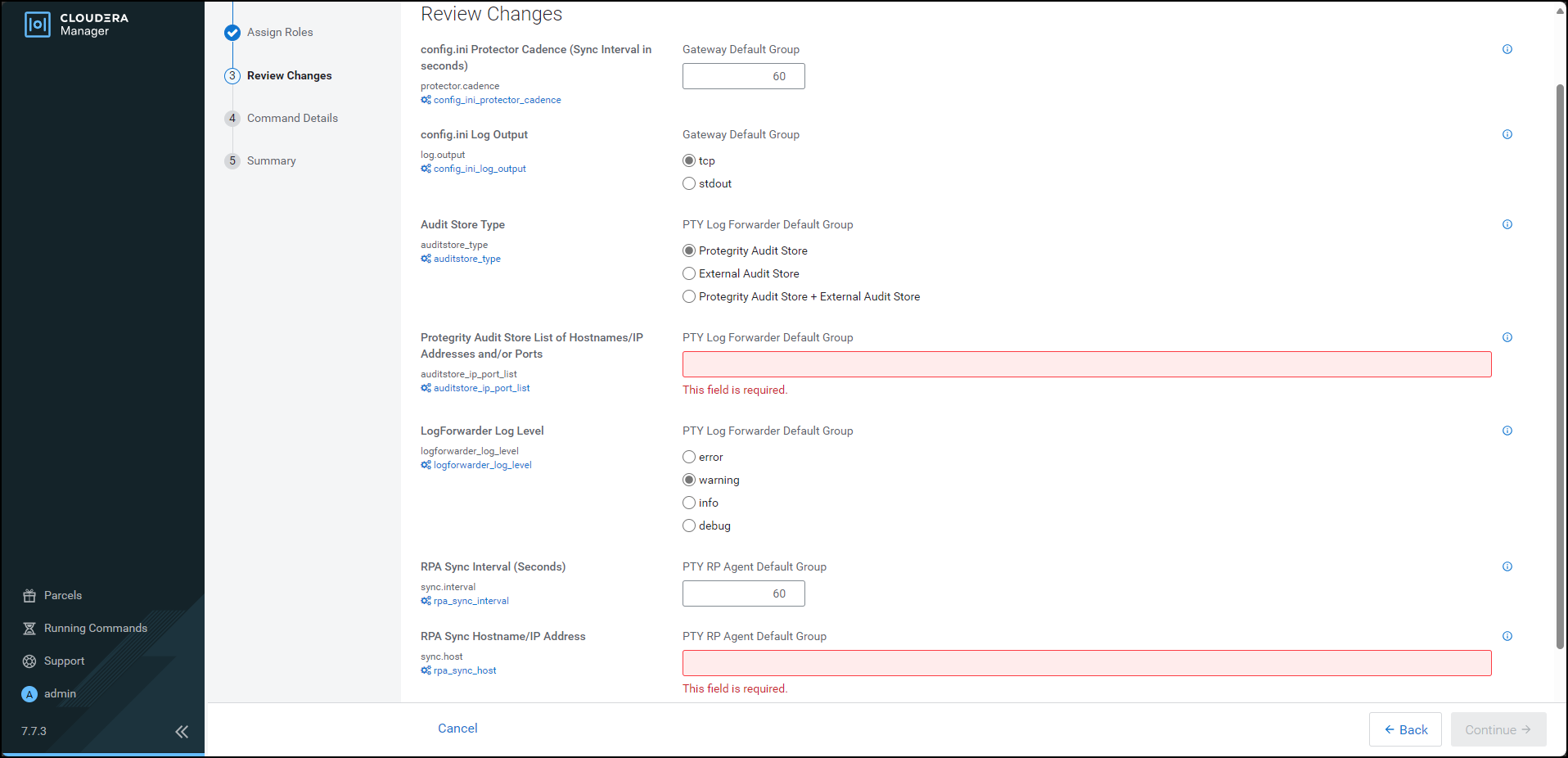
Depending on the Audit Store type, select any one of the following options:
| Option | Description |
|---|---|
| Protegrity Audit Store | To use the default setting select the Protegrity Audit Store option. If you select Protegrity Audit Store, then the default Log Forwarder configuration files are used and Log Forwarder will forward the logs to the Protegrity Audit Store. |
| External Audit Store | Enter the comma-separated IP/ports using the accurate syntax in the External Audit Store box. If you select External Audit Store, then enter NA in the Protegrity Audit Store List of Hostnames/IP Address and/or Ports box. Ensure that the PTY_LOGFORWARDER_CONF parcel is distributed and activated. If you select External Audit Store, then the default Log Forwarder configuration files used for Protegrity Audit Store (out.conf and upstream.cfg in the /opt/cloudera/parcels/PTY_BDP/logforwarder/data/config.d/ directory) are renamed (out.conf.bkp and upstream.cfg.bkp) so that they will not be used by the Log Forwarder. Additionally, the custom Log Forwarder configuration files for the external Audit Store are copied to the /opt/cloudera/parcels/PTY_BDP/logforwarder/data/config.d/ directory. |
| Protegrity Audit Store + External Audit Store | To use a combination of the default setting with an external Audit Store, select Protegrity Audit Store + External Audit Store. If you select Protegrity Audit Store + External Audit Store, then the default Log Forwarder configuration files used for the Protegrity Audit Store (out.conf and upstream.cfg in the /opt/cloudera/parcels/PTY_BDP/logforwarder/data/config.d/ directory) are not renamed. However, the custom Log Forwarder configuration files for the external audit store are copied to the /opt/cloudera/parcels/PTY_BDP/logforwarder/data/config.d/ directory. |
In the Protegrity Audit Store List of Hostnames/IP Address and/or Ports box, enter the IP address of the Protegrity Audit Store appliance(s) (can be ESA) in the suggested syntax.
In the RPA Sync Hostname/IP Address box, enter the IP address of ESA, in the suggested syntax.
Cloudera Manager enables the Continue button.
Click Continue.
The Summary page appears.
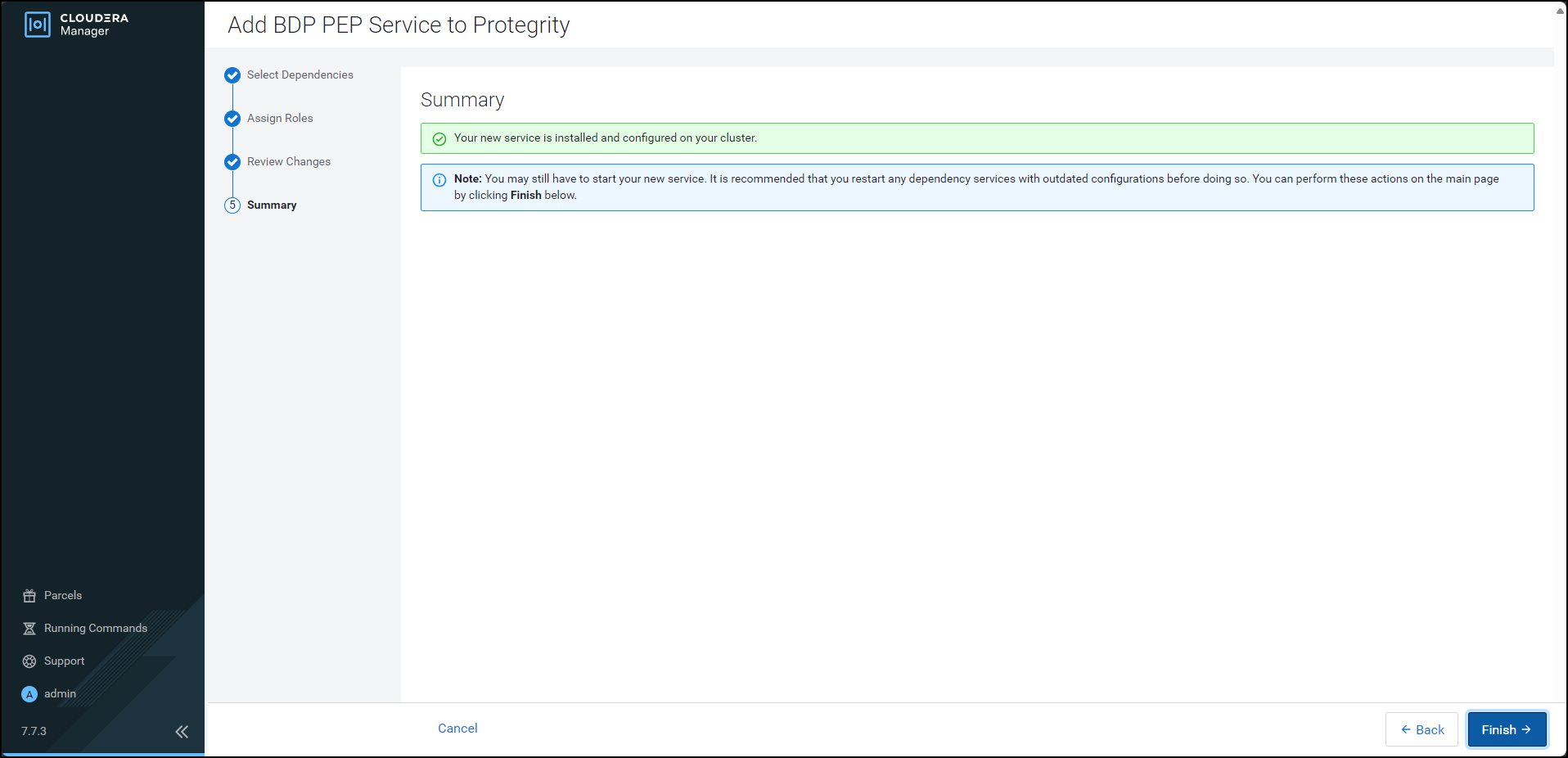
Click Finish.
The Cloudera Manager Home page appears and the PTY_BDP service is added on all the nodes in the cluster.
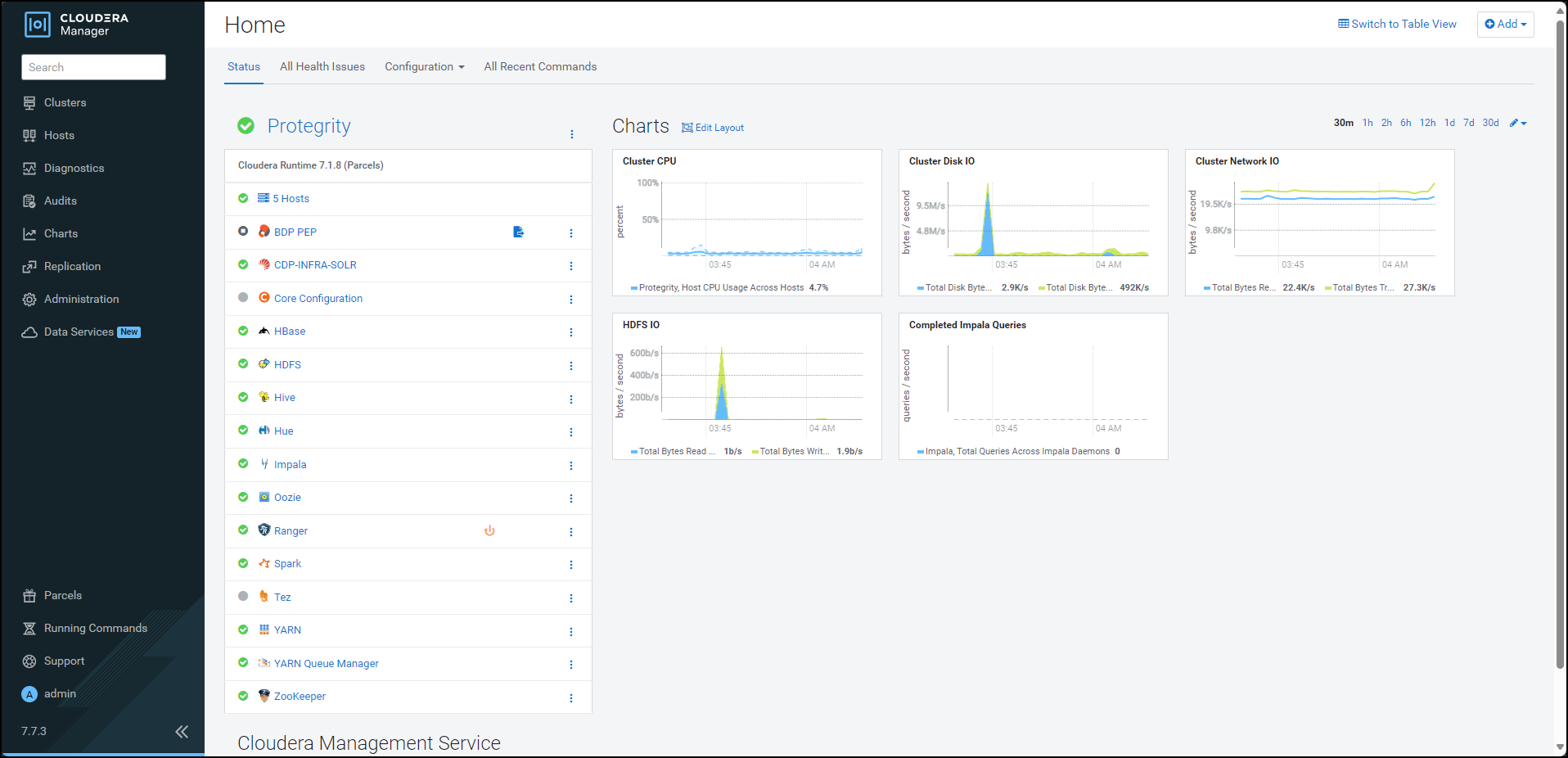
Note: In the Cloudera Manager native installer, there is a caveat in the BDP PEP service. This causes the PTY Log Forwarder and the RP Agent roles to start at the same time on a cluster node. Therefore, some of the initial RP Agent application logs will not be sent to the Log Forwarder. This will result in the logs not being forwarded to the Audit Store. After the Log Forwarder starts up, it will start forwarding the application logs.
By default, the BDP PEP service is in the stopped state.
To start the BDP PEP service, besides BDP PEP, click the kebab menu icon .
The BDP PEP Actions sub-menu appears.
From the sub-menu, select Start.
The prompt to confirm the action appears.
Click Start.
Cloudera Manager starts the BDP PEP service on all the nodes in the cluster.
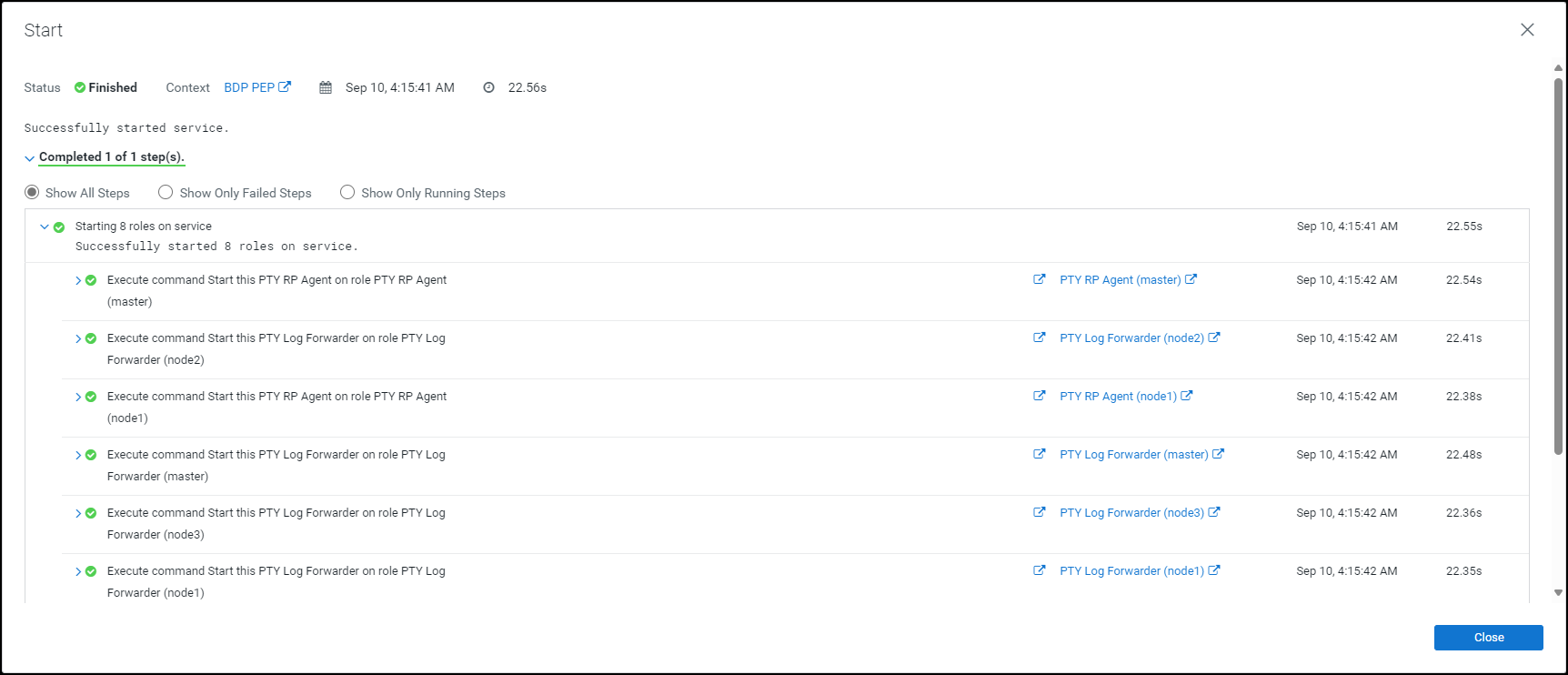
Click Close.
The Cloudera Manager Home page appears.
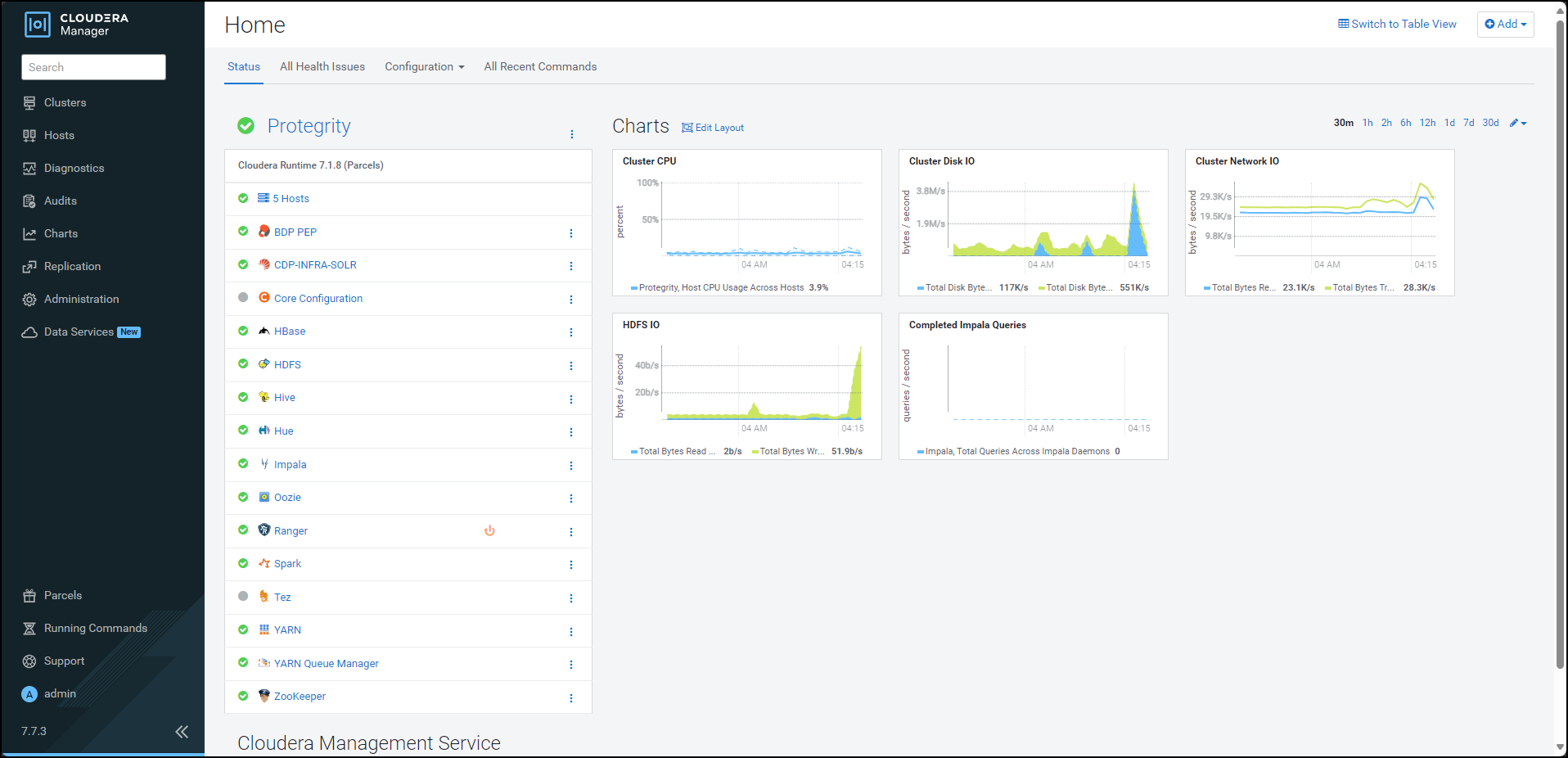
Click BDP PEP. The BDP PEP page appears.
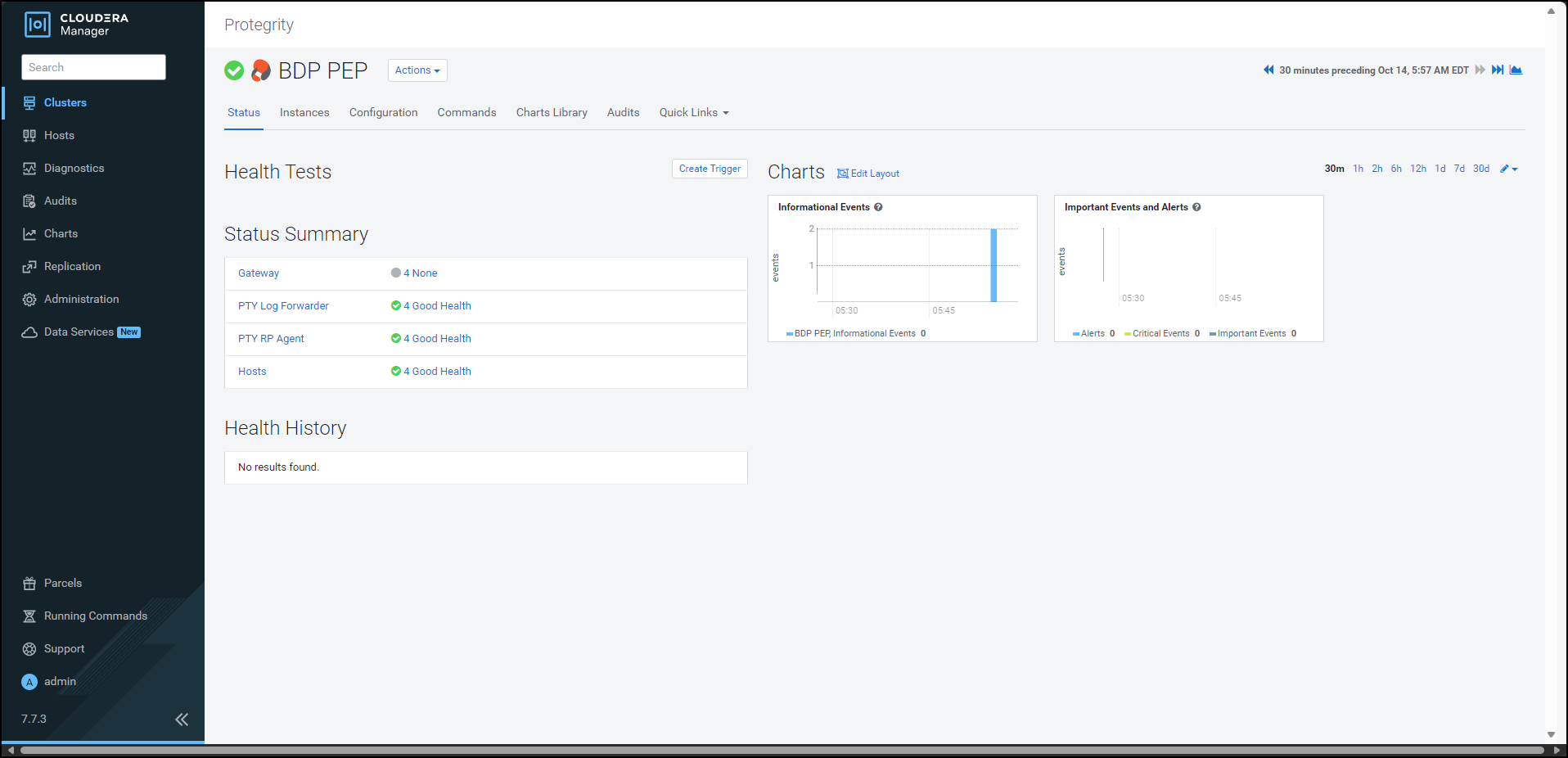
To generate the config.ini file on the nodes where you have installed the Gateway Role, select Actions » Deploy Client Configuration.
The prompt to confirm the action appears.
Click Deploy Client Configuration.
Cloudera Manager generates the config.ini file to all the nodes where the Gateway role is installed.
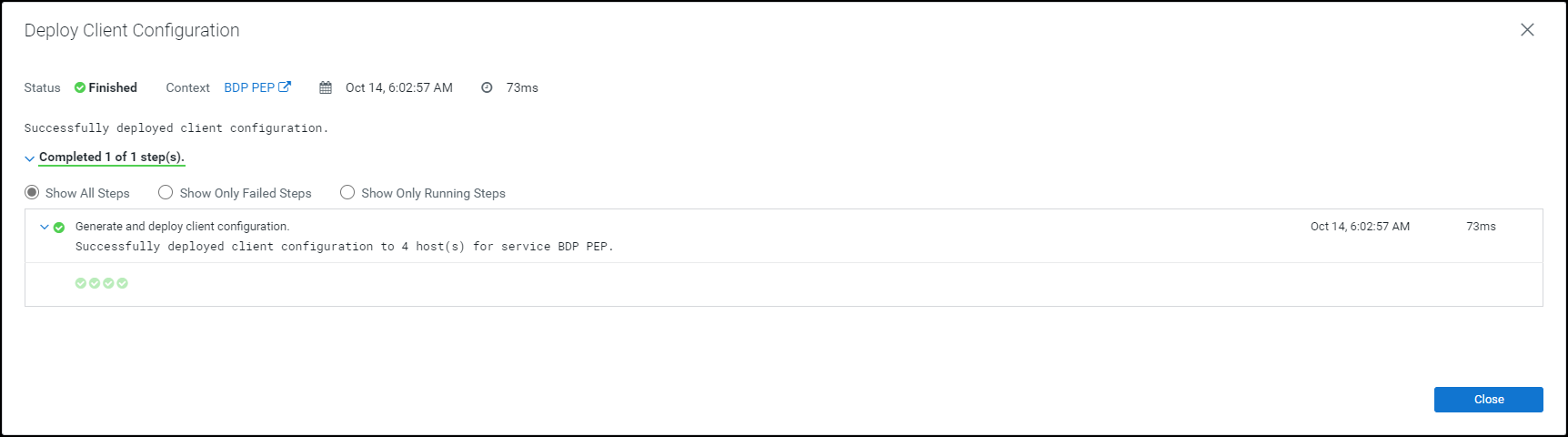
If you have updated the certificates in ESA, with which the Big Data Protector is configured, then the Certificates parcel must be updated with the new certificates. The updated Certificates parcel must be utilized by all the nodes in the cluster.
To utilize the updated certificates:
Log in to the node, which contains the Big Data Protector configurator script.
Run the BDPConfigurator_CDP-PVC-Base-7.1_<BDP_version>.sh script.
The prompt to continue the configuration of the Big Data Protector appears.
*****************************************************************************
            Welcome to the Big Data Protector Configurator Wizard
*****************************************************************************
This will setup the Big Data Protector Installation Files for CDP PVC Base

Do you want to continue? [yes or no]:
To start configuration of the Big Data Protector, type yes.
Press ENTER.
The prompt to select the type of installation file appears.
Big Data Protector Configurator started...
Unpacking...
Extracting files...


Select the type of Installation files you want to generate.
[ 1: Create All ]      : Creates entire Big Data Protector CSDs and Parcels.
[ 2: Update PTY_CERT ] : Creates new PTY_CERT parcel with an incremented patch version.
                     Use this if you have updated the ESA certificates.
[ 3: Update PTY_LOGFORWARDER_CONF ]
                   : Creates new PTY_LOGFORWARDER_CONF parcel with an incremented patch version.
                     Use this if you want to set Custom LogForwarder configuration files to
                     forward logs to an External Audit Store.

[ 1, 2 or 3 ]:
To update ESA certificates in the PTY_CERT parcel, type 2.
Press ENTER.
The prompt to select the operating system for the parcel appears.
Select the OS version for Cloudera Manager Parcel.
This will be used as the OS Distro suffix in the Parcel name.

[ 1: el7 ]    :  RHEL 7 and clones (CentOS, Scientific Linux, etc)
[ 2: el8 ]    :  RHEL 8 and clones (CentOS, Scientific Linux, etc)
[ 3: el9 ]    :  RHEL 9 and clones (CentOS, Scientific Linux, etc)
[ 4: sles12 ] :  SuSE Linux Enterprise Server 12.x

Enter the no.:
Depending on the requirements, type 1, 2, 3, or 4 to select the operating system version for the Big Data Protector parcels.
Press ENTER.
The prompt to enter ESA hostname or IP address appears.
Enter ESA Hostname or IP Address:
Enter ESA hostname or IP address.
Press ENTER.
The prompt to enter ESA host listening port appears.
Enter ESA host listening port [8443]:
If you want to use the default value of ESA host listening port, which is 8443, then press ENTER.
If you have configured an external proxy having connectivity with ESA to download the certificates and password binaries from ESA, then enter the external Proxy listening port.
Press ENTER.
The prompt to enter ESA JSON Web Token (JWT) appears.
If you have an existing ESA JSON Web Token (JWT) with Export Certificates role, enter it otherwise enter 'no':
Note: The script silently reads the user input. Therefore, the user will be unable to see the entered JWT or no.
Enter the JWT token.
a. If you do not have an existing ESA JSON Web Token (JWT), type no.
b. Press ENTER.
The prompt to enter ESA user name appears.
JWT was not provided. Script will now prompt for ESA username and password.
Enter ESA Username with Export Certificates role:
c. Enter ESA user name.
d. Press ENTER.
The prompt to enter the password for ESA appears.
Enter Password for username '<user_name>':
e. Enter ESA administrator password.
f. Press ENTER.
The script retrieves the JWT token from ESA, downloads the certificates, and generates the installation files. The prompt to enter the activated version of the PTY_CERT parcel appears.
        Fetching JWT from ESA....

        Fetching Certificates from ESA....

        % Total    % Received % Xferd  Average Speed   Time    Time     Time  Current
                                        Dload  Upload   Total   Spent    Left  Speed
        100 11264  100 11264    0     0   147k      0 --:--:-- --:--:-- --:--:--  148k

        -------------------------------------------------------------------------------


        Generating Installation files...


        NOTE:
        You can verify the version of the activated PTY_CERT parcel from the parcel
        name, such as PTY_CERT-x.x.x.x_CDPx.x.p<version>-<os>.parcel, where the
        <version> parameter denotes the patch version of the PTY_CERT parcel.

        For Example: If the current activated PTY_CERT parcel is
        PTY_CERT-x.x.x.x_CDPx.x.p0-<os>.parcel, the patch version of the PTY_CERT
        parcel will be 0. Do NOT include 'p' while specifying the version.

        Enter the <version> of the current PTY_CERT Parcel as specified in the parcel name [0]:
Press ENTER.
The script validates the JWT token from ESA, downloads the certificates, and generates the installation files. The prompt to enter the activated version of the PTY_CERT parcel appears.
Fetching Certificates from ESA....

      % Total    % Received % Xferd  Average Speed   Time    Time     Time  Current
                                     Dload  Upload   Total   Spent    Left  Speed
    100 11264  100 11264    0     0   147k      0 --:--:-- --:--:-- --:--:--  148k

    -------------------------------------------------------------------------------


    Generating Installation files...


    NOTE:
    You can verify the version of the activated PTY_CERT parcel from the parcel
    name, such as PTY_CERT-x.x.x.x_CDPx.x.p<version>-<os>.parcel, where the
    <version> parameter denotes the patch version of the PTY_CERT parcel.

    For Example: If the current activated PTY_CERT parcel is
    PTY_CERT-x.x.x.x_CDPx.x.p0-<os>.parcel, the patch version of the PTY_CERT
    parcel will be 0. Do NOT include 'p' while specifying the version.

    Enter the <version> of the current PTY_CERT Parcel as specified in the parcel name [0]:
Enter the current activated patch version of the PTY_CERT parcel.
Press ENTER.
The script generates the updated certificates parcel in the /Installation_Files/ directory.
The updated PTY_CERT parcel 'PTY_CERT-<BDP_version>_CDP7.1.p1-<operating_system_version>.parcel' is generated in ./Installation_Files/ directory.
NOTE:
Copy PTY_CERT-<BDP_version>_CDP7.1.p1-<operating_system_version>.parcel and .sha files to Cloudera Manager local parcel repository.
Copy the new Certificate parcel to the local parcel repository of Cloudera Manager.
The default local parcel repository for Cloudera Manager is located in the /opt/cloudera/parcel-repo/ directory.
Navigate to the local parcel repository directory.
In this case, the local parcel repository is stored in the /opt/cloudera/parcel-repo/ directory.
To assign the ownership permissions for Cloudera SCM to the new Certificate parcel and checksum file, run the following command:
chown cloudera-scm:cloudera-scm PTY_*
Press ENTER.
To set 640 permissions to the parcel files, run the following command.
chmod 640 PTY_*
Press ENTER.
The command assigns read and write permissions to the owner, read permissions to the group, and restricts access to all other users.
Log in to the Cloudera Manager web interface.
Navigate to the Parcels page.
The Parcels page appears.
To fetch the updated parcels, click Check for New Parcels.
Cloudera Manager fetches the updated PTY_CERT parcel.
Distribute the new Certificate parcel to the nodes.
Note: For more information about distributing the new Certificate parcel, refer to the section Distributing the Big Data Protector Parcels to the Nodes.
Activate the new Certificate parcel on the nodes.
Note: For more information about activating the new Certificate parcel, refer to the section Activating the Big Data Protector Parcels on the Nodes.
Restart the BDP PEP service.
After you update the certificate parcel and distribute them to the nodes, you must restart the BDP PEP service. This restart enables Cloudera Manager to ensure the state of BDP PEP service is up to date and links itself with the latest activated PTY_CERT parcel. However, restarting results in a loss of production hours. Therefore, Protegrity has introduced a feature wherein you can update the certificate parcel without restarting the BDP PEP service.
To update the certificates parcel without restarting the BDP PEP service:
Follow steps from 1 to 23 as mentioned in the section Updating the certificate parcels
Note: Do not restart the BDP PEP service at this point.
Using a browser, navigate to the Cloudera Manager screen.
Enter the Username.
Enter the Password.
Click Sign In.
The Cloudera Manager Home page appears.
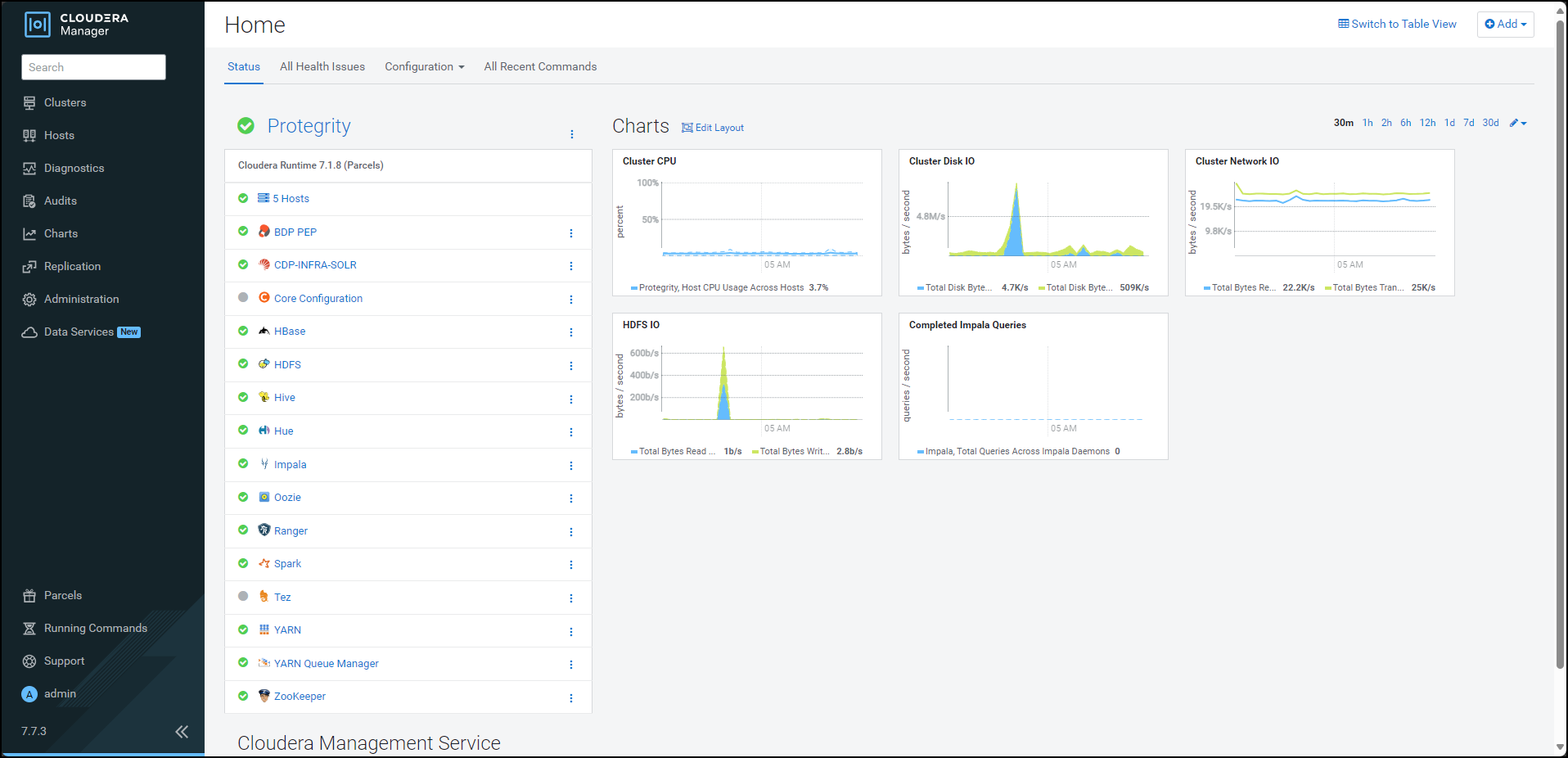
From the left pane, click Parcels. The Cloudera Manager Parcels page appears.
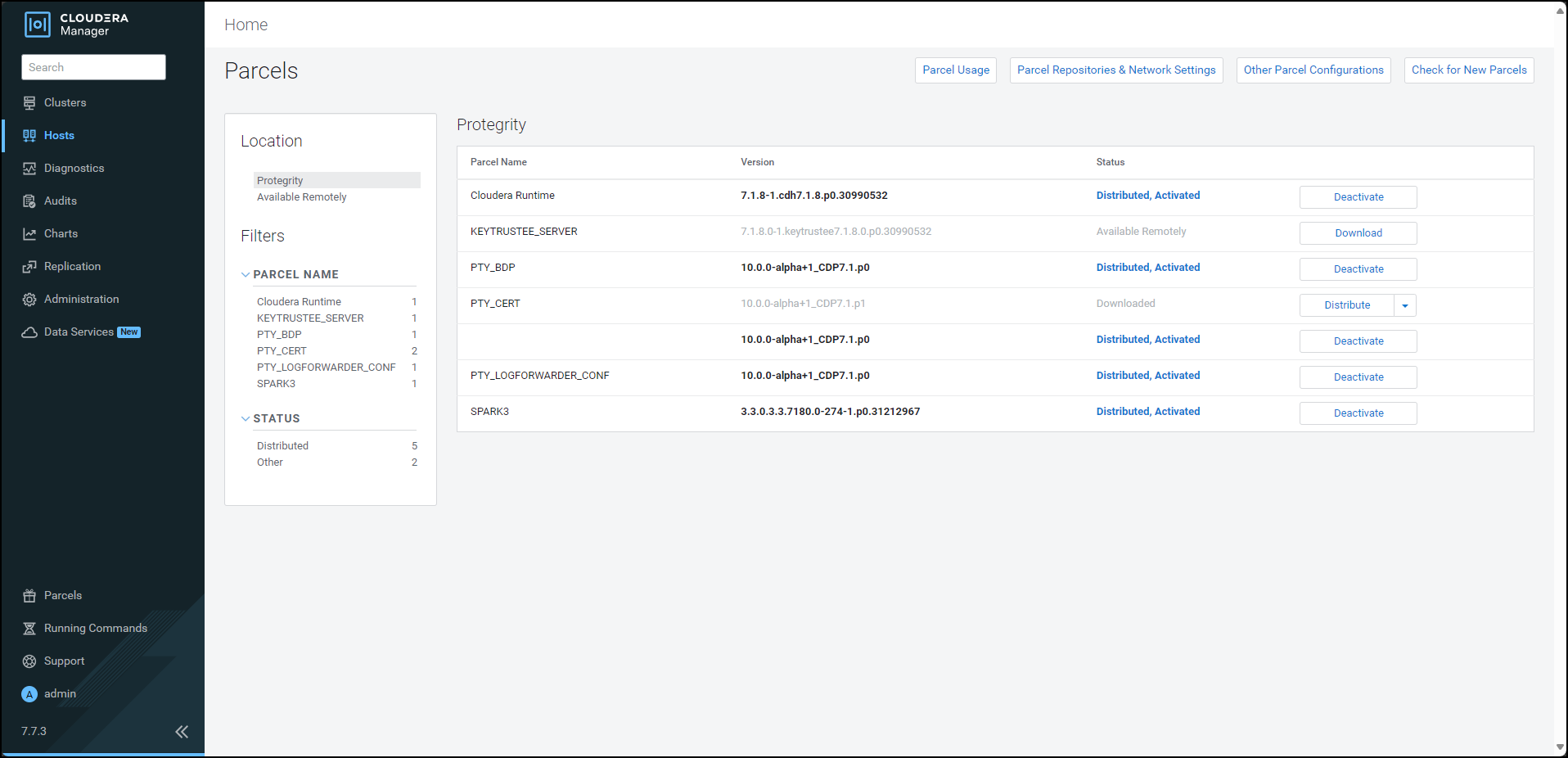
To distribute the Certificates parcel, besides the PTY_CERT parcel, click Distribute. Cloudera Manager distributes the Certificates parcel to all the nodes and enables the Activate button.
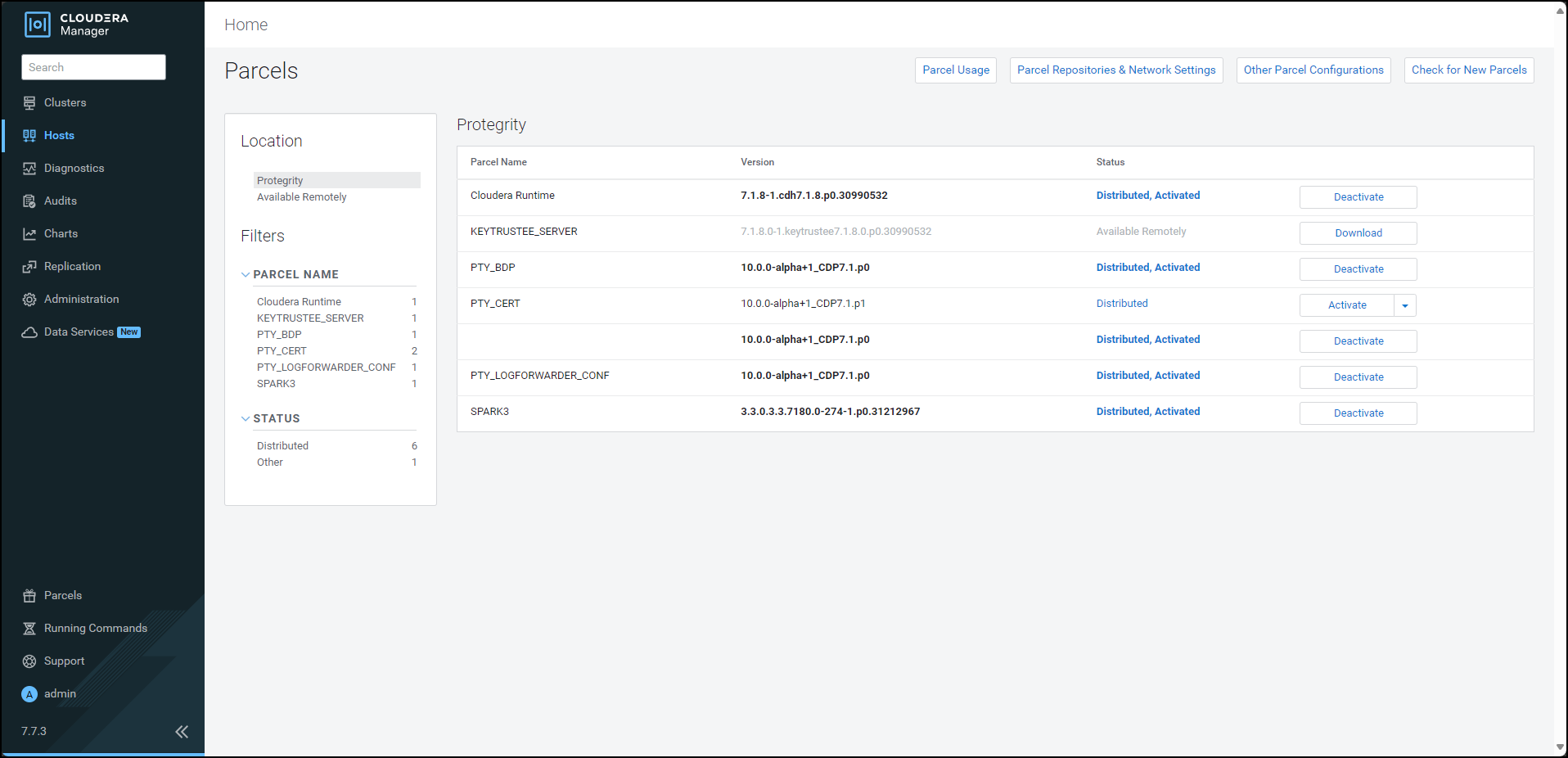
To activate the certificates parcel without a restart, besides the PTY_CERT parcel, click Activate. The prompt to activate the certificates parcel appears.
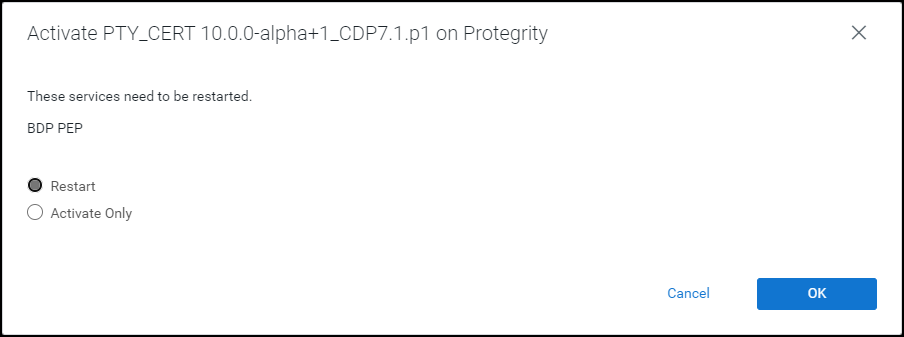
Select Activate Only.
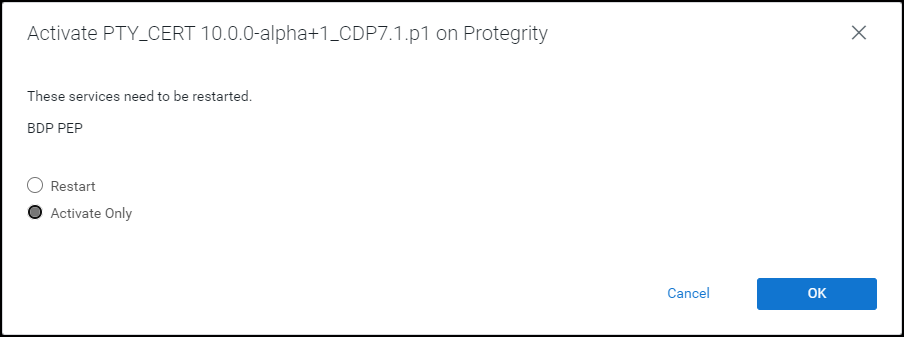
Click OK. Cloudera Manager deactivates the existing certificates parcel from all the nodes and activates the updated certificates parcel on all the nodes. After the activation is complete, Cloudera Manager enables the Deactivate option for the updated PTY_CERT parcel.
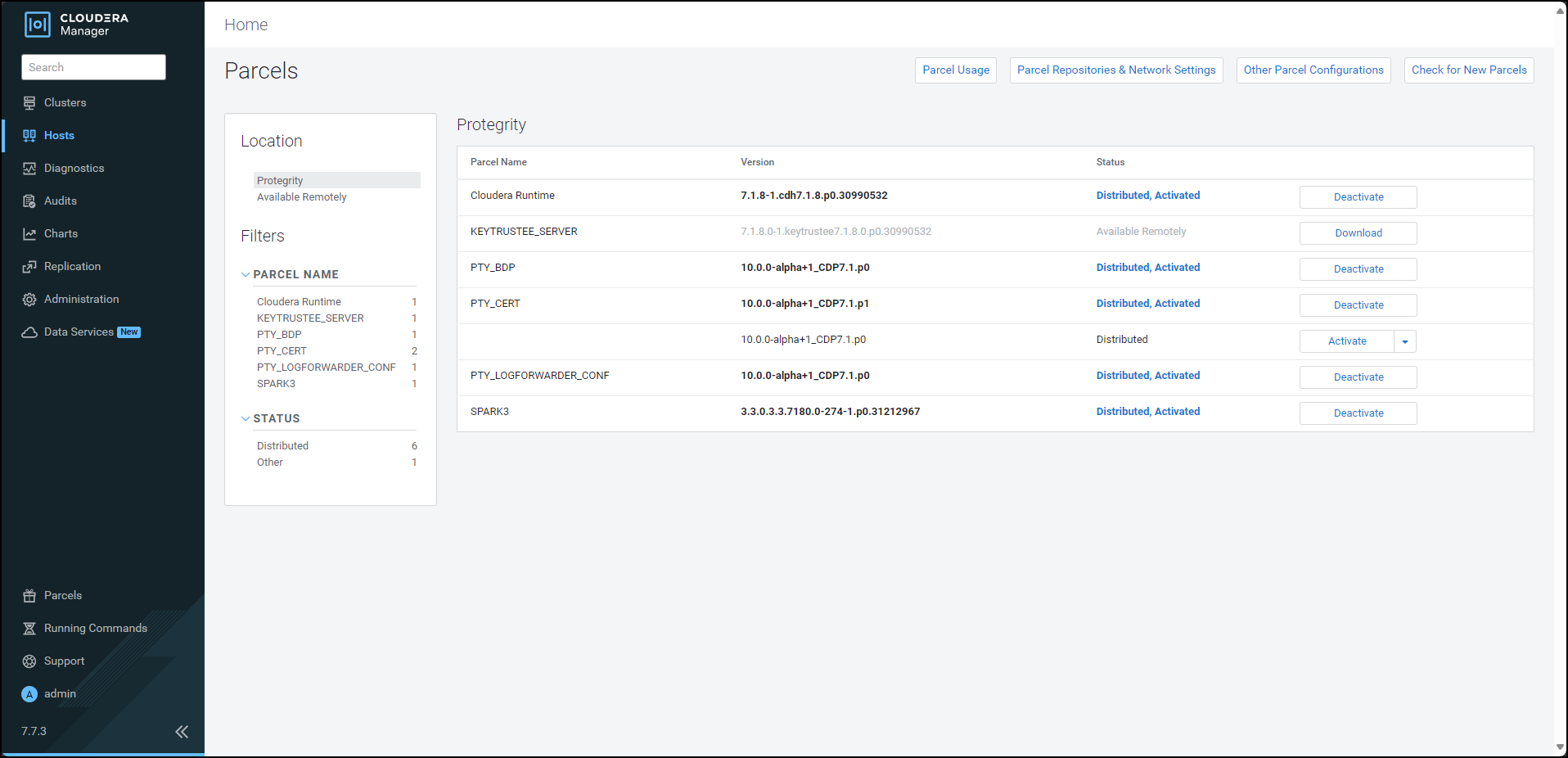
Navigate to the Cloudera Manager home page. The Cloudera Manager home page indicates a stale configuration in the BDP PEP service because we activated the updated certificates parcel without a restart.
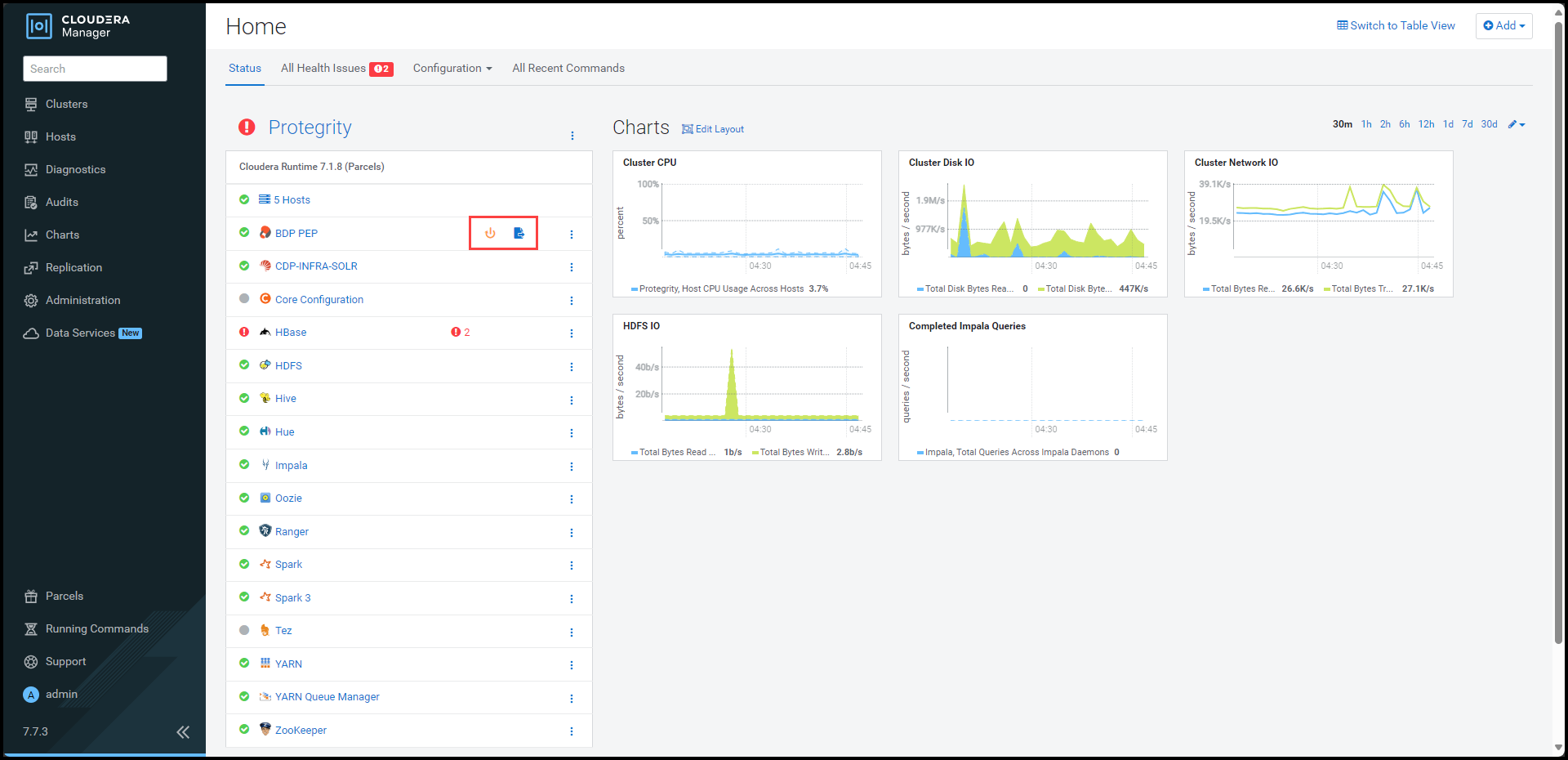
Note: You can safely ignore the stale configuration alert because the update certificate feature does not require a restart of the BDP PEP service.
To view the service page, click BDP PEP.
The BDP PEP page appears.
To update the certificates parcel on all the nodes, select Actions > Rotate certificates for all RP Agents.
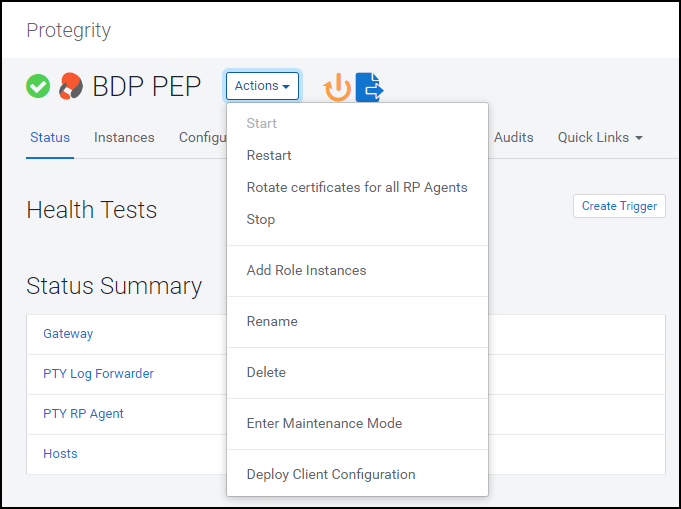
The prompt to confirm the action appears.
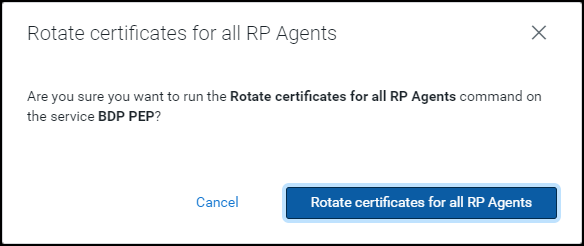
Click Rotate certificates for all RP Agents. Cloudera Manager executes the rotate certificate command and updates the certificates used by the RP Agents on all the nodes in the cluster.
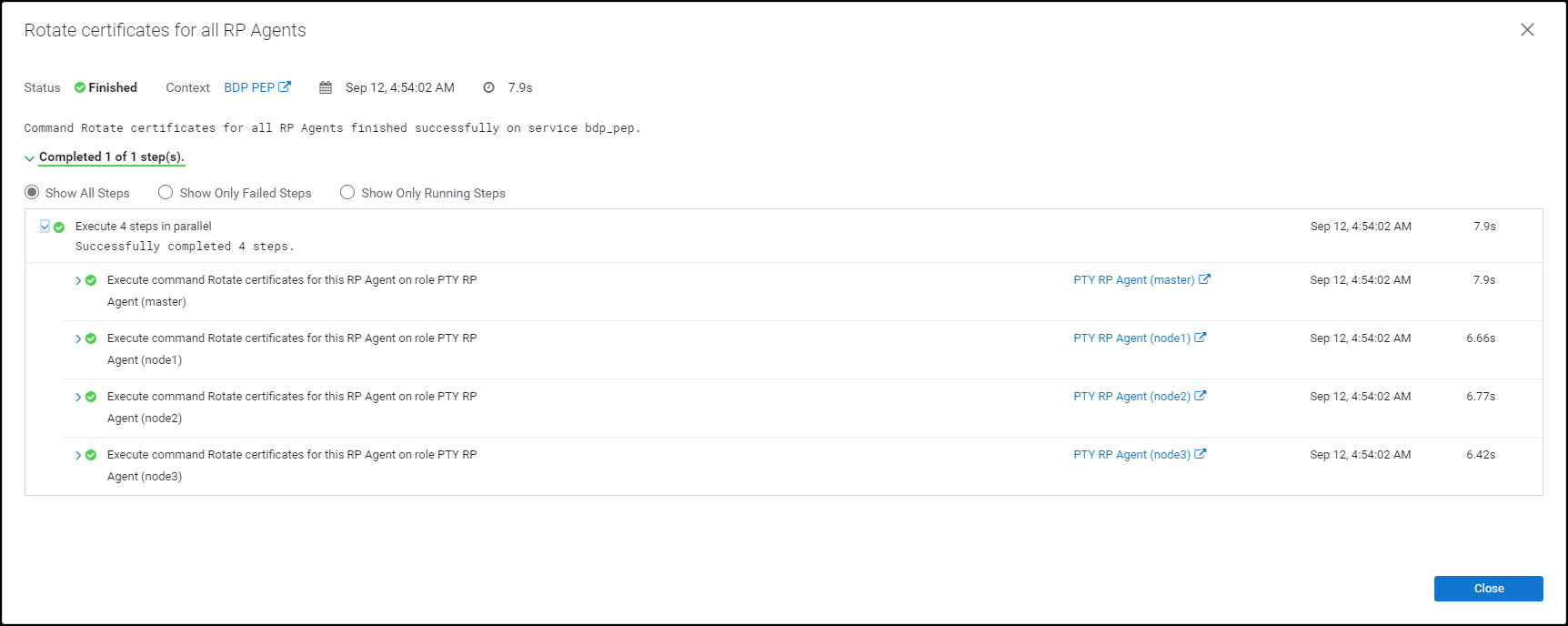
Click Close.
The command extracts the certificates from the latest activated PTY_CERT parcel directory /opt/cloudera/parcels/PTY_CERT/data/esacerts.tar to the default RP Agent directory /opt/cloudera/parcels/PTY_BDP/rpagent/data/ on each node.
The RP Agent will establish a TLS connection, download the policy, and fetch the certificates from the rpagent/data/ directory every time it polls ESA. This eliminates the need to restart the service to fetch the updated certificates.
Note: The BDP PEP service in Cloudera Manager will fetch the updated certificates (PTY_CERT) parcel on the new node whenever you add a new node to an existing cluster.
If you want to use a newer set of custom Log Forwarder configuration files to send the logs to an External Audit Store, then you must update, distribute, and activate the PTY_LOGFORWARDER_CONF parcel on all the nodes in the cluster.
To update the Log Forwarder parcel:
Log in to the host machine, which contains the Big Data Protector configurator script.
To execute the configurator script, run the following command:
BDPConfigurator_CDP-PVC-Base-7.1_<BDP_version>.sh
Press ENTER.
The prompt to continue the configuration of Big Data Protector appears.
*****************************************************************************
        Welcome to the Big Data Protector Configurator Wizard
*****************************************************************************
This will setup the Big Data Protector Installation Files for CDP PVC Base

Do you want to continue? [yes or no]:
To start configuration of the Big Data Protector, type yes.
Press ENTER.
The prompt to select the type of installation file appears.
Big Data Protector Configurator started...
Unpacking...
Extracting files...


Select the type of Installation files you want to generate.
[ 1: Create All ]      : Creates entire Big Data Protector CSDs and Parcels.
[ 2: Update PTY_CERT ] : Creates new PTY_CERT parcel with an incremented patch version.
                     Use this if you have updated the ESA certificates.
[ 3: Update PTY_LOGFORWARDER_CONF ]
                   : Creates new PTY_LOGFORWARDER_CONF parcel with an incremented patch version.
                     Use this if you want to set Custom LogForwarder configuration files to
                     forward logs to an External Audit Store.

[ 1, 2 or 3 ]:
To update the Log Forwarder parcel, type 3.
Press ENTER.
The prompt to select the operating system version appears.
Select the OS version for Cloudera Manager Parcel.
This will be used as the OS Distro suffix in the Parcel name.

[ 1: el7 ]    :  RHEL 7 and clones (CentOS, Scientific Linux, etc)
[ 2: el8 ]    :  RHEL 8 and clones (CentOS, Scientific Linux, etc)
[ 3: el9 ]    :  RHEL 9 and clones (CentOS, Scientific Linux, etc)
[ 4: sles12 ] :  SuSE Linux Enterprise Server 12.x

Enter the no.:
Depending on the requirements, type 1, 2, 3, or 4 to select the operating system version for the Big Data Protector parcels.
Press ENTER.
The prompt to enter the local directory path that stores the Log Forwarder configuration files appears.
Enter the local directory path on this machine that stores the LogForwarder configuration files for External Audit Store:
Type the local directory path that stores the Log Forwarder configuration files.
Press ENTER.
The prompt to enter the current version of the Log Forwarder configuration parcel appears.
Generating Installation files...

NOTE:
You can verify the version of the activated PTY_LOGFORWARDER_CONF parcel from the parcel
name, such as PTY_LOGFORWARDER_CONF-x.x.x.x_CDPx.x.p<version>-<os>.parcel, where the
<version> parameter denotes the patch version of the PTY_LOGFORWARDER_CONF parcel.

For Example: If the current activated PTY_LOGFORWARDER_CONF parcel is
PTY_LOGFORWARDER_CONF-x.x.x.x_CDPx.x.p0-<os>.parcel, the patch version of the PTY_LOGFORWARDER_CONF
parcel will be 0. Do NOT include 'p' while specifying the version.

Enter the <version> of the current PTY_LOGFORWARDER_CONF Parcel as specified in the parcel name [0]:
Type the version of the Log Forwarder configuration parcel.
Press ENTER.
The installer generates the PTY_LOGFORWARDER_CONF parcel in the ./Installation_Files/ directory.
The updated PTY_LOGFORWARDER_CONF parcel 'PTY_LOGFORWARDER_CONF-<BDP_version>_CDP7.1.p1-<operating_system_version>.parcel' is generated in ./Installation_Files/ directory.
NOTE:
Copy PTY_LOGFORWARDER_CONF-<BDP_version>_CDP7.1.p1-<operating_system_version>.parcel and .sha files to Cloudera Manager local parcel repository.
Copy the new PTY_LOGFORWARDER_CONF parcel to the local parcel repository of Cloudera Manager.
The default local parcel repository for Cloudera Manager is located in the /opt/cloudera/parcel-repo/ directory.
Navigate to the local parcel repository directory.
To assign the ownership permissions for the Cloudera SCM to the new Log Forwarder configuration parcel and checksum file, run the following command:
chown cloudera-scm:cloudera-scm PTY_*
Press ENTER.
To assign 640 permissions to the parcel files, run the following command.
chmod 640 PTY_*
Press ENTER.
The command assigns read and write permissions to the owner, read permissions to the group, and restricts access to all other users.
Log in to the Cloudera Manager web interface.
Navigate to the Parcels page.
The Parcels page appears.
To fetch the updated parcels, click Check for New Parcels.
The Cloudera Manager will fetch the updated PTY_LOGFORWARDER_CONF parcel.
Distribute the new PTY_LOGFORWARDER_CONF parcel to the nodes.
Note: For more information about distributing the new PTY_LOGFORWARDER_CONF parcel, refer to the section Distributing the parcels.
Activate the new PTY_LOGFORWARDER_CONF parcel on the nodes.
Note: For more information about activating the new PTY_LOGFORWARDER_CONF parcel, refer to the section Activating the parcels.
Restart the BDP PEP service.
To update the configuration parameters in the config.ini file:
Using a browser, navigate to the Cloudera Manager web UI.
Enter the Username.
Enter the Password.
Click Sign In.
The Cloudera Manager Home page appears.
Click BDP PEP.
The BDP PEP page appears.
Click the Configuration tab.
The Configuration tab appears.
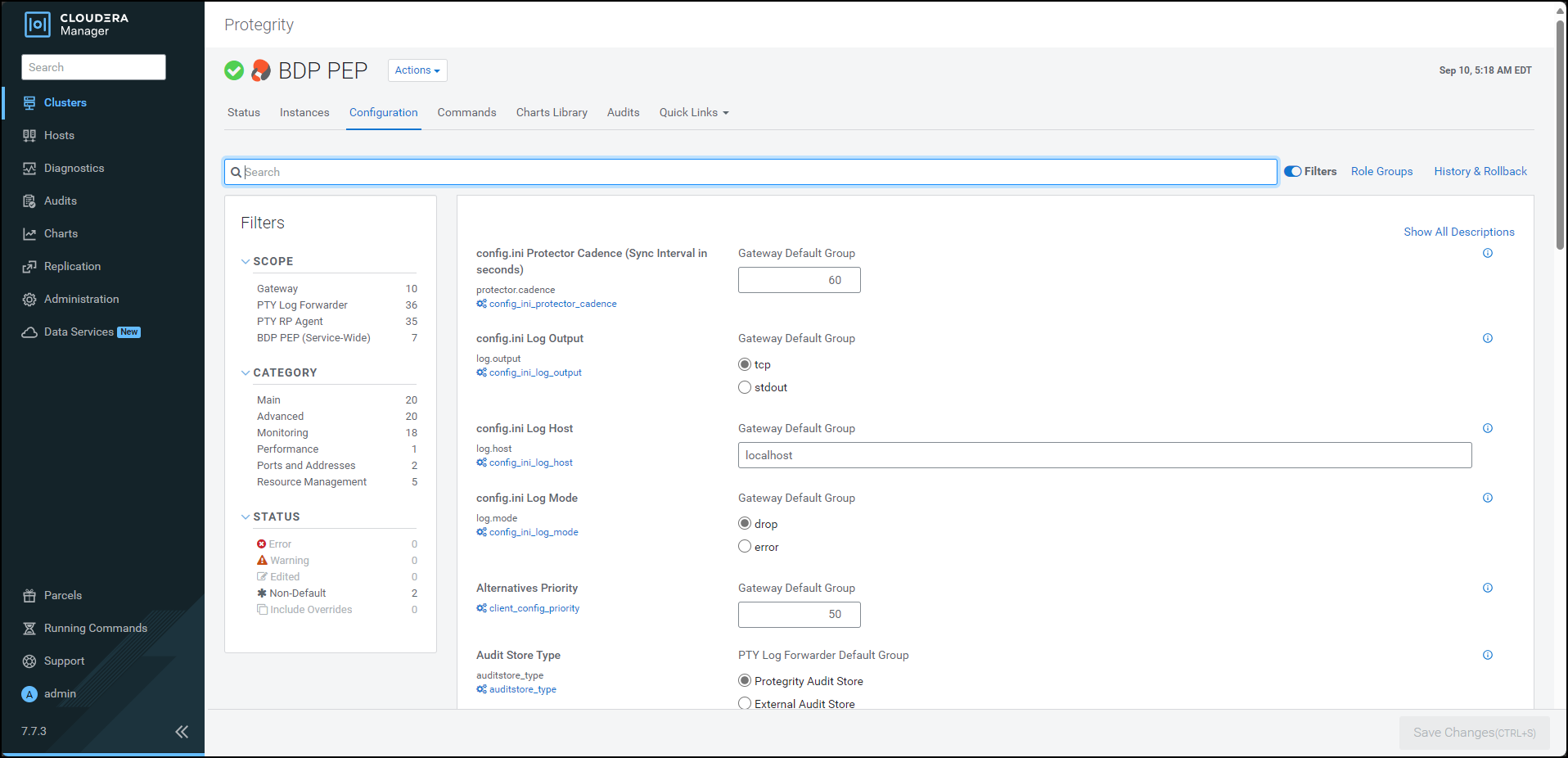
In the Filters pane, under Scope, click Gateway.
The options related to the config.ini file appear.
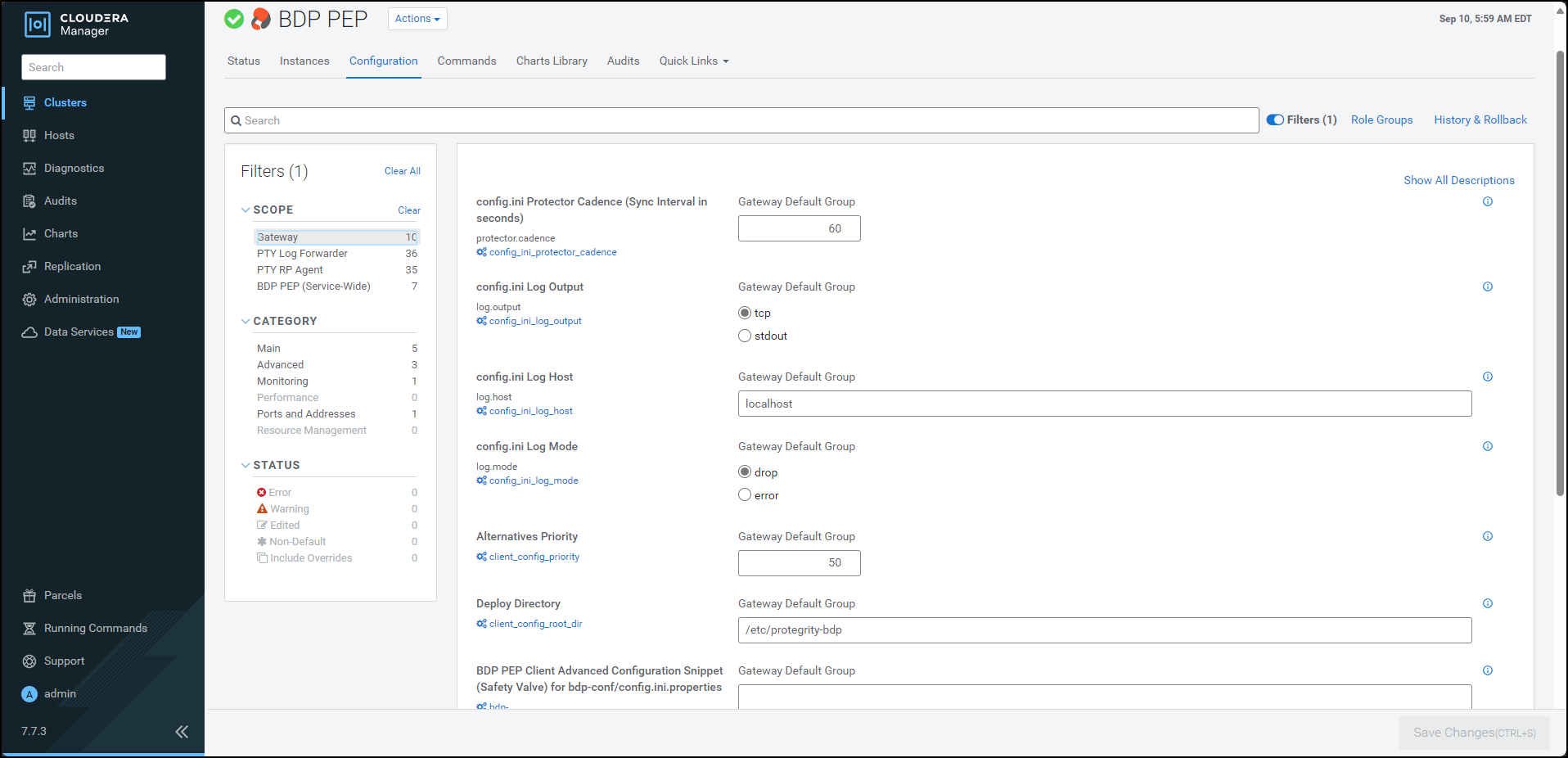
Update the parameters, as per the descriptions, listed in the following table:
| Parameter | Description |
|---|---|
| Protector Cadence | Determines how often the protector’s sync thread will execute (in seconds). The default is 60 seconds. By default, every 60 seconds the protector attempts to fetch the policy updates. If the cadence is set to ‘0’, then the protector will get the policy only once (per process). The interval is reset when the previous sync is finished. Minimum Value = 0 sec Maximum Value = 86400 sec (i.e. 24 hours) |
| Log Output | Defines the output type for protections logs. Accepted values are: - tcp = (Default) Logs are sent to LogForwarder using tcp - stdout = Logs are sent to stdout. |
| Log Host | Specifies the LogForwarder Host/IP Address where logs will be forwarded from the protector. |
| Log Mode | Determines the approach to handle logs when the connection to the LogForwarder is lost. This setting is only for the protector logs and not application logs. - drop = (Default) Protector throws logs away if connection to the logforwarder is lost. - error = Protector returns error without protecting/unprotecting data if connection to the logforwarder is lost. |
| Deploy Directory | Specifies the directory where the client configs will be deployed. Note: The Gateway Role requires this parameter to stage the temporary files (like the config.ini.properties). The default value is set to /etc/protegrity-bdp/. |
| BDP PEP Client Advanced Configuration Snippet (Safety Valve) for bdp-conf/config.ini.properties | For advanced use only, a string to be inserted into the client configuration for bdp-conf/config.ini.properties. |
| Log Port | Specifies the LogForwarder port where logs will be forwarded from the protector. |
Note: After adding or modifying any parameter in the
config.inifile, restart all the dependent services to reload the configuration changes.
To update the configuration parameters for the RP Agent:
Using a browser, navigate to the Cloudera Manager screen.
Enter the Username.
Enter the Password.
Click Sign In.
The Cloudera Manager Home page appears.
Click BDP PEP.
The BDP PEP page appears.
Click the Configuration tab.
The Configuration tab appears.
In the Filters pane, under Scope, click PTY RP Agent.
The options related to the RP Agent appear.
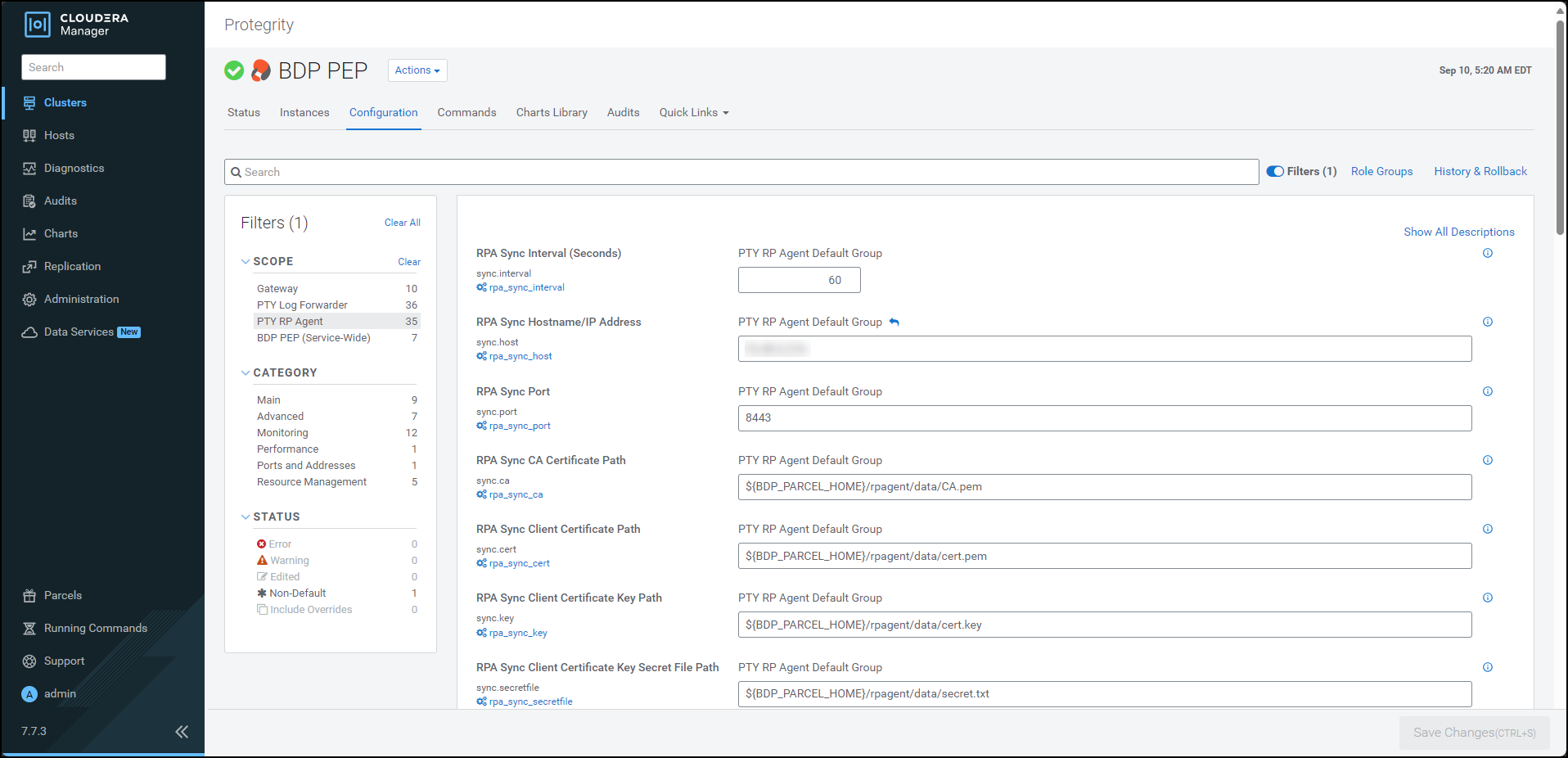
Update the parameters, as per the descriptions, listed in the following table:
| Option | Description |
|---|---|
| RPA Sync Interval (Seconds) | Specifies the frequency at which the RPAgent will fetch the policy from ESA. The minimum value is 1 second and the maximum value is 86400 seconds. |
| RPA Sync Hostname/IP Address | Specifies the hostname/IP Address to the service that provides the resilient packages. |
| RPA Sync Port | Specifies the port to the service that provides the resilient packages. |
| RPA Sync CA Certificate Path | Specfies the path to the CA certificate to validate the server certificate. Note: Do not modify the value of this parameter. |
| RPA Sync Client Certificate Path | Specifies the path to the client certificate. Note: Do not modify the value of this parameter. |
| RPA Sync Client Certificate Key Path | Specifies the path to the client certificate key. Note: Do not modify the value of this parameter. |
| RPA Sync Client Certificate Key Secret File Path | Specifies the path to the secret file used to decrypt the client certificate key. Note: Do not modify the value of this parameter. |
| RPA Log Host | Specifies the LogForwarder Host/IP Address where logs will be forwarded from the RPA. |
| RPA Log Mode | In case that connection to LogForwarder is lost, set how logs are handled. drop = (Default) Protector throws logs away if connection to the logforwarder is lost error = Protector returns error without protecting/unprotecting data if connection to the logforwarder is lost. |
To update the configuration parameters for the Log Forwarder:
Using a browser, navigate to the Cloudera Manager screen.
Enter the Username.
Enter the Password.
Click Sign In.
The Cloudera Manager Home page appears.
Click BDP PEP.
The BDP PEP page appears.
Click the Configuration tab.
The Configuration tab appears.
In the Filters pane, under Scope, click PTY Log Forwarder.
The options related to the Log Forwarder appear.
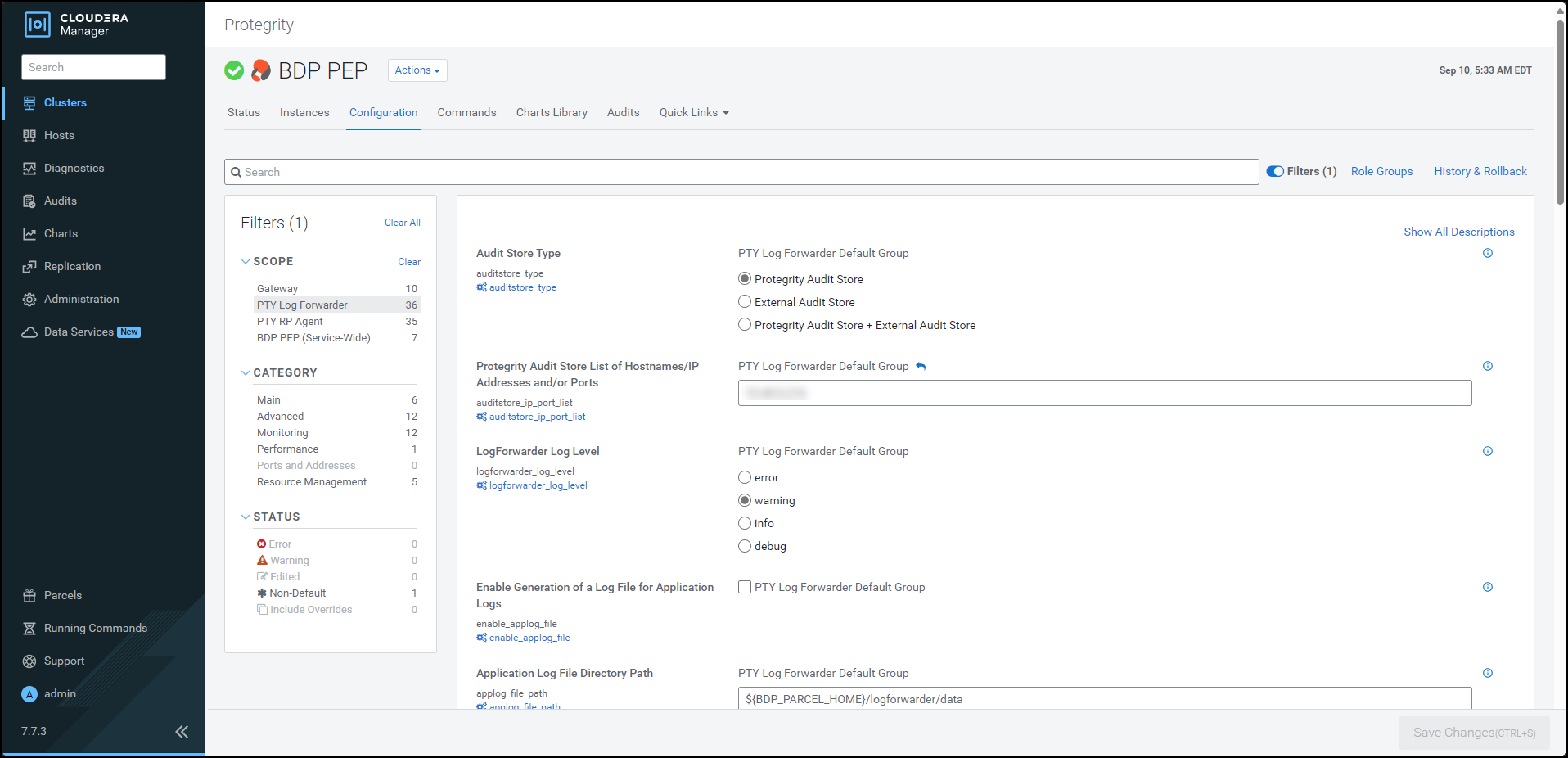
Update the parameters, as per the descriptions, listed in the following table:
| Option | Description |
|---|---|
| Audit Store Type | Specifies the type of Audit Store(s) where PTY LogForwarder sends logs to. |
| Protegrity Audit Store List of Hostnames/IP Addresses and/or Ports | Is the comma-delimited List of Protegrity Audit Store appliances’ Hostnames/IP addresses and/or Ports where LogForwarder sends logs. Allowed Syntax: hostname[:port][,hostname[:port],hostname[:port]…] (By default 9200 is set for empty ports) Examples: auditstore-a:9200,auditstore-b:9201,auditstore-c:9202 hostname-a hostname-a,hostname-b,hostname-c hostname-a:9201,hostname-b,hostname-c,hostname-d When using only External Audit Store, set this to NA. |
| LogForwarder Log Level | Specifies the LogForwarder logging verbosity level. |
| Enable Generation of a Log File for Application Logs | Enables the logforwarder/data/config.d/out_applog_file.conf file to create an Application Log file locally on the Nodes. |
| Application Log File Directory Path | Specifies the directory Path on the Nodes to store Application Log File. This is set as value of ‘Path’ in out_applog_file.conf when ’enable_applog_file’ is true. |
| Application Log File Name | Specifies the name of the Application Log File. This is set as value of ‘File’ in out_applog_file.conf when ’enable_applog_file’ is true. |
To add a new configuration parameter in the config.ini file:
Using a browser, navigate to the Cloudera Manager screen.
Enter the Username.
Enter the Password.
Click Sign In.
The Cloudera Manager Home page appears.
Click BDP PEP.
The BDP PEP page appears.
Click the Configuration tab.
The Configuration tab appears.
In the Filters pane, under Scope, click Gateway.
The options related to the config.ini file appear.
To add a new parameter for the config.ini file, perform the following steps:
group.key=value format. When you enter the parameter in the group.key=value format, Cloudera Manager appends the parameter in the config.ini file on all the nodes in the following format:[group]
key = value
To verify whether the parameter is added to the config.ini file, perform the following steps:
/opt/cloudera/parcels/PTY_BDP/bdp/data/ directory, run the following command:cd /opt/cloudera/parcels/PTY_BDP/bdp/data/
/opt/cloudera/parcels/PTY_BDP/bdp/data/.config.ini file, run the following command:vim config.ini
config.ini file.[log]
host=localhost
port=15780
output=tcp
mode=drop
[protector]
cadence=60
[core]
emptystring=empty
Using a browser, login to the Cloudera Manager home page.
Click BDP PEP. The BDP PEP page appears.
To generate the config.ini file on the nodes where you have installed the Gateway Role, select Actions » Deploy Client Configuration.
The prompt to confirm the action appears.
Click Deploy Client Configuration.
Cloudera Manager generates the config.ini file to all the nodes where the Gateway role is installed.
Note: If you add or modify any parameter in the
config.inifile, then you must restart all the dependent services to reload the configuration changes.
After you install the Big Data Protector, you must set the configuration parameters. These parameters will vary depending on the CDP-PVC-Base services that you will use. Protegrity now provides the set_unset_bdp_config.sh script to set the configuration parameters for the required services.
Important: If you want to uninstall the Big Data Protector, then ensure that you roll back the configuration parameters, to their previous values, that you set after installing the Big Data Protector. For more information, refer Restoring the Big Data Protector configuration
To set the Big Data Protector configuration:
Log in to the master node of the cluster.
Navigate to the directory where you executed configurator script and generated the installation files.
To set the configurations using the helper script, run the following command:
./set_unset_bdp_config.sh
Press ENTER.
The prompt to enter the IP address of the Cloudera Manager server appears.
Enter Cloudera Manager Server Node's Hostname/IP Address:
Enter the IP address of the master node.
Press ENTER.
The prompt to enter the name of the cluster appears.
Enter Cluster's Name:
Enter the name of the cluster.
Press ENTER.
The prompt to enter the username to access Cloudera Manager appears.
Enter Cloudera Manager's Username:
Enter the username.
Press ENTER.
The prompt to enter the password appears.
Enter Cloudera Manager's Password:
Enter the password.
Press ENTER.
The script verifies the cluster details and the prompt to set or remove the configuration appears.
Cluster's existence verified.

Do you want to set or unset the BDP configs?
[ 1 ] : SET the BDP configs
[ 2 ] : UNSET the BDP configs
Enter the no.:
To set the configuration for the Big Data Protector, type 1.
Press ENTER.
The script updates the configuration for the Big Data Protector.
Checking existence of HBase service with name 'hbase'.

Service 'hbase' exists.

Setting HBase's config...

######################################################################################################################################################################### 100.0%
HBase's 'hbase_coprocessor_region_classes' config for Role Group 'hbase-REGIONSERVER-BASE' has been updated.

######################################################################################################################################################################### 100.0%
HBase's 'hbase_coprocessor_region_classes' config for Role Group 'hbase-REGIONSERVER-1' has been updated.

######################################################################################################################################################################### 100.0%
HBase's 'hbase_coprocessor_region_classes' config for Role Group 'hbase-REGIONSERVER-2' has been updated.

Checking existence of Hive on Tez service with name 'hive_on_tez'.

Warning: Unable to check existence of Hive on Tez service 'hive_on_tez'. Skipping this service...
{
    "message" : "Service 'hive_on_tez' not found in cluster <name_of_the_cluster>."
}

Checking existence of Tez service with name 'tez'.

Service 'tez' exists.

Setting Tez's config...

######################################################################################################################################################################### 100.0%
Tez Service wide config ('tez.cluster.additional.classpath.prefix') has been updated.

Checking existence of Impala service with name 'impala'.

Service 'impala' exists.

Setting Impala's config...

######################################################################################################################################################################### 100.0%
Impala's 'IMPALAD_role_env_safety_valve' config for Role Group 'impala-IMPALAD-BASE' has been updated.

######################################################################################################################################################################### 100.0%
Impala's 'IMPALAD_role_env_safety_valve' config for Role Group 'impala-IMPALAD-2' has been updated.

######################################################################################################################################################################### 100.0%
Impala's 'IMPALAD_role_env_safety_valve' config for Role Group 'impala-IMPALAD-1' has been updated.

Checking existence of Spark on Yarn service with name 'spark_on_yarn'.

Service 'spark_on_yarn' exists.

Setting Spark on Yarn's config...

######################################################################################################################################################################### 100.0%
Spark on Yarn Service wide config ('spark-conf/spark-env.sh_service_safety_valve') has been updated.

Checking existence of Spark3 on Yarn service with name 'spark3_on_yarn'.

Service 'spark3_on_yarn' exists.

Setting Spark3 on Yarn's config...

######################################################################################################################################################################### 100.0%
Spark3 on Yarn Service wide config ('spark3-conf/spark-env.sh_service_safety_valve') has been updated.
To manually set the configuration parameters for the Big Data Protector, refer to the following table:
From v10.0.0 onwards, the BDP pep* jar files will be installed under the
/opt/cloudera/parcels/PTY_BDP/bdp/lib/directory. In addition, the BDP version would be added to the.jarfile names.
| Service | BDP Configuration |
|---|---|
| Hive on Tez | In the Hive on Tez Service Environment Advanced Configuration Snippet (Safety Valve) and Gateway Client Environment Advanced Configuration Snippet (Safety Valve) for hive-env.sh and Gateway Client Environment Advanced Configuration Snippet (Safety Valve) for hive-env.sh:Key: HIVE_CLASSPATHValue: /opt/cloudera/parcels/PTY_BDP/bdp/lib/jcorelite.jar:/opt/cloudera/parcels/PTY_BDP/bdp/lib/pephive-<hive_version>_v<bdp_version>.jar:${HIVE_CLASSPATH}For example: /opt/cloudera/parcels/PTY_BDP/bdp/lib/jcorelite.jar:/opt/cloudera/parcels/PTY_BDP/bdp/lib/pephive-3.1.3000_v10.0.0+4.jar:${HIVE_CLASSPATH}In the Hive on Tez Service Advanced Configuration Snippet (Safety Valve) for hive-site.xml:Name: hive.exec.pre.hooks<br>Value: com.protegrity.hive.PtyHiveUserPreHook |
| Tez | Name: tez.cluster.additional.classpath.prefixValue: /opt/cloudera/parcels/PTY_BDP/bdp/lib/jcorelite.jar:/opt/cloudera/parcels/PTY_BDP/bdp/lib/pephive-<hive_version>_v<bdp_version>.jar |
| HBase | Name: hbase.coprocessor.region.classesValue: com.protegrity.hbase.PTYRegionObserver |
| Spark on Yarn | In Spark Service Advanced Configuration Snippet (Safety Valve) for spark-conf/spark-env.sh:SPARK_DIST_CLASSPATH=/opt/cloudera/parcels/PTY_BDP/bdp/lib/jcorelite.jar:/opt/cloudera/parcels/PTY_BDP/bdp/lib/pepspark-<spark_version>_v<bdp_version>.jar:/opt/cloudera/parcels/PTY_BDP/bdp/lib/pephive-<hive_version>_v<bdp_version>.jar:${SPARK_DIST_CLASSPATH} |
| Spark 3 on Yarn | In Spark 3 Service Advanced Configuration Snippet (Safety Valve) for spark3-conf/spark-env.sh:SPARK_DIST_CLASSPATH=/opt/cloudera/parcels/PTY_BDP/bdp/lib/jcorelite.jar:/opt/cloudera/parcels/PTY_BDP/bdp/lib/pepspark-<spark_version>_v<bdp_version>.jar:/opt/cloudera/parcels/PTY_BDP/bdp/lib/pephive-<hive_version>_v<bdp_version>.jar:${SPARK_DIST_CLASSPATH} |
| Impala | In the Impala Daemon Environment Advanced Configuration Snippet (Safety Valve):Key: PTY_CONFIGPATHValue: /opt/cloudera/parcels/PTY_BDP/bdp/data/config.ini |
Warning: Ensure that you do not override the BDP configurations at the client side. Overriding the configurations can result in the component failure.
After you set BDP configurations either by using the helper script or setting them manually, restart the services that are in the Stale configuration state on Cloudera Manager. Ensure to Redeploy the client configuration.
To enable the application log file:
Using a browser, navigate to the Cloudera Manager screen.
Enter the Username.
Enter the Password.
Click Sign In.
The Cloudera Manager Home page appears.
Click BDP PEP.
The BDP PEP page appears.
Click the Configuration tab.
The Configuration tab appears.
In the Filters pane, under Scope, click PTY Log Forwarder.
The options related to the Log Forwarder appear.
To generate the application log file, under Enable Generation of a Log File for Application Logs, select the PTY Log Forwarder Default Group check box.
To specify a location to generate the log file, in the Application Log File Directory Path box, enter the location where you want to generate the application log file.
To specify a name for the application log file, in the Application Log File Name box, enter a name for the file.
Click Save Changes.
Restart the BDP PEP service.
You can register the Hive protector UDFs in two ways:
Log in to the master node with a user account having permissions to create and drop UDFs.
To navigate to the directory that contains the helper script, run the following command:
cd /opt/cloudera/parcels/PTY_BDP/pephive/scripts
To create the UDFs using the helper script, run the following command:
0: jdbc:hive2://master.localdomain.com:2181,n> source create_perm_hive_udfs.hql;
Execute the command in beeline after establishing a connection.
Press ENTER.
The script creates all the permanent user-defined functions for Hive.
INFO  : Compiling command(queryId=hive_20240903111742_5f440820-56b8-4937-a368-93242e02f75e): CREATE FUNCTION ptyGetVersion AS 'com.protegrity.hive.udf.ptyGetVersion'
WARN  : permanent functions created without USING  clause will not be replicated.
INFO  : Semantic Analysis Completed (retrial = false)
INFO  : Created Hive schema: Schema(fieldSchemas:null, properties:null)
INFO  : Completed compiling command(queryId=hive_20240903111742_5f440820-56b8-4937-a368-93242e02f75e); Time taken: 0.044 seconds
INFO  : Executing command(queryId=hive_20240903111742_5f440820-56b8-4937-a368-93242e02f75e): CREATE FUNCTION ptyGetVersion AS 'com.protegrity.hive.udf.ptyGetVersion'
INFO  : Starting task [Stage-0:DDL] in serial mode
INFO  : Completed executing command(queryId=hive_20240903111742_5f440820-56b8-4937-a368-93242e02f75e); Time taken: 0.044 seconds
INFO  : OK
No rows affected (0.109 seconds)
INFO  : Compiling command(queryId=hive_20240903111742_f164d63c-af8d-4b76-bae1-d0d4607b79df): CREATE FUNCTION ptyGetVersionExtended AS 'com.protegrity.hive.udf.ptyGetVersionExtended'
WARN  : permanent functions created without USING  clause will not be replicated.
INFO  : Semantic Analysis Completed (retrial = false)
INFO  : Created Hive schema: Schema(fieldSchemas:null, properties:null)
INFO  : Completed compiling command(queryId=hive_20240903111742_f164d63c-af8d-4b76-bae1-d0d4607b79df); Time taken: 0.021 seconds
INFO  : Executing command(queryId=hive_20240903111742_f164d63c-af8d-4b76-bae1-d0d4607b79df): CREATE FUNCTION ptyGetVersionExtended AS 'com.protegrity.hive.udf.ptyGetVersionExtended'
INFO  : Starting task [Stage-0:DDL] in serial mode
INFO  : Completed executing command(queryId=hive_20240903111742_f164d63c-af8d-4b76-bae1-d0d4607b79df); Time taken: 0.009 seconds
INFO  : OK
No rows affected (0.048 seconds)
INFO  : Compiling command(queryId=hive_20240903111742_1c22cc0c-fa1d-4e6c-abd2-00e5859cfea5): CREATE FUNCTION ptyWhoAmI AS 'com.protegrity.hive.udf.ptyWhoAmI'
WARN  : permanent functions created without USING  clause will not be replicated.
INFO  : Semantic Analysis Completed (retrial = false)
INFO  : Created Hive schema: Schema(fieldSchemas:null, properties:null)
INFO  : Completed compiling command(queryId=hive_20240903111742_1c22cc0c-fa1d-4e6c-abd2-00e5859cfea5); Time taken: 0.012 seconds
INFO  : Executing command(queryId=hive_20240903111742_1c22cc0c-fa1d-4e6c-abd2-00e5859cfea5): CREATE FUNCTION ptyWhoAmI AS 'com.protegrity.hive.udf.ptyWhoAmI'
INFO  : Starting task [Stage-0:DDL] in serial mode
INFO  : Completed executing command(queryId=hive_20240903111742_1c22cc0c-fa1d-4e6c-abd2-00e5859cfea5); Time taken: 0.015 seconds
INFO  : OK
No rows affected (0.042 seconds)
INFO  : Compiling command(queryId=hive_20240903111742_084d1053-3fdc-41f0-8372-542439becfea): CREATE FUNCTION ptyProtectStr AS 'com.protegrity.hive.udf.ptyProtectStr'
WARN  : permanent functions created without USING  clause will not be replicated.
INFO  : Semantic Analysis Completed (retrial = false)
INFO  : Created Hive schema: Schema(fieldSchemas:null, properties:null)
INFO  : Completed compiling command(queryId=hive_20240903111742_084d1053-3fdc-41f0-8372-542439becfea); Time taken: 0.012 seconds
INFO  : Executing command(queryId=hive_20240903111742_084d1053-3fdc-41f0-8372-542439becfea): CREATE FUNCTION ptyProtectStr AS 'com.protegrity.hive.udf.ptyProtectStr'
INFO  : Starting task [Stage-0:DDL] in serial mode
INFO  : Completed executing command(queryId=hive_20240903111742_084d1053-3fdc-41f0-8372-542439becfea); Time taken: 0.013 seconds
INFO  : OK
No rows affected (0.048 seconds)
INFO  : Compiling command(queryId=hive_20240903111743_86ca369f-a9f3-4573-b974-35f5937d3448): CREATE FUNCTION ptyUnprotectStr AS 'com.protegrity.hive.udf.ptyUnprotectStr'
WARN  : permanent functions created without USING  clause will not be replicated.
INFO  : Semantic Analysis Completed (retrial = false)
INFO  : Created Hive schema: Schema(fieldSchemas:null, properties:null)
INFO  : Completed compiling command(queryId=hive_20240903111743_86ca369f-a9f3-4573-b974-35f5937d3448); Time taken: 0.016 seconds
INFO  : Executing command(queryId=hive_20240903111743_86ca369f-a9f3-4573-b974-35f5937d3448): CREATE FUNCTION ptyUnprotectStr AS 'com.protegrity.hive.udf.ptyUnprotectStr'
INFO  : Starting task [Stage-0:DDL] in serial mode
INFO  : Completed executing command(queryId=hive_20240903111743_86ca369f-a9f3-4573-b974-35f5937d3448); Time taken: 0.014 seconds
INFO  : OK
No rows affected (0.044 seconds)
INFO  : Compiling command(queryId=hive_20240903111743_12a5a1c4-5c36-449c-963c-0ffffa42a243): CREATE FUNCTION ptyReprotect AS 'com.protegrity.hive.udf.ptyReprotect'
WARN  : permanent functions created without USING  clause will not be replicated.
INFO  : Semantic Analysis Completed (retrial = false)
INFO  : Created Hive schema: Schema(fieldSchemas:null, properties:null)
INFO  : Completed compiling command(queryId=hive_20240903111743_12a5a1c4-5c36-449c-963c-0ffffa42a243); Time taken: 0.026 seconds
INFO  : Executing command(queryId=hive_20240903111743_12a5a1c4-5c36-449c-963c-0ffffa42a243): CREATE FUNCTION ptyReprotect AS 'com.protegrity.hive.udf.ptyReprotect'
INFO  : Starting task [Stage-0:DDL] in serial mode
INFO  : Completed executing command(queryId=hive_20240903111743_12a5a1c4-5c36-449c-963c-0ffffa42a243); Time taken: 0.015 seconds
INFO  : OK
No rows affected (0.061 seconds)
INFO  : Compiling command(queryId=hive_20240903111743_cc835a71-ba14-450b-8f90-a4e2ede83630): CREATE FUNCTION ptyProtectUnicode AS 'com.protegrity.hive.udf.ptyProtectUnicode'
WARN  : permanent functions created without USING  clause will not be replicated.
INFO  : Semantic Analysis Completed (retrial = false)
INFO  : Created Hive schema: Schema(fieldSchemas:null, properties:null)
INFO  : Completed compiling command(queryId=hive_20240903111743_cc835a71-ba14-450b-8f90-a4e2ede83630); Time taken: 0.023 seconds
INFO  : Executing command(queryId=hive_20240903111743_cc835a71-ba14-450b-8f90-a4e2ede83630): CREATE FUNCTION ptyProtectUnicode AS 'com.protegrity.hive.udf.ptyProtectUnicode'
INFO  : Starting task [Stage-0:DDL] in serial mode
INFO  : Completed executing command(queryId=hive_20240903111743_cc835a71-ba14-450b-8f90-a4e2ede83630); Time taken: 0.016 seconds
INFO  : OK
No rows affected (0.062 seconds)
INFO  : Compiling command(queryId=hive_20240903111743_1844eb3d-8e5f-4df4-99d0-62b5fa5c42e3): CREATE FUNCTION ptyUnprotectUnicode AS 'com.protegrity.hive.udf.ptyUnprotectUnicode'
WARN  : permanent functions created without USING  clause will not be replicated.
INFO  : Semantic Analysis Completed (retrial = false)
INFO  : Created Hive schema: Schema(fieldSchemas:null, properties:null)
INFO  : Completed compiling command(queryId=hive_20240903111743_1844eb3d-8e5f-4df4-99d0-62b5fa5c42e3); Time taken: 0.016 seconds
INFO  : Executing command(queryId=hive_20240903111743_1844eb3d-8e5f-4df4-99d0-62b5fa5c42e3): CREATE FUNCTION ptyUnprotectUnicode AS 'com.protegrity.hive.udf.ptyUnprotectUnicode'
INFO  : Starting task [Stage-0:DDL] in serial mode
INFO  : Completed executing command(queryId=hive_20240903111743_1844eb3d-8e5f-4df4-99d0-62b5fa5c42e3); Time taken: 0.017 seconds
INFO  : OK
No rows affected (0.056 seconds)
INFO  : Compiling command(queryId=hive_20240903111743_4e5e4b46-e506-4a95-a70c-34ca26597ec3): CREATE FUNCTION ptyReprotectUnicode AS 'com.protegrity.hive.udf.ptyReprotectUnicode'
WARN  : permanent functions created without USING  clause will not be replicated.
INFO  : Semantic Analysis Completed (retrial = false)
INFO  : Created Hive schema: Schema(fieldSchemas:null, properties:null)
INFO  : Completed compiling command(queryId=hive_20240903111743_4e5e4b46-e506-4a95-a70c-34ca26597ec3); Time taken: 0.016 seconds
INFO  : Executing command(queryId=hive_20240903111743_4e5e4b46-e506-4a95-a70c-34ca26597ec3): CREATE FUNCTION ptyReprotectUnicode AS 'com.protegrity.hive.udf.ptyReprotectUnicode'
INFO  : Starting task [Stage-0:DDL] in serial mode
INFO  : Completed executing command(queryId=hive_20240903111743_4e5e4b46-e506-4a95-a70c-34ca26597ec3); Time taken: 0.013 seconds
INFO  : OK
No rows affected (0.053 seconds)
INFO  : Compiling command(queryId=hive_20240903111743_7fea3ced-35ae-444b-b211-0746ebbc0efc): CREATE FUNCTION ptyProtectShort AS 'com.protegrity.hive.udf.ptyProtectShort'
WARN  : permanent functions created without USING  clause will not be replicated.
INFO  : Semantic Analysis Completed (retrial = false)
INFO  : Created Hive schema: Schema(fieldSchemas:null, properties:null)
INFO  : Completed compiling command(queryId=hive_20240903111743_7fea3ced-35ae-444b-b211-0746ebbc0efc); Time taken: 0.015 seconds
INFO  : Executing command(queryId=hive_20240903111743_7fea3ced-35ae-444b-b211-0746ebbc0efc): CREATE FUNCTION ptyProtectShort AS 'com.protegrity.hive.udf.ptyProtectShort'
INFO  : Starting task [Stage-0:DDL] in serial mode
INFO  : Completed executing command(queryId=hive_20240903111743_7fea3ced-35ae-444b-b211-0746ebbc0efc); Time taken: 0.013 seconds
INFO  : OK
No rows affected (0.06 seconds)
INFO  : Compiling command(queryId=hive_20240903111743_238059b4-d9e2-49c9-be17-3a281634b16c): CREATE FUNCTION ptyUnprotectShort AS 'com.protegrity.hive.udf.ptyUnprotectShort'
WARN  : permanent functions created without USING  clause will not be replicated.
INFO  : Semantic Analysis Completed (retrial = false)
INFO  : Created Hive schema: Schema(fieldSchemas:null, properties:null)
INFO  : Completed compiling command(queryId=hive_20240903111743_238059b4-d9e2-49c9-be17-3a281634b16c); Time taken: 0.023 seconds
INFO  : Executing command(queryId=hive_20240903111743_238059b4-d9e2-49c9-be17-3a281634b16c): CREATE FUNCTION ptyUnprotectShort AS 'com.protegrity.hive.udf.ptyUnprotectShort'
INFO  : Starting task [Stage-0:DDL] in serial mode
INFO  : Completed executing command(queryId=hive_20240903111743_238059b4-d9e2-49c9-be17-3a281634b16c); Time taken: 0.018 seconds
INFO  : OK
No rows affected (0.062 seconds)
INFO  : Compiling command(queryId=hive_20240903111743_f0702c03-03f6-4120-8a1d-d16ea0477e9d): CREATE FUNCTION ptyProtectInt AS 'com.protegrity.hive.udf.ptyProtectInt'
WARN  : permanent functions created without USING  clause will not be replicated.
INFO  : Semantic Analysis Completed (retrial = false)
INFO  : Created Hive schema: Schema(fieldSchemas:null, properties:null)
INFO  : Completed compiling command(queryId=hive_20240903111743_f0702c03-03f6-4120-8a1d-d16ea0477e9d); Time taken: 0.02 seconds
INFO  : Executing command(queryId=hive_20240903111743_f0702c03-03f6-4120-8a1d-d16ea0477e9d): CREATE FUNCTION ptyProtectInt AS 'com.protegrity.hive.udf.ptyProtectInt'
INFO  : Starting task [Stage-0:DDL] in serial mode
INFO  : Completed executing command(queryId=hive_20240903111743_f0702c03-03f6-4120-8a1d-d16ea0477e9d); Time taken: 0.014 seconds
INFO  : OK
No rows affected (0.05 seconds)
INFO  : Compiling command(queryId=hive_20240903111743_ae7f1dc6-6397-47c6-b917-722d17d9f87f): CREATE FUNCTION ptyUnprotectInt AS 'com.protegrity.hive.udf.ptyUnprotectInt'
WARN  : permanent functions created without USING  clause will not be replicated.
INFO  : Semantic Analysis Completed (retrial = false)
INFO  : Created Hive schema: Schema(fieldSchemas:null, properties:null)
INFO  : Completed compiling command(queryId=hive_20240903111743_ae7f1dc6-6397-47c6-b917-722d17d9f87f); Time taken: 0.013 seconds
INFO  : Executing command(queryId=hive_20240903111743_ae7f1dc6-6397-47c6-b917-722d17d9f87f): CREATE FUNCTION ptyUnprotectInt AS 'com.protegrity.hive.udf.ptyUnprotectInt'
INFO  : Starting task [Stage-0:DDL] in serial mode
INFO  : Completed executing command(queryId=hive_20240903111743_ae7f1dc6-6397-47c6-b917-722d17d9f87f); Time taken: 0.014 seconds
INFO  : OK
No rows affected (0.058 seconds)
INFO  : Compiling command(queryId=hive_20240903111743_2810a4eb-ccba-466f-bb65-1e646392773f): CREATE FUNCTION ptyProtectBigInt as 'com.protegrity.hive.udf.ptyProtectBigInt'
WARN  : permanent functions created without USING  clause will not be replicated.
INFO  : Semantic Analysis Completed (retrial = false)
INFO  : Created Hive schema: Schema(fieldSchemas:null, properties:null)
INFO  : Completed compiling command(queryId=hive_20240903111743_2810a4eb-ccba-466f-bb65-1e646392773f); Time taken: 0.014 seconds
INFO  : Executing command(queryId=hive_20240903111743_2810a4eb-ccba-466f-bb65-1e646392773f): CREATE FUNCTION ptyProtectBigInt as 'com.protegrity.hive.udf.ptyProtectBigInt'
INFO  : Starting task [Stage-0:DDL] in serial mode
INFO  : Completed executing command(queryId=hive_20240903111743_2810a4eb-ccba-466f-bb65-1e646392773f); Time taken: 0.012 seconds
INFO  : OK
No rows affected (0.049 seconds)
INFO  : Compiling command(queryId=hive_20240903111743_f5d8dc7e-e103-4f5c-a5ef-3eaf113ac8ee): CREATE FUNCTION ptyUnprotectBigInt as 'com.protegrity.hive.udf.ptyUnprotectBigInt'
WARN  : permanent functions created without USING  clause will not be replicated.
INFO  : Semantic Analysis Completed (retrial = false)
INFO  : Created Hive schema: Schema(fieldSchemas:null, properties:null)
INFO  : Completed compiling command(queryId=hive_20240903111743_f5d8dc7e-e103-4f5c-a5ef-3eaf113ac8ee); Time taken: 0.014 seconds
INFO  : Executing command(queryId=hive_20240903111743_f5d8dc7e-e103-4f5c-a5ef-3eaf113ac8ee): CREATE FUNCTION ptyUnprotectBigInt as 'com.protegrity.hive.udf.ptyUnprotectBigInt'
INFO  : Starting task [Stage-0:DDL] in serial mode
INFO  : Completed executing command(queryId=hive_20240903111743_f5d8dc7e-e103-4f5c-a5ef-3eaf113ac8ee); Time taken: 0.023 seconds
INFO  : OK
No rows affected (0.055 seconds)
INFO  : Compiling command(queryId=hive_20240903111743_95c6b6f2-f57a-4d9f-8a46-5b1dec8f17b1): CREATE FUNCTION ptyProtectFloat as 'com.protegrity.hive.udf.ptyProtectFloat'
WARN  : permanent functions created without USING  clause will not be replicated.
INFO  : Semantic Analysis Completed (retrial = false)
INFO  : Created Hive schema: Schema(fieldSchemas:null, properties:null)
INFO  : Completed compiling command(queryId=hive_20240903111743_95c6b6f2-f57a-4d9f-8a46-5b1dec8f17b1); Time taken: 0.013 seconds
INFO  : Executing command(queryId=hive_20240903111743_95c6b6f2-f57a-4d9f-8a46-5b1dec8f17b1): CREATE FUNCTION ptyProtectFloat as 'com.protegrity.hive.udf.ptyProtectFloat'
INFO  : Starting task [Stage-0:DDL] in serial mode
INFO  : Completed executing command(queryId=hive_20240903111743_95c6b6f2-f57a-4d9f-8a46-5b1dec8f17b1); Time taken: 0.015 seconds
INFO  : OK
No rows affected (0.043 seconds)
INFO  : Compiling command(queryId=hive_20240903111743_ea31fbed-1433-4cb9-b9d1-6005eef860a3): CREATE FUNCTION ptyUnprotectFloat as 'com.protegrity.hive.udf.ptyProtectFloat'
WARN  : permanent functions created without USING  clause will not be replicated.
INFO  : Semantic Analysis Completed (retrial = false)
INFO  : Created Hive schema: Schema(fieldSchemas:null, properties:null)
INFO  : Completed compiling command(queryId=hive_20240903111743_ea31fbed-1433-4cb9-b9d1-6005eef860a3); Time taken: 0.014 seconds
INFO  : Executing command(queryId=hive_20240903111743_ea31fbed-1433-4cb9-b9d1-6005eef860a3): CREATE FUNCTION ptyUnprotectFloat as 'com.protegrity.hive.udf.ptyProtectFloat'
INFO  : Starting task [Stage-0:DDL] in serial mode
INFO  : Completed executing command(queryId=hive_20240903111743_ea31fbed-1433-4cb9-b9d1-6005eef860a3); Time taken: 0.013 seconds
INFO  : OK
No rows affected (0.062 seconds)
INFO  : Compiling command(queryId=hive_20240903111743_2d353253-fa96-42ac-963e-75e7b7e773f4): CREATE FUNCTION ptyProtectDouble as 'com.protegrity.hive.udf.ptyProtectDouble'
WARN  : permanent functions created without USING  clause will not be replicated.
INFO  : Semantic Analysis Completed (retrial = false)
INFO  : Created Hive schema: Schema(fieldSchemas:null, properties:null)
INFO  : Completed compiling command(queryId=hive_20240903111743_2d353253-fa96-42ac-963e-75e7b7e773f4); Time taken: 0.026 seconds
INFO  : Executing command(queryId=hive_20240903111743_2d353253-fa96-42ac-963e-75e7b7e773f4): CREATE FUNCTION ptyProtectDouble as 'com.protegrity.hive.udf.ptyProtectDouble'
INFO  : Starting task [Stage-0:DDL] in serial mode
INFO  : Completed executing command(queryId=hive_20240903111743_2d353253-fa96-42ac-963e-75e7b7e773f4); Time taken: 0.014 seconds
INFO  : OK
No rows affected (0.066 seconds)
INFO  : Compiling command(queryId=hive_20240903111743_feeafa3b-4fb0-438b-b820-54abb3e207b5): CREATE FUNCTION ptyUnprotectDouble as 'com.protegrity.hive.udf.ptyUnprotectDouble'
WARN  : permanent functions created without USING  clause will not be replicated.
INFO  : Semantic Analysis Completed (retrial = false)
INFO  : Created Hive schema: Schema(fieldSchemas:null, properties:null)
INFO  : Completed compiling command(queryId=hive_20240903111743_feeafa3b-4fb0-438b-b820-54abb3e207b5); Time taken: 0.013 seconds
INFO  : Executing command(queryId=hive_20240903111743_feeafa3b-4fb0-438b-b820-54abb3e207b5): CREATE FUNCTION ptyUnprotectDouble as 'com.protegrity.hive.udf.ptyUnprotectDouble'
INFO  : Starting task [Stage-0:DDL] in serial mode
INFO  : Completed executing command(queryId=hive_20240903111743_feeafa3b-4fb0-438b-b820-54abb3e207b5); Time taken: 0.012 seconds
INFO  : OK
No rows affected (0.047 seconds)
INFO  : Compiling command(queryId=hive_20240903111743_1fa14590-0ce0-4511-9d4c-8a3fd8d7ec89): CREATE FUNCTION ptyProtectDec as 'com.protegrity.hive.udf.ptyProtectDec'
WARN  : permanent functions created without USING  clause will not be replicated.
INFO  : Semantic Analysis Completed (retrial = false)
INFO  : Created Hive schema: Schema(fieldSchemas:null, properties:null)
INFO  : Completed compiling command(queryId=hive_20240903111743_1fa14590-0ce0-4511-9d4c-8a3fd8d7ec89); Time taken: 0.011 seconds
INFO  : Executing command(queryId=hive_20240903111743_1fa14590-0ce0-4511-9d4c-8a3fd8d7ec89): CREATE FUNCTION ptyProtectDec as 'com.protegrity.hive.udf.ptyProtectDec'
INFO  : Starting task [Stage-0:DDL] in serial mode
INFO  : Completed executing command(queryId=hive_20240903111743_1fa14590-0ce0-4511-9d4c-8a3fd8d7ec89); Time taken: 0.019 seconds
INFO  : OK
No rows affected (0.052 seconds)
INFO  : Compiling command(queryId=hive_20240903111743_e510b9c4-95da-4d8e-94a7-6585b653a1af): CREATE FUNCTION ptyUnprotectDec as 'com.protegrity.hive.udf.ptyUnprotectDec'
WARN  : permanent functions created without USING  clause will not be replicated.
INFO  : Semantic Analysis Completed (retrial = false)
INFO  : Created Hive schema: Schema(fieldSchemas:null, properties:null)
INFO  : Completed compiling command(queryId=hive_20240903111743_e510b9c4-95da-4d8e-94a7-6585b653a1af); Time taken: 0.013 seconds
INFO  : Executing command(queryId=hive_20240903111743_e510b9c4-95da-4d8e-94a7-6585b653a1af): CREATE FUNCTION ptyUnprotectDec as 'com.protegrity.hive.udf.ptyUnprotectDec'
INFO  : Starting task [Stage-0:DDL] in serial mode
INFO  : Completed executing command(queryId=hive_20240903111743_e510b9c4-95da-4d8e-94a7-6585b653a1af); Time taken: 0.017 seconds
INFO  : OK
No rows affected (0.048 seconds)
INFO  : Compiling command(queryId=hive_20240903111744_e259b2c3-79fb-4074-8af5-28ea84ade779): CREATE FUNCTION ptyProtectHiveDecimal as 'com.protegrity.hive.udf.ptyProtectHiveDecimal'
WARN  : permanent functions created without USING  clause will not be replicated.
INFO  : Semantic Analysis Completed (retrial = false)
INFO  : Created Hive schema: Schema(fieldSchemas:null, properties:null)
INFO  : Completed compiling command(queryId=hive_20240903111744_e259b2c3-79fb-4074-8af5-28ea84ade779); Time taken: 0.019 seconds
INFO  : Executing command(queryId=hive_20240903111744_e259b2c3-79fb-4074-8af5-28ea84ade779): CREATE FUNCTION ptyProtectHiveDecimal as 'com.protegrity.hive.udf.ptyProtectHiveDecimal'
INFO  : Starting task [Stage-0:DDL] in serial mode
INFO  : Completed executing command(queryId=hive_20240903111744_e259b2c3-79fb-4074-8af5-28ea84ade779); Time taken: 0.01 seconds
INFO  : OK
No rows affected (0.048 seconds)
INFO  : Compiling command(queryId=hive_20240903111744_67a37abb-7f8c-4a95-917e-6020c60640ab): CREATE FUNCTION ptyUnprotectHiveDecimal as 'com.protegrity.hive.udf.ptyUnprotectHiveDecimal'
WARN  : permanent functions created without USING  clause will not be replicated.
INFO  : Semantic Analysis Completed (retrial = false)
INFO  : Created Hive schema: Schema(fieldSchemas:null, properties:null)
INFO  : Completed compiling command(queryId=hive_20240903111744_67a37abb-7f8c-4a95-917e-6020c60640ab); Time taken: 0.014 seconds
INFO  : Executing command(queryId=hive_20240903111744_67a37abb-7f8c-4a95-917e-6020c60640ab): CREATE FUNCTION ptyUnprotectHiveDecimal as 'com.protegrity.hive.udf.ptyUnprotectHiveDecimal'
INFO  : Starting task [Stage-0:DDL] in serial mode
INFO  : Completed executing command(queryId=hive_20240903111744_67a37abb-7f8c-4a95-917e-6020c60640ab); Time taken: 0.013 seconds
INFO  : OK
No rows affected (0.052 seconds)
INFO  : Compiling command(queryId=hive_20240903111744_c58bc4ac-052a-4a20-9f60-0d87967c8bf5): CREATE FUNCTION ptyProtectDate AS 'com.protegrity.hive.udf.ptyProtectDate'
WARN  : permanent functions created without USING  clause will not be replicated.
INFO  : Semantic Analysis Completed (retrial = false)
INFO  : Created Hive schema: Schema(fieldSchemas:null, properties:null)
INFO  : Completed compiling command(queryId=hive_20240903111744_c58bc4ac-052a-4a20-9f60-0d87967c8bf5); Time taken: 0.018 seconds
INFO  : Executing command(queryId=hive_20240903111744_c58bc4ac-052a-4a20-9f60-0d87967c8bf5): CREATE FUNCTION ptyProtectDate AS 'com.protegrity.hive.udf.ptyProtectDate'
INFO  : Starting task [Stage-0:DDL] in serial mode
INFO  : Completed executing command(queryId=hive_20240903111744_c58bc4ac-052a-4a20-9f60-0d87967c8bf5); Time taken: 0.017 seconds
INFO  : OK
No rows affected (0.059 seconds)
INFO  : Compiling command(queryId=hive_20240903111744_bf1c6978-ffd3-4195-ac23-2dca14b25da1): CREATE FUNCTION ptyUnprotectDate AS 'com.protegrity.hive.udf.ptyUnprotectDate'
WARN  : permanent functions created without USING  clause will not be replicated.
INFO  : Semantic Analysis Completed (retrial = false)
INFO  : Created Hive schema: Schema(fieldSchemas:null, properties:null)
INFO  : Completed compiling command(queryId=hive_20240903111744_bf1c6978-ffd3-4195-ac23-2dca14b25da1); Time taken: 0.015 seconds
INFO  : Executing command(queryId=hive_20240903111744_bf1c6978-ffd3-4195-ac23-2dca14b25da1): CREATE FUNCTION ptyUnprotectDate AS 'com.protegrity.hive.udf.ptyUnprotectDate'
INFO  : Starting task [Stage-0:DDL] in serial mode
INFO  : Completed executing command(queryId=hive_20240903111744_bf1c6978-ffd3-4195-ac23-2dca14b25da1); Time taken: 0.01 seconds
INFO  : OK
No rows affected (0.046 seconds)
INFO  : Compiling command(queryId=hive_20240903111744_6e6245b2-78b3-45d5-817e-9d9f0ba63c91): CREATE FUNCTION ptyProtectDateTime AS 'com.protegrity.hive.udf.ptyProtectDateTime'
WARN  : permanent functions created without USING  clause will not be replicated.
INFO  : Semantic Analysis Completed (retrial = false)
INFO  : Created Hive schema: Schema(fieldSchemas:null, properties:null)
INFO  : Completed compiling command(queryId=hive_20240903111744_6e6245b2-78b3-45d5-817e-9d9f0ba63c91); Time taken: 0.018 seconds
INFO  : Executing command(queryId=hive_20240903111744_6e6245b2-78b3-45d5-817e-9d9f0ba63c91): CREATE FUNCTION ptyProtectDateTime AS 'com.protegrity.hive.udf.ptyProtectDateTime'
INFO  : Starting task [Stage-0:DDL] in serial mode
INFO  : Completed executing command(queryId=hive_20240903111744_6e6245b2-78b3-45d5-817e-9d9f0ba63c91); Time taken: 0.029 seconds
INFO  : OK
No rows affected (0.07 seconds)
INFO  : Compiling command(queryId=hive_20240903111744_34ca86c7-e01f-4026-9ed3-7f1f18603f3f): CREATE FUNCTION ptyUnprotectDateTime AS 'com.protegrity.hive.udf.ptyUnprotectDateTime'
WARN  : permanent functions created without USING  clause will not be replicated.
INFO  : Semantic Analysis Completed (retrial = false)
INFO  : Created Hive schema: Schema(fieldSchemas:null, properties:null)
INFO  : Completed compiling command(queryId=hive_20240903111744_34ca86c7-e01f-4026-9ed3-7f1f18603f3f); Time taken: 0.018 seconds
INFO  : Executing command(queryId=hive_20240903111744_34ca86c7-e01f-4026-9ed3-7f1f18603f3f): CREATE FUNCTION ptyUnprotectDateTime AS 'com.protegrity.hive.udf.ptyUnprotectDateTime'
INFO  : Starting task [Stage-0:DDL] in serial mode
INFO  : Completed executing command(queryId=hive_20240903111744_34ca86c7-e01f-4026-9ed3-7f1f18603f3f); Time taken: 0.015 seconds
INFO  : OK
No rows affected (0.06 seconds)
INFO  : Compiling command(queryId=hive_20240903111744_9a8982fa-670c-4dce-9174-83dc33cd03b9): CREATE FUNCTION ptyProtectChar AS 'com.protegrity.hive.udf.ptyProtectChar'
WARN  : permanent functions created without USING  clause will not be replicated.
INFO  : Semantic Analysis Completed (retrial = false)
INFO  : Created Hive schema: Schema(fieldSchemas:null, properties:null)
INFO  : Completed compiling command(queryId=hive_20240903111744_9a8982fa-670c-4dce-9174-83dc33cd03b9); Time taken: 0.012 seconds
INFO  : Executing command(queryId=hive_20240903111744_9a8982fa-670c-4dce-9174-83dc33cd03b9): CREATE FUNCTION ptyProtectChar AS 'com.protegrity.hive.udf.ptyProtectChar'
INFO  : Starting task [Stage-0:DDL] in serial mode
INFO  : Completed executing command(queryId=hive_20240903111744_9a8982fa-670c-4dce-9174-83dc33cd03b9); Time taken: 0.01 seconds
INFO  : OK
No rows affected (0.046 seconds)
INFO  : Compiling command(queryId=hive_20240903111744_7eae812d-dbd8-41f6-a23e-cc43a5e0875a): CREATE FUNCTION ptyUnprotectChar AS 'com.protegrity.hive.udf.ptyUnprotectChar'
WARN  : permanent functions created without USING  clause will not be replicated.
INFO  : Semantic Analysis Completed (retrial = false)
INFO  : Created Hive schema: Schema(fieldSchemas:null, properties:null)
INFO  : Completed compiling command(queryId=hive_20240903111744_7eae812d-dbd8-41f6-a23e-cc43a5e0875a); Time taken: 0.019 seconds
INFO  : Executing command(queryId=hive_20240903111744_7eae812d-dbd8-41f6-a23e-cc43a5e0875a): CREATE FUNCTION ptyUnprotectChar AS 'com.protegrity.hive.udf.ptyUnprotectChar'
INFO  : Starting task [Stage-0:DDL] in serial mode
INFO  : Completed executing command(queryId=hive_20240903111744_7eae812d-dbd8-41f6-a23e-cc43a5e0875a); Time taken: 0.015 seconds
INFO  : OK
No rows affected (0.061 seconds)
INFO  : Compiling command(queryId=hive_20240903111744_f49a9580-4975-4ab3-9785-0b4b2fae414b): CREATE FUNCTION ptyStringEnc as 'com.protegrity.hive.udf.ptyStringEnc'
WARN  : permanent functions created without USING  clause will not be replicated.
INFO  : Semantic Analysis Completed (retrial = false)
INFO  : Created Hive schema: Schema(fieldSchemas:null, properties:null)
INFO  : Completed compiling command(queryId=hive_20240903111744_f49a9580-4975-4ab3-9785-0b4b2fae414b); Time taken: 0.026 seconds
INFO  : Executing command(queryId=hive_20240903111744_f49a9580-4975-4ab3-9785-0b4b2fae414b): CREATE FUNCTION ptyStringEnc as 'com.protegrity.hive.udf.ptyStringEnc'
INFO  : Starting task [Stage-0:DDL] in serial mode
INFO  : Completed executing command(queryId=hive_20240903111744_f49a9580-4975-4ab3-9785-0b4b2fae414b); Time taken: 0.023 seconds
INFO  : OK
No rows affected (0.084 seconds)
INFO  : Compiling command(queryId=hive_20240903111744_b3d167ac-430f-466a-95cf-05c660131b12): CREATE FUNCTION ptyStringDec as 'com.protegrity.hive.udf.ptyStringDec'
WARN  : permanent functions created without USING  clause will not be replicated.
INFO  : Semantic Analysis Completed (retrial = false)
INFO  : Created Hive schema: Schema(fieldSchemas:null, properties:null)
INFO  : Completed compiling command(queryId=hive_20240903111744_b3d167ac-430f-466a-95cf-05c660131b12); Time taken: 0.022 seconds
INFO  : Executing command(queryId=hive_20240903111744_b3d167ac-430f-466a-95cf-05c660131b12): CREATE FUNCTION ptyStringDec as 'com.protegrity.hive.udf.ptyStringDec'
INFO  : Starting task [Stage-0:DDL] in serial mode
INFO  : Completed executing command(queryId=hive_20240903111744_b3d167ac-430f-466a-95cf-05c660131b12); Time taken: 0.016 seconds
INFO  : OK
No rows affected (0.066 seconds)
INFO  : Compiling command(queryId=hive_20240903111744_38d564a0-5a3d-4b5d-9159-655bc0fd9006): CREATE FUNCTION ptyStringReEnc as 'com.protegrity.hive.udf.ptyStringReEnc'
WARN  : permanent functions created without USING  clause will not be replicated.
INFO  : Semantic Analysis Completed (retrial = false)
INFO  : Created Hive schema: Schema(fieldSchemas:null, properties:null)
INFO  : Completed compiling command(queryId=hive_20240903111744_38d564a0-5a3d-4b5d-9159-655bc0fd9006); Time taken: 0.02 seconds
INFO  : Executing command(queryId=hive_20240903111744_38d564a0-5a3d-4b5d-9159-655bc0fd9006): CREATE FUNCTION ptyStringReEnc as 'com.protegrity.hive.udf.ptyStringReEnc'
INFO  : Starting task [Stage-0:DDL] in serial mode
INFO  : Completed executing command(queryId=hive_20240903111744_38d564a0-5a3d-4b5d-9159-655bc0fd9006); Time taken: 0.012 seconds
INFO  : OK
No rows affected (0.064 seconds)
Log in to the master node with a user account having permissions to create and drop UDFs.
To navigate to the directory that contains the helper script, run the following command:
cd /opt/cloudera/parcels/PTY_BDP/pephive/scripts
To create the UDFs using the helper script, run the following command:
0: jdbc:hive2://master.localdomain.com:2181,n> source create_temp_hive_udfs.hql;
Execute the command in beeline after establishing a connection.
Press ENTER.
The script creates all the temporary user-defined functions for Hive.
INFO  : Compiling command(queryId=hive_20240903111055_8b6b5109-9a76-460a-b72b-568c7a5b738a): CREATE TEMPORARY FUNCTION ptyGetVersion AS 'com.protegrity.hive.udf.ptyGetVersion'
INFO  : Semantic Analysis Completed (retrial = false)
INFO  : Created Hive schema: Schema(fieldSchemas:null, properties:null)
INFO  : Completed compiling command(queryId=hive_20240903111055_8b6b5109-9a76-460a-b72b-568c7a5b738a); Time taken: 2.012 seconds
INFO  : Executing command(queryId=hive_20240903111055_8b6b5109-9a76-460a-b72b-568c7a5b738a): CREATE TEMPORARY FUNCTION ptyGetVersion AS 'com.protegrity.hive.udf.ptyGetVersion'
INFO  : Starting task [Stage-0:DDL] in serial mode
INFO  : Completed executing command(queryId=hive_20240903111055_8b6b5109-9a76-460a-b72b-568c7a5b738a); Time taken: 8.642 seconds
INFO  : OK
No rows affected (10.883 seconds)
INFO  : Compiling command(queryId=hive_20240903111106_3054fd0a-8ec1-47e0-963a-6ded115e7ec4): CREATE TEMPORARY FUNCTION ptyGetVersionExtended AS 'com.protegrity.hive.udf.ptyGetVersionExtended'
INFO  : Semantic Analysis Completed (retrial = false)
INFO  : Created Hive schema: Schema(fieldSchemas:null, properties:null)
INFO  : Completed compiling command(queryId=hive_20240903111106_3054fd0a-8ec1-47e0-963a-6ded115e7ec4); Time taken: 0.015 seconds
INFO  : Executing command(queryId=hive_20240903111106_3054fd0a-8ec1-47e0-963a-6ded115e7ec4): CREATE TEMPORARY FUNCTION ptyGetVersionExtended AS 'com.protegrity.hive.udf.ptyGetVersionExtended'
INFO  : Starting task [Stage-0:DDL] in serial mode
INFO  : Completed executing command(queryId=hive_20240903111106_3054fd0a-8ec1-47e0-963a-6ded115e7ec4); Time taken: 0.004 seconds
INFO  : OK
No rows affected (0.045 seconds)
INFO  : Compiling command(queryId=hive_20240903111106_ff542de8-301f-498d-a9da-c7a79cc7fd51): CREATE TEMPORARY FUNCTION ptyWhoAmI AS 'com.protegrity.hive.udf.ptyWhoAmI'
INFO  : Semantic Analysis Completed (retrial = false)
INFO  : Created Hive schema: Schema(fieldSchemas:null, properties:null)
INFO  : Completed compiling command(queryId=hive_20240903111106_ff542de8-301f-498d-a9da-c7a79cc7fd51); Time taken: 0.019 seconds
INFO  : Executing command(queryId=hive_20240903111106_ff542de8-301f-498d-a9da-c7a79cc7fd51): CREATE TEMPORARY FUNCTION ptyWhoAmI AS 'com.protegrity.hive.udf.ptyWhoAmI'
INFO  : Starting task [Stage-0:DDL] in serial mode
INFO  : Completed executing command(queryId=hive_20240903111106_ff542de8-301f-498d-a9da-c7a79cc7fd51); Time taken: 0.006 seconds
INFO  : OK
No rows affected (0.065 seconds)
INFO  : Compiling command(queryId=hive_20240903111106_46993da8-78ae-4eb4-a14f-fa328fa5a308): CREATE TEMPORARY FUNCTION ptyProtectStr AS 'com.protegrity.hive.udf.ptyProtectStr'
INFO  : Semantic Analysis Completed (retrial = false)
INFO  : Created Hive schema: Schema(fieldSchemas:null, properties:null)
INFO  : Completed compiling command(queryId=hive_20240903111106_46993da8-78ae-4eb4-a14f-fa328fa5a308); Time taken: 0.027 seconds
INFO  : Executing command(queryId=hive_20240903111106_46993da8-78ae-4eb4-a14f-fa328fa5a308): CREATE TEMPORARY FUNCTION ptyProtectStr AS 'com.protegrity.hive.udf.ptyProtectStr'
INFO  : Starting task [Stage-0:DDL] in serial mode
INFO  : Completed executing command(queryId=hive_20240903111106_46993da8-78ae-4eb4-a14f-fa328fa5a308); Time taken: 0.006 seconds
INFO  : OK
No rows affected (0.062 seconds)
INFO  : Compiling command(queryId=hive_20240903111106_da50ea75-1aa4-4eca-b941-fd6e13c9e122): CREATE TEMPORARY FUNCTION ptyUnprotectStr AS 'com.protegrity.hive.udf.ptyUnprotectStr'
INFO  : Semantic Analysis Completed (retrial = false)
INFO  : Created Hive schema: Schema(fieldSchemas:null, properties:null)
INFO  : Completed compiling command(queryId=hive_20240903111106_da50ea75-1aa4-4eca-b941-fd6e13c9e122); Time taken: 0.015 seconds
INFO  : Executing command(queryId=hive_20240903111106_da50ea75-1aa4-4eca-b941-fd6e13c9e122): CREATE TEMPORARY FUNCTION ptyUnprotectStr AS 'com.protegrity.hive.udf.ptyUnprotectStr'
INFO  : Starting task [Stage-0:DDL] in serial mode
INFO  : Completed executing command(queryId=hive_20240903111106_da50ea75-1aa4-4eca-b941-fd6e13c9e122); Time taken: 0.003 seconds
INFO  : OK
No rows affected (0.046 seconds)
INFO  : Compiling command(queryId=hive_20240903111106_52204f4a-e988-472c-9791-3c1ee8030963): CREATE TEMPORARY FUNCTION ptyReprotect AS 'com.protegrity.hive.udf.ptyReprotect'
INFO  : Semantic Analysis Completed (retrial = false)
INFO  : Created Hive schema: Schema(fieldSchemas:null, properties:null)
INFO  : Completed compiling command(queryId=hive_20240903111106_52204f4a-e988-472c-9791-3c1ee8030963); Time taken: 0.013 seconds
INFO  : Executing command(queryId=hive_20240903111106_52204f4a-e988-472c-9791-3c1ee8030963): CREATE TEMPORARY FUNCTION ptyReprotect AS 'com.protegrity.hive.udf.ptyReprotect'
INFO  : Starting task [Stage-0:DDL] in serial mode
INFO  : Completed executing command(queryId=hive_20240903111106_52204f4a-e988-472c-9791-3c1ee8030963); Time taken: 0.004 seconds
INFO  : OK
No rows affected (0.058 seconds)
INFO  : Compiling command(queryId=hive_20240903111107_cb8f9439-6009-47ec-9cf9-25fd8c42ea59): CREATE TEMPORARY FUNCTION ptyProtectUnicode AS 'com.protegrity.hive.udf.ptyProtectUnicode'
INFO  : Semantic Analysis Completed (retrial = false)
INFO  : Created Hive schema: Schema(fieldSchemas:null, properties:null)
INFO  : Completed compiling command(queryId=hive_20240903111107_cb8f9439-6009-47ec-9cf9-25fd8c42ea59); Time taken: 0.017 seconds
INFO  : Executing command(queryId=hive_20240903111107_cb8f9439-6009-47ec-9cf9-25fd8c42ea59): CREATE TEMPORARY FUNCTION ptyProtectUnicode AS 'com.protegrity.hive.udf.ptyProtectUnicode'
INFO  : Starting task [Stage-0:DDL] in serial mode
INFO  : Completed executing command(queryId=hive_20240903111107_cb8f9439-6009-47ec-9cf9-25fd8c42ea59); Time taken: 0.004 seconds
INFO  : OK
No rows affected (0.057 seconds)
INFO  : Compiling command(queryId=hive_20240903111107_6790604b-5121-4fb4-b7fb-05e688194e64): CREATE TEMPORARY FUNCTION ptyUnprotectUnicode AS 'com.protegrity.hive.udf.ptyUnprotectUnicode'
INFO  : Semantic Analysis Completed (retrial = false)
INFO  : Created Hive schema: Schema(fieldSchemas:null, properties:null)
INFO  : Completed compiling command(queryId=hive_20240903111107_6790604b-5121-4fb4-b7fb-05e688194e64); Time taken: 0.029 seconds
INFO  : Executing command(queryId=hive_20240903111107_6790604b-5121-4fb4-b7fb-05e688194e64): CREATE TEMPORARY FUNCTION ptyUnprotectUnicode AS 'com.protegrity.hive.udf.ptyUnprotectUnicode'
INFO  : Starting task [Stage-0:DDL] in serial mode
INFO  : Completed executing command(queryId=hive_20240903111107_6790604b-5121-4fb4-b7fb-05e688194e64); Time taken: 0.004 seconds
INFO  : OK
No rows affected (0.064 seconds)
INFO  : Compiling command(queryId=hive_20240903111107_f3e6db85-af7f-45a4-8232-f3a278b71b21): CREATE TEMPORARY FUNCTION ptyReprotectUnicode AS 'com.protegrity.hive.udf.ptyReprotectUnicode'
INFO  : Semantic Analysis Completed (retrial = false)
INFO  : Created Hive schema: Schema(fieldSchemas:null, properties:null)
INFO  : Completed compiling command(queryId=hive_20240903111107_f3e6db85-af7f-45a4-8232-f3a278b71b21); Time taken: 0.014 seconds
INFO  : Executing command(queryId=hive_20240903111107_f3e6db85-af7f-45a4-8232-f3a278b71b21): CREATE TEMPORARY FUNCTION ptyReprotectUnicode AS 'com.protegrity.hive.udf.ptyReprotectUnicode'
INFO  : Starting task [Stage-0:DDL] in serial mode
INFO  : Completed executing command(queryId=hive_20240903111107_f3e6db85-af7f-45a4-8232-f3a278b71b21); Time taken: 0.007 seconds
INFO  : OK
No rows affected (0.054 seconds)
INFO  : Compiling command(queryId=hive_20240903111107_d7e7209c-3b8b-4b94-bfd4-30aaa3580d02): CREATE TEMPORARY FUNCTION ptyProtectShort AS 'com.protegrity.hive.udf.ptyProtectShort'
INFO  : Semantic Analysis Completed (retrial = false)
INFO  : Created Hive schema: Schema(fieldSchemas:null, properties:null)
INFO  : Completed compiling command(queryId=hive_20240903111107_d7e7209c-3b8b-4b94-bfd4-30aaa3580d02); Time taken: 0.015 seconds
INFO  : Executing command(queryId=hive_20240903111107_d7e7209c-3b8b-4b94-bfd4-30aaa3580d02): CREATE TEMPORARY FUNCTION ptyProtectShort AS 'com.protegrity.hive.udf.ptyProtectShort'
INFO  : Starting task [Stage-0:DDL] in serial mode
INFO  : Completed executing command(queryId=hive_20240903111107_d7e7209c-3b8b-4b94-bfd4-30aaa3580d02); Time taken: 0.007 seconds
INFO  : OK
No rows affected (0.049 seconds)
INFO  : Compiling command(queryId=hive_20240903111107_72115414-678c-4937-813a-964b5abec33d): CREATE TEMPORARY FUNCTION ptyUnprotectShort AS 'com.protegrity.hive.udf.ptyUnprotectShort'
INFO  : Semantic Analysis Completed (retrial = false)
INFO  : Created Hive schema: Schema(fieldSchemas:null, properties:null)
INFO  : Completed compiling command(queryId=hive_20240903111107_72115414-678c-4937-813a-964b5abec33d); Time taken: 0.015 seconds
INFO  : Executing command(queryId=hive_20240903111107_72115414-678c-4937-813a-964b5abec33d): CREATE TEMPORARY FUNCTION ptyUnprotectShort AS 'com.protegrity.hive.udf.ptyUnprotectShort'
INFO  : Starting task [Stage-0:DDL] in serial mode
INFO  : Completed executing command(queryId=hive_20240903111107_72115414-678c-4937-813a-964b5abec33d); Time taken: 0.003 seconds
INFO  : OK
No rows affected (0.056 seconds)
INFO  : Compiling command(queryId=hive_20240903111107_610fd909-80db-4aa5-84b3-851bcd58e2e8): CREATE TEMPORARY FUNCTION ptyProtectInt AS 'com.protegrity.hive.udf.ptyProtectInt'
INFO  : Semantic Analysis Completed (retrial = false)
INFO  : Created Hive schema: Schema(fieldSchemas:null, properties:null)
INFO  : Completed compiling command(queryId=hive_20240903111107_610fd909-80db-4aa5-84b3-851bcd58e2e8); Time taken: 0.015 seconds
INFO  : Executing command(queryId=hive_20240903111107_610fd909-80db-4aa5-84b3-851bcd58e2e8): CREATE TEMPORARY FUNCTION ptyProtectInt AS 'com.protegrity.hive.udf.ptyProtectInt'
INFO  : Starting task [Stage-0:DDL] in serial mode
INFO  : Completed executing command(queryId=hive_20240903111107_610fd909-80db-4aa5-84b3-851bcd58e2e8); Time taken: 0.004 seconds
INFO  : OK
No rows affected (0.047 seconds)
INFO  : Compiling command(queryId=hive_20240903111107_8f5d95ed-8d4b-4509-933c-54d341c5cebb): CREATE TEMPORARY FUNCTION ptyUnprotectInt AS 'com.protegrity.hive.udf.ptyUnprotectInt'
INFO  : Semantic Analysis Completed (retrial = false)
INFO  : Created Hive schema: Schema(fieldSchemas:null, properties:null)
INFO  : Completed compiling command(queryId=hive_20240903111107_8f5d95ed-8d4b-4509-933c-54d341c5cebb); Time taken: 0.018 seconds
INFO  : Executing command(queryId=hive_20240903111107_8f5d95ed-8d4b-4509-933c-54d341c5cebb): CREATE TEMPORARY FUNCTION ptyUnprotectInt AS 'com.protegrity.hive.udf.ptyUnprotectInt'
INFO  : Starting task [Stage-0:DDL] in serial mode
INFO  : Completed executing command(queryId=hive_20240903111107_8f5d95ed-8d4b-4509-933c-54d341c5cebb); Time taken: 0.004 seconds
INFO  : OK
No rows affected (0.064 seconds)
INFO  : Compiling command(queryId=hive_20240903111107_cf10d06c-c238-4f87-8688-fb0899ca7084): CREATE TEMPORARY FUNCTION ptyProtectBigInt as 'com.protegrity.hive.udf.ptyProtectBigInt'
INFO  : Semantic Analysis Completed (retrial = false)
INFO  : Created Hive schema: Schema(fieldSchemas:null, properties:null)
INFO  : Completed compiling command(queryId=hive_20240903111107_cf10d06c-c238-4f87-8688-fb0899ca7084); Time taken: 0.019 seconds
INFO  : Executing command(queryId=hive_20240903111107_cf10d06c-c238-4f87-8688-fb0899ca7084): CREATE TEMPORARY FUNCTION ptyProtectBigInt as 'com.protegrity.hive.udf.ptyProtectBigInt'
INFO  : Starting task [Stage-0:DDL] in serial mode
INFO  : Completed executing command(queryId=hive_20240903111107_cf10d06c-c238-4f87-8688-fb0899ca7084); Time taken: 0.004 seconds
INFO  : OK
No rows affected (0.067 seconds)
INFO  : Compiling command(queryId=hive_20240903111107_b52e463f-8b6a-4de0-9484-6aac4d2e03d5): CREATE TEMPORARY FUNCTION ptyUnprotectBigInt as 'com.protegrity.hive.udf.ptyUnprotectBigInt'
INFO  : Semantic Analysis Completed (retrial = false)
INFO  : Created Hive schema: Schema(fieldSchemas:null, properties:null)
INFO  : Completed compiling command(queryId=hive_20240903111107_b52e463f-8b6a-4de0-9484-6aac4d2e03d5); Time taken: 0.016 seconds
INFO  : Executing command(queryId=hive_20240903111107_b52e463f-8b6a-4de0-9484-6aac4d2e03d5): CREATE TEMPORARY FUNCTION ptyUnprotectBigInt as 'com.protegrity.hive.udf.ptyUnprotectBigInt'
INFO  : Starting task [Stage-0:DDL] in serial mode
INFO  : Completed executing command(queryId=hive_20240903111107_b52e463f-8b6a-4de0-9484-6aac4d2e03d5); Time taken: 0.003 seconds
INFO  : OK
No rows affected (0.049 seconds)
INFO  : Compiling command(queryId=hive_20240903111107_bb311098-5258-4676-97a9-4faff87db845): CREATE TEMPORARY FUNCTION ptyProtectFloat as 'com.protegrity.hive.udf.ptyProtectFloat'
INFO  : Semantic Analysis Completed (retrial = false)
INFO  : Created Hive schema: Schema(fieldSchemas:null, properties:null)
INFO  : Completed compiling command(queryId=hive_20240903111107_bb311098-5258-4676-97a9-4faff87db845); Time taken: 0.014 seconds
INFO  : Executing command(queryId=hive_20240903111107_bb311098-5258-4676-97a9-4faff87db845): CREATE TEMPORARY FUNCTION ptyProtectFloat as 'com.protegrity.hive.udf.ptyProtectFloat'
INFO  : Starting task [Stage-0:DDL] in serial mode
INFO  : Completed executing command(queryId=hive_20240903111107_bb311098-5258-4676-97a9-4faff87db845); Time taken: 0.006 seconds
INFO  : OK
No rows affected (0.075 seconds)
INFO  : Compiling command(queryId=hive_20240903111107_eaee0e89-b25b-4bf4-bf25-6a0e13ee67bd): CREATE TEMPORARY FUNCTION ptyUnprotectFloat as 'com.protegrity.hive.udf.ptyProtectFloat'
INFO  : Semantic Analysis Completed (retrial = false)
INFO  : Created Hive schema: Schema(fieldSchemas:null, properties:null)
INFO  : Completed compiling command(queryId=hive_20240903111107_eaee0e89-b25b-4bf4-bf25-6a0e13ee67bd); Time taken: 0.02 seconds
INFO  : Executing command(queryId=hive_20240903111107_eaee0e89-b25b-4bf4-bf25-6a0e13ee67bd): CREATE TEMPORARY FUNCTION ptyUnprotectFloat as 'com.protegrity.hive.udf.ptyProtectFloat'
INFO  : Starting task [Stage-0:DDL] in serial mode
INFO  : Completed executing command(queryId=hive_20240903111107_eaee0e89-b25b-4bf4-bf25-6a0e13ee67bd); Time taken: 0.002 seconds
INFO  : OK
No rows affected (0.051 seconds)
INFO  : Compiling command(queryId=hive_20240903111107_975de679-d7b6-40e1-a34d-b22947e67ab9): CREATE TEMPORARY FUNCTION ptyProtectDouble as 'com.protegrity.hive.udf.ptyProtectDouble'
INFO  : Semantic Analysis Completed (retrial = false)
INFO  : Created Hive schema: Schema(fieldSchemas:null, properties:null)
INFO  : Completed compiling command(queryId=hive_20240903111107_975de679-d7b6-40e1-a34d-b22947e67ab9); Time taken: 0.013 seconds
INFO  : Executing command(queryId=hive_20240903111107_975de679-d7b6-40e1-a34d-b22947e67ab9): CREATE TEMPORARY FUNCTION ptyProtectDouble as 'com.protegrity.hive.udf.ptyProtectDouble'
INFO  : Starting task [Stage-0:DDL] in serial mode
INFO  : Completed executing command(queryId=hive_20240903111107_975de679-d7b6-40e1-a34d-b22947e67ab9); Time taken: 0.003 seconds
INFO  : OK
No rows affected (0.042 seconds)
INFO  : Compiling command(queryId=hive_20240903111107_0da998bf-ba5d-47f2-be21-06b234f37ab0): CREATE TEMPORARY FUNCTION ptyUnprotectDouble as 'com.protegrity.hive.udf.ptyUnprotectDouble'
INFO  : Semantic Analysis Completed (retrial = false)
INFO  : Created Hive schema: Schema(fieldSchemas:null, properties:null)
INFO  : Completed compiling command(queryId=hive_20240903111107_0da998bf-ba5d-47f2-be21-06b234f37ab0); Time taken: 0.011 seconds
INFO  : Executing command(queryId=hive_20240903111107_0da998bf-ba5d-47f2-be21-06b234f37ab0): CREATE TEMPORARY FUNCTION ptyUnprotectDouble as 'com.protegrity.hive.udf.ptyUnprotectDouble'
INFO  : Starting task [Stage-0:DDL] in serial mode
INFO  : Completed executing command(queryId=hive_20240903111107_0da998bf-ba5d-47f2-be21-06b234f37ab0); Time taken: 0.003 seconds
INFO  : OK
No rows affected (0.04 seconds)
INFO  : Compiling command(queryId=hive_20240903111107_f14d9eae-3090-4f34-a476-842bfa1946c5): CREATE TEMPORARY FUNCTION ptyProtectDec as 'com.protegrity.hive.udf.ptyProtectDec'
INFO  : Semantic Analysis Completed (retrial = false)
INFO  : Created Hive schema: Schema(fieldSchemas:null, properties:null)
INFO  : Completed compiling command(queryId=hive_20240903111107_f14d9eae-3090-4f34-a476-842bfa1946c5); Time taken: 0.012 seconds
INFO  : Executing command(queryId=hive_20240903111107_f14d9eae-3090-4f34-a476-842bfa1946c5): CREATE TEMPORARY FUNCTION ptyProtectDec as 'com.protegrity.hive.udf.ptyProtectDec'
INFO  : Starting task [Stage-0:DDL] in serial mode
INFO  : Completed executing command(queryId=hive_20240903111107_f14d9eae-3090-4f34-a476-842bfa1946c5); Time taken: 0.003 seconds
INFO  : OK
No rows affected (0.041 seconds)
INFO  : Compiling command(queryId=hive_20240903111107_f4621d7d-7daf-49e5-aa9f-1c55a7cb1b30): CREATE TEMPORARY FUNCTION ptyUnprotectDec as 'com.protegrity.hive.udf.ptyUnprotectDec'
INFO  : Semantic Analysis Completed (retrial = false)
INFO  : Created Hive schema: Schema(fieldSchemas:null, properties:null)
INFO  : Completed compiling command(queryId=hive_20240903111107_f4621d7d-7daf-49e5-aa9f-1c55a7cb1b30); Time taken: 0.023 seconds
INFO  : Executing command(queryId=hive_20240903111107_f4621d7d-7daf-49e5-aa9f-1c55a7cb1b30): CREATE TEMPORARY FUNCTION ptyUnprotectDec as 'com.protegrity.hive.udf.ptyUnprotectDec'
INFO  : Starting task [Stage-0:DDL] in serial mode
INFO  : Completed executing command(queryId=hive_20240903111107_f4621d7d-7daf-49e5-aa9f-1c55a7cb1b30); Time taken: 0.004 seconds
INFO  : OK
No rows affected (0.057 seconds)
INFO  : Compiling command(queryId=hive_20240903111107_fa5ce746-bea5-41e8-9d0f-0fedfbe9e885): CREATE TEMPORARY FUNCTION ptyProtectHiveDecimal as 'com.protegrity.hive.udf.ptyProtectHiveDecimal'
INFO  : Semantic Analysis Completed (retrial = false)
INFO  : Created Hive schema: Schema(fieldSchemas:null, properties:null)
INFO  : Completed compiling command(queryId=hive_20240903111107_fa5ce746-bea5-41e8-9d0f-0fedfbe9e885); Time taken: 0.016 seconds
INFO  : Executing command(queryId=hive_20240903111107_fa5ce746-bea5-41e8-9d0f-0fedfbe9e885): CREATE TEMPORARY FUNCTION ptyProtectHiveDecimal as 'com.protegrity.hive.udf.ptyProtectHiveDecimal'
INFO  : Starting task [Stage-0:DDL] in serial mode
INFO  : Completed executing command(queryId=hive_20240903111107_fa5ce746-bea5-41e8-9d0f-0fedfbe9e885); Time taken: 0.003 seconds
INFO  : OK
No rows affected (0.057 seconds)
INFO  : Compiling command(queryId=hive_20240903111107_ec5fc8ed-471f-4eed-bc5e-3e27aaef153e): CREATE TEMPORARY FUNCTION ptyUnprotectHiveDecimal as 'com.protegrity.hive.udf.ptyUnprotectHiveDecimal'
INFO  : Semantic Analysis Completed (retrial = false)
INFO  : Created Hive schema: Schema(fieldSchemas:null, properties:null)
INFO  : Completed compiling command(queryId=hive_20240903111107_ec5fc8ed-471f-4eed-bc5e-3e27aaef153e); Time taken: 0.017 seconds
INFO  : Executing command(queryId=hive_20240903111107_ec5fc8ed-471f-4eed-bc5e-3e27aaef153e): CREATE TEMPORARY FUNCTION ptyUnprotectHiveDecimal as 'com.protegrity.hive.udf.ptyUnprotectHiveDecimal'
INFO  : Starting task [Stage-0:DDL] in serial mode
INFO  : Completed executing command(queryId=hive_20240903111107_ec5fc8ed-471f-4eed-bc5e-3e27aaef153e); Time taken: 0.004 seconds
INFO  : OK
No rows affected (0.077 seconds)
INFO  : Compiling command(queryId=hive_20240903111108_f1333ce3-c1f4-4f82-b172-ee77173ece61): CREATE TEMPORARY FUNCTION ptyProtectDate AS 'com.protegrity.hive.udf.ptyProtectDate'
INFO  : Semantic Analysis Completed (retrial = false)
INFO  : Created Hive schema: Schema(fieldSchemas:null, properties:null)
INFO  : Completed compiling command(queryId=hive_20240903111108_f1333ce3-c1f4-4f82-b172-ee77173ece61); Time taken: 0.072 seconds
INFO  : Executing command(queryId=hive_20240903111108_f1333ce3-c1f4-4f82-b172-ee77173ece61): CREATE TEMPORARY FUNCTION ptyProtectDate AS 'com.protegrity.hive.udf.ptyProtectDate'
INFO  : Starting task [Stage-0:DDL] in serial mode
INFO  : Completed executing command(queryId=hive_20240903111108_f1333ce3-c1f4-4f82-b172-ee77173ece61); Time taken: 0.003 seconds
INFO  : OK
No rows affected (0.167 seconds)
INFO  : Compiling command(queryId=hive_20240903111108_1dd57664-b5b5-421a-90a9-ea0d1527ec05): CREATE TEMPORARY FUNCTION ptyUnprotectDate AS 'com.protegrity.hive.udf.ptyUnprotectDate'
INFO  : Semantic Analysis Completed (retrial = false)
INFO  : Created Hive schema: Schema(fieldSchemas:null, properties:null)
INFO  : Completed compiling command(queryId=hive_20240903111108_1dd57664-b5b5-421a-90a9-ea0d1527ec05); Time taken: 0.041 seconds
INFO  : Executing command(queryId=hive_20240903111108_1dd57664-b5b5-421a-90a9-ea0d1527ec05): CREATE TEMPORARY FUNCTION ptyUnprotectDate AS 'com.protegrity.hive.udf.ptyUnprotectDate'
INFO  : Starting task [Stage-0:DDL] in serial mode
INFO  : Completed executing command(queryId=hive_20240903111108_1dd57664-b5b5-421a-90a9-ea0d1527ec05); Time taken: 0.005 seconds
INFO  : OK
No rows affected (0.097 seconds)
INFO  : Compiling command(queryId=hive_20240903111108_c4dbbbed-3b86-4905-a2cb-e8ae85aeee7a): CREATE TEMPORARY FUNCTION ptyProtectDateTime AS 'com.protegrity.hive.udf.ptyProtectDateTime'
INFO  : Semantic Analysis Completed (retrial = false)
INFO  : Created Hive schema: Schema(fieldSchemas:null, properties:null)
INFO  : Completed compiling command(queryId=hive_20240903111108_c4dbbbed-3b86-4905-a2cb-e8ae85aeee7a); Time taken: 0.033 seconds
INFO  : Executing command(queryId=hive_20240903111108_c4dbbbed-3b86-4905-a2cb-e8ae85aeee7a): CREATE TEMPORARY FUNCTION ptyProtectDateTime AS 'com.protegrity.hive.udf.ptyProtectDateTime'
INFO  : Starting task [Stage-0:DDL] in serial mode
INFO  : Completed executing command(queryId=hive_20240903111108_c4dbbbed-3b86-4905-a2cb-e8ae85aeee7a); Time taken: 0.003 seconds
INFO  : OK
No rows affected (0.1 seconds)
INFO  : Compiling command(queryId=hive_20240903111108_a6664244-2109-40f0-aeed-b41aa89a2a39): CREATE TEMPORARY FUNCTION ptyUnprotectDateTime AS 'com.protegrity.hive.udf.ptyUnprotectDateTime'
INFO  : Semantic Analysis Completed (retrial = false)
INFO  : Created Hive schema: Schema(fieldSchemas:null, properties:null)
INFO  : Completed compiling command(queryId=hive_20240903111108_a6664244-2109-40f0-aeed-b41aa89a2a39); Time taken: 0.013 seconds
INFO  : Executing command(queryId=hive_20240903111108_a6664244-2109-40f0-aeed-b41aa89a2a39): CREATE TEMPORARY FUNCTION ptyUnprotectDateTime AS 'com.protegrity.hive.udf.ptyUnprotectDateTime'
INFO  : Starting task [Stage-0:DDL] in serial mode
INFO  : Completed executing command(queryId=hive_20240903111108_a6664244-2109-40f0-aeed-b41aa89a2a39); Time taken: 0.013 seconds
INFO  : OK
No rows affected (0.05 seconds)
INFO  : Compiling command(queryId=hive_20240903111108_4d88fee7-0fbc-41d8-9730-2f96decae088): CREATE TEMPORARY FUNCTION ptyProtectChar AS 'com.protegrity.hive.udf.ptyProtectChar'
INFO  : Semantic Analysis Completed (retrial = false)
INFO  : Created Hive schema: Schema(fieldSchemas:null, properties:null)
INFO  : Completed compiling command(queryId=hive_20240903111108_4d88fee7-0fbc-41d8-9730-2f96decae088); Time taken: 0.018 seconds
INFO  : Executing command(queryId=hive_20240903111108_4d88fee7-0fbc-41d8-9730-2f96decae088): CREATE TEMPORARY FUNCTION ptyProtectChar AS 'com.protegrity.hive.udf.ptyProtectChar'
INFO  : Starting task [Stage-0:DDL] in serial mode
INFO  : Completed executing command(queryId=hive_20240903111108_4d88fee7-0fbc-41d8-9730-2f96decae088); Time taken: 0.003 seconds
INFO  : OK
No rows affected (0.051 seconds)
INFO  : Compiling command(queryId=hive_20240903111108_b87a4d61-4eb1-4b18-bdb2-5ddd6e67f1fe): CREATE TEMPORARY FUNCTION ptyUnprotectChar AS 'com.protegrity.hive.udf.ptyUnprotectChar'
INFO  : Semantic Analysis Completed (retrial = false)
INFO  : Created Hive schema: Schema(fieldSchemas:null, properties:null)
INFO  : Completed compiling command(queryId=hive_20240903111108_b87a4d61-4eb1-4b18-bdb2-5ddd6e67f1fe); Time taken: 0.024 seconds
INFO  : Executing command(queryId=hive_20240903111108_b87a4d61-4eb1-4b18-bdb2-5ddd6e67f1fe): CREATE TEMPORARY FUNCTION ptyUnprotectChar AS 'com.protegrity.hive.udf.ptyUnprotectChar'
INFO  : Starting task [Stage-0:DDL] in serial mode
INFO  : Completed executing command(queryId=hive_20240903111108_b87a4d61-4eb1-4b18-bdb2-5ddd6e67f1fe); Time taken: 0.004 seconds
INFO  : OK
No rows affected (0.06 seconds)
INFO  : Compiling command(queryId=hive_20240903111108_030a49e5-aabe-47f3-8396-ee55b9c37832): CREATE TEMPORARY FUNCTION ptyStringEnc as 'com.protegrity.hive.udf.ptyStringEnc'
INFO  : Semantic Analysis Completed (retrial = false)
INFO  : Created Hive schema: Schema(fieldSchemas:null, properties:null)
INFO  : Completed compiling command(queryId=hive_20240903111108_030a49e5-aabe-47f3-8396-ee55b9c37832); Time taken: 0.025 seconds
INFO  : Executing command(queryId=hive_20240903111108_030a49e5-aabe-47f3-8396-ee55b9c37832): CREATE TEMPORARY FUNCTION ptyStringEnc as 'com.protegrity.hive.udf.ptyStringEnc'
INFO  : Starting task [Stage-0:DDL] in serial mode
INFO  : Completed executing command(queryId=hive_20240903111108_030a49e5-aabe-47f3-8396-ee55b9c37832); Time taken: 0.008 seconds
INFO  : OK
No rows affected (0.063 seconds)
INFO  : Compiling command(queryId=hive_20240903111108_554d5092-6a0b-4f26-a1ce-00c7f3b3adb1): CREATE TEMPORARY FUNCTION ptyStringDec as 'com.protegrity.hive.udf.ptyStringDec'
INFO  : Semantic Analysis Completed (retrial = false)
INFO  : Created Hive schema: Schema(fieldSchemas:null, properties:null)
INFO  : Completed compiling command(queryId=hive_20240903111108_554d5092-6a0b-4f26-a1ce-00c7f3b3adb1); Time taken: 0.026 seconds
INFO  : Executing command(queryId=hive_20240903111108_554d5092-6a0b-4f26-a1ce-00c7f3b3adb1): CREATE TEMPORARY FUNCTION ptyStringDec as 'com.protegrity.hive.udf.ptyStringDec'
INFO  : Starting task [Stage-0:DDL] in serial mode
INFO  : Completed executing command(queryId=hive_20240903111108_554d5092-6a0b-4f26-a1ce-00c7f3b3adb1); Time taken: 0.003 seconds
INFO  : OK
No rows affected (0.057 seconds)
INFO  : Compiling command(queryId=hive_20240903111108_312d30ce-6c7a-445f-9ca8-40a8ca981d8b): CREATE TEMPORARY FUNCTION ptyStringReEnc as 'com.protegrity.hive.udf.ptyStringReEnc'
INFO  : Semantic Analysis Completed (retrial = false)
INFO  : Created Hive schema: Schema(fieldSchemas:null, properties:null)
INFO  : Completed compiling command(queryId=hive_20240903111108_312d30ce-6c7a-445f-9ca8-40a8ca981d8b); Time taken: 0.01 seconds
INFO  : Executing command(queryId=hive_20240903111108_312d30ce-6c7a-445f-9ca8-40a8ca981d8b): CREATE TEMPORARY FUNCTION ptyStringReEnc as 'com.protegrity.hive.udf.ptyStringReEnc'
INFO  : Starting task [Stage-0:DDL] in serial mode
INFO  : Completed executing command(queryId=hive_20240903111108_312d30ce-6c7a-445f-9ca8-40a8ca981d8b); Time taken: 0.005 seconds
INFO  : OK
No rows affected (0.044 seconds)
Log in to the master node with a user account having permissions to create and drop UDFs.
To navigate to the directory that contains the helper script, run the following command:
cd /opt/cloudera/parcels/PTY_BDP/pepspark/scripts
To create the UDFs using the helper script, on the spark-shell, run the following command:
:load /opt/cloudera/parcels/PTY_BDP/pepspark/scripts/create_spark_sql_udfs.scala
Press ENTER.
The script creates all the required user-defined functions for SparkSQL in the current spark-shell session.
Loading /opt/cloudera/parcels/PTY_BDP/pepspark/scripts/create_spark_sql_udfs.scala...
res0: org.apache.spark.sql.expressions.UserDefinedFunction = SparkUserDefinedFunction($Lambda$2557/1214243533@e9f28,StringType,List(),Some(class[value[0]: string]),Some(ptyGetVersion),true,true)
res1: org.apache.spark.sql.expressions.UserDefinedFunction = SparkUserDefinedFunction($Lambda$2603/321785376@684ad81c,StringType,List(),Some(class[value[0]: string]),Some(ptyGetVersionExtended),true,true)
res2: org.apache.spark.sql.expressions.UserDefinedFunction = SparkUserDefinedFunction($Lambda$2604/289080194@594bedf5,StringType,List(),Some(class[value[0]: string]),Some(ptyWhoAmI),true,true)
res3: org.apache.spark.sql.expressions.UserDefinedFunction = SparkUserDefinedFunction($Lambda$2605/430442099@6ec6adcc,StringType,List(Some(class[value[0]: string]), Some(class[value[0]: string])),Some(class[value[0]: string]),Some(ptyProtectStr),true,true)
res4: org.apache.spark.sql.expressions.UserDefinedFunction = SparkUserDefinedFunction($Lambda$2612/1566019818@55b678dc,StringType,List(Some(class[value[0]: string]), Some(class[value[0]: string])),Some(class[value[0]: string]),Some(ptyUnprotectStr),true,true)
res5: org.apache.spark.sql.expressions.UserDefinedFunction = SparkUserDefinedFunction($Lambda$2613/1992744664@2dff4ef9,StringType,List(Some(class[value[0]: string]), Some(class[value[0]: string]), Some(class[value[0]: string])),Some(class[value[0]: string]),Some(ptyReprotectStr),true,true)
res6: org.apache.spark.sql.expressions.UserDefinedFunction = SparkUserDefinedFunction($Lambda$2621/2144907913@4d13970d,StringType,List(Some(class[value[0]: string]), Some(class[value[0]: string])),Some(class[value[0]: string]),Some(ptyProtectUnicode),true,true)
res7: org.apache.spark.sql.expressions.UserDefinedFunction = SparkUserDefinedFunction($Lambda$2622/567181258@7c8d4a94,StringType,List(Some(class[value[0]: string]), Some(class[value[0]: string])),Some(class[value[0]: string]),Some(ptyUnprotectUnicode),true,true)
res8: org.apache.spark.sql.expressions.UserDefinedFunction = SparkUserDefinedFunction($Lambda$2623/1248911890@590eb2c5,StringType,List(Some(class[value[0]: string]), Some(class[value[0]: string]), Some(class[value[0]: string])),Some(class[value[0]: string]),Some(ptyReprotectUnicode),true,true)
res9: org.apache.spark.sql.expressions.UserDefinedFunction = SparkUserDefinedFunction($Lambda$2639/1206966491@4e3617fe,ShortType,List(Some(class[value[0]: smallint]), Some(class[value[0]: string])),Some(class[value[0]: smallint]),Some(ptyProtectShort),false,true)
res10: org.apache.spark.sql.expressions.UserDefinedFunction = SparkUserDefinedFunction($Lambda$2643/1430577369@5056f8d7,ShortType,List(Some(class[value[0]: smallint]), Some(class[value[0]: string])),Some(class[value[0]: smallint]),Some(ptyUnprotectShort),false,true)
res11: org.apache.spark.sql.expressions.UserDefinedFunction = SparkUserDefinedFunction($Lambda$2644/1959246940@3e7d458a,ShortType,List(Some(class[value[0]: smallint]), Some(class[value[0]: string]), Some(class[value[0]: string])),Some(class[value[0]: smallint]),Some(ptyReprotectShort),false,true)
res12: org.apache.spark.sql.expressions.UserDefinedFunction = SparkUserDefinedFunction($Lambda$2646/468430240@6b874125,IntegerType,List(Some(class[value[0]: int]), Some(class[value[0]: string])),Some(class[value[0]: int]),Some(ptyProtectInt),false,true)
res13: org.apache.spark.sql.expressions.UserDefinedFunction = SparkUserDefinedFunction($Lambda$2648/1849024377@377b8c99,IntegerType,List(Some(class[value[0]: int]), Some(class[value[0]: string])),Some(class[value[0]: int]),Some(ptyUnprotectInt),false,true)
res14: org.apache.spark.sql.expressions.UserDefinedFunction = SparkUserDefinedFunction($Lambda$2649/1850050643@1ddbf1b0,IntegerType,List(Some(class[value[0]: int]), Some(class[value[0]: string]), Some(class[value[0]: string])),Some(class[value[0]: int]),Some(ptyReprotectInt),false,true)
res15: org.apache.spark.sql.expressions.UserDefinedFunction = SparkUserDefinedFunction($Lambda$2650/1751709974@65f23702,LongType,List(Some(class[value[0]: bigint]), Some(class[value[0]: string])),Some(class[value[0]: bigint]),Some(ptyProtectLong),false,true)
res16: org.apache.spark.sql.expressions.UserDefinedFunction = SparkUserDefinedFunction($Lambda$2652/1397163963@5d98ac30,LongType,List(Some(class[value[0]: bigint]), Some(class[value[0]: string])),Some(class[value[0]: bigint]),Some(ptyUnprotectLong),false,true)
res17: org.apache.spark.sql.expressions.UserDefinedFunction = SparkUserDefinedFunction($Lambda$2653/231449448@5ce648c7,LongType,List(Some(class[value[0]: bigint]), Some(class[value[0]: string]), Some(class[value[0]: string])),Some(class[value[0]: bigint]),Some(ptyReprotectLong),false,true)
res18: org.apache.spark.sql.expressions.UserDefinedFunction = SparkUserDefinedFunction($Lambda$2654/916221467@203dff48,FloatType,List(Some(class[value[0]: float]), Some(class[value[0]: string])),Some(class[value[0]: float]),Some(ptyProtectFloat),false,true)
res19: org.apache.spark.sql.expressions.UserDefinedFunction = SparkUserDefinedFunction($Lambda$2656/1642716671@2403ecd0,FloatType,List(Some(class[value[0]: float]), Some(class[value[0]: string])),Some(class[value[0]: float]),Some(ptyUnprotectFloat),false,true)
res20: org.apache.spark.sql.expressions.UserDefinedFunction = SparkUserDefinedFunction($Lambda$2657/449484397@780f6346,FloatType,List(Some(class[value[0]: float]), Some(class[value[0]: string]), Some(class[value[0]: string])),Some(class[value[0]: float]),Some(ptyReprotectFloat),false,true)
res21: org.apache.spark.sql.expressions.UserDefinedFunction = SparkUserDefinedFunction($Lambda$2658/311232024@4718da4b,DoubleType,List(Some(class[value[0]: double]), Some(class[value[0]: string])),Some(class[value[0]: double]),Some(ptyProtectDouble),false,true)
res22: org.apache.spark.sql.expressions.UserDefinedFunction = SparkUserDefinedFunction($Lambda$2660/1882823613@136e7e2c,DoubleType,List(Some(class[value[0]: double]), Some(class[value[0]: string])),Some(class[value[0]: double]),Some(ptyUnprotectDouble),false,true)
res23: org.apache.spark.sql.expressions.UserDefinedFunction = SparkUserDefinedFunction($Lambda$2661/1574577816@2f4f900d,DoubleType,List(Some(class[value[0]: double]), Some(class[value[0]: string]), Some(class[value[0]: string])),Some(class[value[0]: double]),Some(ptyReprotectDouble),false,true)
res24: org.apache.spark.sql.expressions.UserDefinedFunction = SparkUserDefinedFunction($Lambda$2662/701508258@404d6f2,DateType,List(Some(class[value[0]: date]), Some(class[value[0]: string])),Some(class[value[0]: date]),Some(ptyProtectDate),true,true)
res25: org.apache.spark.sql.expressions.UserDefinedFunction = SparkUserDefinedFunction($Lambda$2673/1441934479@512f3e71,DateType,List(Some(class[value[0]: date]), Some(class[value[0]: string])),Some(class[value[0]: date]),Some(ptyUnprotectDate),true,true)
res26: org.apache.spark.sql.expressions.UserDefinedFunction = SparkUserDefinedFunction($Lambda$2674/19354823@7bacb1b0,DateType,List(Some(class[value[0]: date]), Some(class[value[0]: string]), Some(class[value[0]: string])),Some(class[value[0]: date]),Some(ptyReprotectDate),true,true)
res27: org.apache.spark.sql.expressions.UserDefinedFunction = SparkUserDefinedFunction($Lambda$2675/1203531300@31fe39d3,TimestampType,List(Some(class[value[0]: timestamp]), Some(class[value[0]: string])),Some(class[value[0]: timestamp]),Some(ptyProtectDateTime),true,true)
res28: org.apache.spark.sql.expressions.UserDefinedFunction = SparkUserDefinedFunction($Lambda$2676/1395761147@5d81b1ef,TimestampType,List(Some(class[value[0]: timestamp]), Some(class[value[0]: string])),Some(class[value[0]: timestamp]),Some(ptyUnprotectDateTime),true,true)
res29: org.apache.spark.sql.expressions.UserDefinedFunction = SparkUserDefinedFunction($Lambda$2677/971152222@1af59a5e,TimestampType,List(Some(class[value[0]: timestamp]), Some(class[value[0]: string]), Some(class[value[0]: string])),Some(class[value[0]: timestamp]),Some(ptyReprotectDateTime),true,true)
res30: org.apache.spark.sql.expressions.UserDefinedFunction = SparkUserDefinedFunction($Lambda$2678/449445798@4f994c53,DecimalType(38,18),List(Some(class[value[0]: decimal(38,18)]), Some(class[value[0]: string]), Some(class[value[0]: string])),Some(class[value[0]: decimal(38,18)]),Some(ptyProtectDecimal),true,true)
res31: org.apache.spark.sql.expressions.UserDefinedFunction = SparkUserDefinedFunction($Lambda$2687/375594857@7f5ae905,DecimalType(38,18),List(Some(class[value[0]: decimal(38,18)]), Some(class[value[0]: string]), Some(class[value[0]: string])),Some(class[value[0]: decimal(38,18)]),Some(ptyUnprotectDecimal),true,true)
res32: org.apache.spark.sql.expressions.UserDefinedFunction = SparkUserDefinedFunction($Lambda$2688/2133807474@33f1f5a,DecimalType(38,18),List(Some(class[value[0]: decimal(38,18)]), Some(class[value[0]: string]), Some(class[value[0]: string])),Some(class[value[0]: decimal(38,18)]),Some(ptyReprotectDecimal),true,true)
res33: org.apache.spark.sql.expressions.UserDefinedFunction = SparkUserDefinedFunction($Lambda$2691/1933809761@d57894d,BinaryType,List(Some(class[value[0]: string]), Some(class[value[0]: string])),Some(class[value[0]: binary]),Some(ptyStringEnc),true,true)
res34: org.apache.spark.sql.expressions.UserDefinedFunction = SparkUserDefinedFunction($Lambda$2693/255369243@25ed9699,StringType,List(Some(class[value[0]: binary]), Some(class[value[0]: string])),Some(class[value[0]: string]),Some(ptyStringDec),true,true)
res35: org.apache.spark.sql.expressions.UserDefinedFunction = SparkUserDefinedFunction($Lambda$2694/542980564@7382cd26,BinaryType,List(Some(class[value[0]: binary]), Some(class[value[0]: string]), Some(class[value[0]: string])),Some(class[value[0]: binary]),Some(ptyStringReEnc),true,true)
Log in to the master node with a user account having permissions to create and drop UDFs.
To navigate to the directory that contains the helper script, run the following command:
cd /opt/cloudera/parcels/PTY_BDP/pepspark/scripts
To create the UDFs using the helper script, run the following command in the pyspark shell:
exec(open("/opt/cloudera/parcels/PTY_BDP/pepspark/scripts/create_scala_wrapper_udfs.py").read());
Press ENTER.
The script creates all the required Scala Wrapper user-defined functions in the current pyspark session.
Log in to the master node with a user account having permissions to create and drop UDFs.
To navigate to the directory that contains the helper script, run the following command:
cd /opt/cloudera/parcels/PTY_BDP/pepimpala/sqlscripts
To create the UDFs using the helper script, run the following command:
impala-shell -i node1 -k -f createobjects.sql
Press ENTER.
The script creates all the required user-defined functions for Impala.
Starting Impala Shell with Kerberos authentication using Python 2.7.18
Using service name 'impala'
Warning: live_progress only applies to interactive shell sessions, and is being skipped for now.
Opened TCP connection to node1:21000
Connected to node1:21000
Server version: impalad version 4.0.0.7.1.8.0-801 RELEASE (build a3b56f90d9c31ebfa5ce3c266700284a420db28f)
Query: ---------------------------------------------------------------------
-- Protegrity DPS User Defined Functions.
-- Copyright (c) 2014 Protegrity USA, Inc. All rights reserved
--
-- This script must be run by user that has 'superuser' privilegies.
---------------------------------------------------------------------


CREATE FUNCTION pty_getversion() RETURNS STRING
LOCATION '/opt/protegrity/impala/udfs/pepimpala3_4_RHEL.so'
SYMBOL = 'pty_getversion'
+----------------------------+
| summary                    |
+----------------------------+
| Function has been created. |
+----------------------------+
Fetched 1 row(s) in 1.51s
Query: CREATE FUNCTION pty_getversionextended() RETURNS STRING
LOCATION '/opt/protegrity/impala/udfs/pepimpala3_4_RHEL.so'
SYMBOL = 'pty_getversionextended'
+----------------------------+
| summary                    |
+----------------------------+
| Function has been created. |
+----------------------------+
Fetched 1 row(s) in 0.22s
Query: CREATE FUNCTION pty_whoami() RETURNS STRING
LOCATION '/opt/protegrity/impala/udfs/pepimpala3_4_RHEL.so'
SYMBOL = 'pty_whoami'
+----------------------------+
| summary                    |
+----------------------------+
| Function has been created. |
+----------------------------+
Fetched 1 row(s) in 0.12s
Query: CREATE FUNCTION pty_stringenc(STRING, STRING) RETURNS STRING
LOCATION '/opt/protegrity/impala/udfs/pepimpala3_4_RHEL.so'
SYMBOL = 'pty_stringenc' prepare_fn='UdfPrepare' close_fn='UdfClose'
+----------------------------+
| summary                    |
+----------------------------+
| Function has been created. |
+----------------------------+
Fetched 1 row(s) in 0.12s
Query: CREATE FUNCTION pty_stringdec(STRING, STRING ) RETURNS STRING
LOCATION '/opt/protegrity/impala/udfs/pepimpala3_4_RHEL.so'
SYMBOL = 'pty_stringdec' prepare_fn='UdfPrepare' close_fn='UdfClose'
+----------------------------+
| summary                    |
+----------------------------+
| Function has been created. |
+----------------------------+
Fetched 1 row(s) in 0.23s
Query: CREATE FUNCTION pty_stringins(STRING,STRING ) RETURNS STRING
LOCATION '/opt/protegrity/impala/udfs/pepimpala3_4_RHEL.so'
SYMBOL = 'pty_stringins' prepare_fn='UdfPrepare' close_fn='UdfClose'
+----------------------------+
| summary                    |
+----------------------------+
| Function has been created. |
+----------------------------+
Fetched 1 row(s) in 0.19s
Query: CREATE FUNCTION pty_stringsel(STRING, STRING ) RETURNS STRING
LOCATION '/opt/protegrity/impala/udfs/pepimpala3_4_RHEL.so'
SYMBOL = 'pty_stringsel' prepare_fn='UdfPrepare' close_fn='UdfClose'
+----------------------------+
| summary                    |
+----------------------------+
| Function has been created. |
+----------------------------+
Fetched 1 row(s) in 0.13s
Query: CREATE FUNCTION pty_unicodestringins(STRING,STRING ) RETURNS STRING
LOCATION '/opt/protegrity/impala/udfs/pepimpala3_4_RHEL.so'
SYMBOL = 'pty_unicodestringins' prepare_fn='UdfPrepare' close_fn='UdfClose'
+----------------------------+
| summary                    |
+----------------------------+
| Function has been created. |
+----------------------------+
Fetched 1 row(s) in 0.14s
Query: CREATE FUNCTION pty_unicodestringsel(STRING,STRING ) RETURNS STRING
LOCATION '/opt/protegrity/impala/udfs/pepimpala3_4_RHEL.so'
SYMBOL = 'pty_unicodestringsel' prepare_fn='UdfPrepare' close_fn='UdfClose'
+----------------------------+
| summary                    |
+----------------------------+
| Function has been created. |
+----------------------------+
Fetched 1 row(s) in 0.12s
Query: CREATE FUNCTION pty_unicodestringfpeins(STRING,STRING ) RETURNS STRING
LOCATION '/opt/protegrity/impala/udfs/pepimpala3_4_RHEL.so'
SYMBOL = 'pty_unicodestringfpeins' prepare_fn='UdfPrepare' close_fn='UdfClose'
+----------------------------+
| summary                    |
+----------------------------+
| Function has been created. |
+----------------------------+
Fetched 1 row(s) in 0.14s
Query: CREATE FUNCTION pty_unicodestringfpesel(STRING,STRING ) RETURNS STRING
LOCATION '/opt/protegrity/impala/udfs/pepimpala3_4_RHEL.so'
SYMBOL = 'pty_unicodestringfpesel' prepare_fn='UdfPrepare' close_fn='UdfClose'
+----------------------------+
| summary                    |
+----------------------------+
| Function has been created. |
+----------------------------+
Fetched 1 row(s) in 0.12s
Query: CREATE FUNCTION pty_integerenc(INTEGER, STRING ) RETURNS STRING
LOCATION '/opt/protegrity/impala/udfs/pepimpala3_4_RHEL.so'
SYMBOL = 'pty_integerenc' prepare_fn='UdfPrepare' close_fn='UdfClose'
+----------------------------+
| summary                    |
+----------------------------+
| Function has been created. |
+----------------------------+
Fetched 1 row(s) in 0.23s
Query: CREATE FUNCTION pty_integerdec(STRING, STRING ) RETURNS INTEGER
LOCATION '/opt/protegrity/impala/udfs/pepimpala3_4_RHEL.so'
SYMBOL = 'pty_integerdec' prepare_fn='UdfPrepare' close_fn='UdfClose'
+----------------------------+
| summary                    |
+----------------------------+
| Function has been created. |
+----------------------------+
Fetched 1 row(s) in 0.13s
Query: CREATE FUNCTION pty_integerins(INTEGER, STRING ) RETURNS INTEGER
LOCATION '/opt/protegrity/impala/udfs/pepimpala3_4_RHEL.so'
SYMBOL = 'pty_integerins' prepare_fn='UdfPrepare' close_fn='UdfClose'
+----------------------------+
| summary                    |
+----------------------------+
| Function has been created. |
+----------------------------+
Fetched 1 row(s) in 0.15s
Query: CREATE FUNCTION pty_integersel(INTEGER, STRING ) RETURNS INTEGER
LOCATION '/opt/protegrity/impala/udfs/pepimpala3_4_RHEL.so'
SYMBOL = 'pty_integersel' prepare_fn='UdfPrepare' close_fn='UdfClose'
+----------------------------+
| summary                    |
+----------------------------+
| Function has been created. |
+----------------------------+
Fetched 1 row(s) in 0.13s
Query: CREATE FUNCTION pty_doubleenc(double, STRING ) RETURNS string
LOCATION '/opt/protegrity/impala/udfs/pepimpala3_4_RHEL.so'
SYMBOL = 'pty_doubleenc' prepare_fn='UdfPrepare' close_fn='UdfClose'
+----------------------------+
| summary                    |
+----------------------------+
| Function has been created. |
+----------------------------+
Fetched 1 row(s) in 0.15s
Query: CREATE FUNCTION pty_doubledec(STRING, STRING ) RETURNS double
LOCATION '/opt/protegrity/impala/udfs/pepimpala3_4_RHEL.so'
SYMBOL = 'pty_doubledec' prepare_fn='UdfPrepare' close_fn='UdfClose'
+----------------------------+
| summary                    |
+----------------------------+
| Function has been created. |
+----------------------------+
Fetched 1 row(s) in 0.14s
Query: CREATE FUNCTION pty_doubleins(double, STRING ) RETURNS double
LOCATION '/opt/protegrity/impala/udfs/pepimpala3_4_RHEL.so'
SYMBOL = 'pty_doubleins' prepare_fn='UdfPrepare' close_fn='UdfClose'
+----------------------------+
| summary                    |
+----------------------------+
| Function has been created. |
+----------------------------+
Fetched 1 row(s) in 0.13s
Query: CREATE FUNCTION pty_doublesel(DOUBLE, STRING ) RETURNS DOUBLE
LOCATION '/opt/protegrity/impala/udfs/pepimpala3_4_RHEL.so'
SYMBOL = 'pty_doublesel' prepare_fn='UdfPrepare' close_fn='UdfClose'
+----------------------------+
| summary                    |
+----------------------------+
| Function has been created. |
+----------------------------+
Fetched 1 row(s) in 0.14s
Query: CREATE FUNCTION pty_floatenc(float, STRING ) RETURNS string
LOCATION '/opt/protegrity/impala/udfs/pepimpala3_4_RHEL.so'
SYMBOL = 'pty_floatenc' prepare_fn='UdfPrepare' close_fn='UdfClose'
+----------------------------+
| summary                    |
+----------------------------+
| Function has been created. |
+----------------------------+
Fetched 1 row(s) in 0.12s
Query: CREATE FUNCTION pty_floatdec(STRING, STRING ) RETURNS float
LOCATION '/opt/protegrity/impala/udfs/pepimpala3_4_RHEL.so'
SYMBOL = 'pty_floatdec' prepare_fn='UdfPrepare' close_fn='UdfClose'
+----------------------------+
| summary                    |
+----------------------------+
| Function has been created. |
+----------------------------+
Fetched 1 row(s) in 0.13s
Query: CREATE FUNCTION pty_floatins(float, STRING ) RETURNS float
LOCATION '/opt/protegrity/impala/udfs/pepimpala3_4_RHEL.so'
SYMBOL = 'pty_floatins' prepare_fn='UdfPrepare' close_fn='UdfClose'
+----------------------------+
| summary                    |
+----------------------------+
| Function has been created. |
+----------------------------+
Fetched 1 row(s) in 0.13s
Query: CREATE FUNCTION pty_floatsel(float, STRING ) RETURNS float
LOCATION '/opt/protegrity/impala/udfs/pepimpala3_4_RHEL.so'
SYMBOL = 'pty_floatsel' prepare_fn='UdfPrepare' close_fn='UdfClose'
+----------------------------+
| summary                    |
+----------------------------+
| Function has been created. |
+----------------------------+
Fetched 1 row(s) in 0.13s
Query: CREATE FUNCTION pty_smallintenc(smallint, STRING ) RETURNS string
LOCATION '/opt/protegrity/impala/udfs/pepimpala3_4_RHEL.so'
SYMBOL = 'pty_smallintenc'  prepare_fn='UdfPrepare' close_fn='UdfClose'
+----------------------------+
| summary                    |
+----------------------------+
| Function has been created. |
+----------------------------+
Fetched 1 row(s) in 0.13s
Query: CREATE FUNCTION pty_smallintdec(STRING, STRING ) RETURNS smallint
LOCATION '/opt/protegrity/impala/udfs/pepimpala3_4_RHEL.so'
SYMBOL = 'pty_smallintdec' prepare_fn='UdfPrepare' close_fn='UdfClose'
+----------------------------+
| summary                    |
+----------------------------+
| Function has been created. |
+----------------------------+
Fetched 1 row(s) in 0.13s
Query: CREATE FUNCTION pty_smallintins(smallint, STRING ) RETURNS smallint
LOCATION '/opt/protegrity/impala/udfs/pepimpala3_4_RHEL.so'
SYMBOL = 'pty_smallintins' prepare_fn='UdfPrepare' close_fn='UdfClose'
+----------------------------+
| summary                    |
+----------------------------+
| Function has been created. |
+----------------------------+
Fetched 1 row(s) in 0.12s
Query: CREATE FUNCTION pty_smallintsel(smallint, STRING ) RETURNS smallint
LOCATION '/opt/protegrity/impala/udfs/pepimpala3_4_RHEL.so'
SYMBOL = 'pty_smallintsel' prepare_fn='UdfPrepare' close_fn='UdfClose'
+----------------------------+
| summary                    |
+----------------------------+
| Function has been created. |
+----------------------------+
Fetched 1 row(s) in 0.13s
Query: CREATE FUNCTION pty_bigintenc(bigint, STRING) RETURNS string
LOCATION '/opt/protegrity/impala/udfs/pepimpala3_4_RHEL.so'
SYMBOL = 'pty_bigintenc' prepare_fn='UdfPrepare' close_fn='UdfClose'
+----------------------------+
| summary                    |
+----------------------------+
| Function has been created. |
+----------------------------+
Fetched 1 row(s) in 0.13s
Query: CREATE FUNCTION pty_bigintdec(STRING, STRING) RETURNS bigint
LOCATION '/opt/protegrity/impala/udfs/pepimpala3_4_RHEL.so'
SYMBOL = 'pty_bigintdec' prepare_fn='UdfPrepare' close_fn='UdfClose'
+----------------------------+
| summary                    |
+----------------------------+
| Function has been created. |
+----------------------------+
Fetched 1 row(s) in 0.12s
Query: CREATE FUNCTION pty_bigintins(bigint, STRING) RETURNS bigint
LOCATION '/opt/protegrity/impala/udfs/pepimpala3_4_RHEL.so'
SYMBOL = 'pty_bigintins' prepare_fn='UdfPrepare' close_fn='UdfClose'
+----------------------------+
| summary                    |
+----------------------------+
| Function has been created. |
+----------------------------+
Fetched 1 row(s) in 0.12s
Query: CREATE FUNCTION pty_bigintsel(bigint, STRING) RETURNS bigint
LOCATION '/opt/protegrity/impala/udfs/pepimpala3_4_RHEL.so'
SYMBOL = 'pty_bigintsel' prepare_fn='UdfPrepare' close_fn='UdfClose'
+----------------------------+
| summary                    |
+----------------------------+
| Function has been created. |
+----------------------------+
Fetched 1 row(s) in 0.12s
Query: CREATE FUNCTION pty_dateenc(date, STRING ) RETURNS string
LOCATION '/opt/protegrity/impala/udfs/pepimpala3_4_RHEL.so'
SYMBOL = 'pty_dateenc' prepare_fn='UdfPrepare' close_fn='UdfClose'
+----------------------------+
| summary                    |
+----------------------------+
| Function has been created. |
+----------------------------+
Fetched 1 row(s) in 0.12s
Query: CREATE FUNCTION pty_datedec(STRING, STRING ) RETURNS date
LOCATION '/opt/protegrity/impala/udfs/pepimpala3_4_RHEL.so'
SYMBOL = 'pty_datedec' prepare_fn='UdfPrepare' close_fn='UdfClose'
+----------------------------+
| summary                    |
+----------------------------+
| Function has been created. |
+----------------------------+
Fetched 1 row(s) in 0.13s
Query: CREATE FUNCTION pty_dateins(date, STRING ) RETURNS date
LOCATION '/opt/protegrity/impala/udfs/pepimpala3_4_RHEL.so'
SYMBOL = 'pty_dateins' prepare_fn='UdfPrepare' close_fn='UdfClose'
+----------------------------+
| summary                    |
+----------------------------+
| Function has been created. |
+----------------------------+
Fetched 1 row(s) in 0.13s
Query: CREATE FUNCTION pty_datesel(date, STRING ) RETURNS date
LOCATION '/opt/protegrity/impala/udfs/pepimpala3_4_RHEL.so'
SYMBOL = 'pty_datesel' prepare_fn='UdfPrepare' close_fn='UdfClose'
+----------------------------+
| summary                    |
+----------------------------+
| Function has been created. |
+----------------------------+
Fetched 1 row(s) in 0.14s
To use the Impala component, you must first install the UDFs. The UDFs for Impala are available in the pepimpala.so file. This file is available in the /opt/cloudera/parcels/PTY_BDP/pepimpala/ directory after you install the Big Data Protector. To install the Impala UDFs, you must:
pepimpala.so file to HDFS..sql scripts to load the Impala UDFs.To install the Impala UDFs:
Ensure that the cluster is installed, configured, and running.
To create the /opt/protegrity/impala/udfs/ directory in HDFS, run the following command:
sudo -u hdfs hadoop fs -mkdir -p /opt/protegrity/impala/udfs/
To assign Impala supergroup permissions to the /opt/protegrity/impala/udfs/ directory, run the following command:
sudo -u hdfs hadoop fs -chown -R impala:supergroup /opt/protegrity/impala/udfs/
To navigate to the /opt/cloudera/parcels/PTY_BDP/pepimpala/ directory, run the following command:
cd /opt/cloudera/parcels/PTY_BDP/pepimpala/
To load the pepimpala.so file to the /opt/Protegrity/impala/udfs/ directory, run the following command:
sudo -u hdfs hadoop fs -put pepimpala<version>.so /opt/protegrity/impala/udfs
In this case, the name of the shared objects file considered as pepimpala.so. Typically, the name of the shared objects file is pepimpala<xx>RHEL.so, where
Navigate to the /opt/cloudera/parcels/PTY_BDP/pepimpala/sqlscripts/ directory.
This directory contains the SQL scripts to install the Protegrity UDFs for the Impala protector.
If you are not using a Kerberos-enabled Hadoop cluster, then execute the createobjects.sql script to install the Protegrity UDFs for the Impala protector.
impala-shell -i <IP address of any Impala slave node> -f /opt/cloudera/parcels/PTY_BDP/pepimpala/sqlscripts/createobjects.sql
If you are using a Kerberos-enabled Hadoop cluster, then execute the createobjects.sql script to load the Protegrity UDFs for the Impala protector.
impala-shell -i <IP address of any Impala slave node> -f /opt/cloudera/parcels/PTY_BDP/pepimpala/sqlscripts/createobjects.sql -k
Note: For more information about registering the Impala UDFs using the helper script, refer Registering the Impala UDFs
Log in to the master node with a user account having permissions to create and drop UDFs.
To navigate to the directory that contains the helper script, run the following command:
cd /opt/cloudera/parcels/PTY_BDP/pephive/scripts
To drop the UDFs using the helper script, run the following command:
0: jdbc:hive2://master.localdomain.com:2181,n> source drop_perm_hive_udfs.hql;
Note: Execute the command in beeline after establishing a connection.
Press ENTER.
The script drops all the permanent user-defined functions for Hive.
INFO  : Compiling command(queryId=hive_20240903111328_1f5113fc-9329-4394-b879-4baa86f47bed): DROP FUNCTION IF EXISTS ptyGetVersion
INFO  : Semantic Analysis Completed (retrial = false)
INFO  : Created Hive schema: Schema(fieldSchemas:null, properties:null)
INFO  : Completed compiling command(queryId=hive_20240903111328_1f5113fc-9329-4394-b879-4baa86f47bed); Time taken: 0.045 seconds
INFO  : Executing command(queryId=hive_20240903111328_1f5113fc-9329-4394-b879-4baa86f47bed): DROP FUNCTION IF EXISTS ptyGetVersion
INFO  : Starting task [Stage-0:DDL] in serial mode
INFO  : Completed executing command(queryId=hive_20240903111328_1f5113fc-9329-4394-b879-4baa86f47bed); Time taken: 0.024 seconds
INFO  : OK
No rows affected (0.087 seconds)
INFO  : Compiling command(queryId=hive_20240903111328_615623de-2081-43d0-ade2-3c91634767ac): DROP FUNCTION IF EXISTS ptyGetVersionExtended
INFO  : Semantic Analysis Completed (retrial = false)
INFO  : Created Hive schema: Schema(fieldSchemas:null, properties:null)
INFO  : Completed compiling command(queryId=hive_20240903111328_615623de-2081-43d0-ade2-3c91634767ac); Time taken: 0.027 seconds
INFO  : Executing command(queryId=hive_20240903111328_615623de-2081-43d0-ade2-3c91634767ac): DROP FUNCTION IF EXISTS ptyGetVersionExtended
INFO  : Starting task [Stage-0:DDL] in serial mode
INFO  : Completed executing command(queryId=hive_20240903111328_615623de-2081-43d0-ade2-3c91634767ac); Time taken: 0.011 seconds
INFO  : OK
No rows affected (0.062 seconds)
INFO  : Compiling command(queryId=hive_20240903111329_397e9588-371f-439b-83f5-d8694bf4eb05): DROP FUNCTION IF EXISTS ptyWhoAmI
INFO  : Semantic Analysis Completed (retrial = false)
INFO  : Created Hive schema: Schema(fieldSchemas:null, properties:null)
INFO  : Completed compiling command(queryId=hive_20240903111329_397e9588-371f-439b-83f5-d8694bf4eb05); Time taken: 0.018 seconds
INFO  : Executing command(queryId=hive_20240903111329_397e9588-371f-439b-83f5-d8694bf4eb05): DROP FUNCTION IF EXISTS ptyWhoAmI
INFO  : Starting task [Stage-0:DDL] in serial mode
INFO  : Completed executing command(queryId=hive_20240903111329_397e9588-371f-439b-83f5-d8694bf4eb05); Time taken: 0.012 seconds
INFO  : OK
No rows affected (0.056 seconds)
INFO  : Compiling command(queryId=hive_20240903111329_7d5b0c04-efd8-41ca-90be-c52482f878da): DROP FUNCTION IF EXISTS ptyProtectStr
INFO  : Semantic Analysis Completed (retrial = false)
INFO  : Created Hive schema: Schema(fieldSchemas:null, properties:null)
INFO  : Completed compiling command(queryId=hive_20240903111329_7d5b0c04-efd8-41ca-90be-c52482f878da); Time taken: 0.016 seconds
INFO  : Executing command(queryId=hive_20240903111329_7d5b0c04-efd8-41ca-90be-c52482f878da): DROP FUNCTION IF EXISTS ptyProtectStr
INFO  : Starting task [Stage-0:DDL] in serial mode
INFO  : Completed executing command(queryId=hive_20240903111329_7d5b0c04-efd8-41ca-90be-c52482f878da); Time taken: 0.013 seconds
INFO  : OK
No rows affected (0.045 seconds)
INFO  : Compiling command(queryId=hive_20240903111329_861d10c5-cb01-48be-a66e-9f69f09922a2): DROP FUNCTION IF EXISTS ptyUnprotectStr
INFO  : Semantic Analysis Completed (retrial = false)
INFO  : Created Hive schema: Schema(fieldSchemas:null, properties:null)
INFO  : Completed compiling command(queryId=hive_20240903111329_861d10c5-cb01-48be-a66e-9f69f09922a2); Time taken: 0.017 seconds
INFO  : Executing command(queryId=hive_20240903111329_861d10c5-cb01-48be-a66e-9f69f09922a2): DROP FUNCTION IF EXISTS ptyUnprotectStr
INFO  : Starting task [Stage-0:DDL] in serial mode
INFO  : Completed executing command(queryId=hive_20240903111329_861d10c5-cb01-48be-a66e-9f69f09922a2); Time taken: 0.017 seconds
INFO  : OK
No rows affected (0.054 seconds)
INFO  : Compiling command(queryId=hive_20240903111329_5b4be0a4-9010-49f0-8a30-2e8209aeeb56): DROP FUNCTION IF EXISTS ptyReprotect
INFO  : Semantic Analysis Completed (retrial = false)
INFO  : Created Hive schema: Schema(fieldSchemas:null, properties:null)
INFO  : Completed compiling command(queryId=hive_20240903111329_5b4be0a4-9010-49f0-8a30-2e8209aeeb56); Time taken: 0.013 seconds
INFO  : Executing command(queryId=hive_20240903111329_5b4be0a4-9010-49f0-8a30-2e8209aeeb56): DROP FUNCTION IF EXISTS ptyReprotect
INFO  : Starting task [Stage-0:DDL] in serial mode
INFO  : Completed executing command(queryId=hive_20240903111329_5b4be0a4-9010-49f0-8a30-2e8209aeeb56); Time taken: 0.011 seconds
INFO  : OK
No rows affected (0.042 seconds)
INFO  : Compiling command(queryId=hive_20240903111329_f5b47ddc-a6d1-493c-9450-9cbf144c5100): DROP FUNCTION IF EXISTS ptyProtectUnicode
INFO  : Semantic Analysis Completed (retrial = false)
INFO  : Created Hive schema: Schema(fieldSchemas:null, properties:null)
INFO  : Completed compiling command(queryId=hive_20240903111329_f5b47ddc-a6d1-493c-9450-9cbf144c5100); Time taken: 0.013 seconds
INFO  : Executing command(queryId=hive_20240903111329_f5b47ddc-a6d1-493c-9450-9cbf144c5100): DROP FUNCTION IF EXISTS ptyProtectUnicode
INFO  : Starting task [Stage-0:DDL] in serial mode
INFO  : Completed executing command(queryId=hive_20240903111329_f5b47ddc-a6d1-493c-9450-9cbf144c5100); Time taken: 0.014 seconds
INFO  : OK
No rows affected (0.05 seconds)
INFO  : Compiling command(queryId=hive_20240903111329_1dab917a-5e1b-4a20-bd41-aa4f13e756e8): DROP FUNCTION IF EXISTS ptyUnprotectUnicode
INFO  : Semantic Analysis Completed (retrial = false)
INFO  : Created Hive schema: Schema(fieldSchemas:null, properties:null)
INFO  : Completed compiling command(queryId=hive_20240903111329_1dab917a-5e1b-4a20-bd41-aa4f13e756e8); Time taken: 0.022 seconds
INFO  : Executing command(queryId=hive_20240903111329_1dab917a-5e1b-4a20-bd41-aa4f13e756e8): DROP FUNCTION IF EXISTS ptyUnprotectUnicode
INFO  : Starting task [Stage-0:DDL] in serial mode
INFO  : Completed executing command(queryId=hive_20240903111329_1dab917a-5e1b-4a20-bd41-aa4f13e756e8); Time taken: 0.014 seconds
INFO  : OK
No rows affected (0.052 seconds)
INFO  : Compiling command(queryId=hive_20240903111329_e17d65c5-53e1-4dd0-91d9-720e866deb59): DROP FUNCTION IF EXISTS ptyReprotectUnicode
INFO  : Semantic Analysis Completed (retrial = false)
INFO  : Created Hive schema: Schema(fieldSchemas:null, properties:null)
INFO  : Completed compiling command(queryId=hive_20240903111329_e17d65c5-53e1-4dd0-91d9-720e866deb59); Time taken: 0.023 seconds
INFO  : Executing command(queryId=hive_20240903111329_e17d65c5-53e1-4dd0-91d9-720e866deb59): DROP FUNCTION IF EXISTS ptyReprotectUnicode
INFO  : Starting task [Stage-0:DDL] in serial mode
INFO  : Completed executing command(queryId=hive_20240903111329_e17d65c5-53e1-4dd0-91d9-720e866deb59); Time taken: 0.011 seconds
INFO  : OK
No rows affected (0.064 seconds)
INFO  : Compiling command(queryId=hive_20240903111329_aeb923c8-1302-43b2-a3dc-6f5ad042543b): DROP FUNCTION IF EXISTS ptyProtectShort
INFO  : Semantic Analysis Completed (retrial = false)
INFO  : Created Hive schema: Schema(fieldSchemas:null, properties:null)
INFO  : Completed compiling command(queryId=hive_20240903111329_aeb923c8-1302-43b2-a3dc-6f5ad042543b); Time taken: 0.019 seconds
INFO  : Executing command(queryId=hive_20240903111329_aeb923c8-1302-43b2-a3dc-6f5ad042543b): DROP FUNCTION IF EXISTS ptyProtectShort
INFO  : Starting task [Stage-0:DDL] in serial mode
INFO  : Completed executing command(queryId=hive_20240903111329_aeb923c8-1302-43b2-a3dc-6f5ad042543b); Time taken: 0.016 seconds
INFO  : OK
No rows affected (0.061 seconds)
INFO  : Compiling command(queryId=hive_20240903111329_d192e194-99fc-4b5c-b92f-2bbcb9c04604): DROP FUNCTION IF EXISTS ptyUnprotectShort
INFO  : Semantic Analysis Completed (retrial = false)
INFO  : Created Hive schema: Schema(fieldSchemas:null, properties:null)
INFO  : Completed compiling command(queryId=hive_20240903111329_d192e194-99fc-4b5c-b92f-2bbcb9c04604); Time taken: 0.021 seconds
INFO  : Executing command(queryId=hive_20240903111329_d192e194-99fc-4b5c-b92f-2bbcb9c04604): DROP FUNCTION IF EXISTS ptyUnprotectShort
INFO  : Starting task [Stage-0:DDL] in serial mode
INFO  : Completed executing command(queryId=hive_20240903111329_d192e194-99fc-4b5c-b92f-2bbcb9c04604); Time taken: 0.013 seconds
INFO  : OK
No rows affected (0.081 seconds)
INFO  : Compiling command(queryId=hive_20240903111329_a2c3dc7a-7096-43a8-9146-a908bd1a1881): DROP FUNCTION IF EXISTS ptyProtectInt
INFO  : Semantic Analysis Completed (retrial = false)
INFO  : Created Hive schema: Schema(fieldSchemas:null, properties:null)
INFO  : Completed compiling command(queryId=hive_20240903111329_a2c3dc7a-7096-43a8-9146-a908bd1a1881); Time taken: 0.021 seconds
INFO  : Executing command(queryId=hive_20240903111329_a2c3dc7a-7096-43a8-9146-a908bd1a1881): DROP FUNCTION IF EXISTS ptyProtectInt
INFO  : Starting task [Stage-0:DDL] in serial mode
INFO  : Completed executing command(queryId=hive_20240903111329_a2c3dc7a-7096-43a8-9146-a908bd1a1881); Time taken: 0.016 seconds
INFO  : OK
No rows affected (0.062 seconds)
INFO  : Compiling command(queryId=hive_20240903111329_00b17519-3c00-4345-aa3a-521ce42dbc91): DROP FUNCTION IF EXISTS ptyUnprotectInt
INFO  : Semantic Analysis Completed (retrial = false)
INFO  : Created Hive schema: Schema(fieldSchemas:null, properties:null)
INFO  : Completed compiling command(queryId=hive_20240903111329_00b17519-3c00-4345-aa3a-521ce42dbc91); Time taken: 0.02 seconds
INFO  : Executing command(queryId=hive_20240903111329_00b17519-3c00-4345-aa3a-521ce42dbc91): DROP FUNCTION IF EXISTS ptyUnprotectInt
INFO  : Starting task [Stage-0:DDL] in serial mode
INFO  : Completed executing command(queryId=hive_20240903111329_00b17519-3c00-4345-aa3a-521ce42dbc91); Time taken: 0.01 seconds
INFO  : OK
No rows affected (0.053 seconds)
INFO  : Compiling command(queryId=hive_20240903111329_81896531-da3a-460e-a592-a8e035f3463f): DROP FUNCTION IF EXISTS ptyProtectBigInt
INFO  : Semantic Analysis Completed (retrial = false)
INFO  : Created Hive schema: Schema(fieldSchemas:null, properties:null)
INFO  : Completed compiling command(queryId=hive_20240903111329_81896531-da3a-460e-a592-a8e035f3463f); Time taken: 0.013 seconds
INFO  : Executing command(queryId=hive_20240903111329_81896531-da3a-460e-a592-a8e035f3463f): DROP FUNCTION IF EXISTS ptyProtectBigInt
INFO  : Starting task [Stage-0:DDL] in serial mode
INFO  : Completed executing command(queryId=hive_20240903111329_81896531-da3a-460e-a592-a8e035f3463f); Time taken: 0.011 seconds
INFO  : OK
No rows affected (0.048 seconds)
INFO  : Compiling command(queryId=hive_20240903111329_baecd861-5f61-4858-b5ca-9ec68a12068f): DROP FUNCTION IF EXISTS ptyUnprotectBigInt
INFO  : Semantic Analysis Completed (retrial = false)
INFO  : Created Hive schema: Schema(fieldSchemas:null, properties:null)
INFO  : Completed compiling command(queryId=hive_20240903111329_baecd861-5f61-4858-b5ca-9ec68a12068f); Time taken: 0.014 seconds
INFO  : Executing command(queryId=hive_20240903111329_baecd861-5f61-4858-b5ca-9ec68a12068f): DROP FUNCTION IF EXISTS ptyUnprotectBigInt
INFO  : Starting task [Stage-0:DDL] in serial mode
INFO  : Completed executing command(queryId=hive_20240903111329_baecd861-5f61-4858-b5ca-9ec68a12068f); Time taken: 0.012 seconds
INFO  : OK
No rows affected (0.048 seconds)
INFO  : Compiling command(queryId=hive_20240903111329_40583cce-ac0e-490b-a328-66f2c3065c21): DROP FUNCTION IF EXISTS ptyProtectFloat
INFO  : Semantic Analysis Completed (retrial = false)
INFO  : Created Hive schema: Schema(fieldSchemas:null, properties:null)
INFO  : Completed compiling command(queryId=hive_20240903111329_40583cce-ac0e-490b-a328-66f2c3065c21); Time taken: 0.019 seconds
INFO  : Executing command(queryId=hive_20240903111329_40583cce-ac0e-490b-a328-66f2c3065c21): DROP FUNCTION IF EXISTS ptyProtectFloat
INFO  : Starting task [Stage-0:DDL] in serial mode
INFO  : Completed executing command(queryId=hive_20240903111329_40583cce-ac0e-490b-a328-66f2c3065c21); Time taken: 0.016 seconds
INFO  : OK
No rows affected (0.061 seconds)
INFO  : Compiling command(queryId=hive_20240903111329_13fb9909-9320-4185-9057-2f1279ac2783): DROP FUNCTION IF EXISTS ptyUnprotectFloat
INFO  : Semantic Analysis Completed (retrial = false)
INFO  : Created Hive schema: Schema(fieldSchemas:null, properties:null)
INFO  : Completed compiling command(queryId=hive_20240903111329_13fb9909-9320-4185-9057-2f1279ac2783); Time taken: 0.017 seconds
INFO  : Executing command(queryId=hive_20240903111329_13fb9909-9320-4185-9057-2f1279ac2783): DROP FUNCTION IF EXISTS ptyUnprotectFloat
INFO  : Starting task [Stage-0:DDL] in serial mode
INFO  : Completed executing command(queryId=hive_20240903111329_13fb9909-9320-4185-9057-2f1279ac2783); Time taken: 0.01 seconds
INFO  : OK
No rows affected (0.051 seconds)
INFO  : Compiling command(queryId=hive_20240903111329_fbd0cb43-d3fd-4d9f-a449-0aebc3515f9a): DROP FUNCTION IF EXISTS ptyProtectDouble
INFO  : Semantic Analysis Completed (retrial = false)
INFO  : Created Hive schema: Schema(fieldSchemas:null, properties:null)
INFO  : Completed compiling command(queryId=hive_20240903111329_fbd0cb43-d3fd-4d9f-a449-0aebc3515f9a); Time taken: 0.015 seconds
INFO  : Executing command(queryId=hive_20240903111329_fbd0cb43-d3fd-4d9f-a449-0aebc3515f9a): DROP FUNCTION IF EXISTS ptyProtectDouble
INFO  : Starting task [Stage-0:DDL] in serial mode
INFO  : Completed executing command(queryId=hive_20240903111329_fbd0cb43-d3fd-4d9f-a449-0aebc3515f9a); Time taken: 0.012 seconds
INFO  : OK
No rows affected (0.054 seconds)
INFO  : Compiling command(queryId=hive_20240903111329_ca9962d3-3c30-4428-9246-f4b7e7b9b866): DROP FUNCTION IF EXISTS ptyUnprotectDouble
INFO  : Semantic Analysis Completed (retrial = false)
INFO  : Created Hive schema: Schema(fieldSchemas:null, properties:null)
INFO  : Completed compiling command(queryId=hive_20240903111329_ca9962d3-3c30-4428-9246-f4b7e7b9b866); Time taken: 0.017 seconds
INFO  : Executing command(queryId=hive_20240903111329_ca9962d3-3c30-4428-9246-f4b7e7b9b866): DROP FUNCTION IF EXISTS ptyUnprotectDouble
INFO  : Starting task [Stage-0:DDL] in serial mode
INFO  : Completed executing command(queryId=hive_20240903111329_ca9962d3-3c30-4428-9246-f4b7e7b9b866); Time taken: 0.015 seconds
INFO  : OK
No rows affected (0.054 seconds)
INFO  : Compiling command(queryId=hive_20240903111330_b83fd6fb-88db-4935-b9eb-684660f7152a): DROP FUNCTION IF EXISTS ptyProtectDec
INFO  : Semantic Analysis Completed (retrial = false)
INFO  : Created Hive schema: Schema(fieldSchemas:null, properties:null)
INFO  : Completed compiling command(queryId=hive_20240903111330_b83fd6fb-88db-4935-b9eb-684660f7152a); Time taken: 0.017 seconds
INFO  : Executing command(queryId=hive_20240903111330_b83fd6fb-88db-4935-b9eb-684660f7152a): DROP FUNCTION IF EXISTS ptyProtectDec
INFO  : Starting task [Stage-0:DDL] in serial mode
INFO  : Completed executing command(queryId=hive_20240903111330_b83fd6fb-88db-4935-b9eb-684660f7152a); Time taken: 0.014 seconds
INFO  : OK
No rows affected (0.053 seconds)
INFO  : Compiling command(queryId=hive_20240903111330_b4f7646a-9fcc-4f95-9bbf-5f24dafac2b6): DROP FUNCTION IF EXISTS ptyUnprotectDec
INFO  : Semantic Analysis Completed (retrial = false)
INFO  : Created Hive schema: Schema(fieldSchemas:null, properties:null)
INFO  : Completed compiling command(queryId=hive_20240903111330_b4f7646a-9fcc-4f95-9bbf-5f24dafac2b6); Time taken: 0.023 seconds
INFO  : Executing command(queryId=hive_20240903111330_b4f7646a-9fcc-4f95-9bbf-5f24dafac2b6): DROP FUNCTION IF EXISTS ptyUnprotectDec
INFO  : Starting task [Stage-0:DDL] in serial mode
INFO  : Completed executing command(queryId=hive_20240903111330_b4f7646a-9fcc-4f95-9bbf-5f24dafac2b6); Time taken: 0.013 seconds
INFO  : OK
No rows affected (0.056 seconds)
INFO  : Compiling command(queryId=hive_20240903111330_492c2d08-0794-43e2-837a-17e2ec24c860): DROP FUNCTION IF EXISTS ptyProtectHiveDecimal
INFO  : Semantic Analysis Completed (retrial = false)
INFO  : Created Hive schema: Schema(fieldSchemas:null, properties:null)
INFO  : Completed compiling command(queryId=hive_20240903111330_492c2d08-0794-43e2-837a-17e2ec24c860); Time taken: 0.017 seconds
INFO  : Executing command(queryId=hive_20240903111330_492c2d08-0794-43e2-837a-17e2ec24c860): DROP FUNCTION IF EXISTS ptyProtectHiveDecimal
INFO  : Starting task [Stage-0:DDL] in serial mode
INFO  : Completed executing command(queryId=hive_20240903111330_492c2d08-0794-43e2-837a-17e2ec24c860); Time taken: 0.018 seconds
INFO  : OK
No rows affected (0.056 seconds)
INFO  : Compiling command(queryId=hive_20240903111330_b2fc34e9-37fe-4a68-ba3f-858297985994): DROP FUNCTION IF EXISTS ptyUnprotectHiveDecimal
INFO  : Semantic Analysis Completed (retrial = false)
INFO  : Created Hive schema: Schema(fieldSchemas:null, properties:null)
INFO  : Completed compiling command(queryId=hive_20240903111330_b2fc34e9-37fe-4a68-ba3f-858297985994); Time taken: 0.016 seconds
INFO  : Executing command(queryId=hive_20240903111330_b2fc34e9-37fe-4a68-ba3f-858297985994): DROP FUNCTION IF EXISTS ptyUnprotectHiveDecimal
INFO  : Starting task [Stage-0:DDL] in serial mode
INFO  : Completed executing command(queryId=hive_20240903111330_b2fc34e9-37fe-4a68-ba3f-858297985994); Time taken: 0.011 seconds
INFO  : OK
No rows affected (0.045 seconds)
INFO  : Compiling command(queryId=hive_20240903111330_4c95d0c1-171b-4ca5-81e1-049d799a9390): DROP FUNCTION IF EXISTS ptyProtectDate
INFO  : Semantic Analysis Completed (retrial = false)
INFO  : Created Hive schema: Schema(fieldSchemas:null, properties:null)
INFO  : Completed compiling command(queryId=hive_20240903111330_4c95d0c1-171b-4ca5-81e1-049d799a9390); Time taken: 0.015 seconds
INFO  : Executing command(queryId=hive_20240903111330_4c95d0c1-171b-4ca5-81e1-049d799a9390): DROP FUNCTION IF EXISTS ptyProtectDate
INFO  : Starting task [Stage-0:DDL] in serial mode
INFO  : Completed executing command(queryId=hive_20240903111330_4c95d0c1-171b-4ca5-81e1-049d799a9390); Time taken: 0.01 seconds
INFO  : OK
No rows affected (0.041 seconds)
INFO  : Compiling command(queryId=hive_20240903111330_f01dfc3f-bcda-4470-a61f-fe4f499ad8c9): DROP FUNCTION IF EXISTS ptyUnprotectDate
INFO  : Semantic Analysis Completed (retrial = false)
INFO  : Created Hive schema: Schema(fieldSchemas:null, properties:null)
INFO  : Completed compiling command(queryId=hive_20240903111330_f01dfc3f-bcda-4470-a61f-fe4f499ad8c9); Time taken: 0.016 seconds
INFO  : Executing command(queryId=hive_20240903111330_f01dfc3f-bcda-4470-a61f-fe4f499ad8c9): DROP FUNCTION IF EXISTS ptyUnprotectDate
INFO  : Starting task [Stage-0:DDL] in serial mode
INFO  : Completed executing command(queryId=hive_20240903111330_f01dfc3f-bcda-4470-a61f-fe4f499ad8c9); Time taken: 0.015 seconds
INFO  : OK
No rows affected (0.052 seconds)
INFO  : Compiling command(queryId=hive_20240903111330_031d0971-770a-4b39-96da-d8d7ad44b726): DROP FUNCTION IF EXISTS ptyProtectDateTime
INFO  : Semantic Analysis Completed (retrial = false)
INFO  : Created Hive schema: Schema(fieldSchemas:null, properties:null)
INFO  : Completed compiling command(queryId=hive_20240903111330_031d0971-770a-4b39-96da-d8d7ad44b726); Time taken: 0.019 seconds
INFO  : Executing command(queryId=hive_20240903111330_031d0971-770a-4b39-96da-d8d7ad44b726): DROP FUNCTION IF EXISTS ptyProtectDateTime
INFO  : Starting task [Stage-0:DDL] in serial mode
INFO  : Completed executing command(queryId=hive_20240903111330_031d0971-770a-4b39-96da-d8d7ad44b726); Time taken: 0.014 seconds
INFO  : OK
No rows affected (0.052 seconds)
INFO  : Compiling command(queryId=hive_20240903111330_1f9ac40c-b5d7-4a3e-a8e7-fb473daf1ae1): DROP FUNCTION IF EXISTS ptyUnprotectDateTime
INFO  : Semantic Analysis Completed (retrial = false)
INFO  : Created Hive schema: Schema(fieldSchemas:null, properties:null)
INFO  : Completed compiling command(queryId=hive_20240903111330_1f9ac40c-b5d7-4a3e-a8e7-fb473daf1ae1); Time taken: 0.016 seconds
INFO  : Executing command(queryId=hive_20240903111330_1f9ac40c-b5d7-4a3e-a8e7-fb473daf1ae1): DROP FUNCTION IF EXISTS ptyUnprotectDateTime
INFO  : Starting task [Stage-0:DDL] in serial mode
INFO  : Completed executing command(queryId=hive_20240903111330_1f9ac40c-b5d7-4a3e-a8e7-fb473daf1ae1); Time taken: 0.014 seconds
INFO  : OK
No rows affected (0.05 seconds)
INFO  : Compiling command(queryId=hive_20240903111330_09bf8810-caf6-4abb-8e92-40a6f62845fe): DROP FUNCTION IF EXISTS ptyProtectChar
INFO  : Semantic Analysis Completed (retrial = false)
INFO  : Created Hive schema: Schema(fieldSchemas:null, properties:null)
INFO  : Completed compiling command(queryId=hive_20240903111330_09bf8810-caf6-4abb-8e92-40a6f62845fe); Time taken: 0.015 seconds
INFO  : Executing command(queryId=hive_20240903111330_09bf8810-caf6-4abb-8e92-40a6f62845fe): DROP FUNCTION IF EXISTS ptyProtectChar
INFO  : Starting task [Stage-0:DDL] in serial mode
INFO  : Completed executing command(queryId=hive_20240903111330_09bf8810-caf6-4abb-8e92-40a6f62845fe); Time taken: 0.012 seconds
INFO  : OK
No rows affected (0.059 seconds)
INFO  : Compiling command(queryId=hive_20240903111330_a301413c-901f-4f79-a98a-0a90ba5210db): DROP FUNCTION IF EXISTS ptyUnprotectChar
INFO  : Semantic Analysis Completed (retrial = false)
INFO  : Created Hive schema: Schema(fieldSchemas:null, properties:null)
INFO  : Completed compiling command(queryId=hive_20240903111330_a301413c-901f-4f79-a98a-0a90ba5210db); Time taken: 0.016 seconds
INFO  : Executing command(queryId=hive_20240903111330_a301413c-901f-4f79-a98a-0a90ba5210db): DROP FUNCTION IF EXISTS ptyUnprotectChar
INFO  : Starting task [Stage-0:DDL] in serial mode
INFO  : Completed executing command(queryId=hive_20240903111330_a301413c-901f-4f79-a98a-0a90ba5210db); Time taken: 0.015 seconds
INFO  : OK
No rows affected (0.051 seconds)
INFO  : Compiling command(queryId=hive_20240903111330_a8dcd36f-47db-4d6a-ab20-7ea173bc1b39): DROP FUNCTION IF EXISTS ptyStringEnc
INFO  : Semantic Analysis Completed (retrial = false)
INFO  : Created Hive schema: Schema(fieldSchemas:null, properties:null)
INFO  : Completed compiling command(queryId=hive_20240903111330_a8dcd36f-47db-4d6a-ab20-7ea173bc1b39); Time taken: 0.017 seconds
INFO  : Executing command(queryId=hive_20240903111330_a8dcd36f-47db-4d6a-ab20-7ea173bc1b39): DROP FUNCTION IF EXISTS ptyStringEnc
INFO  : Starting task [Stage-0:DDL] in serial mode
INFO  : Completed executing command(queryId=hive_20240903111330_a8dcd36f-47db-4d6a-ab20-7ea173bc1b39); Time taken: 0.014 seconds
INFO  : OK
No rows affected (0.054 seconds)
INFO  : Compiling command(queryId=hive_20240903111330_c61f969f-31c7-4503-976b-d4152dfa10f7): DROP FUNCTION IF EXISTS ptyStringDec
INFO  : Semantic Analysis Completed (retrial = false)
INFO  : Created Hive schema: Schema(fieldSchemas:null, properties:null)
INFO  : Completed compiling command(queryId=hive_20240903111330_c61f969f-31c7-4503-976b-d4152dfa10f7); Time taken: 0.037 seconds
INFO  : Executing command(queryId=hive_20240903111330_c61f969f-31c7-4503-976b-d4152dfa10f7): DROP FUNCTION IF EXISTS ptyStringDec
INFO  : Starting task [Stage-0:DDL] in serial mode
INFO  : Completed executing command(queryId=hive_20240903111330_c61f969f-31c7-4503-976b-d4152dfa10f7); Time taken: 0.016 seconds
INFO  : OK
No rows affected (0.075 seconds)
INFO  : Compiling command(queryId=hive_20240903111330_06ba2983-a469-414b-9215-4712f2197dd4): DROP FUNCTION IF EXISTS ptyStringReEnc
INFO  : Semantic Analysis Completed (retrial = false)
INFO  : Created Hive schema: Schema(fieldSchemas:null, properties:null)
INFO  : Completed compiling command(queryId=hive_20240903111330_06ba2983-a469-414b-9215-4712f2197dd4); Time taken: 0.023 seconds
INFO  : Executing command(queryId=hive_20240903111330_06ba2983-a469-414b-9215-4712f2197dd4): DROP FUNCTION IF EXISTS ptyStringReEnc
INFO  : Starting task [Stage-0:DDL] in serial mode
INFO  : Completed executing command(queryId=hive_20240903111330_06ba2983-a469-414b-9215-4712f2197dd4); Time taken: 0.017 seconds
INFO  : OK
No rows affected (0.067 seconds)
Log in to the master node with a user account having permissions to create and drop UDFs.
To navigate to the directory that contains the helper script, run the following command:
cd /opt/cloudera/parcels/PTY_BDP/pephive/scripts
To create the UDFs using the helper script, run the following command:
0: jdbc:hive2://master.localdomain.com:2181,n> source drop_temp_hive_udfs.hql;
Execute the command in beeline after establishing a connection.
Press ENTER.
The script drops all the temporary user-defined functions for Hive.
INFO  : Compiling command(queryId=hive_20240903111218_b026a769-0b28-4667-8f17-f2799da1ed45): DROP TEMPORARY FUNCTION IF EXISTS ptyGetVersion
INFO  : Semantic Analysis Completed (retrial = false)
INFO  : Created Hive schema: Schema(fieldSchemas:null, properties:null)
INFO  : Completed compiling command(queryId=hive_20240903111218_b026a769-0b28-4667-8f17-f2799da1ed45); Time taken: 0.022 seconds
INFO  : Executing command(queryId=hive_20240903111218_b026a769-0b28-4667-8f17-f2799da1ed45): DROP TEMPORARY FUNCTION IF EXISTS ptyGetVersion
INFO  : Starting task [Stage-0:DDL] in serial mode
INFO  : Completed executing command(queryId=hive_20240903111218_b026a769-0b28-4667-8f17-f2799da1ed45); Time taken: 0.002 seconds
INFO  : OK
No rows affected (0.043 seconds)
INFO  : Compiling command(queryId=hive_20240903111218_704176eb-7a63-4183-84ff-2a6596335a65): DROP TEMPORARY FUNCTION IF EXISTS ptyGetVersionExtended
INFO  : Semantic Analysis Completed (retrial = false)
INFO  : Created Hive schema: Schema(fieldSchemas:null, properties:null)
INFO  : Completed compiling command(queryId=hive_20240903111218_704176eb-7a63-4183-84ff-2a6596335a65); Time taken: 0.015 seconds
INFO  : Executing command(queryId=hive_20240903111218_704176eb-7a63-4183-84ff-2a6596335a65): DROP TEMPORARY FUNCTION IF EXISTS ptyGetVersionExtended
INFO  : Starting task [Stage-0:DDL] in serial mode
INFO  : Completed executing command(queryId=hive_20240903111218_704176eb-7a63-4183-84ff-2a6596335a65); Time taken: 0.001 seconds
INFO  : OK
No rows affected (0.038 seconds)
INFO  : Compiling command(queryId=hive_20240903111218_aef01b79-cba9-43be-b91f-eb91ac63f793): DROP TEMPORARY FUNCTION IF EXISTS ptyWhoAmI
INFO  : Semantic Analysis Completed (retrial = false)
INFO  : Created Hive schema: Schema(fieldSchemas:null, properties:null)
INFO  : Completed compiling command(queryId=hive_20240903111218_aef01b79-cba9-43be-b91f-eb91ac63f793); Time taken: 0.016 seconds
INFO  : Executing command(queryId=hive_20240903111218_aef01b79-cba9-43be-b91f-eb91ac63f793): DROP TEMPORARY FUNCTION IF EXISTS ptyWhoAmI
INFO  : Starting task [Stage-0:DDL] in serial mode
INFO  : Completed executing command(queryId=hive_20240903111218_aef01b79-cba9-43be-b91f-eb91ac63f793); Time taken: 0.002 seconds
INFO  : OK
No rows affected (0.044 seconds)
INFO  : Compiling command(queryId=hive_20240903111218_5315f076-fad1-40fb-b49a-5527c103f80c): DROP TEMPORARY FUNCTION IF EXISTS ptyProtectStr
INFO  : Semantic Analysis Completed (retrial = false)
INFO  : Created Hive schema: Schema(fieldSchemas:null, properties:null)
INFO  : Completed compiling command(queryId=hive_20240903111218_5315f076-fad1-40fb-b49a-5527c103f80c); Time taken: 0.014 seconds
INFO  : Executing command(queryId=hive_20240903111218_5315f076-fad1-40fb-b49a-5527c103f80c): DROP TEMPORARY FUNCTION IF EXISTS ptyProtectStr
INFO  : Starting task [Stage-0:DDL] in serial mode
INFO  : Completed executing command(queryId=hive_20240903111218_5315f076-fad1-40fb-b49a-5527c103f80c); Time taken: 0.007 seconds
INFO  : OK
No rows affected (0.066 seconds)
INFO  : Compiling command(queryId=hive_20240903111218_71431e3e-e1b3-4fad-99e5-b9fe668a953c): DROP TEMPORARY FUNCTION IF EXISTS ptyUnprotectStr
INFO  : Semantic Analysis Completed (retrial = false)
INFO  : Created Hive schema: Schema(fieldSchemas:null, properties:null)
INFO  : Completed compiling command(queryId=hive_20240903111218_71431e3e-e1b3-4fad-99e5-b9fe668a953c); Time taken: 0.022 seconds
INFO  : Executing command(queryId=hive_20240903111218_71431e3e-e1b3-4fad-99e5-b9fe668a953c): DROP TEMPORARY FUNCTION IF EXISTS ptyUnprotectStr
INFO  : Starting task [Stage-0:DDL] in serial mode
INFO  : Completed executing command(queryId=hive_20240903111218_71431e3e-e1b3-4fad-99e5-b9fe668a953c); Time taken: 0.002 seconds
INFO  : OK
No rows affected (0.061 seconds)
INFO  : Compiling command(queryId=hive_20240903111219_ab9796c4-97b8-4229-b060-c33c449a76db): DROP TEMPORARY FUNCTION IF EXISTS ptyReprotect
INFO  : Semantic Analysis Completed (retrial = false)
INFO  : Created Hive schema: Schema(fieldSchemas:null, properties:null)
INFO  : Completed compiling command(queryId=hive_20240903111219_ab9796c4-97b8-4229-b060-c33c449a76db); Time taken: 0.017 seconds
INFO  : Executing command(queryId=hive_20240903111219_ab9796c4-97b8-4229-b060-c33c449a76db): DROP TEMPORARY FUNCTION IF EXISTS ptyReprotect
INFO  : Starting task [Stage-0:DDL] in serial mode
INFO  : Completed executing command(queryId=hive_20240903111219_ab9796c4-97b8-4229-b060-c33c449a76db); Time taken: 0.002 seconds
INFO  : OK
No rows affected (0.052 seconds)
INFO  : Compiling command(queryId=hive_20240903111219_56cc8b55-d525-4e5e-af1d-3b6444675305): DROP TEMPORARY FUNCTION IF EXISTS ptyProtectUnicode
INFO  : Semantic Analysis Completed (retrial = false)
INFO  : Created Hive schema: Schema(fieldSchemas:null, properties:null)
INFO  : Completed compiling command(queryId=hive_20240903111219_56cc8b55-d525-4e5e-af1d-3b6444675305); Time taken: 0.012 seconds
INFO  : Executing command(queryId=hive_20240903111219_56cc8b55-d525-4e5e-af1d-3b6444675305): DROP TEMPORARY FUNCTION IF EXISTS ptyProtectUnicode
INFO  : Starting task [Stage-0:DDL] in serial mode
INFO  : Completed executing command(queryId=hive_20240903111219_56cc8b55-d525-4e5e-af1d-3b6444675305); Time taken: 0.003 seconds
INFO  : OK
No rows affected (0.047 seconds)
INFO  : Compiling command(queryId=hive_20240903111219_5a4a753d-487d-4414-bfeb-d659ae68adbd): DROP TEMPORARY FUNCTION IF EXISTS ptyUnprotectUnicode
INFO  : Semantic Analysis Completed (retrial = false)
INFO  : Created Hive schema: Schema(fieldSchemas:null, properties:null)
INFO  : Completed compiling command(queryId=hive_20240903111219_5a4a753d-487d-4414-bfeb-d659ae68adbd); Time taken: 0.024 seconds
INFO  : Executing command(queryId=hive_20240903111219_5a4a753d-487d-4414-bfeb-d659ae68adbd): DROP TEMPORARY FUNCTION IF EXISTS ptyUnprotectUnicode
INFO  : Starting task [Stage-0:DDL] in serial mode
INFO  : Completed executing command(queryId=hive_20240903111219_5a4a753d-487d-4414-bfeb-d659ae68adbd); Time taken: 0.004 seconds
INFO  : OK
No rows affected (0.051 seconds)
INFO  : Compiling command(queryId=hive_20240903111219_0f67c868-0870-4c8f-a003-b1c5d00b08e1): DROP TEMPORARY FUNCTION IF EXISTS ptyReprotectUnicode
INFO  : Semantic Analysis Completed (retrial = false)
INFO  : Created Hive schema: Schema(fieldSchemas:null, properties:null)
INFO  : Completed compiling command(queryId=hive_20240903111219_0f67c868-0870-4c8f-a003-b1c5d00b08e1); Time taken: 0.022 seconds
INFO  : Executing command(queryId=hive_20240903111219_0f67c868-0870-4c8f-a003-b1c5d00b08e1): DROP TEMPORARY FUNCTION IF EXISTS ptyReprotectUnicode
INFO  : Starting task [Stage-0:DDL] in serial mode
INFO  : Completed executing command(queryId=hive_20240903111219_0f67c868-0870-4c8f-a003-b1c5d00b08e1); Time taken: 0.002 seconds
INFO  : OK
No rows affected (0.049 seconds)
INFO  : Compiling command(queryId=hive_20240903111219_5e7798c5-7340-41ea-aa9e-5656f92fc1d1): DROP TEMPORARY FUNCTION IF EXISTS ptyProtectShort
INFO  : Semantic Analysis Completed (retrial = false)
INFO  : Created Hive schema: Schema(fieldSchemas:null, properties:null)
INFO  : Completed compiling command(queryId=hive_20240903111219_5e7798c5-7340-41ea-aa9e-5656f92fc1d1); Time taken: 0.013 seconds
INFO  : Executing command(queryId=hive_20240903111219_5e7798c5-7340-41ea-aa9e-5656f92fc1d1): DROP TEMPORARY FUNCTION IF EXISTS ptyProtectShort
INFO  : Starting task [Stage-0:DDL] in serial mode
INFO  : Completed executing command(queryId=hive_20240903111219_5e7798c5-7340-41ea-aa9e-5656f92fc1d1); Time taken: 0.002 seconds
INFO  : OK
No rows affected (0.056 seconds)
INFO  : Compiling command(queryId=hive_20240903111219_8879dbd3-6ce9-43cb-a7ec-dcaec8ff5231): DROP TEMPORARY FUNCTION IF EXISTS ptyUnprotectShort
INFO  : Semantic Analysis Completed (retrial = false)
INFO  : Created Hive schema: Schema(fieldSchemas:null, properties:null)
INFO  : Completed compiling command(queryId=hive_20240903111219_8879dbd3-6ce9-43cb-a7ec-dcaec8ff5231); Time taken: 0.015 seconds
INFO  : Executing command(queryId=hive_20240903111219_8879dbd3-6ce9-43cb-a7ec-dcaec8ff5231): DROP TEMPORARY FUNCTION IF EXISTS ptyUnprotectShort
INFO  : Starting task [Stage-0:DDL] in serial mode
INFO  : Completed executing command(queryId=hive_20240903111219_8879dbd3-6ce9-43cb-a7ec-dcaec8ff5231); Time taken: 0.002 seconds
INFO  : OK
No rows affected (0.04 seconds)
INFO  : Compiling command(queryId=hive_20240903111219_b15cdc9e-11a9-458a-bf69-d48ecbc6cdc0): DROP TEMPORARY FUNCTION IF EXISTS ptyProtectInt
INFO  : Semantic Analysis Completed (retrial = false)
INFO  : Created Hive schema: Schema(fieldSchemas:null, properties:null)
INFO  : Completed compiling command(queryId=hive_20240903111219_b15cdc9e-11a9-458a-bf69-d48ecbc6cdc0); Time taken: 0.012 seconds
INFO  : Executing command(queryId=hive_20240903111219_b15cdc9e-11a9-458a-bf69-d48ecbc6cdc0): DROP TEMPORARY FUNCTION IF EXISTS ptyProtectInt
INFO  : Starting task [Stage-0:DDL] in serial mode
INFO  : Completed executing command(queryId=hive_20240903111219_b15cdc9e-11a9-458a-bf69-d48ecbc6cdc0); Time taken: 0.001 seconds
INFO  : OK
No rows affected (0.035 seconds)
INFO  : Compiling command(queryId=hive_20240903111219_99e5eb87-8acb-4fab-810e-99c10392bd5b): DROP TEMPORARY FUNCTION IF EXISTS ptyUnprotectInt
INFO  : Semantic Analysis Completed (retrial = false)
INFO  : Created Hive schema: Schema(fieldSchemas:null, properties:null)
INFO  : Completed compiling command(queryId=hive_20240903111219_99e5eb87-8acb-4fab-810e-99c10392bd5b); Time taken: 0.012 seconds
INFO  : Executing command(queryId=hive_20240903111219_99e5eb87-8acb-4fab-810e-99c10392bd5b): DROP TEMPORARY FUNCTION IF EXISTS ptyUnprotectInt
INFO  : Starting task [Stage-0:DDL] in serial mode
INFO  : Completed executing command(queryId=hive_20240903111219_99e5eb87-8acb-4fab-810e-99c10392bd5b); Time taken: 0.001 seconds
INFO  : OK
No rows affected (0.038 seconds)
INFO  : Compiling command(queryId=hive_20240903111219_95014e56-33c8-4b2c-83ec-b954b6aa1dcc): DROP TEMPORARY FUNCTION IF EXISTS ptyProtectBigInt
INFO  : Semantic Analysis Completed (retrial = false)
INFO  : Created Hive schema: Schema(fieldSchemas:null, properties:null)
INFO  : Completed compiling command(queryId=hive_20240903111219_95014e56-33c8-4b2c-83ec-b954b6aa1dcc); Time taken: 0.012 seconds
INFO  : Executing command(queryId=hive_20240903111219_95014e56-33c8-4b2c-83ec-b954b6aa1dcc): DROP TEMPORARY FUNCTION IF EXISTS ptyProtectBigInt
INFO  : Starting task [Stage-0:DDL] in serial mode
INFO  : Completed executing command(queryId=hive_20240903111219_95014e56-33c8-4b2c-83ec-b954b6aa1dcc); Time taken: 0.002 seconds
INFO  : OK
No rows affected (0.033 seconds)
INFO  : Compiling command(queryId=hive_20240903111219_2c5806b2-ac82-4248-bcd5-a70f65f8a51f): DROP TEMPORARY FUNCTION IF EXISTS ptyUnprotectBigInt
INFO  : Semantic Analysis Completed (retrial = false)
INFO  : Created Hive schema: Schema(fieldSchemas:null, properties:null)
INFO  : Completed compiling command(queryId=hive_20240903111219_2c5806b2-ac82-4248-bcd5-a70f65f8a51f); Time taken: 0.018 seconds
INFO  : Executing command(queryId=hive_20240903111219_2c5806b2-ac82-4248-bcd5-a70f65f8a51f): DROP TEMPORARY FUNCTION IF EXISTS ptyUnprotectBigInt
INFO  : Starting task [Stage-0:DDL] in serial mode
INFO  : Completed executing command(queryId=hive_20240903111219_2c5806b2-ac82-4248-bcd5-a70f65f8a51f); Time taken: 0.001 seconds
INFO  : OK
No rows affected (0.054 seconds)
INFO  : Compiling command(queryId=hive_20240903111219_89d82d00-bb1e-4a6c-81b5-81d2e32dcf38): DROP TEMPORARY FUNCTION IF EXISTS ptyProtectFloat
INFO  : Semantic Analysis Completed (retrial = false)
INFO  : Created Hive schema: Schema(fieldSchemas:null, properties:null)
INFO  : Completed compiling command(queryId=hive_20240903111219_89d82d00-bb1e-4a6c-81b5-81d2e32dcf38); Time taken: 0.014 seconds
INFO  : Executing command(queryId=hive_20240903111219_89d82d00-bb1e-4a6c-81b5-81d2e32dcf38): DROP TEMPORARY FUNCTION IF EXISTS ptyProtectFloat
INFO  : Starting task [Stage-0:DDL] in serial mode
INFO  : Completed executing command(queryId=hive_20240903111219_89d82d00-bb1e-4a6c-81b5-81d2e32dcf38); Time taken: 0.001 seconds
INFO  : OK
No rows affected (0.037 seconds)
INFO  : Compiling command(queryId=hive_20240903111219_ebf878b1-a1be-4ec3-8db3-5e4191998f43): DROP TEMPORARY FUNCTION IF EXISTS ptyUnprotectFloat
INFO  : Semantic Analysis Completed (retrial = false)
INFO  : Created Hive schema: Schema(fieldSchemas:null, properties:null)
INFO  : Completed compiling command(queryId=hive_20240903111219_ebf878b1-a1be-4ec3-8db3-5e4191998f43); Time taken: 0.01 seconds
INFO  : Executing command(queryId=hive_20240903111219_ebf878b1-a1be-4ec3-8db3-5e4191998f43): DROP TEMPORARY FUNCTION IF EXISTS ptyUnprotectFloat
INFO  : Starting task [Stage-0:DDL] in serial mode
INFO  : Completed executing command(queryId=hive_20240903111219_ebf878b1-a1be-4ec3-8db3-5e4191998f43); Time taken: 0.001 seconds
INFO  : OK
No rows affected (0.035 seconds)
INFO  : Compiling command(queryId=hive_20240903111219_bde5d3d8-e6e7-4543-aded-65ed1dcf4d2a): DROP TEMPORARY FUNCTION IF EXISTS ptyProtectDouble
INFO  : Semantic Analysis Completed (retrial = false)
INFO  : Created Hive schema: Schema(fieldSchemas:null, properties:null)
INFO  : Completed compiling command(queryId=hive_20240903111219_bde5d3d8-e6e7-4543-aded-65ed1dcf4d2a); Time taken: 0.01 seconds
INFO  : Executing command(queryId=hive_20240903111219_bde5d3d8-e6e7-4543-aded-65ed1dcf4d2a): DROP TEMPORARY FUNCTION IF EXISTS ptyProtectDouble
INFO  : Starting task [Stage-0:DDL] in serial mode
INFO  : Completed executing command(queryId=hive_20240903111219_bde5d3d8-e6e7-4543-aded-65ed1dcf4d2a); Time taken: 0.001 seconds
INFO  : OK
No rows affected (0.032 seconds)
INFO  : Compiling command(queryId=hive_20240903111219_3d155400-b09d-4e5e-9c4e-f3d170926608): DROP TEMPORARY FUNCTION IF EXISTS ptyUnprotectDouble
INFO  : Semantic Analysis Completed (retrial = false)
INFO  : Created Hive schema: Schema(fieldSchemas:null, properties:null)
INFO  : Completed compiling command(queryId=hive_20240903111219_3d155400-b09d-4e5e-9c4e-f3d170926608); Time taken: 0.011 seconds
INFO  : Executing command(queryId=hive_20240903111219_3d155400-b09d-4e5e-9c4e-f3d170926608): DROP TEMPORARY FUNCTION IF EXISTS ptyUnprotectDouble
INFO  : Starting task [Stage-0:DDL] in serial mode
INFO  : Completed executing command(queryId=hive_20240903111219_3d155400-b09d-4e5e-9c4e-f3d170926608); Time taken: 0.002 seconds
INFO  : OK
No rows affected (0.032 seconds)
INFO  : Compiling command(queryId=hive_20240903111219_4a2872e3-1cb0-480b-a2b3-de5a701c703b): DROP TEMPORARY FUNCTION IF EXISTS ptyProtectDec
INFO  : Semantic Analysis Completed (retrial = false)
INFO  : Created Hive schema: Schema(fieldSchemas:null, properties:null)
INFO  : Completed compiling command(queryId=hive_20240903111219_4a2872e3-1cb0-480b-a2b3-de5a701c703b); Time taken: 0.011 seconds
INFO  : Executing command(queryId=hive_20240903111219_4a2872e3-1cb0-480b-a2b3-de5a701c703b): DROP TEMPORARY FUNCTION IF EXISTS ptyProtectDec
INFO  : Starting task [Stage-0:DDL] in serial mode
INFO  : Completed executing command(queryId=hive_20240903111219_4a2872e3-1cb0-480b-a2b3-de5a701c703b); Time taken: 0.001 seconds
INFO  : OK
No rows affected (0.038 seconds)
INFO  : Compiling command(queryId=hive_20240903111219_36f466a8-310b-4f25-818a-28b60821db7f): DROP TEMPORARY FUNCTION IF EXISTS ptyUnprotectDec
INFO  : Semantic Analysis Completed (retrial = false)
INFO  : Created Hive schema: Schema(fieldSchemas:null, properties:null)
INFO  : Completed compiling command(queryId=hive_20240903111219_36f466a8-310b-4f25-818a-28b60821db7f); Time taken: 0.009 seconds
INFO  : Executing command(queryId=hive_20240903111219_36f466a8-310b-4f25-818a-28b60821db7f): DROP TEMPORARY FUNCTION IF EXISTS ptyUnprotectDec
INFO  : Starting task [Stage-0:DDL] in serial mode
INFO  : Completed executing command(queryId=hive_20240903111219_36f466a8-310b-4f25-818a-28b60821db7f); Time taken: 0.001 seconds
INFO  : OK
No rows affected (0.028 seconds)
INFO  : Compiling command(queryId=hive_20240903111219_fddc9e49-099e-4292-aee0-24bfbfecacca): DROP TEMPORARY FUNCTION IF EXISTS ptyProtectHiveDecimal
INFO  : Semantic Analysis Completed (retrial = false)
INFO  : Created Hive schema: Schema(fieldSchemas:null, properties:null)
INFO  : Completed compiling command(queryId=hive_20240903111219_fddc9e49-099e-4292-aee0-24bfbfecacca); Time taken: 0.01 seconds
INFO  : Executing command(queryId=hive_20240903111219_fddc9e49-099e-4292-aee0-24bfbfecacca): DROP TEMPORARY FUNCTION IF EXISTS ptyProtectHiveDecimal
INFO  : Starting task [Stage-0:DDL] in serial mode
INFO  : Completed executing command(queryId=hive_20240903111219_fddc9e49-099e-4292-aee0-24bfbfecacca); Time taken: 0.001 seconds
INFO  : OK
No rows affected (0.03 seconds)
INFO  : Compiling command(queryId=hive_20240903111219_74d95d0f-7e76-425b-ae66-6dfd920ac557): DROP TEMPORARY FUNCTION IF EXISTS ptyUnprotectHiveDecimal
INFO  : Semantic Analysis Completed (retrial = false)
INFO  : Created Hive schema: Schema(fieldSchemas:null, properties:null)
INFO  : Completed compiling command(queryId=hive_20240903111219_74d95d0f-7e76-425b-ae66-6dfd920ac557); Time taken: 0.011 seconds
INFO  : Executing command(queryId=hive_20240903111219_74d95d0f-7e76-425b-ae66-6dfd920ac557): DROP TEMPORARY FUNCTION IF EXISTS ptyUnprotectHiveDecimal
INFO  : Starting task [Stage-0:DDL] in serial mode
INFO  : Completed executing command(queryId=hive_20240903111219_74d95d0f-7e76-425b-ae66-6dfd920ac557); Time taken: 0.003 seconds
INFO  : OK
No rows affected (0.033 seconds)
INFO  : Compiling command(queryId=hive_20240903111219_febafb87-20ea-4a02-8ab9-72ca0d2a0b77): DROP TEMPORARY FUNCTION IF EXISTS ptyProtectDate
INFO  : Semantic Analysis Completed (retrial = false)
INFO  : Created Hive schema: Schema(fieldSchemas:null, properties:null)
INFO  : Completed compiling command(queryId=hive_20240903111219_febafb87-20ea-4a02-8ab9-72ca0d2a0b77); Time taken: 0.015 seconds
INFO  : Executing command(queryId=hive_20240903111219_febafb87-20ea-4a02-8ab9-72ca0d2a0b77): DROP TEMPORARY FUNCTION IF EXISTS ptyProtectDate
INFO  : Starting task [Stage-0:DDL] in serial mode
INFO  : Completed executing command(queryId=hive_20240903111219_febafb87-20ea-4a02-8ab9-72ca0d2a0b77); Time taken: 0.001 seconds
INFO  : OK
No rows affected (0.035 seconds)
INFO  : Compiling command(queryId=hive_20240903111219_e8c294d8-f6fe-4658-997c-03a4777012db): DROP TEMPORARY FUNCTION IF EXISTS ptyUnprotectDate
INFO  : Semantic Analysis Completed (retrial = false)
INFO  : Created Hive schema: Schema(fieldSchemas:null, properties:null)
INFO  : Completed compiling command(queryId=hive_20240903111219_e8c294d8-f6fe-4658-997c-03a4777012db); Time taken: 0.012 seconds
INFO  : Executing command(queryId=hive_20240903111219_e8c294d8-f6fe-4658-997c-03a4777012db): DROP TEMPORARY FUNCTION IF EXISTS ptyUnprotectDate
INFO  : Starting task [Stage-0:DDL] in serial mode
INFO  : Completed executing command(queryId=hive_20240903111219_e8c294d8-f6fe-4658-997c-03a4777012db); Time taken: 0.001 seconds
INFO  : OK
No rows affected (0.034 seconds)
INFO  : Compiling command(queryId=hive_20240903111219_30494334-c4a3-4283-832c-f6b90cd71158): DROP TEMPORARY FUNCTION IF EXISTS ptyProtectDateTime
INFO  : Semantic Analysis Completed (retrial = false)
INFO  : Created Hive schema: Schema(fieldSchemas:null, properties:null)
INFO  : Completed compiling command(queryId=hive_20240903111219_30494334-c4a3-4283-832c-f6b90cd71158); Time taken: 0.012 seconds
INFO  : Executing command(queryId=hive_20240903111219_30494334-c4a3-4283-832c-f6b90cd71158): DROP TEMPORARY FUNCTION IF EXISTS ptyProtectDateTime
INFO  : Starting task [Stage-0:DDL] in serial mode
INFO  : Completed executing command(queryId=hive_20240903111219_30494334-c4a3-4283-832c-f6b90cd71158); Time taken: 0.003 seconds
INFO  : OK
No rows affected (0.038 seconds)
INFO  : Compiling command(queryId=hive_20240903111219_6122f7cb-fa9b-4ba2-914d-ba38dcde9637): DROP TEMPORARY FUNCTION IF EXISTS ptyUnprotectDateTime
INFO  : Semantic Analysis Completed (retrial = false)
INFO  : Created Hive schema: Schema(fieldSchemas:null, properties:null)
INFO  : Completed compiling command(queryId=hive_20240903111219_6122f7cb-fa9b-4ba2-914d-ba38dcde9637); Time taken: 0.009 seconds
INFO  : Executing command(queryId=hive_20240903111219_6122f7cb-fa9b-4ba2-914d-ba38dcde9637): DROP TEMPORARY FUNCTION IF EXISTS ptyUnprotectDateTime
INFO  : Starting task [Stage-0:DDL] in serial mode
INFO  : Completed executing command(queryId=hive_20240903111219_6122f7cb-fa9b-4ba2-914d-ba38dcde9637); Time taken: 0.003 seconds
INFO  : OK
No rows affected (0.038 seconds)
INFO  : Compiling command(queryId=hive_20240903111219_ccea3a08-1e38-496b-b7c5-3e02c2c8c1b8): DROP TEMPORARY FUNCTION IF EXISTS ptyProtectChar
INFO  : Semantic Analysis Completed (retrial = false)
INFO  : Created Hive schema: Schema(fieldSchemas:null, properties:null)
INFO  : Completed compiling command(queryId=hive_20240903111219_ccea3a08-1e38-496b-b7c5-3e02c2c8c1b8); Time taken: 0.014 seconds
INFO  : Executing command(queryId=hive_20240903111219_ccea3a08-1e38-496b-b7c5-3e02c2c8c1b8): DROP TEMPORARY FUNCTION IF EXISTS ptyProtectChar
INFO  : Starting task [Stage-0:DDL] in serial mode
INFO  : Completed executing command(queryId=hive_20240903111219_ccea3a08-1e38-496b-b7c5-3e02c2c8c1b8); Time taken: 0.003 seconds
INFO  : OK
No rows affected (0.043 seconds)
INFO  : Compiling command(queryId=hive_20240903111220_261a30df-1194-4a11-8ba8-f1c8bd2e5631): DROP TEMPORARY FUNCTION IF EXISTS ptyUnprotectChar
INFO  : Semantic Analysis Completed (retrial = false)
INFO  : Created Hive schema: Schema(fieldSchemas:null, properties:null)
INFO  : Completed compiling command(queryId=hive_20240903111220_261a30df-1194-4a11-8ba8-f1c8bd2e5631); Time taken: 0.016 seconds
INFO  : Executing command(queryId=hive_20240903111220_261a30df-1194-4a11-8ba8-f1c8bd2e5631): DROP TEMPORARY FUNCTION IF EXISTS ptyUnprotectChar
INFO  : Starting task [Stage-0:DDL] in serial mode
INFO  : Completed executing command(queryId=hive_20240903111220_261a30df-1194-4a11-8ba8-f1c8bd2e5631); Time taken: 0.002 seconds
INFO  : OK
No rows affected (0.047 seconds)
INFO  : Compiling command(queryId=hive_20240903111220_d6e8ce00-1eb0-461f-ac52-7e9af1910186): DROP TEMPORARY FUNCTION IF EXISTS ptyStringEnc
INFO  : Semantic Analysis Completed (retrial = false)
INFO  : Created Hive schema: Schema(fieldSchemas:null, properties:null)
INFO  : Completed compiling command(queryId=hive_20240903111220_d6e8ce00-1eb0-461f-ac52-7e9af1910186); Time taken: 0.013 seconds
INFO  : Executing command(queryId=hive_20240903111220_d6e8ce00-1eb0-461f-ac52-7e9af1910186): DROP TEMPORARY FUNCTION IF EXISTS ptyStringEnc
INFO  : Starting task [Stage-0:DDL] in serial mode
INFO  : Completed executing command(queryId=hive_20240903111220_d6e8ce00-1eb0-461f-ac52-7e9af1910186); Time taken: 0.004 seconds
INFO  : OK
No rows affected (0.037 seconds)
INFO  : Compiling command(queryId=hive_20240903111220_35720d17-47e4-4552-9780-461b282b6913): DROP TEMPORARY FUNCTION IF EXISTS ptyStringDec
INFO  : Semantic Analysis Completed (retrial = false)
INFO  : Created Hive schema: Schema(fieldSchemas:null, properties:null)
INFO  : Completed compiling command(queryId=hive_20240903111220_35720d17-47e4-4552-9780-461b282b6913); Time taken: 0.012 seconds
INFO  : Executing command(queryId=hive_20240903111220_35720d17-47e4-4552-9780-461b282b6913): DROP TEMPORARY FUNCTION IF EXISTS ptyStringDec
INFO  : Starting task [Stage-0:DDL] in serial mode
INFO  : Completed executing command(queryId=hive_20240903111220_35720d17-47e4-4552-9780-461b282b6913); Time taken: 0.001 seconds
INFO  : OK
No rows affected (0.033 seconds)
INFO  : Compiling command(queryId=hive_20240903111220_2bb57209-4ac3-4c29-b913-775f504671b6): DROP TEMPORARY FUNCTION IF EXISTS ptyStringReEnc
INFO  : Semantic Analysis Completed (retrial = false)
INFO  : Created Hive schema: Schema(fieldSchemas:null, properties:null)
INFO  : Completed compiling command(queryId=hive_20240903111220_2bb57209-4ac3-4c29-b913-775f504671b6); Time taken: 0.016 seconds
INFO  : Executing command(queryId=hive_20240903111220_2bb57209-4ac3-4c29-b913-775f504671b6): DROP TEMPORARY FUNCTION IF EXISTS ptyStringReEnc
INFO  : Starting task [Stage-0:DDL] in serial mode
INFO  : Completed executing command(queryId=hive_20240903111220_2bb57209-4ac3-4c29-b913-775f504671b6); Time taken: 0.002 seconds
INFO  : OK
No rows affected (0.056 seconds)
The process to remove the Impala UDFs involves the following steps:
.so file from HDFS.To remove the .so file:
Log in to the master node.
To delete the .so file from HDFS, run the following command:
sudo -u hdfs hadoop fs -rmr -skipTrash /opt/protegrity/impala/udfs/*
Log in to the master node with a user account having permissions to create and drop UDFs.
To navigate to the directory that contains the helper script, run the following command:
cd /opt/cloudera/parcels/PTY_BDP/pepimpala/sqlscripts
To create the UDFs using the helper script, run the following command:
impala-shell -i node1 -k -f dropobjects.sql
Press ENTER.
The script drops all the user-defined functions for Impala.
Starting Impala Shell with Kerberos authentication using Python 2.7.18
Using service name 'impala'
Warning: live_progress only applies to interactive shell sessions, and is being skipped for now.
Opened TCP connection to node1:21000
Connected to node1:21000
Server version: impalad version 4.0.0.7.1.8.0-801 RELEASE (build a3b56f90d9c31ebfa5ce3c266700284a420db28f)
Query: ---------------------------------------------------------------------
-- Protegrity DPS User Defined Functions.
-- Copyright (c) 2014 Protegrity USA, Inc. All rights reserved
--
---------------------------------------------------------------------

DROP FUNCTION pty_getversion()
+----------------------------+
| summary                    |
+----------------------------+
| Function has been dropped. |
+----------------------------+
Fetched 1 row(s) in 0.15s
Query: DROP FUNCTION pty_getversionextended()
+----------------------------+
| summary                    |
+----------------------------+
| Function has been dropped. |
+----------------------------+
Fetched 1 row(s) in 0.11s
Query: DROP FUNCTION pty_whoami()
+----------------------------+
| summary                    |
+----------------------------+
| Function has been dropped. |
+----------------------------+
Fetched 1 row(s) in 0.12s
Query: -- string UDFs ------
DROP FUNCTION pty_stringenc( STRING, STRING )
+----------------------------+
| summary                    |
+----------------------------+
| Function has been dropped. |
+----------------------------+
Fetched 1 row(s) in 0.12s
Query: DROP FUNCTION pty_stringdec( STRING, STRING )
+----------------------------+
| summary                    |
+----------------------------+
| Function has been dropped. |
+----------------------------+
Fetched 1 row(s) in 0.11s
Query: DROP FUNCTION pty_stringins( STRING, STRING )
+----------------------------+
| summary                    |
+----------------------------+
| Function has been dropped. |
+----------------------------+
Fetched 1 row(s) in 0.11s
Query: DROP FUNCTION pty_unicodestringins( STRING, STRING )
+----------------------------+
| summary                    |
+----------------------------+
| Function has been dropped. |
+----------------------------+
Fetched 1 row(s) in 0.11s
Query: DROP FUNCTION pty_unicodestringfpeins( STRING, STRING )
+----------------------------+
| summary                    |
+----------------------------+
| Function has been dropped. |
+----------------------------+
Fetched 1 row(s) in 0.12s
Query: DROP FUNCTION pty_stringsel( STRING, STRING )
+----------------------------+
| summary                    |
+----------------------------+
| Function has been dropped. |
+----------------------------+
Fetched 1 row(s) in 0.12s
Query: DROP FUNCTION pty_unicodestringsel( STRING, STRING )
+----------------------------+
| summary                    |
+----------------------------+
| Function has been dropped. |
+----------------------------+
Fetched 1 row(s) in 0.11s
Query: DROP FUNCTION pty_unicodestringfpesel( STRING, STRING )
+----------------------------+
| summary                    |
+----------------------------+
| Function has been dropped. |
+----------------------------+
Fetched 1 row(s) in 0.11s
Query: --- Integer Udfs -----------------------------
DROP FUNCTION pty_integerenc( INTEGER, STRING)
+----------------------------+
| summary                    |
+----------------------------+
| Function has been dropped. |
+----------------------------+
Fetched 1 row(s) in 0.13s
Query: DROP FUNCTION pty_integerdec( STRING, STRING)
+----------------------------+
| summary                    |
+----------------------------+
| Function has been dropped. |
+----------------------------+
Fetched 1 row(s) in 0.12s
Query: DROP FUNCTION pty_integerins( INTEGER, STRING)
+----------------------------+
| summary                    |
+----------------------------+
| Function has been dropped. |
+----------------------------+
Fetched 1 row(s) in 0.12s
Query: DROP FUNCTION pty_integersel( INTEGER, STRING)
+----------------------------+
| summary                    |
+----------------------------+
| Function has been dropped. |
+----------------------------+
Fetched 1 row(s) in 0.11s
Query: --------------double udfs ----------------------
DROP FUNCTION pty_doubleenc( double, string)
+----------------------------+
| summary                    |
+----------------------------+
| Function has been dropped. |
+----------------------------+
Fetched 1 row(s) in 0.11s
Query: DROP FUNCTION pty_doubledec( string, string)
+----------------------------+
| summary                    |
+----------------------------+
| Function has been dropped. |
+----------------------------+
Fetched 1 row(s) in 0.11s
Query: DROP FUNCTION pty_doubleins( double, string)
+----------------------------+
| summary                    |
+----------------------------+
| Function has been dropped. |
+----------------------------+
Fetched 1 row(s) in 0.12s
Query: DROP FUNCTION pty_doublesel( double, string)
+----------------------------+
| summary                    |
+----------------------------+
| Function has been dropped. |
+----------------------------+
Fetched 1 row(s) in 0.12s
Query: -------------float udfs -------------------------

DROP FUNCTION pty_floatenc( float, string)
+----------------------------+
| summary                    |
+----------------------------+
| Function has been dropped. |
+----------------------------+
Fetched 1 row(s) in 0.12s
Query: DROP FUNCTION pty_floatdec( string, string)
+----------------------------+
| summary                    |
+----------------------------+
| Function has been dropped. |
+----------------------------+
Fetched 1 row(s) in 0.11s
Query: DROP FUNCTION pty_floatins( float, string)
+----------------------------+
| summary                    |
+----------------------------+
| Function has been dropped. |
+----------------------------+
Fetched 1 row(s) in 0.11s
Query: DROP FUNCTION pty_floatsel( float, string)
+----------------------------+
| summary                    |
+----------------------------+
| Function has been dropped. |
+----------------------------+
Fetched 1 row(s) in 0.12s
Query: -------------bigint udfs ------------------------

DROP FUNCTION pty_bigintenc( bigint, string)
+----------------------------+
| summary                    |
+----------------------------+
| Function has been dropped. |
+----------------------------+
Fetched 1 row(s) in 0.12s
Query: DROP FUNCTION pty_bigintdec( string, string)
+----------------------------+
| summary                    |
+----------------------------+
| Function has been dropped. |
+----------------------------+
Fetched 1 row(s) in 0.12s
Query: DROP FUNCTION pty_bigintins( bigint, string)
+----------------------------+
| summary                    |
+----------------------------+
| Function has been dropped. |
+----------------------------+
Fetched 1 row(s) in 0.12s
Query: DROP FUNCTION pty_bigintsel( bigint, string)
+----------------------------+
| summary                    |
+----------------------------+
| Function has been dropped. |
+----------------------------+
Fetched 1 row(s) in 0.12s
Query: -------------date udfs --------------------------

DROP FUNCTION pty_dateenc( date, string)
+----------------------------+
| summary                    |
+----------------------------+
| Function has been dropped. |
+----------------------------+
Fetched 1 row(s) in 0.11s
Query: DROP FUNCTION pty_datedec( string, string)
+----------------------------+
| summary                    |
+----------------------------+
| Function has been dropped. |
+----------------------------+
Fetched 1 row(s) in 0.11s
Query: DROP FUNCTION pty_dateins( date, string)
+----------------------------+
| summary                    |
+----------------------------+
| Function has been dropped. |
+----------------------------+
Fetched 1 row(s) in 0.13s
Query: DROP FUNCTION pty_datesel( date, string)
+----------------------------+
| summary                    |
+----------------------------+
| Function has been dropped. |
+----------------------------+
Fetched 1 row(s) in 0.12s
Query: -------------smallint udfs ---------------------

DROP FUNCTION pty_smallintenc( smallint, string)
+----------------------------+
| summary                    |
+----------------------------+
| Function has been dropped. |
+----------------------------+
Fetched 1 row(s) in 0.11s
Query: DROP FUNCTION pty_smallintdec( string, string)
+----------------------------+
| summary                    |
+----------------------------+
| Function has been dropped. |
+----------------------------+
Fetched 1 row(s) in 0.11s
Query: DROP FUNCTION pty_smallintins( smallint, string)
+----------------------------+
| summary                    |
+----------------------------+
| Function has been dropped. |
+----------------------------+
Fetched 1 row(s) in 0.13s
Query: DROP FUNCTION pty_smallintsel( smallint, string)
+----------------------------+
| summary                    |
+----------------------------+
| Function has been dropped. |
+----------------------------+
Fetched 1 row(s) in 0.12s
Before uninstalling the Big Data Protector from CDP PVC Base, restore the configuration parameters to their previous values. These parameters will vary depending on the CDP-PVC-Base services used. Protegrity now provides the set_unset_bdp_config.sh script to restore the configuration parameters.
Note: For more information about manually restoring the configuration parameters, refer to the table in Setting the Big Data Protector configuration.
To restore the Big Data Protector configuration using the helper script:
Log in to the master node of the cluster.
Navigate to the directory where you have installed the Big Data Protector.
To restore the configurations using the helper script, run the following command:
./set_unset_bdp_config.sh
Press ENTER.
The prompt to enter the IP address of the Cloudera Manager server appears.
Enter Cloudera Manager Server Node's Hostname/IP Address:
Enter the IP address of the master node.
Press ENTER.
The prompt to enter the name of the cluster appears.
Enter Cluster's Name:
Enter the name of the cluster.
Press ENTER.
The prompt to enter the username to access Cloudera Manager appears.
Enter Cloudera Manager's Username:
Enter the username.
Press ENTER.
The prompt to enter the password appears.
Enter Cloudera Manager's Password:
Enter the password.
Press ENTER.
The script verifies the cluster details and the prompt to set or remove the configuration appears.
Checking Cluster's existence...

Cluster's existence verified.

Do you want to set or unset the BDP configs?
[ 1 ] : SET the BDP configs
[ 2 ] : UNSET the BDP configs
Enter the no.:
To remove the configuration for the Big Data Protector, type 2.
Press ENTER.
The script removes the configuration for the Big Data Protector.
Checking existence of HBase service with name 'hbase'.

Service 'hbase' exists.

Unsetting HBase's config...

######################################################################################################################################################################### 100.0%
HBase's 'hbase_coprocessor_region_classes' config for Role Group 'hbase-REGIONSERVER-BASE' has been updated.

######################################################################################################################################################################### 100.0%
HBase's 'hbase_coprocessor_region_classes' config for Role Group 'hbase-REGIONSERVER-1' has been updated.

######################################################################################################################################################################### 100.0%
HBase's 'hbase_coprocessor_region_classes' config for Role Group 'hbase-REGIONSERVER-2' has been updated.

Checking existence of Hive on Tez service with name 'hive_on_tez'.

Warning: Unable to check existence of Hive on Tez service 'hive_on_tez'. Skipping this service...
{
    "message" : "Service 'hive_on_tez' not found in cluster 'Protegrity'."
}

Checking existence of Tez service with name 'tez'.

Service 'tez' exists.

Unsetting Tez's config...

######################################################################################################################################################################### 100.0%
Tez Service wide config ('tez.cluster.additional.classpath.prefix') has been updated.

Checking existence of Impala service with name 'impala'.

Service 'impala' exists.

Unsetting Impala's config...

######################################################################################################################################################################### 100.0%
Impala's 'IMPALAD_role_env_safety_valve' config for Role Group 'impala-IMPALAD-BASE' has been updated.

######################################################################################################################################################################### 100.0%
Impala's 'IMPALAD_role_env_safety_valve' config for Role Group 'impala-IMPALAD-2' has been updated.

######################################################################################################################################################################### 100.0%
Impala's 'IMPALAD_role_env_safety_valve' config for Role Group 'impala-IMPALAD-1' has been updated.

Checking existence of Spark on Yarn service with name 'spark_on_yarn'.

Service 'spark_on_yarn' exists.

Unsetting Spark on Yarn's config...

######################################################################################################################################################################### 100.0%
Spark on Yarn Service wide config ('spark-conf/spark-env.sh_service_safety_valve') has been updated.

Checking existence of Spark3 on Yarn service with name 'spark3_on_yarn'.

Service 'spark3_on_yarn' exists.

Unsetting Spark3 on Yarn's config...

######################################################################################################################################################################### 100.0%
Spark3 on Yarn Service wide config ('spark3-conf/spark-env.sh_service_safety_valve') has been updated.
Before deactivating the Big Data Protector parcels from all the nodes in the cluster, stop and remove the Big Data Protector-related services from all the nodes.
To stop and remove the Big Data Protector related services from all the nodes in the cluster:
On the Cloudera Manager Home page, besides the BDP PEP service, click the kebab menu .
The BDP PEP Actions drop-down menu appears.
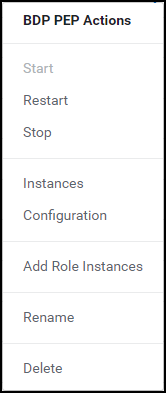
Select Stop.
The prompt to confirm the termination of the BDP PEP service appears.
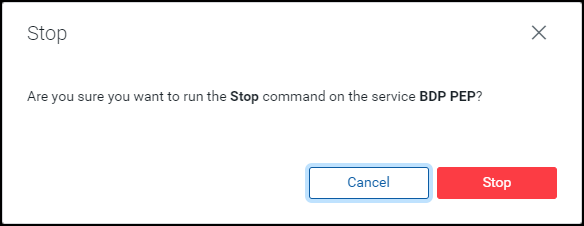
Click Stop.
The BDP PEP service is terminated and the following page appears.
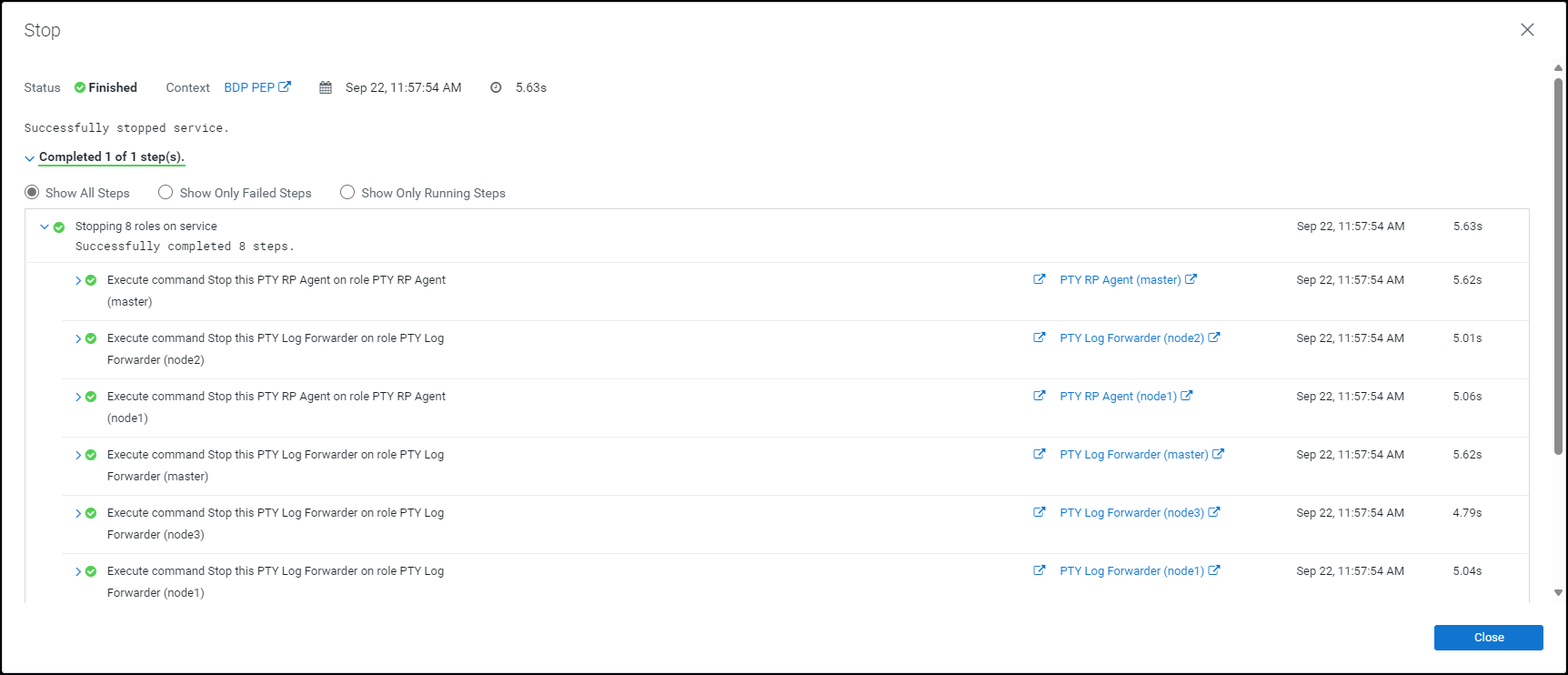
Click Close.
The BDP PEP service is stopped and the status is updated on the Home page of the Cloudera Manager.
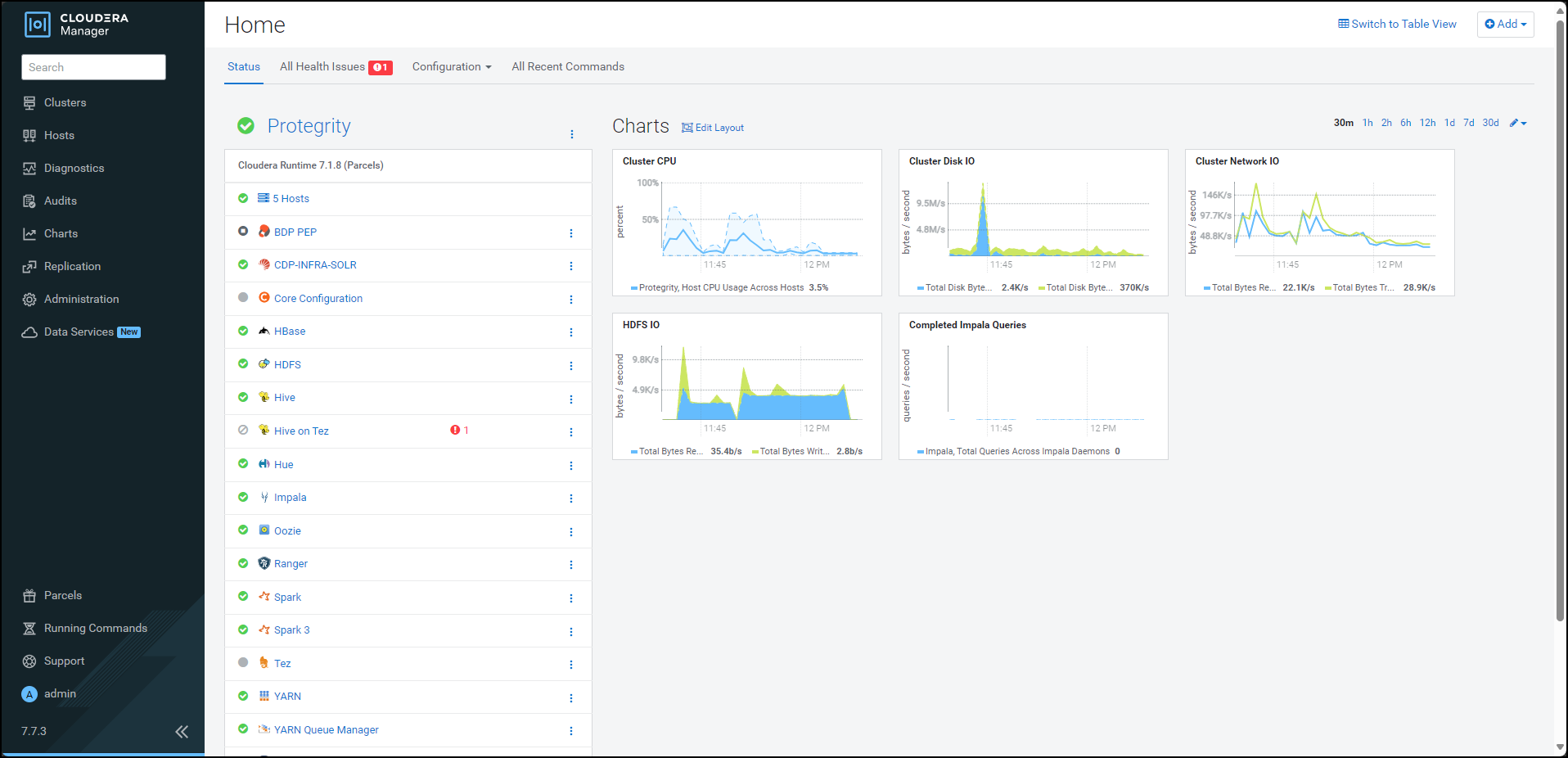
Besides the BDP PEP service, click the kebab menu .
The BDP PEP Actions drop-down list appears.
Select Delete.
The prompt to confirm the deletion of the BDP PEP service appears.
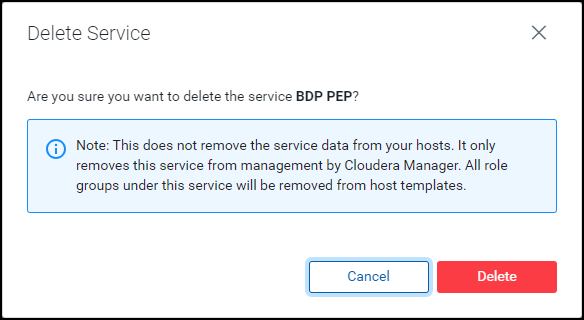
Click Delete.
The BDP PEP service is removed from all the nodes in the cluster.
After removing the Big Data Protector-related services from all the nodes in the cluster, deactivate the Big Data Protector parcels from all the nodes.
To deactivate the Big Data Protector Parcels from all Nodes in the Cluster:
On the Cloudera Manager home page, click Parcels.
The Parcels page appears.
The following Protegrity parcels appear on the Parcels page:
PTY_BDP: Big Data Protector parcelPTY_CERT: Certificates parcelPTY_LOGFORWARDER_CONF: Log Forwarder configuration parcelNote: The
PTY_LOGFORWARDER_CONFconfiguration parcel will be visible only if you have selected it during installation.
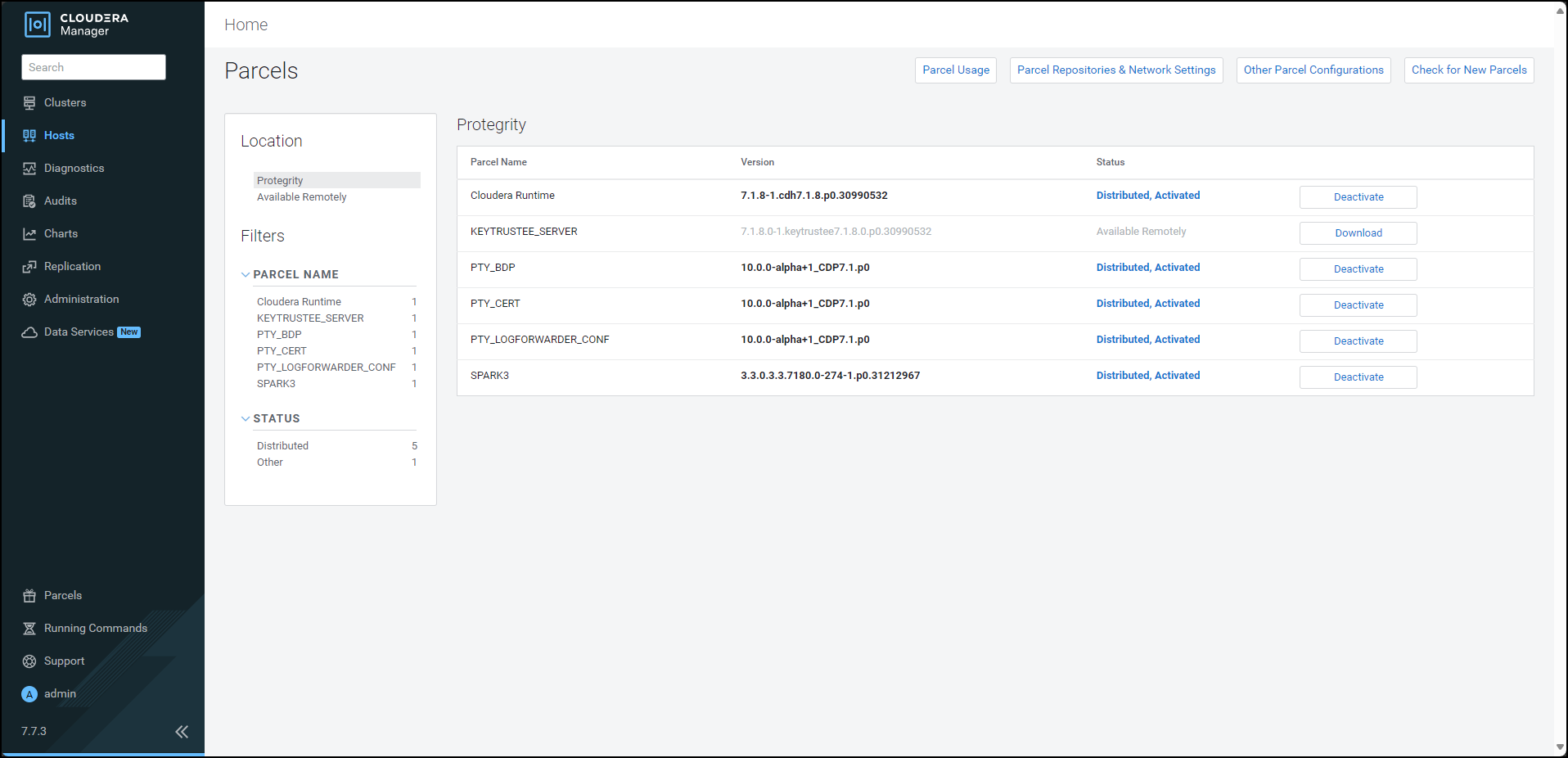
To deactivate the Log Forwarder configuration parcel, besides the PTY_LOGFORWARDER_CONF parcel, click Deactivate.
The prompt to confirm the deactivation of the parcel appears.
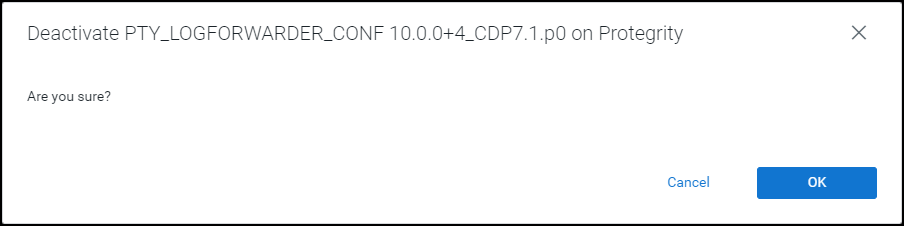
Click OK.
To deactivate the certificates parcel, besides the PTY_CERT parcel, click Deactivate.
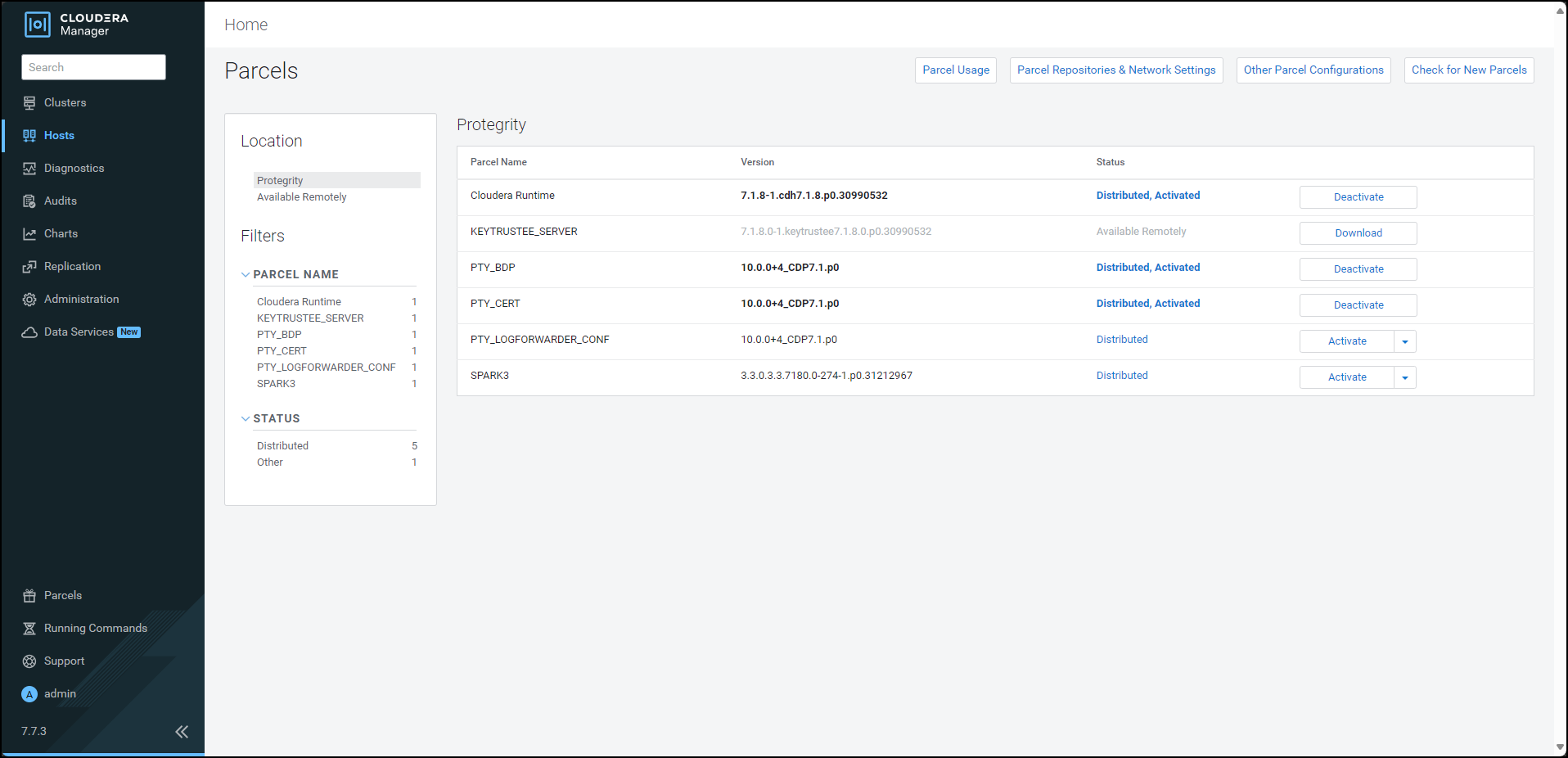
The prompt to confirm the deactivation of the parcel appears.
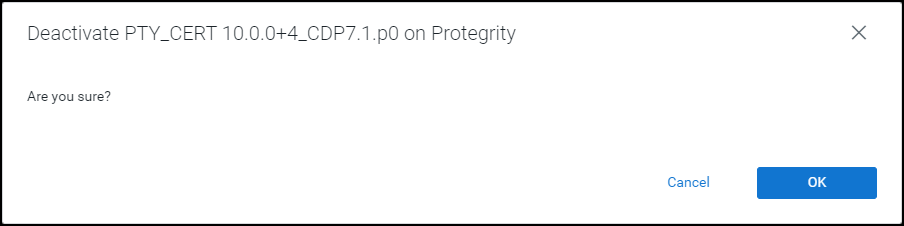
Click OK.
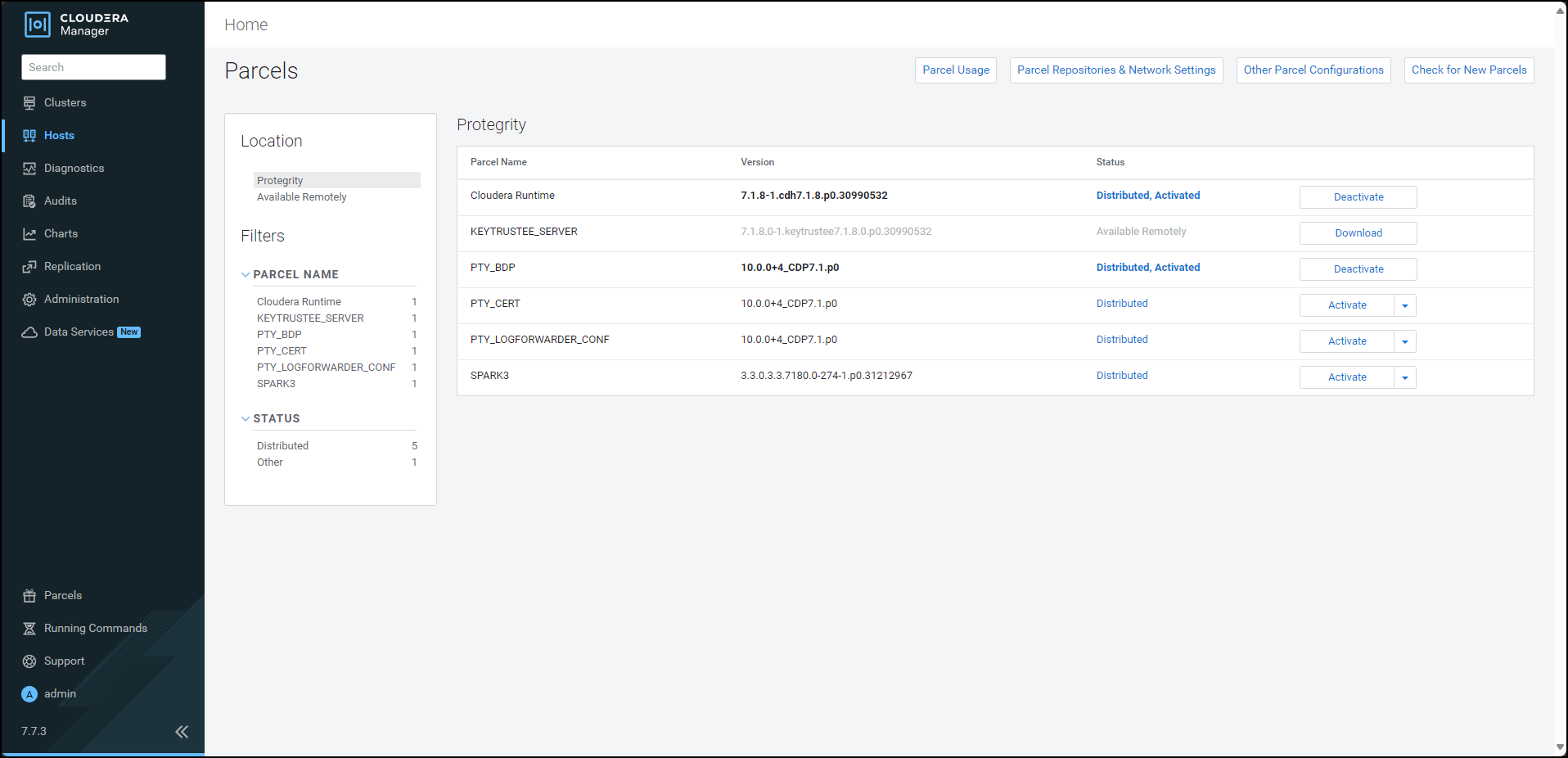
To deactivate the Big Data Protector parcel, besides the PTY_BDP parcel, click Deactivate.
The prompt to confirm the deactivation of the parcel and restart of the dependent services appears.
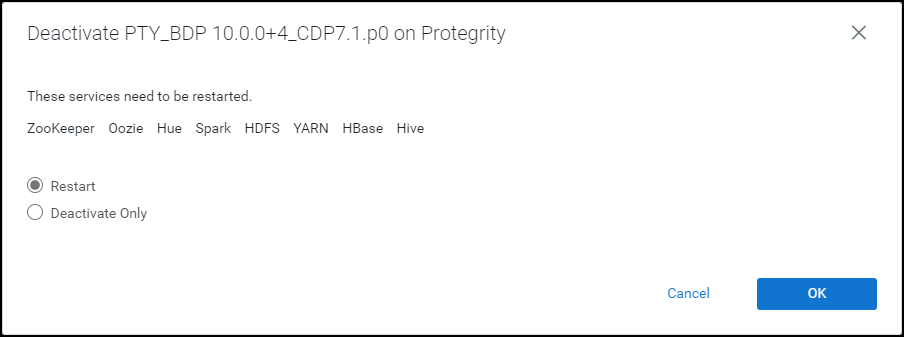
To restart the services, which are dependent on the parcel that needs to be deactivated, select Restart.
Alternatively, to just deactivate the parcel, select Deactivate Only.
Note: You can restart the dependent services later also. However, it is recommended to restart the dependent services immediately. This will ensure that the dependent services do not utilize the parcel that is being deactivated.
To deactivate the Big Data Protector parcel, click OK.
Note: Alternatively, to terminate the deactivation, click Abort.
The deactivation of the Big Data Protector parcel starts.
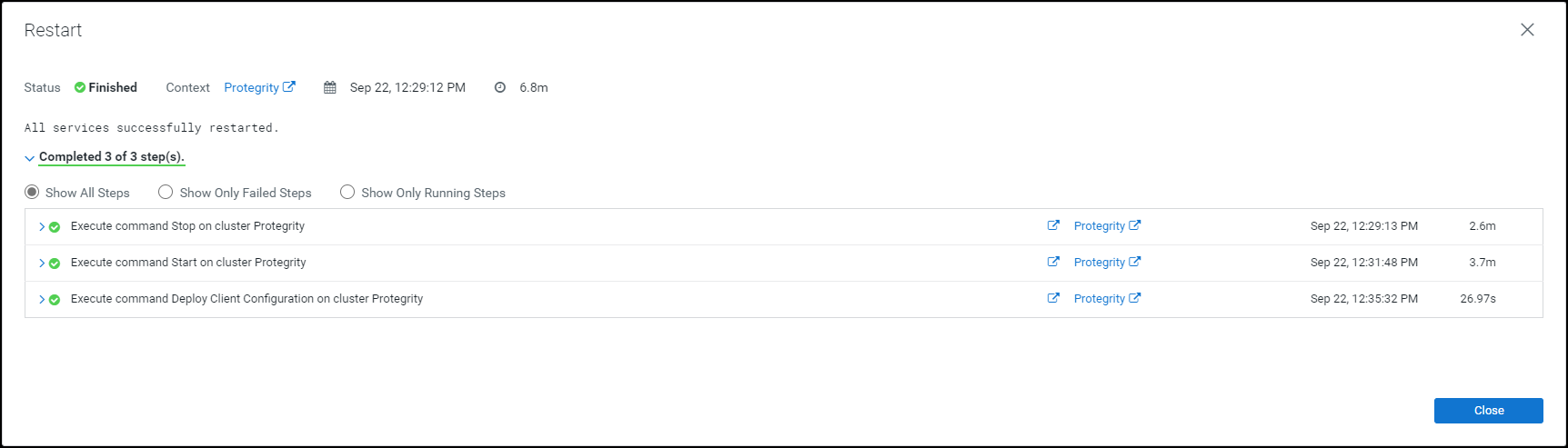
To complete the deactivation of the Big Data Protector parcel, click Close.
After you deactivate the PTY_LOGFORWARDER_CONF, PTY_CERT, and PTY_BDP parcels, their status on the Parcels changes to Distributed, and the Activate button appears.
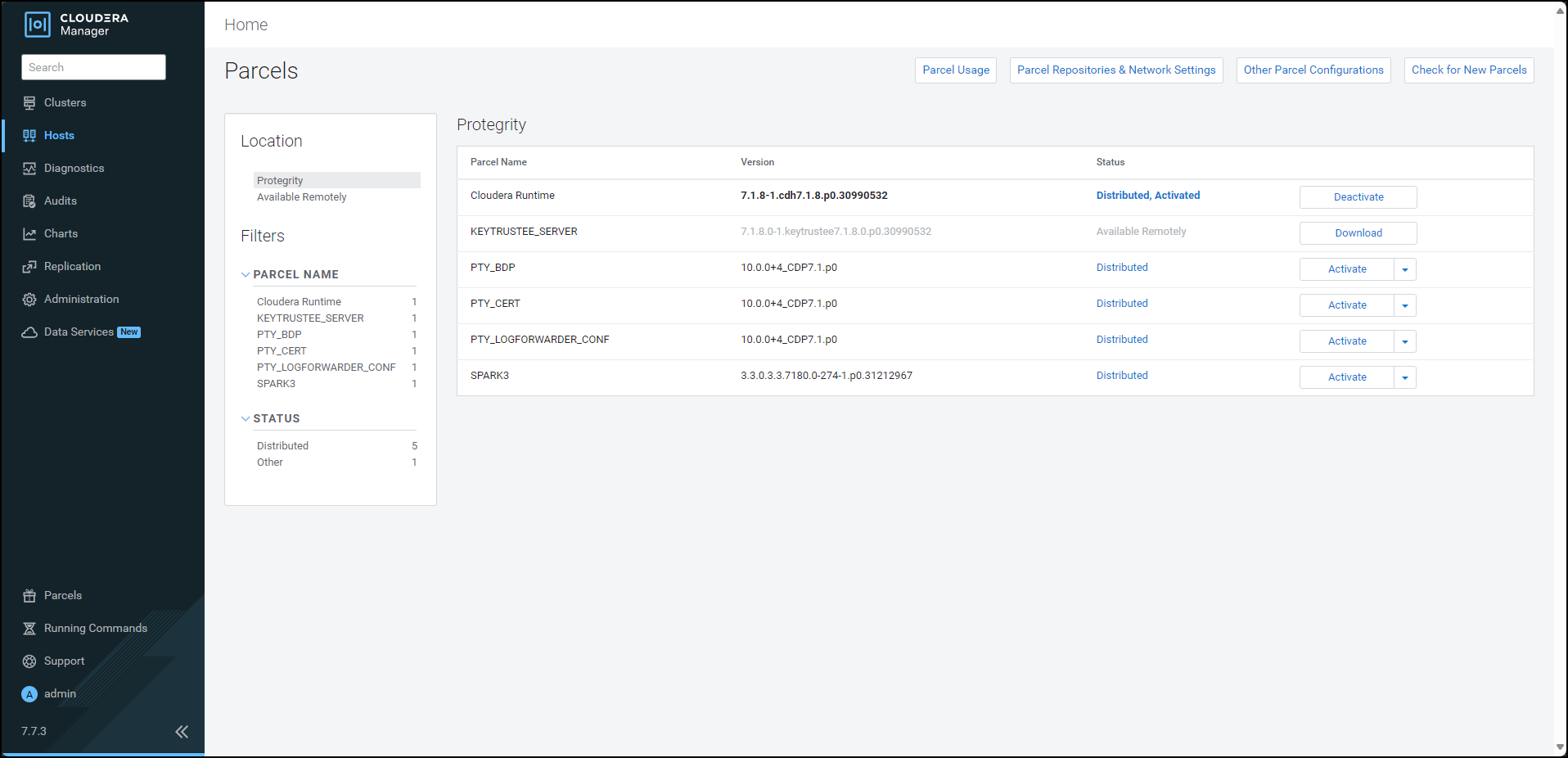
After deactivating the Big Data Protector parcels from the Cloudera Manager, remove the following Big Data Protector parcels from all the nodes:
To remove the Big Data Protector Parcels from all the Nodes in the Cluster:
On the Cloudera Manager Parcels page, besides the Big Data Protector parcel, click  .
.
The drop-down menu appears.
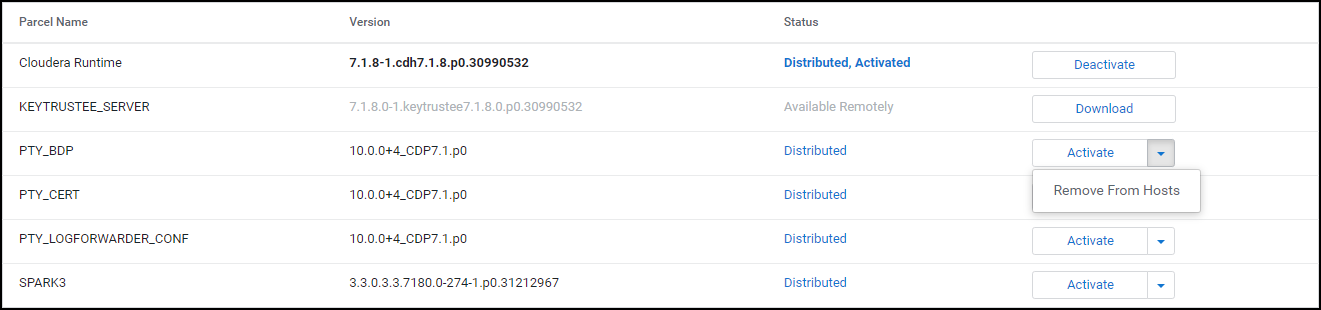
Select Remove From Hosts.
The prompt to confirm the removal of the Big Data Protector parcel appears.
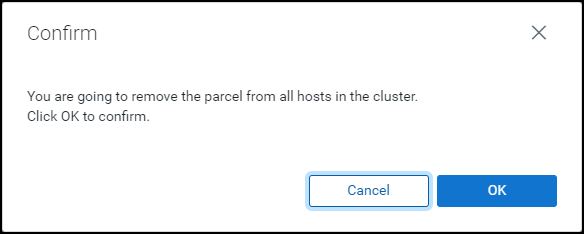
Click OK.
The Big Data Protector parcel is removed from all the nodes in the cluster.
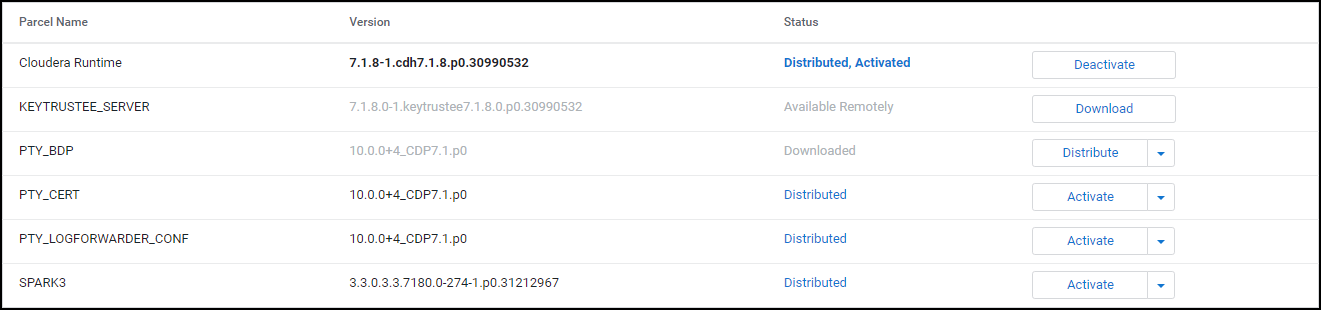
Besides the PTY_CERT parcel, click .
The drop-down menu appears.
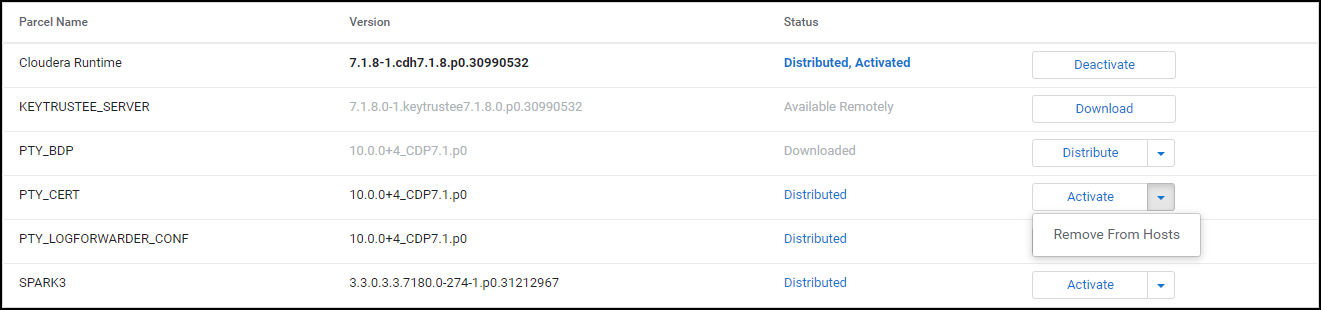
Select Remove From Hosts.
The prompt to confirm the removal of the Certificates parcel appears.
Click OK.
The Certificate parcel is removed from all the nodes in the cluster.
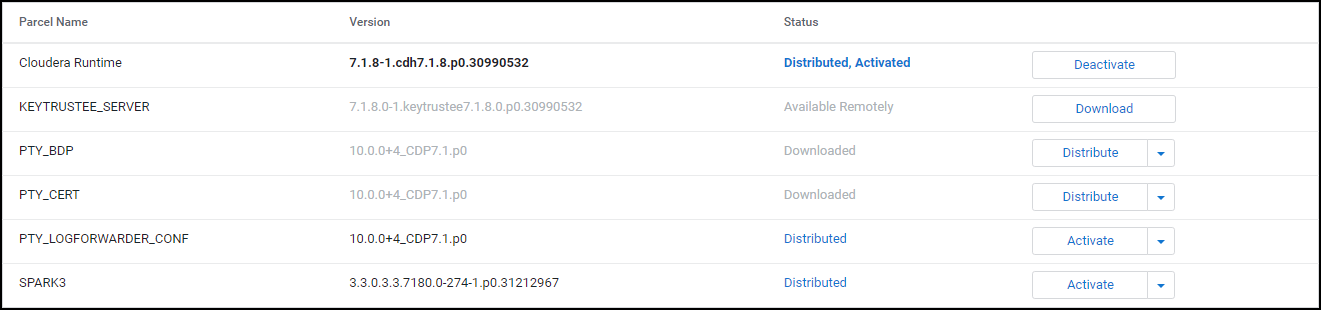
Besides the PTY_LOGFORWARDER_CONF parcel, click .
The drop-down menu appears.
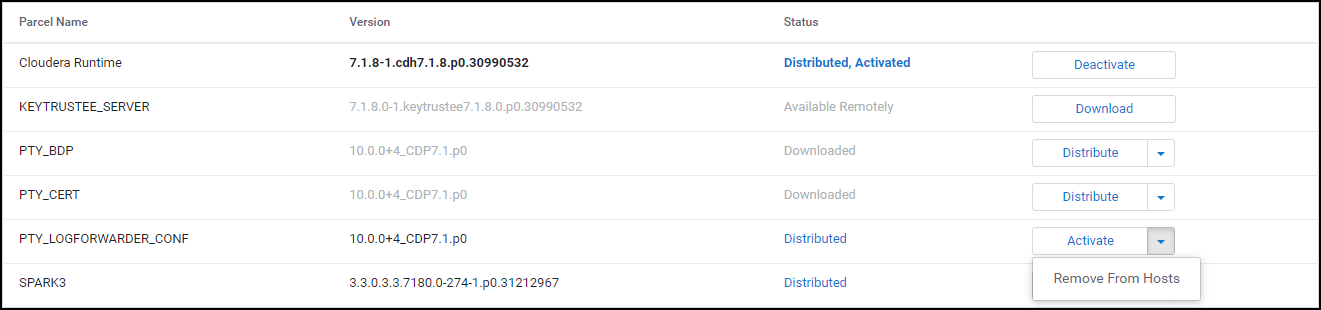
Select Remove From Hosts.
The prompt to confirm the removal of the Log Forwarder configuration parcel appears.
Click OK.
The Log Forwarder configuration parcel is removed from all the nodes in the cluster.
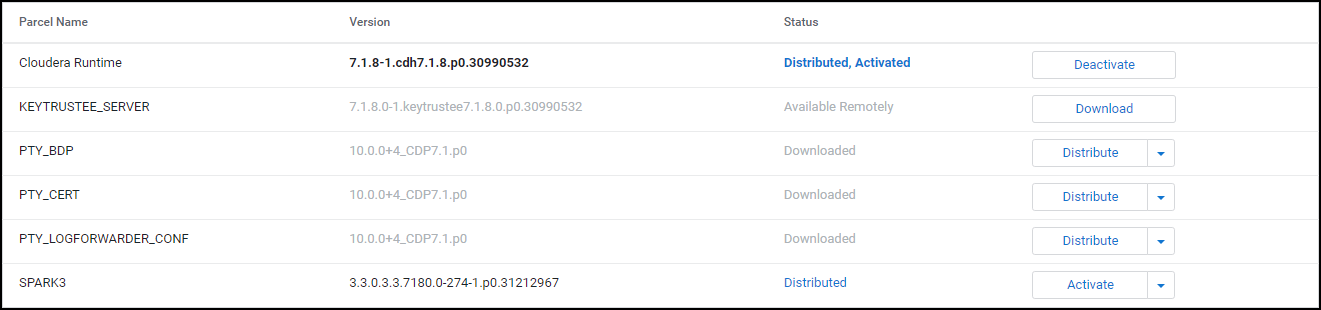
After removing the Big Data Protector parcel from the nodes, delete the following Big Data Protector parcels from the local Cloudera Manager repository:
To delete the Big Data Protector Parcels from the Local Repository:
On the Cloudera Manager web interface, navigate to the Parcels page.
The Parcels page appears.
Besides the PTY_BDP parcel, click .
The drop-down menu appears.

Select Delete.
The prompt to confirm the deletion of the Big Data Protector parcel appears.
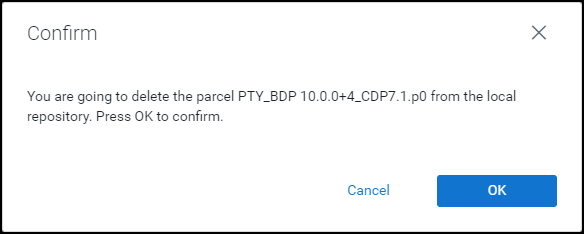
Click OK.
The Big Data Protector parcel is deleted from the local repository.
Besides the PTY_CERT parcel, click .
The drop-down menu appears.
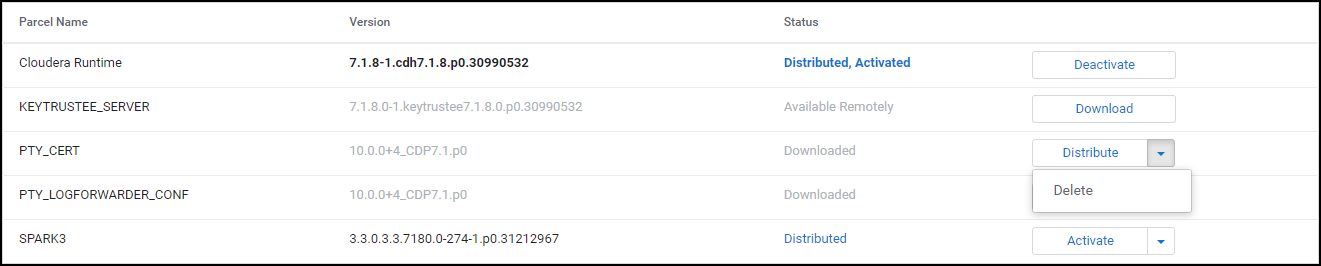
Select Delete.
The prompt to confirm the deletion of the Certificates parcel appears.
Click OK.
The Certificates parcel is deleted from the local repository.
Besides the PTY_LOGFORWARDER_CONF parcel, click .
The drop-down menu appears.

Select Delete.
The prompt to confirm the deletion of the Log Forwarder configuration parcel appears.
Click OK.
The Log Forwarder configuration parcel is deleted from the local repository.
After all the Big Data Protector parcels are deleted from the repository, remove the Big Data Protector related configuration updates from the cluster.
Note: For more information about removing the Big Data Protector configuration updates from the cluster, refer to section Restoring the Big Data Protector Configuration.
The last step in the uninstall process is to delete the BDP_PEP-<BDP_Version>.jar file from the local repository of the Cloudera Manager.
To delete the BDP_PEP.jar file from the local repository of the Cloudera Manager:
Log in to the Master node.
Navigate to the /opt/cloudera/csd/ directory.
Delete the BDP_PEP-<BDP_Version>.jar file.
Restart the Cloudera Manager server.
After the Cloudera Manager server starts up, restart the Cloudera Management services on the Cloudera Manager web interface.
The architecture for the CDP-AWS-DataHub distribution of the Big Data Protector is depicted in the image below.
| Component | Description |
|---|---|
| RPAgent | Is a daemon running on each node that downloads the package from ESA over a TLS channel using the installed Certificates. |
| Log Forwarder | Is a daemon running on each node that routes the audit logs and application logs to ESA/Audit Store. |
| config.ini | Is a file on each node containing the set of configuration parameters to modify the protector behavior. |
| BDP Layer | Contains the Big Data Protector UDFs and APIs executing in CDP service processes. |
| JcoreLite | Is the JNI library that provides a Java API layer to the Core libraries. |
| Core | Is the set of various libraries that provide the Protegrity Core functionality. |
Ensure that the following prerequisites are met, before installing the Big Data Protector from the Cloudera Manager:
| Destination Port | Protocol | Source | Destination | Description |
|---|---|---|---|---|
| 8443 | TLS | RPAgent on the Big Data Protector cluster node | ESA | The RPAgent communicates with ESA through port 8443 to download a policy. |
| 9200 | TLS | Log Forwarder on the Big Data Protector Cluster node | Protegrity Audit Store appliance | The Log Forwarder sends all the logs to the Protegrity Audit Appliance through port 9200. |
| 15780 | TCP | Protector on the Big Data Protector cluster node | Log Forwarder on the Big Data Protector cluster node | The Big Data Protector writes Audit Logs to localhost through port 15780. The Application Logs are also written to localhost through port 15780. The Log Forwarder reads the logs from that socket. |
ptyitusr and the user ptyitusr, responsible to manage the Big Data Protector-related services are managed by Cloudera Manager. The user and group are unavailable on the cluster nodes.This build supports both Spark 2 and Spark 3 on the cluster using a single pepspark jar.
For more information about installing Spark3 on CDP AWS DataHub cluster, refer https://docs.cloudera.com/cdp-private-cloud-base/7.1.8/cds-3/topics/spark-install-spark-3-parcel.html.
Extract the contents of the installation package to access the configurator script. This script generates the required files to install the Big Data Protector.
To extract the files from the installation package:
Log in to the Linux machine that has connectivity to ESA.
Download the Big Data Protector package BigDataProtector_Linux-ALL-64_x86-64_AWS.Generic.CDP-Datahub-7.3-64_<BDP_version>.tgz to any local directory.
To extract the files from the installation pacakage, run the following command:
tar -xvf BigDataProtector_Linux-ALL-64_x86-64_AWS.Generic.CDP-Datahub-7.3-64_<BDP_version>.tgz
Press ENTER. The command extracts the installation package and the GPG signature files.
BigDataProtector_Linux-ALL-64_x86-64_AWS.Generic.CDP-Datahub-7.3-64_<BDP_version>.tgz
signatures/
signatures/BigDataProtector_Linux-ALL-64_x86-64_AWS.Generic.CDP-Datahub-7.3-64_<BDP_version>.tgz_10.0.sig
Verify the authenticity of the build using the signatures folder. For more information, refer Verification of Signed Protector Build.
To extract the configurator script, run the following command:
tar -xvf BigDataProtector_Linux-ALL-64_x86-64_AWS.Generic.CDP-Datahub-7.3-64_<BDP_version>.tgz
Press ENTER. The command extracts the configurator script.
BDPConfigurator_CDP-AWS-DataHub-7.3_<BDP_version>.sh
Execute the Big Data Protector configurator script to:
To execute the configurator script:
Log in to the staging machine that has connectivity to ESA.
To execute the configurator script, run the following command:
./BDPConfigurator_CDP-AWS-DataHub-7.3_<BDP_Version>.sh
Press ENTER.
The prompt to continue the configuration of Big Data Protector appears.
*******************************************************************************
         Welcome to the Big Data Protector Configurator Wizard
*******************************************************************************
This will setup the Big Data Protector Installation Files for CDP AWS Data Hub.

Do you want to continue? [yes or no]:
To continue, type yes.
Press ENTER. The prompt to select the type of installation files appears.
Big Data Protector Configurator started...
Unpacking...
Extracting files...


Select the type of Installation files you want to generate.
[ 1: Create All ]      : Creates entire Big Data Protector CSDs, Parcels, Recipes and other files.
[ 2: Update PTY_CERT ] : Creates new PTY_CERT parcel with an incremented patch version.
                        Use this if you have updated the ESA certificates.
[ 3: Update PTY_LOGFORWARDER_CONF ]
                    : Creates new PTY_LOGFORWARDER_CONF parcel with an incremented patch version.
                        Use this if you want to set Custom LogForwarder configuration files to
                        forward logs to an External Audit Store.

[ 1, 2 or 3 ]:
Note: From v10.0.0, the
PTY_FLUENTBIT_CONFparcel is renamed toPTY_LOGFORWARDER_CONF.
To create the Big Data Protector parcels and CSDs, type 1.
To update the PTY_CERT parcels with an incremented patch version, type 2.
To update the PTY_LOGFORWARDER_CONF parcel with an incremented patch version, type 3.
Press ENTER. The prompt to select the operating system for the Cloudera Manager parcel appears.
Select the OS version for Cloudera Manager Parcel.
This will be used as the OS Distro suffix in the Parcel name.

[ 1: el7 ]    :  RHEL 7 and clones (CentOS, Scientific Linux, etc)
[ 2: el8 ]    :  RHEL 8 and clones (CentOS, Scientific Linux, etc)
[ 3: el9 ]    :  RHEL 9 and clones (CentOS, Scientific Linux, etc)
[ 4: sles12 ] :  SuSE Linux Enterprise Server 12.x
[ 5: sles15 ] :  SuSE Linux Enterprise Server 15.x

Enter the no.:
Depending on the requirements, type 1, 2, 3, 4 or 5 to select the operating system version for the Big Data Protector parcels.
Press ENTER. The prompt to enter the S3 URI to upload the installation file appears.
Enter the S3 URI where the BDP Installation files are to be uploaded.

(E.g. s3://examplebucket/folder):
Enter the location to upload the installation files.
Press ENTER. The prompt to select the upload method appears.
Choose one option among the following for BDP Installation files:
[ 1 ] : Upload files to 's3://<bucket_name>/<directory_name>/' S3 URI.
[ 2 ] : Generate files locally to current working directory. (You would have to manually upload the files to the specified S3 URI)

[ 1 or 2 ]:
To upload the files, type 1.
Press ENTER. The prompt to select the authentication option appears.
Choose the Type of AWS Access Keys from the following options:
[ 1 ] : IAM User Access Keys (Permanent access key id & secret access key)
[ 2 ] : Temporary Security Credentials (Temporary access key id, secret access key & session token)

[ 1 or 2 ]:
Depending upon the authentication option, the script will prompt for the following inputs:
| Option | Description |
|---|---|
1 | Prompts to enter the following permanent IAM user access keys:AWS_ACCESS_KEY_IDAWS_SECRET_ACCESS_KEY |
2 | Prompts to enter the following temporary security credentials:AWS_ACCESS_KEY_IDAWS_SECRET_ACCESS_KEYAWS_SESSION_TOKEN |
Enter the required credentials.
Press ENTER. The prompt to enter ESA hostname or IP address appears.
Enter ESA Hostname or IP Address:
Enter ESA IP address.
Press ENTER. The prompt to enter ESA listening port appears.
Enter ESA host listening port [8443]:
Enter the listening port number.
Press ENTER.
The prompt to enter ESA JSON Web Token appears.
If you have an existing ESA JSON Web Token (JWT) with Export Certificates role, enter it otherwise enter 'no':
Note: The script silently reads the user input. Therefore, the user will be unable to see the entered JWT or
no.
Enter the JWT token.
a. If you do not have an existing ESA JSON Web Token (JWT), type no.
b. Press ENTER.
The prompt to enter the user name with Export Certificates permission appears.
```
JWT was not provided. Script will now prompt for ESA username and password.
Enter ESA Username with Export Certificates role:
```
c. Enter the username that has permissions to export the certificates.
d. Press ENTER.
The prompt to enter the password appears.
Enter the password for username <user_name>:
e. Enter the password.
f. Press ENTER.
The script retrieves the JWT from ESA, validates it, and the prompt to package custom log forwarder configuration appears.
 Fetching JWT from ESA....

 Fetching Certificates from ESA....

 % Total    % Received % Xferd  Average Speed   Time    Time     Time  Current
                                 Dload  Upload   Total   Spent    Left  Speed
 100 11264  100 11264    0     0   202k      0 --:--:-- --:--:-- --:--:--  203k

 -------------------------------------------------------------------------------


 Do you want to package any custom LogForwarder configuration files for External Audit Store?
 [ yes ] : Create a PTY_LOGFORWARDER_CONF parcel containing configuration files to be used with External Audit Store.
 [ no ]  : Skip this step.

 [ yes or no ]:

 ```
To package the Log Forwarder configuration file(s) for an external Audit Store, type yes.
Press ENTER.
The prompt to enter the local directory path containing the Log Forwarder configuration files appears.
Do you want to package any custom LogForwarder configuration files for External Audit Store?
[ yes ] : Create a PTY_LOGFORWARDER_CONF parcel containing configuration files to be used with External Audit Store.
[ no ]  : Skip this step.

[ yes or no ]: yes

Creation of PTY_LOGFORWARDER_CONF parcel is enabled.

Enter the local directory path on this machine that stores the LogForwarder configuration files for External Audit Store:
Note: The
PTY_LOGFORWARDER_CONFparcel is used to package any custom Log Forwarder configuration files that the user provides and can be distributed across the CDP nodes through the Cloudera Manager. Ensure that you name the custom Log Forwarder configuration files for the external Audit Store with the.confextension.
Enter the local directory path that contains the Log Forwarder configuration files.
Press ENTER.
The script generates the installation files and uploads them to the specified S3 URI.
Generating Installation files...

****************************************************************************************************************************************

Retrieving the S3 bucket's AWS Region via AWS S3 REST API...
Successfully retrieved S3 bucket's AWS region: <region_name>

Started uploading the Installation files to S3 bucket using REST API.

Uploading BDP_PEP-<BDP_version>.jar...
-> File uploaded to s3://<bucket_name>/<directory_name>/CSDandParcels/BDP_PEP-<BDP_version>.jar

Uploading PTY_BDP-<BDP_version>_CDP7.3.p<patch_version>-<operating_system_version>.parcel...
-> File uploaded to s3://<bucket_name>/<directory_name>/CSDandParcels/PTY_BDP-<BDP_version>_CDP7.3.p<patch_version>-<operating_system_version>.parcel

Uploading PTY_BDP-<BDP_Version>_CDP7.3.p<patch_version>-<operating_system_version>.parcel.sha...
-> File uploaded to s3://<bucket_name>/<directory_name>/CSDandParcels/PTY_BDP-<BDP_version>_CDP7.3.p<patch_version>-<operating_system_version>.parcel.sha

Uploading PTY_CERT-<BDP_Version>_CDP7.3.p<patch_version>-<operating_system_version>.parcel...
-> File uploaded to s3://<bucket_name>/<directory_name>/CSDandParcels/PTY_CERT-<BDP_version>_CDP7.3.p<patch_version>-<operating_system_version>.parcel

Uploading PTY_CERT-<BDP_Version>_CDP7.3.p<patch_version>-<operating_system_version>.parcel.sha...
-> File uploaded to s3://<bucket_name>/<directory_name>/CSDandParcels/PTY_CERT-<BDP_version>_CDP7.3.p<patch_version>-<operating_system_version>.parcel.sha

Uploading pepimpala4_0_RHEL.so...
-> File uploaded to s3://<bucket_name>/<directory_name>/pepimpala/pepimpala4_0_RHEL.so

Uploading createobjects.sql...
-> File uploaded to s3://<bucket_name>/<directory_name>/pepimpala/sqlscripts/createobjects.sql

Uploading dropobjects.sql...
-> File uploaded to s3://<bucket_name>/<directory_name>/pepimpala/sqlscripts/dropobjects.sql

Uploading BDP_Pre-Service-Deployment_Recipe_<BDP_version>.sh...
-> File uploaded to s3://<bucket_name>/<directory_name>/RecipesAndTemplates/BDP_Pre-Service-Deployment_Recipe_<BDP_version>.sh

Uploading BDP_Post-Cloudera-Manager-Start_Recipe_<BDP_version>.sh...
-> File uploaded to s3://<bucket_name>/<directory_name>/RecipesAndTemplates/BDP_Post-Cloudera-Manager-Start_Recipe_<BDP_version>.sh

Uploading custom_properties_template.json...
-> File uploaded to s3://<bucket_name>/<directory_name>/RecipesAndTemplates/custom_properties_template.json

Uploading guide_to_create_cluster_template_with_bdp.txt...
-> File uploaded to s3://<bucket_name>/<directory_name>/RecipesAndTemplates/guide_to_create_cluster_template_with_bdp.txt

Uploading PTY_LOGFORWARDER_CONF-<BDP_Version>_CDP7.3.p<patch_version>-<operating_system_version>.parcel...
-> File uploaded to s3://<bucket_name>/<directory_name>/CSDandParcels/PTY_LOGFORWARDER_CONF-<BDP_version>_CDP7.3.p<patch_version>-<operating_system_version>.parcel

Uploading PTY_LOGFORWARDER_CONF-<BDP_Version>_CDP7.3.p<patch_version>-<operating_system_version>.parcel.sha...
-> File uploaded to s3://<bucket_name>/<directory_name>/CSDandParcels/PTY_LOGFORWARDER_CONF-<BDP_version>_CDP7.3.p<patch_version>-<operating_system_version>.parcel.sha

Successfully uploaded Installation files under ./Installation_Files to S3 URI: s3://<bucket_name>/directory_name

****************************************************************************************************************************************

* The BDP CSD & Parcels (and checksums) are generated locally in ./Installation_Files/CSDandParcels/ directory.

* BDP Recipes, Custom Properties and Custom Cluster Template creation guide are generated locally in ./Installation_Files/RecipesAndTemplates/ directory.
-> Follow the guide to create a custom Cluster Template and use it along with the 2 Recipes and Custom Properties on CDP AWS.

* The pepimpala .so library is generated locally in ./Installation_Files/pepimpala/ directory.

* The pepimpala SQL scripts to create and drop Impala UDFs is generated locally in ./Installation_Files/pepimpala/sqlscripts/ directory.
-> Use these scripts as reference to register Protegrity Impala UDFs if you plan to use the Impala Service.
Note: The location clause in the Create Function query points to the S3 URI of the pepimpala*.so

****************************************************************************************************************************************

Successfully configured the Big Data Protector Installaton files for CDP AWS DataHub.
If you select the option to generate the installation files locally, the configurator script creates the files in a local directory.
Generating Installation files...

****************************************************************************************************************************************

* The BDP CSD & Parcels (and checksums) are generated locally in ./Installation_Files/CSDandParcels/ directory.
-> Manually upload them to 's3://<bucket_name>/<directory_name>/CSDandParcels/' [This step is Required]

* BDP Recipes, Custom Properties and Custom Cluster Template creation guide are generated locally in ./Installation_Files/RecipesAndTemplates/ directory.
-> Follow the guide to create a custom Cluster Template and use it along with the 2 Recipes and Custom Properties on CDP AWS.
-> Manually upload them to 's3://<bucket_name>/<directory_name>/RecipesAndTemplates/' [This step is Optional]

* You can use the ./Installation_Files/set_unset_bdp_config.sh helper script for setting/unsetting BDP configs in Cloudera Manager.

* The pepimpala .so library is generated locally in ./Installation_Files/pepimpala/ directory.
-> Manually upload the library to 's3://<bucket_name>/<directory_name>/pepimpala/' [This step is Required]

* The pepimpala SQL scripts to create and drop Impala UDFs is generated locally in ./Installation_Files/pepimpala/sqlscripts/ directory.
-> Use these scripts as reference to register Protegrity Impala UDFs if you plan to use the Impala Service.
Note: The location clause in the Create Function query points to the S3 URI of the pepimpala*.so
-> Manually upload them to 's3://<bucket_name>/<directory_name>/pepimpala/sqlscripts/' [This step is Optional]

****************************************************************************************************************************************

Successfully configured the Big Data Protector Installaton files for CDP AWS DataHub.
The Big Data Protector provides the following recipe scripts:
BDP_Pre-Service-Deployment_Recipe_<BDP_version>.sh - downloads the Big Data Protector CSD and parcels from the S3 bucket to the Cloudera Manager local CSD and Parcel repository before the Cloudera Manager server starts.BDP_Post-Cloudera-Manager-Start_Recipe_<BDP_version>.sh - runs after the Cloudera Manager Server starts. It creates and executes the secondary scripts as background processes for each available Protegrity Parcel. The background processes will check when the Cloudera Manager Server API endpoint would be open and then sends the requests to distribute and activate the PTY_BDP, PTY_CERT, and PTY_LOGFORWARDER_CONF (if present) parcels.By default, the execution logs for the Recipe scripts can be found in the /var/log/recipes/ directory. The execution logs of the secondary scripts (executing in the background) can be found in the /tmp/protegrity/ directory.
To register each recipe script:
BDP_Pre-Service-Deployment_Recipe_<BDP_version>.sh script. To upload the post-cloudera-manager-start recipe script, select the BDP_Post-Cloudera-Manager-Start_Recipe_<BDP_version>.sh script.Create and register the custom cluster template to add BDP_PEP service and the required service configurations to the Data Hub cluster.
To Create the Custom Cluster Template with the BDP PEP service:
{
  "refName": "bdp_pep",
  "serviceType": "BDP_PEP",
  "displayName": "BDP PEP",
  "roleConfigGroups": [
    {
      "refName": "bdp_pep-PTY_RPAGENT-BASE",
      "roleType": "PTY_RPAGENT",
      "base": true,
      "configs": [
        {
          "name": "rpa_sync_host",
          "value": "{{{rpa_sync_host}}}"
        }
      ]
    },
    {
      "refName": "bdp_pep-PTY_LOGFORWARDER-BASE",
      "roleType": "PTY_LOGFORWARDER",
      "base": true,
      "configs": [
        {
          "name": "auditstore_ip_port_list",
          "value": "{{{auditstore_ip_port_list}}}"
        },
        {
          "name": "auditstore_type",
          "value": "{{{auditstore_type}}}"
        },
        {
          "name": "enable_applog_file",
          "value": true
        }
      ]
    }
  ]
}
The service object is position-independent within the array and can be placed at the beginning or end of the array.
Adding the BDP_PEP service to the array of services will ensure that the service is added to the Data Hub cluster during the cluster creation, when the Cloudera Manager imports the cluster template.
Ensure that the values, such as the {{{esa_address}}} should be written as it is (called Mustache template “{{{…}}}”). The actual value is set by adding the custom properties during the creation of the CDP data hub cluster. For more information about the format of the custom properties, check thecustom_properties_template.jsonfile in the S3 bucket containing installation files of Big Data Protector.
hostTemplates key in the cluster template, whose value is an array of hostTemplate objects for master, worker, and compute nodes etc.roleConfigGroupsRefNames, which has a value of array of strings.bdp_pep-PTY_RPAGENT-BASE and the bdp_pep-PTY_LOGFORWARDER-BASE strings in the roleConfigGroupsRefNames array. {
...
"hostTemplates": [
{
"refName": "...",
"cardinality" : ...,
"roleConfigGroupsRefNames": [
...,
"bdp_pep-PTY_RPAGENT-BASE",
"bdp_pep-PTY_LOGFORWARDER-BASE"
],
...
},
{
...
},
...
]
...
}
Create a new Data Hub cluster with Big Data Protector, use the registered cluster template with the two Recipes generated and custom properties.
To create a Data Hub Cluster:
Log in to the Cloudera Management Console.
Click Data Hub Clusters. The Data Hubs page appears.
Click Create Data Hub. The Provision Data Hub page appears.
From the environment list, select the CDP AWS environment.
Select the Custom tab.
From the Cluster Template list, select the previously created customized cluster template with the Big Data Protector.
In the Cluster Name box, enter a name to identify the cluster.
Click Advanced Options.
Click the Image Catalog tab.
Select the required image for the operating system.
Click the Hardware and Storage tab.
Note the host group which will install the Cloudera Manager (CM) Server. Usually, the host is the Master node.
Click the Cluster Extensions tab.
Attach the two previously registered Recipes to the host group that would host the Cloudera Manager Server.
Add the contents of the custom_properties_template.json file to the Custom Properties section.
For example:
{
"rpa_sync_host": "Replace with ESA IP Address or Hostname",
"auditstore_type": "Replace with Audit Store type. Allowed Values - <Protegrity Audit Store|External Audit Store|Protegrity Audit Store + External Audit Store>",
"auditstore_ip_port_list": "Replace with list of hostnames and/or ports of Protegrity Audit Store(s). Allowed Syntax - hostname[:port][,hostname[:port],hostname[:port]...]"
}
Warning: After the cluster startup, the Cloudera manager username and password are seen in clear in the log files generated in the
/var/log/recipes/directory.
Click Provision Cluster. Cloudera Manager creates the cluster as per the specifics mentioned in the scripts and templates.
The instructions to configure the parameters for the Big Data Protector are explained in this section. Apart from manually setting the configuration parameters, the installation package also provides the helper script to set and restore the configurations.
To manually set the configuration parameters for the Big Data Protector, refer to the following table:
From v10.0.0 onwards, the BDP pep* jar files will be installed under the
/opt/cloudera/parcels/PTY_BDP/bdp/lib/directory. In addition, the BDP version would be added to the.jarfile names.
| Service | BDP Configuration |
|---|---|
| Hive on Tez | In the Hive on Tez Service Environment Advanced Configuration Snippet (Safety Valve) for hive-env.sh and Gateway Client Environment Advanced Configuration Snippet (Safety Valve) for hive-env.sh:Key: HIVE_CLASSPATHValue: /opt/cloudera/parcels/PTY_BDP/bdp/lib/jcorelite.jar:/opt/cloudera/parcels/PTY_BDP/bdp/lib/pephive-<hive_version>_v<bdp_version>.jar:${HIVE_CLASSPATH}For example: /opt/cloudera/parcels/PTY_BDP/bdp/lib/jcorelite.jar:/opt/cloudera/parcels/PTY_BDP/bdp/lib/pephive-3.1.3000_v10.0.0+4.jar:${HIVE_CLASSPATH}In the Hive on Tez Service Advanced Configuration Snippet (Safety Valve) for hive-site.xml:Name: hive.exec.pre.hooks<br>Value: com.protegrity.hive.PtyHiveUserPreHook |
| Tez | Name: tez.cluster.additional.classpath.prefixValue: /opt/cloudera/parcels/PTY_BDP/bdp/lib/jcorelite.jar:/opt/cloudera/parcels/PTY_BDP/bdp/lib/pephive-<hive_version>_v<bdp_version>.jar |
| HBase | Name: hbase.coprocessor.region.classesValue: com.protegrity.hbase.PTYRegionObserver |
| Spark on Yarn | In Spark Service Advanced Configuration Snippet (Safety Valve) for spark-conf/spark-env.sh:SPARK_DIST_CLASSPATH=/opt/cloudera/parcels/PTY_BDP/bdp/lib/jcorelite.jar:/opt/cloudera/parcels/PTY_BDP/bdp/lib/pepspark-<spark_version>_v<bdp_version>.jar:/opt/cloudera/parcels/PTY_BDP/bdp/lib/pephive-<hive_version>_v<bdp_version>.jar:${SPARK_DIST_CLASSPATH} |
| Spark 3 on Yarn | In Spark 3 Service Advanced Configuration Snippet (Safety Valve) for spark3-conf/spark-env.sh:SPARK_DIST_CLASSPATH=/opt/cloudera/parcels/PTY_BDP/bdp/lib/jcorelite.jar:/opt/cloudera/parcels/PTY_BDP/bdp/lib/pepspark-<spark_version>_v<bdp_version>.jar:/opt/cloudera/parcels/PTY_BDP/bdp/lib/pephive-<hive_version>_v<bdp_version>.jar:${SPARK_DIST_CLASSPATH} |
| Impala | In the Impala Daemon Environment Advanced Configuration Snippet (Safety Valve):Key: PTY_CONFIGPATHValue: /opt/cloudera/parcels/PTY_BDP/bdp/data/config.ini |
Warning: Ensure that you do not override the BDP configurations at the client side. Overriding the configurations can result in the component failure.
After you set BDP configurations, restart the services that are in the Stale configuration state on Cloudera Manager. Ensure to Redeploy the client configuration.
After installing the Big Data Protector, set the configuration parameters. These parameters will vary depending on the services that will be used. Protegrity now provides the set_unset_bdp_config.sh script to set the configuration parameters for the required services.
Important: To uninstall the Big Data Protector, ensure to roll back the configuration parameters, to their previous values, that are set after installing the Big Data Protector. For more information, refer Restoring the Parameters using the Helper Script.
To set the Big Data Protector configuration:
Log in to the staging machine.
Navigate to the directory where you executed configurator script and generated the installation files.
To set the configurations using the helper script, run the following command:
./set_unset_bdp_config.sh
Press ENTER.
The prompt to enter the protocol for the Cloudera Manager server appears.
Select the Cloudera Manager URL Protocol.
[ 1 ] : http://
[ 2 ] : https://
Enter the no.:
To use https, type 2.
Press ENTER.
The prompt to enter the IP address of the Cloudera Manager server appears.
Enter Cloudera Manager Server Node's Hostname/IP Address:
Enter the IP address of the node where the Cloudera Manager Server is installed.
Press ENTER.
The prompt to enter the port number for the Cloudera Manager server appears.
Enter Cloudera Manager Server's Port No. [7183]:
Note: For https, the script will use 7183 as the default port and for http, the script will use 7180 as the default port.
Press ENTER.
The prompt to enter the name of the cluster appears.
Enter Cluster's Name:
Enter the name of the cluster.
Press ENTER.
The prompt to enter the username to access Cloudera Manager appears.

```
Enter Cloudera Manager's Username:
```
Enter the username.
Press ENTER.
The prompt to enter the password appears.
Enter Cloudera Manager's Password:
Enter the password.
Press ENTER.
The script verifies the cluster details and the prompt to set or remove the configuration appears.
Cluster's existence verified.

Do you want to set or unset the BDP configs?
[ 1 ] : SET the BDP configs
[ 2 ] : UNSET the BDP configs
Enter the no.:
To set the configuration for the Big Data Protector, type 1.
Press ENTER.
The script updates the configuration for the Big Data Protector.
Checking existence of HBase service with name 'hbase'.
##O=#    #
Warning: Unable to check existence of HBase service 'hbase'. Skipping this service...
{
"message" : "Service 'hbase' not found in cluster <cluster_name>."
}

Checking existence of Hive on Tez service with name 'hive_on_tez'.
##O=#    #
Service 'hive_on_tez' exists.

Setting Hive on Tez's config...
##O=#    #
##O=#    #
############################################################################################################################## 100.0%
Hive on Tez Service wide configs ('HIVE_ON_TEZ_service_env_safety_valve' and 'hive_service_config_safety_valve') have been updated.
##O=#    #
##O=#    #
############################################################################################################################### 100.0%
Hive on Tez's 'hive_client_env_safety_valve' config for Role Group 'hive_on_tez-GATEWAY-BASE' has been updated.

Checking existence of Tez service with name 'tez'.
##O=#    #
Service 'tez' exists.

Setting Tez's config...
##O=#    #
############################################################################################################################### 100.0%
Tez Service wide config ('tez.cluster.additional.classpath.prefix') has been updated.

Checking existence of Impala service with name 'impala'.
##O=#    #
Warning: Unable to check existence of Impala service 'impala'. Skipping this service...
{
"message" : "Service 'impala' not found in cluster <cluster_name>."
}

Checking existence of Spark3 on Yarn service with name 'spark3_on_yarn'.
##O=#    #
Service 'spark3_on_yarn' exists.

Setting Spark3 on Yarn's config...
##O=#    #
############################################################################################################################# 100.0%
Spark3 on Yarn Service wide config ('spark3-conf/spark-env.sh_service_safety_valve') has been updated.
The Big Data Protector build provides helper scripts to register the user-defined functions for the following components:
To use the helper scripts to drop the UDFs, refer Drop the UDFs using the Helper Script.
Log in to the master node with a user account having permissions to create and drop UDFs.
To navigate to the directory that contains the helper script, run the following command:
cd /opt/cloudera/parcels/PTY_BDP/pephive/scripts
To create the UDFs using the helper script, run the following command:
beeline -f create_temp_hive_udfs.hql;
Execute the command in beeline after establishing a connection.
Press ENTER.
The script creates all the temporary user-defined functions for Hive.
Connected to: Apache Hive (version 3.1.3000.7.3.1.400-100)
Driver: Hive JDBC (version 3.1.3000.7.3.1.400-100)
Transaction isolation: TRANSACTION_REPEATABLE_READ
0: jdbc:hive2://<master_node_name>.> CREATE TEMPORARY FUNCTION ptyGetVersion AS 'com.protegrity.hive.udf.ptyGetVersion';
INFO  : Compiling command(queryId=hive_20250916121741_49e4a9e3-5322-45b1-bc74-b812ae853934): CREATE TEMPORARY FUNCTION ptyGetVersion AS 'com.protegrity.hive.udf.ptyGetVersion'
INFO  : Semantic Analysis Completed (retrial = false)
INFO  : Created Hive schema: Schema(fieldSchemas:null, properties:null)
INFO  : Completed compiling command(queryId=hive_20250916121741_49e4a9e3-5322-45b1-bc74-b812ae853934); Time taken: 0.088 seconds
INFO  : Executing command(queryId=hive_20250916121741_49e4a9e3-5322-45b1-bc74-b812ae853934): CREATE TEMPORARY FUNCTION ptyGetVersion AS 'com.protegrity.hive.udf.ptyGetVersion'
INFO  : Starting task [Stage-0:DDL] in serial mode
INFO  : Completed executing command(queryId=hive_20250916121741_49e4a9e3-5322-45b1-bc74-b812ae853934); Time taken: 0.003 seconds
INFO  : OK
No rows affected (0.154 seconds)
0: jdbc:hive2://<master_node_name>.> CREATE TEMPORARY FUNCTION ptyGetVersionExtended AS 'com.protegrity.hive.udf.ptyGetVersionExtended';
INFO  : Compiling command(queryId=hive_20250916121741_2a7a85d4-b1b6-479c-8552-d26f1cce1d53): CREATE TEMPORARY FUNCTION ptyGetVersionExtended AS 'com.protegrity.hive.udf.ptyGetVersionExtended'
INFO  : Semantic Analysis Completed (retrial = false)
INFO  : Created Hive schema: Schema(fieldSchemas:null, properties:null)
INFO  : Completed compiling command(queryId=hive_20250916121741_2a7a85d4-b1b6-479c-8552-d26f1cce1d53); Time taken: 0.02 seconds
INFO  : Executing command(queryId=hive_20250916121741_2a7a85d4-b1b6-479c-8552-d26f1cce1d53): CREATE TEMPORARY FUNCTION ptyGetVersionExtended AS 'com.protegrity.hive.udf.ptyGetVersionExtended'
INFO  : Starting task [Stage-0:DDL] in serial mode
INFO  : Completed executing command(queryId=hive_20250916121741_2a7a85d4-b1b6-479c-8552-d26f1cce1d53); Time taken: 0.002 seconds
INFO  : OK
No rows affected (0.052 seconds)
0: jdbc:hive2://<master_node_name>.> CREATE TEMPORARY FUNCTION ptyWhoAmI AS 'com.protegrity.hive.udf.ptyWhoAmI';
INFO  : Compiling command(queryId=hive_20250916121741_ebe06a7c-c265-4705-ae7b-8181065d1c8e): CREATE TEMPORARY FUNCTION ptyWhoAmI AS 'com.protegrity.hive.udf.ptyWhoAmI'
INFO  : Semantic Analysis Completed (retrial = false)
INFO  : Created Hive schema: Schema(fieldSchemas:null, properties:null)
INFO  : Completed compiling command(queryId=hive_20250916121741_ebe06a7c-c265-4705-ae7b-8181065d1c8e); Time taken: 0.021 seconds
INFO  : Executing command(queryId=hive_20250916121741_ebe06a7c-c265-4705-ae7b-8181065d1c8e): CREATE TEMPORARY FUNCTION ptyWhoAmI AS 'com.protegrity.hive.udf.ptyWhoAmI'
INFO  : Starting task [Stage-0:DDL] in serial mode
INFO  : Completed executing command(queryId=hive_20250916121741_ebe06a7c-c265-4705-ae7b-8181065d1c8e); Time taken: 0.001 seconds
INFO  : OK
No rows affected (0.05 seconds)
0: jdbc:hive2://<master_node_name>.> CREATE TEMPORARY FUNCTION ptyProtectStr AS 'com.protegrity.hive.udf.ptyProtectStr';
INFO  : Compiling command(queryId=hive_20250916121741_260aef88-ab60-4d0b-b502-ebf178bd9065): CREATE TEMPORARY FUNCTION ptyProtectStr AS 'com.protegrity.hive.udf.ptyProtectStr'
INFO  : Semantic Analysis Completed (retrial = false)
INFO  : Created Hive schema: Schema(fieldSchemas:null, properties:null)
INFO  : Completed compiling command(queryId=hive_20250916121741_260aef88-ab60-4d0b-b502-ebf178bd9065); Time taken: 0.021 seconds
INFO  : Executing command(queryId=hive_20250916121741_260aef88-ab60-4d0b-b502-ebf178bd9065): CREATE TEMPORARY FUNCTION ptyProtectStr AS 'com.protegrity.hive.udf.ptyProtectStr'
INFO  : Starting task [Stage-0:DDL] in serial mode
INFO  : Completed executing command(queryId=hive_20250916121741_260aef88-ab60-4d0b-b502-ebf178bd9065); Time taken: 0.001 seconds
INFO  : OK
No rows affected (0.052 seconds)
0: jdbc:hive2://<master_node_name>.> CREATE TEMPORARY FUNCTION ptyUnprotectStr AS 'com.protegrity.hive.udf.ptyUnprotectStr';
INFO  : Compiling command(queryId=hive_20250916121741_feba856d-e516-4b08-805a-3ee89aeff524): CREATE TEMPORARY FUNCTION ptyUnprotectStr AS 'com.protegrity.hive.udf.ptyUnprotectStr'
INFO  : Semantic Analysis Completed (retrial = false)
INFO  : Created Hive schema: Schema(fieldSchemas:null, properties:null)
INFO  : Completed compiling command(queryId=hive_20250916121741_feba856d-e516-4b08-805a-3ee89aeff524); Time taken: 0.021 seconds
INFO  : Executing command(queryId=hive_20250916121741_feba856d-e516-4b08-805a-3ee89aeff524): CREATE TEMPORARY FUNCTION ptyUnprotectStr AS 'com.protegrity.hive.udf.ptyUnprotectStr'
INFO  : Starting task [Stage-0:DDL] in serial mode
INFO  : Completed executing command(queryId=hive_20250916121741_feba856d-e516-4b08-805a-3ee89aeff524); Time taken: 0.001 seconds
INFO  : OK
No rows affected (0.053 seconds)
0: jdbc:hive2://<master_node_name>.> CREATE TEMPORARY FUNCTION ptyReprotect AS 'com.protegrity.hive.udf.ptyReprotect';
INFO  : Compiling command(queryId=hive_20250916121741_cd516b0a-648a-4893-92f0-7486ee4525d9): CREATE TEMPORARY FUNCTION ptyReprotect AS 'com.protegrity.hive.udf.ptyReprotect'
INFO  : Semantic Analysis Completed (retrial = false)
INFO  : Created Hive schema: Schema(fieldSchemas:null, properties:null)
INFO  : Completed compiling command(queryId=hive_20250916121741_cd516b0a-648a-4893-92f0-7486ee4525d9); Time taken: 0.019 seconds
INFO  : Executing command(queryId=hive_20250916121741_cd516b0a-648a-4893-92f0-7486ee4525d9): CREATE TEMPORARY FUNCTION ptyReprotect AS 'com.protegrity.hive.udf.ptyReprotect'
INFO  : Starting task [Stage-0:DDL] in serial mode
INFO  : Completed executing command(queryId=hive_20250916121741_cd516b0a-648a-4893-92f0-7486ee4525d9); Time taken: 0.001 seconds
INFO  : OK
No rows affected (0.049 seconds)
0: jdbc:hive2://<master_node_name>.> CREATE TEMPORARY FUNCTION ptyProtectUnicode AS 'com.protegrity.hive.udf.ptyProtectUnicode';
INFO  : Compiling command(queryId=hive_20250916121741_ab35e17d-4050-4ae9-a3eb-a796be96f739): CREATE TEMPORARY FUNCTION ptyProtectUnicode AS 'com.protegrity.hive.udf.ptyProtectUnicode'
INFO  : Semantic Analysis Completed (retrial = false)
INFO  : Created Hive schema: Schema(fieldSchemas:null, properties:null)
INFO  : Completed compiling command(queryId=hive_20250916121741_ab35e17d-4050-4ae9-a3eb-a796be96f739); Time taken: 0.019 seconds
INFO  : Executing command(queryId=hive_20250916121741_ab35e17d-4050-4ae9-a3eb-a796be96f739): CREATE TEMPORARY FUNCTION ptyProtectUnicode AS 'com.protegrity.hive.udf.ptyProtectUnicode'
INFO  : Starting task [Stage-0:DDL] in serial mode
INFO  : Completed executing command(queryId=hive_20250916121741_ab35e17d-4050-4ae9-a3eb-a796be96f739); Time taken: 0.001 seconds
INFO  : OK
No rows affected (0.048 seconds)
0: jdbc:hive2://<master_node_name>.> CREATE TEMPORARY FUNCTION ptyUnprotectUnicode AS 'com.protegrity.hive.udf.ptyUnprotectUnicode';
INFO  : Compiling command(queryId=hive_20250916121741_10e20116-c909-45e3-be3d-870ce13ef54b): CREATE TEMPORARY FUNCTION ptyUnprotectUnicode AS 'com.protegrity.hive.udf.ptyUnprotectUnicode'
INFO  : Semantic Analysis Completed (retrial = false)
INFO  : Created Hive schema: Schema(fieldSchemas:null, properties:null)
INFO  : Completed compiling command(queryId=hive_20250916121741_10e20116-c909-45e3-be3d-870ce13ef54b); Time taken: 0.02 seconds
INFO  : Executing command(queryId=hive_20250916121741_10e20116-c909-45e3-be3d-870ce13ef54b): CREATE TEMPORARY FUNCTION ptyUnprotectUnicode AS 'com.protegrity.hive.udf.ptyUnprotectUnicode'
INFO  : Starting task [Stage-0:DDL] in serial mode
INFO  : Completed executing command(queryId=hive_20250916121741_10e20116-c909-45e3-be3d-870ce13ef54b); Time taken: 0.001 seconds
INFO  : OK
No rows affected (0.048 seconds)
0: jdbc:hive2://<master_node_name>.> CREATE TEMPORARY FUNCTION ptyReprotectUnicode AS 'com.protegrity.hive.udf.ptyReprotectUnicode';
INFO  : Compiling command(queryId=hive_20250916121741_7a142263-62c2-44b1-bbb0-05530e77daa7): CREATE TEMPORARY FUNCTION ptyReprotectUnicode AS 'com.protegrity.hive.udf.ptyReprotectUnicode'
INFO  : Semantic Analysis Completed (retrial = false)
INFO  : Created Hive schema: Schema(fieldSchemas:null, properties:null)
INFO  : Completed compiling command(queryId=hive_20250916121741_7a142263-62c2-44b1-bbb0-05530e77daa7); Time taken: 0.021 seconds
INFO  : Executing command(queryId=hive_20250916121741_7a142263-62c2-44b1-bbb0-05530e77daa7): CREATE TEMPORARY FUNCTION ptyReprotectUnicode AS 'com.protegrity.hive.udf.ptyReprotectUnicode'
INFO  : Starting task [Stage-0:DDL] in serial mode
INFO  : Completed executing command(queryId=hive_20250916121741_7a142263-62c2-44b1-bbb0-05530e77daa7); Time taken: 0.001 seconds
INFO  : OK
No rows affected (0.056 seconds)
0: jdbc:hive2://<master_node_name>.> CREATE TEMPORARY FUNCTION ptyProtectShort AS 'com.protegrity.hive.udf.ptyProtectShort';
INFO  : Compiling command(queryId=hive_20250916121742_1b5414e1-175e-4889-bad3-e64ca6595fe0): CREATE TEMPORARY FUNCTION ptyProtectShort AS 'com.protegrity.hive.udf.ptyProtectShort'
INFO  : Semantic Analysis Completed (retrial = false)
INFO  : Created Hive schema: Schema(fieldSchemas:null, properties:null)
INFO  : Completed compiling command(queryId=hive_20250916121742_1b5414e1-175e-4889-bad3-e64ca6595fe0); Time taken: 0.022 seconds
INFO  : Executing command(queryId=hive_20250916121742_1b5414e1-175e-4889-bad3-e64ca6595fe0): CREATE TEMPORARY FUNCTION ptyProtectShort AS 'com.protegrity.hive.udf.ptyProtectShort'
INFO  : Starting task [Stage-0:DDL] in serial mode
INFO  : Completed executing command(queryId=hive_20250916121742_1b5414e1-175e-4889-bad3-e64ca6595fe0); Time taken: 0.001 seconds
INFO  : OK
No rows affected (0.053 seconds)
0: jdbc:hive2://<master_node_name>.> CREATE TEMPORARY FUNCTION ptyUnprotectShort AS 'com.protegrity.hive.udf.ptyUnprotectShort';
INFO  : Compiling command(queryId=hive_20250916121742_58b96d4d-25a2-4886-a4c5-ad1c69164016): CREATE TEMPORARY FUNCTION ptyUnprotectShort AS 'com.protegrity.hive.udf.ptyUnprotectShort'
INFO  : Semantic Analysis Completed (retrial = false)
INFO  : Created Hive schema: Schema(fieldSchemas:null, properties:null)
INFO  : Completed compiling command(queryId=hive_20250916121742_58b96d4d-25a2-4886-a4c5-ad1c69164016); Time taken: 0.026 seconds
INFO  : Executing command(queryId=hive_20250916121742_58b96d4d-25a2-4886-a4c5-ad1c69164016): CREATE TEMPORARY FUNCTION ptyUnprotectShort AS 'com.protegrity.hive.udf.ptyUnprotectShort'
INFO  : Starting task [Stage-0:DDL] in serial mode
INFO  : Completed executing command(queryId=hive_20250916121742_58b96d4d-25a2-4886-a4c5-ad1c69164016); Time taken: 0.001 seconds
INFO  : OK
No rows affected (0.058 seconds)
0: jdbc:hive2://<master_node_name>.> CREATE TEMPORARY FUNCTION ptyProtectInt AS 'com.protegrity.hive.udf.ptyProtectInt';
INFO  : Compiling command(queryId=hive_20250916121742_8e53692d-4094-4b1a-98fa-829d90b3dea3): CREATE TEMPORARY FUNCTION ptyProtectInt AS 'com.protegrity.hive.udf.ptyProtectInt'
INFO  : Semantic Analysis Completed (retrial = false)
INFO  : Created Hive schema: Schema(fieldSchemas:null, properties:null)
INFO  : Completed compiling command(queryId=hive_20250916121742_8e53692d-4094-4b1a-98fa-829d90b3dea3); Time taken: 0.023 seconds
INFO  : Executing command(queryId=hive_20250916121742_8e53692d-4094-4b1a-98fa-829d90b3dea3): CREATE TEMPORARY FUNCTION ptyProtectInt AS 'com.protegrity.hive.udf.ptyProtectInt'
INFO  : Starting task [Stage-0:DDL] in serial mode
INFO  : Completed executing command(queryId=hive_20250916121742_8e53692d-4094-4b1a-98fa-829d90b3dea3); Time taken: 0.001 seconds
INFO  : OK
No rows affected (0.058 seconds)
0: jdbc:hive2://<master_node_name>.> CREATE TEMPORARY FUNCTION ptyUnprotectInt AS 'com.protegrity.hive.udf.ptyUnprotectInt';
INFO  : Compiling command(queryId=hive_20250916121742_7762d5cd-1934-45d4-8297-d76236575744): CREATE TEMPORARY FUNCTION ptyUnprotectInt AS 'com.protegrity.hive.udf.ptyUnprotectInt'
INFO  : Semantic Analysis Completed (retrial = false)
INFO  : Created Hive schema: Schema(fieldSchemas:null, properties:null)
INFO  : Completed compiling command(queryId=hive_20250916121742_7762d5cd-1934-45d4-8297-d76236575744); Time taken: 0.02 seconds
INFO  : Executing command(queryId=hive_20250916121742_7762d5cd-1934-45d4-8297-d76236575744): CREATE TEMPORARY FUNCTION ptyUnprotectInt AS 'com.protegrity.hive.udf.ptyUnprotectInt'
INFO  : Starting task [Stage-0:DDL] in serial mode
INFO  : Completed executing command(queryId=hive_20250916121742_7762d5cd-1934-45d4-8297-d76236575744); Time taken: 0.001 seconds
INFO  : OK
No rows affected (0.048 seconds)
0: jdbc:hive2://<master_node_name>.> CREATE TEMPORARY FUNCTION ptyProtectBigInt as 'com.protegrity.hive.udf.ptyProtectBigInt';
INFO  : Compiling command(queryId=hive_20250916121742_7fb43101-562a-441b-8acb-decbe8e216ea): CREATE TEMPORARY FUNCTION ptyProtectBigInt as 'com.protegrity.hive.udf.ptyProtectBigInt'
INFO  : Semantic Analysis Completed (retrial = false)
INFO  : Created Hive schema: Schema(fieldSchemas:null, properties:null)
INFO  : Completed compiling command(queryId=hive_20250916121742_7fb43101-562a-441b-8acb-decbe8e216ea); Time taken: 0.019 seconds
INFO  : Executing command(queryId=hive_20250916121742_7fb43101-562a-441b-8acb-decbe8e216ea): CREATE TEMPORARY FUNCTION ptyProtectBigInt as 'com.protegrity.hive.udf.ptyProtectBigInt'
INFO  : Starting task [Stage-0:DDL] in serial mode
INFO  : Completed executing command(queryId=hive_20250916121742_7fb43101-562a-441b-8acb-decbe8e216ea); Time taken: 0.001 seconds
INFO  : OK
No rows affected (0.046 seconds)
0: jdbc:hive2://<master_node_name>.> CREATE TEMPORARY FUNCTION ptyUnprotectBigInt as 'com.protegrity.hive.udf.ptyUnprotectBigInt';
INFO  : Compiling command(queryId=hive_20250916121742_1f107ea2-c7b1-4d18-8f33-04442d84b80e): CREATE TEMPORARY FUNCTION ptyUnprotectBigInt as 'com.protegrity.hive.udf.ptyUnprotectBigInt'
INFO  : Semantic Analysis Completed (retrial = false)
INFO  : Created Hive schema: Schema(fieldSchemas:null, properties:null)
INFO  : Completed compiling command(queryId=hive_20250916121742_1f107ea2-c7b1-4d18-8f33-04442d84b80e); Time taken: 0.019 seconds
INFO  : Executing command(queryId=hive_20250916121742_1f107ea2-c7b1-4d18-8f33-04442d84b80e): CREATE TEMPORARY FUNCTION ptyUnprotectBigInt as 'com.protegrity.hive.udf.ptyUnprotectBigInt'
INFO  : Starting task [Stage-0:DDL] in serial mode
INFO  : Completed executing command(queryId=hive_20250916121742_1f107ea2-c7b1-4d18-8f33-04442d84b80e); Time taken: 0.001 seconds
INFO  : OK
No rows affected (0.047 seconds)
0: jdbc:hive2://<master_node_name>.> CREATE TEMPORARY FUNCTION ptyProtectFloat as 'com.protegrity.hive.udf.ptyProtectFloat';
INFO  : Compiling command(queryId=hive_20250916121742_88d8ed50-72d1-4e4b-9c9e-ed105e099c7b): CREATE TEMPORARY FUNCTION ptyProtectFloat as 'com.protegrity.hive.udf.ptyProtectFloat'
INFO  : Semantic Analysis Completed (retrial = false)
INFO  : Created Hive schema: Schema(fieldSchemas:null, properties:null)
INFO  : Completed compiling command(queryId=hive_20250916121742_88d8ed50-72d1-4e4b-9c9e-ed105e099c7b); Time taken: 0.02 seconds
INFO  : Executing command(queryId=hive_20250916121742_88d8ed50-72d1-4e4b-9c9e-ed105e099c7b): CREATE TEMPORARY FUNCTION ptyProtectFloat as 'com.protegrity.hive.udf.ptyProtectFloat'
INFO  : Starting task [Stage-0:DDL] in serial mode
INFO  : Completed executing command(queryId=hive_20250916121742_88d8ed50-72d1-4e4b-9c9e-ed105e099c7b); Time taken: 0.001 seconds
INFO  : OK
No rows affected (0.047 seconds)
0: jdbc:hive2://<master_node_name>.> CREATE TEMPORARY FUNCTION ptyUnprotectFloat as 'com.protegrity.hive.udf.ptyProtectFloat';
INFO  : Compiling command(queryId=hive_20250916121742_7455402f-bc13-425b-98b0-204c72b088c2): CREATE TEMPORARY FUNCTION ptyUnprotectFloat as 'com.protegrity.hive.udf.ptyProtectFloat'
INFO  : Semantic Analysis Completed (retrial = false)
INFO  : Created Hive schema: Schema(fieldSchemas:null, properties:null)
INFO  : Completed compiling command(queryId=hive_20250916121742_7455402f-bc13-425b-98b0-204c72b088c2); Time taken: 0.02 seconds
INFO  : Executing command(queryId=hive_20250916121742_7455402f-bc13-425b-98b0-204c72b088c2): CREATE TEMPORARY FUNCTION ptyUnprotectFloat as 'com.protegrity.hive.udf.ptyProtectFloat'
INFO  : Starting task [Stage-0:DDL] in serial mode
INFO  : Completed executing command(queryId=hive_20250916121742_7455402f-bc13-425b-98b0-204c72b088c2); Time taken: 0.001 seconds
INFO  : OK
No rows affected (0.046 seconds)
0: jdbc:hive2://<master_node_name>.> CREATE TEMPORARY FUNCTION ptyProtectDouble as 'com.protegrity.hive.udf.ptyProtectDouble';
INFO  : Compiling command(queryId=hive_20250916121742_0f1a9810-1311-4dcd-a4c6-bfe52088cf1b): CREATE TEMPORARY FUNCTION ptyProtectDouble as 'com.protegrity.hive.udf.ptyProtectDouble'
INFO  : Semantic Analysis Completed (retrial = false)
INFO  : Created Hive schema: Schema(fieldSchemas:null, properties:null)
INFO  : Completed compiling command(queryId=hive_20250916121742_0f1a9810-1311-4dcd-a4c6-bfe52088cf1b); Time taken: 0.019 seconds
INFO  : Executing command(queryId=hive_20250916121742_0f1a9810-1311-4dcd-a4c6-bfe52088cf1b): CREATE TEMPORARY FUNCTION ptyProtectDouble as 'com.protegrity.hive.udf.ptyProtectDouble'
INFO  : Starting task [Stage-0:DDL] in serial mode
INFO  : Completed executing command(queryId=hive_20250916121742_0f1a9810-1311-4dcd-a4c6-bfe52088cf1b); Time taken: 0.001 seconds
INFO  : OK
No rows affected (0.048 seconds)
0: jdbc:hive2://<master_node_name>.> CREATE TEMPORARY FUNCTION ptyUnprotectDouble as 'com.protegrity.hive.udf.ptyUnprotectDouble';
INFO  : Compiling command(queryId=hive_20250916121742_cab992d8-efa2-41e6-b83e-71074d444565): CREATE TEMPORARY FUNCTION ptyUnprotectDouble as 'com.protegrity.hive.udf.ptyUnprotectDouble'
INFO  : Semantic Analysis Completed (retrial = false)
INFO  : Created Hive schema: Schema(fieldSchemas:null, properties:null)
INFO  : Completed compiling command(queryId=hive_20250916121742_cab992d8-efa2-41e6-b83e-71074d444565); Time taken: 0.019 seconds
INFO  : Executing command(queryId=hive_20250916121742_cab992d8-efa2-41e6-b83e-71074d444565): CREATE TEMPORARY FUNCTION ptyUnprotectDouble as 'com.protegrity.hive.udf.ptyUnprotectDouble'
INFO  : Starting task [Stage-0:DDL] in serial mode
INFO  : Completed executing command(queryId=hive_20250916121742_cab992d8-efa2-41e6-b83e-71074d444565); Time taken: 0.001 seconds
INFO  : OK
No rows affected (0.046 seconds)
0: jdbc:hive2://<master_node_name>.> CREATE TEMPORARY FUNCTION ptyProtectDec as 'com.protegrity.hive.udf.ptyProtectDec';
INFO  : Compiling command(queryId=hive_20250916121742_95374cee-053b-42b1-a7f9-39d4d0eb24c6): CREATE TEMPORARY FUNCTION ptyProtectDec as 'com.protegrity.hive.udf.ptyProtectDec'
INFO  : Semantic Analysis Completed (retrial = false)
INFO  : Created Hive schema: Schema(fieldSchemas:null, properties:null)
INFO  : Completed compiling command(queryId=hive_20250916121742_95374cee-053b-42b1-a7f9-39d4d0eb24c6); Time taken: 0.019 seconds
INFO  : Executing command(queryId=hive_20250916121742_95374cee-053b-42b1-a7f9-39d4d0eb24c6): CREATE TEMPORARY FUNCTION ptyProtectDec as 'com.protegrity.hive.udf.ptyProtectDec'
INFO  : Starting task [Stage-0:DDL] in serial mode
INFO  : Completed executing command(queryId=hive_20250916121742_95374cee-053b-42b1-a7f9-39d4d0eb24c6); Time taken: 0.001 seconds
INFO  : OK
No rows affected (0.046 seconds)
0: jdbc:hive2://<master_node_name>.> CREATE TEMPORARY FUNCTION ptyUnprotectDec as 'com.protegrity.hive.udf.ptyUnprotectDec';
INFO  : Compiling command(queryId=hive_20250916121742_1d045781-69d8-4a55-a87b-0f43121b2a09): CREATE TEMPORARY FUNCTION ptyUnprotectDec as 'com.protegrity.hive.udf.ptyUnprotectDec'
INFO  : Semantic Analysis Completed (retrial = false)
INFO  : Created Hive schema: Schema(fieldSchemas:null, properties:null)
INFO  : Completed compiling command(queryId=hive_20250916121742_1d045781-69d8-4a55-a87b-0f43121b2a09); Time taken: 0.019 seconds
INFO  : Executing command(queryId=hive_20250916121742_1d045781-69d8-4a55-a87b-0f43121b2a09): CREATE TEMPORARY FUNCTION ptyUnprotectDec as 'com.protegrity.hive.udf.ptyUnprotectDec'
INFO  : Starting task [Stage-0:DDL] in serial mode
INFO  : Completed executing command(queryId=hive_20250916121742_1d045781-69d8-4a55-a87b-0f43121b2a09); Time taken: 0.001 seconds
INFO  : OK
No rows affected (0.046 seconds)
0: jdbc:hive2://<master_node_name>.> CREATE TEMPORARY FUNCTION ptyProtectHiveDecimal as 'com.protegrity.hive.udf.ptyProtectHiveDecimal';
INFO  : Compiling command(queryId=hive_20250916121742_281198df-c918-470f-99a5-bca98a5936b7): CREATE TEMPORARY FUNCTION ptyProtectHiveDecimal as 'com.protegrity.hive.udf.ptyProtectHiveDecimal'
INFO  : Semantic Analysis Completed (retrial = false)
INFO  : Created Hive schema: Schema(fieldSchemas:null, properties:null)
INFO  : Completed compiling command(queryId=hive_20250916121742_281198df-c918-470f-99a5-bca98a5936b7); Time taken: 0.019 seconds
INFO  : Executing command(queryId=hive_20250916121742_281198df-c918-470f-99a5-bca98a5936b7): CREATE TEMPORARY FUNCTION ptyProtectHiveDecimal as 'com.protegrity.hive.udf.ptyProtectHiveDecimal'
INFO  : Starting task [Stage-0:DDL] in serial mode
INFO  : Completed executing command(queryId=hive_20250916121742_281198df-c918-470f-99a5-bca98a5936b7); Time taken: 0.001 seconds
INFO  : OK
No rows affected (0.046 seconds)
0: jdbc:hive2://<master_node_name>.> CREATE TEMPORARY FUNCTION ptyUnprotectHiveDecimal as 'com.protegrity.hive.udf.ptyUnprotectHiveDecimal';
INFO  : Compiling command(queryId=hive_20250916121742_b3d564e5-22fa-4985-b988-eac4d188b3fa): CREATE TEMPORARY FUNCTION ptyUnprotectHiveDecimal as 'com.protegrity.hive.udf.ptyUnprotectHiveDecimal'
INFO  : Semantic Analysis Completed (retrial = false)
INFO  : Created Hive schema: Schema(fieldSchemas:null, properties:null)
INFO  : Completed compiling command(queryId=hive_20250916121742_b3d564e5-22fa-4985-b988-eac4d188b3fa); Time taken: 0.019 seconds
INFO  : Executing command(queryId=hive_20250916121742_b3d564e5-22fa-4985-b988-eac4d188b3fa): CREATE TEMPORARY FUNCTION ptyUnprotectHiveDecimal as 'com.protegrity.hive.udf.ptyUnprotectHiveDecimal'
INFO  : Starting task [Stage-0:DDL] in serial mode
INFO  : Completed executing command(queryId=hive_20250916121742_b3d564e5-22fa-4985-b988-eac4d188b3fa); Time taken: 0.001 seconds
INFO  : OK
No rows affected (0.046 seconds)
0: jdbc:hive2://<master_node_name>.> CREATE TEMPORARY FUNCTION ptyProtectDate AS 'com.protegrity.hive.udf.ptyProtectDate';
INFO  : Compiling command(queryId=hive_20250916121742_05f34839-7ab3-47c9-bf7c-de32b44b1305): CREATE TEMPORARY FUNCTION ptyProtectDate AS 'com.protegrity.hive.udf.ptyProtectDate'
INFO  : Semantic Analysis Completed (retrial = false)
INFO  : Created Hive schema: Schema(fieldSchemas:null, properties:null)
INFO  : Completed compiling command(queryId=hive_20250916121742_05f34839-7ab3-47c9-bf7c-de32b44b1305); Time taken: 0.02 seconds
INFO  : Executing command(queryId=hive_20250916121742_05f34839-7ab3-47c9-bf7c-de32b44b1305): CREATE TEMPORARY FUNCTION ptyProtectDate AS 'com.protegrity.hive.udf.ptyProtectDate'
INFO  : Starting task [Stage-0:DDL] in serial mode
INFO  : Completed executing command(queryId=hive_20250916121742_05f34839-7ab3-47c9-bf7c-de32b44b1305); Time taken: 0.001 seconds
INFO  : OK
No rows affected (0.046 seconds)
0: jdbc:hive2://<master_node_name>.> CREATE TEMPORARY FUNCTION ptyUnprotectDate AS 'com.protegrity.hive.udf.ptyUnprotectDate';
INFO  : Compiling command(queryId=hive_20250916121742_71ac75b0-da95-409f-a070-5e06b4451973): CREATE TEMPORARY FUNCTION ptyUnprotectDate AS 'com.protegrity.hive.udf.ptyUnprotectDate'
INFO  : Semantic Analysis Completed (retrial = false)
INFO  : Created Hive schema: Schema(fieldSchemas:null, properties:null)
INFO  : Completed compiling command(queryId=hive_20250916121742_71ac75b0-da95-409f-a070-5e06b4451973); Time taken: 0.019 seconds
INFO  : Executing command(queryId=hive_20250916121742_71ac75b0-da95-409f-a070-5e06b4451973): CREATE TEMPORARY FUNCTION ptyUnprotectDate AS 'com.protegrity.hive.udf.ptyUnprotectDate'
INFO  : Starting task [Stage-0:DDL] in serial mode
INFO  : Completed executing command(queryId=hive_20250916121742_71ac75b0-da95-409f-a070-5e06b4451973); Time taken: 0.001 seconds
INFO  : OK
No rows affected (0.046 seconds)
0: jdbc:hive2://<master_node_name>.> CREATE TEMPORARY FUNCTION ptyProtectDateTime AS 'com.protegrity.hive.udf.ptyProtectDateTime';
INFO  : Compiling command(queryId=hive_20250916121742_96dfb779-c77b-4c8f-a5c0-6c3f99e5aa9c): CREATE TEMPORARY FUNCTION ptyProtectDateTime AS 'com.protegrity.hive.udf.ptyProtectDateTime'
INFO  : Semantic Analysis Completed (retrial = false)
INFO  : Created Hive schema: Schema(fieldSchemas:null, properties:null)
INFO  : Completed compiling command(queryId=hive_20250916121742_96dfb779-c77b-4c8f-a5c0-6c3f99e5aa9c); Time taken: 0.019 seconds
INFO  : Executing command(queryId=hive_20250916121742_96dfb779-c77b-4c8f-a5c0-6c3f99e5aa9c): CREATE TEMPORARY FUNCTION ptyProtectDateTime AS 'com.protegrity.hive.udf.ptyProtectDateTime'
INFO  : Starting task [Stage-0:DDL] in serial mode
INFO  : Completed executing command(queryId=hive_20250916121742_96dfb779-c77b-4c8f-a5c0-6c3f99e5aa9c); Time taken: 0.001 seconds
INFO  : OK
No rows affected (0.044 seconds)
0: jdbc:hive2://<master_node_name>.> CREATE TEMPORARY FUNCTION ptyUnprotectDateTime AS 'com.protegrity.hive.udf.ptyUnprotectDateTime';
INFO  : Compiling command(queryId=hive_20250916121743_08af3475-e39c-4cf6-9762-77c42ca6efdf): CREATE TEMPORARY FUNCTION ptyUnprotectDateTime AS 'com.protegrity.hive.udf.ptyUnprotectDateTime'
INFO  : Semantic Analysis Completed (retrial = false)
INFO  : Created Hive schema: Schema(fieldSchemas:null, properties:null)
INFO  : Completed compiling command(queryId=hive_20250916121743_08af3475-e39c-4cf6-9762-77c42ca6efdf); Time taken: 0.019 seconds
INFO  : Executing command(queryId=hive_20250916121743_08af3475-e39c-4cf6-9762-77c42ca6efdf): CREATE TEMPORARY FUNCTION ptyUnprotectDateTime AS 'com.protegrity.hive.udf.ptyUnprotectDateTime'
INFO  : Starting task [Stage-0:DDL] in serial mode
INFO  : Completed executing command(queryId=hive_20250916121743_08af3475-e39c-4cf6-9762-77c42ca6efdf); Time taken: 0.001 seconds
INFO  : OK
No rows affected (0.047 seconds)
0: jdbc:hive2://<master_node_name>.> CREATE TEMPORARY FUNCTION ptyProtectChar AS 'com.protegrity.hive.udf.ptyProtectChar';
INFO  : Compiling command(queryId=hive_20250916121743_f2ce3155-6e16-41a2-a072-d9f59142b0ea): CREATE TEMPORARY FUNCTION ptyProtectChar AS 'com.protegrity.hive.udf.ptyProtectChar'
INFO  : Semantic Analysis Completed (retrial = false)
INFO  : Created Hive schema: Schema(fieldSchemas:null, properties:null)
INFO  : Completed compiling command(queryId=hive_20250916121743_f2ce3155-6e16-41a2-a072-d9f59142b0ea); Time taken: 0.02 seconds
INFO  : Executing command(queryId=hive_20250916121743_f2ce3155-6e16-41a2-a072-d9f59142b0ea): CREATE TEMPORARY FUNCTION ptyProtectChar AS 'com.protegrity.hive.udf.ptyProtectChar'
INFO  : Starting task [Stage-0:DDL] in serial mode
INFO  : Completed executing command(queryId=hive_20250916121743_f2ce3155-6e16-41a2-a072-d9f59142b0ea); Time taken: 0.001 seconds
INFO  : OK
No rows affected (0.046 seconds)
0: jdbc:hive2://<master_node_name>.> CREATE TEMPORARY FUNCTION ptyUnprotectChar AS 'com.protegrity.hive.udf.ptyUnprotectChar';
INFO  : Compiling command(queryId=hive_20250916121743_851371db-2ce1-4af0-93a0-11e83ace1b87): CREATE TEMPORARY FUNCTION ptyUnprotectChar AS 'com.protegrity.hive.udf.ptyUnprotectChar'
INFO  : Semantic Analysis Completed (retrial = false)
INFO  : Created Hive schema: Schema(fieldSchemas:null, properties:null)
INFO  : Completed compiling command(queryId=hive_20250916121743_851371db-2ce1-4af0-93a0-11e83ace1b87); Time taken: 0.02 seconds
INFO  : Executing command(queryId=hive_20250916121743_851371db-2ce1-4af0-93a0-11e83ace1b87): CREATE TEMPORARY FUNCTION ptyUnprotectChar AS 'com.protegrity.hive.udf.ptyUnprotectChar'
INFO  : Starting task [Stage-0:DDL] in serial mode
INFO  : Completed executing command(queryId=hive_20250916121743_851371db-2ce1-4af0-93a0-11e83ace1b87); Time taken: 0.001 seconds
INFO  : OK
No rows affected (0.047 seconds)
0: jdbc:hive2://<master_node_name>.> CREATE TEMPORARY FUNCTION ptyStringEnc as 'com.protegrity.hive.udf.ptyStringEnc';
INFO  : Compiling command(queryId=hive_20250916121743_f72cb4f2-b99f-43c8-8a3e-a8ab7370fe94): CREATE TEMPORARY FUNCTION ptyStringEnc as 'com.protegrity.hive.udf.ptyStringEnc'
INFO  : Semantic Analysis Completed (retrial = false)
INFO  : Created Hive schema: Schema(fieldSchemas:null, properties:null)
INFO  : Completed compiling command(queryId=hive_20250916121743_f72cb4f2-b99f-43c8-8a3e-a8ab7370fe94); Time taken: 0.019 seconds
INFO  : Executing command(queryId=hive_20250916121743_f72cb4f2-b99f-43c8-8a3e-a8ab7370fe94): CREATE TEMPORARY FUNCTION ptyStringEnc as 'com.protegrity.hive.udf.ptyStringEnc'
INFO  : Starting task [Stage-0:DDL] in serial mode
INFO  : Completed executing command(queryId=hive_20250916121743_f72cb4f2-b99f-43c8-8a3e-a8ab7370fe94); Time taken: 0.001 seconds
INFO  : OK
No rows affected (0.046 seconds)
0: jdbc:hive2://<master_node_name>.> CREATE TEMPORARY FUNCTION ptyStringDec as 'com.protegrity.hive.udf.ptyStringDec';
INFO  : Compiling command(queryId=hive_20250916121743_0cc281bd-6d0c-4937-aaae-5a94f6010197): CREATE TEMPORARY FUNCTION ptyStringDec as 'com.protegrity.hive.udf.ptyStringDec'
INFO  : Semantic Analysis Completed (retrial = false)
INFO  : Created Hive schema: Schema(fieldSchemas:null, properties:null)
INFO  : Completed compiling command(queryId=hive_20250916121743_0cc281bd-6d0c-4937-aaae-5a94f6010197); Time taken: 0.019 seconds
INFO  : Executing command(queryId=hive_20250916121743_0cc281bd-6d0c-4937-aaae-5a94f6010197): CREATE TEMPORARY FUNCTION ptyStringDec as 'com.protegrity.hive.udf.ptyStringDec'
INFO  : Starting task [Stage-0:DDL] in serial mode
INFO  : Completed executing command(queryId=hive_20250916121743_0cc281bd-6d0c-4937-aaae-5a94f6010197); Time taken: 0.001 seconds
INFO  : OK
No rows affected (0.046 seconds)
0: jdbc:hive2://<master_node_name>.> CREATE TEMPORARY FUNCTION ptyStringReEnc as 'com.protegrity.hive.udf.ptyStringReEnc';
INFO  : Compiling command(queryId=hive_20250916121743_ad7d4c07-9973-4f61-9afc-20df0ea9b34a): CREATE TEMPORARY FUNCTION ptyStringReEnc as 'com.protegrity.hive.udf.ptyStringReEnc'
INFO  : Semantic Analysis Completed (retrial = false)
INFO  : Created Hive schema: Schema(fieldSchemas:null, properties:null)
INFO  : Completed compiling command(queryId=hive_20250916121743_ad7d4c07-9973-4f61-9afc-20df0ea9b34a); Time taken: 0.019 seconds
INFO  : Executing command(queryId=hive_20250916121743_ad7d4c07-9973-4f61-9afc-20df0ea9b34a): CREATE TEMPORARY FUNCTION ptyStringReEnc as 'com.protegrity.hive.udf.ptyStringReEnc'
INFO  : Starting task [Stage-0:DDL] in serial mode
INFO  : Completed executing command(queryId=hive_20250916121743_ad7d4c07-9973-4f61-9afc-20df0ea9b34a); Time taken: 0.001 seconds
INFO  : OK
No rows affected (0.046 seconds)
Log in to the master node with a user account having permissions to create and drop UDFs.
To navigate to the directory that contains the helper script, run the following command:
cd /opt/cloudera/parcels/PTY_BDP/pephive/scripts
To create the UDFs using the helper script, run the following command:
beeline -f create_perm_hive_udfs.hql;
Execute the command in beeline after establishing a connection.
Press ENTER.
The script creates all the permanent user-defined functions for Hive.
Connected to: Apache Hive (version 3.1.3000.7.3.1.400-100)
Driver: Hive JDBC (version 3.1.3000.7.3.1.400-100)
Transaction isolation: TRANSACTION_REPEATABLE_READ
0: jdbc:hive2://<master_node_name>> CREATE FUNCTION ptyGetVersion AS 'com.protegrity.hive.udf.ptyGetVersion';
INFO  : Compiling command(queryId=hive_20250916112109_e285254e-4d3f-4485-bc15-8c97cb1fd704): CREATE FUNCTION ptyGetVersion AS 'com.protegrity.hive.udf.ptyGetVersion'
WARN  : permanent functions created without USING  clause will not be replicated.
INFO  : Semantic Analysis Completed (retrial = false)
INFO  : Created Hive schema: Schema(fieldSchemas:null, properties:null)
INFO  : Completed compiling command(queryId=hive_20250916112109_e285254e-4d3f-4485-bc15-8c97cb1fd704); Time taken: 0.035 seconds
INFO  : Executing command(queryId=hive_20250916112109_e285254e-4d3f-4485-bc15-8c97cb1fd704): CREATE FUNCTION ptyGetVersion AS 'com.protegrity.hive.udf.ptyGetVersion'
INFO  : Starting task [Stage-0:DDL] in serial mode
INFO  : Completed executing command(queryId=hive_20250916112109_e285254e-4d3f-4485-bc15-8c97cb1fd704); Time taken: 0.019 seconds
INFO  : OK
No rows affected (0.128 seconds)
0: jdbc:hive2://<master_node_name>> CREATE FUNCTION ptyGetVersionExtended AS 'com.protegrity.hive.udf.ptyGetVersionExtended';
INFO  : Compiling command(queryId=hive_20250916112109_318b5667-be58-48fc-a945-c44f4f3e6ce3): CREATE FUNCTION ptyGetVersionExtended AS 'com.protegrity.hive.udf.ptyGetVersionExtended'
WARN  : permanent functions created without USING  clause will not be replicated.
INFO  : Semantic Analysis Completed (retrial = false)
INFO  : Created Hive schema: Schema(fieldSchemas:null, properties:null)
INFO  : Completed compiling command(queryId=hive_20250916112109_318b5667-be58-48fc-a945-c44f4f3e6ce3); Time taken: 0.028 seconds
INFO  : Executing command(queryId=hive_20250916112109_318b5667-be58-48fc-a945-c44f4f3e6ce3): CREATE FUNCTION ptyGetVersionExtended AS 'com.protegrity.hive.udf.ptyGetVersionExtended'
INFO  : Starting task [Stage-0:DDL] in serial mode
INFO  : Completed executing command(queryId=hive_20250916112109_318b5667-be58-48fc-a945-c44f4f3e6ce3); Time taken: 0.019 seconds
INFO  : OK
No rows affected (0.091 seconds)
0: jdbc:hive2://<master_node_name>> CREATE FUNCTION ptyWhoAmI AS 'com.protegrity.hive.udf.ptyWhoAmI';
INFO  : Compiling command(queryId=hive_20250916112109_6f93df62-3990-42a9-9e85-aa4faf03a587): CREATE FUNCTION ptyWhoAmI AS 'com.protegrity.hive.udf.ptyWhoAmI'
WARN  : permanent functions created without USING  clause will not be replicated.
INFO  : Semantic Analysis Completed (retrial = false)
INFO  : Created Hive schema: Schema(fieldSchemas:null, properties:null)
INFO  : Completed compiling command(queryId=hive_20250916112109_6f93df62-3990-42a9-9e85-aa4faf03a587); Time taken: 0.028 seconds
INFO  : Executing command(queryId=hive_20250916112109_6f93df62-3990-42a9-9e85-aa4faf03a587): CREATE FUNCTION ptyWhoAmI AS 'com.protegrity.hive.udf.ptyWhoAmI'
INFO  : Starting task [Stage-0:DDL] in serial mode
INFO  : Completed executing command(queryId=hive_20250916112109_6f93df62-3990-42a9-9e85-aa4faf03a587); Time taken: 0.024 seconds
INFO  : OK
No rows affected (0.096 seconds)
0: jdbc:hive2://<master_node_name>> CREATE FUNCTION ptyProtectStr AS 'com.protegrity.hive.udf.ptyProtectStr';
INFO  : Compiling command(queryId=hive_20250916112109_ec8d621c-be21-4a7a-88e4-b7ee9bf0c23f): CREATE FUNCTION ptyProtectStr AS 'com.protegrity.hive.udf.ptyProtectStr'
WARN  : permanent functions created without USING  clause will not be replicated.
INFO  : Semantic Analysis Completed (retrial = false)
INFO  : Created Hive schema: Schema(fieldSchemas:null, properties:null)
INFO  : Completed compiling command(queryId=hive_20250916112109_ec8d621c-be21-4a7a-88e4-b7ee9bf0c23f); Time taken: 0.029 seconds
INFO  : Executing command(queryId=hive_20250916112109_ec8d621c-be21-4a7a-88e4-b7ee9bf0c23f): CREATE FUNCTION ptyProtectStr AS 'com.protegrity.hive.udf.ptyProtectStr'
INFO  : Starting task [Stage-0:DDL] in serial mode
INFO  : Completed executing command(queryId=hive_20250916112109_ec8d621c-be21-4a7a-88e4-b7ee9bf0c23f); Time taken: 0.018 seconds
INFO  : OK
No rows affected (0.094 seconds)
0: jdbc:hive2://<master_node_name>> CREATE FUNCTION ptyUnprotectStr AS 'com.protegrity.hive.udf.ptyUnprotectStr';
INFO  : Compiling command(queryId=hive_20250916112109_53e5e6e4-7253-4451-b88e-61fa84ea3a47): CREATE FUNCTION ptyUnprotectStr AS 'com.protegrity.hive.udf.ptyUnprotectStr'
WARN  : permanent functions created without USING  clause will not be replicated.
INFO  : Semantic Analysis Completed (retrial = false)
INFO  : Created Hive schema: Schema(fieldSchemas:null, properties:null)
INFO  : Completed compiling command(queryId=hive_20250916112109_53e5e6e4-7253-4451-b88e-61fa84ea3a47); Time taken: 0.027 seconds
INFO  : Executing command(queryId=hive_20250916112109_53e5e6e4-7253-4451-b88e-61fa84ea3a47): CREATE FUNCTION ptyUnprotectStr AS 'com.protegrity.hive.udf.ptyUnprotectStr'
INFO  : Starting task [Stage-0:DDL] in serial mode
INFO  : Completed executing command(queryId=hive_20250916112109_53e5e6e4-7253-4451-b88e-61fa84ea3a47); Time taken: 0.017 seconds
INFO  : OK
No rows affected (0.091 seconds)
0: jdbc:hive2://<master_node_name>> CREATE FUNCTION ptyReprotect AS 'com.protegrity.hive.udf.ptyReprotect';
INFO  : Compiling command(queryId=hive_20250916112109_294034e4-947e-4ea9-8fa3-3f6e96227c98): CREATE FUNCTION ptyReprotect AS 'com.protegrity.hive.udf.ptyReprotect'
WARN  : permanent functions created without USING  clause will not be replicated.
INFO  : Semantic Analysis Completed (retrial = false)
INFO  : Created Hive schema: Schema(fieldSchemas:null, properties:null)
INFO  : Completed compiling command(queryId=hive_20250916112109_294034e4-947e-4ea9-8fa3-3f6e96227c98); Time taken: 0.03 seconds
INFO  : Executing command(queryId=hive_20250916112109_294034e4-947e-4ea9-8fa3-3f6e96227c98): CREATE FUNCTION ptyReprotect AS 'com.protegrity.hive.udf.ptyReprotect'
INFO  : Starting task [Stage-0:DDL] in serial mode
INFO  : Completed executing command(queryId=hive_20250916112109_294034e4-947e-4ea9-8fa3-3f6e96227c98); Time taken: 0.017 seconds
INFO  : OK
No rows affected (0.095 seconds)
0: jdbc:hive2://<master_node_name>> CREATE FUNCTION ptyProtectUnicode AS 'com.protegrity.hive.udf.ptyProtectUnicode';
INFO  : Compiling command(queryId=hive_20250916112109_b79fdf6b-c51f-4956-ba9c-0cbf50b96060): CREATE FUNCTION ptyProtectUnicode AS 'com.protegrity.hive.udf.ptyProtectUnicode'
WARN  : permanent functions created without USING  clause will not be replicated.
INFO  : Semantic Analysis Completed (retrial = false)
INFO  : Created Hive schema: Schema(fieldSchemas:null, properties:null)
INFO  : Completed compiling command(queryId=hive_20250916112109_b79fdf6b-c51f-4956-ba9c-0cbf50b96060); Time taken: 0.028 seconds
INFO  : Executing command(queryId=hive_20250916112109_b79fdf6b-c51f-4956-ba9c-0cbf50b96060): CREATE FUNCTION ptyProtectUnicode AS 'com.protegrity.hive.udf.ptyProtectUnicode'
INFO  : Starting task [Stage-0:DDL] in serial mode
INFO  : Completed executing command(queryId=hive_20250916112109_b79fdf6b-c51f-4956-ba9c-0cbf50b96060); Time taken: 0.024 seconds
INFO  : OK
No rows affected (0.098 seconds)
0: jdbc:hive2://<master_node_name>> CREATE FUNCTION ptyUnprotectUnicode AS 'com.protegrity.hive.udf.ptyUnprotectUnicode';
INFO  : Compiling command(queryId=hive_20250916112110_ead2098b-374f-42ac-822d-285c50cb865d): CREATE FUNCTION ptyUnprotectUnicode AS 'com.protegrity.hive.udf.ptyUnprotectUnicode'
WARN  : permanent functions created without USING  clause will not be replicated.
INFO  : Semantic Analysis Completed (retrial = false)
INFO  : Created Hive schema: Schema(fieldSchemas:null, properties:null)
INFO  : Completed compiling command(queryId=hive_20250916112110_ead2098b-374f-42ac-822d-285c50cb865d); Time taken: 0.03 seconds
INFO  : Executing command(queryId=hive_20250916112110_ead2098b-374f-42ac-822d-285c50cb865d): CREATE FUNCTION ptyUnprotectUnicode AS 'com.protegrity.hive.udf.ptyUnprotectUnicode'
INFO  : Starting task [Stage-0:DDL] in serial mode
INFO  : Completed executing command(queryId=hive_20250916112110_ead2098b-374f-42ac-822d-285c50cb865d); Time taken: 0.021 seconds
INFO  : OK
No rows affected (0.112 seconds)
0: jdbc:hive2://<master_node_name>> CREATE FUNCTION ptyReprotectUnicode AS 'com.protegrity.hive.udf.ptyReprotectUnicode';
INFO  : Compiling command(queryId=hive_20250916112110_4e3502b6-cbc4-4089-9420-cef27520de02): CREATE FUNCTION ptyReprotectUnicode AS 'com.protegrity.hive.udf.ptyReprotectUnicode'
WARN  : permanent functions created without USING  clause will not be replicated.
INFO  : Semantic Analysis Completed (retrial = false)
INFO  : Created Hive schema: Schema(fieldSchemas:null, properties:null)
INFO  : Completed compiling command(queryId=hive_20250916112110_4e3502b6-cbc4-4089-9420-cef27520de02); Time taken: 0.027 seconds
INFO  : Executing command(queryId=hive_20250916112110_4e3502b6-cbc4-4089-9420-cef27520de02): CREATE FUNCTION ptyReprotectUnicode AS 'com.protegrity.hive.udf.ptyReprotectUnicode'
INFO  : Starting task [Stage-0:DDL] in serial mode
INFO  : Completed executing command(queryId=hive_20250916112110_4e3502b6-cbc4-4089-9420-cef27520de02); Time taken: 0.017 seconds
INFO  : OK
No rows affected (0.089 seconds)
0: jdbc:hive2://<master_node_name>> CREATE FUNCTION ptyProtectShort AS 'com.protegrity.hive.udf.ptyProtectShort';
INFO  : Compiling command(queryId=hive_20250916112110_58e9c7fa-3cda-4e52-9d49-7e048e29f6ac): CREATE FUNCTION ptyProtectShort AS 'com.protegrity.hive.udf.ptyProtectShort'
WARN  : permanent functions created without USING  clause will not be replicated.
INFO  : Semantic Analysis Completed (retrial = false)
INFO  : Created Hive schema: Schema(fieldSchemas:null, properties:null)
INFO  : Completed compiling command(queryId=hive_20250916112110_58e9c7fa-3cda-4e52-9d49-7e048e29f6ac); Time taken: 0.027 seconds
INFO  : Executing command(queryId=hive_20250916112110_58e9c7fa-3cda-4e52-9d49-7e048e29f6ac): CREATE FUNCTION ptyProtectShort AS 'com.protegrity.hive.udf.ptyProtectShort'
INFO  : Starting task [Stage-0:DDL] in serial mode
INFO  : Completed executing command(queryId=hive_20250916112110_58e9c7fa-3cda-4e52-9d49-7e048e29f6ac); Time taken: 0.018 seconds
INFO  : OK
No rows affected (0.089 seconds)
0: jdbc:hive2://<master_node_name>> CREATE FUNCTION ptyUnprotectShort AS 'com.protegrity.hive.udf.ptyUnprotectShort';
INFO  : Compiling command(queryId=hive_20250916112110_3c257d7e-2032-43b7-808f-c4bcd4e74435): CREATE FUNCTION ptyUnprotectShort AS 'com.protegrity.hive.udf.ptyUnprotectShort'
WARN  : permanent functions created without USING  clause will not be replicated.
INFO  : Semantic Analysis Completed (retrial = false)
INFO  : Created Hive schema: Schema(fieldSchemas:null, properties:null)
INFO  : Completed compiling command(queryId=hive_20250916112110_3c257d7e-2032-43b7-808f-c4bcd4e74435); Time taken: 0.027 seconds
INFO  : Executing command(queryId=hive_20250916112110_3c257d7e-2032-43b7-808f-c4bcd4e74435): CREATE FUNCTION ptyUnprotectShort AS 'com.protegrity.hive.udf.ptyUnprotectShort'
INFO  : Starting task [Stage-0:DDL] in serial mode
INFO  : Completed executing command(queryId=hive_20250916112110_3c257d7e-2032-43b7-808f-c4bcd4e74435); Time taken: 0.017 seconds
INFO  : OK
No rows affected (0.091 seconds)
0: jdbc:hive2://<master_node_name>> CREATE FUNCTION ptyProtectInt AS 'com.protegrity.hive.udf.ptyProtectInt';
INFO  : Compiling command(queryId=hive_20250916112110_368c452c-c0ab-4887-ac46-5bb5ff1b487a): CREATE FUNCTION ptyProtectInt AS 'com.protegrity.hive.udf.ptyProtectInt'
WARN  : permanent functions created without USING  clause will not be replicated.
INFO  : Semantic Analysis Completed (retrial = false)
INFO  : Created Hive schema: Schema(fieldSchemas:null, properties:null)
INFO  : Completed compiling command(queryId=hive_20250916112110_368c452c-c0ab-4887-ac46-5bb5ff1b487a); Time taken: 0.027 seconds
INFO  : Executing command(queryId=hive_20250916112110_368c452c-c0ab-4887-ac46-5bb5ff1b487a): CREATE FUNCTION ptyProtectInt AS 'com.protegrity.hive.udf.ptyProtectInt'
INFO  : Starting task [Stage-0:DDL] in serial mode
INFO  : Completed executing command(queryId=hive_20250916112110_368c452c-c0ab-4887-ac46-5bb5ff1b487a); Time taken: 0.019 seconds
INFO  : OK
No rows affected (0.089 seconds)
0: jdbc:hive2://<master_node_name>> CREATE FUNCTION ptyUnprotectInt AS 'com.protegrity.hive.udf.ptyUnprotectInt';
INFO  : Compiling command(queryId=hive_20250916112110_68178046-266b-4e42-834c-9fc2261c6b47): CREATE FUNCTION ptyUnprotectInt AS 'com.protegrity.hive.udf.ptyUnprotectInt'
WARN  : permanent functions created without USING  clause will not be replicated.
INFO  : Semantic Analysis Completed (retrial = false)
INFO  : Created Hive schema: Schema(fieldSchemas:null, properties:null)
INFO  : Completed compiling command(queryId=hive_20250916112110_68178046-266b-4e42-834c-9fc2261c6b47); Time taken: 0.027 seconds
INFO  : Executing command(queryId=hive_20250916112110_68178046-266b-4e42-834c-9fc2261c6b47): CREATE FUNCTION ptyUnprotectInt AS 'com.protegrity.hive.udf.ptyUnprotectInt'
INFO  : Starting task [Stage-0:DDL] in serial mode
INFO  : Completed executing command(queryId=hive_20250916112110_68178046-266b-4e42-834c-9fc2261c6b47); Time taken: 0.024 seconds
INFO  : OK
No rows affected (0.097 seconds)
0: jdbc:hive2://<master_node_name>> CREATE FUNCTION ptyProtectBigInt as 'com.protegrity.hive.udf.ptyProtectBigInt';
INFO  : Compiling command(queryId=hive_20250916112110_14c69433-7fcd-4b48-b5e2-a091b28dd22a): CREATE FUNCTION ptyProtectBigInt as 'com.protegrity.hive.udf.ptyProtectBigInt'
WARN  : permanent functions created without USING  clause will not be replicated.
INFO  : Semantic Analysis Completed (retrial = false)
INFO  : Created Hive schema: Schema(fieldSchemas:null, properties:null)
INFO  : Completed compiling command(queryId=hive_20250916112110_14c69433-7fcd-4b48-b5e2-a091b28dd22a); Time taken: 0.027 seconds
INFO  : Executing command(queryId=hive_20250916112110_14c69433-7fcd-4b48-b5e2-a091b28dd22a): CREATE FUNCTION ptyProtectBigInt as 'com.protegrity.hive.udf.ptyProtectBigInt'
INFO  : Starting task [Stage-0:DDL] in serial mode
INFO  : Completed executing command(queryId=hive_20250916112110_14c69433-7fcd-4b48-b5e2-a091b28dd22a); Time taken: 0.019 seconds
INFO  : OK
No rows affected (0.091 seconds)
0: jdbc:hive2://<master_node_name>> CREATE FUNCTION ptyUnprotectBigInt as 'com.protegrity.hive.udf.ptyUnprotectBigInt';
INFO  : Compiling command(queryId=hive_20250916112110_0a3767a6-4db2-4645-81c4-c4f874c7015c): CREATE FUNCTION ptyUnprotectBigInt as 'com.protegrity.hive.udf.ptyUnprotectBigInt'
WARN  : permanent functions created without USING  clause will not be replicated.
INFO  : Semantic Analysis Completed (retrial = false)
INFO  : Created Hive schema: Schema(fieldSchemas:null, properties:null)
INFO  : Completed compiling command(queryId=hive_20250916112110_0a3767a6-4db2-4645-81c4-c4f874c7015c); Time taken: 0.028 seconds
INFO  : Executing command(queryId=hive_20250916112110_0a3767a6-4db2-4645-81c4-c4f874c7015c): CREATE FUNCTION ptyUnprotectBigInt as 'com.protegrity.hive.udf.ptyUnprotectBigInt'
INFO  : Starting task [Stage-0:DDL] in serial mode
INFO  : Completed executing command(queryId=hive_20250916112110_0a3767a6-4db2-4645-81c4-c4f874c7015c); Time taken: 0.02 seconds
INFO  : OK
No rows affected (0.091 seconds)
0: jdbc:hive2://<master_node_name>> CREATE FUNCTION ptyProtectFloat as 'com.protegrity.hive.udf.ptyProtectFloat';
INFO  : Compiling command(queryId=hive_20250916112110_3f894aa3-4bb4-47f4-ac7e-c24021dbc7fb): CREATE FUNCTION ptyProtectFloat as 'com.protegrity.hive.udf.ptyProtectFloat'
WARN  : permanent functions created without USING  clause will not be replicated.
INFO  : Semantic Analysis Completed (retrial = false)
INFO  : Created Hive schema: Schema(fieldSchemas:null, properties:null)
INFO  : Completed compiling command(queryId=hive_20250916112110_3f894aa3-4bb4-47f4-ac7e-c24021dbc7fb); Time taken: 0.028 seconds
INFO  : Executing command(queryId=hive_20250916112110_3f894aa3-4bb4-47f4-ac7e-c24021dbc7fb): CREATE FUNCTION ptyProtectFloat as 'com.protegrity.hive.udf.ptyProtectFloat'
INFO  : Starting task [Stage-0:DDL] in serial mode
INFO  : Completed executing command(queryId=hive_20250916112110_3f894aa3-4bb4-47f4-ac7e-c24021dbc7fb); Time taken: 0.019 seconds
INFO  : OK
No rows affected (0.091 seconds)
0: jdbc:hive2://<master_node_name>> CREATE FUNCTION ptyUnprotectFloat as 'com.protegrity.hive.udf.ptyProtectFloat';
INFO  : Compiling command(queryId=hive_20250916112110_7a9ee32b-f391-4eff-a54e-53577961dd33): CREATE FUNCTION ptyUnprotectFloat as 'com.protegrity.hive.udf.ptyProtectFloat'
WARN  : permanent functions created without USING  clause will not be replicated.
INFO  : Semantic Analysis Completed (retrial = false)
INFO  : Created Hive schema: Schema(fieldSchemas:null, properties:null)
INFO  : Completed compiling command(queryId=hive_20250916112110_7a9ee32b-f391-4eff-a54e-53577961dd33); Time taken: 0.028 seconds
INFO  : Executing command(queryId=hive_20250916112110_7a9ee32b-f391-4eff-a54e-53577961dd33): CREATE FUNCTION ptyUnprotectFloat as 'com.protegrity.hive.udf.ptyProtectFloat'
INFO  : Starting task [Stage-0:DDL] in serial mode
INFO  : Completed executing command(queryId=hive_20250916112110_7a9ee32b-f391-4eff-a54e-53577961dd33); Time taken: 0.023 seconds
INFO  : OK
No rows affected (0.096 seconds)
0: jdbc:hive2://<master_node_name>> CREATE FUNCTION ptyProtectDouble as 'com.protegrity.hive.udf.ptyProtectDouble';
INFO  : Compiling command(queryId=hive_20250916112111_3f9d2bfd-9fda-4af6-be16-d620370ccffc): CREATE FUNCTION ptyProtectDouble as 'com.protegrity.hive.udf.ptyProtectDouble'
WARN  : permanent functions created without USING  clause will not be replicated.
INFO  : Semantic Analysis Completed (retrial = false)
INFO  : Created Hive schema: Schema(fieldSchemas:null, properties:null)
INFO  : Completed compiling command(queryId=hive_20250916112111_3f9d2bfd-9fda-4af6-be16-d620370ccffc); Time taken: 0.026 seconds
INFO  : Executing command(queryId=hive_20250916112111_3f9d2bfd-9fda-4af6-be16-d620370ccffc): CREATE FUNCTION ptyProtectDouble as 'com.protegrity.hive.udf.ptyProtectDouble'
INFO  : Starting task [Stage-0:DDL] in serial mode
INFO  : Completed executing command(queryId=hive_20250916112111_3f9d2bfd-9fda-4af6-be16-d620370ccffc); Time taken: 0.019 seconds
INFO  : OK
No rows affected (0.093 seconds)
0: jdbc:hive2://<master_node_name>> CREATE FUNCTION ptyUnprotectDouble as 'com.protegrity.hive.udf.ptyUnprotectDouble';
INFO  : Compiling command(queryId=hive_20250916112111_d4a442ea-3e40-4096-a760-caa65aaea9c1): CREATE FUNCTION ptyUnprotectDouble as 'com.protegrity.hive.udf.ptyUnprotectDouble'
WARN  : permanent functions created without USING  clause will not be replicated.
INFO  : Semantic Analysis Completed (retrial = false)
INFO  : Created Hive schema: Schema(fieldSchemas:null, properties:null)
INFO  : Completed compiling command(queryId=hive_20250916112111_d4a442ea-3e40-4096-a760-caa65aaea9c1); Time taken: 0.028 seconds
INFO  : Executing command(queryId=hive_20250916112111_d4a442ea-3e40-4096-a760-caa65aaea9c1): CREATE FUNCTION ptyUnprotectDouble as 'com.protegrity.hive.udf.ptyUnprotectDouble'
INFO  : Starting task [Stage-0:DDL] in serial mode
INFO  : Completed executing command(queryId=hive_20250916112111_d4a442ea-3e40-4096-a760-caa65aaea9c1); Time taken: 0.017 seconds
INFO  : OK
No rows affected (0.09 seconds)
0: jdbc:hive2://<master_node_name>> CREATE FUNCTION ptyProtectDec as 'com.protegrity.hive.udf.ptyProtectDec';
INFO  : Compiling command(queryId=hive_20250916112111_f024de0b-ba3f-44ef-b2d6-1faa94ee0732): CREATE FUNCTION ptyProtectDec as 'com.protegrity.hive.udf.ptyProtectDec'
WARN  : permanent functions created without USING  clause will not be replicated.
INFO  : Semantic Analysis Completed (retrial = false)
INFO  : Created Hive schema: Schema(fieldSchemas:null, properties:null)
INFO  : Completed compiling command(queryId=hive_20250916112111_f024de0b-ba3f-44ef-b2d6-1faa94ee0732); Time taken: 0.027 seconds
INFO  : Executing command(queryId=hive_20250916112111_f024de0b-ba3f-44ef-b2d6-1faa94ee0732): CREATE FUNCTION ptyProtectDec as 'com.protegrity.hive.udf.ptyProtectDec'
INFO  : Starting task [Stage-0:DDL] in serial mode
INFO  : Completed executing command(queryId=hive_20250916112111_f024de0b-ba3f-44ef-b2d6-1faa94ee0732); Time taken: 0.017 seconds
INFO  : OK
No rows affected (0.087 seconds)
0: jdbc:hive2://<master_node_name>> CREATE FUNCTION ptyUnprotectDec as 'com.protegrity.hive.udf.ptyUnprotectDec';
INFO  : Compiling command(queryId=hive_20250916112111_1e7c1d77-ecdf-4ab1-b6e2-e0421b34f29c): CREATE FUNCTION ptyUnprotectDec as 'com.protegrity.hive.udf.ptyUnprotectDec'
WARN  : permanent functions created without USING  clause will not be replicated.
INFO  : Semantic Analysis Completed (retrial = false)
INFO  : Created Hive schema: Schema(fieldSchemas:null, properties:null)
INFO  : Completed compiling command(queryId=hive_20250916112111_1e7c1d77-ecdf-4ab1-b6e2-e0421b34f29c); Time taken: 0.027 seconds
INFO  : Executing command(queryId=hive_20250916112111_1e7c1d77-ecdf-4ab1-b6e2-e0421b34f29c): CREATE FUNCTION ptyUnprotectDec as 'com.protegrity.hive.udf.ptyUnprotectDec'
INFO  : Starting task [Stage-0:DDL] in serial mode
INFO  : Completed executing command(queryId=hive_20250916112111_1e7c1d77-ecdf-4ab1-b6e2-e0421b34f29c); Time taken: 0.017 seconds
INFO  : OK
No rows affected (0.087 seconds)
0: jdbc:hive2://<master_node_name>> CREATE FUNCTION ptyProtectHiveDecimal as 'com.protegrity.hive.udf.ptyProtectHiveDecimal';
INFO  : Compiling command(queryId=hive_20250916112111_0edaca35-32d5-49d9-9a3a-d6e644de1afd): CREATE FUNCTION ptyProtectHiveDecimal as 'com.protegrity.hive.udf.ptyProtectHiveDecimal'
WARN  : permanent functions created without USING  clause will not be replicated.
INFO  : Semantic Analysis Completed (retrial = false)
INFO  : Created Hive schema: Schema(fieldSchemas:null, properties:null)
INFO  : Completed compiling command(queryId=hive_20250916112111_0edaca35-32d5-49d9-9a3a-d6e644de1afd); Time taken: 0.027 seconds
INFO  : Executing command(queryId=hive_20250916112111_0edaca35-32d5-49d9-9a3a-d6e644de1afd): CREATE FUNCTION ptyProtectHiveDecimal as 'com.protegrity.hive.udf.ptyProtectHiveDecimal'
INFO  : Starting task [Stage-0:DDL] in serial mode
INFO  : Completed executing command(queryId=hive_20250916112111_0edaca35-32d5-49d9-9a3a-d6e644de1afd); Time taken: 0.017 seconds
INFO  : OK
No rows affected (0.088 seconds)
0: jdbc:hive2://<master_node_name>> CREATE FUNCTION ptyUnprotectHiveDecimal as 'com.protegrity.hive.udf.ptyUnprotectHiveDecimal';
INFO  : Compiling command(queryId=hive_20250916112111_399c586f-a1eb-4d1c-b750-d704a13061b1): CREATE FUNCTION ptyUnprotectHiveDecimal as 'com.protegrity.hive.udf.ptyUnprotectHiveDecimal'
WARN  : permanent functions created without USING  clause will not be replicated.
INFO  : Semantic Analysis Completed (retrial = false)
INFO  : Created Hive schema: Schema(fieldSchemas:null, properties:null)
INFO  : Completed compiling command(queryId=hive_20250916112111_399c586f-a1eb-4d1c-b750-d704a13061b1); Time taken: 0.026 seconds
INFO  : Executing command(queryId=hive_20250916112111_399c586f-a1eb-4d1c-b750-d704a13061b1): CREATE FUNCTION ptyUnprotectHiveDecimal as 'com.protegrity.hive.udf.ptyUnprotectHiveDecimal'
INFO  : Starting task [Stage-0:DDL] in serial mode
INFO  : Completed executing command(queryId=hive_20250916112111_399c586f-a1eb-4d1c-b750-d704a13061b1); Time taken: 0.023 seconds
INFO  : OK
No rows affected (0.094 seconds)
0: jdbc:hive2://<master_node_name>> CREATE FUNCTION ptyProtectDate AS 'com.protegrity.hive.udf.ptyProtectDate';
INFO  : Compiling command(queryId=hive_20250916112111_0343ff3f-90a3-4b51-9276-1f53a95aae27): CREATE FUNCTION ptyProtectDate AS 'com.protegrity.hive.udf.ptyProtectDate'
WARN  : permanent functions created without USING  clause will not be replicated.
INFO  : Semantic Analysis Completed (retrial = false)
INFO  : Created Hive schema: Schema(fieldSchemas:null, properties:null)
INFO  : Completed compiling command(queryId=hive_20250916112111_0343ff3f-90a3-4b51-9276-1f53a95aae27); Time taken: 0.027 seconds
INFO  : Executing command(queryId=hive_20250916112111_0343ff3f-90a3-4b51-9276-1f53a95aae27): CREATE FUNCTION ptyProtectDate AS 'com.protegrity.hive.udf.ptyProtectDate'
INFO  : Starting task [Stage-0:DDL] in serial mode
INFO  : Completed executing command(queryId=hive_20250916112111_0343ff3f-90a3-4b51-9276-1f53a95aae27); Time taken: 0.017 seconds
INFO  : OK
No rows affected (0.086 seconds)
0: jdbc:hive2://<master_node_name>> CREATE FUNCTION ptyUnprotectDate AS 'com.protegrity.hive.udf.ptyUnprotectDate';
INFO  : Compiling command(queryId=hive_20250916112111_de190f84-ba1c-41e4-bdb3-e0efd091eb48): CREATE FUNCTION ptyUnprotectDate AS 'com.protegrity.hive.udf.ptyUnprotectDate'
WARN  : permanent functions created without USING  clause will not be replicated.
INFO  : Semantic Analysis Completed (retrial = false)
INFO  : Created Hive schema: Schema(fieldSchemas:null, properties:null)
INFO  : Completed compiling command(queryId=hive_20250916112111_de190f84-ba1c-41e4-bdb3-e0efd091eb48); Time taken: 0.027 seconds
INFO  : Executing command(queryId=hive_20250916112111_de190f84-ba1c-41e4-bdb3-e0efd091eb48): CREATE FUNCTION ptyUnprotectDate AS 'com.protegrity.hive.udf.ptyUnprotectDate'
INFO  : Starting task [Stage-0:DDL] in serial mode
INFO  : Completed executing command(queryId=hive_20250916112111_de190f84-ba1c-41e4-bdb3-e0efd091eb48); Time taken: 0.018 seconds
INFO  : OK
No rows affected (0.09 seconds)
0: jdbc:hive2://<master_node_name>> CREATE FUNCTION ptyProtectDateTime AS 'com.protegrity.hive.udf.ptyProtectDateTime';
INFO  : Compiling command(queryId=hive_20250916112111_0189db86-a9dc-4934-a15f-08d08aa238d5): CREATE FUNCTION ptyProtectDateTime AS 'com.protegrity.hive.udf.ptyProtectDateTime'
WARN  : permanent functions created without USING  clause will not be replicated.
INFO  : Semantic Analysis Completed (retrial = false)
INFO  : Created Hive schema: Schema(fieldSchemas:null, properties:null)
INFO  : Completed compiling command(queryId=hive_20250916112111_0189db86-a9dc-4934-a15f-08d08aa238d5); Time taken: 0.027 seconds
INFO  : Executing command(queryId=hive_20250916112111_0189db86-a9dc-4934-a15f-08d08aa238d5): CREATE FUNCTION ptyProtectDateTime AS 'com.protegrity.hive.udf.ptyProtectDateTime'
INFO  : Starting task [Stage-0:DDL] in serial mode
INFO  : Completed executing command(queryId=hive_20250916112111_0189db86-a9dc-4934-a15f-08d08aa238d5); Time taken: 0.017 seconds
INFO  : OK
No rows affected (0.088 seconds)
0: jdbc:hive2://<master_node_name>> CREATE FUNCTION ptyUnprotectDateTime AS 'com.protegrity.hive.udf.ptyUnprotectDateTime';
INFO  : Compiling command(queryId=hive_20250916112111_c629e410-5d0a-40ef-bb26-8daa6e3546bb): CREATE FUNCTION ptyUnprotectDateTime AS 'com.protegrity.hive.udf.ptyUnprotectDateTime'
WARN  : permanent functions created without USING  clause will not be replicated.
INFO  : Semantic Analysis Completed (retrial = false)
INFO  : Created Hive schema: Schema(fieldSchemas:null, properties:null)
INFO  : Completed compiling command(queryId=hive_20250916112111_c629e410-5d0a-40ef-bb26-8daa6e3546bb); Time taken: 0.028 seconds
INFO  : Executing command(queryId=hive_20250916112111_c629e410-5d0a-40ef-bb26-8daa6e3546bb): CREATE FUNCTION ptyUnprotectDateTime AS 'com.protegrity.hive.udf.ptyUnprotectDateTime'
INFO  : Starting task [Stage-0:DDL] in serial mode
INFO  : Completed executing command(queryId=hive_20250916112111_c629e410-5d0a-40ef-bb26-8daa6e3546bb); Time taken: 0.024 seconds
INFO  : OK
No rows affected (0.094 seconds)
0: jdbc:hive2://<master_node_name>> CREATE FUNCTION ptyProtectChar AS 'com.protegrity.hive.udf.ptyProtectChar';
INFO  : Compiling command(queryId=hive_20250916112112_be9b293c-6336-45d8-825a-480e31c54700): CREATE FUNCTION ptyProtectChar AS 'com.protegrity.hive.udf.ptyProtectChar'
WARN  : permanent functions created without USING  clause will not be replicated.
INFO  : Semantic Analysis Completed (retrial = false)
INFO  : Created Hive schema: Schema(fieldSchemas:null, properties:null)
INFO  : Completed compiling command(queryId=hive_20250916112112_be9b293c-6336-45d8-825a-480e31c54700); Time taken: 0.026 seconds
INFO  : Executing command(queryId=hive_20250916112112_be9b293c-6336-45d8-825a-480e31c54700): CREATE FUNCTION ptyProtectChar AS 'com.protegrity.hive.udf.ptyProtectChar'
INFO  : Starting task [Stage-0:DDL] in serial mode
INFO  : Completed executing command(queryId=hive_20250916112112_be9b293c-6336-45d8-825a-480e31c54700); Time taken: 0.017 seconds
INFO  : OK
No rows affected (0.086 seconds)
0: jdbc:hive2://<master_node_name>> CREATE FUNCTION ptyUnprotectChar AS 'com.protegrity.hive.udf.ptyUnprotectChar';
INFO  : Compiling command(queryId=hive_20250916112112_386a3434-a990-4180-a23a-f684fcfe391c): CREATE FUNCTION ptyUnprotectChar AS 'com.protegrity.hive.udf.ptyUnprotectChar'
WARN  : permanent functions created without USING  clause will not be replicated.
INFO  : Semantic Analysis Completed (retrial = false)
INFO  : Created Hive schema: Schema(fieldSchemas:null, properties:null)
INFO  : Completed compiling command(queryId=hive_20250916112112_386a3434-a990-4180-a23a-f684fcfe391c); Time taken: 0.026 seconds
INFO  : Executing command(queryId=hive_20250916112112_386a3434-a990-4180-a23a-f684fcfe391c): CREATE FUNCTION ptyUnprotectChar AS 'com.protegrity.hive.udf.ptyUnprotectChar'
INFO  : Starting task [Stage-0:DDL] in serial mode
INFO  : Completed executing command(queryId=hive_20250916112112_386a3434-a990-4180-a23a-f684fcfe391c); Time taken: 0.016 seconds
INFO  : OK
No rows affected (0.086 seconds)
0: jdbc:hive2://<master_node_name>> CREATE FUNCTION ptyStringEnc as 'com.protegrity.hive.udf.ptyStringEnc';
INFO  : Compiling command(queryId=hive_20250916112112_7f32e8f6-4688-41b8-b025-b6eb9ddb45fd): CREATE FUNCTION ptyStringEnc as 'com.protegrity.hive.udf.ptyStringEnc'
WARN  : permanent functions created without USING  clause will not be replicated.
INFO  : Semantic Analysis Completed (retrial = false)
INFO  : Created Hive schema: Schema(fieldSchemas:null, properties:null)
INFO  : Completed compiling command(queryId=hive_20250916112112_7f32e8f6-4688-41b8-b025-b6eb9ddb45fd); Time taken: 0.026 seconds
INFO  : Executing command(queryId=hive_20250916112112_7f32e8f6-4688-41b8-b025-b6eb9ddb45fd): CREATE FUNCTION ptyStringEnc as 'com.protegrity.hive.udf.ptyStringEnc'
INFO  : Starting task [Stage-0:DDL] in serial mode
INFO  : Completed executing command(queryId=hive_20250916112112_7f32e8f6-4688-41b8-b025-b6eb9ddb45fd); Time taken: 0.017 seconds
INFO  : OK
No rows affected (0.087 seconds)
0: jdbc:hive2://<master_node_name>> CREATE FUNCTION ptyStringDec as 'com.protegrity.hive.udf.ptyStringDec';
INFO  : Compiling command(queryId=hive_20250916112112_c2be0c4b-5208-4799-bcc3-f591ae30718a): CREATE FUNCTION ptyStringDec as 'com.protegrity.hive.udf.ptyStringDec'
WARN  : permanent functions created without USING  clause will not be replicated.
INFO  : Semantic Analysis Completed (retrial = false)
INFO  : Created Hive schema: Schema(fieldSchemas:null, properties:null)
INFO  : Completed compiling command(queryId=hive_20250916112112_c2be0c4b-5208-4799-bcc3-f591ae30718a); Time taken: 0.027 seconds
INFO  : Executing command(queryId=hive_20250916112112_c2be0c4b-5208-4799-bcc3-f591ae30718a): CREATE FUNCTION ptyStringDec as 'com.protegrity.hive.udf.ptyStringDec'
INFO  : Starting task [Stage-0:DDL] in serial mode
INFO  : Completed executing command(queryId=hive_20250916112112_c2be0c4b-5208-4799-bcc3-f591ae30718a); Time taken: 0.017 seconds
INFO  : OK
No rows affected (0.085 seconds)
0: jdbc:hive2://<master_node_name>> CREATE FUNCTION ptyStringReEnc as 'com.protegrity.hive.udf.ptyStringReEnc';
INFO  : Compiling command(queryId=hive_20250916112112_99ffe441-5bf8-4ab9-9746-78d43e1306eb): CREATE FUNCTION ptyStringReEnc as 'com.protegrity.hive.udf.ptyStringReEnc'
WARN  : permanent functions created without USING  clause will not be replicated.
INFO  : Semantic Analysis Completed (retrial = false)
INFO  : Created Hive schema: Schema(fieldSchemas:null, properties:null)
INFO  : Completed compiling command(queryId=hive_20250916112112_99ffe441-5bf8-4ab9-9746-78d43e1306eb); Time taken: 0.027 seconds
INFO  : Executing command(queryId=hive_20250916112112_99ffe441-5bf8-4ab9-9746-78d43e1306eb): CREATE FUNCTION ptyStringReEnc as 'com.protegrity.hive.udf.ptyStringReEnc'
INFO  : Starting task [Stage-0:DDL] in serial mode
INFO  : Completed executing command(queryId=hive_20250916112112_99ffe441-5bf8-4ab9-9746-78d43e1306eb); Time taken: 0.016 seconds
INFO  : OK
No rows affected (0.088 seconds)
Navigate to the S3 bucket where the installation files are uploaded.
Open the createobjects.sql file.
Copy the contents of the createobjects.sql file.
Log in to the master node with a user account having permissions to create and drop UDFs.
To create the UDFs using the helper script, run the following command:
impala-shell -i <IP_Address_of_node> -k
Press ENTER.
The script creates all the required user-defined functions for Impala.
CREATE FUNCTION pty_getversion() RETURNS STRING
>   LOCATION 's3a://<bucket_name>/<directory_name>/pepimpala/pepimpala4_0_RHEL.so'
>   SYMBOL = 'pty_getversion';
SYMBOL = ‘pty_getversionextended’;
Query: CREATE FUNCTION pty_getversion() RETURNS STRING
LOCATION 's3a://<bucket_name>/<directory_name>/pepimpala/pepimpala4_0_RHEL.so'
SYMBOL = 'pty_getversion'
CREATE FUNCTION pty_whoami() RETURNS STRING
LOCATION 's3a://<bucket_name>/<directory_name>/pepimpala/pepimpala4_0_RHEL.so'
SYMBOL = 'pty_whoami';
CREATE FUNCTION pty_stringenc(STRING, STRING) RETURNS STRING
LOCATION 's3a://<bucket_name>/<directory_name>/pepimpala/pepimpala4_0_RHEL.so'
SYMBOL = 'pty_stringenc' prepare_fn='UdfPrepare' close_fn='UdfClose';
CREATE FUNCTION pty_stringdec(STRING, STRING ) RETURNS STRING
LOCATION 's3a://<bucket_name>/<directory_name>/pepimpala/pepimpala4_0_RHEL.so'
SYMBOL = 'pty_stringdec' prepare_fn='UdfPrepare' close_fn='UdfClose';
CREATE FUNCTION pty_stringins(STRING,STRING ) RETURNS STRING
LOCATION 's3a://<bucket_name>/<directory_name>/pepimpala/pepimpala4_0_RHEL.so'
SYMBOL = 'pty_stringins' prepare_fn='UdfPrepare' close_fn='UdfClose';
CREATE FUNCTION pty_stringsel(STRING, STRING ) RETURNS STRING
LOCATION 's3a://<bucket_name>/<directory_name>/pepimpala/pepimpala4_0_RHEL.so'
SYMBOL = 'pty_stringsel' prepare_fn='UdfPrepare' close_fn='UdfClose';
CREATE FUNCTION pty_unicodestringins(STRING,STRING ) RETURNS STRING
LOCATION 's3a://<bucket_name>/<directory_name>/pepimpala/pepimpala4_0_RHEL.so'
SYMBOL = 'pty_unicodestringins' prepare_fn='UdfPrepare' close_fn='UdfClose';
CREATE FUNCTION pty_unicodestringsel(STRING,STRING ) RETURNS STRING
LOCATION 's3a://<bucket_name>/<directory_name>/pepimpala/pepimpala4_0_RHEL.so'
SYMBOL = 'pty_unicodestringsel' prepare_fn='UdfPrepare' close_fn='UdfClose';
CREATE FUNCTION pty_unicodestringfpeins(STRING,STRING ) RETURNS STRING
LOCATION 's3a://<bucket_name>/<directory_name>/pepimpala/pepimpala4_0_RHEL.so'
SYMBOL = 'pty_unicodestringfpeins' prepare_fn='UdfPrepare' close_fn='UdfClose';
CREATE FUNCTION pty_unicodestringfpesel(STRING,STRING ) RETURNS STRING
LOCATION 's3a://<bucket_name>/<directory_name>/pepimpala/pepimpala4_0_RHEL.so'
SYMBOL = 'pty_unicodestringfpesel' prepare_fn='UdfPrepare' close_fn='UdfClose';
CREATE FUNCTION pty_integerenc(INTEGER, STRING ) RETURNS STRING
LOCATION 's3a://<bucket_name>/<directory_name>/pepimpala/pepimpala4_0_RHEL.so'
SYMBOL = 'pty_integerenc' prepare_fn='UdfPrepare' close_fn='UdfClose';
CREATE FUNCTION pty_integerdec(STRING, STRING ) RETURNS INTEGER
LOCATION 's3a://<bucket_name>/<directory_name>/pepimpala/pepimpala4_0_RHEL.so'
SYMBOL = 'pty_integerdec' prepare_fn='UdfPrepare' close_fn='UdfClose';
CREATE FUNCTION pty_integerins(INTEGER, STRING ) RETURNS INTEGER
LOCATION 's3a://<bucket_name>/<directory_name>/pepimpala/pepimpala4_0_RHEL.so'
SYMBOL = 'pty_integerins' prepare_fn='UdfPrepare' close_fn='UdfClose';
CREATE FUNCTION pty_integersel(INTEGER, STRING ) RETURNS INTEGER
LOCATION 's3a://<bucket_name>/<directory_name>/pepimpala/pepimpala4_0_RHEL.so'
SYMBOL = 'pty_integersel' prepare_fn='UdfPrepare' close_fn='UdfClose';
CREATE FUNCTION pty_doubleenc(double, STRING ) RETURNS string
LOCATION 's3a://<bucket_name>/<directory_name>/pepimpala/pepimpala4_0_RHEL.so'
SYMBOL = 'pty_doubleenc' prepare_fn='UdfPrepare' close_fn='UdfClose';
CREATE FUNCTION pty_doubledec(STRING, STRING ) RETURNS double
LOCATION 's3a://<bucket_name>/<directory_name>/pepimpala/pepimpala4_0_RHEL.so'
SYMBOL = 'pty_doubledec' prepare_fn='UdfPrepare' close_fn='UdfClose';
CREATE FUNCTION pty_doubleins(double, STRING ) RETURNS double
LOCATION 's3a://<bucket_name>/<directory_name>/pepimpala/pepimpala4_0_RHEL.so'
SYMBOL = 'pty_doubleins' prepare_fn='UdfPrepare' close_fn='UdfClose';
CREATE FUNCTION pty_doublesel(DOUBLE, STRING ) RETURNS DOUBL+----------------------------+
| summary |
+----------------------------+
| Function has been created. |
+----------------------------+
Fetched 1 row(s) in 0.67s
default>
>
> CREATE FUNCTION pty_getversionextended() RETURNS STRING
> LOCATION 's3a://<bucket_name>/<directory_name>/pepimpala/pepimpala4_0_RHEL.so'
> SYMBOL = 'pty_getversionextended';
Query: CREATE FUNCTION pty_getversionextended() RETURNS STRING
LOCATION 's3a://<bucket_name>/<directory_name>/pepimpala/pepimpala4_0_RHEL.so'
SYMBOL = 'pty_getversionextended'
+----------------------------+
| summary |
+----------------------------+
| Function has been created. |
+----------------------------+
Fetched 1 row(s) in 0.21s
default>
f default>
l default> CREATE FUNCTION pty_whoami() RETURNS STRING
> LOCATION 's3a://<bucket_name>/<directory_name>/pepimpala/pepimpala4_0_RHEL.so'
> SYMBOL = 'pty_whoami';
Query: CREATE FUNCTION pty_whoami() RETURNS STRING
LOCATION 's3a://<bucket_name>/<directory_name>/pepimpala/pepimpala4_0_RHEL.so'
SYMBOL = 'pty_whoami'
+----------------------------+
| summary |
+----------------------------+
| Function has been created. |
+----------------------------+
Fetched 1 row(s) in 0.20s
default>
>
> CREATE FUNCTION pty_stringenc(STRING, STRING) RETURNS STRING
> LOCATION 's3a://<bucket_name>/<directory_name>/pepimpala/pepimpala4_0_RHEL.so'
> SYMBOL = 'pty_stringenc' prepare_fn='UdfPrepare' close_fn='UdfClose';
Query: CREATE FUNCTION pty_stringenc(STRING, STRING) RETURNS STRING
LOCATION 's3a://<bucket_name>/<directory_name>/pepimpala/pepimpala4_0_RHEL.so'
SYMBOL = 'pty_stringenc' prepare_fn='UdfPrepare' close_fn='UdfClose'
+----------------------------+
| summary |
+----------------------------+
| Function has been created. |
+----------------------------+
Fetched 1 row(s) in 0.25s
default>
>
d > CREATE FUNCTION pty_stringdec(STRING, STRING ) RETURNS STRING
> LOCATION 's3a://<bucket_name>/<directory_name>/pepimpala/pepimpala4_0_RHEL.so'
> SYMBOL = 'pty_stringdec' prepare_fn='UdfPrepare' close_fn='UdfClose';
Query: CREATE FUNCTION pty_stringdec(STRING, STRING ) RETURNS STRING
LOCATION 's3a://<bucket_name>/<directory_name>/pepimpala/pepimpala4_0_RHEL.so'
SYMBOL = 'pty_stringdec' prepare_fn='UdfPrepare' close_fn='UdfClose'
+----------------------------+
| summary |
+----------------------------+
| Function has been created. |
+----------------------------+
Fetched 1 row(s) in 0.25s
default>
default> CREATE FUNCTION pty_stringins(STRING,STRING ) RETURNS STRING
> LOCATION 's3a://<bucket_name>/<directory_name>/pepimpala/pepimpala4_0_RHEL.so'
> SYMBOL = 'pty_stringins' prepare_fn='UdfPrepare' close_fn='UdfClose';
Query: CREATE FUNCTION pty_stringins(STRING,STRING ) RETURNS STRING
LOCATION 's3a://<bucket_name>/<directory_name>/pepimpala/pepimpala4_0_RHEL.so'
SYMBOL = 'pty_stringins' prepare_fn='UdfPrepare' close_fn='UdfClose'
+----------------------------+
| summary |
+----------------------------+
| Function has been created. |
+----------------------------+
Fetched 1 row(s) in 0.24s
default>
default> CREATE FUNCTION pty_stringsel(STRING, STRING ) RETURNS STRING
> LOCATION 's3a://<bucket_name>/<directory_name>/pepimpala/pepimpala4_0_RHEL.so'
> SYMBOL = 'pty_stringsel' prepare_fn='UdfPrepare' close_fn='UdfClose';
Query: CREATE FUNCTION pty_stringsel(STRING, STRING ) RETURNS STRING
LOCATION 's3a://<bucket_name>/<directory_name>/pepimpala/pepimpala4_0_RHEL.so'
SYMBOL = 'pty_stringsel' prepare_fn='UdfPrepare' close_fn='UdfClose'
+----------------------------+
| summary |
+----------------------------+
| Function has been created. |
+----------------------------+
Fetched 1 row(s) in 0.28s
default>
U default> CREATE FUNCTION pty_unicodestringins(STRING,STRING ) RETURNS STRING
> LOCATION 's3a://<bucket_name>/<directory_name>/pepimpala/pepimpala4_0_RHEL.so'
> SYMBOL = 'pty_unicodestringins' prepare_fn='UdfPrepare' close_fn='UdfClose';
Query: CREATE FUNCTION pty_unicodestringins(STRING,STRING ) RETURNS STRING
LOCATION 's3a://<bucket_name>/<directory_name>/pepimpala/pepimpala4_0_RHEL.so'
SYMBOL = 'pty_unicodestringins' prepare_fn='UdfPrepare' close_fn='UdfClose'
+----------------------------+
| summary |
+----------------------------+
| Function has been created. |
+----------------------------+
Fetched 1 row(s) in 0.25s
default>
default> CREATE FUNCTION pty_unicodestringsel(STRING,STRING ) RETURNS STRING
> LOCATION 's3a://<bucket_name>/<directory_name>/pepimpala/pepimpala4_0_RHEL.so'
> SYMBOL = 'pty_unicodestringsel' prepare_fn='UdfPrepare' close_fn='UdfClose';
Query: CREATE FUNCTION pty_unicodestringsel(STRING,STRING ) RETURNS STRING
LOCATION 's3a://<bucket_name>/<directory_name>/pepimpala/pepimpala4_0_RHEL.so'
SYMBOL = 'pty_unicodestringsel' prepare_fn='UdfPrepare' close_fn='UdfClose'
+----------------------------+
| summary |
+----------------------------+
| Function has been created. |
+----------------------------+
Fetched 1 row(s) in 0.24s
default>
default> CREATE FUNCTION pty_unicodestringfpeins(STRING,STRING ) RETURNS STRING
> LOCATION 's3a://<bucket_name>/<directory_name>/pepimpala/pepimpala4_0_RHEL.so'
> SYMBOL = 'pty_unicodestringfpeins' prepare_fn='UdfPrepare' close_fn='UdfClose';
Query: CREATE FUNCTION pty_unicodestringfpeins(STRING,STRING ) RETURNS STRING
LOCATION 's3a://<bucket_name>/<directory_name>/pepimpala/pepimpala4_0_RHEL.so'
SYMBOL = 'pty_unicodestringfpeins' prepare_fn='UdfPrepare' close_fn='UdfClose'
+----------------------------+
| summary |
+----------------------------+
| Function has been created. |
+----------------------------+
Fetched 1 row(s) in 0.24s
default>
default> CREATE FUNCTION pty_unicodestringfpesel(STRING,STRING ) RETURNS STRING
> LOCATION 's3a://<bucket_name>/<directory_name>/pepimpala/pepimpala4_0_RHEL.so'
> SYMBOL = 'pty_unicodestringfpesel' prepare_fn='UdfPrepare' close_fn='UdfClose';
Query: CREATE FUNCTION pty_unicodestringfpesel(STRING,STRING ) RETURNS STRING
LOCATION 's3a://<bucket_name>/<directory_name>/pepimpala/pepimpala4_0_RHEL.so'
SYMBOL = 'pty_unicodestringfpesel' prepare_fn='UdfPrepare' close_fn='UdfClose'
+----------------------------+
| summary |
+----------------------------+
| Function has been created. |
+----------------------------+
Fetched 1 row(s) in 0.27s
default>
default> CREATE FUNCTION pty_integerenc(INTEGER, STRING ) RETURNS STRING
> LOCATION 's3a://<bucket_name>/<directory_name>/pepimpala/pepimpala4_0_RHEL.so'
> SYMBOL = 'pty_integerenc' prepare_fn='UdfPrepare' close_fn='UdfClose';
Query: CREATE FUNCTION pty_integerenc(INTEGER, STRING ) RETURNS STRING
LOCATION 's3a://<bucket_name>/<directory_name>/pepimpala/pepimpala4_0_RHEL.so'
SYMBOL = 'pty_integerenc' prepare_fn='UdfPrepare' close_fn='UdfClose'
+----------------------------+
| summary |
+----------------------------+
| Function has been created. |
+----------------------------+
Fetched 1 row(s) in 0.27s
default>
I default> CREATE FUNCTION pty_integerdec(STRING, STRING ) RETURNS INTEGER
> LOCATION 's3a://<bucket_name>/<directory_name>/pepimpala/pepimpala4_0_RHEL.so'
> SYMBOL = 'pty_integerdec' prepare_fn='UdfPrepare' close_fn='UdfClose';
Query: CREATE FUNCTION pty_integerdec(STRING, STRING ) RETURNS INTEGER
LOCATION 's3a://<bucket_name>/<directory_name>/pepimpala/pepimpala4_0_RHEL.so'
SYMBOL = 'pty_integerdec' prepare_fn='UdfPrepare' close_fn='UdfClose'
+----------------------------+
| summary |
+----------------------------+
| Function has been created. |
+----------------------------+
Fetched 1 row(s) in 0.26s
default>
t default> CREATE FUNCTION pty_integerins(INTEGER, STRING ) RETURNS INTEGER
> LOCATION 's3a://<bucket_name>/<directory_name>/pepimpala/pepimpala4_0_RHEL.so'
> SYMBOL = 'pty_integerins' prepare_fn='UdfPrepare' close_fn='UdfClose';
Query: CREATE FUNCTION pty_integerins(INTEGER, STRING ) RETURNS INTEGER
LOCATION 's3a://<bucket_name>/<directory_name>/pepimpala/pepimpala4_0_RHEL.so'
SYMBOL = 'pty_integerins' prepare_fn='UdfPrepare' close_fn='UdfClose'
+----------------------------+
| summary |
+----------------------------+
| Function has been created. |
+----------------------------+
Fetched 1 row(s) in 0.26s
default>
e default> CREATE FUNCTION pty_integersel(INTEGER, STRING ) RETURNS INTEGER
> LOCATION 's3a://<bucket_name>/<directory_name>/pepimpala/pepimpala4_0_RHEL.so'
> SYMBOL = 'pty_integersel' prepare_fn='UdfPrepare' close_fn='UdfClose';
Query: CREATE FUNCTION pty_integersel(INTEGER, STRING ) RETURNS INTEGER
LOCATION 's3a://<bucket_name>/<directory_name>/pepimpala/pepimpala4_0_RHEL.so'
SYMBOL = 'pty_integersel' prepare_fn='UdfPrepare' close_fn='UdfClose'
+----------------------------+
| summary |
+----------------------------+
| Function has been created. |
+----------------------------+
Fetched 1 row(s) in 0.28s
default>
, default> CREATE FUNCTION pty_doubleenc(double, STRING ) RETURNS string
> LOCATION 's3a://<bucket_name>/<directory_name>/pepimpala/pepimpala4_0_RHEL.so'
> SYMBOL = 'pty_doubleenc' prepare_fn='UdfPrepare' close_fn='UdfClose';
Query: CREATE FUNCTION pty_doubleenc(double, STRING ) RETURNS string
LOCATION 's3a://<bucket_name>/<directory_name>/pepimpala/pepimpala4_0_RHEL.so'
SYMBOL = 'pty_doubleenc' prepare_fn='UdfPrepare' close_fn='UdfClose'
+----------------------------+
| summary |
+----------------------------+
| Function has been created. |
+----------------------------+
Fetched 1 row(s) in 0.26s
default>
default> CREATE FUNCTION pty_doubledec(STRING, STRING ) RETURNS double
> LOCATION 's3a://<bucket_name>/<directory_name>/pepimpala/pepimpala4_0_RHEL.so'
> SYMBOL = 'pty_doubledec' prepare_fn='UdfPrepare' close_fn='UdfClose';
Query: CREATE FUNCTION pty_doubledec(STRING, STRING ) RETURNS double
LOCATION 's3a://<bucket_name>/<directory_name>/pepimpala/pepimpala4_0_RHEL.so'
SYMBOL = 'pty_doubledec' prepare_fn='UdfPrepare' close_fn='UdfClose'
+----------------------------+
| summary |
+----------------------------+
| Function has been created. |
+----------------------------+
Fetched 1 row(s) in 0.25s
default>
default> CREATE FUNCTION pty_doubleins(double, STRING ) RETURNS double
> LOCATION 's3a://<bucket_name>/<directory_name>/pepimpala/pepimpala4_0_RHEL.so'
> SYMBOL = 'pty_doubleins' prepare_fn='UdfPrepare' close_fn='UdfClose';
Query: CREATE FUNCTION pty_doubleins(double, STRING ) RETURNS double
LOCATION 's3a://<bucket_name>/<directory_name>/pepimpala/pepimpala4_0_RHEL.so'
SYMBOL = 'pty_doubleins' prepare_fn='UdfPrepare' close_fn='UdfClose'
+----------------------------+
| summary |
+----------------------------+
| Function has been created. |
+----------------------------+
Fetched 1 row(s) in 0.28s
default>
default> CREATE FUNCTION pty_doublesel(DOUBLE, STRING ) RETURNS DOUBLE
> LOCATION 's3a://<bucket_name>/<directory_name>/pepimpala/pepimpala4_0_RHEL.so'
> SYMBOL = 'pty_doublesel' prepare_fn='UdfPrepare' close_fn='UdfClose';
Query: CREATE FUNCTION pty_doublesel(DOUBLE, STRING ) RETURNS DOUBLE
LOCATION 's3a://<bucket_name>/<directory_name>/pepimpala/pepimpala4_0_RHEL.so'
SYMBOL = 'pty_doublesel' prepare_fn='UdfPrepare' close_fn='UdfClose'
+----------------------------+
| summary |
+----------------------------+
| Function has been created. |
+----------------------------+
Fetched 1 row(s) in 0.23s
default>
default> CREATE FUNCTION pty_floatenc(float, STRING ) RETURNS string
> LOCATION 's3a://<bucket_name>/<directory_name>/pepimpala/pepimpala4_0_RHEL.so'
> SYMBOL = 'pty_floatenc' prepare_fn='UdfPrepare' close_fn='UdfClose';
Query: CREATE FUNCTION pty_floatenc(float, STRING ) RETURNS string
LOCATION 's3a://<bucket_name>/<directory_name>/pepimpala/pepimpala4_0_RHEL.so'
SYMBOL = 'pty_floatenc' prepare_fn='UdfPrepare' close_fn='UdfClose'
+----------------------------+
| summary |
+----------------------------+
| Function has been created. |
+----------------------------+
Fetched 1 row(s) in 0.27s
default>
default> CREATE FUNCTION pty_floatdec(STRING, STRING ) RETURNS float
> LOCATION 's3a://<bucket_name>/<directory_name>/pepimpala/pepimpala4_0_RHEL.so'
> SYMBOL = 'pty_floatdec' prepare_fn='UdfPrepare' close_fn='UdfClose';
Query: CREATE FUNCTION pty_floatdec(STRING, STRING ) RETURNS float
LOCATION 's3a://<bucket_name>/<directory_name>/pepimpala/pepimpala4_0_RHEL.so'
SYMBOL = 'pty_floatdec' prepare_fn='UdfPrepare' close_fn='UdfClose'
+----------------------------+
| summary |
+----------------------------+
| Function has been created. |
+----------------------------+
Fetched 1 row(s) in 0.24s
default>
default> CREATE FUNCTION pty_floatins(float, STRING ) RETURNS float
> LOCATION 's3a://<bucket_name>/<directory_name>/pepimpala/pepimpala4_0_RHEL.so'
> SYMBOL = 'pty_floatins' prepare_fn='UdfPrepare' close_fn='UdfClose';
Query: CREATE FUNCTION pty_floatins(float, STRING ) RETURNS float
LOCATION 's3a://<bucket_name>/<directory_name>/pepimpala/pepimpala4_0_RHEL.so'
SYMBOL = 'pty_floatins' prepare_fn='UdfPrepare' close_fn='UdfClose'
+----------------------------+
| summary |
+----------------------------+
| Function has been created. |
+----------------------------+
Fetched 1 row(s) in 0.29s
default>
default> CREATE FUNCTION pty_floatsel(float, STRING ) RETURNS float
> LOCATION 's3a://<bucket_name>/<directory_name>/pepimpala/pepimpala4_0_RHEL.so'
> SYMBOL = 'pty_floatsel' prepare_fn='UdfPrepare' close_fn='UdfClose';
Query: CREATE FUNCTION pty_floatsel(float, STRING ) RETURNS float
LOCATION 's3a://<bucket_name>/<directory_name>/pepimpala/pepimpala4_0_RHEL.so'
SYMBOL = 'pty_floatsel' prepare_fn='UdfPrepare' close_fn='UdfClose'
+----------------------------+
| summary |
+----------------------------+
| Function has been created. |
+----------------------------+
Fetched 1 row(s) in 0.23s
default>
default> CREATE FUNCTION pty_smallintenc(smallint, STRING ) RETURNS string
> LOCATION 's3a://<bucket_name>/<directory_name>/pepimpala/pepimpala4_0_RHEL.so'
> SYMBOL = 'pty_smallintenc' prepare_fn='UdfPrepare' close_fn='UdfClose';
Query: CREATE FUNCTION pty_smallintenc(smallint, STRING ) RETURNS string
LOCATION 's3a://<bucket_name>/<directory_name>/pepimpala/pepimpala4_0_RHEL.so'
SYMBOL = 'pty_smallintenc' prepare_fn='UdfPrepare' close_fn='UdfClose'
+----------------------------+
| summary |
+----------------------------+
| Function has been created. |
+----------------------------+
Fetched 1 row(s) in 0.24s
default>
default> CREATE FUNCTION pty_smallintdec(STRING, STRING ) RETURNS smallint
> LOCATION 's3a://<bucket_name>/<directory_name>/pepimpala/pepimpala4_0_RHEL.so'
> SYMBOL = 'pty_smallintdec' prepare_fn='UdfPrepare' close_fn='UdfClose';
Query: CREATE FUNCTION pty_smallintdec(STRING, STRING ) RETURNS smallint
LOCATION 's3a://<bucket_name>/<directory_name>/pepimpala/pepimpala4_0_RHEL.so'
SYMBOL = 'pty_smallintdec' prepare_fn='UdfPrepare' close_fn='UdfClose'
+----------------------------+
| summary |
+----------------------------+
| Function has been created. |
+----------------------------+
Fetched 1 row(s) in 0.28s
default>
default> CREATE FUNCTION pty_smallintins(smallint, STRING ) RETURNS smallint
> LOCATION 's3a://<bucket_name>/<directory_name>/pepimpala/pepimpala4_0_RHEL.so'
> SYMBOL = 'pty_smallintins' prepare_fn='UdfPrepare' close_fn='UdfClose';
Query: CREATE FUNCTION pty_smallintins(smallint, STRING ) RETURNS smallint
LOCATION 's3a://<bucket_name>/<directory_name>/pepimpala/pepimpala4_0_RHEL.so'
SYMBOL = 'pty_smallintins' prepare_fn='UdfPrepare' close_fn='UdfClose'
+----------------------------+
| summary |
+----------------------------+
| Function has been created. |
+----------------------------+
Fetched 1 row(s) in 0.25s
default>
default> CREATE FUNCTION pty_smallintsel(smallint, STRING ) RETURNS smallint
> LOCATION 's3a://<bucket_name>/<directory_name>/pepimpala/pepimpala4_0_RHEL.so'
> SYMBOL = 'pty_smallintsel' prepare_fn='UdfPrepare' close_fn='UdfClose';
Query: CREATE FUNCTION pty_smallintsel(smallint, STRING ) RETURNS smallint
LOCATION 's3a://<bucket_name>/<directory_name>/pepimpala/pepimpala4_0_RHEL.so'
SYMBOL = 'pty_smallintsel' prepare_fn='UdfPrepare' close_fn='UdfClose'
+----------------------------+
| summary |
+----------------------------+
| Function has been created. |
+----------------------------+
Fetched 1 row(s) in 0.24s
default>
default> CREATE FUNCTION pty_bigintenc(bigint, STRING) RETURNS string
> LOCATION 's3a://<bucket_name>/<directory_name>/pepimpala/pepimpala4_0_RHEL.so'
> SYMBOL = 'pty_bigintenc' prepare_fn='UdfPrepare' close_fn='UdfClose';
Query: CREATE FUNCTION pty_bigintenc(bigint, STRING) RETURNS string
LOCATION 's3a://<bucket_name>/<directory_name>/pepimpala/pepimpala4_0_RHEL.so'
SYMBOL = 'pty_bigintenc' prepare_fn='UdfPrepare' close_fn='UdfClose'
+----------------------------+
| summary |
+----------------------------+
| Function has been created. |
+----------------------------+
Fetched 1 row(s) in 0.24s
default>
default> CREATE FUNCTION pty_bigintdec(STRING, STRING) RETURNS bigint
> LOCATION 's3a://<bucket_name>/<directory_name>/pepimpala/pepimpala4_0_RHEL.so'
> SYMBOL = 'pty_bigintdec' prepare_fn='UdfPrepare' close_fn='UdfClose';
Query: CREATE FUNCTION pty_bigintdec(STRING, STRING) RETURNS bigint
LOCATION 's3a://<bucket_name>/<directory_name>/pepimpala/pepimpala4_0_RHEL.so'
SYMBOL = 'pty_bigintdec' prepare_fn='UdfPrepare' close_fn='UdfClose'
+----------------------------+
| summary |
+----------------------------+
| Function has been created. |
+----------------------------+
Fetched 1 row(s) in 0.25s
default>
default> CREATE FUNCTION pty_bigintins(bigint, STRING) RETURNS bigint
> LOCATION 's3a://<bucket_name>/<directory_name>/pepimpala/pepimpala4_0_RHEL.so'
> SYMBOL = 'pty_bigintins' prepare_fn='UdfPrepare' close_fn='UdfClose';
Query: CREATE FUNCTION pty_bigintins(bigint, STRING) RETURNS bigint
LOCATION 's3a://<bucket_name>/<directory_name>/pepimpala/pepimpala4_0_RHEL.so'
SYMBOL = 'pty_bigintins' prepare_fn='UdfPrepare' close_fn='UdfClose'
+----------------------------+
| summary |
+----------------------------+
| Function has been created. |
+----------------------------+
Fetched 1 row(s) in 0.24s
default>
default> CREATE FUNCTION pty_bigintsel(bigint, STRING) RETURNS bigint
> LOCATION 's3a://<bucket_name>/<directory_name>/pepimpala/pepimpala4_0_RHEL.so'
> SYMBOL = 'pty_bigintsel' prepare_fn='UdfPrepare' close_fn='UdfClose';
Query: CREATE FUNCTION pty_bigintsel(bigint, STRING) RETURNS bigint
LOCATION 's3a://<bucket_name>/<directory_name>/pepimpala/pepimpala4_0_RHEL.so'
SYMBOL = 'pty_bigintsel' prepare_fn='UdfPrepare' close_fn='UdfClose'
+----------------------------+
| summary |
+----------------------------+
| Function has been created. |
+----------------------------+
Fetched 1 row(s) in 0.24s
default>
default> CREATE FUNCTION pty_dateenc(date, STRING ) RETURNS string
> LOCATION 's3a://<bucket_name>/<directory_name>/pepimpala/pepimpala4_0_RHEL.so'
> SYMBOL = 'pty_dateenc' prepare_fn='UdfPrepare' close_fn='UdfClose';
Query: CREATE FUNCTION pty_dateenc(date, STRING ) RETURNS string
LOCATION 's3a://<bucket_name>/<directory_name>/pepimpala/pepimpala4_0_RHEL.so'
SYMBOL = 'pty_dateenc' prepare_fn='UdfPrepare' close_fn='UdfClose'
+----------------------------+
| summary |
+----------------------------+
| Function has been created. |
+----------------------------+
Fetched 1 row(s) in 0.27s
default>
default> CREATE FUNCTION pty_datedec(STRING, STRING ) RETURNS date
> LOCATION 's3a://<bucket_name>/<directory_name>/pepimpala/pepimpala4_0_RHEL.so'
> SYMBOL = 'pty_datedec' prepare_fn='UdfPrepare' close_fn='UdfClose';
Query: CREATE FUNCTION pty_datedec(STRING, STRING ) RETURNS date
LOCATION 's3a://<bucket_name>/<directory_name>/pepimpala/pepimpala4_0_RHEL.so'
SYMBOL = 'pty_datedec' prepare_fn='UdfPrepare' close_fn='UdfClose'
+----------------------------+
| summary |
+----------------------------+
| Function has been created. |
+----------------------------+
Fetched 1 row(s) in 0.24s
default>
default> CREATE FUNCTION pty_dateins(date, STRING ) RETURNS date
> LOCATION 's3a://<bucket_name>/<directory_name>/pepimpala/pepimpala4_0_RHEL.so'
> SYMBOL = 'pty_dateins' prepare_fn='UdfPrepare' close_fn='UdfClose';
Query: CREATE FUNCTION pty_dateins(date, STRING ) RETURNS date
LOCATION 's3a://<bucket_name>/<directory_name>/pepimpala/pepimpala4_0_RHEL.so'
SYMBOL = 'pty_dateins' prepare_fn='UdfPrepare' close_fn='UdfClose'
+----------------------------+
| summary |
+----------------------------+
| Function has been created. |
+----------------------------+
Fetched 1 row(s) in 0.22s
default>
default> CREATE FUNCTION pty_datesel(date, STRING ) RETURNS date
> LOCATION 's3a://<bucket_name>/<directory_name>/pepimpala/pepimpala4_0_RHEL.so'
> SYMBOL = 'pty_datesel' prepare_fn='UdfPrepare' close_fn='UdfClose';
Query: CREATE FUNCTION pty_datesel(date, STRING ) RETURNS date
LOCATION 's3a://<bucket_name>/<directory_name>/pepimpala/pepimpala4_0_RHEL.so'
SYMBOL = 'pty_datesel' prepare_fn='UdfPrepare' close_fn='UdfClose'
+----------------------------+
| summary |
+----------------------------+
| Function has been created. |
+----------------------------+
Fetched 1 row(s) in 0.24s
```
Log in to the master node with a user account having permissions to create and drop UDFs.
To navigate to the directory that contains the helper script, run the following command:
cd /opt/cloudera/parcels/PTY_BDP/pepspark/scripts
To create the UDFs using the helper script, run the following command in the spark-shell:
:load /opt/cloudera/parcels/PTY_BDP/pepspark/scripts/create_spark_sql_udfs.scala
Press ENTER.
The script creates all the required user-defined functions for SparkSQL.
Loading /opt/cloudera/parcels/PTY_BDP/pepspark/scripts/create_spark_sql_udfs.scala...
res0: org.apache.spark.sql.expressions.UserDefinedFunction = SparkUserDefinedFunction($Lambda$2557/1214243533@e9f28,StringType,List(),Some(class[value[0]: string]),Some(ptyGetVersion),true,true)
res1: org.apache.spark.sql.expressions.UserDefinedFunction = SparkUserDefinedFunction($Lambda$2603/321785376@684ad81c,StringType,List(),Some(class[value[0]: string]),Some(ptyGetVersionExtended),true,true)
res2: org.apache.spark.sql.expressions.UserDefinedFunction = SparkUserDefinedFunction($Lambda$2604/289080194@594bedf5,StringType,List(),Some(class[value[0]: string]),Some(ptyWhoAmI),true,true)
res3: org.apache.spark.sql.expressions.UserDefinedFunction = SparkUserDefinedFunction($Lambda$2605/430442099@6ec6adcc,StringType,List(Some(class[value[0]: string]), Some(class[value[0]: string])),Some(class[value[0]: string]),Some(ptyProtectStr),true,true)
res4: org.apache.spark.sql.expressions.UserDefinedFunction = SparkUserDefinedFunction($Lambda$2612/1566019818@55b678dc,StringType,List(Some(class[value[0]: string]), Some(class[value[0]: string])),Some(class[value[0]: string]),Some(ptyUnprotectStr),true,true)
res5: org.apache.spark.sql.expressions.UserDefinedFunction = SparkUserDefinedFunction($Lambda$2613/1992744664@2dff4ef9,StringType,List(Some(class[value[0]: string]), Some(class[value[0]: string]), Some(class[value[0]: string])),Some(class[value[0]: string]),Some(ptyReprotectStr),true,true)
res6: org.apache.spark.sql.expressions.UserDefinedFunction = SparkUserDefinedFunction($Lambda$2621/2144907913@4d13970d,StringType,List(Some(class[value[0]: string]), Some(class[value[0]: string])),Some(class[value[0]: string]),Some(ptyProtectUnicode),true,true)
res7: org.apache.spark.sql.expressions.UserDefinedFunction = SparkUserDefinedFunction($Lambda$2622/567181258@7c8d4a94,StringType,List(Some(class[value[0]: string]), Some(class[value[0]: string])),Some(class[value[0]: string]),Some(ptyUnprotectUnicode),true,true)
res8: org.apache.spark.sql.expressions.UserDefinedFunction = SparkUserDefinedFunction($Lambda$2623/1248911890@590eb2c5,StringType,List(Some(class[value[0]: string]), Some(class[value[0]: string]), Some(class[value[0]: string])),Some(class[value[0]: string]),Some(ptyReprotectUnicode),true,true)
res9: org.apache.spark.sql.expressions.UserDefinedFunction = SparkUserDefinedFunction($Lambda$2639/1206966491@4e3617fe,ShortType,List(Some(class[value[0]: smallint]), Some(class[value[0]: string])),Some(class[value[0]: smallint]),Some(ptyProtectShort),false,true)
res10: org.apache.spark.sql.expressions.UserDefinedFunction = SparkUserDefinedFunction($Lambda$2643/1430577369@5056f8d7,ShortType,List(Some(class[value[0]: smallint]), Some(class[value[0]: string])),Some(class[value[0]: smallint]),Some(ptyUnprotectShort),false,true)
res11: org.apache.spark.sql.expressions.UserDefinedFunction = SparkUserDefinedFunction($Lambda$2644/1959246940@3e7d458a,ShortType,List(Some(class[value[0]: smallint]), Some(class[value[0]: string]), Some(class[value[0]: string])),Some(class[value[0]: smallint]),Some(ptyReprotectShort),false,true)
res12: org.apache.spark.sql.expressions.UserDefinedFunction = SparkUserDefinedFunction($Lambda$2646/468430240@6b874125,IntegerType,List(Some(class[value[0]: int]), Some(class[value[0]: string])),Some(class[value[0]: int]),Some(ptyProtectInt),false,true)
res13: org.apache.spark.sql.expressions.UserDefinedFunction = SparkUserDefinedFunction($Lambda$2648/1849024377@377b8c99,IntegerType,List(Some(class[value[0]: int]), Some(class[value[0]: string])),Some(class[value[0]: int]),Some(ptyUnprotectInt),false,true)
res14: org.apache.spark.sql.expressions.UserDefinedFunction = SparkUserDefinedFunction($Lambda$2649/1850050643@1ddbf1b0,IntegerType,List(Some(class[value[0]: int]), Some(class[value[0]: string]), Some(class[value[0]: string])),Some(class[value[0]: int]),Some(ptyReprotectInt),false,true)
res15: org.apache.spark.sql.expressions.UserDefinedFunction = SparkUserDefinedFunction($Lambda$2650/1751709974@65f23702,LongType,List(Some(class[value[0]: bigint]), Some(class[value[0]: string])),Some(class[value[0]: bigint]),Some(ptyProtectLong),false,true)
res16: org.apache.spark.sql.expressions.UserDefinedFunction = SparkUserDefinedFunction($Lambda$2652/1397163963@5d98ac30,LongType,List(Some(class[value[0]: bigint]), Some(class[value[0]: string])),Some(class[value[0]: bigint]),Some(ptyUnprotectLong),false,true)
res17: org.apache.spark.sql.expressions.UserDefinedFunction = SparkUserDefinedFunction($Lambda$2653/231449448@5ce648c7,LongType,List(Some(class[value[0]: bigint]), Some(class[value[0]: string]), Some(class[value[0]: string])),Some(class[value[0]: bigint]),Some(ptyReprotectLong),false,true)
res18: org.apache.spark.sql.expressions.UserDefinedFunction = SparkUserDefinedFunction($Lambda$2654/916221467@203dff48,FloatType,List(Some(class[value[0]: float]), Some(class[value[0]: string])),Some(class[value[0]: float]),Some(ptyProtectFloat),false,true)
res19: org.apache.spark.sql.expressions.UserDefinedFunction = SparkUserDefinedFunction($Lambda$2656/1642716671@2403ecd0,FloatType,List(Some(class[value[0]: float]), Some(class[value[0]: string])),Some(class[value[0]: float]),Some(ptyUnprotectFloat),false,true)
res20: org.apache.spark.sql.expressions.UserDefinedFunction = SparkUserDefinedFunction($Lambda$2657/449484397@780f6346,FloatType,List(Some(class[value[0]: float]), Some(class[value[0]: string]), Some(class[value[0]: string])),Some(class[value[0]: float]),Some(ptyReprotectFloat),false,true)
res21: org.apache.spark.sql.expressions.UserDefinedFunction = SparkUserDefinedFunction($Lambda$2658/311232024@4718da4b,DoubleType,List(Some(class[value[0]: double]), Some(class[value[0]: string])),Some(class[value[0]: double]),Some(ptyProtectDouble),false,true)
res22: org.apache.spark.sql.expressions.UserDefinedFunction = SparkUserDefinedFunction($Lambda$2660/1882823613@136e7e2c,DoubleType,List(Some(class[value[0]: double]), Some(class[value[0]: string])),Some(class[value[0]: double]),Some(ptyUnprotectDouble),false,true)
res23: org.apache.spark.sql.expressions.UserDefinedFunction = SparkUserDefinedFunction($Lambda$2661/1574577816@2f4f900d,DoubleType,List(Some(class[value[0]: double]), Some(class[value[0]: string]), Some(class[value[0]: string])),Some(class[value[0]: double]),Some(ptyReprotectDouble),false,true)
res24: org.apache.spark.sql.expressions.UserDefinedFunction = SparkUserDefinedFunction($Lambda$2662/701508258@404d6f2,DateType,List(Some(class[value[0]: date]), Some(class[value[0]: string])),Some(class[value[0]: date]),Some(ptyProtectDate),true,true)
res25: org.apache.spark.sql.expressions.UserDefinedFunction = SparkUserDefinedFunction($Lambda$2673/1441934479@512f3e71,DateType,List(Some(class[value[0]: date]), Some(class[value[0]: string])),Some(class[value[0]: date]),Some(ptyUnprotectDate),true,true)
res26: org.apache.spark.sql.expressions.UserDefinedFunction = SparkUserDefinedFunction($Lambda$2674/19354823@7bacb1b0,DateType,List(Some(class[value[0]: date]), Some(class[value[0]: string]), Some(class[value[0]: string])),Some(class[value[0]: date]),Some(ptyReprotectDate),true,true)
res27: org.apache.spark.sql.expressions.UserDefinedFunction = SparkUserDefinedFunction($Lambda$2675/1203531300@31fe39d3,TimestampType,List(Some(class[value[0]: timestamp]), Some(class[value[0]: string])),Some(class[value[0]: timestamp]),Some(ptyProtectDateTime),true,true)
res28: org.apache.spark.sql.expressions.UserDefinedFunction = SparkUserDefinedFunction($Lambda$2676/1395761147@5d81b1ef,TimestampType,List(Some(class[value[0]: timestamp]), Some(class[value[0]: string])),Some(class[value[0]: timestamp]),Some(ptyUnprotectDateTime),true,true)
res29: org.apache.spark.sql.expressions.UserDefinedFunction = SparkUserDefinedFunction($Lambda$2677/971152222@1af59a5e,TimestampType,List(Some(class[value[0]: timestamp]), Some(class[value[0]: string]), Some(class[value[0]: string])),Some(class[value[0]: timestamp]),Some(ptyReprotectDateTime),true,true)
res30: org.apache.spark.sql.expressions.UserDefinedFunction = SparkUserDefinedFunction($Lambda$2678/449445798@4f994c53,DecimalType(38,18),List(Some(class[value[0]: decimal(38,18)]), Some(class[value[0]: string]), Some(class[value[0]: string])),Some(class[value[0]: decimal(38,18)]),Some(ptyProtectDecimal),true,true)
res31: org.apache.spark.sql.expressions.UserDefinedFunction = SparkUserDefinedFunction($Lambda$2687/375594857@7f5ae905,DecimalType(38,18),List(Some(class[value[0]: decimal(38,18)]), Some(class[value[0]: string]), Some(class[value[0]: string])),Some(class[value[0]: decimal(38,18)]),Some(ptyUnprotectDecimal),true,true)
res32: org.apache.spark.sql.expressions.UserDefinedFunction = SparkUserDefinedFunction($Lambda$2688/2133807474@33f1f5a,DecimalType(38,18),List(Some(class[value[0]: decimal(38,18)]), Some(class[value[0]: string]), Some(class[value[0]: string])),Some(class[value[0]: decimal(38,18)]),Some(ptyReprotectDecimal),true,true)
res33: org.apache.spark.sql.expressions.UserDefinedFunction = SparkUserDefinedFunction($Lambda$2691/1933809761@d57894d,BinaryType,List(Some(class[value[0]: string]), Some(class[value[0]: string])),Some(class[value[0]: binary]),Some(ptyStringEnc),true,true)
res34: org.apache.spark.sql.expressions.UserDefinedFunction = SparkUserDefinedFunction($Lambda$2693/255369243@25ed9699,StringType,List(Some(class[value[0]: binary]), Some(class[value[0]: string])),Some(class[value[0]: string]),Some(ptyStringDec),true,true)
res35: org.apache.spark.sql.expressions.UserDefinedFunction = SparkUserDefinedFunction($Lambda$2694/542980564@7382cd26,BinaryType,List(Some(class[value[0]: binary]), Some(class[value[0]: string]), Some(class[value[0]: string])),Some(class[value[0]: binary]),Some(ptyStringReEnc),true,true)
Log in to the master node with a user account having permissions to create and drop UDFs.
To navigate to the directory that contains the helper script, run the following command:
cd /opt/cloudera/parcels/PTY_BDP/pepspark/scripts
To create the UDFs using the helper script, run the following command in the pyspark shell:
exec(open("/opt/cloudera/parcels/PTY_BDP/pepspark/scripts/create_scala_wrapper_udfs.py").read());
Press ENTER.
The script creates all the required Scala Wrapper user-defined functions.
The Big Data Protector provides the following files that contain different parameters to control the protector behavior:
config.ini - provides parameters to control the protector behavior.rpagent.cfg - provides parameters to control the RPAgent behavior.Using a browser, log in to the Cloudera Manager.
Click BDP PEP. The BDP PEP page appears.
Click the Configuration tab. The Configuration tab appears.
In the Filters pane, under Scope, click PTY Log Forwarder. The options related to the Log Forwarder appear.
Update the parameters, as per the descriptions, listed in the following table:
| Option | Description |
|---|---|
| Audit Store Type | Specifies the type of Audit Store(s) where PTY LogForwarder sends logs to. |
| Protegrity Audit Store List of Hostnames/IP Addresses and/or Ports | Is the comma-delimited List of Protegrity Audit Store appliances’ Hostnames/IP addresses and/or Ports where LogForwarder sends logs. Allowed Syntax: hostname[:port][,hostname[:port],hostname[:port]…] (By default 9200 is set for empty ports) Examples: auditstore-a:9200,auditstore-b:9201,auditstore-c:9202 hostname-a hostname-a,hostname-b,hostname-c hostname-a:9201,hostname-b,hostname-c,hostname-d When using only External Audit Store, set this to NA. |
| LogForwarder Log Level | Specifies the LogForwarder logging verbosity level. |
| Enable Generation of a Log File for Application Logs | Enables the logforwarder/data/config.d/out_applog_file.conf file to create an Application Log file locally on the Nodes. |
| Application Log File Directory Path | Specifies the directory Path on the Nodes to store Application Log File. This is set as value of ‘Path’ in out_applog_file.conf when ’enable_applog_file’ is true. |
| Application Log File Name | Specifies the name of the Application Log File. This is set as value of ‘File’ in out_applog_file.conf when ’enable_applog_file’ is true. |
Using a browser, navigate to the Cloudera Manager screen. The Cloudera Manager Home page appears.
Click BDP PEP. The BDP PEP page appears.
Click the Configuration tab. The Configuration tab appears.
In the Filters pane, under Scope, click PTY RPAgent. The options related to the RPAgent appear.
Update the parameters, as per the descriptions, listed in the following table:
| Option | Description |
|---|---|
| RPA Sync Interval (Seconds) | Specifies the frequency at which the RPAgent will fetch the policy from ESA. The minimum value is 1 second and the maximum value is 86400 seconds. |
| RPA Sync Hostname/IP Address | Specifies the hostname/IP Address to the service that provides the resilient packages. |
| RPA Sync Port | Specifies the port to the service that provides the resilient packages. |
| RPA Sync CA Certificate Path | Specfies the path to the CA certificate to validate the server certificate. Note: Do not modify the value of this parameter. |
| RPA Sync Client Certificate Path | Specifies the path to the client certificate. Note: Do not modify the value of this parameter. |
| RPA Sync Client Certificate Key Path | Specifies the path to the client certificate key. Note: Do not modify the value of this parameter. |
| RPA Sync Client Certificate Key Secret File Path | Specifies the path to the secret file used to decrypt the client certificate key. Note: Do not modify the value of this parameter. |
| RPA Log Host | Specifies the LogForwarder Host/IP Address where logs will be forwarded from the RPA. |
| RPA Log Mode | In case that connection to LogForwarder is lost, set how logs are handled. drop = (Default) Protector throws logs away if connection to the logforwarder is lost error = Protector returns error without protecting/unprotecting data if connection to the logforwarder is lost. |
config.ini file:Using a browser, log in to the Cloudera Manager UI. The Cloudera Manager Home page appears.
Click BDP PEP. The BDP PEP page appears.
Click the Configuration tab. The Configuration tab appears.
In the Filters pane, under Scope, click Gateway.
The options related to the config.ini file appear.
Update the parameters, as per the descriptions, listed in the following table:
| Parameter | Description |
|---|---|
| Protector Cadence | Determines how often the protector’s sync thread will execute (in seconds). The default is 60 seconds. By default, every 60 seconds the protector attempts to fetch the policy updates. If the cadence is set to ‘0’, then the protector will get the policy only once (per process). The interval is reset when the previous sync is finished. Minimum Value = 0 sec Maximum Value = 86400 sec (i.e. 24 hours) |
| Log Output | Defines the output type for protections logs. Accepted values are: - tcp = (Default) Logs are sent to LogForwarder using tcp - stdout = Logs are sent to stdout. |
| Log Host | Specifies the LogForwarder Host/IP Address where logs will be forwarded from the protector. |
| Log Mode | Determines the approach to handle logs when the connection to the LogForwarder is lost. This setting is only for the protector logs and not application logs. - drop = (Default) Protector throws logs away if connection to the logforwarder is lost. - error = Protector returns error without protecting/unprotecting data if connection to the logforwarder is lost. |
| Deploy Directory | Specifies the directory where the client configs will be deployed. Note: The Gateway Role requires this parameter to stage the temporary files (like the config.ini.properties). The default value is set to /etc/protegrity-bdp/. |
| BDP PEP Client Advanced Configuration Snippet (Safety Valve) for bdp-conf/config.ini.properties | For advanced use only, a string to be inserted into the client configuration for bdp-conf/config.ini.properties. |
| Log Port | Specifies the LogForwarder port where logs will be forwarded from the protector. |
Note: If you add or modify any parameter in the
config.inifile, then you must restart all the dependent services to reload the configuration changes.
config.ini file:Using a browser, log in to the Cloudera Manager UI. The Cloudera Manager Home page appears.
Click BDP PEP. The BDP PEP page appears.
Click the Configuration tab. The Configuration tab appears.
In the Filters pane, under Scope, click Gateway.
The options related to the config.ini file appear.
To add a new parameter for the config.ini file, perform the following steps:
group.key=value format. When you enter the parameter in the group.key=value format, Cloudera Manager appends the parameter in the config.ini file on all the nodes in the following format:[group]
key = value
To verify whether the parameter is added to the config.ini file, perform the following steps:
/opt/cloudera/parcels/PTY_BDP/bdp/data/ directory, run the following command:cd /opt/cloudera/parcels/PTY_BDP/bdp/data/
/opt/cloudera/parcels/PTY_BDP/bdp/data/.config.ini file, run the following command:vim config.ini
config.ini file.[log]
host=localhost
port=15780
output=tcp
mode=drop
[protector]
cadence=60
[core]
emptystring=empty
Using a browser, login to the Cloudera Manager home page.
Click BDP PEP. The BDP PEP page appears.
To generate the config.ini file on the nodes where you have installed the Gateway Role, select Actions » Deploy Client Configuration.
The prompt to confirm the action appears.
Click Deploy Client Configuration.
Cloudera Manager generates the config.ini file to all the nodes where the Gateway role is installed.
Note: If you add or modify any parameter in the
config.inifile, then you must restart all the dependent services to reload the configuration changes.
If you changed ESA, with which the Big Data Protector is configured, then the Certificates parcel must be updated with the new certificates. The updated Certificates parcel must be utilized by all the nodes in the cluster.
To update the certificates for the PTY_CERT parcel:
Log in to the staging machine.
Nagivate to the directory where you extracted the installation files.
To execute the configurator script, run the following command:
./BDPConfigurator_CDP-AWS-DataHub-7.3_<BDP_Version>.sh
Press ENTER. The prompt to continue the installation appears.
*******************************************************************************
            Welcome to the Big Data Protector Configurator Wizard
*******************************************************************************
This will setup the Big Data Protector Installation Files for CDP AWS Data Hub.

Do you want to continue? [yes or no]:
To continue, type yes.
Press ENTER. The prompt to select the type of installation files appears.
Big Data Protector Configurator started...
Unpacking...
Extracting files...


Select the type of Installation files you want to generate.
[ 1: Create All ]      : Creates entire Big Data Protector CSDs, Parcels, Recipes and other files.
[ 2: Update PTY_CERT ] : Creates new PTY_CERT parcel with an incremented patch version.
                        Use this if you have updated the ESA certificates.
[ 3: Update PTY_LOGFORWARDER_CONF ]
                    : Creates new PTY_LOGFORWARDER_CONF parcel with an incremented patch version.
                        Use this if you want to set Custom LogForwarder configuration files to
                        forward logs to an External Audit Store.

[ 1, 2 or 3 ]:
To update the PTY_CERT parcel, type 2.
Press ENTER. The prompt to select the operating system version for the parcel appears.
Select the OS version for Cloudera Manager Parcel.
This will be used as the OS Distro suffix in the Parcel name.

[ 1: el7 ]    :  RHEL 7 and clones (CentOS, Scientific Linux, etc)
[ 2: el8 ]    :  RHEL 8 and clones (CentOS, Scientific Linux, etc)
[ 3: el9 ]    :  RHEL 9 and clones (CentOS, Scientific Linux, etc)
[ 4: sles12 ] :  SuSE Linux Enterprise Server 12.x
[ 5: sles15 ] :  SuSE Linux Enterprise Server 15.x

Enter the no.:
Depending on the requirements, type 1, 2, 3, 4 or 5 to select the operating system version for the Big Data Protector parcels.
Press ENTER. The prompt to enter the S3 URI to upload the installation files appears.
Enter the S3 URI where the BDP Installation files are to be uploaded.

(E.g. s3://examplebucket/folder):
Enter the location of the S3 bucket to host the installation files.
Press ENTER. The prompt to select the upload type appears.
Choose one option among the following for BDP Installation files:
[ 1 ] : Upload files to 's3://<bucket_name>/<directory_name>/' S3 URI.
[ 2 ] : Generate files locally to current working directory. (You would have to manually upload the files to the specified S3 URI)

[ 1 or 2 ]:
To upload the installation files to the S3 bucket, type 1.
Press ENTER. The prompt to select the type of AWS access keys appears.
Choose the Type of AWS Access Keys from the following options:
[ 1 ] : IAM User Access Keys (Permanent access key id & secret access key)
[ 2 ] : Temporary Security Credentials (Temporary access key id, secret access key & session token)

[ 1 or 2 ]:
Depending upon the authentication option, the script will prompt for the following inputs:
| Option | Description |
|---|---|
1 | Prompts to enter the following permanent IAM user access keys:AWS_ACCESS_KEY_IDAWS_SECRET_ACCESS_KEY |
2 | Prompts to enter the following temporary security credentials:AWS_ACCESS_KEY_IDAWS_SECRET_ACCESS_KEYAWS_SESSION_TOKEN |
Enter the required credentials.
Press ENTER. The prompt to enter ESA hostname or IP address appears.
Enter ESA Hostname or IP Address:
Enter ESA IP address.
Press ENTER. The prompt to enter ESA listening port appears.
Enter ESA host listening port [8443]:
Enter the listening port number.
Press ENTER.
The prompt to enter ESA JSON Web Token appears.
If you have an existing ESA JSON Web Token (JWT) with Export Certificates role, enter it otherwise enter 'no':
Note: The script silently reads the user input. Therefore, the user will be unable to see the entered JWT or no.
Enter the JWT token.
a. If you do not have an existing ESA JSON Web Token (JWT), type no.
b. Press ENTER.
The prompt to enter the user name with Export Certificates permission appears.
```
JWT was not provided. Script will now prompt for ESA username and password.
Enter ESA Username with Export Certificates role:
```
c. Enter the username that has permissions to export the certificates.
d. Press ENTER.
The prompt to enter the password appears.
e. Enter the password.
Press ENTER.
The script fetches the JWT token from ESA, generates the installation files and the prompt to enter the current version of the PTY_CERT parcel appears.
Fetching JWT from ESA....

Fetching Certificates from ESA....

% Total    % Received % Xferd  Average Speed   Time    Time     Time  Current
                                Dload  Upload   Total   Spent    Left  Speed
100 11264  100 11264    0     0   233k      0 --:--:-- --:--:-- --:--:--  234k

-------------------------------------------------------------------------------


Generating Installation files...


NOTE:
You can verify the version of the activated PTY_CERT parcel from the parcel
name, such as PTY_CERT-x.x.x.x_CDPx.x.p<version>-<os>.parcel, where the
<version> parameter denotes the patch version of the PTY_CERT parcel.

For Example: If the current activated PTY_CERT parcel is
PTY_CERT-x.x.x.x_CDPx.x.p0-<os>.parcel, the patch version of the PTY_CERT
parcel will be 0. Do NOT include 'p' while specifying the version.

Enter the <version> of the current PTY_CERT Parcel as specified in the parcel name [0]:
Enter the current activated patch version of the PTY_CERT parcel.
Press ENTER.
The script updates the PTY_CERT parcel and uploads them to the S3 bucket.
****************************************************************************************************************************************

Retrieving the S3 bucket's AWS Region via AWS S3 REST API...
Successfully retrieved S3 bucket's AWS region: <region_name>


Started uploading the updated PTY_CERT parcel to S3 bucket using REST API.

Uploading PTY_CERT-<BDP_version>_CDP7.3.p<patch_version>-<operating_system_version>.parcel...
-> File uploaded to s3://<bucket_name>/<directory_name>/UpdatedCERTParcel/PTY_CERT-<BDP_version>_CDP7.3.p<patch_version>-<operating_system_version>.parcel

Uploading PTY_CERT-<BDP_version>_CDP7.3.p<patch_version>-<operating_system_version>.parcel.sha...
-> File uploaded to s3://<bucket_name>/<directory_name>/UpdatedCERTParcel/PTY_CERT-<BDP_version>_CDP7.3.p<patch_version>-<operating_system_version>.parcel.sha

Successfully uploaded the updated PTY_CERT parcel to S3 URI: s3://<bucket_name>/<directory_name>

****************************************************************************************************************************************

* The updated PTY_CERT parcel 'PTY_CERT-<BDP_version>_CDP7.3.p<patch_version>-<operating_system_version>.parcel' and sha1 checksum are locally generated in ./Installation_Files/ directory.

****************************************************************************************************************************************

Successfully configured the Updated PTY_CERT parcel for CDP AWS DataHub.
If you use the option to locally generate the installation files, the script generates them under the ./Installation_Files/ directory.
****************************************************************************************************************************************

* The updated PTY_CERT parcel 'PTY_CERT-<BDP_version>_CDP7.3.p<patch_version>-<operating_system_version>.parcel' and sha1 checksum are locally generated in ./Installation_Files/ directory.
-> Manually copy the PTY_CERT-<BDP_version>_CDP7.3.p<patch_version>-<operating_system_version>.parcel and .sha files to Cloudera Manager Server's local parcel repository on the existing running Data Hub cluster.

****************************************************************************************************************************************

Successfully configured the Updated PTY_CERT parcel for CDP AWS DataHub.
If you want to use a newer set of custom Log Forwarder configuration files to send the logs to an External Audit Store, then you must update, distribute, and activate the PTY_LOGFORWARDER_CONF parcel on all the nodes in the cluster.
To create the updated log forwarder parcel:
Log in to the staging machine.
Nagivate to the directory where you extracted the installation files.
To execute the configurator script, run the following command:
./BDPConfigurator_CDP-AWS-DataHub-7.3_<BDP_Version>.sh
Press ENTER. The prompt to continue the installation appears.
*******************************************************************************
            Welcome to the Big Data Protector Configurator Wizard
*******************************************************************************
This will setup the Big Data Protector Installation Files for CDP AWS Data Hub.

Do you want to continue? [yes or no]:
To continue, type yes.
Press ENTER. The prompt to select the type of installation files appears.
Big Data Protector Configurator started...
Unpacking...
Extracting files...


Select the type of Installation files you want to generate.
[ 1: Create All ]      : Creates entire Big Data Protector CSDs, Parcels, Recipes and other files.
[ 2: Update PTY_CERT ] : Creates new PTY_CERT parcel with an incremented patch version.
                        Use this if you have updated the ESA certificates.
[ 3: Update PTY_LOGFORWARDER_CONF ]
                    : Creates new PTY_LOGFORWARDER_CONF parcel with an incremented patch version.
                        Use this if you want to set Custom LogForwarder configuration files to
                        forward logs to an External Audit Store.

[ 1, 2 or 3 ]:
To update the PTY_LOGFORWARDER_CONF parcel, type 3.
Press ENTER. The prompt to select the operating system version for the parcel appears.
Select the OS version for Cloudera Manager Parcel.
This will be used as the OS Distro suffix in the Parcel name.

[ 1: el7 ]    :  RHEL 7 and clones (CentOS, Scientific Linux, etc)
[ 2: el8 ]    :  RHEL 8 and clones (CentOS, Scientific Linux, etc)
[ 3: el9 ]    :  RHEL 9 and clones (CentOS, Scientific Linux, etc)
[ 4: sles12 ] :  SuSE Linux Enterprise Server 12.x
[ 5: sles15 ] :  SuSE Linux Enterprise Server 15.x

Enter the no.:
Depending on the requirements, type 1, 2, 3, 4 or 5 to select the operating system version for the Big Data Protector parcels.
Press ENTER. The prompt to enter the S3 URI to upload the installation files appears.
Enter the S3 URI where the BDP Installation files are to be uploaded.

(E.g. s3://examplebucket/folder):
Enter the location of the S3 bucket to host the installation files.
Press ENTER. The prompt to select the upload type appears.
Choose one option among the following for BDP Installation files:
[ 1 ] : Upload files to 's3://<bucket_name>/<directory_name>/' S3 URI.
[ 2 ] : Generate files locally to current working directory. (You would have to manually upload the files to the specified S3 URI)

[ 1 or 2 ]:
To upload the installation files to the S3 bucket, type 1.
Press ENTER. The prompt to select the type of AWS access keys appears.
Choose the Type of AWS Access Keys from the following options:
[ 1 ] : IAM User Access Keys (Permanent access key id & secret access key)
[ 2 ] : Temporary Security Credentials (Temporary access key id, secret access key & session token)

[ 1 or 2 ]:
Depending upon the authentication option, the script will prompt for the following inputs:
| Option | Description |
|---|---|
1 | Prompts to enter the following permanent IAM user access keys:AWS_ACCESS_KEY_IDAWS_SECRET_ACCESS_KEY |
2 | Prompts to enter the following temporary security credentials:AWS_ACCESS_KEY_IDAWS_SECRET_ACCESS_KEYAWS_SESSION_TOKEN |
Enter the required credentials.
Press ENTER.
The prompt to enter local directory path that stores the LogForwarder configuration files for External Audit Store appears.
Enter the local directory path on this machine that stores the LogForwarder configuration files for External Audit Store:
Enter the location where the Log Forwarder configuration files are stored.
Press ENTER.
The script generates the installation files and the prompt to enter the current version of the PTY_LOGFORWARDER_CONF parcel appears.
Generating Installation files...

NOTE:
You can verify the version of the activated PTY_LOGFORWARDER_CONF parcel from the parcel
name, such as PTY_LOGFORWARDER_CONF-x.x.x.x_CDPx.x.p<version>-<os>.parcel, where the
<version> parameter denotes the patch version of the PTY_LOGFORWARDER_CONF parcel.

For Example: If the current activated PTY_LOGFORWARDER_CONF parcel is
PTY_LOGFORWARDER_CONF-x.x.x.x_CDPx.x.p0-<os>.parcel, the patch version of the PTY_LOGFORWARDER_CONF
parcel will be 0. Do NOT include 'p' while specifying the version.

Enter the <version> of the current PTY_LOGFORWARDER_CONF Parcel as specified in the parcel name [0]:
Enter the current activated patch version of the PTY_LOGFORWARDER_CONF parcel.
Press ENTER.
The script updates the PTY_LOGFORWARDER_CONF parcel and uploads them to the S3 bucket.
****************************************************************************************************************************************

Retrieving the S3 bucket's AWS Region via AWS S3 REST API...
Successfully retrieved S3 bucket's AWS region: <region_name>


Started uploading the updated PTY_LOGFORWARDER_CONF parcel to S3 bucket using REST API.

Uploading PTY_LOGFORWARDER_CONF-<BDP_version>_CDP7.3.p<patch_version>-<operating_system_version>.parcel...
-> File uploaded to s3://<bucket_name>/<directory_name>/Updated_LOGFORWARDER_CONF_Parcel/PTY_LOGFORWARDER_CONF-<BDP_version>_CDP7.3.p<patch_version>-<operating_system_version>.parcel

Uploading PTY_LOGFORWARDER_CONF-<BDP_version>_CDP7.3.p<patch_version>-<operating_system_version>.parcel.sha...
-> File uploaded to s3://<bucket_name>/<directory_name>/Updated_LOGFORWARDER_CONF_Parcel/PTY_LOGFORWARDER_CONF-<BDP_version>_CDP7.3.p<patch_version>-<operating_system_version>.parcel.sha

Successfully uploaded the updated PTY_LOGFORWARDER_CONF parcel to S3 URI: s3://<bucket_name>/<directory_name>

****************************************************************************************************************************************

* The updated PTY_CERT parcel 'PTY_LOGFORWARDER_CONF-<BDP_version>_CDP7.3.p<patch_version>-<operating_system_version>.parcel' and sha1 checksum are locally generated in ./Installation_Files/ directory.

****************************************************************************************************************************************

Successfully configured the Updated PTY_LOGFORWARDER_CONF parcel for CDP AWS DataHub.
If you use the option to locally generate the installation files, the script generates them under the ./Installation_Files/ directory.
****************************************************************************************************************************************

* The updated PTY_LOGFORWARDER_CONF parcel 'PTY_LOGFORWARDER_CONF-<BDP_version>_CDP7.3.p<patch_version>-<operating_system_version>.parcel' and sha1 checksum are locally generated in ./Installation_Files/ directory.
-> Manually copy the PTY_LOGFORWARDER_CONF-<BDP_version>_CDP7.3.p<patch_version>-<operating_system_version>.parcel and .sha files to Cloudera Manager Server's local parcel repository on the existing running Data Hub cluster.

****************************************************************************************************************************************

Successfully configured the Updated PTY_LOGFORWARDER_CONF parcel for CDP AWS DataHub.
The Big Data Protector build provides helper scripts to drop the user-defined functions for the following components:
To create the UDFs using the helper script, refer Installing the UDFs using the Helper Script.
Log in to the master node with a user account having permissions to create and drop UDFs.
To navigate to the directory that contains the helper script, run the following command:
cd /opt/cloudera/parcels/PTY_BDP/pephive/scripts
To drop the UDFs using the helper script, run the following command:
beeline -f drop_temp_hive_udfs.hql;
Execute the command in beeline after establishing a connection.
Press ENTER.
The script drops all the temporary user-defined functions for Hive.
Connected to: Apache Hive (version 3.1.3000.7.3.1.400-100)
Driver: Hive JDBC (version 3.1.3000.7.3.1.400-100)
Transaction isolation: TRANSACTION_REPEATABLE_READ
0: jdbc:hive2://<master_node_name>> DROP TEMPORARY FUNCTION IF EXISTS ptyGetVersion;
INFO  : Compiling command(queryId=hive_20250916121826_101cd2f3-a216-4786-a37c-15ce02258a51): DROP TEMPORARY FUNCTION IF EXISTS ptyGetVersion
INFO  : Semantic Analysis Completed (retrial = false)
INFO  : Created Hive schema: Schema(fieldSchemas:null, properties:null)
INFO  : Completed compiling command(queryId=hive_20250916121826_101cd2f3-a216-4786-a37c-15ce02258a51); Time taken: 0.026 seconds
INFO  : Executing command(queryId=hive_20250916121826_101cd2f3-a216-4786-a37c-15ce02258a51): DROP TEMPORARY FUNCTION IF EXISTS ptyGetVersion
INFO  : Starting task [Stage-0:DDL] in serial mode
INFO  : Completed executing command(queryId=hive_20250916121826_101cd2f3-a216-4786-a37c-15ce02258a51); Time taken: 0.0 seconds
INFO  : OK
No rows affected (0.08 seconds)
0: jdbc:hive2://<master_node_name>> DROP TEMPORARY FUNCTION IF EXISTS ptyGetVersionExtended;
INFO  : Compiling command(queryId=hive_20250916121826_57bf7665-53ce-408d-b5f1-58a77d313de9): DROP TEMPORARY FUNCTION IF EXISTS ptyGetVersionExtended
INFO  : Semantic Analysis Completed (retrial = false)
INFO  : Created Hive schema: Schema(fieldSchemas:null, properties:null)
INFO  : Completed compiling command(queryId=hive_20250916121826_57bf7665-53ce-408d-b5f1-58a77d313de9); Time taken: 0.021 seconds
INFO  : Executing command(queryId=hive_20250916121826_57bf7665-53ce-408d-b5f1-58a77d313de9): DROP TEMPORARY FUNCTION IF EXISTS ptyGetVersionExtended
INFO  : Starting task [Stage-0:DDL] in serial mode
INFO  : Completed executing command(queryId=hive_20250916121826_57bf7665-53ce-408d-b5f1-58a77d313de9); Time taken: 0.0 seconds
INFO  : OK
No rows affected (0.051 seconds)
0: jdbc:hive2://<master_node_name>> DROP TEMPORARY FUNCTION IF EXISTS ptyWhoAmI;
INFO  : Compiling command(queryId=hive_20250916121826_f143b8ad-6e53-47fe-bff2-0938a6fd2bc0): DROP TEMPORARY FUNCTION IF EXISTS ptyWhoAmI
INFO  : Semantic Analysis Completed (retrial = false)
INFO  : Created Hive schema: Schema(fieldSchemas:null, properties:null)
INFO  : Completed compiling command(queryId=hive_20250916121826_f143b8ad-6e53-47fe-bff2-0938a6fd2bc0); Time taken: 0.021 seconds
INFO  : Executing command(queryId=hive_20250916121826_f143b8ad-6e53-47fe-bff2-0938a6fd2bc0): DROP TEMPORARY FUNCTION IF EXISTS ptyWhoAmI
INFO  : Starting task [Stage-0:DDL] in serial mode
INFO  : Completed executing command(queryId=hive_20250916121826_f143b8ad-6e53-47fe-bff2-0938a6fd2bc0); Time taken: 0.001 seconds
INFO  : OK
No rows affected (0.051 seconds)
0: jdbc:hive2://<master_node_name>> DROP TEMPORARY FUNCTION IF EXISTS ptyProtectStr;
INFO  : Compiling command(queryId=hive_20250916121826_29c19376-89f5-4615-8a89-719ac9bbdeb3): DROP TEMPORARY FUNCTION IF EXISTS ptyProtectStr
INFO  : Semantic Analysis Completed (retrial = false)
INFO  : Created Hive schema: Schema(fieldSchemas:null, properties:null)
INFO  : Completed compiling command(queryId=hive_20250916121826_29c19376-89f5-4615-8a89-719ac9bbdeb3); Time taken: 0.02 seconds
INFO  : Executing command(queryId=hive_20250916121826_29c19376-89f5-4615-8a89-719ac9bbdeb3): DROP TEMPORARY FUNCTION IF EXISTS ptyProtectStr
INFO  : Starting task [Stage-0:DDL] in serial mode
INFO  : Completed executing command(queryId=hive_20250916121826_29c19376-89f5-4615-8a89-719ac9bbdeb3); Time taken: 0.001 seconds
INFO  : OK
No rows affected (0.05 seconds)
0: jdbc:hive2://<master_node_name>> DROP TEMPORARY FUNCTION IF EXISTS ptyUnprotectStr;
INFO  : Compiling command(queryId=hive_20250916121826_0aba5da5-4612-45be-83f0-d486be5c75ff): DROP TEMPORARY FUNCTION IF EXISTS ptyUnprotectStr
INFO  : Semantic Analysis Completed (retrial = false)
INFO  : Created Hive schema: Schema(fieldSchemas:null, properties:null)
INFO  : Completed compiling command(queryId=hive_20250916121826_0aba5da5-4612-45be-83f0-d486be5c75ff); Time taken: 0.02 seconds
INFO  : Executing command(queryId=hive_20250916121826_0aba5da5-4612-45be-83f0-d486be5c75ff): DROP TEMPORARY FUNCTION IF EXISTS ptyUnprotectStr
INFO  : Starting task [Stage-0:DDL] in serial mode
INFO  : Completed executing command(queryId=hive_20250916121826_0aba5da5-4612-45be-83f0-d486be5c75ff); Time taken: 0.001 seconds
INFO  : OK
No rows affected (0.053 seconds)
0: jdbc:hive2://<master_node_name>> DROP TEMPORARY FUNCTION IF EXISTS ptyReprotect;
INFO  : Compiling command(queryId=hive_20250916121826_44bf7ea2-4b1a-4cf0-8399-df419470ec30): DROP TEMPORARY FUNCTION IF EXISTS ptyReprotect
INFO  : Semantic Analysis Completed (retrial = false)
INFO  : Created Hive schema: Schema(fieldSchemas:null, properties:null)
INFO  : Completed compiling command(queryId=hive_20250916121826_44bf7ea2-4b1a-4cf0-8399-df419470ec30); Time taken: 0.021 seconds
INFO  : Executing command(queryId=hive_20250916121826_44bf7ea2-4b1a-4cf0-8399-df419470ec30): DROP TEMPORARY FUNCTION IF EXISTS ptyReprotect
INFO  : Starting task [Stage-0:DDL] in serial mode
INFO  : Completed executing command(queryId=hive_20250916121826_44bf7ea2-4b1a-4cf0-8399-df419470ec30); Time taken: 0.001 seconds
INFO  : OK
No rows affected (0.053 seconds)
0: jdbc:hive2://<master_node_name>> DROP TEMPORARY FUNCTION IF EXISTS ptyProtectUnicode;
INFO  : Compiling command(queryId=hive_20250916121827_5a628700-978d-4851-8422-21e47c0886b8): DROP TEMPORARY FUNCTION IF EXISTS ptyProtectUnicode
INFO  : Semantic Analysis Completed (retrial = false)
INFO  : Created Hive schema: Schema(fieldSchemas:null, properties:null)
INFO  : Completed compiling command(queryId=hive_20250916121827_5a628700-978d-4851-8422-21e47c0886b8); Time taken: 0.02 seconds
INFO  : Executing command(queryId=hive_20250916121827_5a628700-978d-4851-8422-21e47c0886b8): DROP TEMPORARY FUNCTION IF EXISTS ptyProtectUnicode
INFO  : Starting task [Stage-0:DDL] in serial mode
INFO  : Completed executing command(queryId=hive_20250916121827_5a628700-978d-4851-8422-21e47c0886b8); Time taken: 0.001 seconds
INFO  : OK
No rows affected (0.052 seconds)
0: jdbc:hive2://<master_node_name>> DROP TEMPORARY FUNCTION IF EXISTS ptyUnprotectUnicode;
INFO  : Compiling command(queryId=hive_20250916121827_984f396a-376a-4b12-af37-9c0f66e3808c): DROP TEMPORARY FUNCTION IF EXISTS ptyUnprotectUnicode
INFO  : Semantic Analysis Completed (retrial = false)
INFO  : Created Hive schema: Schema(fieldSchemas:null, properties:null)
INFO  : Completed compiling command(queryId=hive_20250916121827_984f396a-376a-4b12-af37-9c0f66e3808c); Time taken: 0.02 seconds
INFO  : Executing command(queryId=hive_20250916121827_984f396a-376a-4b12-af37-9c0f66e3808c): DROP TEMPORARY FUNCTION IF EXISTS ptyUnprotectUnicode
INFO  : Starting task [Stage-0:DDL] in serial mode
INFO  : Completed executing command(queryId=hive_20250916121827_984f396a-376a-4b12-af37-9c0f66e3808c); Time taken: 0.001 seconds
INFO  : OK
No rows affected (0.052 seconds)
0: jdbc:hive2://<master_node_name>> DROP TEMPORARY FUNCTION IF EXISTS ptyReprotectUnicode;
INFO  : Compiling command(queryId=hive_20250916121827_d5d8a4c4-4a06-4449-92a3-27e1544001be): DROP TEMPORARY FUNCTION IF EXISTS ptyReprotectUnicode
INFO  : Semantic Analysis Completed (retrial = false)
INFO  : Created Hive schema: Schema(fieldSchemas:null, properties:null)
INFO  : Completed compiling command(queryId=hive_20250916121827_d5d8a4c4-4a06-4449-92a3-27e1544001be); Time taken: 0.021 seconds
INFO  : Executing command(queryId=hive_20250916121827_d5d8a4c4-4a06-4449-92a3-27e1544001be): DROP TEMPORARY FUNCTION IF EXISTS ptyReprotectUnicode
INFO  : Starting task [Stage-0:DDL] in serial mode
INFO  : Completed executing command(queryId=hive_20250916121827_d5d8a4c4-4a06-4449-92a3-27e1544001be); Time taken: 0.002 seconds
INFO  : OK
No rows affected (0.052 seconds)
0: jdbc:hive2://<master_node_name>> DROP TEMPORARY FUNCTION IF EXISTS ptyProtectShort;
INFO  : Compiling command(queryId=hive_20250916121827_2425a29e-73a9-4f57-9db0-ff2d6569e6c2): DROP TEMPORARY FUNCTION IF EXISTS ptyProtectShort
INFO  : Semantic Analysis Completed (retrial = false)
INFO  : Created Hive schema: Schema(fieldSchemas:null, properties:null)
INFO  : Completed compiling command(queryId=hive_20250916121827_2425a29e-73a9-4f57-9db0-ff2d6569e6c2); Time taken: 0.021 seconds
INFO  : Executing command(queryId=hive_20250916121827_2425a29e-73a9-4f57-9db0-ff2d6569e6c2): DROP TEMPORARY FUNCTION IF EXISTS ptyProtectShort
INFO  : Starting task [Stage-0:DDL] in serial mode
INFO  : Completed executing command(queryId=hive_20250916121827_2425a29e-73a9-4f57-9db0-ff2d6569e6c2); Time taken: 0.001 seconds
INFO  : OK
No rows affected (0.049 seconds)
0: jdbc:hive2://<master_node_name>> DROP TEMPORARY FUNCTION IF EXISTS ptyUnprotectShort;
INFO  : Compiling command(queryId=hive_20250916121827_2f9f8568-a59b-4c52-8d71-8e387dab11ab): DROP TEMPORARY FUNCTION IF EXISTS ptyUnprotectShort
INFO  : Semantic Analysis Completed (retrial = false)
INFO  : Created Hive schema: Schema(fieldSchemas:null, properties:null)
INFO  : Completed compiling command(queryId=hive_20250916121827_2f9f8568-a59b-4c52-8d71-8e387dab11ab); Time taken: 0.02 seconds
INFO  : Executing command(queryId=hive_20250916121827_2f9f8568-a59b-4c52-8d71-8e387dab11ab): DROP TEMPORARY FUNCTION IF EXISTS ptyUnprotectShort
INFO  : Starting task [Stage-0:DDL] in serial mode
INFO  : Completed executing command(queryId=hive_20250916121827_2f9f8568-a59b-4c52-8d71-8e387dab11ab); Time taken: 0.002 seconds
INFO  : OK
No rows affected (0.049 seconds)
0: jdbc:hive2://<master_node_name>> DROP TEMPORARY FUNCTION IF EXISTS ptyProtectInt;
INFO  : Compiling command(queryId=hive_20250916121827_95d7f52f-8582-45da-91f0-a484a86414c7): DROP TEMPORARY FUNCTION IF EXISTS ptyProtectInt
INFO  : Semantic Analysis Completed (retrial = false)
INFO  : Created Hive schema: Schema(fieldSchemas:null, properties:null)
INFO  : Completed compiling command(queryId=hive_20250916121827_95d7f52f-8582-45da-91f0-a484a86414c7); Time taken: 0.02 seconds
INFO  : Executing command(queryId=hive_20250916121827_95d7f52f-8582-45da-91f0-a484a86414c7): DROP TEMPORARY FUNCTION IF EXISTS ptyProtectInt
INFO  : Starting task [Stage-0:DDL] in serial mode
INFO  : Completed executing command(queryId=hive_20250916121827_95d7f52f-8582-45da-91f0-a484a86414c7); Time taken: 0.001 seconds
INFO  : OK
No rows affected (0.051 seconds)
0: jdbc:hive2://<master_node_name>> DROP TEMPORARY FUNCTION IF EXISTS ptyUnprotectInt;
INFO  : Compiling command(queryId=hive_20250916121827_a53f2fb8-fa11-4cf3-8393-dac63edb3dc6): DROP TEMPORARY FUNCTION IF EXISTS ptyUnprotectInt
INFO  : Semantic Analysis Completed (retrial = false)
INFO  : Created Hive schema: Schema(fieldSchemas:null, properties:null)
INFO  : Completed compiling command(queryId=hive_20250916121827_a53f2fb8-fa11-4cf3-8393-dac63edb3dc6); Time taken: 0.021 seconds
INFO  : Executing command(queryId=hive_20250916121827_a53f2fb8-fa11-4cf3-8393-dac63edb3dc6): DROP TEMPORARY FUNCTION IF EXISTS ptyUnprotectInt
INFO  : Starting task [Stage-0:DDL] in serial mode
INFO  : Completed executing command(queryId=hive_20250916121827_a53f2fb8-fa11-4cf3-8393-dac63edb3dc6); Time taken: 0.001 seconds
INFO  : OK
No rows affected (0.048 seconds)
0: jdbc:hive2://<master_node_name>> DROP TEMPORARY FUNCTION IF EXISTS ptyProtectBigInt;
INFO  : Compiling command(queryId=hive_20250916121827_28c686fd-b6ac-4055-8d41-1ed029c83527): DROP TEMPORARY FUNCTION IF EXISTS ptyProtectBigInt
INFO  : Semantic Analysis Completed (retrial = false)
INFO  : Created Hive schema: Schema(fieldSchemas:null, properties:null)
INFO  : Completed compiling command(queryId=hive_20250916121827_28c686fd-b6ac-4055-8d41-1ed029c83527); Time taken: 0.021 seconds
INFO  : Executing command(queryId=hive_20250916121827_28c686fd-b6ac-4055-8d41-1ed029c83527): DROP TEMPORARY FUNCTION IF EXISTS ptyProtectBigInt
INFO  : Starting task [Stage-0:DDL] in serial mode
INFO  : Completed executing command(queryId=hive_20250916121827_28c686fd-b6ac-4055-8d41-1ed029c83527); Time taken: 0.001 seconds
INFO  : OK
No rows affected (0.049 seconds)
0: jdbc:hive2://<master_node_name>> DROP TEMPORARY FUNCTION IF EXISTS ptyUnprotectBigInt;
INFO  : Compiling command(queryId=hive_20250916121827_9ae22908-7c59-41f2-8673-1a20fbc7869e): DROP TEMPORARY FUNCTION IF EXISTS ptyUnprotectBigInt
INFO  : Semantic Analysis Completed (retrial = false)
INFO  : Created Hive schema: Schema(fieldSchemas:null, properties:null)
INFO  : Completed compiling command(queryId=hive_20250916121827_9ae22908-7c59-41f2-8673-1a20fbc7869e); Time taken: 0.022 seconds
INFO  : Executing command(queryId=hive_20250916121827_9ae22908-7c59-41f2-8673-1a20fbc7869e): DROP TEMPORARY FUNCTION IF EXISTS ptyUnprotectBigInt
INFO  : Starting task [Stage-0:DDL] in serial mode
INFO  : Completed executing command(queryId=hive_20250916121827_9ae22908-7c59-41f2-8673-1a20fbc7869e); Time taken: 0.0 seconds
INFO  : OK
No rows affected (0.049 seconds)
0: jdbc:hive2://<master_node_name>> DROP TEMPORARY FUNCTION IF EXISTS ptyProtectFloat;
INFO  : Compiling command(queryId=hive_20250916121827_8079847b-adf7-4037-8081-62ae5ef4e58d): DROP TEMPORARY FUNCTION IF EXISTS ptyProtectFloat
INFO  : Semantic Analysis Completed (retrial = false)
INFO  : Created Hive schema: Schema(fieldSchemas:null, properties:null)
INFO  : Completed compiling command(queryId=hive_20250916121827_8079847b-adf7-4037-8081-62ae5ef4e58d); Time taken: 0.02 seconds
INFO  : Executing command(queryId=hive_20250916121827_8079847b-adf7-4037-8081-62ae5ef4e58d): DROP TEMPORARY FUNCTION IF EXISTS ptyProtectFloat
INFO  : Starting task [Stage-0:DDL] in serial mode
INFO  : Completed executing command(queryId=hive_20250916121827_8079847b-adf7-4037-8081-62ae5ef4e58d); Time taken: 0.001 seconds
INFO  : OK
No rows affected (0.05 seconds)
0: jdbc:hive2://<master_node_name>> DROP TEMPORARY FUNCTION IF EXISTS ptyUnprotectFloat;
INFO  : Compiling command(queryId=hive_20250916121827_eb8f298e-159d-4f65-8bd7-2ff7fdbef448): DROP TEMPORARY FUNCTION IF EXISTS ptyUnprotectFloat
INFO  : Semantic Analysis Completed (retrial = false)
INFO  : Created Hive schema: Schema(fieldSchemas:null, properties:null)
INFO  : Completed compiling command(queryId=hive_20250916121827_eb8f298e-159d-4f65-8bd7-2ff7fdbef448); Time taken: 0.021 seconds
INFO  : Executing command(queryId=hive_20250916121827_eb8f298e-159d-4f65-8bd7-2ff7fdbef448): DROP TEMPORARY FUNCTION IF EXISTS ptyUnprotectFloat
INFO  : Starting task [Stage-0:DDL] in serial mode
INFO  : Completed executing command(queryId=hive_20250916121827_eb8f298e-159d-4f65-8bd7-2ff7fdbef448); Time taken: 0.001 seconds
INFO  : OK
No rows affected (0.05 seconds)
0: jdbc:hive2://<master_node_name>> DROP TEMPORARY FUNCTION IF EXISTS ptyProtectDouble;
INFO  : Compiling command(queryId=hive_20250916121827_648877a6-f5ca-486e-a9cb-89dd9ca3e1af): DROP TEMPORARY FUNCTION IF EXISTS ptyProtectDouble
INFO  : Semantic Analysis Completed (retrial = false)
INFO  : Created Hive schema: Schema(fieldSchemas:null, properties:null)
INFO  : Completed compiling command(queryId=hive_20250916121827_648877a6-f5ca-486e-a9cb-89dd9ca3e1af); Time taken: 0.02 seconds
INFO  : Executing command(queryId=hive_20250916121827_648877a6-f5ca-486e-a9cb-89dd9ca3e1af): DROP TEMPORARY FUNCTION IF EXISTS ptyProtectDouble
INFO  : Starting task [Stage-0:DDL] in serial mode
INFO  : Completed executing command(queryId=hive_20250916121827_648877a6-f5ca-486e-a9cb-89dd9ca3e1af); Time taken: 0.001 seconds
INFO  : OK
No rows affected (0.051 seconds)
0: jdbc:hive2://<master_node_name>> DROP TEMPORARY FUNCTION IF EXISTS ptyUnprotectDouble;
INFO  : Compiling command(queryId=hive_20250916121827_45e35621-b0b2-4326-b2aa-628d36877f32): DROP TEMPORARY FUNCTION IF EXISTS ptyUnprotectDouble
INFO  : Semantic Analysis Completed (retrial = false)
INFO  : Created Hive schema: Schema(fieldSchemas:null, properties:null)
INFO  : Completed compiling command(queryId=hive_20250916121827_45e35621-b0b2-4326-b2aa-628d36877f32); Time taken: 0.02 seconds
INFO  : Executing command(queryId=hive_20250916121827_45e35621-b0b2-4326-b2aa-628d36877f32): DROP TEMPORARY FUNCTION IF EXISTS ptyUnprotectDouble
INFO  : Starting task [Stage-0:DDL] in serial mode
INFO  : Completed executing command(queryId=hive_20250916121827_45e35621-b0b2-4326-b2aa-628d36877f32); Time taken: 0.001 seconds
INFO  : OK
No rows affected (0.048 seconds)
0: jdbc:hive2://<master_node_name>> DROP TEMPORARY FUNCTION IF EXISTS ptyProtectDec;
INFO  : Compiling command(queryId=hive_20250916121827_e7c905c2-f1dc-4b9e-8362-10dc8adae336): DROP TEMPORARY FUNCTION IF EXISTS ptyProtectDec
INFO  : Semantic Analysis Completed (retrial = false)
INFO  : Created Hive schema: Schema(fieldSchemas:null, properties:null)
INFO  : Completed compiling command(queryId=hive_20250916121827_e7c905c2-f1dc-4b9e-8362-10dc8adae336); Time taken: 0.021 seconds
INFO  : Executing command(queryId=hive_20250916121827_e7c905c2-f1dc-4b9e-8362-10dc8adae336): DROP TEMPORARY FUNCTION IF EXISTS ptyProtectDec
INFO  : Starting task [Stage-0:DDL] in serial mode
INFO  : Completed executing command(queryId=hive_20250916121827_e7c905c2-f1dc-4b9e-8362-10dc8adae336); Time taken: 0.001 seconds
INFO  : OK
No rows affected (0.048 seconds)
0: jdbc:hive2://<master_node_name>> DROP TEMPORARY FUNCTION IF EXISTS ptyUnprotectDec;
INFO  : Compiling command(queryId=hive_20250916121827_11138a33-ee0c-4ec7-b20c-b8d4b607d835): DROP TEMPORARY FUNCTION IF EXISTS ptyUnprotectDec
INFO  : Semantic Analysis Completed (retrial = false)
INFO  : Created Hive schema: Schema(fieldSchemas:null, properties:null)
INFO  : Completed compiling command(queryId=hive_20250916121827_11138a33-ee0c-4ec7-b20c-b8d4b607d835); Time taken: 0.02 seconds
INFO  : Executing command(queryId=hive_20250916121827_11138a33-ee0c-4ec7-b20c-b8d4b607d835): DROP TEMPORARY FUNCTION IF EXISTS ptyUnprotectDec
INFO  : Starting task [Stage-0:DDL] in serial mode
INFO  : Completed executing command(queryId=hive_20250916121827_11138a33-ee0c-4ec7-b20c-b8d4b607d835); Time taken: 0.001 seconds
INFO  : OK
No rows affected (0.049 seconds)
0: jdbc:hive2://<master_node_name>> DROP TEMPORARY FUNCTION IF EXISTS ptyProtectHiveDecimal;
INFO  : Compiling command(queryId=hive_20250916121827_8f5dc74e-1b2d-4c10-be12-8afb8ef4fb40): DROP TEMPORARY FUNCTION IF EXISTS ptyProtectHiveDecimal
INFO  : Semantic Analysis Completed (retrial = false)
INFO  : Created Hive schema: Schema(fieldSchemas:null, properties:null)
INFO  : Completed compiling command(queryId=hive_20250916121827_8f5dc74e-1b2d-4c10-be12-8afb8ef4fb40); Time taken: 0.021 seconds
INFO  : Executing command(queryId=hive_20250916121827_8f5dc74e-1b2d-4c10-be12-8afb8ef4fb40): DROP TEMPORARY FUNCTION IF EXISTS ptyProtectHiveDecimal
INFO  : Starting task [Stage-0:DDL] in serial mode
INFO  : Completed executing command(queryId=hive_20250916121827_8f5dc74e-1b2d-4c10-be12-8afb8ef4fb40); Time taken: 0.0 seconds
INFO  : OK
No rows affected (0.048 seconds)
0: jdbc:hive2://<master_node_name>> DROP TEMPORARY FUNCTION IF EXISTS ptyUnprotectHiveDecimal;
INFO  : Compiling command(queryId=hive_20250916121827_bbd4e88a-dbf2-4aa0-9749-a124ffba6b64): DROP TEMPORARY FUNCTION IF EXISTS ptyUnprotectHiveDecimal
INFO  : Semantic Analysis Completed (retrial = false)
INFO  : Created Hive schema: Schema(fieldSchemas:null, properties:null)
INFO  : Completed compiling command(queryId=hive_20250916121827_bbd4e88a-dbf2-4aa0-9749-a124ffba6b64); Time taken: 0.02 seconds
INFO  : Executing command(queryId=hive_20250916121827_bbd4e88a-dbf2-4aa0-9749-a124ffba6b64): DROP TEMPORARY FUNCTION IF EXISTS ptyUnprotectHiveDecimal
INFO  : Starting task [Stage-0:DDL] in serial mode
INFO  : Completed executing command(queryId=hive_20250916121827_bbd4e88a-dbf2-4aa0-9749-a124ffba6b64); Time taken: 0.001 seconds
INFO  : OK
No rows affected (0.05 seconds)
0: jdbc:hive2://<master_node_name>> DROP TEMPORARY FUNCTION IF EXISTS ptyProtectDate;
INFO  : Compiling command(queryId=hive_20250916121827_cb758dc8-020c-49b1-8d3f-e19d83cb204e): DROP TEMPORARY FUNCTION IF EXISTS ptyProtectDate
INFO  : Semantic Analysis Completed (retrial = false)
INFO  : Created Hive schema: Schema(fieldSchemas:null, properties:null)
INFO  : Completed compiling command(queryId=hive_20250916121827_cb758dc8-020c-49b1-8d3f-e19d83cb204e); Time taken: 0.022 seconds
INFO  : Executing command(queryId=hive_20250916121827_cb758dc8-020c-49b1-8d3f-e19d83cb204e): DROP TEMPORARY FUNCTION IF EXISTS ptyProtectDate
INFO  : Starting task [Stage-0:DDL] in serial mode
INFO  : Completed executing command(queryId=hive_20250916121827_cb758dc8-020c-49b1-8d3f-e19d83cb204e); Time taken: 0.001 seconds
INFO  : OK
No rows affected (0.05 seconds)
0: jdbc:hive2://<master_node_name>> DROP TEMPORARY FUNCTION IF EXISTS ptyUnprotectDate;
INFO  : Compiling command(queryId=hive_20250916121828_31a95bdd-b3c4-4f58-847e-f556fd289f66): DROP TEMPORARY FUNCTION IF EXISTS ptyUnprotectDate
INFO  : Semantic Analysis Completed (retrial = false)
INFO  : Created Hive schema: Schema(fieldSchemas:null, properties:null)
INFO  : Completed compiling command(queryId=hive_20250916121828_31a95bdd-b3c4-4f58-847e-f556fd289f66); Time taken: 0.02 seconds
INFO  : Executing command(queryId=hive_20250916121828_31a95bdd-b3c4-4f58-847e-f556fd289f66): DROP TEMPORARY FUNCTION IF EXISTS ptyUnprotectDate
INFO  : Starting task [Stage-0:DDL] in serial mode
INFO  : Completed executing command(queryId=hive_20250916121828_31a95bdd-b3c4-4f58-847e-f556fd289f66); Time taken: 0.0 seconds
INFO  : OK
No rows affected (0.046 seconds)
0: jdbc:hive2://<master_node_name>> DROP TEMPORARY FUNCTION IF EXISTS ptyProtectDateTime;
INFO  : Compiling command(queryId=hive_20250916121828_bd36b2da-7078-4583-9597-7e9a4ff1ca50): DROP TEMPORARY FUNCTION IF EXISTS ptyProtectDateTime
INFO  : Semantic Analysis Completed (retrial = false)
INFO  : Created Hive schema: Schema(fieldSchemas:null, properties:null)
INFO  : Completed compiling command(queryId=hive_20250916121828_bd36b2da-7078-4583-9597-7e9a4ff1ca50); Time taken: 0.02 seconds
INFO  : Executing command(queryId=hive_20250916121828_bd36b2da-7078-4583-9597-7e9a4ff1ca50): DROP TEMPORARY FUNCTION IF EXISTS ptyProtectDateTime
INFO  : Starting task [Stage-0:DDL] in serial mode
INFO  : Completed executing command(queryId=hive_20250916121828_bd36b2da-7078-4583-9597-7e9a4ff1ca50); Time taken: 0.001 seconds
INFO  : OK
No rows affected (0.048 seconds)
0: jdbc:hive2://<master_node_name>> DROP TEMPORARY FUNCTION IF EXISTS ptyUnprotectDateTime;
INFO  : Compiling command(queryId=hive_20250916121828_096e0c55-f4ca-4a2f-937c-26cff1b80019): DROP TEMPORARY FUNCTION IF EXISTS ptyUnprotectDateTime
INFO  : Semantic Analysis Completed (retrial = false)
INFO  : Created Hive schema: Schema(fieldSchemas:null, properties:null)
INFO  : Completed compiling command(queryId=hive_20250916121828_096e0c55-f4ca-4a2f-937c-26cff1b80019); Time taken: 0.021 seconds
INFO  : Executing command(queryId=hive_20250916121828_096e0c55-f4ca-4a2f-937c-26cff1b80019): DROP TEMPORARY FUNCTION IF EXISTS ptyUnprotectDateTime
INFO  : Starting task [Stage-0:DDL] in serial mode
INFO  : Completed executing command(queryId=hive_20250916121828_096e0c55-f4ca-4a2f-937c-26cff1b80019); Time taken: 0.001 seconds
INFO  : OK
No rows affected (0.046 seconds)
0: jdbc:hive2://<master_node_name>> DROP TEMPORARY FUNCTION IF EXISTS ptyProtectChar;
INFO  : Compiling command(queryId=hive_20250916121828_4c654530-0c2e-44f4-a06b-c1e3ef976c04): DROP TEMPORARY FUNCTION IF EXISTS ptyProtectChar
INFO  : Semantic Analysis Completed (retrial = false)
INFO  : Created Hive schema: Schema(fieldSchemas:null, properties:null)
INFO  : Completed compiling command(queryId=hive_20250916121828_4c654530-0c2e-44f4-a06b-c1e3ef976c04); Time taken: 0.021 seconds
INFO  : Executing command(queryId=hive_20250916121828_4c654530-0c2e-44f4-a06b-c1e3ef976c04): DROP TEMPORARY FUNCTION IF EXISTS ptyProtectChar
INFO  : Starting task [Stage-0:DDL] in serial mode
INFO  : Completed executing command(queryId=hive_20250916121828_4c654530-0c2e-44f4-a06b-c1e3ef976c04); Time taken: 0.0 seconds
INFO  : OK
No rows affected (0.049 seconds)
0: jdbc:hive2://<master_node_name>> DROP TEMPORARY FUNCTION IF EXISTS ptyUnprotectChar;
INFO  : Compiling command(queryId=hive_20250916121828_879d9212-e8c5-41c1-8f3d-565b4c372661): DROP TEMPORARY FUNCTION IF EXISTS ptyUnprotectChar
INFO  : Semantic Analysis Completed (retrial = false)
INFO  : Created Hive schema: Schema(fieldSchemas:null, properties:null)
INFO  : Completed compiling command(queryId=hive_20250916121828_879d9212-e8c5-41c1-8f3d-565b4c372661); Time taken: 0.02 seconds
INFO  : Executing command(queryId=hive_20250916121828_879d9212-e8c5-41c1-8f3d-565b4c372661): DROP TEMPORARY FUNCTION IF EXISTS ptyUnprotectChar
INFO  : Starting task [Stage-0:DDL] in serial mode
INFO  : Completed executing command(queryId=hive_20250916121828_879d9212-e8c5-41c1-8f3d-565b4c372661); Time taken: 0.001 seconds
INFO  : OK
No rows affected (0.048 seconds)
0: jdbc:hive2://<master_node_name>> DROP TEMPORARY FUNCTION IF EXISTS ptyStringEnc;
INFO  : Compiling command(queryId=hive_20250916121828_279e5622-8188-42df-8768-450706ace0d3): DROP TEMPORARY FUNCTION IF EXISTS ptyStringEnc
INFO  : Semantic Analysis Completed (retrial = false)
INFO  : Created Hive schema: Schema(fieldSchemas:null, properties:null)
INFO  : Completed compiling command(queryId=hive_20250916121828_279e5622-8188-42df-8768-450706ace0d3); Time taken: 0.02 seconds
INFO  : Executing command(queryId=hive_20250916121828_279e5622-8188-42df-8768-450706ace0d3): DROP TEMPORARY FUNCTION IF EXISTS ptyStringEnc
INFO  : Starting task [Stage-0:DDL] in serial mode
INFO  : Completed executing command(queryId=hive_20250916121828_279e5622-8188-42df-8768-450706ace0d3); Time taken: 0.001 seconds
INFO  : OK
No rows affected (0.048 seconds)
0: jdbc:hive2://<master_node_name>> DROP TEMPORARY FUNCTION IF EXISTS ptyStringDec;
INFO  : Compiling command(queryId=hive_20250916121828_2ed2f7bb-1122-409a-80a7-4db99e4f33cf): DROP TEMPORARY FUNCTION IF EXISTS ptyStringDec
INFO  : Semantic Analysis Completed (retrial = false)
INFO  : Created Hive schema: Schema(fieldSchemas:null, properties:null)
INFO  : Completed compiling command(queryId=hive_20250916121828_2ed2f7bb-1122-409a-80a7-4db99e4f33cf); Time taken: 0.02 seconds
INFO  : Executing command(queryId=hive_20250916121828_2ed2f7bb-1122-409a-80a7-4db99e4f33cf): DROP TEMPORARY FUNCTION IF EXISTS ptyStringDec
INFO  : Starting task [Stage-0:DDL] in serial mode
INFO  : Completed executing command(queryId=hive_20250916121828_2ed2f7bb-1122-409a-80a7-4db99e4f33cf); Time taken: 0.001 seconds
INFO  : OK
No rows affected (0.049 seconds)
0: jdbc:hive2://<master_node_name>> DROP TEMPORARY FUNCTION IF EXISTS ptyStringReEnc;
INFO  : Compiling command(queryId=hive_20250916121828_a63059b5-fdc3-4647-9b1e-3dd8e4110793): DROP TEMPORARY FUNCTION IF EXISTS ptyStringReEnc
INFO  : Semantic Analysis Completed (retrial = false)
INFO  : Created Hive schema: Schema(fieldSchemas:null, properties:null)
INFO  : Completed compiling command(queryId=hive_20250916121828_a63059b5-fdc3-4647-9b1e-3dd8e4110793); Time taken: 0.021 seconds
INFO  : Executing command(queryId=hive_20250916121828_a63059b5-fdc3-4647-9b1e-3dd8e4110793): DROP TEMPORARY FUNCTION IF EXISTS ptyStringReEnc
INFO  : Starting task [Stage-0:DDL] in serial mode
INFO  : Completed executing command(queryId=hive_20250916121828_a63059b5-fdc3-4647-9b1e-3dd8e4110793); Time taken: 0.001 seconds
INFO  : OK
No rows affected (0.049 seconds)
Log in to the master node with a user account having permissions to create and drop UDFs.
To navigate to the directory that contains the helper script, run the following command:
cd /opt/cloudera/parcels/PTY_BDP/pephive/scripts
To drop the UDFs using the helper script, run the following command:
beeline -f drop_perm_hive_udfs.hql;
Execute the command in beeline after establishing a connection.
Press ENTER.
The script drops all the temporary user-defined functions for Hive.
Connected to: Apache Hive (version 3.1.3000.7.3.1.400-100)
Driver: Hive JDBC (version 3.1.3000.7.3.1.400-100)
Transaction isolation: TRANSACTION_REPEATABLE_READ
0: jdbc:hive2://<master_node_name>> DROP FUNCTION IF EXISTS ptyGetVersion;
INFO  : Compiling command(queryId=hive_20250916111817_b8a10f66-84a3-4ef8-97a9-b5510f4128a7): DROP FUNCTION IF EXISTS ptyGetVersion
INFO  : Semantic Analysis Completed (retrial = false)
INFO  : Created Hive schema: Schema(fieldSchemas:null, properties:null)
INFO  : Completed compiling command(queryId=hive_20250916111817_b8a10f66-84a3-4ef8-97a9-b5510f4128a7); Time taken: 0.098 seconds
INFO  : Executing command(queryId=hive_20250916111817_b8a10f66-84a3-4ef8-97a9-b5510f4128a7): DROP FUNCTION IF EXISTS ptyGetVersion
INFO  : Starting task [Stage-0:DDL] in serial mode
INFO  : Completed executing command(queryId=hive_20250916111817_b8a10f66-84a3-4ef8-97a9-b5510f4128a7); Time taken: 0.023 seconds
INFO  : OK
No rows affected (0.2 seconds)
0: jdbc:hive2://<master_node_name>> DROP FUNCTION IF EXISTS ptyGetVersionExtended;
INFO  : Compiling command(queryId=hive_20250916111818_2e8451ab-8ff6-4513-a9fe-6e3589c353de): DROP FUNCTION IF EXISTS ptyGetVersionExtended
INFO  : Semantic Analysis Completed (retrial = false)
INFO  : Created Hive schema: Schema(fieldSchemas:null, properties:null)
INFO  : Completed compiling command(queryId=hive_20250916111818_2e8451ab-8ff6-4513-a9fe-6e3589c353de); Time taken: 0.036 seconds
INFO  : Executing command(queryId=hive_20250916111818_2e8451ab-8ff6-4513-a9fe-6e3589c353de): DROP FUNCTION IF EXISTS ptyGetVersionExtended
INFO  : Starting task [Stage-0:DDL] in serial mode
INFO  : Completed executing command(queryId=hive_20250916111818_2e8451ab-8ff6-4513-a9fe-6e3589c353de); Time taken: 0.021 seconds
INFO  : OK
No rows affected (0.109 seconds)
0: jdbc:hive2://<master_node_name>> DROP FUNCTION IF EXISTS ptyWhoAmI;
INFO  : Compiling command(queryId=hive_20250916111818_a718bf41-376a-465e-92eb-361cbd720e03): DROP FUNCTION IF EXISTS ptyWhoAmI
INFO  : Semantic Analysis Completed (retrial = false)
INFO  : Created Hive schema: Schema(fieldSchemas:null, properties:null)
INFO  : Completed compiling command(queryId=hive_20250916111818_a718bf41-376a-465e-92eb-361cbd720e03); Time taken: 0.037 seconds
INFO  : Executing command(queryId=hive_20250916111818_a718bf41-376a-465e-92eb-361cbd720e03): DROP FUNCTION IF EXISTS ptyWhoAmI
INFO  : Starting task [Stage-0:DDL] in serial mode
INFO  : Completed executing command(queryId=hive_20250916111818_a718bf41-376a-465e-92eb-361cbd720e03); Time taken: 0.019 seconds
INFO  : OK
No rows affected (0.108 seconds)
0: jdbc:hive2://<master_node_name>> DROP FUNCTION IF EXISTS ptyProtectStr;
INFO  : Compiling command(queryId=hive_20250916111818_03046d2d-3661-465b-bd94-488d7d9340fa): DROP FUNCTION IF EXISTS ptyProtectStr
INFO  : Semantic Analysis Completed (retrial = false)
INFO  : Created Hive schema: Schema(fieldSchemas:null, properties:null)
INFO  : Completed compiling command(queryId=hive_20250916111818_03046d2d-3661-465b-bd94-488d7d9340fa); Time taken: 0.035 seconds
INFO  : Executing command(queryId=hive_20250916111818_03046d2d-3661-465b-bd94-488d7d9340fa): DROP FUNCTION IF EXISTS ptyProtectStr
INFO  : Starting task [Stage-0:DDL] in serial mode
INFO  : Completed executing command(queryId=hive_20250916111818_03046d2d-3661-465b-bd94-488d7d9340fa); Time taken: 0.019 seconds
INFO  : OK
No rows affected (0.1 seconds)
0: jdbc:hive2://<master_node_name>> DROP FUNCTION IF EXISTS ptyUnprotectStr;
INFO  : Compiling command(queryId=hive_20250916111818_ba5bdcd1-5aa6-4cdb-9fe4-9cfc7ffd7fa7): DROP FUNCTION IF EXISTS ptyUnprotectStr
INFO  : Semantic Analysis Completed (retrial = false)
INFO  : Created Hive schema: Schema(fieldSchemas:null, properties:null)
INFO  : Completed compiling command(queryId=hive_20250916111818_ba5bdcd1-5aa6-4cdb-9fe4-9cfc7ffd7fa7); Time taken: 0.036 seconds
INFO  : Executing command(queryId=hive_20250916111818_ba5bdcd1-5aa6-4cdb-9fe4-9cfc7ffd7fa7): DROP FUNCTION IF EXISTS ptyUnprotectStr
INFO  : Starting task [Stage-0:DDL] in serial mode
INFO  : Completed executing command(queryId=hive_20250916111818_ba5bdcd1-5aa6-4cdb-9fe4-9cfc7ffd7fa7); Time taken: 0.026 seconds
INFO  : OK
No rows affected (0.109 seconds)
0: jdbc:hive2://<master_node_name>> DROP FUNCTION IF EXISTS ptyReprotect;
INFO  : Compiling command(queryId=hive_20250916111818_89549fd0-dad0-4571-9c59-e02ed8510d1e): DROP FUNCTION IF EXISTS ptyReprotect
INFO  : Semantic Analysis Completed (retrial = false)
INFO  : Created Hive schema: Schema(fieldSchemas:null, properties:null)
INFO  : Completed compiling command(queryId=hive_20250916111818_89549fd0-dad0-4571-9c59-e02ed8510d1e); Time taken: 0.034 seconds
INFO  : Executing command(queryId=hive_20250916111818_89549fd0-dad0-4571-9c59-e02ed8510d1e): DROP FUNCTION IF EXISTS ptyReprotect
INFO  : Starting task [Stage-0:DDL] in serial mode
INFO  : Completed executing command(queryId=hive_20250916111818_89549fd0-dad0-4571-9c59-e02ed8510d1e); Time taken: 0.019 seconds
INFO  : OK
No rows affected (0.098 seconds)
0: jdbc:hive2://<master_node_name>> DROP FUNCTION IF EXISTS ptyProtectUnicode;
INFO  : Compiling command(queryId=hive_20250916111818_4977c128-c3fc-495a-8ce7-b7893f513cbc): DROP FUNCTION IF EXISTS ptyProtectUnicode
INFO  : Semantic Analysis Completed (retrial = false)
INFO  : Created Hive schema: Schema(fieldSchemas:null, properties:null)
INFO  : Completed compiling command(queryId=hive_20250916111818_4977c128-c3fc-495a-8ce7-b7893f513cbc); Time taken: 0.034 seconds
INFO  : Executing command(queryId=hive_20250916111818_4977c128-c3fc-495a-8ce7-b7893f513cbc): DROP FUNCTION IF EXISTS ptyProtectUnicode
INFO  : Starting task [Stage-0:DDL] in serial mode
INFO  : Completed executing command(queryId=hive_20250916111818_4977c128-c3fc-495a-8ce7-b7893f513cbc); Time taken: 0.019 seconds
INFO  : OK
No rows affected (0.095 seconds)
0: jdbc:hive2://<master_node_name>> DROP FUNCTION IF EXISTS ptyUnprotectUnicode;
INFO  : Compiling command(queryId=hive_20250916111818_6840a7c6-c020-486e-b433-ba36f96e6f2b): DROP FUNCTION IF EXISTS ptyUnprotectUnicode
INFO  : Semantic Analysis Completed (retrial = false)
INFO  : Created Hive schema: Schema(fieldSchemas:null, properties:null)
INFO  : Completed compiling command(queryId=hive_20250916111818_6840a7c6-c020-486e-b433-ba36f96e6f2b); Time taken: 0.034 seconds
INFO  : Executing command(queryId=hive_20250916111818_6840a7c6-c020-486e-b433-ba36f96e6f2b): DROP FUNCTION IF EXISTS ptyUnprotectUnicode
INFO  : Starting task [Stage-0:DDL] in serial mode
INFO  : Completed executing command(queryId=hive_20250916111818_6840a7c6-c020-486e-b433-ba36f96e6f2b); Time taken: 0.018 seconds
INFO  : OK
No rows affected (0.097 seconds)
0: jdbc:hive2://<master_node_name>> DROP FUNCTION IF EXISTS ptyReprotectUnicode;
INFO  : Compiling command(queryId=hive_20250916111818_f8812304-56e6-45f0-a110-196aba4ac5ba): DROP FUNCTION IF EXISTS ptyReprotectUnicode
INFO  : Semantic Analysis Completed (retrial = false)
INFO  : Created Hive schema: Schema(fieldSchemas:null, properties:null)
INFO  : Completed compiling command(queryId=hive_20250916111818_f8812304-56e6-45f0-a110-196aba4ac5ba); Time taken: 0.033 seconds
INFO  : Executing command(queryId=hive_20250916111818_f8812304-56e6-45f0-a110-196aba4ac5ba): DROP FUNCTION IF EXISTS ptyReprotectUnicode
INFO  : Starting task [Stage-0:DDL] in serial mode
INFO  : Completed executing command(queryId=hive_20250916111818_f8812304-56e6-45f0-a110-196aba4ac5ba); Time taken: 0.02 seconds
INFO  : OK
No rows affected (0.098 seconds)
0: jdbc:hive2://<master_node_name>> DROP FUNCTION IF EXISTS ptyProtectShort;
INFO  : Compiling command(queryId=hive_20250916111819_8a470cd1-fcd5-4a10-9ff3-4bef8c78c766): DROP FUNCTION IF EXISTS ptyProtectShort
INFO  : Semantic Analysis Completed (retrial = false)
INFO  : Created Hive schema: Schema(fieldSchemas:null, properties:null)
INFO  : Completed compiling command(queryId=hive_20250916111819_8a470cd1-fcd5-4a10-9ff3-4bef8c78c766); Time taken: 0.034 seconds
INFO  : Executing command(queryId=hive_20250916111819_8a470cd1-fcd5-4a10-9ff3-4bef8c78c766): DROP FUNCTION IF EXISTS ptyProtectShort
INFO  : Starting task [Stage-0:DDL] in serial mode
INFO  : Completed executing command(queryId=hive_20250916111819_8a470cd1-fcd5-4a10-9ff3-4bef8c78c766); Time taken: 0.018 seconds
INFO  : OK
No rows affected (0.095 seconds)
0: jdbc:hive2://<master_node_name>> DROP FUNCTION IF EXISTS ptyUnprotectShort;
INFO  : Compiling command(queryId=hive_20250916111819_806eb112-e38c-4b5d-b083-4826eb5b5912): DROP FUNCTION IF EXISTS ptyUnprotectShort
INFO  : Semantic Analysis Completed (retrial = false)
INFO  : Created Hive schema: Schema(fieldSchemas:null, properties:null)
INFO  : Completed compiling command(queryId=hive_20250916111819_806eb112-e38c-4b5d-b083-4826eb5b5912); Time taken: 0.034 seconds
INFO  : Executing command(queryId=hive_20250916111819_806eb112-e38c-4b5d-b083-4826eb5b5912): DROP FUNCTION IF EXISTS ptyUnprotectShort
INFO  : Starting task [Stage-0:DDL] in serial mode
INFO  : Completed executing command(queryId=hive_20250916111819_806eb112-e38c-4b5d-b083-4826eb5b5912); Time taken: 0.019 seconds
INFO  : OK
No rows affected (0.097 seconds)
0: jdbc:hive2://<master_node_name>> DROP FUNCTION IF EXISTS ptyProtectInt;
INFO  : Compiling command(queryId=hive_20250916111819_76429e06-e925-4848-84b0-ca327d46c0ca): DROP FUNCTION IF EXISTS ptyProtectInt
INFO  : Semantic Analysis Completed (retrial = false)
INFO  : Created Hive schema: Schema(fieldSchemas:null, properties:null)
INFO  : Completed compiling command(queryId=hive_20250916111819_76429e06-e925-4848-84b0-ca327d46c0ca); Time taken: 0.033 seconds
INFO  : Executing command(queryId=hive_20250916111819_76429e06-e925-4848-84b0-ca327d46c0ca): DROP FUNCTION IF EXISTS ptyProtectInt
INFO  : Starting task [Stage-0:DDL] in serial mode
INFO  : Completed executing command(queryId=hive_20250916111819_76429e06-e925-4848-84b0-ca327d46c0ca); Time taken: 0.02 seconds
INFO  : OK
No rows affected (0.098 seconds)
0: jdbc:hive2://<master_node_name>> DROP FUNCTION IF EXISTS ptyUnprotectInt;
INFO  : Compiling command(queryId=hive_20250916111819_1bd75b89-99ac-4736-8bba-dce41cf5fb6c): DROP FUNCTION IF EXISTS ptyUnprotectInt
INFO  : Semantic Analysis Completed (retrial = false)
INFO  : Created Hive schema: Schema(fieldSchemas:null, properties:null)
INFO  : Completed compiling command(queryId=hive_20250916111819_1bd75b89-99ac-4736-8bba-dce41cf5fb6c); Time taken: 0.033 seconds
INFO  : Executing command(queryId=hive_20250916111819_1bd75b89-99ac-4736-8bba-dce41cf5fb6c): DROP FUNCTION IF EXISTS ptyUnprotectInt
INFO  : Starting task [Stage-0:DDL] in serial mode
INFO  : Completed executing command(queryId=hive_20250916111819_1bd75b89-99ac-4736-8bba-dce41cf5fb6c); Time taken: 0.017 seconds
INFO  : OK
No rows affected (0.094 seconds)
0: jdbc:hive2://<master_node_name>> DROP FUNCTION IF EXISTS ptyProtectBigInt;
INFO  : Compiling command(queryId=hive_20250916111819_98cdfb4e-f6bc-4b85-869b-c612330f2d92): DROP FUNCTION IF EXISTS ptyProtectBigInt
INFO  : Semantic Analysis Completed (retrial = false)
INFO  : Created Hive schema: Schema(fieldSchemas:null, properties:null)
INFO  : Completed compiling command(queryId=hive_20250916111819_98cdfb4e-f6bc-4b85-869b-c612330f2d92); Time taken: 0.033 seconds
INFO  : Executing command(queryId=hive_20250916111819_98cdfb4e-f6bc-4b85-869b-c612330f2d92): DROP FUNCTION IF EXISTS ptyProtectBigInt
INFO  : Starting task [Stage-0:DDL] in serial mode
INFO  : Completed executing command(queryId=hive_20250916111819_98cdfb4e-f6bc-4b85-869b-c612330f2d92); Time taken: 0.019 seconds
INFO  : OK
No rows affected (0.097 seconds)
0: jdbc:hive2://<master_node_name>> DROP FUNCTION IF EXISTS ptyUnprotectBigInt;
INFO  : Compiling command(queryId=hive_20250916111819_30e6b595-f4fa-4de9-a766-3e25a043f225): DROP FUNCTION IF EXISTS ptyUnprotectBigInt
INFO  : Semantic Analysis Completed (retrial = false)
INFO  : Created Hive schema: Schema(fieldSchemas:null, properties:null)
INFO  : Completed compiling command(queryId=hive_20250916111819_30e6b595-f4fa-4de9-a766-3e25a043f225); Time taken: 0.032 seconds
INFO  : Executing command(queryId=hive_20250916111819_30e6b595-f4fa-4de9-a766-3e25a043f225): DROP FUNCTION IF EXISTS ptyUnprotectBigInt
INFO  : Starting task [Stage-0:DDL] in serial mode
INFO  : Completed executing command(queryId=hive_20250916111819_30e6b595-f4fa-4de9-a766-3e25a043f225); Time taken: 0.027 seconds
INFO  : OK
No rows affected (0.102 seconds)
0: jdbc:hive2://<master_node_name>> DROP FUNCTION IF EXISTS ptyProtectFloat;
INFO  : Compiling command(queryId=hive_20250916111819_67431a43-e4a1-4c26-8065-893e4f627698): DROP FUNCTION IF EXISTS ptyProtectFloat
INFO  : Semantic Analysis Completed (retrial = false)
INFO  : Created Hive schema: Schema(fieldSchemas:null, properties:null)
INFO  : Completed compiling command(queryId=hive_20250916111819_67431a43-e4a1-4c26-8065-893e4f627698); Time taken: 0.034 seconds
INFO  : Executing command(queryId=hive_20250916111819_67431a43-e4a1-4c26-8065-893e4f627698): DROP FUNCTION IF EXISTS ptyProtectFloat
INFO  : Starting task [Stage-0:DDL] in serial mode
INFO  : Completed executing command(queryId=hive_20250916111819_67431a43-e4a1-4c26-8065-893e4f627698); Time taken: 0.018 seconds
INFO  : OK
No rows affected (0.095 seconds)
0: jdbc:hive2://<master_node_name>> DROP FUNCTION IF EXISTS ptyUnprotectFloat;
INFO  : Compiling command(queryId=hive_20250916111819_a1764be9-0d63-4321-97ca-da0698546a1f): DROP FUNCTION IF EXISTS ptyUnprotectFloat
INFO  : Semantic Analysis Completed (retrial = false)
INFO  : Created Hive schema: Schema(fieldSchemas:null, properties:null)
INFO  : Completed compiling command(queryId=hive_20250916111819_a1764be9-0d63-4321-97ca-da0698546a1f); Time taken: 0.033 seconds
INFO  : Executing command(queryId=hive_20250916111819_a1764be9-0d63-4321-97ca-da0698546a1f): DROP FUNCTION IF EXISTS ptyUnprotectFloat
INFO  : Starting task [Stage-0:DDL] in serial mode
INFO  : Completed executing command(queryId=hive_20250916111819_a1764be9-0d63-4321-97ca-da0698546a1f); Time taken: 0.017 seconds
INFO  : OK
No rows affected (0.092 seconds)
0: jdbc:hive2://<master_node_name>> DROP FUNCTION IF EXISTS ptyProtectDouble;
INFO  : Compiling command(queryId=hive_20250916111819_4d9317c3-f0bd-4365-9aaf-dfc5a4b13a4d): DROP FUNCTION IF EXISTS ptyProtectDouble
INFO  : Semantic Analysis Completed (retrial = false)
INFO  : Created Hive schema: Schema(fieldSchemas:null, properties:null)
INFO  : Completed compiling command(queryId=hive_20250916111819_4d9317c3-f0bd-4365-9aaf-dfc5a4b13a4d); Time taken: 0.034 seconds
INFO  : Executing command(queryId=hive_20250916111819_4d9317c3-f0bd-4365-9aaf-dfc5a4b13a4d): DROP FUNCTION IF EXISTS ptyProtectDouble
INFO  : Starting task [Stage-0:DDL] in serial mode
INFO  : Completed executing command(queryId=hive_20250916111819_4d9317c3-f0bd-4365-9aaf-dfc5a4b13a4d); Time taken: 0.018 seconds
INFO  : OK
No rows affected (0.095 seconds)
0: jdbc:hive2://<master_node_name>> DROP FUNCTION IF EXISTS ptyUnprotectDouble;
INFO  : Compiling command(queryId=hive_20250916111820_0a7a7710-e708-4841-aa2b-97d1fbaebd7c): DROP FUNCTION IF EXISTS ptyUnprotectDouble
INFO  : Semantic Analysis Completed (retrial = false)
INFO  : Created Hive schema: Schema(fieldSchemas:null, properties:null)
INFO  : Completed compiling command(queryId=hive_20250916111820_0a7a7710-e708-4841-aa2b-97d1fbaebd7c); Time taken: 0.106 seconds
INFO  : Executing command(queryId=hive_20250916111820_0a7a7710-e708-4841-aa2b-97d1fbaebd7c): DROP FUNCTION IF EXISTS ptyUnprotectDouble
INFO  : Starting task [Stage-0:DDL] in serial mode
INFO  : Completed executing command(queryId=hive_20250916111820_0a7a7710-e708-4841-aa2b-97d1fbaebd7c); Time taken: 0.019 seconds
INFO  : OK
No rows affected (0.213 seconds)
0: jdbc:hive2://<master_node_name>> DROP FUNCTION IF EXISTS ptyProtectDec;
INFO  : Compiling command(queryId=hive_20250916111820_17fe182d-da8f-4dee-93af-b5c9b2f3ad96): DROP FUNCTION IF EXISTS ptyProtectDec
INFO  : Semantic Analysis Completed (retrial = false)
INFO  : Created Hive schema: Schema(fieldSchemas:null, properties:null)
INFO  : Completed compiling command(queryId=hive_20250916111820_17fe182d-da8f-4dee-93af-b5c9b2f3ad96); Time taken: 0.034 seconds
INFO  : Executing command(queryId=hive_20250916111820_17fe182d-da8f-4dee-93af-b5c9b2f3ad96): DROP FUNCTION IF EXISTS ptyProtectDec
INFO  : Starting task [Stage-0:DDL] in serial mode
INFO  : Completed executing command(queryId=hive_20250916111820_17fe182d-da8f-4dee-93af-b5c9b2f3ad96); Time taken: 0.019 seconds
INFO  : OK
No rows affected (0.094 seconds)
0: jdbc:hive2://<master_node_name>> DROP FUNCTION IF EXISTS ptyUnprotectDec;
INFO  : Compiling command(queryId=hive_20250916111820_90ec86dc-60ff-45d7-9487-d913cb9b20b3): DROP FUNCTION IF EXISTS ptyUnprotectDec
INFO  : Semantic Analysis Completed (retrial = false)
INFO  : Created Hive schema: Schema(fieldSchemas:null, properties:null)
INFO  : Completed compiling command(queryId=hive_20250916111820_90ec86dc-60ff-45d7-9487-d913cb9b20b3); Time taken: 0.035 seconds
INFO  : Executing command(queryId=hive_20250916111820_90ec86dc-60ff-45d7-9487-d913cb9b20b3): DROP FUNCTION IF EXISTS ptyUnprotectDec
INFO  : Starting task [Stage-0:DDL] in serial mode
INFO  : Completed executing command(queryId=hive_20250916111820_90ec86dc-60ff-45d7-9487-d913cb9b20b3); Time taken: 0.02 seconds
INFO  : OK
No rows affected (0.099 seconds)
0: jdbc:hive2://<master_node_name>> DROP FUNCTION IF EXISTS ptyProtectHiveDecimal;
INFO  : Compiling command(queryId=hive_20250916111820_12369750-83da-4c2b-a8f0-5e8c09c385a5): DROP FUNCTION IF EXISTS ptyProtectHiveDecimal
INFO  : Semantic Analysis Completed (retrial = false)
INFO  : Created Hive schema: Schema(fieldSchemas:null, properties:null)
INFO  : Completed compiling command(queryId=hive_20250916111820_12369750-83da-4c2b-a8f0-5e8c09c385a5); Time taken: 0.034 seconds
INFO  : Executing command(queryId=hive_20250916111820_12369750-83da-4c2b-a8f0-5e8c09c385a5): DROP FUNCTION IF EXISTS ptyProtectHiveDecimal
INFO  : Starting task [Stage-0:DDL] in serial mode
INFO  : Completed executing command(queryId=hive_20250916111820_12369750-83da-4c2b-a8f0-5e8c09c385a5); Time taken: 0.017 seconds
INFO  : OK
No rows affected (0.094 seconds)
0: jdbc:hive2://<master_node_name>> DROP FUNCTION IF EXISTS ptyUnprotectHiveDecimal;
INFO  : Compiling command(queryId=hive_20250916111820_7d44f289-86c6-4475-9cb5-58c9d947104f): DROP FUNCTION IF EXISTS ptyUnprotectHiveDecimal
INFO  : Semantic Analysis Completed (retrial = false)
INFO  : Created Hive schema: Schema(fieldSchemas:null, properties:null)
INFO  : Completed compiling command(queryId=hive_20250916111820_7d44f289-86c6-4475-9cb5-58c9d947104f); Time taken: 0.033 seconds
INFO  : Executing command(queryId=hive_20250916111820_7d44f289-86c6-4475-9cb5-58c9d947104f): DROP FUNCTION IF EXISTS ptyUnprotectHiveDecimal
INFO  : Starting task [Stage-0:DDL] in serial mode
INFO  : Completed executing command(queryId=hive_20250916111820_7d44f289-86c6-4475-9cb5-58c9d947104f); Time taken: 0.018 seconds
INFO  : OK
No rows affected (0.095 seconds)
0: jdbc:hive2://<master_node_name>> DROP FUNCTION IF EXISTS ptyProtectDate;
INFO  : Compiling command(queryId=hive_20250916111820_c8fde45f-0bb2-4a3e-a77f-7ebc1e4942f6): DROP FUNCTION IF EXISTS ptyProtectDate
INFO  : Semantic Analysis Completed (retrial = false)
INFO  : Created Hive schema: Schema(fieldSchemas:null, properties:null)
INFO  : Completed compiling command(queryId=hive_20250916111820_c8fde45f-0bb2-4a3e-a77f-7ebc1e4942f6); Time taken: 0.033 seconds
INFO  : Executing command(queryId=hive_20250916111820_c8fde45f-0bb2-4a3e-a77f-7ebc1e4942f6): DROP FUNCTION IF EXISTS ptyProtectDate
INFO  : Starting task [Stage-0:DDL] in serial mode
INFO  : Completed executing command(queryId=hive_20250916111820_c8fde45f-0bb2-4a3e-a77f-7ebc1e4942f6); Time taken: 0.017 seconds
INFO  : OK
No rows affected (0.092 seconds)
0: jdbc:hive2://<master_node_name>> DROP FUNCTION IF EXISTS ptyUnprotectDate;
INFO  : Compiling command(queryId=hive_20250916111820_b2d9505c-2dc8-4c6d-a1cd-5ced95f962a1): DROP FUNCTION IF EXISTS ptyUnprotectDate
INFO  : Semantic Analysis Completed (retrial = false)
INFO  : Created Hive schema: Schema(fieldSchemas:null, properties:null)
INFO  : Completed compiling command(queryId=hive_20250916111820_b2d9505c-2dc8-4c6d-a1cd-5ced95f962a1); Time taken: 0.036 seconds
INFO  : Executing command(queryId=hive_20250916111820_b2d9505c-2dc8-4c6d-a1cd-5ced95f962a1): DROP FUNCTION IF EXISTS ptyUnprotectDate
INFO  : Starting task [Stage-0:DDL] in serial mode
INFO  : Completed executing command(queryId=hive_20250916111820_b2d9505c-2dc8-4c6d-a1cd-5ced95f962a1); Time taken: 0.025 seconds
INFO  : OK
No rows affected (0.103 seconds)
0: jdbc:hive2://<master_node_name>> DROP FUNCTION IF EXISTS ptyProtectDateTime;
INFO  : Compiling command(queryId=hive_20250916111820_822e4610-ee0c-4ada-9c7e-f083c800747e): DROP FUNCTION IF EXISTS ptyProtectDateTime
INFO  : Semantic Analysis Completed (retrial = false)
INFO  : Created Hive schema: Schema(fieldSchemas:null, properties:null)
INFO  : Completed compiling command(queryId=hive_20250916111820_822e4610-ee0c-4ada-9c7e-f083c800747e); Time taken: 0.033 seconds
INFO  : Executing command(queryId=hive_20250916111820_822e4610-ee0c-4ada-9c7e-f083c800747e): DROP FUNCTION IF EXISTS ptyProtectDateTime
INFO  : Starting task [Stage-0:DDL] in serial mode
INFO  : Completed executing command(queryId=hive_20250916111820_822e4610-ee0c-4ada-9c7e-f083c800747e); Time taken: 0.019 seconds
INFO  : OK
No rows affected (0.094 seconds)
0: jdbc:hive2://<master_node_name>> DROP FUNCTION IF EXISTS ptyUnprotectDateTime;
INFO  : Compiling command(queryId=hive_20250916111820_43e080a3-85e8-4394-96b0-15929e45170d): DROP FUNCTION IF EXISTS ptyUnprotectDateTime
INFO  : Semantic Analysis Completed (retrial = false)
INFO  : Created Hive schema: Schema(fieldSchemas:null, properties:null)
INFO  : Completed compiling command(queryId=hive_20250916111820_43e080a3-85e8-4394-96b0-15929e45170d); Time taken: 0.034 seconds
INFO  : Executing command(queryId=hive_20250916111820_43e080a3-85e8-4394-96b0-15929e45170d): DROP FUNCTION IF EXISTS ptyUnprotectDateTime
INFO  : Starting task [Stage-0:DDL] in serial mode
INFO  : Completed executing command(queryId=hive_20250916111820_43e080a3-85e8-4394-96b0-15929e45170d); Time taken: 0.02 seconds
INFO  : OK
No rows affected (0.096 seconds)
0: jdbc:hive2://<master_node_name>> DROP FUNCTION IF EXISTS ptyProtectChar;
INFO  : Compiling command(queryId=hive_20250916111821_052aef90-c79b-4ae1-be75-0f8a1598d226): DROP FUNCTION IF EXISTS ptyProtectChar
INFO  : Semantic Analysis Completed (retrial = false)
INFO  : Created Hive schema: Schema(fieldSchemas:null, properties:null)
INFO  : Completed compiling command(queryId=hive_20250916111821_052aef90-c79b-4ae1-be75-0f8a1598d226); Time taken: 0.033 seconds
INFO  : Executing command(queryId=hive_20250916111821_052aef90-c79b-4ae1-be75-0f8a1598d226): DROP FUNCTION IF EXISTS ptyProtectChar
INFO  : Starting task [Stage-0:DDL] in serial mode
INFO  : Completed executing command(queryId=hive_20250916111821_052aef90-c79b-4ae1-be75-0f8a1598d226); Time taken: 0.018 seconds
INFO  : OK
No rows affected (0.092 seconds)
0: jdbc:hive2://<master_node_name>> DROP FUNCTION IF EXISTS ptyUnprotectChar;
INFO  : Compiling command(queryId=hive_20250916111821_4a231b4c-8186-4b6c-9146-baa00b16fb71): DROP FUNCTION IF EXISTS ptyUnprotectChar
INFO  : Semantic Analysis Completed (retrial = false)
INFO  : Created Hive schema: Schema(fieldSchemas:null, properties:null)
INFO  : Completed compiling command(queryId=hive_20250916111821_4a231b4c-8186-4b6c-9146-baa00b16fb71); Time taken: 0.035 seconds
INFO  : Executing command(queryId=hive_20250916111821_4a231b4c-8186-4b6c-9146-baa00b16fb71): DROP FUNCTION IF EXISTS ptyUnprotectChar
INFO  : Starting task [Stage-0:DDL] in serial mode
INFO  : Completed executing command(queryId=hive_20250916111821_4a231b4c-8186-4b6c-9146-baa00b16fb71); Time taken: 0.018 seconds
INFO  : OK
No rows affected (0.096 seconds)
0: jdbc:hive2://<master_node_name>> DROP FUNCTION IF EXISTS ptyStringEnc;
INFO  : Compiling command(queryId=hive_20250916111821_8f1a9315-3ee0-4791-a3f0-b970ef004883): DROP FUNCTION IF EXISTS ptyStringEnc
INFO  : Semantic Analysis Completed (retrial = false)
INFO  : Created Hive schema: Schema(fieldSchemas:null, properties:null)
INFO  : Completed compiling command(queryId=hive_20250916111821_8f1a9315-3ee0-4791-a3f0-b970ef004883); Time taken: 0.033 seconds
INFO  : Executing command(queryId=hive_20250916111821_8f1a9315-3ee0-4791-a3f0-b970ef004883): DROP FUNCTION IF EXISTS ptyStringEnc
INFO  : Starting task [Stage-0:DDL] in serial mode
INFO  : Completed executing command(queryId=hive_20250916111821_8f1a9315-3ee0-4791-a3f0-b970ef004883); Time taken: 0.018 seconds
INFO  : OK
No rows affected (0.093 seconds)
0: jdbc:hive2://<master_node_name>> DROP FUNCTION IF EXISTS ptyStringDec;
INFO  : Compiling command(queryId=hive_20250916111821_4da146eb-02e1-4534-b37f-9718594facaf): DROP FUNCTION IF EXISTS ptyStringDec
INFO  : Semantic Analysis Completed (retrial = false)
INFO  : Created Hive schema: Schema(fieldSchemas:null, properties:null)
INFO  : Completed compiling command(queryId=hive_20250916111821_4da146eb-02e1-4534-b37f-9718594facaf); Time taken: 0.033 seconds
INFO  : Executing command(queryId=hive_20250916111821_4da146eb-02e1-4534-b37f-9718594facaf): DROP FUNCTION IF EXISTS ptyStringDec
INFO  : Starting task [Stage-0:DDL] in serial mode
INFO  : Completed executing command(queryId=hive_20250916111821_4da146eb-02e1-4534-b37f-9718594facaf); Time taken: 0.019 seconds
INFO  : OK
No rows affected (0.095 seconds)
0: jdbc:hive2://<master_node_name>> DROP FUNCTION IF EXISTS ptyStringReEnc;
INFO  : Compiling command(queryId=hive_20250916111821_39f635f8-f1dc-42ae-8180-7f13cea6d8b9): DROP FUNCTION IF EXISTS ptyStringReEnc
INFO  : Semantic Analysis Completed (retrial = false)
INFO  : Created Hive schema: Schema(fieldSchemas:null, properties:null)
INFO  : Completed compiling command(queryId=hive_20250916111821_39f635f8-f1dc-42ae-8180-7f13cea6d8b9); Time taken: 0.034 seconds
INFO  : Executing command(queryId=hive_20250916111821_39f635f8-f1dc-42ae-8180-7f13cea6d8b9): DROP FUNCTION IF EXISTS ptyStringReEnc
INFO  : Starting task [Stage-0:DDL] in serial mode
INFO  : Completed executing command(queryId=hive_20250916111821_39f635f8-f1dc-42ae-8180-7f13cea6d8b9); Time taken: 0.02 seconds
INFO  : OK
No rows affected (0.096 seconds)
Log in to the master node with a user account having permissions to create and drop UDFs.
To navigate to the directory that contains the helper script, run the following command:
cd /opt/cloudera/parcels/PTY_BDP/pepimpala/sqlscripts
To create the UDFs using the helper script, run the following command:
impala-shell -i node1 -k -f dropobjects.sql
Press ENTER.
The script drops all the user-defined functions for Impala.
default> DROP FUNCTION pty_getversion();
Query: DROP FUNCTION pty_getversion()
DROP FUNCTION pty_getversionextended();
DROP FUNCTION pty_whoami();

-- string UDFs ------
DROP FUNCTION pty_stringenc( STRING, STRING );
DROP FUNCTION pty_stringdec( STRING, STRING );
DROP FUNCTION pty_stringins( STRING, STRING );
DROP FUNCTION pty_unicodestringins( STRING, STRING );
DROP FUNCTION pty_unicodestringfpeins( STRING, STRING );
DROP FUNCTION pty_stringsel( STRING, STRING );
DROP FUNCTION pty_unicodestringsel( STRING, STRING );
DROP FUNCTION pty_unicodestringfpesel( STRING, STRING );

--- Integer Udfs -----------------------------
DROP FUNCTION pty_integerenc( INTEGER, STRING);
DROP FUNCTION pty_integerdec( STRING, STRING);
DROP FUNCTION pty_integerins( INTEGER, STRING);
DROP FUNCTION pty_integersel( INTEGER, STRING);

--------------double udfs ----------------------
DROP FUNCTION pty_doubleenc( double, string);
DROP FUNCTION pty_doubledec( string, string);
DROP FUNCTION pty_doubleins( double, string);
DROP FUNCTION pty_doublesel( double, string);

-------------float udfs -------------------------

DROP FUNCTION pty_floatenc( float, string);
DROP FUNCTION pty_floatdec( string, string);
DROP FUNCTION pty_floatins( float, string);
DROP FUNCTION pty_floatsel( float, string);

-------------bigint udfs ------------------------

DROP FUNCTION pty_bigintenc( bigint, string);
DROP FUNCTION pty_bigintdec( string, string);
DROP FUNCTION pty_bigintins( bigint, string);
DROP FUNCTION pty_bigintsel( bigint, string);

-------------date udfs --------------------------

DROP FUNCTION pty_dateenc( date, string);
DROP FUNCTION pty_datedec( string, string);
DROP FUNCTION pty_dateins( date, string);
DROP FUNCTION pty_datesel( date, string);

-------------smallint udfs ---------------------

DROP FUNCTION pty_smallintenc( smallint, string);
DROP FUNCTION pty_smallintdec( string, string);
DROP FUNCTION pty_smallintins( smallint, string);
DROP FUNCTION pty_smallintsel( smallint, string);+----------------------------+
| summary                    |
+----------------------------+
| Function has been dropped. |
+----------------------------+
Fetched 1 row(s) in 0.56s
 default> DROP FUNCTION pty_getversionextended();
Query: DROP FUNCTION pty_getversionextended()
+----------------------------+
| summary                    |
+----------------------------+
| Function has been dropped. |
+----------------------------+
Fetched 1 row(s) in 0.11s
 default> DROP FUNCTION pty_whoami();
Query: DROP FUNCTION pty_whoami()
+----------------------------+
| summary                    |
+----------------------------+
| Function has been dropped. |
+----------------------------+
Fetched 1 row(s) in 0.11s
 default>
 default> -- string UDFs ------
> DROP FUNCTION pty_stringenc( STRING, STRING );
Query: -- string UDFs ------
DROP FUNCTION pty_stringenc( STRING, STRING )
+----------------------------+
| summary                    |
+----------------------------+
| Function has been dropped. |
+----------------------------+
Fetched 1 row(s) in 0.11s
 default> DROP FUNCTION pty_stringdec( STRING, STRING );
Query: DROP FUNCTION pty_stringdec( STRING, STRING )
+----------------------------+
| summary                    |
+----------------------------+
| Function has been dropped. |
+----------------------------+
Fetched 1 row(s) in 0.11s
 default> DROP FUNCTION pty_stringins( STRING, STRING );
Query: DROP FUNCTION pty_stringins( STRING, STRING )
+----------------------------+
| summary                    |
+----------------------------+
| Function has been dropped. |
+----------------------------+
Fetched 1 row(s) in 0.11s
 default> DROP FUNCTION pty_unicodestringins( STRING, STRING );
Query: DROP FUNCTION pty_unicodestringins( STRING, STRING )
+----------------------------+
| summary                    |
+----------------------------+
| Function has been dropped. |
+----------------------------+
Fetched 1 row(s) in 0.11s
 default> DROP FUNCTION pty_unicodestringfpeins( STRING, STRING );
Query: DROP FUNCTION pty_unicodestringfpeins( STRING, STRING )
+----------------------------+
| summary                    |
+----------------------------+
| Function has been dropped. |
+----------------------------+
Fetched 1 row(s) in 0.11s
 default> DROP FUNCTION pty_stringsel( STRING, STRING );
Query: DROP FUNCTION pty_stringsel( STRING, STRING )
+----------------------------+
| summary                    |
+----------------------------+
| Function has been dropped. |
+----------------------------+
Fetched 1 row(s) in 0.11s
 default> DROP FUNCTION pty_unicodestringsel( STRING, STRING );
Query: DROP FUNCTION pty_unicodestringsel( STRING, STRING )
+----------------------------+
| summary                    |
+----------------------------+
| Function has been dropped. |
+----------------------------+
Fetched 1 row(s) in 0.11s
 default> DROP FUNCTION pty_unicodestringfpesel( STRING, STRING );
Query: DROP FUNCTION pty_unicodestringfpesel( STRING, STRING )
+----------------------------+
| summary                    |
+----------------------------+
| Function has been dropped. |
+----------------------------+
Fetched 1 row(s) in 0.11s
 default>
 default> --- Integer Udfs -----------------------------
> DROP FUNCTION pty_integerenc( INTEGER, STRING);
Query: --- Integer Udfs -----------------------------
DROP FUNCTION pty_integerenc( INTEGER, STRING)
+----------------------------+
| summary                    |
+----------------------------+
| Function has been dropped. |
+----------------------------+
Fetched 1 row(s) in 0.11s
 default> DROP FUNCTION pty_integerdec( STRING, STRING);
Query: DROP FUNCTION pty_integerdec( STRING, STRING)
+----------------------------+
| summary                    |
+----------------------------+
| Function has been dropped. |
+----------------------------+
Fetched 1 row(s) in 0.11s
 default> DROP FUNCTION pty_integerins( INTEGER, STRING);
Query: DROP FUNCTION pty_integerins( INTEGER, STRING)
+----------------------------+
| summary                    |
+----------------------------+
| Function has been dropped. |
+----------------------------+
Fetched 1 row(s) in 0.11s
 default> DROP FUNCTION pty_integersel( INTEGER, STRING);
Query: DROP FUNCTION pty_integersel( INTEGER, STRING)
+----------------------------+
| summary                    |
+----------------------------+
| Function has been dropped. |
+----------------------------+
Fetched 1 row(s) in 0.11s
 default>
 default> --------------double udfs ----------------------
> DROP FUNCTION pty_doubleenc( double, string);
Query: --------------double udfs ----------------------
DROP FUNCTION pty_doubleenc( double, string)
+----------------------------+
| summary                    |
+----------------------------+
| Function has been dropped. |
+----------------------------+
Fetched 1 row(s) in 0.11s
 default> DROP FUNCTION pty_doubledec( string, string);
Query: DROP FUNCTION pty_doubledec( string, string)
+----------------------------+
| summary                    |
+----------------------------+
| Function has been dropped. |
+----------------------------+
Fetched 1 row(s) in 0.11s
 default> DROP FUNCTION pty_doubleins( double, string);
Query: DROP FUNCTION pty_doubleins( double, string)
+----------------------------+
| summary                    |
+----------------------------+
| Function has been dropped. |
+----------------------------+
Fetched 1 row(s) in 0.11s
 default> DROP FUNCTION pty_doublesel( double, string);
Query: DROP FUNCTION pty_doublesel( double, string)
+----------------------------+
| summary                    |
+----------------------------+
| Function has been dropped. |
+----------------------------+
Fetched 1 row(s) in 0.11s
 default>
 default> -------------float udfs -------------------------
> DROP FUNCTION pty_floatenc( float, string);
Query: -------------float udfs -------------------------
DROP FUNCTION pty_floatenc( float, string)
+----------------------------+
| summary                    |
+----------------------------+
| Function has been dropped. |
+----------------------------+
Fetched 1 row(s) in 0.11s
 default> DROP FUNCTION pty_floatdec( string, string);
Query: DROP FUNCTION pty_floatdec( string, string)
+----------------------------+
| summary                    |
+----------------------------+
| Function has been dropped. |
+----------------------------+
Fetched 1 row(s) in 0.11s
 default> DROP FUNCTION pty_floatins( float, string);
Query: DROP FUNCTION pty_floatins( float, string)
+----------------------------+
| summary                    |
+----------------------------+
| Function has been dropped. |
+----------------------------+
Fetched 1 row(s) in 0.11s
 default> DROP FUNCTION pty_floatsel( float, string);
Query: DROP FUNCTION pty_floatsel( float, string)
+----------------------------+
| summary                    |
+----------------------------+
| Function has been dropped. |
+----------------------------+
Fetched 1 row(s) in 0.11s
 default>
 default> -------------bigint udfs ------------------------
>
> DROP FUNCTION pty_bigintenc( bigint, string);
Query: -------------bigint udfs ------------------------
DROP FUNCTION pty_bigintenc( bigint, string)
+----------------------------+
| summary                    |
+----------------------------+
| Function has been dropped. |
+----------------------------+
Fetched 1 row(s) in 0.11s
 default> DROP FUNCTION pty_bigintdec( string, string);
Query: DROP FUNCTION pty_bigintdec( string, string)
+----------------------------+
| summary                    |
+----------------------------+
| Function has been dropped. |
+----------------------------+
Fetched 1 row(s) in 0.11s
 default> DROP FUNCTION pty_bigintins( bigint, string);
Query: DROP FUNCTION pty_bigintins( bigint, string)
+----------------------------+
| summary                    |
+----------------------------+
| Function has been dropped. |
+----------------------------+
Fetched 1 row(s) in 0.11s
 default> DROP FUNCTION pty_bigintsel( bigint, string);
Query: DROP FUNCTION pty_bigintsel( bigint, string)
+----------------------------+
| summary                    |
+----------------------------+
| Function has been dropped. |
+----------------------------+
Fetched 1 row(s) in 0.11s
 default>
 default> -------------date udfs --------------------------
>
> DROP FUNCTION pty_dateenc( date, string);
Query: -------------date udfs --------------------------
DROP FUNCTION pty_dateenc( date, string)
+----------------------------+
| summary                    |
+----------------------------+
| Function has been dropped. |
+----------------------------+
Fetched 1 row(s) in 0.11s
 default> DROP FUNCTION pty_datedec( string, string);
Query: DROP FUNCTION pty_datedec( string, string)
+----------------------------+
| summary                    |
+----------------------------+
| Function has been dropped. |
+----------------------------+
Fetched 1 row(s) in 0.11s
 default> DROP FUNCTION pty_dateins( date, string);
Query: DROP FUNCTION pty_dateins( date, string)
+----------------------------+
| summary                    |
+----------------------------+
| Function has been dropped. |
+----------------------------+
Fetched 1 row(s) in 0.11s
 default> DROP FUNCTION pty_datesel( date, string);
Query: DROP FUNCTION pty_datesel( date, string)
+----------------------------+
| summary                    |
+----------------------------+
| Function has been dropped. |
+----------------------------+
Fetched 1 row(s) in 0.11s
 default>
 default> -------------smallint udfs ---------------------
>
> DROP FUNCTION pty_smallintenc( smallint, string);
Query: -------------smallint udfs ---------------------
DROP FUNCTION pty_smallintenc( smallint, string)
+----------------------------+
| summary                    |
+----------------------------+
| Function has been dropped. |
+----------------------------+
Fetched 1 row(s) in 0.11s
 default> DROP FUNCTION pty_smallintdec( string, string);
Query: DROP FUNCTION pty_smallintdec( string, string)
+----------------------------+
| summary                    |
+----------------------------+
| Function has been dropped. |
+----------------------------+
Fetched 1 row(s) in 0.11s
 default> DROP FUNCTION pty_smallintins( smallint, string);
Query: DROP FUNCTION pty_smallintins( smallint, string)
+----------------------------+
| summary                    |
+----------------------------+
| Function has been dropped. |
+----------------------------+
Fetched 1 row(s) in 0.11s
 default> DROP FUNCTION pty_smallintsel( smallint, string);
Query: DROP FUNCTION pty_smallintsel( smallint, string)
+----------------------------+
| summary                    |
+----------------------------+
| Function has been dropped. |
+----------------------------+
Fetched 1 row(s) in 0.11s
Before uninstalling the Big Data Protector, restore the configuration parameters. These parameters will vary depending on the services in use. Protegrity now provides the set_unset_bdp_config.sh script to restore the configuration parameters for the required services.
To set the paramters using the helper script, refer Setting the Parameters using the Helper Script.
To restore the Big Data Protector configuration:
Log in to the staging machine.
Navigate to the directory where you executed configurator script and generated the installation files.
To restore the configurations using the helper script, run the following command:
./set_unset_bdp_config.sh
Press ENTER.
The prompt to enter the protocol for the Cloudera Manager server appears.
Select the Cloudera Manager URL Protocol.
[ 1 ] : http://
[ 2 ] : https://
Enter the no.:
To use https, type 2.
Press ENTER.
The prompt to enter the IP address of the Cloudera Manager server appears.
Enter Cloudera Manager Server Node's Hostname/IP Address:
Enter the IP address of the node where the Cloudera Manager Server is installed.
Press ENTER.
The prompt to enter the port number for the Cloudera Manager server appears.
Enter Cloudera Manager Server's Port No. [7183]:
Note: For https, the script will use 7183 as the default port and for http, the script will use 7180 as the default port.
Press ENTER.
The prompt to enter the name of the cluster appears.
Enter Cluster's Name:
Enter the name of the cluster.
Press ENTER.
The prompt to enter the username to access Cloudera Manager appears.

```
Enter Cloudera Manager's Username:
```
Enter the username.
Press ENTER.
The prompt to enter the password appears.
Enter Cloudera Manager's Password:
Enter the password.
Press ENTER.
The script verifies the cluster details and the prompt to set or remove the configuration appears.
Cluster's existence verified.

Do you want to set or unset the BDP configs?
[ 1 ] : SET the BDP configs
[ 2 ] : UNSET the BDP configs
Enter the no.:
To restore the configuration for the Big Data Protector, type 2.
Press ENTER.
The script updates the configuration for the Big Data Protector.
Checking existence of HBase service with name 'hbase'.
##O=#    #
Warning: Unable to check existence of HBase service 'hbase'. Skipping this service...
{
"message" : "Service 'hbase' not found in cluster <cluster_name>."
}

Checking existence of Hive on Tez service with name 'hive_on_tez'.
##O=#    #
Service 'hive_on_tez' exists.

Unsetting Hive on Tez's config...
##O=#    #
##O=#    #
############################################################################################################################## 100.0%
Hive on Tez Service wide configs ('HIVE_ON_TEZ_service_env_safety_valve' and 'hive_service_config_safety_valve') have been updated.
##O=#    #
##O=#    #
############################################################################################################################## 100.0%
Hive on Tez's 'hive_client_env_safety_valve' config for Role Group 'hive_on_tez-GATEWAY-BASE' has been updated.

Checking existence of Tez service with name 'tez'.
##O=#    #
Service 'tez' exists.

Unsetting Tez's config...
##O=#    #
############################################################################################################################## 100.0%
Tez Service wide config ('tez.cluster.additional.classpath.prefix') has been updated.

Checking existence of Impala service with name 'impala'.
##O=#    #
Warning: Unable to check existence of Impala service 'impala'. Skipping this service...
{
"message" : "Service 'impala' not found in cluster <cluster_name>."
}

Checking existence of Spark3 on Yarn service with name 'spark3_on_yarn'.
##O=#    #
Service 'spark3_on_yarn' exists.

Unsetting Spark3 on Yarn's config...
##O=#    #
############################################################################################################################## 100.0%
Spark3 on Yarn Service wide config ('spark3-conf/spark-env.sh_service_safety_valve') has been updated.
The Python Iceberg Protector enables secure, policy-driven protection of sensitive data processed through Python-native Apache Iceberg workflows. It extends data-centric protection capabilities to Python Iceberg-based pipelines, ensuring that sensitive data remains protected at every stage of the data lifecycle from ingestion and transformation to storage and analytics.
Python Iceberg Protector depends on PyArrow, which is backed by C++, for data operations. It allows applications to read, write, and manage Iceberg tables, while maintaining full compatibility with Iceberg’s table format and metadata model. It operates within a layered Iceberg architecture consisting of catalog, metadata, and storage layers, enabling scalable and ACID-compliant data operations.
The Python Iceberg Protector integrates seamlessly into this architecture by embedding protection directly into Python-based data operations, ensuring that:
The protector adopts a data-centric security model, where protection travels with the data regardless of where it is stored or processed. This aligns with modern Lakehouse security principles that enforce fine-grained encryption and policy-based access controls across distributed environments.
The architecture of the Iceberg Protector using Python is depicted in the following diagram:
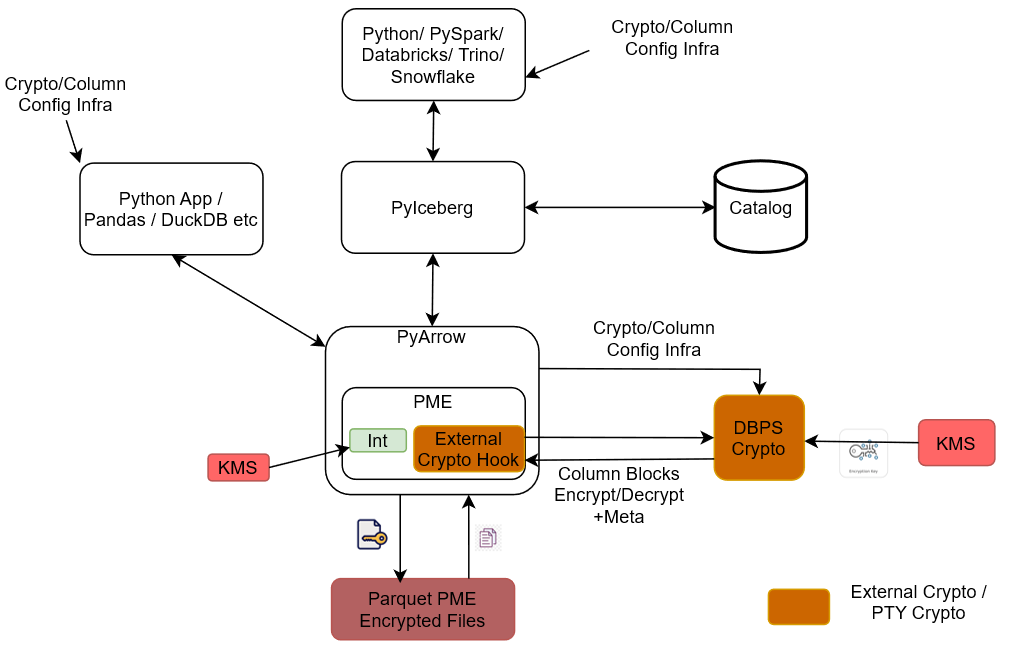
Python Client: Sends Protegrity encryption-related table properties that drive how columns should be protected.
Modified Pyiceberg: Accepts the Protegrity encryption-related table properties from the Python Client.
Modified PyArrow / DataBatch Protection Service: Receives data from Modified Pyiceberg and passes it to Application Protector C for protection.
Application Protector C: The core protection component. It performs the encryption/decryption of column data and routes the results to the RPAgent and the Log Forwarder. It also writes the protected output directly to the Protegrity Encrypted Parquet File.
RPAgent: Forwards protection-related communication from Application Protector C to the ESA.
Log Forwarder: Forwards logs from Application Protector C to the ESA.
ESA: The central service that receives both policy/agent communication (via RPAgent) and logs (via Log Forwarder).
Protegrity Encrypted Parquet File: The physical storage output produced by Application Protector C, containing Protegrity-encrypted Parquet data.
Pylceberg Protector: Modified Pyiceberg, Modified PyArrow/DataBatch Protection Service, Application Protector C, RPAgent, and Log Forwarder together make up the Pylceberg Protector.
End-to-end flow: The Python Client sends Protegrity encryption-related table properties → Modified Pyiceberg accepts these properties → data flows through Modified PyArrow/DataBatch Protection Service → Application Protector C encrypts/decrypts the data → protected data is written to the Protegrity Encrypted Parquet File, while protection communication and logs are forwarded via RPAgent and Log Forwarder respectively to the ESA.
Ensure that the following prerequisites are available before installing the Python Iceberg Protector:
pip module is installed.unzip package is installed.sudo privileges is created. The privileges are required to modify the /etc/hosts file for the dynamic policy approach.Extract the contents of the installation package to access the configurator script. This script generates the required files to install the Python Iceberg Protector.
To extract the files from the installation package:
user1, run the following command:useradd -m -s /bin/bash user1
/opt/ directory, run the following command:cd /opt/
mkdir protegrity
/opt/ directory, run the following command:mkdir pyiceberg_protector
/opt/protegrity/ directory, run the following command:chown -R user1:user1 protegrity/
pyiceberg_protector directory, run the following command:chown -R user1:user1 pyiceberg_protector/
pyiceberg_protector directory, run the following command:cd pyiceberg_protector/
wget <https://artifactory.protegrity.com/artifactory/pyiceberg-protector-generic/Release/<release_version>/<protector_version>/PyIcebergProtector_Linux-ALL-64_<arch_type>_Python-<python_version>_<protector_version>.tgz>
chown -R user1:user1 PyIcebergProtector_Linux-ALL-64_x86-64_Python-3.12-64_<protector_version>.tgz
su user1
tar -xvf PyIcebergProtector_Linux-ALL-64_x86-64_Python-3.12-64_<protector_version>.tgz
PyIcebergProtector_Linux-ALL-64_x86-64_Python-3.12-64_<protector_version>.tgz
signatures/
signatures/PyIcebergProtector_Linux-ALL-64_x86-64_Python-3.12-64_<protector_version>.tgz_10.0.sig
Note: The package contains a
signatures/folder and an inner archive of the same name. Executing thetar -xvfcommand again on the inner archive extracts the configurator script.
tar -xvf PyIcebergProtector_Linux-ALL-64_x86-64_Python-3.12-64_<protector_version>.tgz
PyIcebergProtector-Configurator_Linux-ALL-64_x86-64_Python-3.12-64_<protector_version>.sh
docker run -dit --name pyiceberg-container ubuntu:latest
docker exec -it pyiceberg-container bash
cd /opt/
mkdir protegrity
useradd -m -s /bin/bash user1
mkdir pyiceberg_protector
chown -R user1:user1 protegrity/
chown -R user1:user1 pyiceberg_protector/
ls -ltrh
<docker_instance>:/opt# ls -ltrh
total 8.0K
drwxr-xr-x 2 user1 user1 4.0K Jun  3 11:12 protegrity
drwxr-xr-x 2 user1 user1 4.0K Jun  3 11:13 pyiceberg_protector
Extract the contents of the installation package to access the configurator script. This script generates the required files to install the Python Iceberg Protector.
cd pyiceberg_protector/
wget <https://artifactory.protegrity.com/artifactory/pyiceberg-protector-generic/Release/<release_version>/<protector_version>/PyIcebergProtector_Linux-ALL-64_<arch_type>_Python-<python_version>_<protector_version>.tgz>
chown -R user1:user1 PyIcebergProtector_Linux-ALL-64_x86-64_Python-3.12-64_<protector_version>.tgz
su user1
tar -xvf PyIcebergProtector_Linux-ALL-64_x86-64_Python-3.12-64_<protector_version>.tgz
PyIcebergProtector_Linux-ALL-64_x86-64_Python-3.12-64_<protector_version>.tgz
signatures/
signatures/PyIcebergProtector_Linux-ALL-64_x86-64_Python-3.12-64_<protector_version>.tgz_10.0.sig
Note: The package contains a
signatures/folder and an inner archive of the same name. Executing thetar -xvfcommand again on the inner archive extracts the configurator script.
tar -xvf PyIcebergProtector_Linux-ALL-64_x86-64_Python-3.12-64_<protector_version>.tgz
PyIcebergProtector-Configurator_Linux-ALL-64_x86-64_Python-3.12-64_<protector_version>.sh
mkdir /opt/protegrity
cd /opt
mkdir pyiceberg_protector
useradd -m -s /bin/bash user1
chown user1:user1 protegrity
chown -R user1:user1 pyiceberg_protector/
cd pyiceberg_protector/
wget <https://artifactory.protegrity.com/artifactory/pyiceberg-protector-generic/Release/<release_version>/<protector_version>/PyIcebergProtector_Linux-ALL-64_<arch_type>_Python-<python_version>_<protector_version>.tgz>
chown user1:user1 PyIcebergProtector_Linux-ALL-64_x86-64_Python-3.12-64_<protector_version>.tgz
su user1
cd /opt/protegrity/
python3.12 -m venv environment <virtual_environment_name>
Be sure to execute these commands as user1.
cd /opt/pyiceberg_protector/
tar -xvf PyIcebergProtector_Linux-ALL-64_x86-64_Python-3.12-64_<protector_version>.tgz
PyIcebergProtector_Linux-ALL-64_x86-64_Python-3.12-64_<protector_version>.tgz
signatures/
signatures/PyIcebergProtector_Linux-ALL-64_x86-64_Python-3.12-64_<protector_version>.tgz_10.0.sig
Note: The package contains a
signatures/folder and an inner archive of the same name. Executing thetar -xvfcommand again on the inner archive extracts the configurator script.
tar -xvf PyIcebergProtector_Linux-ALL-64_x86-64_Python-3.12-64_<protector_version>.tgz
PyIcebergProtector-Configurator_Linux-ALL-64_x86-64_Python-3.12-64_<protector_version>.sh
Extract the contents of the installation package to access the configurator script. This script generates the required files to install the Python Iceberg Protector.
To extract the files from the installation package:
useradd -m -s /bin/bash superuser
cd /opt/
mkdir protegrity
mkdir pyiceberg_protector
chown -R superuser:superuser protegrity/
chown -R superuser:superuser pyiceberg_protector/
cd pyiceberg_protector/
wget <https://artifactory.protegrity.com/artifactory/pyiceberg-protector-generic/Release/<release_version>/<protector_version>/PyIcebergProtector_Linux-ALL-64_<arch_type>_Python-<python_version>_<protector_version>.tgz>
chown -R superuser:superuser PyIcebergProtector_Linux-ALL-64_x86-64_Python-3.12-64_<protector_version>.tgz
su superuser
tar -xvf PyIcebergProtector_Linux-ALL-64_x86-64_Python-3.12-64_<protector_version>.tgz
PyIcebergProtector_Linux-ALL-64_x86-64_Python-3.12-64_<protector_version>.tgz
signatures/
signatures/PyIcebergProtector_Linux-ALL-64_x86-64_Python-3.12-64_<protector_version>.tgz_10.0.sig
Note: The package contains a
signatures/folder and an inner archive of the same name. Executing thetar -xvfcommand again on the inner archive extracts the configurator script.
tar -xvf PyIcebergProtector_Linux-ALL-64_x86-64_Python-3.12-64_<protector_version>.tgz
PyIcebergProtector-Configurator_Linux-ALL-64_x86-64_Python-3.12-64_<protector_version>.sh
docker run -dit --name pyiceberg-container ubuntu:latest
docker exec -it pyiceberg-container bash
/opt/ directory, run the following command:cd /opt/
mkdir /opt/protegrity/
useradd -m -s /bin/bash superuser
mkdir pyiceberg_protector
/opt/protegrity/ directory, run the following command:chown -R superuser:superuser protegrity/
pyiceberg_protector directory, run the following command:chown -R superuser:superuser pyiceberg_protector/
ls -ltrh
<docker_instance>:/opt# ls -ltrh
total 8.0K
drwxr-xr-x 2 superuser superuser 4.0K Jun  3 11:12 protegrity
drwxr-xr-x 2 superuser superuser 4.0K Jun  3 11:13 pyiceberg_protector
Extract the contents of the installation package to access the configurator script. This script generates the required files to install the Python Iceberg Protector.
cd pyiceberg_protector/
wget <https://artifactory.protegrity.com/artifactory/pyiceberg-protector-generic/Release/<release_version>/<protector_version>/PyIcebergProtector_Linux-ALL-64_<arch_type>_Python-<python_version>_<protector_version>.tgz>
chown -R superuser:superuser PyIcebergProtector_Linux-ALL-64_x86-64_Python-3.12-64_<protector_version>.tgz
su superuser
tar -xvf PyIcebergProtector_Linux-ALL-64_x86-64_Python-3.12-64_<protector_version>.tgz
PyIcebergProtector_Linux-ALL-64_x86-64_Python-3.12-64_<protector_version>.tgz
signatures/
signatures/PyIcebergProtector_Linux-ALL-64_x86-64_Python-3.12-64_<protector_version>.tgz_10.0.sig
Note: The package contains a
signatures/folder and an inner archive of the same name. Executing thetar -xvfcommand again on the inner archive extracts the configurator script.
tar -xvf PyIcebergProtector_Linux-ALL-64_x86-64_Python-3.12-64_<protector_version>.tgz
PyIcebergProtector-Configurator_Linux-ALL-64_x86-64_Python-3.12-64_<protector_version>.sh
mkdir /opt/protegrity
cd /opt
mkdir pyiceberg_protector
useradd -m -s /bin/bash superuser
chown superuser:superuser protegrity
chown -R superuser:superuser pyiceberg_protector/
cd pyiceberg_protector/
chown superuser:superuser PyIcebergProtector_Linux-ALL-64_x86-64_Python-3.12-64_<protector_version>.tgz
su superuser
cd /opt/protegrity/
python3.12 -m venv <virtual_environment_name>
Note: Be sure to execute the commands, listed in the section, as
superuser.
cd /opt/pyiceberg_protector/
tar -xvf PyIcebergProtector_Linux-ALL-64_x86-64_Python-3.12-64_<protector_version>.tgz
PyIcebergProtector_Linux-ALL-64_x86-64_Python-3.12-64_<protector_version>.tgz
signatures/
signatures/PyIcebergProtector_Linux-ALL-64_x86-64_Python-3.12-64_<protector_version>.tgz_10.0.sig
Note: The package contains a
signatures/folder and an inner archive of the same name. Executing thetar -xvfcommand again on the inner archive extracts the configurator script.
tar -xvf PyIcebergProtector_Linux-ALL-64_x86-64_Python-3.12-64_<protector_version>.tgz
PyIcebergProtector-Configurator_Linux-ALL-64_x86-64_Python-3.12-64_<protector_version>.sh
The configurator script is used to install the Python Iceberg protector. The script prompts for certain inputs. Based on the inputs, the script:
The script enables installation using two approaches:
Be sure to follow the instructions mentioned in the section Preparing the Environment.
To start the container, run the following command:
docker start pyiceberg-container
To login to the pyiceberg container, run the following command:
docker exec -it pyiceberg-container bash
To switch the user account, run the following command:
su superuser
To navigate to the directory containing the configurator script, run the following command:
cd /opt/pyiceberg_protector
To execute the configurator script, run the following command:
./PyIcebergProtector-Configurator_Linux-ALL-64_x86-64_Python-3.12-64_<protector_version>.sh
Press ENTER.
The script lists the prerequisites and the prompt to confirm appears.
Prerequisites:
1. Linux system, Virtual Machine, Docker container, WSL, or something similar with:
    a. x86_64 architecture
    b. OS >= CentOS/RHEL 8, >= Debian 10, >= Fedora 29, or >= Ubuntu 18.10
    c. openssl utility
    d. unzip utility
    e. Python 3.12
    f. any file editor
2. If you want to use dynamic policy, then make sure that PPC or ESA is accessible and Users, Groups, Roles, Data Elements, Data Stores, Policies, Trusted Applications, etc are created.
3. If you want to use your static policy, then make sure that Users, Groups, Roles, Data Elements, Data Stores, Policies, Trusted Applications, static policy, static policy decryption program, and static policy decryption key (optional) is created.
Are these prerequisites met? ("yes" or "no"):
To confirm the availability of the prerequisites, type yes.
Press ENTER.
The prompt to specify the installation directory appears.
Specify absolute installation directory (default: /opt/protegrity):
Enter the location to install the protector.
Press ENTER.
The prompt to specify the ESA policy type appears.
Specify ESA policy type (either dynamic or static | default: dynamic):
To use a static policy, type static.
Press ENTER.
The prompt to use the default static policy appears.
Do you want to use Protegrity's static ESA policy? (either "yes" or "no" | default: "yes"):
To use the default policy, type yes.
Press ENTER.
The prompt to specify the Python version appears.
Specify Python interpreter (example: python3):
Enter the version of Python installed on the system.
Press ENTER.
The script completes the installation. The script also lists the commands to:
Installing PyIceberg Protector in /opt/protegrity directory...
Installed PyIceberg Protector in /opt/protegrity directory.


Export following variables:
export LD_LIBRARY_PATH=/opt/protegrity/libs:/opt/protegrity/sdk/c/lib:$LD_LIBRARY_PATH && export PTY_APC_CONFIG=/opt/protegrity/sdk/c/data/config.ini && export PYTHONPATH=/opt/protegrity/pty_pyarrow:/opt/protegrity/pty_pyiceberg:$PYTHONPATH


Execute sample client:
python3.12 /opt/protegrity/samples/client.py

To use External Parquet Modular Encryption (EPME):
Simply add encryption properties on the iceberg table properties:

For Protegrity (external) encryption:
"protegrity.encryption.<column_name>": "EXTERNAL_DBPA_V1",
"protegrity.key.<column_name>": "<Data Element Name>"

Example:
"protegrity.encryption.name": "EXTERNAL_DBPA_V1",
"protegrity.key.name": "text"

For built-in AES encryption:
"encryption.algorithm.<column_name>": "AES_GCM_V1" or "AES_GCM_CTR_V1",
"encryption.key.<column_name>": "<Master Key Identifier>",
"encryption.footer.key": "<Footer Master Key Identifier>"

Example:
"encryption.algorithm.real_name": "AES_GCM_V1",
"encryption.key.real_name": "real_name-master-key",
"encryption.footer.key": "footer-master-key"

Execute sample client:
python3.12 /opt/protegrity/samples/client.py
To set the path for the variables, run the following command:
export LD_LIBRARY_PATH=/opt/protegrity/libs:/opt/protegrity/sdk/c/lib:$LD_LIBRARY_PATH && export PTY_APC_CONFIG=/opt/protegrity/sdk/c/data/config.ini && export PYTHONPATH=/opt/protegrity/pty_pyarrow:/opt/protegrity/pty_pyiceberg:$PYTHONPATH
Note: Be sure to execute the commands, listed in the section, as
superuser.
To set the environment variables, run the following command:
export LD_LIBRARY_PATH=/opt/protegrity/libs:/opt/protegrity/sdk/c/lib:$LD_LIBRARY_PATH && export PTY_APC_CONFIG=/opt/protegrity/sdk/c/data/config.ini && export PYTHONPATH=/opt/protegrity/pty_pyarrow:/opt/protegrity/pty_pyiceberg:$PYTHONPATH
To update the client program and set the table properties, run the following command:
vi /opt/protegrity/samples/client.py
Update the table properties as follows:
pyiceberg_table = catalog.create_table(
    identifier="namespace.table",
    properties={
        "parquet.enable.dictionary": "false",
        "write.parquet.compression-codec": "zstd",
        "write.parquet.dict-encoding.enabled": "false"
        "encrypt_block": "true",
        "protegrity.encryption.bank-account-number": "EXTERNAL_DBPA_V1",
        "protegrity.key.bank-account-number": "text",
        "protegrity.encoding.bank-account-number": "UTF-8"
    },
    schema=pyarrow_table.schema
)
Where,
parquet.enable.dictionary - Enables or disables the Parquet dictionary encoding for all columns in the written file.write.parquet.compression-codec - Compresses the Parquet column data using the codec for a strong size-vs-speed tradeoff.write.parquet.dict-encoding.enabled - Enables or disables Iceberg’s per-column dictionary encoding when writing Parquet files. This is required for column encryption to work correctly.encrypt_block - Applies the Parquet Modular Encryption (PME) on the configured page when the value is set to true. Otherwise, the encyrption is applied per row.encrypt_block to true.encrypt_block to false.protegrity.encryption.bank-account-number - Identifies the external crypto profile like DBPS or EXTERNAL_DBPA_V1 used to encrypt or decrypt the target column. Alternatively, internal encryption like AES_GCM_V1 or AES_GCM_CTR_V1 can be used.protegrity.key.bank-account-number - Specifies the Protegrity data element whose cryptographic material is used to protect the target column when the external encryption is used. In case of internal encryption, the encryption key is used.protegrity.encoding.bank-account-number - Specifies the character encoding used for the encoded input bytes. The supported encoding types include UTF-8, UTF8, UTF-16LE, UTF16LE, UTF-16BE, and UTF16BE.protegrity.encoding.* is set to the appropriate encoding type. To skip using unicode-related data elements, do not set any value for protegrity.encoding.*.To execute the sample client program, run the following command:
python3 /opt/protegrity/samples/client.py
Press ENTER.
The output of the sample program appears.
Printing original table...
pyarrow.Table
bank_account_number: string
credit_card_number: string
customer_name: string
social_security_number: string
----
bank_account_number: [["100284935521","489311027684","773290514438","912046738815"]]
credit_card_number: [["2811 9146 9639 4756","8285 9611 4035 3992","8866 0087 1920 1284","9933 9122 2872 5786"]]
customer_name: [["Ashley Anderson","Brian Brown","Carol Clark","David Davis"]]
social_security_number: [["000-12-3456","000-98-7654","000-55-1212","000-44-8888"]]
Printed original table.

Writing original table into /opt/protegrity/warehouse/namespace/table/data/*.parquet file...
None
Written original table into /opt/protegrity/warehouse/namespace/table/data/*.parquet file.

Reading /opt/protegrity/warehouse/namespace/table/data/*.parquet file into PyArrow table...
/opt/protegrity/pty_pyiceberg/pyiceberg/avro/file.py:175: UserWarning: Falling back to pure Python Avro decoder, missing Cython implementation
self.decoder = new_decoder(f.read())
/opt/protegrity/pty_pyiceberg/pyiceberg/avro/file.py:204: UserWarning: Falling back to pure Python Avro decoder, missing Cython implementation
self.block = Block(reader=self.reader, block_records=block_records, block_decoder=new_decoder(block_bytes))
pyarrow.Table
bank_account_number: string
credit_card_number: string
customer_name: string
social_security_number: string
----
bank_account_number: [["100284935521","489311027684","773290514438","912046738815"]]
credit_card_number: [["2811 9146 9639 4756","8285 9611 4035 3992","8866 0087 1920 1284","9933 9122 2872 5786"]]
customer_name: [["Ashley Anderson","Brian Brown","Carol Clark","David Davis"]]
social_security_number: [["000-12-3456","000-98-7654","000-55-1212","000-44-8888"]]
Read /opt/protegrity/warehouse/namespace/table/data/*.parquet file into PyArrow table.

Printing snapshots...
Operation.APPEND: id=5870174703691215742, schema_id=0
Printed snapshots.

Adding "last_transaction" column...
Added "last_transaction" column.

Printing updated table...
pyarrow.Table
bank_account_number: string
credit_card_number: string
customer_name: string
last_transaction: float
social_security_number: string
----
bank_account_number: [["100284935521","489311027684","773290514438","912046738815"]]
credit_card_number: [["2811 9146 9639 4756","8285 9611 4035 3992","8866 0087 1920 1284","9933 9122 2872 5786"]]
customer_name: [["Ashley Anderson","Brian Brown","Carol Clark","David Davis"]]
last_transaction: [[250.75,1840.5,92.25,5000]]
social_security_number: [["000-12-3456","000-98-7654","000-55-1212","000-44-8888"]]
Printed updated table.

Writing updated table into /opt/protegrity/warehouse/namespace/table/data/*.parquet file...
None
Written updated table into /opt/protegrity/warehouse/namespace/table/data/*.parquet file.

Reading /opt/protegrity/warehouse/namespace/table/data/*.parquet file into PyArrow table...
pyarrow.Table
bank_account_number: string
credit_card_number: string
last_transaction: float
customer_name: string
social_security_number: string
----
bank_account_number: [["100284935521","489311027684","773290514438","912046738815"]]
credit_card_number: [["2811 9146 9639 4756","8285 9611 4035 3992","8866 0087 1920 1284","9933 9122 2872 5786"]]
last_transaction: [[250.75,1840.5,92.25,5000]]
customer_name: [["Ashley Anderson","Brian Brown","Carol Clark","David Davis"]]
social_security_number: [["000-12-3456","000-98-7654","000-55-1212","000-44-8888"]]
Read /opt/protegrity/warehouse/namespace/table/data/*.parquet file into PyArrow table.

Printing snapshots...
Operation.APPEND: id=5870174703691215742, schema_id=0
Operation.DELETE: id=2940982637465782181, parent_id=5870174703691215742, schema_id=2
Operation.APPEND: id=4680277589130765230, parent_id=2940982637465782181, schema_id=2
Printed snapshots.

Adding "total_transactions" column...
Added "total_transactions" column.

Printing updated table...
pyarrow.Table
bank_account_number: string
credit_card_number: string
customer_name: string
last_transaction: float
social_security_number: string
total_transactions: int64
----
bank_account_number: [["100284935521","489311027684","773290514438","912046738815"]]
credit_card_number: [["2811 9146 9639 4756","8285 9611 4035 3992","8866 0087 1920 1284","9933 9122 2872 5786"]]
customer_name: [["Ashley Anderson","Brian Brown","Carol Clark","David Davis"]]
last_transaction: [[250.75,1840.5,92.25,5000]]
social_security_number: [["000-12-3456","000-98-7654","000-55-1212","000-44-8888"]]
total_transactions: [[12,47,3,189]]
Printed updated table.

Writing updated table into /opt/protegrity/warehouse/namespace/table/data/*.parquet file...
None
Written updated table into /opt/protegrity/warehouse/namespace/table/data/*.parquet file.

Reading /opt/protegrity/warehouse/namespace/table/data/*.parquet file into PyArrow table...
pyarrow.Table
bank_account_number: string
credit_card_number: string
last_transaction: float
customer_name: string
social_security_number: string
total_transactions: int64
----
bank_account_number: [["100284935521","489311027684","773290514438","912046738815"]]
credit_card_number: [["2811 9146 9639 4756","8285 9611 4035 3992","8866 0087 1920 1284","9933 9122 2872 5786"]]
last_transaction: [[250.75,1840.5,92.25,5000]]
customer_name: [["Ashley Anderson","Brian Brown","Carol Clark","David Davis"]]
social_security_number: [["000-12-3456","000-98-7654","000-55-1212","000-44-8888"]]
total_transactions: [[12,47,3,189]]
Read /opt/protegrity/warehouse/namespace/table/data/*.parquet file into PyArrow table.

Printing snapshots...
Operation.APPEND: id=5870174703691215742, schema_id=0
Operation.DELETE: id=2940982637465782181, parent_id=5870174703691215742, schema_id=2
Operation.APPEND: id=4680277589130765230, parent_id=2940982637465782181, schema_id=2
Operation.DELETE: id=1221333118375237499, parent_id=4680277589130765230, schema_id=3
Operation.APPEND: id=6921156972304738597, parent_id=1221333118375237499, schema_id=3
Printed snapshots.

Deleting "last_transaction" column...
Deleted "last_transaction" column.

Printing updated table...
pyarrow.Table
bank_account_number: string
credit_card_number: string
customer_name: string
social_security_number: string
total_transactions: int64
----
bank_account_number: [["100284935521","489311027684","773290514438","912046738815"]]
credit_card_number: [["2811 9146 9639 4756","8285 9611 4035 3992","8866 0087 1920 1284","9933 9122 2872 5786"]]
customer_name: [["Ashley Anderson","Brian Brown","Carol Clark","David Davis"]]
social_security_number: [["000-12-3456","000-98-7654","000-55-1212","000-44-8888"]]
total_transactions: [[12,47,3,189]]
Printed updated table.

Writing updated table into /opt/protegrity/warehouse/namespace/table/data/*.parquet file...
None
Written updated table into /opt/protegrity/warehouse/namespace/table/data/*.parquet file.

Reading /opt/protegrity/warehouse/namespace/table/data/*.parquet file into PyArrow table...
pyarrow.Table
bank_account_number: string
credit_card_number: string
customer_name: string
social_security_number: string
total_transactions: int64
----
bank_account_number: [["100284935521","489311027684","773290514438","912046738815"]]
credit_card_number: [["2811 9146 9639 4756","8285 9611 4035 3992","8866 0087 1920 1284","9933 9122 2872 5786"]]
customer_name: [["Ashley Anderson","Brian Brown","Carol Clark","David Davis"]]
social_security_number: [["000-12-3456","000-98-7654","000-55-1212","000-44-8888"]]
total_transactions: [[12,47,3,189]]
Read /opt/protegrity/warehouse/namespace/table/data/*.parquet file into PyArrow table.

Printing snapshots...
Operation.APPEND: id=5870174703691215742, schema_id=0
Operation.DELETE: id=2940982637465782181, parent_id=5870174703691215742, schema_id=2
Operation.APPEND: id=4680277589130765230, parent_id=2940982637465782181, schema_id=2
Operation.DELETE: id=1221333118375237499, parent_id=4680277589130765230, schema_id=3
Operation.APPEND: id=6921156972304738597, parent_id=1221333118375237499, schema_id=3
Operation.DELETE: id=365521407692256407, parent_id=6921156972304738597, schema_id=4
Operation.APPEND: id=4540095448248191384, parent_id=365521407692256407, schema_id=4
Printed snapshots.
source /opt/protegrity/<virtual_environment_name>/bin/activate
./PyIcebergProtector-Configurator_Linux-ALL-64_x86-64_Python-3.12-64_<protector_version>.sh
Prerequisites:
1. Linux system, Virtual Machine, Docker container, WSL, or something similar with:
    a. x86_64 architecture
    b. OS >= CentOS/RHEL 8, >= Debian 10, >= Fedora 29, or >= Ubuntu 18.10
    c. openssl utility
    d. unzip utility
    e. Python 3.12
    f. any file editor
2. If you want to use dynamic policy, then make sure that PPC or ESA is accessible and Users, Groups, Roles, Data Elements, Data Stores, Policies, Trusted Applications, etc are created.
3. If you want to use your static policy, then make sure that Users, Groups, Roles, Data Elements, Data Stores, Policies, Trusted Applications, static policy, static policy decryption program, and static policy decryption key (optional) is created.
Are these prerequisites met? ("yes" or "no"):
yes.Specify absolute installation directory (default: /opt/protegrity):
Specify ESA policy type (either dynamic or static | default: dynamic):
static.Do you want to use Protegrity's static ESA policy? (either "yes" or "no" | default: "yes"):
yes.Specify Python interpreter (example: python3):
Installing PyIceberg Protector in /opt/protegrity...
Installed PyIceberg Protector in /opt/protegrity.

Export following variables:
export LD_LIBRARY_PATH=/opt/protegrity/libs:/opt/protegrity/sdk/c/lib:$LD_LIBRARY_PATH && export PTY_APC_CONFIG=/opt/protegrity/sdk/c/data/config.ini && export PYTHONPATH=/opt/protegrity/pty_pyarrow:/opt/protegrity/pty_pyiceberg:$PYTHONPATH

Execute sample client:
python3 /opt/protegrity/samples/client.py

To use External Parquet Modular Encryption (EPME):
Simply add encryption properties on the iceberg table properties:

For Protegrity (external) encryption:
"protegrity.encryption.<column_name>": "EXTERNAL_DBPA_V1",
"protegrity.key.<column_name>": "<Data Element Name>"

Example:
"protegrity.encryption.social_security_number": "EXTERNAL_DBPA_V1",
"protegrity.key.social_security_number": "text"

For built-in AES encryption:
"encryption.algorithm.<column_name>": "AES_GCM_V1" or "AES_GCM_CTR_V1",
"encryption.key.<column_name>": "<Master Key Identifier>",
"encryption.footer.key": "<Footer Master Key Identifier>"

Example:
"encryption.algorithm.bank_account_number": "AES_GCM_V1",
"encryption.key.bank_account_number": "bank-account-number-master-key",
"encryption.footer.key": "footer-master-key"

Execute sample client:
python3 /opt/protegrity/samples/client.py
Note: Be sure to execute the commands, listed in the section, as
superuserand that the virtual environment is activated.
To set the environment variables, run the following command:
export LD_LIBRARY_PATH=/opt/protegrity/libs:/opt/protegrity/sdk/c/lib:$LD_LIBRARY_PATH && export PTY_APC_CONFIG=/opt/protegrity/sdk/c/data/config.ini && export PYTHONPATH=/opt/protegrity/pty_pyarrow:/opt/protegrity/pty_pyiceberg:$PYTHONPATH
To update the sample program, run the following command:
vi /opt/protegrity/samples/client.py
Update the table properties as follows:
pyiceberg_table = catalog.create_table(
    identifier="namespace.table",
    properties={
        "parquet.enable.dictionary": "false",
        "write.parquet.compression-codec": "zstd",
        "write.parquet.dict-encoding.enabled": "false"
        "encrypt_block": "true",
        "protegrity.encryption.bank-account-number": "EXTERNAL_DBPA_V1",
        "protegrity.key.bank-account-number": "text",
        "protegrity.encoding.bank-account-number": "UTF-8"
    },
    schema=pyarrow_table.schema
)
Where,
parquet.enable.dictionary - Enables or disables the Parquet dictionary encoding for all columns in the written file.write.parquet.compression-codec - Compresses the Parquet column data using the codec for a strong size-vs-speed tradeoff.write.parquet.dict-encoding.enabled - Enables or disables Iceberg’s per-column dictionary encoding when writing Parquet files. This is required for column encryption to work correctly.encrypt_block - Applies the Parquet Modular Encryption (PME) on the configured page when the value is set to true. Otherwise, the encyrption is applied per row.encrypt_block to true.encrypt_block to false.protegrity.encryption.bank-account-number - Identifies the external crypto profile like DBPS or EXTERNAL_DBPA_V1 used to encrypt or decrypt the target column. Alternatively, internal encryption like AES_GCM_V1 or AES_GCM_CTR_V1 can be used.protegrity.key.bank-account-number - Specifies the Protegrity data element whose cryptographic material is used to protect the target column when the external encryption is used. In case of internal encryption, the encryption key is used.protegrity.encoding.bank-account-number - Specifies the character encoding used for the encoded input bytes. The supported encoding types include UTF-8, UTF8, UTF-16LE, UTF16LE, UTF-16BE, and UTF16BE.protegrity.encoding.* is set to the appropriate encoding type. To skip using unicode-related data elements, do not set any value for protegrity.encoding.*.To execute the sample script, run the following command:
python3 /opt/protegrity/samples/client.py
Press ENTER.
The output of the sample program appears.
Printing original table...
pyarrow.Table
bank_account_number: string
credit_card_number: string
customer_name: string
social_security_number: string
----
bank_account_number: [["100284935521","489311027684","773290514438","912046738815"]]
credit_card_number: [["2811 9146 9639 4756","8285 9611 4035 3992","8866 0087 1920 1284","9933 9122 2872 5786"]]
customer_name: [["Ashley Anderson","Brian Brown","Carol Clark","David Davis"]]
social_security_number: [["000-12-3456","000-98-7654","000-55-1212","000-44-8888"]]
Printed original table.
Writing original table into /opt/protegrity/warehouse/namespace/table/data/*.parquet file...
None
Written original table into /opt/protegrity/warehouse/namespace/table/data/*.parquet file.
Reading /opt/protegrity/warehouse/namespace/table/data/*.parquet file into PyArrow table...
/opt/protegrity/pty_pyiceberg/pyiceberg/avro/file.py:175: UserWarning: Falling back to pure Python Avro decoder, missing Cython implementation
self.decoder = new_decoder(f.read())
/opt/protegrity/pty_pyiceberg/pyiceberg/avro/file.py:204: UserWarning: Falling back to pure Python Avro decoder, missing Cython implementation
self.block = Block(reader=self.reader, block_records=block_records, block_decoder=new_decoder(block_bytes))
pyarrow.Table
bank_account_number: string
credit_card_number: string
customer_name: string
social_security_number: string
----
bank_account_number: [["100284935521","489311027684","773290514438","912046738815"]]
credit_card_number: [["2811 9146 9639 4756","8285 9611 4035 3992","8866 0087 1920 1284","9933 9122 2872 5786"]]
customer_name: [["Ashley Anderson","Brian Brown","Carol Clark","David Davis"]]
social_security_number: [["000-12-3456","000-98-7654","000-55-1212","000-44-8888"]]
Read /opt/protegrity/warehouse/namespace/table/data/*.parquet file into PyArrow table.
Printing snapshots...
Operation.APPEND: id=5870174703691215742, schema_id=0
Printed snapshots.
Adding "last_transaction" column...
Added "last_transaction" column.
Printing updated table...
pyarrow.Table
bank_account_number: string
credit_card_number: string
customer_name: string
last_transaction: float
social_security_number: string
----
bank_account_number: [["100284935521","489311027684","773290514438","912046738815"]]
credit_card_number: [["2811 9146 9639 4756","8285 9611 4035 3992","8866 0087 1920 1284","9933 9122 2872 5786"]]
customer_name: [["Ashley Anderson","Brian Brown","Carol Clark","David Davis"]]
last_transaction: [[250.75,1840.5,92.25,5000]]
social_security_number: [["000-12-3456","000-98-7654","000-55-1212","000-44-8888"]]
Printed updated table.
Writing updated table into /opt/protegrity/warehouse/namespace/table/data/*.parquet file...
None
Written updated table into /opt/protegrity/warehouse/namespace/table/data/*.parquet file.
Reading /opt/protegrity/warehouse/namespace/table/data/*.parquet file into PyArrow table...
pyarrow.Table
bank_account_number: string
credit_card_number: string
last_transaction: float
customer_name: string
social_security_number: string
----
bank_account_number: [["100284935521","489311027684","773290514438","912046738815"]]
credit_card_number: [["2811 9146 9639 4756","8285 9611 4035 3992","8866 0087 1920 1284","9933 9122 2872 5786"]]
last_transaction: [[250.75,1840.5,92.25,5000]]
customer_name: [["Ashley Anderson","Brian Brown","Carol Clark","David Davis"]]
social_security_number: [["000-12-3456","000-98-7654","000-55-1212","000-44-8888"]]
Read /opt/protegrity/warehouse/namespace/table/data/*.parquet file into PyArrow table.
Printing snapshots...
Operation.APPEND: id=5870174703691215742, schema_id=0
Operation.DELETE: id=2940982637465782181, parent_id=5870174703691215742, schema_id=2
Operation.APPEND: id=4680277589130765230, parent_id=2940982637465782181, schema_id=2
Printed snapshots.
Adding "total_transactions" column...
Added "total_transactions" column.
Printing updated table...
pyarrow.Table
bank_account_number: string
credit_card_number: string
customer_name: string
last_transaction: float
social_security_number: string
total_transactions: int64
----
bank_account_number: [["100284935521","489311027684","773290514438","912046738815"]]
credit_card_number: [["2811 9146 9639 4756","8285 9611 4035 3992","8866 0087 1920 1284","9933 9122 2872 5786"]]
customer_name: [["Ashley Anderson","Brian Brown","Carol Clark","David Davis"]]
last_transaction: [[250.75,1840.5,92.25,5000]]
social_security_number: [["000-12-3456","000-98-7654","000-55-1212","000-44-8888"]]
total_transactions: [[12,47,3,189]]
Printed updated table.
Writing updated table into /opt/protegrity/warehouse/namespace/table/data/*.parquet file...
None
Written updated table into /opt/protegrity/warehouse/namespace/table/data/*.parquet file.
Reading /opt/protegrity/warehouse/namespace/table/data/*.parquet file into PyArrow table...
pyarrow.Table
bank_account_number: string
credit_card_number: string
last_transaction: float
customer_name: string
social_security_number: string
total_transactions: int64
----
bank_account_number: [["100284935521","489311027684","773290514438","912046738815"]]
credit_card_number: [["2811 9146 9639 4756","8285 9611 4035 3992","8866 0087 1920 1284","9933 9122 2872 5786"]]
last_transaction: [[250.75,1840.5,92.25,5000]]
customer_name: [["Ashley Anderson","Brian Brown","Carol Clark","David Davis"]]
social_security_number: [["000-12-3456","000-98-7654","000-55-1212","000-44-8888"]]
total_transactions: [[12,47,3,189]]
Read /opt/protegrity/warehouse/namespace/table/data/*.parquet file into PyArrow table.
Printing snapshots...
Operation.APPEND: id=5870174703691215742, schema_id=0
Operation.DELETE: id=2940982637465782181, parent_id=5870174703691215742, schema_id=2
Operation.APPEND: id=4680277589130765230, parent_id=2940982637465782181, schema_id=2
Operation.DELETE: id=1221333118375237499, parent_id=4680277589130765230, schema_id=3
Operation.APPEND: id=6921156972304738597, parent_id=1221333118375237499, schema_id=3
Printed snapshots.
Deleting "last_transaction" column...
Deleted "last_transaction" column.
Printing updated table...
pyarrow.Table
bank_account_number: string
credit_card_number: string
customer_name: string
social_security_number: string
total_transactions: int64
----
bank_account_number: [["100284935521","489311027684","773290514438","912046738815"]]
credit_card_number: [["2811 9146 9639 4756","8285 9611 4035 3992","8866 0087 1920 1284","9933 9122 2872 5786"]]
customer_name: [["Ashley Anderson","Brian Brown","Carol Clark","David Davis"]]
social_security_number: [["000-12-3456","000-98-7654","000-55-1212","000-44-8888"]]
total_transactions: [[12,47,3,189]]
Printed updated table.
Writing updated table into /opt/protegrity/warehouse/namespace/table/data/*.parquet file...
None
Written updated table into /opt/protegrity/warehouse/namespace/table/data/*.parquet file.
Reading /opt/protegrity/warehouse/namespace/table/data/*.parquet file into PyArrow table...
pyarrow.Table
bank_account_number: string
credit_card_number: string
customer_name: string
social_security_number: string
total_transactions: int64
----
bank_account_number: [["100284935521","489311027684","773290514438","912046738815"]]
credit_card_number: [["2811 9146 9639 4756","8285 9611 4035 3992","8866 0087 1920 1284","9933 9122 2872 5786"]]
customer_name: [["Ashley Anderson","Brian Brown","Carol Clark","David Davis"]]
social_security_number: [["000-12-3456","000-98-7654","000-55-1212","000-44-8888"]]
total_transactions: [[12,47,3,189]]
Read /opt/protegrity/warehouse/namespace/table/data/*.parquet file into PyArrow table.
Printing snapshots...
Operation.APPEND: id=5870174703691215742, schema_id=0
Operation.DELETE: id=2940982637465782181, parent_id=5870174703691215742, schema_id=2
Operation.APPEND: id=4680277589130765230, parent_id=2940982637465782181, schema_id=2
Operation.DELETE: id=1221333118375237499, parent_id=4680277589130765230, schema_id=3
Operation.APPEND: id=6921156972304738597, parent_id=1221333118375237499, schema_id=3
Operation.DELETE: id=365521407692256407, parent_id=6921156972304738597, schema_id=4
Operation.APPEND: id=4540095448248191384, parent_id=365521407692256407, schema_id=4
Printed snapshots.
su superuser
cd /opt/pyiceberg_protector
./PyIcebergProtector-Configurator_Linux-ALL-64_x86-64_Python-3.12-64_<protector_version>.sh
Prerequisites:
1. Linux system, Virtual Machine, Docker container, WSL, or something similar with:
a. x86_64 architecture
b. OS >= CentOS/RHEL 8, >= Debian 10, >= Fedora 29, or >= Ubuntu 18.10
c. openssl utility
d. unzip utility
e. Python 3.12
f. any file editor
2. If you want to use dynamic policy, then make sure that PPC or ESA is accessible and Users, Groups, Roles, Data Elements, Data Stores, Policies, Trusted Applications, etc are created.
3. If you want to use your static policy, then make sure that Users, Groups, Roles, Data Elements, Data Stores, Policies, Trusted Applications, static policy, static policy decryption program, and static policy decryption key (optional) is created.
Are these prerequisites met? ("yes" or "no"):
yes.Specify absolute installation directory (default: /opt/protegrity):
Specify ESA policy's type (either "dynamic" or "static" | default: "dynamic"):
static.Do you want to use Protegrity's static ESA policy? (either "yes" or "no" | default: "yes"):
yes.Specify Python interpreter (example: python3):
Installing PyIceberg Protector in /opt/protegrity...
Installed PyIceberg Protector in /opt/protegrity.
Export following variables:
export LD_LIBRARY_PATH=/opt/protegrity/libs:/opt/protegrity/sdk/c/lib:$LD_LIBRARY_PATH && export PTY_APC_CONFIG=/opt/protegrity/sdk/c/data/config.ini && export PYTHONPATH=/opt/protegrity/pty_pyarrow:/opt/protegrity/pty_pyiceberg:$PYTHONPATH
Execute sample client:
python3 /opt/protegrity/samples/client.py
To use External Parquet Modular Encryption (EPME):
Simply add encryption properties on the iceberg table properties:
For Protegrity (external) encryption:
"protegrity.encryption.<column_name>": "EXTERNAL_DBPA_V1",
"protegrity.key.<column_name>": "<Data Element Name>"
Example:
"protegrity.encryption.social_security_number": "EXTERNAL_DBPA_V1",
"protegrity.key.social_security_number": "text"
For built-in AES encryption:
"encryption.algorithm.<column_name>": "AES_GCM_V1" or "AES_GCM_CTR_V1",
"encryption.key.<column_name>": "<Master Key Identifier>",
"encryption.footer.key": "<Footer Master Key Identifier>"
Example:
"encryption.algorithm.bank_account_number": "AES_GCM_V1",
"encryption.key.bank_account_number": "bank-account-number-master-key",
"encryption.footer.key": "footer-master-key"
Execute sample client:
python3 /opt/protegrity/samples/client.py
Note: Be sure to execute the commands, listed in the section, as
superuser.
To set the environment variable specified during installation, run the following command:
export LD_LIBRARY_PATH=/opt/protegrity/libs:/opt/protegrity/sdk/c/lib:$LD_LIBRARY_PATH && export PTY_APC_CONFIG=/opt/protegrity/sdk/c/data/config.ini && export PYTHONPATH=/opt/protegrity/pty_pyarrow:/opt/protegrity/pty_pyiceberg:$PYTHONPATH
To edit the sample the program, run the following command:
vi /opt/protegrity/samples/client.py
Update table properties as follows:
pyiceberg_table = catalog.create_table(
identifier="namespace.table",
properties={
"parquet.enable.dictionary": "false",
"write.parquet.compression-codec": "zstd",
"write.parquet.dict-encoding.enabled": "false"
"encrypt_block": "true",
"protegrity.encryption.bank-account-number": "EXTERNAL_DBPA_V1",
"protegrity.key.bank-account-number": "text",
"protegrity.encoding.bank-account-number": "UTF-8"
},
schema=pyarrow_table.schema
)
Where,
parquet.enable.dictionary - Enables or disables the Parquet dictionary encoding for all columns in the written file.write.parquet.compression-codec - Compresses the Parquet column data using the codec for a strong size-vs-speed tradeoff.write.parquet.dict-encoding.enabled - Enables or disables Iceberg’s per-column dictionary encoding when writing Parquet files. This is required for column encryption to work correctly.encrypt_block - Applies the Parquet Modular Encryption (PME) on the configured page when the value is set to true. Otherwise, the encyrption is applied per row.encrypt_block to true.encrypt_block to false.protegrity.encryption.bank-account-number - Identifies the external crypto profile like DBPS or EXTERNAL_DBPA_V1 used to encrypt or decrypt the target column. Alternatively, internal encryption like AES_GCM_V1 or AES_GCM_CTR_V1 can be used.protegrity.key.bank-account-number - Specifies the Protegrity data element whose cryptographic material is used to protect the target column when the external encryption is used. In case of internal encryption, the encryption key is used.protegrity.encoding.bank-account-number - Specifies the character encoding used for the encoded input bytes. The supported encoding types include UTF-8, UTF8, UTF-16LE, UTF16LE, UTF-16BE, and UTF16BE.protegrity.encoding.* is set to the appropriate encoding type. To skip using unicode-related data elements, do not set any value for protegrity.encoding.*.To execute the sample script, run the following command:
python3 /opt/protegrity/samples/client.py
Press ENTER.
The output of the sample program appears.
Printing original table...
pyarrow.Table
bank_account_number: string
credit_card_number: string
customer_name: string
social_security_number: string
----
bank_account_number: [["100284935521","489311027684","773290514438","912046738815"]]
credit_card_number: [["2811 9146 9639 4756","8285 9611 4035 3992","8866 0087 1920 1284","9933 9122 2872 5786"]]
customer_name: [["Ashley Anderson","Brian Brown","Carol Clark","David Davis"]]
social_security_number: [["000-12-3456","000-98-7654","000-55-1212","000-44-8888"]]
Printed original table.
Writing original table into /opt/protegrity/warehouse/namespace/table/data/*.parquet file...
None
Written original table into /opt/protegrity/warehouse/namespace/table/data/*.parquet file.
Reading /opt/protegrity/warehouse/namespace/table/data/*.parquet file into PyArrow table...
/opt/protegrity/pty_pyiceberg/pyiceberg/avro/file.py:175: UserWarning: Falling back to pure Python Avro decoder, missing Cython implementation
self.decoder = new_decoder(f.read())
/opt/protegrity/pty_pyiceberg/pyiceberg/avro/file.py:204: UserWarning: Falling back to pure Python Avro decoder, missing Cython implementation
self.block = Block(reader=self.reader, block_records=block_records, block_decoder=new_decoder(block_bytes))
pyarrow.Table
bank_account_number: string
credit_card_number: string
customer_name: string
social_security_number: string
----
bank_account_number: [["100284935521","489311027684","773290514438","912046738815"]]
credit_card_number: [["2811 9146 9639 4756","8285 9611 4035 3992","8866 0087 1920 1284","9933 9122 2872 5786"]]
customer_name: [["Ashley Anderson","Brian Brown","Carol Clark","David Davis"]]
social_security_number: [["000-12-3456","000-98-7654","000-55-1212","000-44-8888"]]
Read /opt/protegrity/warehouse/namespace/table/data/*.parquet file into PyArrow table.
Printing snapshots...
Operation.APPEND: id=5870174703691215742, schema_id=0
Printed snapshots.
Adding "last_transaction" column...
Added "last_transaction" column.
Printing updated table...
pyarrow.Table
bank_account_number: string
credit_card_number: string
customer_name: string
last_transaction: float
social_security_number: string
----
bank_account_number: [["100284935521","489311027684","773290514438","912046738815"]]
credit_card_number: [["2811 9146 9639 4756","8285 9611 4035 3992","8866 0087 1920 1284","9933 9122 2872 5786"]]
customer_name: [["Ashley Anderson","Brian Brown","Carol Clark","David Davis"]]
last_transaction: [[250.75,1840.5,92.25,5000]]
social_security_number: [["000-12-3456","000-98-7654","000-55-1212","000-44-8888"]]
Printed updated table.
Writing updated table into /opt/protegrity/warehouse/namespace/table/data/*.parquet file...
None
Written updated table into /opt/protegrity/warehouse/namespace/table/data/*.parquet file.
Reading /opt/protegrity/warehouse/namespace/table/data/*.parquet file into PyArrow table...
pyarrow.Table
bank_account_number: string
credit_card_number: string
last_transaction: float
customer_name: string
social_security_number: string
----
bank_account_number: [["100284935521","489311027684","773290514438","912046738815"]]
credit_card_number: [["2811 9146 9639 4756","8285 9611 4035 3992","8866 0087 1920 1284","9933 9122 2872 5786"]]
last_transaction: [[250.75,1840.5,92.25,5000]]
customer_name: [["Ashley Anderson","Brian Brown","Carol Clark","David Davis"]]
social_security_number: [["000-12-3456","000-98-7654","000-55-1212","000-44-8888"]]
Read /opt/protegrity/warehouse/namespace/table/data/*.parquet file into PyArrow table.
Printing snapshots...
Operation.APPEND: id=5870174703691215742, schema_id=0
Operation.DELETE: id=2940982637465782181, parent_id=5870174703691215742, schema_id=2
Operation.APPEND: id=4680277589130765230, parent_id=2940982637465782181, schema_id=2
Printed snapshots.
Adding "total_transactions" column...
Added "total_transactions" column.
Printing updated table...
pyarrow.Table
bank_account_number: string
credit_card_number: string
customer_name: string
last_transaction: float
social_security_number: string
total_transactions: int64
----
bank_account_number: [["100284935521","489311027684","773290514438","912046738815"]]
credit_card_number: [["2811 9146 9639 4756","8285 9611 4035 3992","8866 0087 1920 1284","9933 9122 2872 5786"]]
customer_name: [["Ashley Anderson","Brian Brown","Carol Clark","David Davis"]]
last_transaction: [[250.75,1840.5,92.25,5000]]
social_security_number: [["000-12-3456","000-98-7654","000-55-1212","000-44-8888"]]
total_transactions: [[12,47,3,189]]
Printed updated table.
Writing updated table into /opt/protegrity/warehouse/namespace/table/data/*.parquet file...
None
Written updated table into /opt/protegrity/warehouse/namespace/table/data/*.parquet file.
Reading /opt/protegrity/warehouse/namespace/table/data/*.parquet file into PyArrow table...
pyarrow.Table
bank_account_number: string
credit_card_number: string
last_transaction: float
customer_name: string
social_security_number: string
total_transactions: int64
----
bank_account_number: [["100284935521","489311027684","773290514438","912046738815"]]
credit_card_number: [["2811 9146 9639 4756","8285 9611 4035 3992","8866 0087 1920 1284","9933 9122 2872 5786"]]
last_transaction: [[250.75,1840.5,92.25,5000]]
customer_name: [["Ashley Anderson","Brian Brown","Carol Clark","David Davis"]]
social_security_number: [["000-12-3456","000-98-7654","000-55-1212","000-44-8888"]]
total_transactions: [[12,47,3,189]]
Read /opt/protegrity/warehouse/namespace/table/data/*.parquet file into PyArrow table.
Printing snapshots...
Operation.APPEND: id=5870174703691215742, schema_id=0
Operation.DELETE: id=2940982637465782181, parent_id=5870174703691215742, schema_id=2
Operation.APPEND: id=4680277589130765230, parent_id=2940982637465782181, schema_id=2
Operation.DELETE: id=1221333118375237499, parent_id=4680277589130765230, schema_id=3
Operation.APPEND: id=6921156972304738597, parent_id=1221333118375237499, schema_id=3
Printed snapshots.
Deleting "last_transaction" column...
Deleted "last_transaction" column.
Printing updated table...
pyarrow.Table
bank_account_number: string
credit_card_number: string
customer_name: string
social_security_number: string
total_transactions: int64
----
bank_account_number: [["100284935521","489311027684","773290514438","912046738815"]]
credit_card_number: [["2811 9146 9639 4756","8285 9611 4035 3992","8866 0087 1920 1284","9933 9122 2872 5786"]]
customer_name: [["Ashley Anderson","Brian Brown","Carol Clark","David Davis"]]
social_security_number: [["000-12-3456","000-98-7654","000-55-1212","000-44-8888"]]
total_transactions: [[12,47,3,189]]
Printed updated table.
Writing updated table into /opt/protegrity/warehouse/namespace/table/data/*.parquet file...
None
Written updated table into /opt/protegrity/warehouse/namespace/table/data/*.parquet file.
Reading /opt/protegrity/warehouse/namespace/table/data/*.parquet file into PyArrow table...
pyarrow.Table
bank_account_number: string
credit_card_number: string
customer_name: string
social_security_number: string
total_transactions: int64
----
bank_account_number: [["100284935521","489311027684","773290514438","912046738815"]]
credit_card_number: [["2811 9146 9639 4756","8285 9611 4035 3992","8866 0087 1920 1284","9933 9122 2872 5786"]]
customer_name: [["Ashley Anderson","Brian Brown","Carol Clark","David Davis"]]
social_security_number: [["000-12-3456","000-98-7654","000-55-1212","000-44-8888"]]
total_transactions: [[12,47,3,189]]
Read /opt/protegrity/warehouse/namespace/table/data/*.parquet file into PyArrow table.
Printing snapshots...
Operation.APPEND: id=5870174703691215742, schema_id=0
Operation.DELETE: id=2940982637465782181, parent_id=5870174703691215742, schema_id=2
Operation.APPEND: id=4680277589130765230, parent_id=2940982637465782181, schema_id=2
Operation.DELETE: id=1221333118375237499, parent_id=4680277589130765230, schema_id=3
Operation.APPEND: id=6921156972304738597, parent_id=1221333118375237499, schema_id=3
Operation.DELETE: id=365521407692256407, parent_id=6921156972304738597, schema_id=4
Operation.APPEND: id=4540095448248191384, parent_id=365521407692256407, schema_id=4
Printed snapshots.
su user1
cd /opt/pyiceberg_protector
./PyIcebergProtector-Configurator_Linux-ALL-64_x86-64_Python-3.12-64_<protector_version>.sh
Prerequisites:
1. Linux system, Virtual Machine, Docker container, WSL, or something similar with:
a. x86_64 architecture
b. OS >= CentOS/RHEL 8, >= Debian 10, >= Fedora 29, or >= Ubuntu 18.10
c. openssl utility
d. unzip utility
e. Python 3.12
f. any file editor
2. If you want to use dynamic policy, then make sure that PPC or ESA is accessible and Users, Groups, Roles, Data Elements, Data Stores, Policies, Trusted Applications, etc are created.
3. If you want to use your static policy, then make sure that Users, Groups, Roles, Data Elements, Data Stores, Policies, Trusted Applications, static policy, static policy decryption program, and static policy decryption key (optional) is created.
Are these prerequisites met? ("yes" or "no"):
yes.Specify absolute installation directory (default: /opt/protegrity):
Specify ESA policy type (either dynamic or static | default: dynamic):
dynamic.Specify ESA IP:
Specify ESA port (default: 8443):
Specify ESA administrator username:
Specify ESA administrator password:
Specify Logforwarder endpoint (default: <IP_Address>:9200):
Specify Python interpreter (example: python3):
Installing PyIceberg Protector in /opt/protegrity...
Unpacking...
Extracting files...
Protegrity Log Forwarder installed in /opt/protegrity/logforwarder.
Fluent Bit v4.2.2-1.5.1+0.gdfa6.fb-4.2
* Copyright (C) 2015-2025 The Fluent Bit Authors
* Fluent Bit is a CNCF graduated project under the Fluent organization
* https://fluentbit.io
______ _ _ ______ _ _ ___ _____
| ___| | | | | ___ (_) | / | / __ \
| |_ | |_ _ ___ _ __ | |_ | |_/ /_| |_ __ __/ /| | `' / /'
| _| | | | | |/ _ \ '_ \| __| | ___ \ | __| \ \ / / /_| | / /
| | | | |_| | __/ | | | |_ | |_/ / | |_ \ V /\___ |_./ /___
\_| |_|\__,_|\___|_| |_|\__| \____/|_|\__| \_/ |_(_)_____/
Fluent Bit v4.2 Direct Routes Ahead
Celebrating 10 Years of Open, Fluent Innovation!
[2026/07/09 09:10:34.592850870] [ info] switching to background mode (PID=1819)
Log Forwarder started, PID (1819) written to PID file /opt/protegrity/logforwarder/bin/fluent-bit.pid
Unpacking...
Extracting files...
Certificate validation successful.
Obtaining token from <ESA_hostname>:8443...
Downloading certificates from <ESA_hostname>:8443...
% Total % Received % Xferd Average Speed Time Time Time Current
Dload Upload Total Spent Left Speed
100 11264 100 11264 0 0 170.8k 0 0
Extracting certificates...
tar: CA.pem: time stamp 2026-07-09 09:10:45 is 0.602749615 s in the future
tar: cert.pem: time stamp 2026-07-09 09:10:45 is 0.602342073 s in the future
tar: cert.key: time stamp 2026-07-09 09:10:45 is 0.601361212 s in the future
tar: secret.txt: time stamp 2026-07-09 09:10:45 is 0.601210703 s in the future
Certificates successfully downloaded and stored in /opt/protegrity/rpagent/data
Protegrity RPAgent installed in /opt/protegrity/rpagent.
Starting rpagent
Installed PyIceberg Protector in /opt/protegrity.
Export following variables:
export LD_LIBRARY_PATH=/opt/protegrity/libs:/opt/protegrity/sdk/c/lib:$LD_LIBRARY_PATH && export PTY_APC_CONFIG=/opt/protegrity/sdk/c/data/config.ini && export PYTHONPATH=/opt/protegrity/pty_pyarrow:/opt/protegrity/pty_pyiceberg:$PYTHONPATH
Execute sample client:
python3 /opt/protegrity/samples/client.py
To use External Parquet Modular Encryption (EPME):
Simply add encryption properties on the iceberg table properties:
For Protegrity (external) encryption:
"protegrity.encryption.<column_name>": "EXTERNAL_DBPA_V1",
"protegrity.key.<column_name>": "<Data Element Name>"
Example:
"protegrity.encryption.social_security_number": "EXTERNAL_DBPA_V1",
"protegrity.key.social_security_number": "text"
For built-in AES encryption:
"encryption.algorithm.<column_name>": "AES_GCM_V1" or "AES_GCM_CTR_V1",
"encryption.key.<column_name>": "<Master Key Identifier>",
"encryption.footer.key": "<Footer Master Key Identifier>"
Example:
"encryption.algorithm.bank_account_number": "AES_GCM_V1",
"encryption.key.bank_account_number": "bank-account-number-master-key",
"encryption.footer.key": "footer-master-key"
Execute sample client:
python3 /opt/protegrity/samples/client.py
Note: Be sure to execute the steps, listed in the section, as
user1.
To set the environment variables, run the following command:
export LD_LIBRARY_PATH=/opt/protegrity/libs:/opt/protegrity/sdk/c/lib:$LD_LIBRARY_PATH && export PTY_APC_CONFIG=/opt/protegrity/sdk/c/data/config.ini && export PYTHONPATH=/opt/protegrity/pty_pyarrow:/opt/protegrity/pty_pyiceberg:$PYTHONPATH
To update the sample program, run the following command:
vi /opt/protegrity/samples/client.py
Update the table properties as follows:
pyiceberg_table = catalog.create_table(
identifier="namespace.table",
properties={
"parquet.enable.dictionary": "false",
"write.parquet.compression-codec": "zstd",
"write.parquet.dict-encoding.enabled": "false"
"encrypt_block": "true",
"protegrity.encryption.bank-account-number": "EXTERNAL_DBPA_V1",
"protegrity.key.bank-account-number": "text",
"protegrity.encoding.bank-account-number": "UTF-8"
},
schema=pyarrow_table.schema
)
Where,
parquet.enable.dictionary - Enables or disables the Parquet dictionary encoding for all columns in the written file.write.parquet.compression-codec - Compresses the Parquet column data using the codec for a strong size-vs-speed tradeoff.write.parquet.dict-encoding.enabled - Enables or disables Iceberg’s per-column dictionary encoding when writing Parquet files. This is required for column encryption to work correctly.encrypt_block - Applies the Parquet Modular Encryption (PME) on the configured page when the value is set to true. Otherwise, the encyrption is applied per row.encrypt_block to true.encrypt_block to false.protegrity.encryption.bank-account-number - Identifies the external crypto profile like DBPS or EXTERNAL_DBPA_V1 used to encrypt or decrypt the target column. Alternatively, internal encryption like AES_GCM_V1 or AES_GCM_CTR_V1 can be used.protegrity.key.bank-account-number - Specifies the Protegrity data element whose cryptographic material is used to protect the target column when the external encryption is used. In case of internal encryption, the encryption key is used.protegrity.encoding.bank-account-number - Specifies the character encoding used for the encoded input bytes. The supported encoding types include UTF-8, UTF8, UTF-16LE, UTF16LE, UTF-16BE, and UTF16BE.protegrity.encoding.* is set to the appropriate encoding type. To skip using unicode-related data elements, do not set any value for protegrity.encoding.*.To execute the sample program, run the following command:
python3 /opt/protegrity/samples/client.py
Press ENTER.
The output of the sample program appears.
Printing original table...
pyarrow.Table
bank_account_number: string
credit_card_number: string
customer_name: string
social_security_number: string
----
bank_account_number: [["100284935521","489311027684","773290514438","912046738815"]]
credit_card_number: [["2811 9146 9639 4756","8285 9611 4035 3992","8866 0087 1920 1284","9933 9122 2872 5786"]]
customer_name: [["Ashley Anderson","Brian Brown","Carol Clark","David Davis"]]
social_security_number: [["000-12-3456","000-98-7654","000-55-1212","000-44-8888"]]
Printed original table.
Writing original table into /opt/protegrity/warehouse/namespace/table/data/*.parquet file...
None
Written original table into /opt/protegrity/warehouse/namespace/table/data/*.parquet file.
Reading /opt/protegrity/warehouse/namespace/table/data/*.parquet file into PyArrow table...
/opt/protegrity/pty_pyiceberg/pyiceberg/avro/file.py:175: UserWarning: Falling back to pure Python Avro decoder, missing Cython implementation
self.decoder = new_decoder(f.read())
/opt/protegrity/pty_pyiceberg/pyiceberg/avro/file.py:204: UserWarning: Falling back to pure Python Avro decoder, missing Cython implementation
self.block = Block(reader=self.reader, block_records=block_records, block_decoder=new_decoder(block_bytes))
pyarrow.Table
bank_account_number: string
credit_card_number: string
customer_name: string
social_security_number: string
----
bank_account_number: [["100284935521","489311027684","773290514438","912046738815"]]
credit_card_number: [["2811 9146 9639 4756","8285 9611 4035 3992","8866 0087 1920 1284","9933 9122 2872 5786"]]
customer_name: [["Ashley Anderson","Brian Brown","Carol Clark","David Davis"]]
social_security_number: [["000-12-3456","000-98-7654","000-55-1212","000-44-8888"]]
Read /opt/protegrity/warehouse/namespace/table/data/*.parquet file into PyArrow table.
Printing snapshots...
Operation.APPEND: id=5402784325781440283, schema_id=0
Printed snapshots.
Adding "last_transaction" column...
Added "last_transaction" column.
Printing updated table...
pyarrow.Table
bank_account_number: string
credit_card_number: string
customer_name: string
last_transaction: float
social_security_number: string
----
bank_account_number: [["100284935521","489311027684","773290514438","912046738815"]]
credit_card_number: [["2811 9146 9639 4756","8285 9611 4035 3992","8866 0087 1920 1284","9933 9122 2872 5786"]]
customer_name: [["Ashley Anderson","Brian Brown","Carol Clark","David Davis"]]
last_transaction: [[250.75,1840.5,92.25,5000]]
social_security_number: [["000-12-3456","000-98-7654","000-55-1212","000-44-8888"]]
Printed updated table.
Writing updated table into /opt/protegrity/warehouse/namespace/table/data/*.parquet file...
None
Written updated table into /opt/protegrity/warehouse/namespace/table/data/*.parquet file.
Reading /opt/protegrity/warehouse/namespace/table/data/*.parquet file into PyArrow table...
pyarrow.Table
bank_account_number: string
credit_card_number: string
last_transaction: float
customer_name: string
social_security_number: string
----
bank_account_number: [["100284935521","489311027684","773290514438","912046738815"]]
credit_card_number: [["2811 9146 9639 4756","8285 9611 4035 3992","8866 0087 1920 1284","9933 9122 2872 5786"]]
last_transaction: [[250.75,1840.5,92.25,5000]]
customer_name: [["Ashley Anderson","Brian Brown","Carol Clark","David Davis"]]
social_security_number: [["000-12-3456","000-98-7654","000-55-1212","000-44-8888"]]
Read /opt/protegrity/warehouse/namespace/table/data/*.parquet file into PyArrow table.
Printing snapshots...
Operation.APPEND: id=5402784325781440283, schema_id=0
Operation.DELETE: id=1999752384122765829, parent_id=5402784325781440283, schema_id=2
Operation.APPEND: id=6858796026471941254, parent_id=1999752384122765829, schema_id=2
Printed snapshots.
Adding "total_transactions" column...
Added "total_transactions" column.
Printing updated table...
pyarrow.Table
bank_account_number: string
credit_card_number: string
customer_name: string
last_transaction: float
social_security_number: string
total_transactions: int64
----
bank_account_number: [["100284935521","489311027684","773290514438","912046738815"]]
credit_card_number: [["2811 9146 9639 4756","8285 9611 4035 3992","8866 0087 1920 1284","9933 9122 2872 5786"]]
customer_name: [["Ashley Anderson","Brian Brown","Carol Clark","David Davis"]]
last_transaction: [[250.75,1840.5,92.25,5000]]
social_security_number: [["000-12-3456","000-98-7654","000-55-1212","000-44-8888"]]
total_transactions: [[12,47,3,189]]
Printed updated table.
Writing updated table into /opt/protegrity/warehouse/namespace/table/data/*.parquet file...
None
Written updated table into /opt/protegrity/warehouse/namespace/table/data/*.parquet file.
Reading /opt/protegrity/warehouse/namespace/table/data/*.parquet file into PyArrow table...
pyarrow.Table
bank_account_number: string
credit_card_number: string
last_transaction: float
customer_name: string
social_security_number: string
total_transactions: int64
----
bank_account_number: [["100284935521","489311027684","773290514438","912046738815"]]
credit_card_number: [["2811 9146 9639 4756","8285 9611 4035 3992","8866 0087 1920 1284","9933 9122 2872 5786"]]
last_transaction: [[250.75,1840.5,92.25,5000]]
customer_name: [["Ashley Anderson","Brian Brown","Carol Clark","David Davis"]]
social_security_number: [["000-12-3456","000-98-7654","000-55-1212","000-44-8888"]]
total_transactions: [[12,47,3,189]]
Read /opt/protegrity/warehouse/namespace/table/data/*.parquet file into PyArrow table.
Printing snapshots...
Operation.APPEND: id=5402784325781440283, schema_id=0
Operation.DELETE: id=1999752384122765829, parent_id=5402784325781440283, schema_id=2
Operation.APPEND: id=6858796026471941254, parent_id=1999752384122765829, schema_id=2
Operation.DELETE: id=8876410118855769075, parent_id=6858796026471941254, schema_id=3
Operation.APPEND: id=6729936791791251896, parent_id=8876410118855769075, schema_id=3
Printed snapshots.
Deleting "last_transaction" column...
Deleted "last_transaction" column.
Printing updated table...
pyarrow.Table
bank_account_number: string
credit_card_number: string
customer_name: string
social_security_number: string
total_transactions: int64
----
bank_account_number: [["100284935521","489311027684","773290514438","912046738815"]]
credit_card_number: [["2811 9146 9639 4756","8285 9611 4035 3992","8866 0087 1920 1284","9933 9122 2872 5786"]]
customer_name: [["Ashley Anderson","Brian Brown","Carol Clark","David Davis"]]
social_security_number: [["000-12-3456","000-98-7654","000-55-1212","000-44-8888"]]
total_transactions: [[12,47,3,189]]
Printed updated table.
Writing updated table into /opt/protegrity/warehouse/namespace/table/data/*.parquet file...
None
Written updated table into /opt/protegrity/warehouse/namespace/table/data/*.parquet file.
Reading /opt/protegrity/warehouse/namespace/table/data/*.parquet file into PyArrow table...
pyarrow.Table
bank_account_number: string
credit_card_number: string
customer_name: string
social_security_number: string
total_transactions: int64
----
bank_account_number: [["100284935521","489311027684","773290514438","912046738815"]]
credit_card_number: [["2811 9146 9639 4756","8285 9611 4035 3992","8866 0087 1920 1284","9933 9122 2872 5786"]]
customer_name: [["Ashley Anderson","Brian Brown","Carol Clark","David Davis"]]
social_security_number: [["000-12-3456","000-98-7654","000-55-1212","000-44-8888"]]
total_transactions: [[12,47,3,189]]
Read /opt/protegrity/warehouse/namespace/table/data/*.parquet file into PyArrow table.
Printing snapshots...
Operation.APPEND: id=5402784325781440283, schema_id=0
Operation.DELETE: id=1999752384122765829, parent_id=5402784325781440283, schema_id=2
Operation.APPEND: id=6858796026471941254, parent_id=1999752384122765829, schema_id=2
Operation.DELETE: id=8876410118855769075, parent_id=6858796026471941254, schema_id=3
Operation.APPEND: id=6729936791791251896, parent_id=8876410118855769075, schema_id=3
Operation.DELETE: id=7856458206333713130, parent_id=6729936791791251896, schema_id=4
Operation.APPEND: id=1333294105944715872, parent_id=7856458206333713130, schema_id=4
Printed snapshots.
docker start pyiceberg-container
docker exec -it pyiceberg-container bash
su user1
cd /opt/pyiceberg_protector
./PyIcebergProtector-Configurator_Linux-ALL-64_x86-64_Python-3.12-64_<protector_version>.sh
Prerequisites:
1. Linux system, Virtual Machine, Docker container, WSL, or something similar with:
a. x86_64 architecture
b. OS >= CentOS/RHEL 8, >= Debian 10, >= Fedora 29, or >= Ubuntu 18.10
c. openssl utility
d. unzip utility
e. Python 3.12
f. any file editor
2. If you want to use dynamic policy, then make sure that PPC or ESA is accessible and Users, Groups, Roles, Data Elements, Data Stores, Policies, Trusted Applications, etc are created.
3. If you want to use your static policy, then make sure that Users, Groups, Roles, Data Elements, Data Stores, Policies, Trusted Applications, static policy, static policy decryption program, and static policy decryption key (optional) is created.
Are these prerequisites met? ("yes" or "no"):
yes.Specify installation directory's absolute path (default: /opt/protegrity):
Specify ESA policy's type (either "dynamic" or "static" | default: "dynamic"):
dynamic.Specify ESA's IP:
Specify ESA's port (default: 8443):
Specify ESA administrator's username:
Specify ESA administrator's password:
Specify Logforwarder's endpoint (default: <IP_Address>:9200):
Specify Python interpreter (example: python3):
Installing PyIceberg Protector in /opt/protegrity...
Unpacking...
Extracting files...
Protegrity Log Forwarder installed in /opt/protegrity/logforwarder.
Fluent Bit v4.2.2-1.5.1+0.gdfa6.fb-4.2
* Copyright (C) 2015-2025 The Fluent Bit Authors
* Fluent Bit is a CNCF graduated project under the Fluent organization
* https://fluentbit.io
______ _ _ ______ _ _ ___ _____
| ___| | | | | ___ (_) | / | / __ \
| |_ | |_ _ ___ _ __ | |_ | |_/ /_| |_ __ __/ /| | `' / /'
| _| | | | | |/ _ \ '_ \| __| | ___ \ | __| \ \ / / /_| | / /
| | | | |_| | __/ | | | |_ | |_/ / | |_ \ V /\___ |_./ /___
\_| |_|\__,_|\___|_| |_|\__| \____/|_|\__| \_/ |_(_)_____/
Fluent Bit v4.2 Direct Routes Ahead
Celebrating 10 Years of Open, Fluent Innovation!
[2026/07/09 09:10:34.592850870] [ info] switching to background mode (PID=1819)
Log Forwarder started, PID (1819) written to PID file /opt/protegrity/logforwarder/bin/fluent-bit.pid
Unpacking...
Extracting files...
Certificate validation successful.
Obtaining token from <ESA_hostname>:8443...
Downloading certificates from <ESA_hostname>:8443...
% Total % Received % Xferd Average Speed Time Time Time Current
Dload Upload Total Spent Left Speed
100 11264 100 11264 0 0 170.8k 0 0
Extracting certificates...
tar: CA.pem: time stamp 2026-07-09 09:10:45 is 0.602749615 s in the future
tar: cert.pem: time stamp 2026-07-09 09:10:45 is 0.602342073 s in the future
tar: cert.key: time stamp 2026-07-09 09:10:45 is 0.601361212 s in the future
tar: secret.txt: time stamp 2026-07-09 09:10:45 is 0.601210703 s in the future
Certificates successfully downloaded and stored in /opt/protegrity/rpagent/data
Protegrity RPAgent installed in /opt/protegrity/rpagent.
Starting rpagent
Installed PyIceberg Protector in /opt/protegrity.
Export following variables:
export LD_LIBRARY_PATH=/opt/protegrity/libs:/opt/protegrity/sdk/c/lib:$LD_LIBRARY_PATH && export PTY_APC_CONFIG=/opt/protegrity/sdk/c/data/config.ini && export PYTHONPATH=/opt/protegrity/pty_pyarrow:/opt/protegrity/pty_pyiceberg:$PYTHONPATH
Execute sample client:
python3 /opt/protegrity/samples/client.py
To use External Parquet Modular Encryption (EPME):
Simply add encryption properties on the iceberg table properties:
For Protegrity (external) encryption:
"protegrity.encryption.<column_name>": "EXTERNAL_DBPA_V1",
"protegrity.key.<column_name>": "<Data Element Name>"
Example:
"protegrity.encryption.social_security_number": "EXTERNAL_DBPA_V1",
"protegrity.key.social_security_number": "text"
For built-in AES encryption:
"encryption.algorithm.<column_name>": "AES_GCM_V1" or "AES_GCM_CTR_V1",
"encryption.key.<column_name>": "<Master Key Identifier>",
"encryption.footer.key": "<Footer Master Key Identifier>"
Example:
"encryption.algorithm.bank_account_number": "AES_GCM_V1",
"encryption.key.bank_account_number": "bank-account-number-master-key",
"encryption.footer.key": "footer-master-key"
Execute sample client:
python3 /opt/protegrity/samples/client.py
Note: Be sure to execute the commands, listed in the section, as
user1.
To set the environment variables, run the following command:
export LD_LIBRARY_PATH=/opt/protegrity/libs:/opt/protegrity/sdk/c/lib:$LD_LIBRARY_PATH && export PTY_APC_CONFIG=/opt/protegrity/sdk/c/data/config.ini && export PYTHONPATH=/opt/protegrity/pty_pyarrow:/opt/protegrity/pty_pyiceberg:$PYTHONPATH
To update the sample program, run the following command:
vi /opt/protegrity/samples/client.py
Update the table properties as follows:
pyiceberg_table = catalog.create_table(
identifier="namespace.table",
properties={
"parquet.enable.dictionary": "false",
"write.parquet.compression-codec": "zstd",
"write.parquet.dict-encoding.enabled": "false"
"encrypt_block": "true",
"protegrity.encryption.bank-account-number": "EXTERNAL_DBPA_V1",
"protegrity.key.bank-account-number": "text",
"protegrity.encoding.bank-account-number": "UTF-8"
},
schema=pyarrow_table.schema
)
Where,
parquet.enable.dictionary - Enables or disables the Parquet dictionary encoding for all columns in the written file.write.parquet.compression-codec - Compresses the Parquet column data using the codec for a strong size-vs-speed tradeoff.write.parquet.dict-encoding.enabled - Enables or disables Iceberg’s per-column dictionary encoding when writing Parquet files. This is required for column encryption to work correctly.encrypt_block - Applies the Parquet Modular Encryption (PME) on the configured page when the value is set to true. Otherwise, the encyrption is applied per row.encrypt_block to true.encrypt_block to false.protegrity.encryption.bank-account-number - Identifies the external crypto profile like DBPS or EXTERNAL_DBPA_V1 used to encrypt or decrypt the target column. Alternatively, internal encryption like AES_GCM_V1 or AES_GCM_CTR_V1 can be used.protegrity.key.bank-account-number - Specifies the Protegrity data element whose cryptographic material is used to protect the target column when the external encryption is used. In case of internal encryption, the encryption key is used.protegrity.encoding.bank-account-number - Specifies the character encoding used for the encoded input bytes. The supported encoding types include UTF-8, UTF8, UTF-16LE, UTF16LE, UTF-16BE, and UTF16BE.protegrity.encoding.* is set to the appropriate encoding type. To skip using unicode-related data elements, do not set any value for protegrity.encoding.*.To execute the sample program, run the following command:
python3 /opt/protegrity/samples/client.py
Press ENTER.
The output of the sample program appears.
Printing original table...
pyarrow.Table
bank_account_number: string
credit_card_number: string
customer_name: string
social_security_number: string
----
bank_account_number: [["100284935521","489311027684","773290514438","912046738815"]]
credit_card_number: [["2811 9146 9639 4756","8285 9611 4035 3992","8866 0087 1920 1284","9933 9122 2872 5786"]]
customer_name: [["Ashley Anderson","Brian Brown","Carol Clark","David Davis"]]
social_security_number: [["000-12-3456","000-98-7654","000-55-1212","000-44-8888"]]
Printed original table.
Writing original table into /opt/protegrity/warehouse/namespace/table/data/*.parquet file...
None
Written original table into /opt/protegrity/warehouse/namespace/table/data/*.parquet file.
Reading /opt/protegrity/warehouse/namespace/table/data/*.parquet file into PyArrow table...
/opt/protegrity/pty_pyiceberg/pyiceberg/avro/file.py:175: UserWarning: Falling back to pure Python Avro decoder, missing Cython implementation
self.decoder = new_decoder(f.read())
/opt/protegrity/pty_pyiceberg/pyiceberg/avro/file.py:204: UserWarning: Falling back to pure Python Avro decoder, missing Cython implementation
self.block = Block(reader=self.reader, block_records=block_records, block_decoder=new_decoder(block_bytes))
pyarrow.Table
bank_account_number: string
credit_card_number: string
customer_name: string
social_security_number: string
----
bank_account_number: [["100284935521","489311027684","773290514438","912046738815"]]
credit_card_number: [["2811 9146 9639 4756","8285 9611 4035 3992","8866 0087 1920 1284","9933 9122 2872 5786"]]
customer_name: [["Ashley Anderson","Brian Brown","Carol Clark","David Davis"]]
social_security_number: [["000-12-3456","000-98-7654","000-55-1212","000-44-8888"]]
Read /opt/protegrity/warehouse/namespace/table/data/*.parquet file into PyArrow table.
Printing snapshots...
Operation.APPEND: id=5402784325781440283, schema_id=0
Printed snapshots.
Adding "last_transaction" column...
Added "last_transaction" column.
Printing updated table...
pyarrow.Table
bank_account_number: string
credit_card_number: string
customer_name: string
last_transaction: float
social_security_number: string
----
bank_account_number: [["100284935521","489311027684","773290514438","912046738815"]]
credit_card_number: [["2811 9146 9639 4756","8285 9611 4035 3992","8866 0087 1920 1284","9933 9122 2872 5786"]]
customer_name: [["Ashley Anderson","Brian Brown","Carol Clark","David Davis"]]
last_transaction: [[250.75,1840.5,92.25,5000]]
social_security_number: [["000-12-3456","000-98-7654","000-55-1212","000-44-8888"]]
Printed updated table.
Writing updated table into /opt/protegrity/warehouse/namespace/table/data/*.parquet file...
None
Written updated table into /opt/protegrity/warehouse/namespace/table/data/*.parquet file.
Reading /opt/protegrity/warehouse/namespace/table/data/*.parquet file into PyArrow table...
pyarrow.Table
bank_account_number: string
credit_card_number: string
last_transaction: float
customer_name: string
social_security_number: string
----
bank_account_number: [["100284935521","489311027684","773290514438","912046738815"]]
credit_card_number: [["2811 9146 9639 4756","8285 9611 4035 3992","8866 0087 1920 1284","9933 9122 2872 5786"]]
last_transaction: [[250.75,1840.5,92.25,5000]]
customer_name: [["Ashley Anderson","Brian Brown","Carol Clark","David Davis"]]
social_security_number: [["000-12-3456","000-98-7654","000-55-1212","000-44-8888"]]
Read /opt/protegrity/warehouse/namespace/table/data/*.parquet file into PyArrow table.
Printing snapshots...
Operation.APPEND: id=5402784325781440283, schema_id=0
Operation.DELETE: id=1999752384122765829, parent_id=5402784325781440283, schema_id=2
Operation.APPEND: id=6858796026471941254, parent_id=1999752384122765829, schema_id=2
Printed snapshots.
Adding "total_transactions" column...
Added "total_transactions" column.
Printing updated table...
pyarrow.Table
bank_account_number: string
credit_card_number: string
customer_name: string
last_transaction: float
social_security_number: string
total_transactions: int64
----
bank_account_number: [["100284935521","489311027684","773290514438","912046738815"]]
credit_card_number: [["2811 9146 9639 4756","8285 9611 4035 3992","8866 0087 1920 1284","9933 9122 2872 5786"]]
customer_name: [["Ashley Anderson","Brian Brown","Carol Clark","David Davis"]]
last_transaction: [[250.75,1840.5,92.25,5000]]
social_security_number: [["000-12-3456","000-98-7654","000-55-1212","000-44-8888"]]
total_transactions: [[12,47,3,189]]
Printed updated table.
Writing updated table into /opt/protegrity/warehouse/namespace/table/data/*.parquet file...
None
Written updated table into /opt/protegrity/warehouse/namespace/table/data/*.parquet file.
Reading /opt/protegrity/warehouse/namespace/table/data/*.parquet file into PyArrow table...
pyarrow.Table
bank_account_number: string
credit_card_number: string
last_transaction: float
customer_name: string
social_security_number: string
total_transactions: int64
----
bank_account_number: [["100284935521","489311027684","773290514438","912046738815"]]
credit_card_number: [["2811 9146 9639 4756","8285 9611 4035 3992","8866 0087 1920 1284","9933 9122 2872 5786"]]
last_transaction: [[250.75,1840.5,92.25,5000]]
customer_name: [["Ashley Anderson","Brian Brown","Carol Clark","David Davis"]]
social_security_number: [["000-12-3456","000-98-7654","000-55-1212","000-44-8888"]]
total_transactions: [[12,47,3,189]]
Read /opt/protegrity/warehouse/namespace/table/data/*.parquet file into PyArrow table.
Printing snapshots...
Operation.APPEND: id=5402784325781440283, schema_id=0
Operation.DELETE: id=1999752384122765829, parent_id=5402784325781440283, schema_id=2
Operation.APPEND: id=6858796026471941254, parent_id=1999752384122765829, schema_id=2
Operation.DELETE: id=8876410118855769075, parent_id=6858796026471941254, schema_id=3
Operation.APPEND: id=6729936791791251896, parent_id=8876410118855769075, schema_id=3
Printed snapshots.
Deleting "last_transaction" column...
Deleted "last_transaction" column.
Printing updated table...
pyarrow.Table
bank_account_number: string
credit_card_number: string
customer_name: string
social_security_number: string
total_transactions: int64
----
bank_account_number: [["100284935521","489311027684","773290514438","912046738815"]]
credit_card_number: [["2811 9146 9639 4756","8285 9611 4035 3992","8866 0087 1920 1284","9933 9122 2872 5786"]]
customer_name: [["Ashley Anderson","Brian Brown","Carol Clark","David Davis"]]
social_security_number: [["000-12-3456","000-98-7654","000-55-1212","000-44-8888"]]
total_transactions: [[12,47,3,189]]
Printed updated table.
Writing updated table into /opt/protegrity/warehouse/namespace/table/data/*.parquet file...
None
Written updated table into /opt/protegrity/warehouse/namespace/table/data/*.parquet file.
Reading /opt/protegrity/warehouse/namespace/table/data/*.parquet file into PyArrow table...
pyarrow.Table
bank_account_number: string
credit_card_number: string
customer_name: string
social_security_number: string
total_transactions: int64
----
bank_account_number: [["100284935521","489311027684","773290514438","912046738815"]]
credit_card_number: [["2811 9146 9639 4756","8285 9611 4035 3992","8866 0087 1920 1284","9933 9122 2872 5786"]]
customer_name: [["Ashley Anderson","Brian Brown","Carol Clark","David Davis"]]
social_security_number: [["000-12-3456","000-98-7654","000-55-1212","000-44-8888"]]
total_transactions: [[12,47,3,189]]
Read /opt/protegrity/warehouse/namespace/table/data/*.parquet file into PyArrow table.
Printing snapshots...
Operation.APPEND: id=5402784325781440283, schema_id=0
Operation.DELETE: id=1999752384122765829, parent_id=5402784325781440283, schema_id=2
Operation.APPEND: id=6858796026471941254, parent_id=1999752384122765829, schema_id=2
Operation.DELETE: id=8876410118855769075, parent_id=6858796026471941254, schema_id=3
Operation.APPEND: id=6729936791791251896, parent_id=8876410118855769075, schema_id=3
Operation.DELETE: id=7856458206333713130, parent_id=6729936791791251896, schema_id=4
Operation.APPEND: id=1333294105944715872, parent_id=7856458206333713130, schema_id=4
Printed snapshots.
source /opt/protegrity/<virtual_environment_name>/bin/activate
./PyIcebergProtector-Configurator_Linux-ALL-64_x86-64_Python-3.12-64_<protector_version>.sh
Prerequisites:
1. Linux system, Virtual Machine, Docker container, WSL, or something similar with:
a. x86_64 architecture
b. OS >= CentOS/RHEL 8, >= Debian 10, >= Fedora 29, or >= Ubuntu 18.10
c. openssl utility
d. unzip utility
e. Python 3.12
f. any file editor
2. If you want to use dynamic policy, then make sure that PPC or ESA is accessible and Users, Groups, Roles, Data Elements, Data Stores, Policies, Trusted Applications, etc are created.
3. If you want to use your static policy, then make sure that Users, Groups, Roles, Data Elements, Data Stores, Policies, Trusted Applications, static policy, static policy decryption program, and static policy decryption key (optional) is created.
Are these prerequisites met? ("yes" or "no"):
yes.Specify installation directory's absolute path (default: /opt/protegrity):
Specify ESA policy's type (either "dynamic" or "static" | default: "dynamic"):
dynamic.Specify ESA's IP:
Specify ESA's port (default: 8443):
Specify ESA administrator's username:
Specify ESA administrator's password:
Specify Logforwarder's endpoint (default: <IP_Address>:9200):
Specify Python interpreter (example: python3):
Installing PyIceberg Protector in /opt/protegrity...
Unpacking...
Extracting files...
Protegrity Log Forwarder installed in /opt/protegrity/logforwarder.
Fluent Bit v4.2.2-1.5.1+0.gdfa6.fb-4.2
* Copyright (C) 2015-2025 The Fluent Bit Authors
* Fluent Bit is a CNCF graduated project under the Fluent organization
* https://fluentbit.io
______ _ _ ______ _ _ ___ _____
| ___| | | | | ___ (_) | / | / __ \
| |_ | |_ _ ___ _ __ | |_ | |_/ /_| |_ __ __/ /| | `' / /'
| _| | | | | |/ _ \ '_ \| __| | ___ \ | __| \ \ / / /_| | / /
| | | | |_| | __/ | | | |_ | |_/ / | |_ \ V /\___ |_./ /___
\_| |_|\__,_|\___|_| |_|\__| \____/|_|\__| \_/ |_(_)_____/
Fluent Bit v4.2 Direct Routes Ahead
Celebrating 10 Years of Open, Fluent Innovation!
[2026/07/09 09:10:34.592850870] [ info] switching to background mode (PID=1819)
Log Forwarder started, PID (1819) written to PID file /opt/protegrity/logforwarder/bin/fluent-bit.pid
Unpacking...
Extracting files...
Certificate validation successful.
Obtaining token from <ESA_hostname>:8443...
Downloading certificates from <ESA_hostname>:8443...
% Total % Received % Xferd Average Speed Time Time Time Current
Dload Upload Total Spent Left Speed
100 11264 100 11264 0 0 170.8k 0 0
Extracting certificates...
tar: CA.pem: time stamp 2026-07-09 09:10:45 is 0.602749615 s in the future
tar: cert.pem: time stamp 2026-07-09 09:10:45 is 0.602342073 s in the future
tar: cert.key: time stamp 2026-07-09 09:10:45 is 0.601361212 s in the future
tar: secret.txt: time stamp 2026-07-09 09:10:45 is 0.601210703 s in the future
Certificates successfully downloaded and stored in /opt/protegrity/rpagent/data
Protegrity RPAgent installed in /opt/protegrity/rpagent.
Starting rpagent
Installed PyIceberg Protector in /opt/protegrity.
Export following variables:
export LD_LIBRARY_PATH=/opt/protegrity/libs:/opt/protegrity/sdk/c/lib:$LD_LIBRARY_PATH && export PTY_APC_CONFIG=/opt/protegrity/sdk/c/data/config.ini && export PYTHONPATH=/opt/protegrity/pty_pyarrow:/opt/protegrity/pty_pyiceberg:$PYTHONPATH
Execute sample client:
python3 /opt/protegrity/samples/client.py
To use External Parquet Modular Encryption (EPME):
Simply add encryption properties on the iceberg table properties:
For Protegrity (external) encryption:
"protegrity.encryption.<column_name>": "EXTERNAL_DBPA_V1",
"protegrity.key.<column_name>": "<Data Element Name>"
Example:
"protegrity.encryption.social_security_number": "EXTERNAL_DBPA_V1",
"protegrity.key.social_security_number": "text"
For built-in AES encryption:
"encryption.algorithm.<column_name>": "AES_GCM_V1" or "AES_GCM_CTR_V1",
"encryption.key.<column_name>": "<Master Key Identifier>",
"encryption.footer.key": "<Footer Master Key Identifier>"
Example:
"encryption.algorithm.bank_account_number": "AES_GCM_V1",
"encryption.key.bank_account_number": "bank-account-number-master-key",
"encryption.footer.key": "footer-master-key"
Execute sample client:
python3 /opt/protegrity/samples/client.py
Note: Be sure to execute the commands, listed in the section, as
user1.
To set the environment variables, run the following command:
export LD_LIBRARY_PATH=/opt/protegrity/libs:/opt/protegrity/sdk/c/lib:$LD_LIBRARY_PATH && export PTY_APC_CONFIG=/opt/protegrity/sdk/c/data/config.ini && export PYTHONPATH=/opt/protegrity/pty_pyarrow:/opt/protegrity/pty_pyiceberg:$PYTHONPATH
To update the sample program, run the following command:
vi /opt/protegrity/samples/client.py
Update the table properties as follows:
pyiceberg_table = catalog.create_table(
identifier="namespace.table",
properties={
"parquet.enable.dictionary": "false",
"write.parquet.compression-codec": "zstd",
"write.parquet.dict-encoding.enabled": "false"
"encrypt_block": "true",
"protegrity.encryption.bank-account-number": "EXTERNAL_DBPA_V1",
"protegrity.key.bank-account-number": "text",
"protegrity.encoding.bank-account-number": "UTF-8"
},
schema=pyarrow_table.schema
)
Where,
parquet.enable.dictionary - Enables or disables the Parquet dictionary encoding for all columns in the written file.write.parquet.compression-codec - Compresses the Parquet column data using the codec for a strong size-vs-speed tradeoff.write.parquet.dict-encoding.enabled - Enables or disables Iceberg’s per-column dictionary encoding when writing Parquet files. This is required for column encryption to work correctly.encrypt_block - Applies the Parquet Modular Encryption (PME) on the configured page when the value is set to true. Otherwise, the encyrption is applied per row.encrypt_block to true.encrypt_block to false.protegrity.encryption.bank-account-number - Identifies the external crypto profile like DBPS or EXTERNAL_DBPA_V1 used to encrypt or decrypt the target column. Alternatively, internal encryption like AES_GCM_V1 or AES_GCM_CTR_V1 can be used.protegrity.key.bank-account-number - Specifies the Protegrity data element whose cryptographic material is used to protect the target column when the external encryption is used. In case of internal encryption, the encryption key is used.protegrity.encoding.bank-account-number - Specifies the character encoding used for the encoded input bytes. The supported encoding types include UTF-8, UTF8, UTF-16LE, UTF16LE, UTF-16BE, and UTF16BE.protegrity.encoding.* is set to the appropriate encoding type. To skip using unicode-related data elements, do not set any value for protegrity.encoding.*.To execute the sample program, run the following command:
python3 /opt/protegrity/samples/client.py
Press ENTER.
The output of the sample program appears.
Printing original table...
pyarrow.Table
bank_account_number: string
credit_card_number: string
customer_name: string
social_security_number: string
----
bank_account_number: [["100284935521","489311027684","773290514438","912046738815"]]
credit_card_number: [["2811 9146 9639 4756","8285 9611 4035 3992","8866 0087 1920 1284","9933 9122 2872 5786"]]
customer_name: [["Ashley Anderson","Brian Brown","Carol Clark","David Davis"]]
social_security_number: [["000-12-3456","000-98-7654","000-55-1212","000-44-8888"]]
Printed original table.
Writing original table into /opt/protegrity/warehouse/namespace/table/data/*.parquet file...
None
Written original table into /opt/protegrity/warehouse/namespace/table/data/*.parquet file.
Reading /opt/protegrity/warehouse/namespace/table/data/*.parquet file into PyArrow table...
/opt/protegrity/pty_pyiceberg/pyiceberg/avro/file.py:175: UserWarning: Falling back to pure Python Avro decoder, missing Cython implementation
self.decoder = new_decoder(f.read())
/opt/protegrity/pty_pyiceberg/pyiceberg/avro/file.py:204: UserWarning: Falling back to pure Python Avro decoder, missing Cython implementation
self.block = Block(reader=self.reader, block_records=block_records, block_decoder=new_decoder(block_bytes))
pyarrow.Table
bank_account_number: string
credit_card_number: string
customer_name: string
social_security_number: string
----
bank_account_number: [["100284935521","489311027684","773290514438","912046738815"]]
credit_card_number: [["2811 9146 9639 4756","8285 9611 4035 3992","8866 0087 1920 1284","9933 9122 2872 5786"]]
customer_name: [["Ashley Anderson","Brian Brown","Carol Clark","David Davis"]]
social_security_number: [["000-12-3456","000-98-7654","000-55-1212","000-44-8888"]]
Read /opt/protegrity/warehouse/namespace/table/data/*.parquet file into PyArrow table.
Printing snapshots...
Operation.APPEND: id=5402784325781440283, schema_id=0
Printed snapshots.
Adding "last_transaction" column...
Added "last_transaction" column.
Printing updated table...
pyarrow.Table
bank_account_number: string
credit_card_number: string
customer_name: string
last_transaction: float
social_security_number: string
----
bank_account_number: [["100284935521","489311027684","773290514438","912046738815"]]
credit_card_number: [["2811 9146 9639 4756","8285 9611 4035 3992","8866 0087 1920 1284","9933 9122 2872 5786"]]
customer_name: [["Ashley Anderson","Brian Brown","Carol Clark","David Davis"]]
last_transaction: [[250.75,1840.5,92.25,5000]]
social_security_number: [["000-12-3456","000-98-7654","000-55-1212","000-44-8888"]]
Printed updated table.
Writing updated table into /opt/protegrity/warehouse/namespace/table/data/*.parquet file...
None
Written updated table into /opt/protegrity/warehouse/namespace/table/data/*.parquet file.
Reading /opt/protegrity/warehouse/namespace/table/data/*.parquet file into PyArrow table...
pyarrow.Table
bank_account_number: string
credit_card_number: string
last_transaction: float
customer_name: string
social_security_number: string
----
bank_account_number: [["100284935521","489311027684","773290514438","912046738815"]]
credit_card_number: [["2811 9146 9639 4756","8285 9611 4035 3992","8866 0087 1920 1284","9933 9122 2872 5786"]]
last_transaction: [[250.75,1840.5,92.25,5000]]
customer_name: [["Ashley Anderson","Brian Brown","Carol Clark","David Davis"]]
social_security_number: [["000-12-3456","000-98-7654","000-55-1212","000-44-8888"]]
Read /opt/protegrity/warehouse/namespace/table/data/*.parquet file into PyArrow table.
Printing snapshots...
Operation.APPEND: id=5402784325781440283, schema_id=0
Operation.DELETE: id=1999752384122765829, parent_id=5402784325781440283, schema_id=2
Operation.APPEND: id=6858796026471941254, parent_id=1999752384122765829, schema_id=2
Printed snapshots.
Adding "total_transactions" column...
Added "total_transactions" column.
Printing updated table...
pyarrow.Table
bank_account_number: string
credit_card_number: string
customer_name: string
last_transaction: float
social_security_number: string
total_transactions: int64
----
bank_account_number: [["100284935521","489311027684","773290514438","912046738815"]]
credit_card_number: [["2811 9146 9639 4756","8285 9611 4035 3992","8866 0087 1920 1284","9933 9122 2872 5786"]]
customer_name: [["Ashley Anderson","Brian Brown","Carol Clark","David Davis"]]
last_transaction: [[250.75,1840.5,92.25,5000]]
social_security_number: [["000-12-3456","000-98-7654","000-55-1212","000-44-8888"]]
total_transactions: [[12,47,3,189]]
Printed updated table.
Writing updated table into /opt/protegrity/warehouse/namespace/table/data/*.parquet file...
None
Written updated table into /opt/protegrity/warehouse/namespace/table/data/*.parquet file.
Reading /opt/protegrity/warehouse/namespace/table/data/*.parquet file into PyArrow table...
pyarrow.Table
bank_account_number: string
credit_card_number: string
last_transaction: float
customer_name: string
social_security_number: string
total_transactions: int64
----
bank_account_number: [["100284935521","489311027684","773290514438","912046738815"]]
credit_card_number: [["2811 9146 9639 4756","8285 9611 4035 3992","8866 0087 1920 1284","9933 9122 2872 5786"]]
last_transaction: [[250.75,1840.5,92.25,5000]]
customer_name: [["Ashley Anderson","Brian Brown","Carol Clark","David Davis"]]
social_security_number: [["000-12-3456","000-98-7654","000-55-1212","000-44-8888"]]
total_transactions: [[12,47,3,189]]
Read /opt/protegrity/warehouse/namespace/table/data/*.parquet file into PyArrow table.
Printing snapshots...
Operation.APPEND: id=5402784325781440283, schema_id=0
Operation.DELETE: id=1999752384122765829, parent_id=5402784325781440283, schema_id=2
Operation.APPEND: id=6858796026471941254, parent_id=1999752384122765829, schema_id=2
Operation.DELETE: id=8876410118855769075, parent_id=6858796026471941254, schema_id=3
Operation.APPEND: id=6729936791791251896, parent_id=8876410118855769075, schema_id=3
Printed snapshots.
Deleting "last_transaction" column...
Deleted "last_transaction" column.
Printing updated table...
pyarrow.Table
bank_account_number: string
credit_card_number: string
customer_name: string
social_security_number: string
total_transactions: int64
----
bank_account_number: [["100284935521","489311027684","773290514438","912046738815"]]
credit_card_number: [["2811 9146 9639 4756","8285 9611 4035 3992","8866 0087 1920 1284","9933 9122 2872 5786"]]
customer_name: [["Ashley Anderson","Brian Brown","Carol Clark","David Davis"]]
social_security_number: [["000-12-3456","000-98-7654","000-55-1212","000-44-8888"]]
total_transactions: [[12,47,3,189]]
Printed updated table.
Writing updated table into /opt/protegrity/warehouse/namespace/table/data/*.parquet file...
None
Written updated table into /opt/protegrity/warehouse/namespace/table/data/*.parquet file.
Reading /opt/protegrity/warehouse/namespace/table/data/*.parquet file into PyArrow table...
pyarrow.Table
bank_account_number: string
credit_card_number: string
customer_name: string
social_security_number: string
total_transactions: int64
----
bank_account_number: [["100284935521","489311027684","773290514438","912046738815"]]
credit_card_number: [["2811 9146 9639 4756","8285 9611 4035 3992","8866 0087 1920 1284","9933 9122 2872 5786"]]
customer_name: [["Ashley Anderson","Brian Brown","Carol Clark","David Davis"]]
social_security_number: [["000-12-3456","000-98-7654","000-55-1212","000-44-8888"]]
total_transactions: [[12,47,3,189]]
Read /opt/protegrity/warehouse/namespace/table/data/*.parquet file into PyArrow table.
Printing snapshots...
Operation.APPEND: id=5402784325781440283, schema_id=0
Operation.DELETE: id=1999752384122765829, parent_id=5402784325781440283, schema_id=2
Operation.APPEND: id=6858796026471941254, parent_id=1999752384122765829, schema_id=2
Operation.DELETE: id=8876410118855769075, parent_id=6858796026471941254, schema_id=3
Operation.APPEND: id=6729936791791251896, parent_id=8876410118855769075, schema_id=3
Operation.DELETE: id=7856458206333713130, parent_id=6729936791791251896, schema_id=4
Operation.APPEND: id=1333294105944715872, parent_id=7856458206333713130, schema_id=4
Printed snapshots.
The Python Iceberg Protector on Databricks integrates Protegrity data protection with Apache Iceberg tables managed by the Databricks Lakehouse Platform. The protector is delivered as a PyIceberg-compatible extension that runs inside Databricks clusters and SQL warehouses, and applies column-level protection to Iceberg tables registered in Unity Catalog.
Protection is enforced through Parquet Modular Encryption (PME) using the Apache Arrow and PyIceberg engines. Columns identified in the Column Encryption Config are transformed at write time using Protegrity data elements like tokenization, encryption, masking, or hashing, while non-sensitive columns are written as standard Parquet. Protection is embedded in Parquet footers and column metadata. Protected data remains portable across engines like Snowflake, Trino, and Cloudera, and across storage such as S3, Azure Blob, and Ozone.
At runtime, the protector communicates with the Protegrity Data Security Platform to resolve policy decisions and obtain the keys required to protect or unprotect column values. Policy is evaluated per request against the caller’s identity, role, and other attributes. A single physical copy of an Iceberg table serves multiple entitlement levels, without separate views or datasets.
The Python Iceberg Protector on Databricks provides the following capabilities:
The following sections describe the architecture, system requirements, environment preparation, and installation steps for the Iceberg Protector on Databricks.
The architecture of the Iceberg Protector using Databricks is depicted in the following diagram:
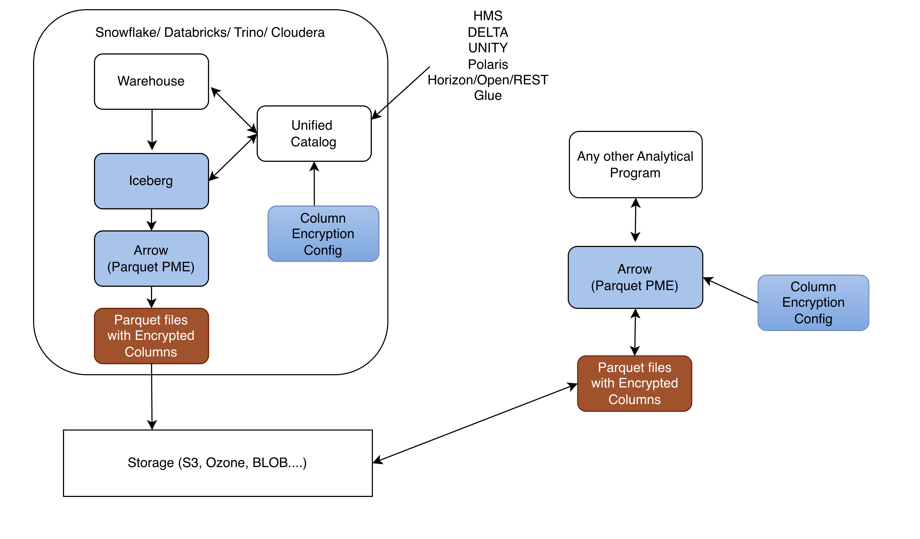
All of the following components, except Storage (S3), run inside the Databricks environment.
Warehouse: Initiates the data write and exchanges table metadata with the catalog services (HMS, Delta, Unity, In-Memory, Glue, REST).
Iceberg: Receives data from the Warehouse and also exchanges metadata with the catalog services to resolve table location, schema, and snapshot information.
HMS / Delta / Unity / In-Memory / Glue / REST: The set of catalog providers that the Warehouse and Iceberg layers communicate with to manage table metadata. This catalog also receives encryption policy from the Column Encryption Config.
Column Encryption Config: Supplies the column-level encryption policy (which columns to encrypt, key references, etc.) up to the catalog services so encryption is applied consistently.
Arrow (Parquet PME): Receives data from Iceberg and performs Parquet Modular Encryption on the configured columns.
Parquet File With Encrypted Columns: The output of Arrow/Parquet PME — a Parquet file where the sensitive columns are encrypted at the column level rather than the whole file.
Storage (S3): The encrypted Parquet file is persisted to S3, outside the Databricks boundary, as the durable storage layer.
End-to-end flow: The Warehouse writes data and coordinates metadata with the catalog (HMS/Delta/Unity/In-Memory/Glue/REST) → data flows to Iceberg, which also coordinates with the same catalog → Iceberg hands data to Arrow (Parquet PME) → PME encrypts the configured columns, guided by policy that the Column Encryption Config supplies to the catalog → the result is written as a Parquet File With Encrypted Columns → the file is persisted to Storage (S3).
Ensure the following prerequisites are met:
PyIcebergProtector_Linux-ALL-64_x86-64_Databricks-18-Python-3.12_<Protector_version>.tgz, made available by Protegrity.tar -xvf PyIcebergProtector_Linux-ALL-64_x86-64_Databricks-18-Python-3.12_<Protector_version>.tgz
PyIcebergProtector_Linux-ALL-64_x86-64_Databricks-18-Python-3.12_<Protector_version>.tgz
signatures/
signatures/PyIcebergProtector_Linux-ALL-64_x86-64_Databricks-18-Python-3.12_<Protector_version>.tgz_<release_version>.sig
tar -xvf PyIcebergProtector_Linux-ALL-64_x86-64_Databricks-18-Python-3.12_<Protector_version>.tgz
PyIcebergProtector-Databricks-Configurator_Linux-ALL-64_x86-64_Databricks-18-Python-3.12_<Protector_version>.sh
./PyIcebergProtector-Databricks-Configurator_Linux-ALL-64_x86-64_Databricks-18-Python-3.12_<Protector_version>.sh
Prerequisites:
1. Databricks with:
a. Service Principal
b. Terminated Dedicated or Standard Compute
i. Make sure that Service Principal CAN MANAGE privilege on Compute.
ii. If you want to use Standard Compute, then make sure that Service Principal has MANAGE ALLOWLIST privilege on Unity Catalog Metastore.
c. Volumes or Workspace location
i. Volumes location is supported by Dedicated and Standard Compute.
ii. If you want to use Volumes location, then make sure that Service Principal has USE CATALOG, USE SCHEMA, READ VOLUME, and WRITE VOLUME privileges on Volumes path.
iii. Workspace location is supported by Dedicated Compute.
iv. If you want to use Workspace location, then make sure that Service Principal has CAN MANAGE privilege on Workspace path.
2. Make sure that PPC or ESA is accessible and Users, Groups, Roles, Data Elements, Data Stores, Policies, Trusted Applications, etc are created.
Are these prerequisites met? ("yes" or "no"):
yes.Specify Workspace's URL:
Specify upload location ("Volumes" or "Workspace"):
Specify upload location's absolute path:
Specify Compute's ID:
Specify Service Principal's application ID:
Specify Service Principal's OAuth secret:
Installing PyIceberg Protector in Compute...
Installed PyIceberg Protector in Compute.
To complete installation, update following environment variables in Compute's Configuration -> Advanced -> Spark -> Environment variables:
PTY_PPC_ESA_IP
PTY_PPC_ESA_PORT
PTY_PPC_ESA_TOKEN or PTY_PPC_ESA_ADMINISTRATOR_USERNAME and PTY_PPC_ESA_ADMINISTRATOR_PASSWORD
PTY_LOGFORWARDER_ENDPOINT
To test installation, refer following file:
"/Volumes/<catalog_name>/<schema_name>/<volume_name>/pty_pyiceberg_protector/client.txt"
To use External Parquet Modular Encryption (EPME), use following table properties:
For Protegrity encryption:
"encrypt_block": "true" or "false",
"protegrity.encryption.<column_name>": "EXTERNAL_DBPA_V1",
"protegrity.key.<column_name>": "<data_element_name>",
"protegrity.encoding.<column_name>": "UTF-8", "UTF8", "UTF-16LE", "UTF16LE", "UTF-16BE", or "UTF16BE"
Example:
"encrypt_block": "true",
"protegrity.encryption.bank_account_number": "EXTERNAL_DBPA_V1",
"protegrity.key.bank_account_number": "bank_account_number_data_element",
"protegrity.encoding.bank_account_number": "UTF-8"
For built-in encryption:
"internal.encryption.<column_name>": "AES_GCM_V1" or "AES_GCM_CTR_V1",
"internal.key.<column_name>": "<column_key_identifier>",
"internal.footer.key": "<footer_key_identifier>"
Example:
"internal.encryption.credit_card_number": "AES_GCM_V1",
"internal.key.credit_card_number": "credit_card_number_column_key",
"internal.footer.key": "footer_key"
To test EPME, refer following file:
"/Volumes/<catalog_name>/<schema_name>/<volume_name>/pty_pyiceberg_protector/client.txt"
The process of editing the Databricks Compute involves editing the cluster configuration. After executing the configurator script, update the cluster configuration to include the environment variables.
Ensure that the ESA or PPC is started and in a running state before restarting the Databricks cluster after updating the configurations.
To edit the cluster:
Log in to the Databricks portal.
Edit the required cluster.
Expand the Advanced section.
Click the Spark tab.
Under Environment variables, add the variables, with their values, listed in the following table:
| Variable | Value |
|---|---|
PTY_PPC_ESA_IP | Enter ESA IP address or PPC FQDN. |
PTY_PPC_ESA_PORT | Enter the port number to connect to ESA or PPC. For ESA, enter 8443.For PPC, enter 25400. |
PTY_PPC_ESA_TOKEN | Enter the JWT token to connect to ESA or PPC. |
PTY_PPC_ESA_ADMINISTRATOR_USERNAME | Enter the username to connect to ESA or PPC. This is required only if a token is not used. |
PTY_PPC_ESA_ADMINISTRATOR_PASSWORD | {{secrets/<scope_name>/<key_name>}} This is required only if a token is not used. |
PTY_LOGFORWARDER_ENDPOINT | Enter the IP address to connect to the Log Forwarder. |
Note: To store the ESA or PPC password, it is recommended to use Databricks Secrets. For more information about using Databricks Secrets, refer to Secret management.
To save the changes and restart the cluster, click Confirm and restart.
Validating the Python Iceberg Protector installation involves the execution of the sample script. Verify the installation using any one of the following methods:
To use the encryption methods, modify the client.py file to add code under the create_table().properties: section.
Log in to the Databricks portal.
Navigate to the volume where the Python Iceberg protector is installed.
Edit the client.py file.
In the create_table().properties: section, add the following lines of code:
"parquet.enable.dictionary": "false",
"write.parquet.compression-codec": "zstd",
"write.parquet.dict-encoding.enabled": "false",
"encrypt_block": "true",
"protegrity.encryption.bank_account_number": "EXTERNAL_DBPA_V1",
"protegrity.key.bank_account_number": "AES256",
"protegrity.encoding.bank_account_number": "UTF-8"
Where,
parquet.enable.dictionary - Enables or disables the Parquet dictionary encoding for all columns in the written file.write.parquet.compression-codec - Compresses the Parquet column data using the codec for a strong size-vs-speed tradeoff.write.parquet.dict-encoding.enabled - Enables or disables Iceberg’s per-column dictionary encoding when writing Parquet files. This is required for column encryption to work correctly.encrypt_block - Applies the Parquet Modular Encryption (PME) on the configured page when the value is set to true. Otherwise, the encyrption is applied per row.encrypt_block to true.encrypt_block to false.protegrity.encryption.bank-account-number - Identifies the external crypto profile like DBPS or EXTERNAL_DBPA_V1 used to encrypt or decrypt the target column. Alternatively, internal encryption like AES_GCM_V1 or AES_GCM_CTR_V1 can be used.protegrity.key.bank-account-number - Specifies the Protegrity data element whose cryptographic material is used to protect the target column when the external encryption is used. In case of internal encryption, the encryption key is used.protegrity.encoding.bank-account-number - Specifies the character encoding used for the encoded input bytes. The supported encoding types include UTF-8, UTF8, UTF-16LE, UTF16LE, UTF-16BE, and UTF16BE.protegrity.encoding.* is set to the appropriate encoding type. To skip using unicode-related data elements, do not set any value for protegrity.encoding.*.Save the changes to the client.py file.
Log in to the Databricks portal.
Navigate to the location where the Python Iceberg protector is installed.
Edit the client.py file.
In the create_table().properties: section, add the following lines of code:
"internal.algorithm.social_security_number": "AES_GCM_V1",
"internal.key.social_security_number": "social_security_number_column_key",
"internal.footer.key": "footer_key"
Where,
parquet.enable.dictionary - Enables or disables the Parquet dictionary encoding for all columns in the written file.write.parquet.compression-codec - Compresses the Parquet column data using the codec for a strong size-vs-speed tradeoff.write.parquet.dict-encoding.enabled - Enables or disables Iceberg’s per-column dictionary encoding when writing Parquet files. This is required for column encryption to work correctly.encrypt_block - Applies the Parquet Modular Encryption (PME) on the configured page when the value is set to true. Otherwise, the encyrption is applied per row.protegrity.encryption.bank-account-number - Identifies the external crypto profile like DBPS or EXTERNAL_DBPA_V1 used to encrypt or decrypt the target column. Alternatively, internal encryption like AES_GCM_V1 or AES_GCM_CTR_V1 can be used.protegrity.key.bank-account-number - Specifies the Protegrity data element whose cryptographic material is used to protect the target column when the external encryption is used. In case of internal encryption, the encryption key is used.protegrity.encoding.bank-account-number - Specifies the character encoding used for the encoded input bytes. The supported encoding types include UTF-8, UTF8, UTF-16LE, UTF16LE, UTF-16BE, and UTF16BE.Save the changes to the client.py file.
Log in to the Databricks portal.
Navigate to the compute where the protector is installed.
Attach a notebook to the compute.
Ensure the notebook contains the following code snippet:
from pyarrow import Table
from pyiceberg.catalog import load_catalog
from pyiceberg.exceptions import NoSuchTableError
catalog_name = "<substitute_catalog_name>"
namespace_name = "<substitute_namespace_name>"
service_principal_application_id = "<substitute_service_principal_application_id>"
service_principal_oauth_secret = "<substitute_service_principal_oauth_secret>"
table_name = "<substitute_table_name>"
workspace_url = "<substitute_workspace_url>"
catalog = load_catalog(
credential=f"{service_principal_application_id}:{service_principal_oauth_secret}",
name=catalog_name,
scope="all-apis",
type="rest",
uri=f"{workspace_url}/api/2.1/unity-catalog/iceberg-rest",
warehouse=catalog_name,
**{
"oauth2-server-uri": f"{workspace_url}/oidc/v1/token"
}
)
catalog.create_namespace_if_not_exists(namespace=namespace_name)
try:
catalog.drop_table(identifier=f"{namespace_name}.{table_name}")
except NoSuchTableError:
pass
pyarrow_table = Table.from_pydict(mapping={
"bank_account_number": ["100284935521", "489311027684", "773290514438", "912046738815"],
"credit_card_number": ["2811 9146 9639 4756", "8285 9611 4035 3992", "8866 0087 1920 1284", "9933 9122 2872 5786"],
"customer_name": ["Ashley Anderson", "Brian Brown", "Carol Clark", "David Davis"],
"social_security_number": ["000-12-3456", "000-98-7654", "000-55-1212", "000-44-8888"]
})
pyiceberg_table = catalog.create_table(
identifier=f"{namespace_name}.{table_name}",
properties={
"parquet.enable.dictionary": "false",
"write.parquet.compression-codec": "zstd",
"write.parquet.dict-encoding.enabled": "false"
"encrypt_block": "true",
"protegrity.encryption.bank-account-number": "EXTERNAL_DBPA_V1",
"protegrity.key.bank-account-number": "text",
"protegrity.encoding.bank-account-number": "UTF-8"
},
schema=pyarrow_table.schema
)
warehouse_absolute_path = pyiceberg_table.properties["write.data.path"]
print("\nPrinting original table...")
print(pyarrow_table)
print("Printed original table.\n")
print(f"Writing original table into {warehouse_absolute_path}/*/*.parquet...")
pyiceberg_table.append(df=pyarrow_table)
print(f"Written original table into {warehouse_absolute_path}/*/*.parquet.\n")
print(f"Reading {warehouse_absolute_path}/*/*.parquet into PyArrow table...")
print(pyiceberg_table.scan().to_arrow())
print(f"Read {warehouse_absolute_path}/*/*.parquet into PyArrow table.\n")
Note: Be sure to replace the placeholder with the actual values.
Log in to the Databricks portal.
Navigate to the compute where the protector is installed.
Attach a notebook to the compute.
Ensure the notebook contains the following code snippet:
from pyarrow import Table
from pyiceberg.catalog import load_catalog
from pyiceberg.exceptions import NoSuchTableError
catalog_name = "<substitute_catalog_name>"
namespace_name = "<substitute_namespace_name>"
service_principal_application_id = "<substitute_service_principal_application_id>"
service_principal_oauth_secret = "<substitute_service_principal_oauth_secret>"
table_name = "<substitute_table_name>"
workspace_url = "<substitute_workspace_url>"
catalog = load_catalog(
credential=f"{service_principal_application_id}:{service_principal_oauth_secret}",
name=catalog_name,
scope="all-apis",
type="rest",
uri=f"{workspace_url}/api/2.1/unity-catalog/iceberg-rest",
warehouse=catalog_name,
**{
"oauth2-server-uri": f"{workspace_url}/oidc/v1/token"
}
)
catalog.create_namespace_if_not_exists(namespace=namespace_name)
try:
catalog.drop_table(identifier=f"{namespace_name}.{table_name}")
except NoSuchTableError:
pass
pyarrow_table = Table.from_pydict(mapping={
"bank_account_number": ["100284935521", "489311027684", "773290514438", "912046738815"],
"credit_card_number": ["2811 9146 9639 4756", "8285 9611 4035 3992", "8866 0087 1920 1284", "9933 9122 2872 5786"],
"customer_name": ["Ashley Anderson", "Brian Brown", "Carol Clark", "David Davis"],
"social_security_number": ["000-12-3456", "000-98-7654", "000-55-1212", "000-44-8888"]
})
pyiceberg_table = catalog.create_table(
identifier=f"{namespace_name}.{table_name}",
properties={
"internal.algorithm.social_security_number": "AES_GCM_V1",
"internal.key.social_security_number": "social_security_number_column_key"
},
schema=pyarrow_table.schema
)
warehouse_absolute_path = pyiceberg_table.properties["write.data.path"]
print("\nPrinting original table...")
print(pyarrow_table)
print("Printed original table.\n")
print(f"Writing original table into {warehouse_absolute_path}/*/*.parquet...")
pyiceberg_table.append(df=pyarrow_table)
print(f"Written original table into {warehouse_absolute_path}/*/*.parquet.\n")
print(f"Reading {warehouse_absolute_path}/*/*.parquet into PyArrow table...")
print(pyiceberg_table.scan().to_arrow())
print(f"Read {warehouse_absolute_path}/*/*.parquet into PyArrow table.\n")
Note: Be sure to replace the placeholder with the actual values.
Log in to the Databricks portal.
Navigate to the compute where the protector is installed.
Attach a notebook to the compute.
Ensure the notebook contains the following code snippet:
from pyarrow import Table
from pyiceberg.catalog import load_catalog
from pyiceberg.exceptions import NoSuchTableError
catalog_name = "<substitute_catalog_name>"
namespace_name = "<substitute_namespace_name>"
table_name = "<substitute_table_name>"
warehouse_absolute_path = "<s3://substitute_bucket/substitute_prefix>"
catalog = load_catalog(
name=catalog_name,
{
"type": "glue",
"warehouse": warehouse_absolute_path,
"glue.region": "<substitute_region>",
"s3.region": "<substitute_region>",
"glue.access-key-id": "<substitute_access_key_id>",
"glue.secret-access-key": "<substitute_secret_access_key>",
"glue.session-token": "<substitute_session_token>"
}
)
Store Encrypted data in S3:
catalog_name = "<substitute_catalog_name>"
namespace_name = "<substitute_namespace_name>"
table_name = "<substitute_table_name>"
warehouse_absolute_path = "<s3://substitute_bucket/substitute_prefix>"
catalog = load_catalog(
name=catalog_name,
{
"type": "glue",
"warehouse": warehouse_absolute_path,
"glue.region": "<substitute_region>",
"s3.region": "<substitute_region>"
"s3.access-key-id": "<substitute_access_key_id>"
"s3.secret-access-key": "<substitute_secret_access_key>"
"s3.session-token": "<substitute_session_token>"
}
)
catalog.create_namespace_if_not_exists(namespace=namespace_name)
try:
catalog.drop_table(identifier=f"{namespace_name}.{table_name}")
except NoSuchTableError:
pass
pyarrow_table = Table.from_pydict(mapping={
"bank_account_number": ["100284935521", "489311027684", "773290514438", "912046738815"],
"credit_card_number": ["2811 9146 9639 4756", "8285 9611 4035 3992", "8866 0087 1920 1284", "9933 9122 2872 5786"],
"customer_name": ["Ashley Anderson", "Brian Brown", "Carol Clark", "David Davis"],
"social_security_number": ["000-12-3456", "000-98-7654", "000-55-1212", "000-44-8888"]
})
pyiceberg_table = catalog.create_table(
identifier=f"{namespace_name}.{table_name}",
properties={
"parquet.enable.dictionary": "false",
"write.parquet.compression-codec": "zstd",
"write.parquet.dict-encoding.enabled": "false"
"encrypt_block": "true",
"protegrity.encryption.bank-account-number": "EXTERNAL_DBPA_V1",
"protegrity.key.bank-account-number": "text",
"protegrity.encoding.bank-account-number": "UTF-8"
},
schema=pyarrow_table.schema
)
warehouse_absolute_path = pyiceberg_table.properties["write.data.path"]
print("\nPrinting original table...")
print(pyarrow_table)
print("Printed original table.\n")
print(f"Writing original table into {warehouse_absolute_path}/*/*.parquet...")
pyiceberg_table.append(df=pyarrow_table)
print(f"Written original table into {warehouse_absolute_path}/*/*.parquet.\n")
print(f"Reading {warehouse_absolute_path}/*/*.parquet into PyArrow table...")
print(pyiceberg_table.scan().to_arrow())
print(f"Read {warehouse_absolute_path}/*/*.parquet into PyArrow table.\n")
Note: Be sure to replace the placeholder with the actual values.
Log in to the Databricks portal.
Navigate to the compute where the protector is installed.
Attach a notebook to the compute.
Ensure the notebook contains the following code snippet:
from pyarrow import Table
from pyiceberg.catalog import load_catalog
from pyiceberg.exceptions import NoSuchTableError
catalog_name = "<substitute_catalog_name>"
namespace_name = "<substitute_namespace_name>"
service_principal_application_id = "<substitute_service_principal_application_id>"
service_principal_oauth_secret = "<substitute_service_principal_oauth_secret>"
table_name = "<substitute_table_name>"
workspace_url = "<substitute_workspace_url>"
catalog = load_catalog(
name=catalog_name,
{
"type": "glue",
"warehouse": warehouse_absolute_path,
"glue.region": "<substitute_region>",
"s3.region": "<substitute_region>",
"glue.access-key-id": "<substitute_access_key_id>",
"glue.secret-access-key": "<substitute_secret_access_key>",
"glue.session-token": "<substitute_session_token>"
}
)
Store Encrypted data in S3:
catalog_name = "<substitute_catalog_name>"
namespace_name = "<substitute_namespace_name>"
table_name = "<substitute_table_name>"
warehouse_absolute_path = "<s3://substitute_bucket/substitute_prefix>"
catalog = load_catalog(
name=catalog_name,
{
"type": "glue",
"warehouse": warehouse_absolute_path,
"glue.region": "<substitute_region>",
"s3.region": "<substitute_region>"
"s3.access-key-id": "<substitute_access_key_id>"
"s3.secret-access-key": "<substitute_secret_access_key>"
"s3.session-token": "<substitute_session_token>"
}
)
catalog.create_namespace_if_not_exists(namespace=namespace_name)
try:
catalog.drop_table(identifier=f"{namespace_name}.{table_name}")
except NoSuchTableError:
pass
pyarrow_table = Table.from_pydict(mapping={
"bank_account_number": ["100284935521", "489311027684", "773290514438", "912046738815"],
"credit_card_number": ["2811 9146 9639 4756", "8285 9611 4035 3992", "8866 0087 1920 1284", "9933 9122 2872 5786"],
"customer_name": ["Ashley Anderson", "Brian Brown", "Carol Clark", "David Davis"],
"social_security_number": ["000-12-3456", "000-98-7654", "000-55-1212", "000-44-8888"]
})
pyiceberg_table = catalog.create_table(
identifier=f"{namespace_name}.{table_name}",
properties={
"internal.algorithm.social_security_number": "AES_GCM_V1",
"internal.key.social_security_number": "social_security_number_column_key"
},
schema=pyarrow_table.schema
)
warehouse_absolute_path = pyiceberg_table.properties["write.data.path"]
print("\nPrinting original table...")
print(pyarrow_table)
print("Printed original table.\n")
print(f"Writing original table into {warehouse_absolute_path}/*/*.parquet...")
pyiceberg_table.append(df=pyarrow_table)
print(f"Written original table into {warehouse_absolute_path}/*/*.parquet.\n")
print(f"Reading {warehouse_absolute_path}/*/*.parquet into PyArrow table...")
print(pyiceberg_table.scan().to_arrow())
print(f"Read {warehouse_absolute_path}/*/*.parquet into PyArrow table.\n")
Note: Be sure to replace the placeholder with the actual values.
The Protegrity Python Iceberg Protector on Snowflake delivers column-level data protection for Apache Iceberg tables. These tables are managed by the Snowflake REST Catalog (Polaris) and stored as Parquet in cloud object storage, such as AWS S3. It enables data engineers and analysts to read from and write to Iceberg tables from Python workloads while sensitive fields are transparently protected. Protection uses the same Protegrity policy that governs the rest of the enterprise data estate.
The protector is delivered as a Custom Runtime Environment (CRE) that runs inside Snowflake Snowpark Container Services (SPCS). The runtime image is built and published through a standard container pipeline like Docker and the Snowflake CLI and deployed to SPCS as a managed container. Inside the CRE, a Snowflake Notebook hosts user code that calls the Protegrity-instrumented Iceberg and Arrow libraries, PTYPyIceberg and PTYPyArrow. These libraries are drop-in replacements for the standard Python Iceberg and PyArrow APIs, so existing Iceberg workloads can adopt protection with minimal code changes.
Protection is enforced by the Application Protector for C (AP-C), which is co-located in the runtime and invoked by PTYPyIceberg and PTYPyArrow on the columns identified by policy. On write, protected column values are encrypted, tokenized, or masked before the Parquet files are persisted to S3. On read, the same operations are reversed in memory based on the caller’s entitlements. Because protection is applied in the client runtime, the Parquet objects that land in the Iceberg table are already protected at rest, independently of the storage layer’s own encryption.
AP-C obtains its policy and key material from the DevOps Policy and Remote Protection Agent (RPAgent) components that ship inside the CRE. Policy is authored and managed centrally on the Protegrity Data Security Platform (ESA) and distributed to the runtime. Data element definitions, protection methods, and role-based access rules remain consistent with the customer’s existing Protegrity deployment.
Access to Iceberg metadata and data is brokered by Snowflake. The runtime authenticates to the Snowflake REST Catalog (Polaris) using a Personal Access Token (PAT) to resolve namespaces, table locations, and snapshots. Polaris then vends short-lived, scoped credentials that PTYPyIceberg and PTYPyArrow use to read and write the underlying Parquet files in S3. This removes the need for long-lived storage credentials in the runtime.
The following sections describe how to prepare the environment, build and deploy the CRE, and configure the Snowflake and Polaris resources. They also show how to use the Python Iceberg Protector from a notebook to read and write protected Iceberg tables.
PyIcebergProtector_Linux-ALL-64_x86-64_Snowflake-SPCS-Python-3.12_<Protector_version>.tgz, made available by Protegrity.tar -xvf PyIcebergProtector_Linux-ALL-64_x86-64_Snowflake-SPCS-Python-3.12_<Protector_version>.tgz
PyIcebergProtector_Linux-ALL-64_x86-64_Snowflake-SPCS-Python-3.12_<Protector_version>.tgz
signatures/
signatures/PyIcebergProtector_Linux-ALL-64_x86-64_Snowflake-SPCS-Python-3.12_<Protector_version>.tgz_<release_version>.sig
tar -xvf PyIcebergProtector_Linux-ALL-64_x86-64_Snowflake-SPCS-Python-3.12_<Protector_version>.tgz
PyIcebergProtector-Snowflake-Configurator_Linux-ALL-64_x86-64_Snowflake-SPCS-Python-3.12_<Protector_version>.sh
openssl genrsa -out private.pem 4096
openssl rsa -in private.pem -pubout -out public.pem
writing RSA key
jq -n \
--arg key "$(sed -z 's/\n$//' public.pem)" \
'{kek:{publicKey:{label:"test_key",algorithm:"RSA-OAEP-256",value:$key}}}' \
> rps_request.json
rps_request.json ends cleanly, run the following command:jq -r '.kek.publicKey.value' rps_request.json | tail -c 30 | cat -A AQ==$
rps.json, run the following command:curl -k -u <user_name>:<password> \
-X POST \
"https://10.49.0.11/pty/v1/rps/export?version=1&coreversion=1" \
-H "Content-Type: application/json" \
-d @rps_request.json \
-o rps.json
rps.json. % Total % Received % Xferd Average Speed Time Time Time Current
Dload Upload Total Spent Left Speed
100 3089k 100 3088k 100 927 839k 251 0:00:03 0:00:03 --:--:-- 839k
The architecture of the Python Iceberg Protector using Snowflake is depicted in the following diagram:
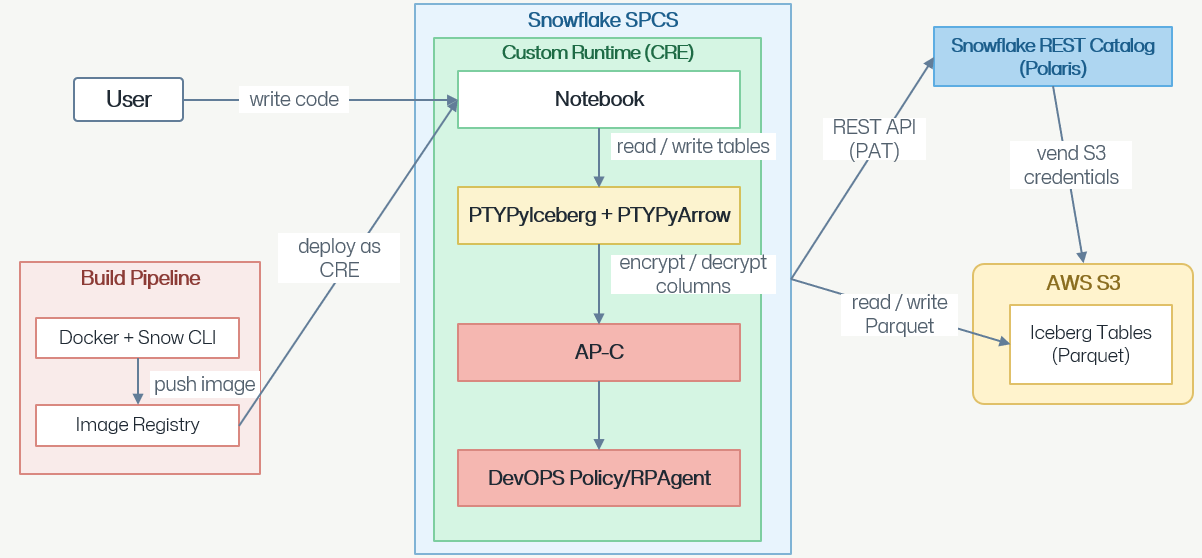
User writes code: A developer/data engineer authors application logic like Python in a Notebook that runs inside Snowflake.
Notebook runs inside a Custom Runtime on Snowflake SPCS: The notebook is hosted in a Custom Runtime Environment, which is also referred to as CRE. The CRE is deployed to Snowflake Snowpark Container Services, which is abbreviated as SPCS. SPCS provides the compute sandbox for the whole stack.
Build pipeline delivers the runtime image: A separate Build Pipeline uses Docker and Snow CLI to build the CRE image and pushes it to an Image Registry. The image is then deployed as CRE into Snowflake SPCS, which is how the Notebook, PTYPyIceberg/PTYPyArrow, AP-C, and DevOps Policy/RPAgent components get installed together.
Notebook reads/writes tables via PTYPyIceberg and PTYPyArrow: When the notebook issues table reads or writes, it calls into the PTYPyIceberg and PTYPyArrow layer, which is the Iceberg/Arrow data-access library used inside the runtime.
PTYPyIceberg and PTYPyArrow encrypts/decrypts columns via AP-C: Sensitive columns are passed to Application Protector – C before the data leaves or after it arrives. Application Protector – C performs the actual field-level encryption on write and decryption on read.
AP-C is driven by DevOps Policy or RPAgent: AP-C uses the DevOps Policy / RPAgent component for its security policy and key material. The policy defines which fields to protect, with which method or key, and for which users. This ensures that protection is consistent and centrally governed.
Data is stored as Parquet Iceberg tables in AWS S3: After encryption, PTYPyIceberg and PTYPyArrow reads/writes Parquet files that make up the Iceberg Tables in AWS S3. Therefore, the data at-rest in S3 is already column-level protected.
Snowflake REST Catalog manages the Iceberg metadata: The Snowflake REST Catalog is also known as Polaris. The runtime talks to Polaris over a REST API authenticated with a Personal Access Token, which is abbreviated as PAT. The API call resolves Iceberg table metadata, such as namespaces, table locations, and snapshots.
Polaris vends S3 credentials for data access: Polaris then vends short-lived S3 credentials to the runtime, which PTYPyIceberg and PTYPyArrow uses to actually read/write the Parquet files in the S3 Iceberg tables. Therefore, S3 access is brokered by the catalog rather than using long-lived static keys.
Ensure that the following requirements are available:
rps.json../PyIcebergProtector-Snowflake-Configurator_Linux-ALL-64_x86-64_Snowflake-SPCS-Python-3.12_<Protector_version>.sh
Prerequisites:
1. Snowflake CLI installed.
2. A Snowflake CLI connection configured with either:
a. key-pair authentication
b. external-browser authentication
3. An encrypted static policy exported from ESA as rps.json.
4. The private key matching the public key used for the ESA static policy export.
5. Docker installed and running.
6. openssl, zip, and unzip utilities installed.
Are these prerequisites met? ("yes" or "no"):
yes.Specify ESA-exported static policy's absolute path (example: /tmp/rps.json):
Specify ESA static policy decryption private key's absolute path (example: /tmp/private_key.pem):
Specify Snowflake CLI connection (default: protegrity_keypair):
Specify browser command if the connection uses external-browser authentication (optional):
Specify Snowflake image registry (example: account.registry.snowflakecomputing.com):
Specify Snowflake image repository (example: database/schema/repository):
Specify image tag:
Preparing Snowflake image with an ESA static policy...
Login Succeeded
[+] Building 5.0s (16/16) FINISHED
docker:default
=> [internal] load build definition from Dockerfile 0.0s
=> => transferring dockerfile: 1.89kB 0.0s
=> [internal] load metadata for protegritypartner-aws-bigdata.registry.snowflakecomputing.com/snowflake/images/snowflake_images/container_runtime/cpu_x86_64:2.8.1-py312 0.0s
=> [internal] load .dockerignore 0.0s
=> => transferring context: 2B 0.0s
=> CACHED [ 1/11] FROM protegritypartner-aws-bigdata.registry.snowflakecomputing.com/snowflake/images/snowflake_images/container_runtime/cpu_x86_64:2.8.1-py312 0.0s
=> [internal] load build context 0.6s
=> => transferring context: 64.26MB 0.6s
=> [ 2/11] COPY pyiceberg-0.11.0-cp312-cp312-manylinux2014_x86_64.manylinux_2_17_x86_64.manylinux_2_28_x86_64.whl /tmp/wheels/ 0.1s
=> [ 3/11] COPY pyarrow-24.0.0+g090aba87f-cp312-cp312-manylinux_2_28_x86_64.whl /tmp/wheels/ 0.1s
=> [ 4/11] RUN uv pip install --system --break-system-packages --no-deps /tmp/wheels/pyiceberg-0.11.0-cp312-cp312-manylinux2014_x86_64.manylinux_2_17_x86_64.manylinux_2_28_x86_64.whl /t 3.0s
=> [ 5/11] COPY csdk.tgz /tmp/csdk.tgz 0.0s
=> [ 6/11] RUN mkdir --parents /opt/protegrity/sdk/c && tar --extract --file /tmp/csdk.tgz --gzip --directory /opt/protegrity/sdk/c && rm --force /tmp/csdk.tgz 0.3s
=> [ 7/11] COPY libs/ /opt/protegrity/libs/ 0.1s
=> [ 8/11] COPY libstaticPolicyDecryptionProgram.so /opt/protegrity/sdk/c/lib/libstaticPolicyDecryptionProgram.so 0.0s
=> [ 9/11] COPY private_key.pem /opt/protegrity/sdk/c/lib/static_policy_decryption_key.key 0.0s
=> [10/11] COPY rps.json /opt/protegrity/sdk/c/data/policy.json 0.0s
=> [11/11] RUN cp /opt/protegrity/sdk/c/lib/xcpep.plm /opt/protegrity/sdk/c/lib/libxcpep.so && sed --in-place 's/\[protector\]/[protector]\nuser = root/' /opt/protegrity/sdk/c/data/config.ini && 0.2s
=> exporting to image 0.5s
=> => exporting layers 0.4s
=> => writing image sha256:75186efe31540a3c5ca82ed61d784f7f6209c450e515c93b270e7db1bbc44fbe 0.0s
=> => naming to docker.io/library/pyiceberg-protector:v1 0.0s
The push refers to repository [protegritypartner-aws-bigdata.registry.snowflakecomputing.com/iceberg_tutorial_db/public/pyiceberg_images/pyiceberg-protector]
42ed636049e4: Pushed
8ff292ef175c: Pushed
b3e78f588f4c: Pushed
64a4292cd305: Pushed
69d3f57f53d9: Pushed
14e602bb9494: Pushed
77fe202deebe: Pushed
9705eb8ab870: Pushed
f2991fa3f517: Pushed
5f4af0ec4ca3: Pushed
v1: digest: sha256:5ca92074258c5f35a42841c32b3278cc020a54b0710c8c63d5c8377b69a212e5 size: 8485
Pushed Snowflake image: protegritypartner-aws-bigdata.registry.snowflakecomputing.com/iceberg_tutorial_db/public/pyiceberg_images/pyiceberg-protector:v1
Next steps:
1. Create a Snowflake custom runtime environment for this image.
Use this image path: /iceberg_tutorial_db/public/pyiceberg_images/pyiceberg-protector:v50
-- CUSTOM RUNTIME ENVIRONMENT
CREATE OR REPLACE CUSTOM RUNTIME ENVIRONMENT <name>
IMAGE_PATH = '<path>'
BASE_IMAGE_TYPE = CPU;
2. Configure the Snowflake service that runs your notebook to use this custom image.
3. Run the following sample from a Snowflake notebook attached to that service:
# %% [CELL 1] -- Install/imports
# The notebook must run on a service that uses the custom image created above.
# %% [CELL 2] -- Config
ACCOUNT_URL = "https://<account_identifier>.snowflakecomputing.com"
ROLE = "<snowflake_role>"
DATABASE = "<database_name>"
TABLE_NAME = "<schema_name>.<table_name>"
PAT = open("/secrets/<database_name>/<schema_name>/<secret_name>/secret_string").read().strip()
if not PAT:
raise RuntimeError("Set PAT with a Snowflake secret mounted in the notebook service.")
print("Config OK.")
Note: The complete script will be displayed in the logs.
Validating the PyIceberg Protector installation involves the execution of the sample script. Verify the installation using any one of the following methods:
Create a Snowflake custom runtime environment for the custom image.
CREATE OR REPLACE CUSTOM RUNTIME ENVIRONMENT <name>
IMAGE_PATH = '<path>'
BASE_IMAGE_TYPE = CPU;
To use the encryption methods, modify the notebook to add the changes under the properties: section.
Note: For more information about creating a Programmatic Access Token, refer to Using programmatic access tokens for authentication.
Note: For more information about creating an external access integration, refer to Creating and using an external access integration.
CELL 2: # %% [CELL 2] -- Config
ACCOUNT_URL = "https://<account_identifier>.snowflakecomputing.com"
ROLE = "<snowflake_role>"
DATABASE = "<database_name>"
TABLE_NAME = "<schema_name>.<table_name>"
PAT = open("/secrets/<database_name>/<schema_name>/<secret_name>/secret_string").read().strip()
CELL 4.properties={
"write.parquet.compression-codec": "snappy",
"protegrity.encryption.customer_name": "EXTERNAL_DBPA_V1",
"protegrity.key.customer_name": "<data_element>",
}
write.parquet.compression-codec - Compresses the Parquet column data using the codec for a strong size-vs-speed tradeoff.protegrity.encryption.customer_name - Identifies the external crypto profile like DBPS or EXTERNAL_DBPA_V1 used to encrypt or decrypt the target column. Alternatively, internal encryption like AES_GCM_V1 or AES_GCM_CTR_V1 can be used.protegrity.key.customer_name - Specifies the Protegrity data element whose cryptographic material is used to protect the target column when the external encryption is used. In case of internal encryption, the encryption key is used.Note: For more information about creating a Programmatic Access Token, refer to Using programmatic access tokens for authentication.
Note: For more information about creating an external access integration, refer to Creating and using an external access integration.
CELL 2: # %% [CELL 2] -- Config
ACCOUNT_URL = "https://<account_identifier>.snowflakecomputing.com"
ROLE = "<snowflake_role>"
DATABASE = "<database_name>"
TABLE_NAME = "<schema_name>.<table_name>"
PAT = open("/secrets/<database_name>/<schema_name>/<secret_name>/secret_string").read().strip()
CELL 4. properties={
"internal.encryption.<column_name>": "AES_GCM_V1" or "AES_GCM_CTR_V1",
"internal.key.<column_name>": "<column_key_identifier>",
}
internal.encryption.<column_name> - Specifies the built-in encryption algorithm.internal.key.<column_name> - Specifies the AES encryption key.This section describes the MapReduce APIs available for protection and unprotection in the Big Data Protector to build secure Big Data applications.
Warning: The Protegrity MapReduce protector only supports bytes converted from the string data type.
If any other data type is directly converted to bytes and passed as input to the API that supports byte as input and provides byte as output, then data corruption might occur.
Caution: If you are using the Protect, or Unprotect, or Reprotect API which accepts byte as input and provides byte as output, then ensure that you pass the charset argument in APIs with the charset used to encode the string input data type.
For example, if the input String was encoded using the UTF-16LE charset, then ensure to pass the “UTF-16LE” charset argument in the ByteIn or ByteOut APIs.
Note: If you perform a security operation on a single data item, then an exception appears in case of any error. Similarly, if you perform a security operation on bulk data, then an exception appears in case of any error except for the error codes 22, 23, and 44. Instead of an error message, the UDFs return an error list for the individual items in the bulk data. For more information about the API error return codes, refer Return Codes for the Big Data Protector.
If you are using the Bulk APIs for the MapReduce protector, then the following two modes for error handling and return codes are available:
Default mode: Starting with the Big Data Protector, version 6.6.4, the Bulk APIs in the MapReduce protector will return the detailed error and return codes instead of 0 for failure and 1 for success. In addition, the MapReduce jobs involving Bulk APIs will provide error codes instead of throwing exceptions.
For more information about the return codes for the Big Data Protector, refer .
Backward compatibility mode: If you need to continue using the error handling capabilities provided with Big Data Protector, version 6.6.3 or lower, that is 0 for failure and 1 for success, then you can set this mode.
The MapReduce sample program, described in this section, is an example on how to use the Protegrity MapReduce protector APIs. The sample program utilizes the following two Java classes:
ProtectData.java – is the main class that calls the Mapper job.ProtectDataMapper.java – is the Mapper class that contains the logic to fetch the input data and store the protected content as output.package com.protegrity.samples.mapreduce;
import org.apache.hadoop.conf.Configuration;
import org.apache.hadoop.conf.Configured;
import org.apache.hadoop.fs.Path;
import org.apache.hadoop.io.NullWritable;
import org.apache.hadoop.io.Text;
import org.apache.hadoop.mapreduce.Job;
import org.apache.hadoop.mapreduce.lib.input.FileInputFormat;
import org.apache.hadoop.mapreduce.lib.input.TextInputFormat;
import org.apache.hadoop.mapreduce.lib.output.FileOutputFormat;
import org.apache.hadoop.mapreduce.lib.output.TextOutputFormat;
import org.apache.hadoop.util.Tool;
import org.apache.hadoop.util.ToolRunner;
public class ProtectData extends Configured implements Tool {
@Override
public int run(String[] args) throws Exception
{
//Create the Job
Job job = new Job(getConf(), "ProtectData");
//Set the output key and value class
job.setOutputKeyClass(NullWritable.class);
job.setOutputValueClass(Text.class);
//Set the output key and value class
job.setMapOutputKeyClass(NullWritable.class);
job.setMapOutputValueClass(Text.class);
//Set the Mapper class which will perform the protect job
job.setMapperClass(ProtectDataMapper.class);
//Set number of reducer task
job.setNumReduceTasks( 0 );
//Set the input and output Format class
job.setInputFormatClass(TextInputFormat.class);
job.setOutputFormatClass(TextOutputFormat.class);
//Set the jar class
job.setJarByClass(ProtectData.class);
//Store the input path and print the input path
Path input = new Path(args[0]);
System.out.println(input.getName());
//Store the output path and print the output path
Path output = new Path(args[1]);
System.out.println(output.getName());
//Add input and set output path
FileInputFormat.addInputPath(job, new Path(args[0]));
FileOutputFormat.setOutputPath(job, new Path(args[1]));
//Call the job
return job.waitForCompletion(true) ? 0 : 1;
}
public static void main(String args[]) throws Exception {
System.exit(ToolRunner.run(new Configuration(), new ProtectData(), args));
} }
package com.protegrity.samples.mapreduce;
import java.io.IOException;
import java.util.StringTokenizer;
import org.apache.hadoop.io.NullWritable;
import org.apache.hadoop.io.Text;
import org.apache.hadoop.mapreduce.Mapper;
//Need to import the ptyMapReduceProtector class to use the Protegrity MapReduce protector
import com.protegrity.hadoop.mapreduce.ptyMapReduceProtector;
//Create the Mapper class i.e. ProtectDataMapper which will extends the Mapper Class
public class ProtectDataMapper extends Mapper<Object, Text, NullWritable, Text> {
//Declare the member variable for the ptyMapReduceProtector class
private ptyMapReduceProtector mapReduceProtector;
//Declare the Array of Data Elements which will be required to do the protection/unprotection
private final String[] data_element_names = { "TOK_NAME", "TOK_PHONE", "TOK_CREDIT_CARD", "TOK_AMOUNT" };
//Initialize the mapreduce protector i.e ptyMapReduceProtector in the default constructor
public ProtectDataMapper() throws Exception {
// Create the new object for the class ptyMapReduceProtector
mapReduceProtector = new ptyMapReduceProtector();
// Open the session using the method " openSession("0") "
int openSessionStatus = mapReduceProtector.openSession("0");
}
//Override the map method to parse the text and process it line by line
//Split the inputs separated by delimiter "," in the line
//Apply the protect/unprotect operation
//Create the output text which will have protected/unprotected outputs separated by delimiter ","
//Write the output text to the context
@Override
public void map(Object key, Text value, Context context) throws IOException,
InterruptedException
{
// Store the line in a variable strOneLine
String strOneLine = value.toString();
// Split the inputs separated by delimiter "," in the line
StringTokenizer st = new StringTokenizer(strOneLine, ",");
// Create the instance of StringBuilder to store the output
StringBuilder sb = new StringBuilder();
// Store the no of inputs in a line
int noOfTokens = st.countTokens();
if (mapReduceProtector != null) {
//Iterate through the string token and apply the protect/unprotect operation
for (int i = 0; st.hasMoreElements(); i++) {
String data = (String)st.nextElement();
if(i == 0) {
sb.append(new String(data));
} else {
//To protect data, call the function protect method with parameters data element and input data in bytes
//mapReduceProtector.protect( <Data Element> , <Data in bytes> )
//Output will be returned in bytes
//To unprotect data, call the function unprotect method with parameters data element and input data in bytes
//mapReduceProtector.unprotect( <Data Element> , <Data in bytes> )
//Output will be returned in bytes
byte[] bResult =
mapReduceProtector.protect(data_element_names[i-1], data.trim().getBytes());
if (bResult != null) {
// Store the result in string and append it to the output sb
sb.append(new String(bResult));
}
else {
// If output will be null, then store the result as "cryptoError" and append it to the output sb
sb.append("cryptoError");
}
}
if(i < noOfTokens -1 ) {
// Append delimiter "," at the end of the processed result
sb.append(",");
} } }
// write the output text to context
context.write(NullWritable.get(), new Text(sb.toString()));
}
//clean up the session and objects
@Override
protected void finalize() throws Throwable {
//Close the session
int closeSessionStatus = mapReduceProtector.closeSession();
mapReduceProtector = null;
super.finalize();
}
}
This method opens a new user session for protect and unprotect operations. It is a good practice to create one session per user thread.
Warning: This API is redundant and will be removed in the future releases.
Signature:
public synchronized int openSession(String parameter)
Parameters:
parameter: An internal API requirement that should be set to 0.Result:
1: The function returns 1 if the session is successfully created.Example:
ptyMapReduceProtector mapReduceProtector = new ptyMapReduceProtector();
int openSessionStatus = mapReduceProtector.openSession("0");
Exception and Error Codes:
The function throws the ptyMapRedProtectorException exception if the session creation fails.
This function closes the current open user session. Every instance of ptyMapReduceProtector opens only one session, and a session ID is not required to close it.
Warning: This API is redundant and will be removed in the future releases.
Signature:
public synchronized int closeSession()
Parameters:
Result:
The function returns:
1 - if the session is successfully closed.0 - if the session closure is a failure.Example
ptyMapReduceProtector mapReduceProtector = new ptyMapReduceProtector();
int openSessionStatus = mapReduceProtector.openSession("0");
int closeSessionStatus = mapReduceProtector.closeSession();
Exception and Error Codes:
The function returns the current version of the protector.
Signature:
public String getVersion()
Parameters:
Result:
Example:
ptyMapReduceProtector mapReduceProtector = new ptyMapReduceProtector();
String version = mapReduceProtector.getVersion();
The function returns the extended version information of the protector.
Signature:
public String getVersionExtended()
Parameters:
Result:
The function returns a String in the following format:
"BDP: <1>; JcoreLite: <2>; CORE: <3>;"
where:
Example:
ptyMapReduceProtector mapReduceProtector = new ptyMapReduceProtector();
String extendedVersion = mapReduceProtector.getVersionExtended();
The function checks the access of the user for the specified data element(s).
Signature:
public boolean checkAccess(String dataElement, byte bAccessType, String... newDataElement)
Parameters:
dataElement: Specifies the name of the data element. (old data element when checking for reprotect access)
bAccessType: Specifies the type of the access of the user for the data element(s).
newDataElement: Specifies the name of the new data element when checking for reprotect access.
The following are the different values for the bAccessType variable:
| Access | Value |
|---|---|
| PROTECT | 0x06 |
| UNPROTECT | 0x07 |
| REPROTECT | 0x08 |
Result:
true if the user has access to the data element(s) for the specified operation. Else, the function returns false.Example:
ptyMapReduceProtector mapReduceProtector = new ptyMapReduceProtector();
byte bAccessType = 0x06;
boolean isAccess = mapReduceProtector.checkAccess("DE_PROTECT" , bAccessType );
The function checks the access of the user for the specified data element(s).
Signature:
public boolean checkAccess(String dataElement, Permission permission, String... newDataElement)
Parameters:
dataElement: Specifies the name of the data element. (old data element when checking for reprotect access).
permission: Specifies the type of the access using BDPProtector.Permission enum of the user for the data element(s).
newDataElement: Specifies the name of the new data element when checking for reprotect access.
The following are the different values for the permission variable:
| Access | Value |
|---|---|
| PROTECT | Permission.PROTECT |
| UNPROTECT | Permission.UNPROTECT |
| REPROTECT | Permission.REPROTECT |
Result:
true if the user has access to the data element(s) for the specified operation. Else, the function returns false.Example:
import com.protegrity.bdp.protector.BDPProtector.Permission;
String dataElement = "dataelement";
ptyMapReduceProtector protector = new ptyMapReduceProtector();
boolean accessProtectType = protector.checkAccess(dataElement, Permission.PROTECT);
boolean accessReprotectType = protector.checkAccess(dataElement, Permission.REPROTECT,dataElement);
boolean accessUnprotectType = protector.checkAccess(dataElement, Permission.UNPROTECT);
The function protects the data provided as a byte array. The type of protection applied is defined by the dataElement.
Note: For Date and Datetime type of data elements, the protect API returns an invalid input data error if the input value falls between the non-existent date range from 05-OCT-1582 to 14-OCT-1582 of the Gregorian Calendar.
For more information about the tokenization and de-tokenization of the cutover dates of the Proleptic Gregorian Calendar, refer the section Date and Datetime tokenization in Protection Method Reference.
Signature:
public byte[] protect(String dataElement, byte[] data, String... CharSet)
Parameters:
dataElement: Specifies the name of the data element to protect the data.data: Is the byte array of data to be protected.charset: Specifies the charset of the input data. The applicable charsets are UTF-8 (default), UTF-16LE, and UTF-16BE.Warning: The Protegrity MapReduce protector only supports bytes converted from the string data type.
If any other data type is directly converted to bytes and passed as input to the API that supports byte as input and provides byte as output, then data corruption might occur.
Note: If you are using the Protect API which accepts byte as input and provides byte as output, then ensure that when unprotecting the data, the Unprotect API, with byte as input and byte as output is utilized. In addition, ensure that the byte data being provided as input to the Protect API has been converted from a string data type only.
Note: When the charset of input byte[] data is UTF-16LE or UTF-16BE, ensure to pass the charset argument.
Result:
Exception:
ptyMapRedProtectorException in case of a failure to protect the data.Example:
ptyMapReduceProtector mapReduceProtector = new ptyMapReduceProtector();
byte[] protectedResult = mapReduceProtector.protect("DE_PROTECT", "protegrity".getBytes(), "UTF-8");
Supported Protection Methods:
| Function Name | Tokenization | Encryption | FPE | No Encryption | Masking | Monitoring | HMAC |
| protect() - Byte array data |
|
| FPE (All) | Yes | Yes | Yes | Yes |
The function protects the data provided as an int. The type of protection applied is defined by the dataElement.
Signature:
public int protect(String dataElement, int data)
Parameters:
dataElement: Specifies the name of the data element to be protected.data: Specifies the data in the integer format to be protected.Result:
int data.Example:
ptyMapReduceProtector mapReduceProtector = new ptyMapReduceProtector();
int bResult = mapReduceProtector.protect("DE_PROTECT",1234);
Exception:
ptyMapRedProtectorException exception in case of failure to protect the data.Supported Protection Methods:
| Function Name | Tokenization | Encryption | FPE | No Encryption | Masking | Monitoring |
|---|---|---|---|---|---|---|
| protect() - Int data | Integer (4 Bytes) | No | No | Yes | No | Yes |
This function protects the data provided as long. The type of protection applied is defined by dataElement.
Signature:
public long protect(String dataElement, long data)
Parameters:
dataElement: Specifies the name of the data element used to protect the data.data: Specifies the data in the long format to be protected.Result:
long format.Example:
ptyMapReduceProtector mapReduceProtector = new ptyMapReduceProtector();
long bResult = mapReduceProtector.protect("DE_PROTECT",123412341234);
Exception:
ptyMapRedProtectorException exception in case of failure to protect the data.Supported Protection Methods:
| Function Name | Tokenization | Encryption | FPE | No Encryption | Masking | Monitoring |
|---|---|---|---|---|---|---|
| protect() - Long data | Integer (8 Bytes) | No | No | Yes | No | Yes |
This function returns the data in its original form.
Note: For Date and Datetime type of data elements, the protect API returns an invalid input data error if the input value falls between the non-existent date range from 05-OCT-1582 to 14-OCT-1582 of the Gregorian Calendar.
For more information about the tokenization and de-tokenization of the cutover dates of the Proleptic Gregorian Calendar, refer the section Date and Datetime tokenization in Protection Method Reference.
Signature:
public byte[] unprotect(String dataElement, byte[] data, String... charset)
Parameters:
dataElement: Is the name of data element to be unprotected.data: Is an array of data to be unprotected.charset: Specifies the charset of the input data. The applicable charsets are UTF-8 (default), UTF-16LE, and UTF-16BE.Note: When the charset of input byte[] data is UTF-16LE or UTF-16BE, ensure to pass the charset argument.
Note: The Protegrity MapReduce protector only supports bytes converted from the string data type.
If any other data type is directly converted to bytes and passed as input to the API that supports byte as input and provides byte as output, then data corruption might occur.
Result:
The function returns a byte array of unprotected data.
Example:
ptyMapReduceProtector mapReduceProtector = new ptyMapReduceProtector();
byte[] protectedResult = mapReduceProtector.protect( "DE_PROTECT_UNPROTECT", "protegrity".getBytes(), "UTF-8" );
byte[] unprotectedResult = mapReduceProtector.unprotect( "DE_PROTECT_UNPROTECT", protectedResult, "UTF-8" );
Exception:
ptyMapRedProtectorException exception in case of a failure to unprotect the data.Supported Protection Methods:
| Function Name | Tokenization | Encryption | FPE | No Encryption | Masking | Monitoring |
| unprotect() - Byte array data |
|
| FPE (All) | Yes | Yes | Yes |
This function returns the data in its original form.
Signature:
public int unprotect(String dataElement, int data)
Parameters:
dataElement: Specifies the name of data element to unprotect the data.data: Is the data in the int format to unprotect.Result:
int data.Example:
ptyMapReduceProtector mapReduceProtector = new ptyMapReduceProtector();
int protectedResult = mapReduceProtector.protect( "DE_PROTECT_UNPROTECT",1234);
int unprotectedResult = mapReduceProtector.unprotect("DE_PROTECT_UNPROTECT", protectedResult);
Exception:
The function throws the ptyMapRedProtectorException exception in case of a failure to unprotect the data.
Supported Protection Methods:
| Function Name | Tokenization | Encryption | FPE | No Encryption | Masking | Monitoring |
|---|---|---|---|---|---|---|
| unprotect() - Int data | Integer (4 Bytes) | No | No | Yes | No | Yes |
This function returns the data in its original form.
Signature:
public long unprotect(String dataElement, long data)
Parameters:
dataElement: Specifies the name of data element to unprotect the data.data: Is the data in the long format to unprotect.Result:
long data.Example:
ptyMapReduceProtector mapReduceProtector = new ptyMapReduceProtector();
long protectedResult = mapReduceProtector.protect( "DE_PROTECT_UNPROTECT", 123412341234 );
long unprotectedResult = mapReduceProtector.unprotect("DE_PROTECT_UNPROTECT", protectedResult );
Exception:
The function throws the ptyMapRedProtectorException exception in case of a failure to unprotect the data.
Supported Protection Methods:
| Function Name | Tokenization | Encryption | FPE | No Encryption | Masking | Monitoring |
|---|---|---|---|---|---|---|
| unprotect() - Long data | Integer (8 Bytes) | No | No | Yes | No | Yes |
This is used when a set of data needs to be protected in a bulk operation. It helps to improve performance.
Note: For Date and Datetime type of data elements, the protect API returns an invalid input data error if the input value falls between the non-existent date range from 05-OCT-1582 to 14-OCT-1582 of the Gregorian Calendar.
For more information about the tokenization and de-tokenization of the cutover dates of the Proleptic Gregorian Calendar, refer the section Date and Datetime tokenization in the Protection Method Reference.
Signature:
public byte[][] bulkProtect(String dataElement, List<Integer> errorIndex, byte[][] inputDataItems, String... charset)
Parameters:
dataElement: Specifies the name of data element used to protect the data.errorIndex: Is a list used to store all the error indices encountered while protecting each data entry in inputDataItems.inputDataItems: Is a two-dimensional array to store the bulk data for protection.charset: Specifies the charset of the input data. The applicable charsets are UTF-8 (default), UTF-16LE, and UTF-16BE.Result:
PEP Log Return Codes and PEP Result Codes.Example:
ptyMapReduceProtector mapReduceProtector = new ptyMapReduceProtector();
List<Integer> errorIndex = new ArrayList<Integer>();
byte[][] protectData = {"protegrity".getBytes(), "protegrity".getBytes(), "protegrity".getBytes(), "protegrity".getBytes()};
byte[][] protectedData = mapReduceProtector.bulkProtect( "DE_PROTECT", errorIndex, protectData, "UTF-8" );
System.out.print("Protected Data: ");
for(int i = 0; i < protectedData.length; i++)
{
//THIS WILL PRINT THE PROTECTED DATA
System.out.print(protectedData[i] == null ? null : new String(protectedData[i]));
if(i < protectedData.length - 1)
{
System.out.print(",");
}
}
System.out.println("");
System.out.print("Error Index: ");
for(int i = 0; i < errorIndex.size(); i++)
{
System.out.print(errorIndex.get( i ));
if(i < errorIndex.size() - 1)
{
System.out.print(",");
}
}
//ABOVE CODE WILL PRINT THE ERROR INDEXES
Exception:
The function throws the ptyMapRedProtectorException if an error is encountered during bulk protection of the data.
Supported Protection Methods:
| Function Name | Tokenization | Encryption | FPE | No Encryption | Masking | Monitoring | HMAC |
| bulkProtect() - Byte array data |
|
| FPE (All) | Yes | Yes | Yes | Yes |
The function is used when a set of data needs to be protected in a bulk operation. It helps to improve performance.
Signature:
public int[] bulkProtect(String dataElement, List <Integer> errorIndex, int[] inputDataItems)
Parameters:
dataElement: Specifies the name of data element to protect the data..errorIndex: Is a list used to store all the error indices encountered while protecting each data entry in input Data Items.inputDataItems: Is an array to store the bulk int data for protection.Result:
The function returns the int array of protected data.
If the Backward Compatibility mode is not set, then the appropriate error code appears. For more information about the return codes, refer PEP Log Return Codes and PEP Result Codes.
If the Backward Compatibility mode is set, then the Error Index includes one of the following values, per entry in the bulk protect operation:
Example:
ptyMapReduceProtector mapReduceProtector = new ptyMapReduceProtector();
List<Integer> errorIndex = new ArrayList<Integer>();
int[] protectData = {1234, 5678, 9012, 3456};
int[] protectedData = mapReduceProtector.bulkProtect( "DE_PROTECT", errorIndex, protectData );
//CHECK THE ERROR INDEXES FOR ERRORS
System.out.print("Error Index: ");
for(int i = 0; i < errorIndex.size(); i++)
{
System.out.print(errorIndex.get( i ));
if(i < errorIndex.size() - 1)
{
System.out.print(",");
}
}
//ABOVE CODE WILL ONLY PRINT THE ERROR INDEXES
Exception:
The function throws the ptyMapRedProtectorException exception if an error is encountered during bulk protection of the data.
Supported Protection Methods:
| Function Name | Tokenization | Encryption | FPE | No Encryption | Masking | Monitoring |
|---|---|---|---|---|---|---|
| bulkProtect() - Int data | Integer (4 Bytes) | No | No | Yes | No | Yes |
The function is used when a set of data needs to be protected in a bulk operation. It helps to improve performance.
Signature:
public long[] bulkProtect(String dataElement, List <Integer> errorIndex, long[] inputDataItems)
Parameters:
dataElement: Specifies the name of data element to protect the data.errorIndex : Is a list used to store all the error indices encountered while protecting each data entry in input Data Items.inputDataItems: Is the array to store the data for protection.Result:
Example:
ptyMapReduceProtector mapReduceProtector = new ptyMapReduceProtector();
List<Integer> errorIndex = new ArrayList<Integer>();
long[] protectData = {123412341234, 567856785678, 901290129012, 345634563456};
long[] protectedData = mapReduceProtector.bulkProtect( "DE_PROTECT", errorIndex, protectData );
//CHECK THE ERROR INDEXES FOR ERRORS
System.out.print("Error Index: ");
for(int i = 0; i < errorIndex.size(); i++)
{
System.out.print(errorIndex.get( i ));
if(i < errorIndex.size() - 1)
{
System.out.print(",");
}
}
//ABOVE CODE WILL ONLY PRINT THE ERROR INDEXES
Exception:
The function throws the ptyMapRedProtectorException exception if an error is encountered during bulk protection of the data.
Supported Protection Methods:
| Function Name | Tokenization | Encryption | FPE | No Encryption | Masking | Monitoring |
|---|---|---|---|---|---|---|
| bulkProtect() - Long data | Integer (8 Bytes) | No | No | Yes | No | Yes |
This method unprotects in bulk the inputDataItems with the required data element.
Note: For Date and Datetime type of data elements, the protect API returns an invalid input data error if the input value falls between the non-existent date range from 05-OCT-1582 to 14-OCT-1582 of the Gregorian Calendar. For more information about the tokenization and de-tokenization of the cutover dates of the Proleptic Gregorian Calendar, refer Date and Datetime tokenization.
Signature:
public byte[][] bulkUnprotect(String dataElement, List<Integer> errorIndex, byte[][] inputDataItems, String... charset)
Parameters:
dataElement: Specifies the name of data element to unprotect the data.errorIndex: Is a list of the error indices encountered while unprotecting each data entry in inputDataItems.inputDataItems: Is a two-dimensional array to store the bulk data to unrpotect.charset: Specifies the charset of the input data. The applicable charsets are UTF-8 (default), UTF-16LE, and UTF-16BE.Result:
The function returns the two-dimensional byte array of unprotected data.
Example:
ptyMapReduceProtector mapReduceProtector = new ptyMapReduceProtector();
List<Integer> errorIndex = new ArrayList<Integer>();
byte[][] protectData = {"protegrity".getBytes(), "protegrity".getBytes(), "protegrity".getBytes(), "protegrity".getBytes()};
byte[][] protectedData = mapReduceProtector.bulkProtect( "DE_PROTECT", errorIndex, protectData, "UTF-8" );
//THIS WILL PRINT THE PROTECTED DATA
System.out.print("Protected Data: ");
for(int i = 0; i < protectedData.length; i++)
{
System.out.print(protectedData[i] == null ? null : new String(protectedData[i]));
if(i < protectedData.length - 1)
{
System.out.print(",");
}
}
//THIS WILL PRINT THE ERROR INDEX FOR PROTECT OPERATION
System.out.println("");
System.out.print("Error Index: ");
for(int i = 0; i < errorIndex.size(); i++)
{
System.out.print(errorIndex.get( i ));
if(i < errorIndex.size() - 1)
{
System.out.print(",");
}
}
byte[][] unprotectedData = mapReduceProtector.bulkUnprotect( "DE_PROTECT", errorIndex, protectedData, "UTF-8" );
//THIS WILL PRINT THE UNPROTECTED DATA
System.out.print("UnProtected Data: ");
for(int i = 0; i < unprotectedData.length; i++)
{
System.out.print(unprotectedData[i] == null ? null : new String(unprotectedData[i]));
if(i < unprotectedData.length - 1)
{
System.out.print(",");
}
}
//THIS WILL PRINT THE ERROR INDEX FOR UNPROTECT OPERATION
System.out.println("");
System.out.print("Error Index: ");
for(int i = 0; i < errorIndex.size(); i++)
{
System.out.print(errorIndex.get( i ));
if(i < errorIndex.size() - 1)
{
System.out.print(",");
}
}
Exception:
The function throws the ptyMapRedProtectorException exception for errors when unprotecting the data.
Supported Protection Methods:
| MapReduce APIs | Tokenization | Encryption | FPE | No Encryption | Masking | Monitoring |
| bulkUnprotect() - Byte array data |
|
| FPE (All) | Yes | Yes | Yes |
This method unprotects in bulk the inputDataItems with the required data element.
Signature:
public int[] bulkUnprotect(String dataElement, List<Integer> errorIndex, int[] inputDataItems)
Parameters:
dataElement: Specifies the name of data element to unprotect the data.errorIndex: Is a list of the error indices encountered while unprotecting each data entry in inputDataItems.inputDataItems: Is the int array that contains the data to be unprotected.Result:
int array data.Example:
ptyMapReduceProtector mapReduceProtector = new ptyMapReduceProtector();
List<Integer> errorIndex = new ArrayList<Integer>();
int[] protectData = {1234, 5678,9012,3456 };
int[] protectedData = mapReduceProtector.bulkProtect( "DE_PROTECT", errorIndex, protectData );
//THIS WILL PRINT THE ERROR INDEX FOR PROTECT OPERATION
System.out.println("");
System.out.print("Error Index: ");
for(int i = 0; i < errorIndex.size(); i++)
{
System.out.print(errorIndex.get( i ));
if(i < errorIndex.size() - 1)
{
System.out.print(",");
}
}
int[] unprotectedData = mapReduceProtector.bulkUnprotect( "DE_PROTECT", errorIndex, protectedData );
//THIS WILL PRINT THE ERROR INDEX FOR UNPROTECT OPERATION
System.out.println("");
System.out.print("Error Index: ");
for(int i = 0; i < errorIndex.size(); i++)
{
System.out.print(errorIndex.get( i ));
if(i < errorIndex.size() - 1)
{
System.out.print(",");
}
}
Exception:
The function throws the ptyMapRedProtectorException exception for errors while unprotecting the data.
Supported Protection Methods:
| Function Name | Tokenization | Encryption | FPE | No Encryption | Masking | Monitoring |
|---|---|---|---|---|---|---|
| bulkUnprotect() - Int data | Integer (4 Bytes) | No | No | Yes | No | Yes |
This method unprotects in bulk the inputDataItems array with the required data element.
Signature:
public long[] bulkUnprotect(String dataElement, List<Integer> errorIndex, long[] inputDataItems)
Parameters:
dataElement: Specifies the name of data element to unprotect the data.errorIndex: Is a list of the error indices encountered while unprotecting each data entry in inputDataItemsinputDataItems: Is the long array that contains the data to unprotect.Result:
long array data.Example:
ptyMapReduceProtector mapReduceProtector = new ptyMapReduceProtector();
List<Integer> errorIndex = new ArrayList<Integer>();
long[] protectData = { 123412341234, 567856785678, 901290129012, 345634563456 };
long[] protectedData = mapReduceProtector.bulkProtect( "DE_PROTECT", errorIndex, protectData );
//THIS WILL PRINT THE ERROR INDEX FOR PROTECT OPERATION
System.out.println("");
System.out.print("Error Index: ");
for(int i = 0; i < errorIndex.size(); i++)
{
System.out.print(errorIndex.get( i ));
if(i < errorIndex.size() - 1)
{
System.out.print(",");
}
}
long[] unprotectedData = mapReduceProtector.bulkUnprotect( "DE_PROTECT", errorIndex, protectedData );
//THIS WILL PRINT THE ERROR INDEX FOR UNPROTECT OPERATION
System.out.println("");
System.out.print("Error Index: ");
for(int i = 0; i < errorIndex.size(); i++)
{
System.out.print(errorIndex.get( i ));
if(i < errorIndex.size() - 1)
{
System.out.print(",");
}
}
Exception:
ptyMapRedProtectorException for errors when unprotecting data.Supported Protection Methods:
| Function Name | Tokenization | Encryption | FPE | No Encryption | Masking | Monitoring |
|---|---|---|---|---|---|---|
| bulkUnprotect() - Long data | Integer (8 Bytes) | No | No | Yes | No | Yes |
The function is used to reprotect the data that is protected earlier with a separate data element.
Signature:
public byte[] reprotect(String oldDataElement, String newDataElement, byte[] data, String... charset)
Parameters:
oldDataElement: Specifies the name of data element to protect the data earlier.newDataElement: Specifies the name of new data element to protect the data.data : Is an array that contains the data to be protected.charset: Specifies the charset of the input data. The applicable charsets are UTF-8 (default), UTF-16LE, and UTF-16BE.Note: If you are using Format Preserving Encryption (FPE) and Byte APIs, then ensure that the encoding, which is used to convert the string input data to bytes, matches the encoding that is selected in the Plaintext Encoding drop-down for the required FPE data element.
Result:
Example:
ptyMapReduceProtector mapReduceProtector = new ptyMapReduceProtector();
byte[] protectedResult = mapReduceProtector.protect( "DE_PROTECT_1", "protegrity".getBytes(), "UTF-8" );
byte[] reprotectedResult = mapReduceProtector.reprotect( "DE_PROTECT_1", "DE_PROTECT_2", protectedResult, "UTF-8" );
Exception:
ptyMapRedProtectorException for errors while reprotecting the data.Supported Protection Methods:
| Function Name | Tokenization | Encryption | FPE | No Encryption | Masking | Monitoring |
| reprotect() - Byte array data |
|
| FPE (All) | Yes | Yes | Yes |
The function is used to protect the data again, that is protected earlier, with a new data element.
Signature:
public int reprotect(String oldDataElement, String newDataElement, int data)
Parameters:
oldDataElement: Specifies the name of data element to protect the data earlier.newDataElement: Specifies the name of new data element to protect the data.data: Is an array that contains the data to be protected.Result:
Example:
ptyMapReduceProtector mapReduceProtector = new ptyMapReduceProtector();
int protectedResult = mapReduceProtector.protect( "DE_PROTECT_1", 1234 );
int reprotectedResult = mapReduceProtector.reprotect( "DE_PROTECT_1", "DE_PROTECT_2", protectedResult );
Exception:
ptyMapRedProtectorException for errors while reprotecting the data.Supported Protection Methods:
| Function Name | Tokenization | Encryption | FPE | No Encryption | Masking | Monitoring |
|---|---|---|---|---|---|---|
| reprotect() - Int data | Integer (4 Bytes) | No | No | Yes | No | Yes |
The function is used to re-protect the data that has been protected earlier with a separate data element.
Signature:
public long reprotect(String oldDataElement, String newDataElement, long data)
Parameters:
oldDataElement: Specifies the name of data element to protect the data earlier.newDataElement: Specifies the name of new data element to protect the data.data: Is an array that contains the data to be protected.Result:
Example:
ptyMapReduceProtector mapReduceProtector = new ptyMapReduceProtector();
long protectedResult = mapReduceProtector.protect( "DE_PROTECT_1", 123412341234 );
long reprotectedResult = mapReduceProtector.reprotect( "DE_PROTECT_1", "DE_PROTECT_2", protectedResult );
Exception:
ptyMapRedProtectorException for errors while reprotecting the data.Supported Protection Methods:
| Function Name | Tokenization | Encryption | FPE | No Encryption | Masking | Monitoring |
|---|---|---|---|---|---|---|
| reprotect() - Long data | Integer (8 Bytes) | No | No | Yes | No | Yes |
Warning: It is recommended to use the HMAC data element with the protect() and bulkProtect() Byte APIs for hashing byte array data, instead of using the hmac() API.
This method performs data hashing using the HMAC operation on a single data item with a data element, which is associated with hmac. It returns hmac value of the given data with the given data element.
Warning: This function is marked for deprecation and will be removed from the future releases.
Signature:
public byte[] hmac(String dataElement, byte[] data)
Parameters:
String dataElement: Specifies the name of the data element to hash the data.byte[] data: Is an array that contains the data to be hashed.Result:
Example:
ptyMapReduceProtector mapReduceProtector = new ptyMapReduceProtector();
byte[] protectedResult = mapReduceProtector.hmac( "HMAC_DE", "protegrity".getBytes() );
Exception:
ptyMapRedProtectorException if an error occurs while hashing the data.Supported Protection Methods:
| Function Name | Tokenization | Encryption | FPE | No Encryption | Masking | Monitoring |
|---|---|---|---|---|---|---|
| hmac() | HMAC | No | No | Yes | No | Yes |
Warning: If you are using Ranger or Sentry, then ensure that your policy provides create access permissions to the required UDFs.
This section lists the Hive UDFs available for protection and unprotection in the Big Data Protector.
This UDF returns the current version of the protector.
ptyGetVersion()
Parameters:
Result:
Example:
create temporary function ptyGetVersion AS 'com.protegrity.hive.udf.ptyGetVersion';
select ptyGetVersion();
This UDF returns the extended version information of the protector.
ptyGetVersionExtended();
Parameters:
Result:
The UDF returns a String in the following format:
BDP: <1>; JcoreLite: <2>; CORE: <3>;
where:
Example:
create temporary function ptyGetVersionExtended AS 'com.protegrity.hive.udf.ptyGetVersionExtended';
select ptyGetVersionExtended();
This UDF returns the current logged in user.
ptyWhoAmI()
Parameters:
Result:
Example:
create temporary function ptyWhoAmI AS 'com.protegrity.hive.udf.ptyWhoAmI';
select ptyWhoAmI();
This UDF protects the string values.
Note: For Date and Datetime type of data elements, the protect API returns an invalid input data error if the input value falls between the non-existent date range from 05-OCT-1582 to 14-OCT-1582 of the Gregorian Calendar. For more information about the tokenization and de-tokenization of the cutover dates of the Proleptic Gregorian Calendar, refer Date and Datetime tokenization.
ptyProtectStr(String input, String dataElement)
Parameters:
String input: Specifies the String value to protect.String dataElement: Is the name of the data element to protect the string value.Result:
string value.Example:
create temporary function ptyProtectStr AS 'com.protegrity.hive.udf.ptyProtectStr';
drop table if exists test_data_table;
drop table if exists temp_table;
create table temp_table(val string) row format delimited fields terminated by ',' stored as textfile;
create table test_data_table(val string) row format delimited fields terminated by ','stored as textfile;
LOAD DATA LOCAL INPATH 'test_data.csv' OVERWRITE INTO TABLE temp_table;
insert overwrite table test_data_table select (val) from temp_table;
select ptyProtectStr(val, 'Token_alpha') from test_data_table;
Supported Protection Methods:
| Function Name | Tokenization | Encryption | FPE | No Encryption | Masking | Monitoring |
| ptyProtectStr() |
| No | Yes | Yes | Yes | Yes |
The UDF unprotects the protected string value.
Note: For Date and Datetime type of data elements, the protect API returns an invalid input data error if the input value falls between the non-existent date range from 05-OCT-1582 to 14-OCT-1582 of the Gregorian Calendar. For more information about the tokenization and de-tokenization of the cutover dates of the Proleptic Gregorian Calendar, refer Date and Datetime tokenization.
ptyUnprotectStr(String input, String dataElement)
Parameters:
String input: Specifies the protected String value to uprotect.String dataElement: Is the name of the data element to unprotect the string value.Result:
string value.Example:
create temporary function ptyProtectStr AS 'com.protegrity.hive.udf.ptyProtectStr';
create temporary function ptyUnprotectStr AS 'com.protegrity.hive.udf.ptyUnprotectStr';
drop table if exists test_data_table;
drop table if exists temp_table;
drop table if exists protected_data_table;
create table temp_table(val string) row format delimited fields terminated by ',' stored as textfile;
create table test_data_table(val string) row format delimited fields terminated by ',' stored as textfile;
create table protected_data_table(protectedValue string) row format delimited fields terminated by ',' stored as textfile;
LOAD DATA LOCAL INPATH 'test_data.csv' OVERWRITE INTO TABLE temp_table;
insert overwrite table test_data_table select (val) from temp_table;
insert overwrite table protected_data_table select ptyProtectStr(val, 'Token_alpha') from test_data_table;
select ptyUnprotectStr(protectedValue, 'Token_alpha') from protected_data_table;
Supported Protection Methods:
| Function Name | Tokenization | Encryption | FPE | No Encryption | Masking | Monitoring |
| ptyUnprotectStr() |
| No | Yes | Yes | Yes | Yes |
The UDF reprotects string format protected data, which was earlier protected using the ptyProtectStr UDF, with a different data element.
ptyReprotect(String input, String oldDataElement, String newDataElement)
Parameters:
String input: Specifies the String value to reprotect.String oldDataElement: Specifies the name of the data element used to protect the data earlier.String newDataElement: Specifies the name of the new data element to reprotect the data.Result:
Example:
create temporary function ptyProtectStr AS 'com.protegrity.hive.udf.ptyProtectStr';
create temporary function ptyReprotect AS 'com.protegrity.hive.udf.ptyReprotect';
drop table if exists test_data_table;
drop table if exists temp_table;
create table temp_table(val string) row format delimited fields terminated by ',' stored as textfile;
create table test_data_table(val string) row format delimited fields terminated by ',' stored as textfile;
create table test_protected_data_table(val string) row format delimited fields terminated by ',' stored as textfile;
LOAD DATA LOCAL INPATH 'test_data.csv' OVERWRITE INTO TABLE temp_table;
insert overwrite table test_data_table select (val) from temp_table;
insert overwrite table test_protected_data_table select ptyProtectStr(val,'Token_alpha') from test_data_table;
create table test_reprotected_data_table(val string) row format delimited fields terminated by ',' stored as textfile;
insert overwrite table test_reprotected_data_table select ptyReprotect(val, 'Token_alpha', 'new_Token_alpha') from test_protected_data_table;
Supported Protection Methods:
| Function Name | Tokenization | Encryption | FPE | No Encryption | Masking | Monitoring |
| ptyReprotect() |
| No | Yes | Yes | Yes | Yes |
The UDF protects string (Unicode) values.
Warning: This UDF should be used only if you want to tokenize the Unicode data in Hive, and migrate the tokenized data from Hive to a Teradata database and detokenize the data using the Protegrity Database Protector. Ensure that you use this UDF with a Unicode tokenization data element only.
Signature:
ptyProtectUnicode(String input, String dataElement)
Parameters:
String input: Specifies the string (Unicode) value to protect.String dataElement: Specifies the name of the data element to protect the string (Unicode) value.Result:
string value.Example:
create temporary function ptyProtectUnicode AS 'com.protegrity.hive.udf.ptyProtectUnicode';
drop table if exists temp_table;
create table temp_table(val string) row format delimited fields terminated by ',' stored as textfile;
LOAD DATA LOCAL INPATH 'test_data.csv' OVERWRITE INTO TABLE temp_table;
select ptyProtectUnicode(val, 'Token_unicode') from temp_table;
Supported Protection Methods:
| Function Name | Tokenization | Encryption | FPE | No Encryption | Masking | Monitoring |
|---|---|---|---|---|---|---|
| ptyProtectUnicode() | - Unicode (Legacy) - Unicode Base64 | No | No | Yes | No | Yes |
The UDF unprotects the protected string (Unicode) value.
ptyUnprotectUnicode(String input, String dataElement)
Parameters:
String input: Specifies the string (Unicode) value to unprotect.String dataElement: Specifies the name of the data element to unprotect the string (Unicode) value.Warning: This UDF should be used only if you want to tokenize the Unicode data in Teradata using the Protegrity Database Protector, and migrate the tokenized data from a Teradata database to Hive and detokenize the data using the Protegrity Big Data Protector for Hive. Ensure that you use this UDF with a Unicode tokenization data element only.
Result:
string (Unicode) value.Example:
create temporary function ptyProtectUnicode AS 'com.protegrity.hive.udf.ptyProtectUnicode';
create temporary function ptyUnprotectUnicode AS 'com.protegrity.hive.udf.ptyUnprotectUnicode';
drop table if exists temp_table;
drop table if exists protected_data_table;
create table temp_table(val string) row format delimited fields terminated by ',' stored as textfile;
create table protected_data_table(protectedValue string) row format delimited fields terminated by ',' stored as textfile;
LOAD DATA LOCAL INPATH 'test_data.csv' OVERWRITE INTO TABLE temp_table;
insert overwrite table protected_data_table select ptyProtectUnicode(val, 'Token_unicode') from temp_table;
select ptyUnprotectUnicode(protectedValue, 'Token_unicode') from protected_data_table;
Supported Protection Methods:
| Function Name | Tokenization | Encryption | FPE | No Encryption | Masking | Monitoring |
|---|---|---|---|---|---|---|
| ptyUnprotectUnicode() | - Unicode (Legacy) - Unicode Base64 | No | No | Yes | No | Yes |
The UDF reprotects the string format protected data, which was protected earlier using the ptyProtectUnicode UDF, with a different data element.
Warning: This UDF should be used only if you want to tokenize the Unicode data in Hive, and migrate the tokenized data from Hive to a Teradata database and detokenize the data using the Protegrity Database Protector. Ensure that you use this UDF with a Unicode tokenization data element only.
Signature:
ptyReprotectUnicode(String input, String oldDataElement, String newDataElement)
Parameters:
String input: Specifies the String(Unicode) value to reprotect.String oldDataElement: Specifies the name of the data element used to protect the data earlier.String newDataElement: Specifies the name of the new data element to reprotect the data.Result:
string value.Example:
create temporary function ptyProtectUnicode AS
'com.protegrity.hive.udf.ptyProtectUnicode';
create temporary function ptyReprotectUnicode AS
'com.protegrity.hive.udf.ptyReprotectUnicode';
drop table if exists test_data_table;
drop table if exists temp_table;
create table temp_table(val string) row format delimited fields terminated by ',' stored as textfile;
create table test_data_table(val string) row format delimited fields terminated by ','
stored as textfile;
create table test_protected_data_table(val string) row format delimited fields terminated by ',' stored as textfile;
LOAD DATA LOCAL INPATH 'test_data.csv' OVERWRITE INTO TABLE temp_table;
insert overwrite table test_data_table select cast(val) from temp_table;
insert overwrite table test_protected_data_table select ptyProtectUnicode(val, 'Unicode_Token') from test_data_table;
create table test_reprotected_data_table(val string) row format delimited fields terminated by ',' stored as textfile;
insert overwrite table test_reprotected_data_table select ptyReprotectUnicode(val, 'Unicode_Token','new_Unicode_Token') from test_data_table;
Supported Protection Methods:
| Function Name | Tokenization | Encryption | FPE | No Encryption | Masking | Monitoring |
|---|---|---|---|---|---|---|
| ptyReprotectUnicode() | - Unicode (Legacy) - Unicode Base64 | No | No | Yes | No | Yes |
The UDF protects the SmallInt (Short) values.
Signature:
ptyProtectShort(SmallInt input, String dataElement)
Parameters:
SmallInt input: Specifies the SmallInt value to protect.String dataElement: Specifies the name of the data element to protect the SmallInt value.Result:
SmallInt value.Example:
create temporary function ptyProtectShort AS 'com.protegrity.hive.udf.ptyProtectShort';
drop table if exists test_data_table;
drop table if exists temp_table;
create table temp_table(val string) row format delimited fields terminated by ',' stored as textfile;
create table test_data_table(val smallint) row format delimited fields terminated by ',' stored as textfile;
LOAD DATA LOCAL INPATH 'test_data.csv' OVERWRITE INTO TABLE temp_table;
insert overwrite table test_data_table select cast(val) as smallint from temp_table;
select ptyProtectShort(val, 'Token_Integer_2') from test_data_table;
Supported Protection Methods:
| Function Name | Tokenization | Encryption | FPE | No Encryption | Masking | Monitoring |
|---|---|---|---|---|---|---|
| ptyProtectShort() | Integer 2 Bytes | No | No | Yes | No | Yes |
The UDF unprotects the protected SmallInt (Short) values.
Signature:
ptyUnprotectShort(SmallInt input, String dataElement)
Parameters:
SmallInt input: Specifies the protected SmallInt value to unprotect.String dataElement: Specifies the name of the data element to unprotect the SmallInt value.Result:
SmallInt value.Example:
create temporary function ptyProtectShort AS 'com.protegrity.hive.udf.ptyProtectShort';
create temporary function ptyUnprotectShort AS 'com.protegrity.hive.udf.ptyUnprotectShort';
drop table if exists test_data_table;
drop table if exists temp_table;
drop table if exists protected_data_table;
create table temp_table(val string) row format delimited fields terminated by ',' stored as textfile;
create table test_data_table(val smallint) row format delimited fields terminated by ',' stored as textfile;
create table protected_data_table(protectedValue smallint) row format delimited fields terminated by ',' stored as textfile;
LOAD DATA LOCAL INPATH 'test_data.csv' OVERWRITE INTO TABLE temp_table;
insert overwrite table test_data_table select cast(val) as smallint from temp_table;
insert overwrite table protected_data_table select ptyProtectShort(val, 'Token_Integer_2') from test_data_table;
select ptyUnprotectShort(protectedValue, 'Token_Integer_2') from protected_data_table;
Supported Protection Methods:
| Function Name | Tokenization | Encryption | FPE | No Encryption | Masking | Monitoring |
|---|---|---|---|---|---|---|
| ptyUnprotectShort() | Integer 2 Bytes | No | No | Yes | No | Yes |
The UDF reprotects the protected SmallInt (Short) data with a different data element.
Signature:
ptyReprotect(SmallInt input, String oldDataElement, String newDataElement)
Parameters:
SmallInt input: Specifies the SmallInt value to reprotect.String oldDataElement: Specifies the nName of the data element used to protect the data earlier.String newDataElement: Specifies the name of the new data element used to reprotect the data.Result
The UDF returns the reprotected SmallInt value.
Example
create temporary function ptyProtectShort AS 'com.protegrity.hive.udf.ptyProtectShort';
create temporary function ptyReprotect AS 'com.protegrity.hive.udf.ptyReprotect';
drop table if exists test_data_table;
drop table if exists temp_table;
create table temp_table(val string) row format delimited fields terminated by ',' stored as textfile;
create table test_data_table(val smallint) row format delimited fields terminated by ',' stored as textfile;
create table test_protected_data_table(val smallint) row format delimited fields terminated by ',' stored as textfile;
LOAD DATA LOCAL INPATH 'test_data.csv' OVERWRITE INTO TABLE temp_table;
insert overwrite table test_data_table select cast(val) as smallint from temp_table;
insert overwrite table test_protected_data_table select ptyProtectShort(val, ' Token_Integer_2') from test_data_table;
create table test_reprotected_data_table(val smallint) row format delimited fields terminated by ',' stored as textfile;
insert overwrite table test_reprotected_data_table select ptyReprotect(val, 'Token_Integer_2', 'new_Token_Integer_2') from test_protected_data_table;
Supported Protection Methods:
| Function Name | Tokenization | Encryption | FPE | No Encryption | Masking | Monitoring |
|---|---|---|---|---|---|---|
| ptyReprotect() | Integer 2 Bytes | No | No | Yes | No | Yes |
The UDF protects integer values.
Signature:
ptyProtectInt(int input, String dataElement)
Parameters:
int input: Specifies the Integer value to protect.String dataElement: Specifies the name of the data element to protect the integer value.Result:
integer value.Example:
create temporary function ptyProtectInt AS 'com.protegrity.hive.udf.ptyProtectInt';
drop table if exists test_data_table;
drop table if exists temp_table;
create table temp_table(val string) row format delimited fields terminated by ',' stored as textfile;
create table test_data_table(val int) row format delimited fields terminated by ',' stored as textfile;
LOAD DATA LOCAL INPATH 'test_data.csv' OVERWRITE INTO TABLE temp_table;
insert overwrite table test_data_table select cast(val) as int from temp_table;
select ptyProtectInt(val, 'Token_numeric') from test_data_table;
Supported Protection Methods:
| Function Name | Tokenization | Encryption | FPE | No Encryption | Masking | Monitoring |
|---|---|---|---|---|---|---|
| ptyProtectInt() | Integer 4 Bytes | No | No | Yes | No | Yes |
The UDF unprotects the protected integer value.
Signature:
ptyUnprotectInt(int input, String dataElement)
Parameters:
int input: Specifies the Integer value to unprotect.String dataElement: Specifies the name of the data element to uprotect the integer value.Result:
integer value.Example:
create temporary function ptyProtectInt AS 'com.protegrity.hive.udf.ptyProtectInt';
create temporary function ptyUnprotectInt AS 'com.protegrity.hive.udf.ptyUnprotectInt';
drop table if exists test_data_table;
drop table if exists temp_table;
drop table if exists protected_data_table;
create table temp_table(val string) row format delimited fields terminated by ',' stored as textfile;
create table test_data_table(val int) row format delimited fields terminated by ',' stored as textfile;
create table protected_data_table(protectedValue int) row format delimited fields terminated by ',' stored as textfile;
LOAD DATA LOCAL INPATH 'test_data.csv' OVERWRITE INTO TABLE temp_table;
insert overwrite table test_data_table select cast(val) as int from temp_table;
insert overwrite table protected_data_table select ptyProtectInt(val, 'Token_numeric') from test_data_table;
select ptyUnprotectInt(protectedValue, 'Token_numeric') from protected_data_table;
Supported Protection Methods:
| Function Name | Tokenization | Encryption | FPE | No Encryption | Masking | Monitoring |
|---|---|---|---|---|---|---|
| ptyUnprotectInt() | Integer 4 Bytes | No | No | Yes | No | Yes |
The UDF reprotects the protected integer data with a different data element.
Signature:
ptyReprotect(int input, String oldDataElement, String newDataElement)
Parameters:
int input: Specifies the Integer value to unprotect.String olddataElement: Specifies the name of the data element to protect the integer value earlier.String newdataElement: Specifies the name of the new data element to reprotect the integer value.Result:
integer value.Example:
create temporary function ptyProtectInt AS 'com.protegrity.hive.udf.ptyProtectInt';
create temporary function ptyReprotect AS 'com.protegrity.hive.udf.ptyReprotect';
drop table if exists test_data_table;
drop table if exists temp_table;
create table temp_table(val int) row format delimited fields terminated by ',' stored as textfile;
create table test_data_table(val int) row format delimited fields terminated by ',' stored as textfile;
create table test_protected_data_table(val int) row format delimited fields terminated by ',' stored as textfile;
LOAD DATA LOCAL INPATH 'test_data.csv' OVERWRITE INTO TABLE temp_table;
insert overwrite table test_data_table select cast(val) as int from temp_table;
insert overwrite table test_protected_data_table select ptyProtectInt(val, 'Token_Integer') from test_data_table;
create table test_reprotected_data_table(val int) row format delimited fields terminated by ',' stored as textfile;
insert overwrite table test_reprotected_data_table select ptyReprotect(val, 'Token_Integer', 'new_Token_Integer') from test_protected_data_table;
Supported Protection Methods:
| Function Name | Tokenization | Encryption | FPE | No Encryption | Masking | Monitoring |
|---|---|---|---|---|---|---|
| ptyReprotect() | Integer 4 Bytes | No | No | Yes | No | Yes |
The UDF protects the BigInt value.
Signature:
ptyProtectBigInt(BigInt input, String dataElement)
Parameters:
BigInt input: Specifies the BigInt value to protect.String dataElement: Specifies the name of the data element to protect the BigInt value.Result:
BigInt value.Example:
create temporary function ptyProtectBigInt as 'com.protegrity.hive.udf.ptyProtectBigInt';
drop table if exists test_data_table;
drop table if exists temp_table;
create table temp_table(val bigint) row format delimited fields terminated by ',' stored as textfile;
create table test_data_table(val bigint) row format delimited fields terminated by ',' stored as textfile;
load data local inpath 'test_data.csv' overwrite into table temp_table;
insert overwrite table test_data_table select cast(val) as bigint from temp_table;
select ptyProtectBigInt(val, 'BIGINT_DE') from test_data_table;
Supported Protection Methods:
| Function Name | Tokenization | Encryption | FPE | No Encryption | Masking | Monitoring |
|---|---|---|---|---|---|---|
| ptyProtectBigInt() | Integer 8 Bytes | No | No | Yes | No | Yes |
The UDF unprotects the protected BigInt value.
Signature:
ptyUnprotectBigInt(BigInt input, String dataElement)
Parameters:
BigInt input: Specifies the protected BigInt value to unprotect.String dataElement: Specifies the name of the data element to unprotect the BigInt value.Result:
BigInteger value.Example:
create temporary function ptyProtectBigInt as 'com.protegrity.hive.udf.ptyProtectBigInt';
create temporary function ptyUnprotectBigInt as 'com.protegrity.hive.udf.ptyUnprotectBigInt';
drop table if exists test_data_table;
drop table if exists temp_table;
drop table if exists protected_data_table;
create table temp_table(val bigint) row format delimited fields terminated by ',' stored as textfile;
create table test_data_table(val bigint) row format delimited fields terminated by ',' stored as textfile;
create table protected_data_table(protectedValue bigint) row format delimited fields terminated by ',' stored as textfile;
load data local inpath 'test_data.csv' overwrite into table temp_table;
insert overwrite table test_data_table select cast(val) as bigint from temp_table;
insert overwrite table protected_data_table select ptyProtectBigInt(val, 'BIGINT_DE') from test_data_table;
select ptyUnprotectBigInt(protectedValue, 'BIGINT_DE') from protected_data_table;
Supported Protection Methods:
| Function Name | Tokenization | Encryption | FPE | No Encryption | Masking | Monitoring |
|---|---|---|---|---|---|---|
| ptyUnprotectBigInt() | Integer 8 Bytes | No | No | Yes | No | Yes |
The UDF reprotects the protected BigInt format data with a different data element.
Signature:
ptyReprotect(Bigint input, String oldDataElement, String newDataElement)
Parameters:
BigInt input: Specifies the BigInt value to unprotect.String olddataElement: Specifies the name of the data element to protect the BigInt value earlier.String newdataElement: Specifies the name of the new data element to reprotect the BigInt value.Result:
BigInt value.Example:
create temporary function ptyProtectBigInt AS 'com.protegrity.hive.udf.ptyProtectBigInt';
create temporary function ptyReprotect AS 'com.protegrity.hive.udf.ptyReprotect';
drop table if exists test_data_table;
drop table if exists temp_table;
create table temp_table(val bigint) row format delimited fields terminated by ',' stored as textfile;
create table test_data_table(val bigint) row format delimited fields terminated by ',' stored as textfile;
create table test_protected_data_table(val bigint) row format delimited fields terminated by ',' stored as textfile;
LOAD DATA LOCAL INPATH 'test_data.csv' OVERWRITE INTO TABLE temp_table;
insert overwrite table test_data_table select cast(val) as bigint from temp_table;
insert overwrite table test_protected_data_table select ptyProtectBigInt(val, 'Token_BigInteger') from test_data_table;
create table test_reprotected_data_table(val bigint) row format delimited fields terminated by ',' stored as textfile;
insert overwrite table test_reprotected_data_table select ptyReprotect(val, ' 'BIGINT_DE', 'new_BIGINT_DE') from test_protected_data_table;
Supported Protection Methods:
| Function Name | Tokenization | Encryption | FPE | No Encryption | Masking | Monitoring |
|---|---|---|---|---|---|---|
| ptyReprotect() | Integer 8 Bytes | No | No | Yes | No | Yes |
The UDF protects the float value.
Signature:
ptyProtectFloat(Float input, String dataElement)
Parameters:
Float input: Specifies the Float value to protect.String dataElement: Specifies the name of the data element to protect the float value.Warning: Ensure that you use the data element with the No Encryption method only. Using any other data element might cause data corruption.
Result:
float value.Example:
create temporary function ptyProtectFloat as 'com.protegrity.hive.udf.ptyProtectFloat';
drop table if exists test_data_table;
drop table if exists temp_table;
create table temp_table(val string) row format delimited fields terminated by ',' stored as textfile;
create table test_data_table(val float) row format delimited fields terminated by ',' stored as textfile;
load data local inpath 'test_data.csv' overwrite into table temp_table;
insert overwrite table test_data_table select cast(val) as float from temp_table;
select ptyProtectFloat(val, 'FLOAT_DE') from test_data_table;
Supported Protection Methods:
| Function Name | Tokenization | Encryption | FPE | No Encryption | Masking | Monitoring |
|---|---|---|---|---|---|---|
| ptyProtectFloat() | No | No | No | Yes | No | Yes |
The UDF unprotects the protected float value.
Signature:
ptyUnprotectFloat(Float input, String dataElement)
Parameters:
Float input: Specifies the Float value to unprotect.String dataElement: Specifies the name of the data element to unprotect the float value.Warning: Ensure that you use the data element with the No Encryption method only. Using any other data element might cause data corruption.
Result:
float value.Example:
create temporary function ptyProtectFloat as 'com.protegrity.hive.udf.ptyProtectFloat';
create temporary function ptyUnprotectFloat as 'com.protegrity.hive.udf.ptyUnprotectFloat';
drop table if exists test_data_table;
drop table if exists temp_table;
drop table if exists protected_data_table;
create table temp_table(val string) row format delimited fields terminated by ',' stored as textfile;
create table test_data_table(val float) row format delimited fields terminated by ',' stored as textfile;
create table protected_data_table(protectedValue float) row format delimited fields terminated by ',' stored as textfile;
load data local inpath 'test_data.csv' overwrite into table temp_table;
insert overwrite table test_data_table select cast(val) as float from temp_table;
insert overwrite table protected_data_table select ptyProtectFloat(val, 'FLOAT_DE') from test_data_table;
select ptyUnprotectFloat(protectedValue, 'FLOAT_DE') from protected_data_table;
Supported Protection Methods:
| Function Name | Tokenization | Encryption | FPE | No Encryption | Masking | Monitoring |
|---|---|---|---|---|---|---|
| ptyUnprotectFloat() | No | No | No | Yes | No | Yes |
The UDF reprotects the float format protected data with a different data element.
Signature:
ptyReprotect(Float input, String oldDataElement, String newDataElement)
Parameters:
Float input: Specifies the Float value to unprotect.String olddataElement: Specifies the name of the data element to protect the Float value earlier.String newdataElement: Specifies the name of the new data element to reprotect the Float value.Warning: Ensure that you use the data element with the No Encryption method only. Using any other data element might cause data corruption.
Result:
float value.Example:
create temporary function ptyProtectFloat AS 'com.protegrity.hive.udf.ptyProtectFloat';
create temporary function ptyReprotect AS 'com.protegrity.hive.udf.ptyReprotect';
drop table if exists test_data_table;
drop table if exists temp_table;
create table temp_table(val float) row format delimited fields terminated by ',' stored as textfile;
create table test_data_table(val float) row format delimited fields terminated by ',' stored as textfile;
create table test_protected_data_table(val float) row format delimited fields terminated by ',' stored as textfile;
LOAD DATA LOCAL INPATH 'test_data.csv' OVERWRITE INTO TABLE temp_table;
insert overwrite table test_data_table select cast(val) as float from temp_table;
insert overwrite table test_protected_data_table select ptyProtectFloat(val, 'NoEncryption') from test_data_table;
create table test_reprotected_data_table(val float) row format delimited fields terminated by ',' stored as textfile;
insert overwrite table test_reprotected_data_table select ptyReprotect(val, 'NoEncryption','NoEncryption') from test_protected_data_table;
Supported Protection Methods:
| Function Name | Tokenization | Encryption | FPE | No Encryption | Masking | Monitoring |
|---|---|---|---|---|---|---|
| ptyReprotect() | No | No | No | Yes | No | Yes |
The UDF protects the double value.
Signature:
ptyProtectDouble(Double input, String dataElement)
Parameters:
Double input: Specifies the Double value to protect.String dataElement: Specifies the name of the data element to protect the double value.Warning: Ensure that you use the data element with the No Encryption method only. Using any other data element might cause data corruption.
Result:
double value.Example:
create temporary function ptyProtectDouble as 'com.protegrity.hive.udf.ptyProtectDouble';
drop table if exists test_data_table;
drop table if exists temp_table;
create table temp_table(val string) row format delimited fields terminated by ',' stored as textfile;
create table test_data_table(val double) row format delimited fields terminated by ',' stored as textfile;
load data local inpath 'test_data.csv' overwrite into table temp_table;
insert overwrite table test_data_table select cast(val) as double from temp_table;
select ptyProtectDouble(val, 'DOUBLE_DE') from test_data_table;
Supported Protection Methods:
| Function Name | Tokenization | Encryption | FPE | No Encryption | Masking | Monitoring |
|---|---|---|---|---|---|---|
| ptyProtectDouble() | No | No | No | Yes | No | Yes |
The UDF unprotects the protected double value.
Signature:
ptyUnprotectDouble(Double input, String dataElement)
Parameters:
Double input: Specifies the Double value to uprotect.String dataElement: Specifies the name of the data element to uprotect the double value.Warning: Ensure that you use the data element with the No Encryption method only. Using any other data element might cause data corruption.
Result:
double value.Example:
create temporary function ptyProtectDouble as 'com.protegrity.hive.udf.ptyProtectDouble';
create temporary function ptyUnprotectDouble as 'com.protegrity.hive.udf.ptyUnprotectDouble';
drop table if exists test_data_table;
drop table if exists temp_table;
drop table if exists protected_data_table;
create table temp_table(val double) row format delimited fields terminated by ',' stored as textfile;
create table test_data_table(val double) row format delimited fields terminated by ',' stored as textfile;
create table protected_data_table(protectedValue double) row format delimited fields terminated by ',' stored as textfile;
load data local inpath 'test_data.csv' overwrite into table temp_table;
insert overwrite table test_data_table select cast(val) as double from temp_table;
insert overwrite table protected_data_table select ptyProtectDouble(val, 'DOUBLE_DE') from test_data_table;
select ptyUnprotectDouble(protectedValue, 'DOUBLE_DE') from protected_data_table;
Supported Protection Methods:
| Function Name | Tokenization | Encryption | FPE | No Encryption | Masking | Monitoring |
|---|---|---|---|---|---|---|
| ptyUnprotectDouble() | No | No | No | Yes | No | Yes |
The UDF reprotects the double format protected data with a different data element.
Signature:
ptyReprotect(Double input, String oldDataElement, String newDataElement)
Parameters:
Double input: Specifies the double value to reprotect.String oldDataElement: Specifies the name of the data element used to protect the data earlier.String newDataElement: Specifies the name of the new data element to reprotect the data.Warning: Ensure that you use the data element with the No Encryption method only. Using any other data element might cause data corruption.
Result:
double value.Example:
create temporary function ptyProtectDouble AS 'com.protegrity.hive.udf.ptyProtectDouble';
create temporary function ptyReprotect AS 'com.protegrity.hive.udf.ptyReprotect';
drop table if exists test_data_table;
drop table if exists temp_table;
create table temp_table(val double) row format delimited fields terminated by ',' stored as textfile;
create table test_data_table(val double) row format delimited fields terminated by ',' stored as textfile;
create table test_protected_data_table(val double) row format delimited fields terminated by ',' stored as textfile;
LOAD DATA LOCAL INPATH 'test_data.csv' OVERWRITE INTO TABLE temp_table;
insert overwrite table test_data_table select cast(val) as double from temp_table;
insert overwrite table test_protected_data_table select ptyProtectDouble(val,'NoEncryption') from test_data_table;
create table test_reprotected_data_table(val double) row format delimited fields terminated by ',' stored as textfile;
insert overwrite table test_reprotected_data_table select ptyReprotect(val, 'NoEncryption','NoEncryption') from test_protected_data_table;
Supported Protection Methods:
| Function Name | Tokenization | Encryption | FPE | No Encryption | Masking | Monitoring |
|---|---|---|---|---|---|---|
| ptyReprotect() | No | No | No | Yes | No | Yes |
The UDF protects the decimal value.
Note: This API works only with the CDH 4.3 distribution.
Signature:
ptyProtectDec(Decimal input, String dataElement)
Parameters:
Decimal input: Specifies the decimal value to protect.String dataElement: Specifies the name of the data element to protect the decimal value.Warning: Ensure that you use the data element with the No Encryption method only. Using any other data element might cause data corruption.
Result:
decimal value.Example:
create temporary function ptyProtectDec as 'com.protegrity.hive.udf.ptyProtectDec';
drop table if exists test_data_table;
drop table if exists temp_table;
create table temp_table(val decimal) row format delimited fields terminated by ',' stored as textfile;
create table test_data_table(val decimal) row format delimited fields terminated by ',' stored as textfile;
load data local inpath 'test_data.csv' overwrite into table temp_table;
insert overwrite table test_data_table select cast(val) as decimal from temp_table;
select ptyProtectDec(val, 'BIGDECIMAL_DE') from test_data_table;
Supported Protection Methods:
| Function Name | Tokenization | Encryption | FPE | No Encryption | Masking | Monitoring |
|---|---|---|---|---|---|---|
| ptyProtectDec() | No | No | No | Yes | No | Yes |
The UDF unprotects the protected decimal value.
Note: This API works only with the CDH 4.3 distribution.
Signature:
ptyUnprotectDec(Decimal input, String dataElement)
Parameters:
Decimal input: Specifies the decimal value to unprotect.String dataElement: Specifies the name of the data element to unprotect the decimal value.Result:
decimal value.Example:
create temporary function ptyProtectDec as 'com.protegrity.hive.udf.ptyProtectDec';
create temporary function ptyUnprotectDec as 'com.protegrity.hive.udf.ptyUnprotectDec';
drop table if exists test_data_table;
drop table if exists temp_table;
drop table if exists protected_data_table;
create table temp_table(val string) row format delimited fields terminated by ',' stored as textfile;
create table test_data_table(val decimal) row format delimited fields terminated by ',' stored as textfile;
create table protected_data_table(protectedValue decimal) row format delimited fields terminated by ',' stored as textfile;
load data local inpath 'test_data.csv' overwrite into table temp_table;
insert overwrite table test_data_table select cast(val) as decimal from temp_table;
insert overwrite table protected_data_table select ptyProtectDec(val, 'BIGDECIMAL_DE') from test_data_table;
select ptyUnprotectDec(protectedValue, 'BIGDECIMAL_DE') from protected_data_table;
Supported Protection Methods:
| Function Name | Tokenization | Encryption | FPE | No Encryption | Masking | Monitoring |
|---|---|---|---|---|---|---|
| ptyUnprotectDec() | No | No | No | Yes | No | Yes |
The UDF protects the decimal value.
Note: This API works only for distributions which include Hive, Version 0.11 and later.
Signature:
ptyProtectHiveDecimal(Decimal input, String dataElement)
Parameters:
Decimal input: Specifies the decimal value to protect.String dataElement: Specifies the name of the data element to protect the decimal value.Warning: Ensure that you use the data element with the No Encryption method only. Using any other data element might cause data corruption.
Caution: Before the ptyProtectHiveDecimal() UDF is called, Hive rounds off the decimal value in the table to 18 digits in scale, irrespective of the length of the data.
Result:
decimal value.Example:
create temporary function ptyProtectHiveDecimal as
'com.protegrity.hive.udf.ptyProtectHiveDecimal';
drop table if exists test_data_table;
drop table if exists temp_table;
create table temp_table(val string) row format delimited fields terminated by ',' stored as textfile;
create table test_data_table(val decimal) row format delimited fields terminated by ',' stored as textfile;
load data local inpath 'test_data.csv' overwrite into table temp_table;
insert overwrite table test_data_table select cast(val) as decimal from temp_table;
select ptyProtectHiveDecimal(val, 'BIGDECIMAL_DE') from test_data_table;
Supported Protection Methods:
| Function Name | Tokenization | Encryption | FPE | No Encryption | Masking | Monitoring |
|---|---|---|---|---|---|---|
| ptyProtectHiveDecimal() | No | No | No | Yes | No | Yes |
The UDF unprotects the protected decimal value.
Note: This API works only for distributions which include Hive, Version 0.11 and later.
Signature:
ptyUnprotectHiveDecimal(Decimal input, String dataElement)
Parameters:
Decimal input: Specifies the decimal value to unprotect.String dataElement: Specifies the name of the data element to unprotect the decimal value.Result:
decimal value.Example:
create temporary function ptyProtectHiveDecimal as 'com.protegrity.hive.udf.ptyProtectHiveDecimal';
create temporary function ptyUnprotectHiveDecimal as 'com.protegrity.hive.udf.ptyUnprotectHiveDecimal';
drop table if exists test_data_table;
drop table if exists temp_table;
drop table if exists protected_data_table;
create table temp_table(val string) row format delimited fields terminated by ',' stored as textfile;
create table test_data_table(val decimal) row format delimited fields terminated by ',' stored as textfile;
create table protected_data_table(protectedValue decimal) row format delimited fields terminated by ',' stored as textfile;
load data local inpath 'test_data.csv' overwrite into table temp_table;
insert overwrite table test_data_table select cast(val) as decimal from temp_table;
insert overwrite table protected_data_table select ptyProtectHiveDecimal(val,'BIGDECIMAL_DE') from test_data_table;
select ptyUnprotectHiveDecimal(protectedValue, 'BIGDECIMAL_DE') from protected_data_table;
Supported Protection Methods:
| Function Name | Tokenization | Encryption | FPE | No Encryption | Masking | Monitoring |
|---|---|---|---|---|---|---|
| ptyUnprotectHiveDecimal() | No | No | No | Yes | No | Yes |
The UDF reprotects the decimal format protected data with a different data element.
Note: This API works only for distributions which include Hive, Version 0.11 and later.
Signature:
ptyReprotect(Decimal input, String oldDataElement, String newDataElement)
Parameters:
Decimal input: Specifies the decimal value to reprotect.String oldDataElement: Specifies the name of the data element used to protect the data earlier.String newDataElement: Specifies the name of the new data element to reprotect the data.Warning: Ensure that you use the data element with the No Encryption method only. Using any other data element might cause data corruption.
Result:
decimal value.Example:
create temporary function ptyProtectHiveDecimal AS 'com.protegrity.hive.udf.ptyProtectHiveDecimal';
create temporary function ptyReprotect AS 'com.protegrity.hive.udf.ptyReprotect';
drop table if exists test_data_table;
drop table if exists temp_table;
create table temp_table(val decimal) row format delimited fields terminated by ',' stored as textfile;
create table test_data_table(val decimal) row format delimited fields terminated by ',' stored as textfile;
create table test_protected_data_table(val decimal) row format delimited fields terminated by ',' stored as textfile;
LOAD DATA LOCAL INPATH 'test_data.csv' OVERWRITE INTO TABLE temp_table;
insert overwrite table test_data_table select cast(val) as decimal from temp_table;
insert overwrite table test_protected_data_table select ptyProtectHiveDecimal(val, 'NoEncryption') from test_data_table;
create table test_reprotected_data_table(val decimal) row format delimited fields terminated by ',' stored as textfile;
insert overwrite table test_reprotected_data_table select ptyReprotect(val, 'NoEncryption','NoEncyption') from test_protected_data_table;
Supported Protection Methods:
| Function Name | Tokenization | Encryption | FPE | No Encryption | Masking | Monitoring |
|---|---|---|---|---|---|---|
| ptyReprotect() | No | No | No | Yes | No | Yes |
The UDF protects the date format data, which is provided as an input.
Signature:
ptyProtectDate(Date input, String dataElement)
Parameters:
Date input: Specifies the date format data to protect.String dataElement: Specifies the name of the data element protect the date format data.Result:
date format data.Example:
create temporary function ptyProtectDate AS 'com.protegrity.hive.udf.ptyProtectDate';
drop table if exists test_data_table;
drop table if exists temp_table;
create table temp_table(val date) row format delimited fields terminated by ',' stored as textfile;
create table test_data_table(val date) row format delimited fields terminated by ',' stored as textfile;
LOAD DATA LOCAL INPATH 'test_data.csv' OVERWRITE INTO TABLE temp_table;
insert overwrite table test_data_table select cast(val) as date from temp_table;
select ptyProtectDate(val, 'Token_Date') from test_data_table;
Supported Protection Methods:
| Function Name | Tokenization | Encryption | FPE | No Encryption | Masking | Monitoring |
|---|---|---|---|---|---|---|
| ptyProtectDate() | Date | No | No | Yes | No | Yes |
The UDF unprotects the protected date format data, provided as an input.
Signature:
ptyUnprotectDate(Date input, String dataElement)
Parameters:
Date input: Specifies the date format data to unprotect.String dataElement: Specifies the name of the data element unprotect the date format data.Result:
date format data.Example:
create temporary function ptyProtectDate AS 'com.protegrity.hive.udf.ptyProtectDate';
create temporary function ptyUnprotectDate AS 'com.protegrity.hive.udf.ptyUnprotectDate';
drop table if exists test_data_table;
drop table if exists temp_table;
drop table if exists protected_data_table;
create table temp_table(val date) row format delimited fields terminated by ',' stored as textfile;
create table test_data_table(val date) row format delimited fields terminated by ',' stored as textfile;
create table protected_data_table(protectedValue date) row format delimited fields terminated by ',' stored as textfile;
LOAD DATA LOCAL INPATH 'test_data.csv' OVERWRITE INTO TABLE temp_table;
insert overwrite table test_data_table select cast(val) as date from temp_table;
insert overwrite table protected_data_table select ptyProtectDate(val, 'Token_Date') from test_data_table;
select ptyUnprotectDate(protectedValue, 'Token_Date') from protected_data_table;
Supported Protection Methods:
| Function Name | Tokenization | Encryption | FPE | No Encryption | Masking | Monitoring |
|---|---|---|---|---|---|---|
| ptyUnprotectDate() | Date | No | No | Yes | No | Yes |
The UDF reprotects the date format protected data, which was earlier protected using the ptyProtectDate UDF, with a different data element.
Signature:
ptyReprotect(Date input, String oldDataElement, String newDataElement)
Parameters:
Date input: Specifies the date format data to reprotect.String oldDataElement: Specifies the name of the data element to protect the data earlier.String newDataElement: Specifies the name of the new data element to reprotect the data.Result:
date format data.Example:
create temporary function ptyProtectDate AS 'com.protegrity.hive.udf.ptyProtectDate';
create temporary function ptyReprotect AS 'com.protegrity.hive.udf.ptyReprotect';
drop table if exists test_data_table;
drop table if exists temp_table;
create table temp_table(val date) row format delimited fields terminated by ',' stored as textfile;
create table test_data_table(val date) row format delimited fields terminated by ',' stored as textfile;
create table test_protected_data_table(val date) row format delimited fields terminated by ',' stored as textfile;
LOAD DATA LOCAL INPATH 'test_data.csv' OVERWRITE INTO TABLE temp_table;
insert overwrite table test_data_table select cast(val) as date from temp_table;
insert overwrite table test_protected_data_table select ptyProtectDate(val,'Token_Date') from test_data_table;
create table test_reprotected_data_table(val date) row format delimited fields terminated by ',' stored as textfile;
insert overwrite table test_reprotected_data_table select ptyReprotect(val, 'Token_Date', 'new_Token_Date') from test_protected_data_table;
Supported Protection Methods:
| Function Name | Tokenization | Encryption | FPE | No Encryption | Masking | Monitoring |
|---|---|---|---|---|---|---|
| ptyReprotect() | Date | No | No | Yes | No | Yes |
The UDF protects the timestamp format data provided as an input.
Signature:
ptyProtectDateTime(Timestamp input, String dataElement)
Parameters:
Timestamp input: Specifies the data in the timestamp format to be protect.String dataElement: Specifies the name of the data element to protect the timestamp format data.Result:
timestamp data.Example:
create temporary function ptyProtectDateTime AS 'com.protegrity.hive.udf.ptyProtectDateTime';
drop table if exists test_data_table;
drop table if exists temp_table;
create table temp_table(val timestamp) row format delimited fields terminated by ',' stored as textfile;
create table test_data_table(val timestamp) row format delimited fields terminated by ',' stored as textfile;
LOAD DATA LOCAL INPATH 'test_data.csv' OVERWRITE INTO TABLE temp_table;
insert overwrite table test_data_table select cast(val) as timestamp from temp_table;
select ptyProtectDateTime(val, 'Token_Timestamp') from test_data_table;
Supported Protection Methods:
| Function Name | Tokenization | Encryption | FPE | No Encryption | Masking | Monitoring |
|---|---|---|---|---|---|---|
| ptyProtectDateTime() | Datetime | No | No | Yes | No | Yes |
The UDF unprotects the protected timestamp format data provided as an input.
Signature:
ptyUnprotectDateTime(Timestamp input, String dataElement)
Parameters:
Timestamp input: Specifies the timestamp format protected data to unprotect.String dataElement: Specifies the name of the data element to unprotect the timestamp format data.Result:
timestamp format data.Example:
create temporary function ptyProtectDateTime AS 'com.protegrity.hive.udf.ptyProtectDateTime';
create temporary function ptyUnprotectDateTime AS 'com.protegrity.hive.udf.ptyUnprotectDateTime';
drop table if exists test_data_table;
drop table if exists temp_table;
drop table if exists protected_data_table;
create table temp_table(val timestamp) row format delimited fields terminated by ',' stored as textfile;
create table test_data_table(val timestamp) row format delimited fields terminated by ',' stored as textfile;
create table protected_data_table(protectedValue timestamp) row format delimited fields terminated by ',' stored as textfile;
LOAD DATA LOCAL INPATH 'test_data.csv' OVERWRITE INTO TABLE temp_table;
insert overwrite table test_data_table select cast(val) as timestamp from temp_table;
insert overwrite table protected_data_table select ptyProtectDateTime(val, 'Token_Timestamp') from test_data_table;
select ptyUnprotectDateTime(protectedValue, 'Token_Timestamp') from protected_data_table;
Supported Protection Methods:
| Function Name | Tokenization | Encryption | FPE | No Encryption | Masking | Monitoring |
|---|---|---|---|---|---|---|
| ptyUnprotectDateTime() | Datetime | No | No | Yes | No | Yes |
The UDF reprotects the timestamp format protected data, which was earlier protected using the ptyProtectDateTime UDF, with a different data element.
Signature:
ptyReprotect(Timestamp input, String oldDataElement, String newDataElement)
Parameters:
Timestamp input: Specifies the data in the timestamp format to reprotect.String oldDataElement: Specifies the name of the data element that was used to protect the data earlier.String newDataElement: Specifies the name of the new data element to reprotect the data.Result:
timestamp format data.Example:
create temporary function ptyProtectDateTime AS 'com.protegrity.hive.udf.ptyProtectDateTime';
create temporary function ptyReprotect AS 'com.protegrity.hive.udf.ptyReprotect';
drop table if exists test_data_table;
drop table if exists temp_table;
create table temp_table(val timestamp) row format delimited fields terminated by ',' stored as textfile;
create table test_data_table(val timestamp) row format delimited fields terminated by ',' stored as textfile;
create table test_protected_data_table(val timestamp) row format delimited fields terminated by ',' stored as textfile;
LOAD DATA LOCAL INPATH 'test_data.csv' OVERWRITE INTO TABLE temp_table;
insert overwrite table test_data_table select cast(val) as timestamp from temp_table;
insert overwrite table test_protected_data_table select ptyProtectDateTime(val,‘Token_Timestamp’) from test_data_table;
create table test_reprotected_data_table(val timestamp) row format delimited fields terminated by ',' stored as textfile;
insert overwrite table test_reprotected_data_table select ptyReprotect(val,‘Token_Timestamp’, 'new_Token_Timestamp') from test_protected_data_table;
Supported Protection Methods:
| Function Name | Tokenization | Encryption | FPE | No Encryption | Masking | Monitoring |
|---|---|---|---|---|---|---|
| ptyReprotect() | Datetime | No | No | Yes | No | Yes |
The UDF protects the char value.
Note: It is recommended to use the String UDFs, such as,
ptyProtectStr(),ptyUnprotectStr(), orptyReprotect()instead of the respective Char UDFs, such as,ptyProtectChar(),ptyUnprotectChar(), orptyReprotect()unless it is required to use the char data type only.
Note: For Date and Datetime type of data elements, the protect API returns an invalid input data error if the input value falls between the non-existent date range from 05-OCT-1582 to 14-OCT-1582 of the Gregorian Calendar.
For more information about the tokenization and de-tokenization of the cutover dates of the Proleptic Gregorian Calendar, refer Date and Datetime tokenization.
Signature:
ptyProtectChar(Char input, String dataElement)
Parameters:
Char input: Specifies the char value to protect.String DataElement: Specifies the name of the data element to protect the char value.Warning: If you have fixed length data fields and the input data is shorter than the length of the field, then
ensure that you truncate the trailing white spaces and leading white spaces, if applicable, before passing the input to the respective Protect and Unprotect UDFs. The truncation of the white spaces ensures that the results of the protection and unprotection
operations will result in consistent data output across the Protegrity products.
Ensure that the lengths of the Char column in the source and target Hive tables are the same to avoid data corruption, since as per Hive behaviour, characters that exceed the defined Char column size, are truncated.
The UDF only supports Numeric, Alpha, Alpha Numeric, Upper-case Alpha, Upper Alpha-Numeric, and
Email tokenization data elements, and with length preservation selected.
Using any other data elements with this UDF is not supported.
Using non-length preserving data elements with this UDF is not supported.
Result:
char value.Example:
create temporary function ptyProtectChar AS 'com.protegrity.hive.udf.ptyProtectChar';
drop table if exists temp_table;
create table temp_table(val char(10)) row format delimited fields terminated by ',' stored as textfile;
LOAD DATA LOCAL INPATH 'test_data.csv' OVERWRITE INTO TABLE temp_table;
select ptyProtectChar(val, 'TOKEN_ELEMENT') from temp_table;
Exception:
ptyHiveProtectorException: 21, Input or Output buffer too small A non-length preserving data element is provided.Supported Protection Methods:
| Function Name | Tokenization | Encryption | FPE | No Encryption | Masking | Monitoring |
|---|---|---|---|---|---|---|
| ptyProtectChar() | All length preserving tokens | No | No | Yes | No | Yes |
The UDF unprotects the char value.
Note: It is recommended to use the String UDFs, such as,
ptyProtectStr(),ptyUnprotectStr(), orptyReprotect()instead of the respective Char UDFs, such as,ptyProtectChar(),ptyUnprotectChar(), orptyReprotect()unless it is required to use the char data type only.
Note: For Date and Datetime type of data elements, the protect API returns an invalid input data error if the input value falls between the non-existent date range from 05-OCT-1582 to 14-OCT-1582 of the Gregorian Calendar.
For more information about the tokenization and de-tokenization of the cutover dates of the Proleptic Gregorian Calendar, refer Date and Datetime tokenization.
Signature:
ptyUnprotectChar(Char input, String dataElement)
Parameters:
Char input: Specifies the protected char value to unprotect.String DataElement: Specifies the name of the data element to unprotect the char value.Warning: If you have fixed length data fields and the input data is shorter than the length of the field, then
ensure that you truncate the trailing white spaces and leading white spaces, if applicable, before
passing the input to the respective Protect and Unprotect UDFs.
The truncation of the white spaces ensures that the results of the protection and unprotection
operations will result in consistent data output across the Protegrity products.
Ensure that the lengths of the Char column in the source and target Hive tables are the same to avoid
data corruption, since as per Hive behaviour, characters that exceed the defined Char column size, are
truncated.
The UDF only supports Numeric, Alpha, Alpha Numeric, Upper-case Alpha, Upper Alpha-Numeric, and
Email tokenization data elements, and with length preservation selected.
Using any other data elements with this UDF is not supported.
Using non-length preserving data elements with this UDF is not supported.
Result:
char value.Example:
create temporary function ptyProtectChar AS 'com.protegrity.hive.udf.ptyProtectChar';
create temporary function ptyUnprotectChar AS 'com.protegrity.hive.udf.ptyUnprotectChar';
drop table if exists test_data_table;
drop table if exists protected_data_table;
create table test_data_table(val char(10)) row format delimited fields terminated by ',' stored as textfile;
LOAD DATA LOCAL INPATH 'test_data.csv' OVERWRITE INTO TABLE test_data_table;
create table protected_data_table(protectedValue char(10)) row format delimited fields terminated by ',' stored as textfile;
insert overwrite table protected_data_table select ptyProtectChar(val, 'TOKEN_ELEMENT') from test_data_table;
select ptyUnprotectChar(protectedValue,'TOKEN_ELEMENT') FROM protected_data_table;
Exception:
ptyHiveProtectorException: 21, Input or Output buffer too small A non-length preserving data element is provided.Supported Protection Methods:
| Function Name | Tokenization | Encryption | FPE | No Encryption | Masking | Monitoring |
|---|---|---|---|---|---|---|
| ptyUnprotectChar() | All length preserving tokens | No | No | Yes | No | Yes |
The UDF reprotects char format protected data with a different data element.
Note: It is recommended to use the String UDFs, such as,
ptyProtectStr(),ptyUnprotectStr(), orptyReprotect()instead of the respective Char UDFs, such as,ptyProtectChar(),ptyUnprotectChar(), orptyReprotect()unless it is required to use the char data type only.
Signature:
ptyReprotect(Char input, String oldDataElement, String newDataElement)
Parameters:
Char input: Specifies the char value to reprotect.String oldDataElement: Specifies the name of the data element to protect the char value.String newDataElement: Specifies the name of the new data element to reprotect the char value.Warning: If you have fixed length data fields and the input data is shorter than the length of the field, then
ensure that you truncate the trailing white spaces and leading white spaces, if applicable, before
passing the input to the respective Protect and Unprotect UDFs.
The truncation of the white spaces ensures that the results of the protection and unprotection operations will result in consistent data output across the Protegrity products.
Ensure that the lengths of the Char column in the source and target Hive tables are the same to avoid data corruption, since as per Hive behaviour, characters that exceed the defined Char column size, are truncated.
The UDF only supports Numeric, Alpha, Alpha Numeric, Upper-case Alpha, Upper Alpha-Numeric, and Email tokenization data elements with length preservation selected.
Using any other data elements with this UDF is not supported.
Using non-length preserving data elements with this UDF is not supported.
Result:
char value.Example:
create temporary function ptyProtectChar AS 'com.protegrity.hive.udf.ptyProtectChar';
create temporary function ptyUnprotectChar AS 'com.protegrity.hive.udf.ptyUnprotectChar';
create temporary function ptyReprotect AS 'com.protegrity.hive.udf.ptyReprotect';
drop table if exists test_data_table;
drop table if exists protected_data_table;
drop table if exists unprotected_data_table;
drop table if exists reprotected_data_table;
create table test_data_table(val char(10)) row format delimited fields terminated by ',' stored as textfile;
LOAD DATA LOCAL INPATH 'test_data.csv' OVERWRITE INTO TABLE test_data_table;
create table protected_data_table(val char(10)) row format delimited fields terminated by ',' stored as textfile;
insert overwrite table protected_data_table select ptyProtectChar(val, 'TOKEN_ELEMENT') from test_data_table;
create table reprotected_data_table(val char(10)) row format delimited fields terminated by ',' stored as textfile;
insert overwrite table reprotected_data_table select ptyReprotect(val,'old_Token_alpha', 'new_Token_alpha') from protected_data_table;
create table unprotected_data_table(val char(10)) row format delimited fields terminated by ',' stored as textfile;
insert overwrite table unprotected_data_table select ptyUnprotectChar(val,'TOKEN_ELEMENT') from reprotected_data_table;
Exception:
ptyHiveProtectorException: 21, Input or Output buffer too small A non-length preserving data element is provided.Supported Protection Methods:
| Function Name | Tokenization | Encryption | FPE | No Encryption | Masking | Monitoring |
|---|---|---|---|---|---|---|
| ptyReprotect() - Char data | All length preserving tokens | No | No | Yes | No | Yes |
The UDF encrypts the string value.
Signature:
ptyStringEnc(String input, String DataElement)
Parameters:
String input: Specifies the string value to encrypt.String DataElement: Specifies the name of the data element to encrypt the string value.Warning:
Result:
binary value.Example:
create temporary function ptyStringEnc as 'com.protegrity.hive.udf.ptyStringEnc';
DROP TABLE IF EXISTS stringenc_data;
DROP TABLE IF EXISTS stringenc_data_protect;
CREATE TABLE stringenc_data (stringdata String) row format delimited fields terminated by ',' stored as textfile;
LOAD DATA INPATH '/tmp/stringdata.csv' OVERWRITE INTO TABLE stringenc_data;
CREATE TABLE stringenc_data_protect (stringdata String) stored as textfile;
INSERT OVERWRITE TABLE stringenc_data_protect SELECT base64(ptyStringEnc(stringdata,'AES128')) FROM stringenc_data;
Exception:
ptyHiveProtectorException: INPUT-ERROR: Tokenization or Format Preserving Data Elements are not supported: A data element, which is unsupported, is provided.java.io.IOException: Too many bytes before newline: 2147483648: The length of the input needs to be less than the maximum limit of 2 GB.Supported Protection Methods:
| Function Name | Tokenization | Encryption | FPE | No Encryption | Masking | Monitoring |
| ptyStringEnc() | No |
| No | Yes | No | Yes |
The encryption algorithm and the field sizes in bytes required by the features, such as, Key ID (KID), Initialization Vector (IV), and Integrity Check (CRC) is listed in the following table.
| Encryption Algorithm | KID (size in Bytes) | IV (size in Bytes) | CRC (size in Bytes) |
|---|---|---|---|
| AES | 16 | 16 | 4 |
| 3DES | 8 | 8 | 4 |
| CUSP_TRDES | 2 | N/A | 4 |
| CUSP_AES | 2 | N/A | 4 |
Note: The number of bytes considered for 1 GB and 2 GB are
1073741824and2147483648respectively.
The byte sizes required by the input file, encoding type selected, and the encryption algorithm with the features selected is listed in the following table:
| Encoding Type | Encryption Algorithm | |||
| AES | 3DES | CUSP_TRDES | CUSP_AES | |
| AES | (Input file size in Bytes) + (Bytes needed by Encryption Algorithm and Features) <= 2147483647 | (Input file size in Bytes) + (Bytes needed by Encryption Algorithm and Features) <= 2147483648 | ||
| 3DES | (Input file size in Bytes) + (Bytes needed by Encryption Algorithm and Features) <= 1073741823 | (Input file size in Bytes) + (Bytes needed by Encryption Algorithm and Features) <= 1073741824 | ||
| CUSP_TRDES | (Input file size in Bytes) + (Bytes needed by Encryption Algorithm and Features) <= 1610612735 | (Input file size in Bytes) + (Bytes needed by Encryption Algorithm and Features) <= 1610612736 | ||
The UDF decrypts the binary value.
Signature:
ptyStringDec(Binary input, String DataElement)
Parameters:
Binary input: Specifies the protected Binary value to unprotect.String DataElement: Specifies the name of the data element that was used to encrypt the string value, to
decrypt the binary value.Result:
string valueExample:
create temporary function ptyStringEnc as 'com.protegrity.hive.udf.ptyStringEnc';
create temporary function ptyStringDec as 'com.protegrity.hive.udf.ptyStringDec';
DROP TABLE IF EXISTS stringenc_data;
DROP TABLE IF EXISTS stringenc_data_protect;
DROP TABLE IF EXISTS stringenc_data_unprotect;
CREATE TABLE stringenc_data (stringdata String) row format delimited fields terminated by ',' stored as textfile;
LOAD DATA INPATH '/tmp/stringdata.csv' OVERWRITE INTO TABLE stringenc_data;
CREATE TABLE stringenc_data_protect (stringdata String) stored as textfile;
INSERT OVERWRITE TABLE stringenc_data_protect SELECT base64(ptyStringEnc(stringdata,'AES128')) FROM stringenc_data;
CREATE TABLE stringenc_data_unprotect (stringdata String) stored as textfile;
INSERT OVERWRITE TABLE stringenc_data_unprotect SELECT
ptyStringDec(unbase64(stringdata),'AES128') FROM stringenc_data_protect;
Exception:
ptyHiveProtectorException: INPUT-ERROR: First argument (Input Data to be unprotected) is not a valid Binary Datatype: The input data, which is not in binary format is provided.ptyHiveProtectorException: INPUT-ERROR: Tokenization or Format Preserving Data Elements are not supported: A data element, which is unsupported, is provided.Supported Protection Methods:
| Function Name | Tokenization | Encryption | FPE | No Encryption | Masking | Monitoring |
| ptyStringDec() | No |
| No | Yes | No | Yes |
The UDF re-encrypts the binary format encrypted data, with a different data element.
Signature:
ptyStringReEnc(Binary input, String oldDataElement, String newDataElement)
Parameters:
Binary input: Specifies the binary value to reencrypt.String oldDataElement: Specifies the name of the data element used to encrypt the data earlier.String newDataElement: Specifies the name of the new data element to reencrypt the data.Result:
binary data.Example:
create temporary function ptyStringEnc as 'com.protegrity.hive.udf.ptyStringEnc';
create temporary function ptyStringDec as 'com.protegrity.hive.udf.ptyStringDec';
create temporary function ptyStringReEnc as 'com.protegrity.hive.udf.ptyStringReEnc';
DROP TABLE IF EXISTS stringenc_data;
DROP TABLE IF EXISTS stringenc_data_protect;
DROP TABLE IF EXISTS stringenc_data_unprotect;
DROP TABLE IF EXISTS stringenc_data_reprotect;
DROP TABLE IF EXISTS stringenc_data_unprotect_after_reprotect;
CREATE TABLE stringenc_data (stringdata String) row format delimited fields terminated by ',' stored as textfile;
LOAD DATA INPATH '/tmp/stringdata.csv' OVERWRITE INTO TABLE stringenc_data;
CREATE TABLE stringenc_data_protect (stringdata String) stored as textfile;
INSERT OVERWRITE TABLE stringenc_data_protect SELECT base64(ptyStringEnc(stringdata,'AES128')) FROM stringenc_data;
CREATE TABLE stringenc_data_unprotect (stringdata String) stored as textfile;
INSERT OVERWRITE TABLE stringenc_data_unprotect SELECT ptyStringDec(unbase64(stringdata),'AES128') FROM stringenc_data_protect;
CREATE TABLE stringenc_data_reprotect (stringdata String) stored as textfile;
INSERT OVERWRITE TABLE stringenc_data_reprotect SELECT base64(ptyStringReEnc(unbase64(stringdata),'AES128','AES128_KID')) FROM
stringenc_data_protect;
CREATE TABLE stringenc_data_unprotect_after_reprotect (stringdata String) stored as textfile;
INSERT OVERWRITE TABLE stringenc_data_unprotect_after_reprotect SELECT ptyStringDec(unbase64(stringdata),'AES128_KID') FROM stringenc_data_reprotect;
Exception:
ptyHiveProtectorException: INPUT-ERROR: First argument (Input Data to be reprotected) is not a valid Binary Datatype: The input data, which is not in binary format is provided.java.io.IOException: Too many bytes before newline: 2147483648: The length of the input needs to be less than the maximum limit of 2 GB.com.protegrity.hive.udf.ptyHiveProtectorException: 26, Unsupported algorithm or unsupported action for the specific data element: The data element is not supported for this UDF.Supported Protection Methods:
| Function Name | Tokenization | Encryption | FPE | No Encryption | Masking | Monitoring |
| ptyStringReEnc() | No |
| No | Yes | No | Yes |
The function returns the current version of the protector.
Signature:
ptyGetVersion()
Parameters:
Result:
Example:
REGISTER </path/to/bdp/lib/>/peppig-<jar_version>.jar;
// register pep pig version
DEFINE ptyGetVersion com.protegrity.pig.udf.ptyGetVersion;
//define UDF
employees = LOAD ‘employee.csv’ using PigStorage(‘,’) AS (eid:chararray,name:chararray, ssn:chararray);
// load employee.csv from HDFS path
version = FOREACH employees GENERATE ptyGetVersion();
DUMP version;
The function returns the extended version information of the protector.
Signature:
ptyGetVersionExtended()
Parameters:
Result:
BDP: <1>; JcoreLite: <2>; CORE: <3>;
Example:
REGISTER </path/to/bdp/lib/>/peppig-<jar_version>.jar;
// register pep pig version
DEFINE ptyGetVersionExtended com.protegrity.pig.udf.ptyGetVersionExtended;
//define UDF
employees = LOAD ‘employee.csv’ using PigStorage(‘,’) AS (eid:chararray,name:chararray, ssn:chararray);
// load employee.csv from HDFS path
version = FOREACH employees GENERATE ptyGetVersionExtended();
DUMP version;
The function returns the current logged in user name.
ptyWhoAmI()
Parameters:
None
Result:
Example:
REGISTER </path/to/bdp/lib/>/peppig-<jar_version>.jar;
DEFINE ptyWhoAmI com.protegrity.pig.udf.ptyWhoAmI;
employees = LOAD ‘employee.csv’ using PigStorage(‘,’) AS (eid:chararray, name:chararray, ssn:chararray);
username = FOREACH employees GENERATE ptyWhoAmI();
DUMP username;
The function returns the protected value for integer data.
ptyProtectInt (int data, chararray dataElement)
Parameters:
int data : Specifies the data to protect.chararray dataElement: Specifies the name of the data element to use for data protection.Result:
Example:
REGISTER </path/to/bdp/lib/>/peppig-<jar_version>.jar;
DEFINE ptyProtectInt com.protegrity.pig.udf.ptyProtectInt;
employees = LOAD ‘employee.csv’ using PigStorage(‘,’) AS (eid:int, name:chararray, ssn:chararray);
data_p = FOREACH employees GENERATE ptyProtectInt(eid, ‘token_integer’);
DUMP data_p;
Supported Protection Methods:
| Function Name | Tokenization | Encryption | FPE | No Encryption | Masking | Monitoring |
|---|---|---|---|---|---|---|
| ptyProtectInt() | Integer 4 Bytes | No | No | Yes | No | Yes |
The function returns the unprotected value for protected data in the integer format.
ptyUnprotectInt (int data, chararray dataElement)
Parameters:
int data : Is the protected data.chararray dataElement: Specifies the name of the data element to unprotect the data.Result:
The function returns the unprotected value for the specified protected integer data.
Example:
REGISTER </path/to/bdp/lib/>/peppig-<jar_version>.jar;
DEFINE ptyProtectInt com.protegrity.pig.udf.ptyProtectInt;
DEFINE ptyUnprotectInt com.protegrity.pig.udf.ptyUnProtectInt;
employees = LOAD ‘employee.csv’ using PigStorage(‘,’) AS (eid:int, name:chararray, ssn:chararray);
data_p = FOREACH employees GENERATE ptyProtectInt(eid, ‘token_integer’);
data_u = FOREACH data_p GENERATE ptyUnprotectInt(eid, ‘token_integer’);
DUMP data_u;
Supported Protection Methods:
| Function Name | Tokenization | Encryption | FPE | No Encryption | Masking | Monitoring |
|---|---|---|---|---|---|---|
| ptyUnprotectInt() | Integer 4 Bytes | No | No | Yes | No | Yes |
The function protects the string value.
Note: For Date and Datetime type of data elements, the protect API returns an invalid input data error if the
input value falls between the non-existent date range from 05-OCT-1582 to 14-OCT-1582 of the Gregorian
Calendar.
For more information about the tokenization and de-tokenization of the cutover dates of the Proleptic
Gregorian Calendar, refer Date and Datetime tokenization.
ptyProtectStr(chararray input, chararray dataElement)
Parameters:
chararray data: Specifies the string value to protect.chararray dataElement: Specifies the name of the data element to protect the string value.Result:
string value in a chararray.Example:
REGISTER </path/to/bdp/lib/>/peppig-<jar_version>.jar;
DEFINE ptyProtectStr com.protegrity.pig.udf.ptyProtectStr;
employees = LOAD ‘employee.csv’ using PigStorage(‘,’) AS (eid:chararray, name:chararray, ssn:chararray);
data_p = FOREACH employees GENERATE ptyProtectIntStr(name, ‘token_alphanumeric’);
DUMP data_p
Supported Protection Methods:
| Function Name | Tokenization | Encryption | FPE | No Encryption | Masking | Monitoring |
| ptyProtectStr() |
| No | Yes | Yes | Yes | Yes |
The function unprotects the protected string value.
Note: For Date and Datetime type of data elements, the protect API returns an invalid input data error if the
input value falls between the non-existent date range from 05-OCT-1582 to 14-OCT-1582 of the Gregorian
Calendar.
For more information about the tokenization and de-tokenization of the cutover dates of the Proleptic
Gregorian Calendar, refer Date and Datetime tokenization.
ptyUnprotectStr (chararray input, chararray dataElement)
Parameters:
chararray input: Specifies the protected string value.chararray dataElement: Specifies the name of the data element to unprotect the string value.Result:
Example:
REGISTER </path/to/bdp/lib/>/peppig-<jar_version>.jar;
DEFINE ptyProtectInt com.protegrity.pig.udf.ptyProtectStr;
DEFINE ptyUnprotectInt com.protegrity.pig.udf.ptyUnProtectStr;
employees = LOAD ‘employee.csv’ using PigStorage(‘,’) AS (eid:chararray, name:chararray, ssn:chararray);
data_p = FOREACH employees
GENERATE ptyProtectStr(name, ‘token_alphanumeric’) as name:chararray
DUMP data_p;
data_u = FOREACH data_p GENERATE ptyUnprotectStr(ssn, ‘Token_alphanumeric’);
DUMP data_u;
Supported Protection Methods:
| Function Name | Tokenization | Encryption | FPE | No Encryption | Masking | Monitoring |
| ptyUnprotectStr() |
| No | Yes | Yes | Yes | Yes |
HBase is a database, which provides random read and write access to tables, consisting of rows and columns, in real-time. HBase is designed to run on commodity servers, to automatically scale as more servers are added, and is fault tolerant as data is divided across servers in the cluster. HBase tables are partitioned into multiple regions. Each region stores a range of rows in the table. Regions contain a datastore in memory and a persistent datastore (HFile). The Name node assigns multiple regions to a region server. The Name node manages the cluster and the region servers store portions of the HBase tables and perform the work on the data.
The Protegrity HBase protector extends the functionality of the data storage framework. It provides transparent data protection and unprotection using coprocessors. These coprocessors provide the functionality to run code directly on the region servers. The Protegrity coprocessor for HBase runs on the region servers and protects the data stored in the servers. All clients which work with HBase are supported. The data is transparently protected or unprotected, as required, utilizing the coprocessor framework.
The Protegrity HBase protector utilizes the get, put, and scan commands and calls the Protegrity coprocessor for the HBase protector. The Protegrity coprocessor for the HBase protector locates the metadata associated with the requested column qualifier and the current logged in user. If the data element is associated with the column qualifier and the current logged in user, then the HBase protector processes the data in a row based on the data elements defined by the security policy deployed in the Big Data Protector.
Warning: The Protegrity HBase coprocessor only supports bytes converted from the string data type. If any other data type is directly converted to bytes and inserted in an HBase table, which is configured with the Protegrity HBase coprocessor, then data corruption might occur.
In an HBase table, every column family of a table stores metadata for that family, which contain the column qualifier and data element mappings. Users need to add metadata to the column families for defining mappings between the data element and column qualifier, when a new HBase table is created. The following command creates a new HBase table with one column family.
create 'table', { NAME => 'column_family_1', METADATA => {'DATA_ELEMENT:credit_card'=>'CC_NUMBER','DATA_ELEMENT:name'=>'TOK_CUSTOMER_NAME' } }
Parameters:
table: Name of the table.column_family_1: Name of the column family.METADATA: Data associated with the column family.DATA_ELEMENT: Contains the column qualifier name. In the example, the column qualifier names credit_card and name, correspond to data elements CC_NUMBER and TOK_CUSTOMER_NAME respectively.Users can add data elements and column qualifiers to an existing HBase table. Users need to alter the table to add metadata to the column families for defining mappings between the data element and column qualifier. The following command adds data elements and column qualifier mappings to a column in an existing HBase table.
alter 'table', { NAME => 'column_family_1', METADATA => { 'DATA_ELEMENT:credit_card'=>'CC_NUMBER', 'DATA_ELEMENT:name'=>'TOK_CUSTOMER_NAME' } }
Parameters:
table: Name of the table.column_family_1: Name of the column family.METADATA: Data associated with the column family.DATA_ELEMENT: Contains the column qualifier name. In the example, the column qualifier names credit_card and name, correspond to data elements CC_NUMBER and TOK_CUSTOMER_NAME respectively.Users can ingest protected data into a protected table in HBase using the BYPASS_COPROCESSOR flag. If the BYPASS_COPROCESSOR flag is set while inserting data in the HBase table, then the Protegrity coprocessor for HBase is bypassed. The following command bypasses the Protegrity coprocessor for HBase and ingests protected data into an HBase table.
put 'table', 'row_2', 'column_family:credit_card', '3603144224586181', {ATTRIBUTES => {'BYPASS_COPROCESSOR'=>'1'}}
Parameters:
table: Name of the table.column_family: Name of the column family.METADATA: Data associated with the column family.ATTRIBUTES: Additional parameters to consider when ingesting the protected data. In the example, the flag to bypass the Protegrity coprocessor for HBase is set.If users need to retrieve protected data from an HBase table, then they need to set the BYPASS_COPROCESSOR flag to retrieve the data. This is necessary to retain the protected data as is since HBase performs protects and unprotects the data transparently. The following command bypasses the Protegrity coprocessor for HBase and retrieves protected data from an HBase table.
scan 'table', { ATTRIBUTES => {'BYPASS_COPROCESSOR'=>'1'}}
Parameters
table: Name of the table.ATTRIBUTES: Additional parameters to consider when ingesting the protected data. In the example, the flag to bypass the Protegrity coprocessor for HBase is set.Hadoop provides shell commands to ingest, extract, and display the data in an HBase table.
Warning: If you are using the HBase shell, it is not recommended to use Format Preserving Encryption (FPE). If you are using HBase Java API (Byte APIs), then ensure that the encoding, which is used to convert the string input data to bytes is set in the PTY_CHARSET operation attribute as shown in the following sections.
This command ingests the data provided by the user in protected form, using the configured data elements, into the required row and column of an HBase table. You can use this command to ingest data into all the columns for the required row of the HBase table.
For Date and Datetime type of data elements, the protect API returns an invalid input data error if the input value falls between the non-existent date range from 05-OCT-1582 to 14-OCT-1582 of the Gregorian Calendar. For more information about the tokenization and de-tokenization of the cutover dates of the Proleptic Gregorian Calendar, refer Date and Datetime tokenization.
put '<table_name>','<row_number>', '<column_family>:<column_name>', '<data>'
If the data bytes are not in UTF-8 encoding, then ensure to set the PTY_CHARSET attribute:
put '<table_name>','<row_number>', '<column_family>:<column_name>', '<data>', {ATTRIBUTES => {'PTY_CHARSET' => '<charset>'}}
The
charsetcan be UTF-8, UTF-16LE or UTF-16BE.
Put put = new Put(inputString.getBytes("<charset>"));
put.setAttribute("PTY_CHARSET", Bytes.toBytes("<charset>"));
// <charset> can be UTF-8, UTF-16LE or UTF-16BE
Parameters:
table_name : Specifies the name of the table.row_number : Specifies the number of the row in the HBase table.column_family: Specifies the name of the column family.This command displays the protected data from the required row and column of an HBase table in the cleartext form. You can use this command to display the data contained in all the columns of the required row of the HBase table.
get '<table_name>','<row_number>', '<column_family>:<column_name>'
If the data bytes are not in the UTF-8 encoding, then ensure to set the PTY_CHARSET attribute:
get '<table_name>', '<row_number>', {COLUMN => '<column_family>:<column_name>', ATTRIBUTES => {'PTY_CHARSET' => '<charset>'}}
The
charsetcan be UTF-8, UTF-16LE or UTF-16BE.
Get get = new Get();
get.setAttribute("PTY_CHARSET", Bytes.toBytes("<charset>"));
// <charset> can be UTF-8, UTF-16LE or UTF-16BE
Parameters:
table_name : Specifies the name of the table.row_number : Specifies the number of the row in the HBase table.column_family: Specifies the name of the column family.Ensure that the logged in user has the permissions to view the protected data in cleartext form. If the user does not have the permissions to view the protected data, then only the protected data appears.
This command displays the data from the HBase table in the protected or unprotected form.
Scan scan = new Scan();
scan.setAttribute("PTY_CHARSET", Bytes.toBytes("<charset>"));
// <charset> can be UTF-8, UTF-16LE or UTF-16BE
You can use the following commands to view the data:
Protected Data:
scan '<table_name>', { ATTRIBUTES => {'BYPASS_COPROCESSOR'=>'1'}}
Unprotected Data:
scan '<table_name>'
If the data bytes are not in UTF-8 encoding, then ensure to set the PTY_CHARSET attribute:
scan '<table_name>', {ATTRIBUTES => {'PTY_CHARSET' => '<charset>'}}
The
charsetcan be UTF-8, UTF-16LE or UTF-16BE.
Parameters:
table_name : Specifies the name of the table.ATTRIBUTES : Specifies the additional parameters to consider when displaying the protected or unprotected data.Ensure that the logged in user has the permissions to unprotect the protected data. If the user does not have the permissions to unprotect the protected data, then only the protected data appears.
This section explains the Impala protector, the UDFs provided, and the commands for protecting and unprotecting data in an Impala table.
Impala is an MPP SQL query engine for querying the data stored in a cluster. The Protegrity Impala protector extends the functionality of the Impala query engine and provides UDFs which protect or unprotect the data as it is stored or retrieved.
The Protegrity Impala protector provides UDFs for protecting data using encryption or tokenization, and unprotecting data by using decryption or detokenization.
Ensure that the /user/impala path exists in HDFS with the Impala supergroup permissions. To verify the path, use the following command:
# hadoop fs –ls /user
If the /user/impala path does not exist or does not have supergroup permissions, then perform the following steps.
To create the /user/impala directory in HDFS, run the following command:
# sudo –u hdfs hadoop –mkdir /user/impala
To assign Impala supergroup permissions to the /user/impala path, run the following command:
# sudo –u hdfs hadoop –chown –R impala:supergroup /user/impala
To insert data from a file into an Impala table, ensure that the required user permissions for the directory path in HDFS are assigned for the Impala table.
basic_sample.csv file needs to be copied, run the following command:sudo -u hdfs hadoop fs -chown root:root /tmp/basic_sample/sample/
basic_sample.csv file into HDFS, run the following command:hdfs dfs -put basic_sample.csv /tmp/basic_sample/sample/
basic_sample.csv file in the HDFS path, run the following command:hdfs dfs -ls /tmp/basic_sample/sample/
basic_sample.csv file is located, run the following command:sudo -u hdfs hadoop fs -chown impala:supergroup /path/
You can use the following command populate the basic_sample table with the data from the basic_sample_data.csv file:
create table sample_table(colname1 colname1_format, colname2 colname2_format, colname3 colname3_format) row format delimited fields terminated by ',';
LOAD DATA INPATH '/tmp/basic_sample/sample/basic_sample.csv' INTO TABLE sample_table;
Parameters:
sample_table: Name of the Impala table created to load the data from the input CSV file from the required path.colname1, colname2, colname3: Name of the columns.colname1_format, colname2_format, colname3_format: The data types contained in the respective columns. The data types can only be of types STRING, INT, DOUBLE, or FLOAT.ATTRIBUTES: Additional parameters to consider when ingesting the data. In the example, the row format is delimited using the ‘,’ character because the row format in the input file is comma separated. If the input file is tab separated, then the the row format is delimited using ‘\t’.To protect existing data, you must define the mappings between the columns and their respective data elements in the data security policy. The following commands ingest cleartext data from the basic_sample table to the basic_sample_protected table in protected form using Impala UDFs.
create table basic_sample_protected (colname1 colname1_format, colname2 colname2_format, colname3 colname3_format);
insert into basic_sample_protected(colname1, colname2, colname3) select ID,pty_stringins(colname1, dataElement1),pty_stringins(colname2, dataElement2),pty_stringins(colname3, dataElement3) from basic_sample;
Parameters:
basic_sample_protected: Table to store protected data.colname1, colname2, colname3: Name of the columns.dataElement1, dataElement2, dataElement3: The data elements corresponding to the columns.basic_sample: Table containing the original data in cleartext form.To unprotect the protected data, you must specify the name of the table which contains the protected data, the table which would store the unprotected data, and the columns and their respective data elements. Ensure that the user performing the task has permissions to unprotect the data as required in the data security policy. The following commands unprotect the protected data in a table and stores the data in cleartext form in to a different table, if the user has the required permissions.
create table table_unprotected (colname1 colname1_format, colname2 colname2_format, colname3 colname3_format);
insert into table_unprotected (colname1, colname2, colname3) select ID,pty_stringsel(colname1,dataElement1), pty_stringsel(colname2, dataElement2),pty_stringsel(colname3, dataElement3) from table_protected;
Parameters:
table_unprotected: Table to store unprotected data.colname1, colname2, colname3: Name of the columns.dataElement1, dataElement2, dataElement3: The data elements corresponding to the columns.table_protected: Table containing protected data.To retrieve data from a table, you must have access to the table. The following command displays the data contained in the table.
select * from table;
Parameters:
table: Name of the table.The UDF returns the PepImpala version.
Signature:
pty_getversion()
Parameters:
Result:
Example:
select pty_GetVersion();
The UDF returns the extended version information.
Signature:
pty_getversionextended();
Parameters:
Result:
Impala: <1>; CORE: <2>;
Example:
select pty_getversionextended();
The UDF returns the logged in user name.
Signature:
pty_WhoAmI()
Parameters:
Result:
Example:
select pty_WhoAmI();
The UDF returns the encrypted value for a column containing String format data.
Signature:
pty_StringEnc(data string, dataElement string)
Parameters:
data : Specifies the column name of the data to encrypt in the table.dataElement: Is the variable specifying the protection method.Result:
string value.Example:
select pty_StringEnc(column_name,'enc_3des') from table_name;
Supported Protection Methods:
| Function Name | Tokenization | Encryption | FPE | No Encryption | Masking | Monitoring |
| pty_StringEnc() | No |
| No | Yes | Yes | Yes |
The UDF returns the decrypted value for a column containing String format data.
Signature:
pty_StringDec(data string, dataElement string)
Parameters:
data : Specifies the column name of the data to decrypt in the table.dataElement: Is the variable specifying the unprotection method.Result:
string value.Example:
select pty_StringDec(column_name,'enc_3des') from table_name;
Supported Protection Methods:
| Function Name | Tokenization | Encryption | FPE | No Encryption | Masking | Monitoring |
| pty_StringDec() | No |
| No | Yes | Yes | Yes |
The UDF returns the tokenized value for a column containing String format data.
Note: For Date and Datetime type of data elements, the protect API returns an invalid input data error if the
input value falls between the non-existent date range from 05-OCT-1582 to 14-OCT-1582 of the Gregorian
Calendar.
For more information about the tokenization and de-tokenization of the cutover dates of the Proleptic
Gregorian Calendar, refer to the section Date and Datetime tokenization.
Signature:
pty_StringIns(data string, dataElement string)
Parameters:
data: Specifies the column name of the data to tokenize in the table.dataElement: Is the variable specifying the protection method.Result:
string value.Example:
select pty_StringIns(column_name, 'TOK_NAME') from table_name;
Supported Protection Methods:
| Function Name | Tokenization | Encryption | FPE | No Encryption | Masking | Monitoring |
| pty_StringIns() |
| No | Yes | Yes | Yes | Yes |
The UDF returns the detokenized value for a column containing String format data.
Note: For Date and Datetime type of data elements, the protect API returns an invalid input data error if the
input value falls between the non-existent date range from 05-OCT-1582 to 14-OCT-1582 of the Gregorian
Calendar.
For more information about the tokenization and de-tokenization of the cutover dates of the Proleptic
Gregorian Calendar, refer Date and Datetime tokenization.
Signature:
pty_StringSel(data string, dataElement string)
Parameters:
data: Specifies the column name of the data to detokenize in the table.dataElement: Is the variable specifying the unprotection method.Result:
string value.Example:
select pty_StringSel(column_name, 'TOK_NAME') from table_name;
Supported Protection Methods:
| Function Name | Tokenization | Encryption | FPE | No Encryption | Masking | Monitoring |
| pty_StringSel() |
| No | Yes | Yes | Yes | Yes |
The UDF returns the tokenized value for a column containing String (Unicode) format data.
Signature:
pty_UnicodeStringIns(data string, dataElement string)
Parameters:
data: Specifies the column name of the string (Unicode) format data to tokenize in the table.dataElement: Specifies the name of the data element to protect the string (Unicode) value.Warning: This UDF should be used only if you want to tokenize Unicode data in Impala, and migrate the tokenized data from Impala to a Teradata database and detokenize the data using the Protegrity Database Protector. Ensure that you use this UDF with a Unicode tokenization data element only.
Result:
string value.Example:
select pty_UnicodeStringIns(column_name, 'Token_unicode') from temp_table;
Supported Protection Methods:
| Function Name | Tokenization | Encryption | FPE | No Encryption | Masking | Monitoring |
|---|---|---|---|---|---|---|
| pty_UnicodeStringIns() | - Unicode (Legacy) - Unicode (Base64) | No | No | Yes | No | Yes |
The UDF unprotects the existing protected String value.
Signature:
pty_UnicodeStringSel(data string, dataElement string)
Parameters:
data: Specifies the column name of the string format data to detokenize in the table.varchar dataElement: Specifies the name of data element to unprotect the string value.Warning: This UDF should be used only if you want to tokenize Unicode data in Teradata using the Protegrity Database Protector, and migrate the tokenized data from a Teradata database to Impala and detokenize the data using the Protegrity Big Data Protector for Impala. Ensure that you use this UDF with a Unicode tokenization data element only.
Result:
string (Unicode) value.Example:
select pty_UnicodeStringSel(column_name, 'Token_unicode') from temp_table;
Supported Protection Methods:
| Function Name | Tokenization | Encryption | FPE | No Encryption | Masking | Monitoring |
|---|---|---|---|---|---|---|
| pty_UnicodeStringSel() | - Unicode (Legacy) - Unicode (Base64) | No | No | Yes | No | Yes |
The UDF returns the encrypted value for a column containing String (Unicode) format data with Format Preserving Encryption (FPE) as the protection method.
Note: Ensure that you use this UDF with an FPE data element only.
Warning: The pty_UnicodeStringFPEIns() UDF will be deprecated from the future releases. This UDF is retained in this build for backward compatibility purposes only.
Signature:
pty_UnicodeStringFPEIns(data string, dataElement string)
Parameters:
data: Specifies the column name of the data to encrypt in the table.dataElement: Is the variable specifying the protection method.Result:
string value.Example:
SELECT pty_unicodestringfpeins(column_name,'<DataElement>') from table_name;
Supported Protection Methods:
| Function Name | Tokenization | Encryption | FPE | No Encryption | Masking | Monitoring |
|---|---|---|---|---|---|---|
| pty_UnicodeStringFPEIns() | No | No | FPE (All) | Yes | No | Yes |
The UDF unprotects the existing encrypted String value that was encrypted using the FPE enabled data element.
Note: Ensure that you use this UDF with an FPE data element only.
Warning: The pty_UnicodeStringFPESel() UDF will be deprecated from the future releases. This UDF is retained in this build for backward compatibility purposes only.
Signature:
pty_UnicodeStringFPESel(data string, dataElement string)
Parameters:
data: Specifies the column name of the data to decrypt in the table.varchar dataElement: Is the variable specifying the detokenization method.
Note: Ensure that the FPE data element used to tokenize and detokenize the data is same.Result:
string (Unicode) value.Example:
select pty_unicodestringfpesel(NAME,'<DataElement>') from table_name;
Supported Protection Methods:
| Function Name | Tokenization | Encryption | FPE | No Encryption | Masking | Monitoring |
|---|---|---|---|---|---|---|
| pty_UnicodeStringFPESel() | No | No | FPE (All) | Yes | No | Yes |
The UDF returns an encrypted value for a column containing Integer format data.
Signature:
pty_IntegerEnc(data integer, dataElement string)
Parameters:
data: Specifies the column name of the data to encrypt in the table.dataElement: Is the variable specifying the protection method.Result:
string value.Example:
select pty_IntegerEnc(column_name,'enc_3des') from table_name;
Supported Protection Methods:
| Function Name | Tokenization | Encryption | FPE | No Encryption | Masking | Monitoring |
| pty_IntegerEnc() | No |
| No | Yes | No | Yes |
The UDF returns the decrypted value for a column containing Integer format data.
Signature:
pty_IntegerDec(data string, dataElement string)
Parameters:
data: Specifies the column name of the data to decrypt in the table.dataElement: Is the variable specifying the unprotection method.Result:
integer value.Example:
select pty_IntegerDec(column_name,'enc_3des') from table_name;
Supported Protection Methods:
| Function Name | Tokenization | Encryption | FPE | No Encryption | Masking | Monitoring |
| pty_IntegerDec() | No |
| No | Yes | No | Yes |
The UDF returns the tokenized value for a column containing Integer format data.
Signature:
pty_IntegerIns(data integer, dataElement string)
Parameters:
data: Specifies the column name of the data to tokenize in the table.dataElement: Is the variable specifying the protection method.Result:
integer value.Example:
select pty_IntegerIns(column_name,'integer_de') from table_name;
Supported Protection Methods:
| Function Name | Tokenization | Encryption | FPE | No Encryption | Masking | Monitoring |
|---|---|---|---|---|---|---|
| pty_IntegerIns() | Integer (4 Bytes) | No | No | Yes | No | Yes |
The UDF returns the detokenized value for a column containing Integer format data.
Signature:
pty_IntegerSel(data integer, dataElement string)
Parameters:
data: Specifies the column name of the data to detokenize in the table.dataElement: Is the variable specifying the unprotection method.Result:
integer value.Example:
select pty_IntegerSel(column_name,'integer_de') from table_name;
Supported Protection Methods:
| Function Name | Tokenization | Encryption | FPE | No Encryption | Masking | Monitoring |
|---|---|---|---|---|---|---|
| pty_IntegerSel() | Integer (4 Bytes) | No | No | Yes | No | Yes |
The UDF returns the encrypted value for a column containing Float format data.
Signature:
pty_FloatEnc(data float, dataElement string)
Parameters:
data: Specifies the column name of the data to encrypt in the table.dataElement: Is the variable specifying the protection method.Result:
string value.Example:
select pty_FloatEnc(column_name,'enc_3des') from table_name;
Supported Protection Methods:
| Function Name | Tokenization | Encryption | FPE | No Encryption | Masking | Monitoring |
| pty_FloatEnc() | No |
| No | Yes | No | Yes |
The UDF returns the decrypted value for a column containing Float format data.
Signature:
pty_FloatDec(data string, dataElement string)
Parameters:
data: Specifies the column name of the data to decrypt in the table.dataElement: Is the variable specifying the unprotection method.Result:
string value.Example:
select pty_FloatDec(column_name,'enc_3des') from table_name;
Supported Protection Methods:
| Function Name | Tokenization | Encryption | FPE | No Encryption | Masking | Monitoring |
| pty_FloatDec() | No |
| No | Yes | No | Yes |
The UDF returns the tokenized value for a column containing Float format data.
Signature:
pty_FloatIns(data float, dataElement string)
Parameters:
data: Specifies the column name of the data to tokenize in the table.dataElement: Is the variable specifying the protection method.Result:
float value.Example:
select pty_FloatIns(cast(12.3 as float), 'no_enc');
Warning: Ensure that you use the data element with the No Encryption method only. Using any other data element would return an error mentioning that the operation is not supported for that data type. If you want to tokenize the Float column, then load the Float column into a String column and use the pty_StringIns() UDF to tokenize the column. For more information about pty_StringIns() UDF, refer section pty_StringIns().
Supported Protection Methods:
| Function Name | Tokenization | Encryption | FPE | No Encryption | Masking | Monitoring |
|---|---|---|---|---|---|---|
| pty_FloatIns() | No | No | No | Yes | No | Yes |
The UDF returns the detokenized value for a column containing Float format data.
Signature:
pty_FloatSel(data float, dataElement string)
Parameters:
data: Specifies the column name of the data to detokenize in the table.dataElement: Is the variable specifying the unprotection method.Result:
float value.Example:
select pty_FloatSel(tokenized_value, 'no_enc');
Warning: Ensure that you use the data element with the No Encryption method only. Using any other data element would return an error mentioning that the operation is not supported for that data type.
Supported Protection Methods:
| Function Name | Tokenization | Encryption | FPE | No Encryption | Masking | Monitoring |
|---|---|---|---|---|---|---|
| pty_FloatSel() | No | No | No | Yes | No | Yes |
The UDF returns the encrypted value for a column containing Double format data.
Signature:
pty_DoubleEnc(data double, dataElement string)
Parameters:
data: Specifies the double data column to encrypt in the table.Result:
string.Example:
select pty_DoubleEnc(column_name,'enc_3des') from table_name;
Supported Protection Methods:
| Function Name | Tokenization | Encryption | FPE | No Encryption | Masking | Monitoring |
| pty_DoubleEnc() | No |
| No | Yes | No | Yes |
The UDF returns the decrypted value for a column containing Double format data.
Signature:
Pty_DoubleDec(data string, dataElement string)
Parameters:
data: Specifies the double data column to decrypt in the table.dataElement: Is the variable specifying the unprotection method.Result:
double value.Example:
select pty_DoubleDec(column_name,'enc_3des') from table_name;
Supported Protection Methods:
| Function Name | Tokenization | Encryption | FPE | No Encryption | Masking | Monitoring |
| pty_DoubleDec() | No |
| No | Yes | No | Yes |
The UDF returns the tokenized value for a column containing Double format data.
Signature:
pty_DoubleIns(data double, dataElement string)
Parameters:
data: Specifies the column name of the data to tokenize in the table.dataElement: Is the variable specifying the protection method.Result:
double value.Example:
select pty_DoubleIns(cast(1.2 as double), 'no_enc');
Warning: Ensure that you use the data element with the No Encryption method only. Using any other data element would return an error mentioning that the operation is not supported for that data type. If you want to tokenize the Double column, then load the Double column into a String column and use the pty_StringIns() UDF to tokenize the column. For more information about pty_StringIns() UDF, refer pty_StringIns().
Supported Protection Methods:
| Function Name | Tokenization | Encryption | FPE | No Encryption | Masking | Monitoring |
|---|---|---|---|---|---|---|
| pty_DoubleIns() | No | No | No | Yes | No | Yes |
The UDF returns the detokenized value for a column containing Double format data.
Signature:
pty_DoubleSel(data double, dataElement string)
Parameters:
data: Specifies the column name of the data to detokenize in the table.dataElement: Is the variable specifying the unprotection method.Result:
double value.Example:
select pty_DoubleSel(tokenized_value, 'no_enc');
Warning: Ensure that you use the data element with the No Encryption method only. Using any other data element would return an error mentioning that the operation is not supported for that data type.
Supported Protection Methods:
| Function Name | Tokenization | Encryption | FPE | No Encryption | Masking | Monitoring |
|---|---|---|---|---|---|---|
| pty_DoubleSel() | No | No | No | Yes | No | Yes |
The UDF returns the encrypted value for a column containing SmallInt format data.
Signature:
pty_SmallIntEnc(data SmallInt, dataElement string)
Parameters:
data: Specifies the column name of the data to encrypt in the table.dataElement: Is the variable specifying the protection method.Result:
string value.Example:
select pty_SmallIntEnc(column_name,'enc_3des') from table_name;
Supported Protection Methods:
| Function Name | Tokenization | Encryption | FPE | No Encryption | Masking | Monitoring |
| pty_SmallIntEnc() | No |
| No | Yes | No | Yes |
The UDF returns the decrypted value for a column containing SmallInt format data.
Signature:
pty_SmallIntDec(data string, dataElement string)
Parameters:
data: Specifies the column name of the data, to decrypt, in the table.dataElement: Is the variable specifying the unprotection method.Result:
SmallInt value.Example:
select pty_SmallIntDec(column_name,'enc_3des') from table_name;
Supported Protection Methods:
| Function Name | Tokenization | Encryption | FPE | No Encryption | Masking | Monitoring |
| pty_SmallIntDec() | No |
| No | Yes | No | Yes |
The UDF returns the tokenized value for a column containing SmallInt format data.
Signature:
pty_SmallIntIns(data SmallInt, dataElement string)
Parameters:
data: Specifies the column name of the data, to tokenize, in the table.dataElement: Is the variable specifying the protection method.Result:
SmallInt value.Example:
select pty_SmallIntIns(column_name,'integer_de') from table_name;
Supported Protection Methods:
| Function Name | Tokenization | Encryption | FPE | No Encryption | Masking | Monitoring |
|---|---|---|---|---|---|---|
| pty_SmallIntIns() | Integer (2 Bytes) | No | No | Yes | No | Yes |
The UDF the detokenized value for a column containing SmallInt format data.
Signature:
pty_SmallIntSel(data SmallInt, dataElement string)
Parameters:
data: Specifies the column name of the data, to detokenize, in the table.dataElement: Is the variable specifying the unprotection method.Result:
SmallInt value.Example:
select pty_SmallIntSel(column_name,'integer_de') from table_name;
Supported Protection Methods:
| Function Name | Tokenization | Encryption | FPE | No Encryption | Masking | Monitoring |
|---|---|---|---|---|---|---|
| pty_SmallIntSel() | Integer (2 Bytes) | No | No | Yes | No | Yes |
The UDF returns the encrypted value for a column containing BigInt format data.
Signature:
pty_BigIntEnc(data BigInt, dataElement string)
Parameters:
data: Specifies the column name of the data, to encrypt, in the table.dataElement: Is the variable specifying the protection method.Result:
string value.Example:
select pty_BigIntEnc(column_name,'enc_3des') from table_name;
Supported Protection Methods:
| Function Name | Tokenization | Encryption | FPE | No Encryption | Masking | Monitoring |
| pty_BigIntEnc() | No |
| No | Yes | No | Yes |
The UDF returns the decrypted value for a column containing BigInt format data.
Signature:
pty_BigIntDec(data string, dataElement string)
Parameters:
data: Specifies the column name of the data, to decrypt, in the table.dataElement: Is the variable specifying the unprotection method.Result:
BigInt value.Example:
select pty_BigIntDec(column_name,'enc_3des') from table_name;
Supported Protection Methods:
| Function Name | Tokenization | Encryption | FPE | No Encryption | Masking | Monitoring |
| pty_BigIntDec() | No |
| No | Yes | No | Yes |
The UDF returns the tokenized value for a column containing BigInt format data.
Signature:
pty_BigIntIns(data BigInt, dataElement string)
Parameters:
data: Specifies the column name of the data, to tokenize, in the table.dataElement: Is the variable specifying the protection method.Result:
BigInt value.Example:
select pty_BigIntIns(column_name,'BigInt_de') from table_name;
Supported Protection Methods:
| Function Name | Tokenization | Encryption | FPE | No Encryption | Masking | Monitoring |
|---|---|---|---|---|---|---|
| pty_BigIntIns() | Integer (8 Bytes) | No | No | Yes | No | Yes |
The UDF returns the detokenized value for a column containing BigInt format data.
Signature:
pty_BigIntSel(data BigInt, dataElement string)
Parameters:
data: Specifies the column name of the data, to detokenize, in the table.dataElement: Is the variable specifying the unprotection method.Result:
BigInt value.Example:
select pty_BigIntSel(column_name,'BigInt_de') from table_name;
Supported Protection Methods:
| Function Name | Tokenization | Encryption | FPE | No Encryption | Masking | Monitoring |
|---|---|---|---|---|---|---|
| pty_BigIntSel() | Integer (8 Bytes) | No | No | Yes | No | Yes |
The UDF returns the encrypted value for a column containing Date format data.
Signature:
pty_DateEnc(data Date, dataElement string)
Parameters:
data: Specifies the column name of the data, to encrypt, in the table.dataElement: Is the variable specifying the protection method.Result:
string value.Example:
select pty_DateEnc(column_name,'enc_3des') from table_name;
Note: For the Date UDFs:
0001-01-01 to 9999-12-31.0600-01-01 to 3337-11-27.Supported Protection Methods:
| Function Name | Tokenization | Encryption | FPE | No Encryption | Masking | Monitoring |
| pty_DateEnc() | No |
| No | Yes | No | Yes |
The UDF returns the decrypted value for a column containing Date format data.
Signature:
pty_DateDec(data string, dataElement string)
Parameters:
data: Specifies the column name of the data, to decrypt, in the table.dataElement: Is the variable specifying the unprotection method.Result:
Date value.Example:
select pty_DateDec(column_name,'enc_3des') from table_name;
Note: For the Date UDFs:
0001-01-01 to 9999-12-31.0600-01-01 to 3337-11-27.Supported Protection Methods:
| Function Name | Tokenization | Encryption | FPE | No Encryption | Masking | Monitoring |
| pty_DateDec() | No |
| No | Yes | No | Yes |
The UDF returns the tokenized value for a column containing Date format data.
Signature:
pty_DateIns(data Date, dataElement string)
Parameters:
data: Specifies the column name of the data, to tokenize, in the table.dataElement: Is the variable specifying the protection method.Result:
Date valueExample:
select pty_DateIns(column_name,'Date_de') from table_name;
Note: For the Date UDFs:
0001-01-01 to 9999-12-31.0600-01-01 to 3337-11-27.Supported Protection Methods:
| Function Name | Tokenization | Encryption | FPE | No Encryption | Masking | Monitoring |
|---|---|---|---|---|---|---|
| pty_DateIns() | Date Data Elements | No | No | Yes | No | Yes |
The UDF returns the detokenized value for a column containing Date format data.
Signature:
pty_DateSel(data Date, dataElement string)
Parameters:
data: Specifies the column name of the data, to detokenize, in the table.dataElement: Is the variable specifying the unprotection method.Result:
Date value.Example:
select pty_DateSel(column_name,'Date_de') from table_name;
Note: For the Date UDFs:
0001-01-01 to 9999-12-31.0600-01-01 to 3337-11-27.Supported Protection Methods:
| Function Name | Tokenization | Encryption | FPE | No Encryption | Masking | Monitoring |
|---|---|---|---|---|---|---|
| pty_DateSel() | Date Data Elements | No | No | Yes | No | Yes |
All the Spark Java APIs that are available for protection and unprotection in Big Data Protector to build secure Big Data applications are listed here.
Spark is an execution engine that carries out batch processing of jobs in-memory and handles a wider range of computational workloads. In addition to processing a batch of stored data, Spark is capable of manipulating data in real time.
Spark leverages the physical memory of the Hadoop system. It utilizes the Resilient Distributed Datasets (RDDs) to store the data in-memory and lowers latency, if the data fits in the memory size. The data is saved on the hard drive only if required. RDDs being the basic units of abstraction and computation in Spark, you can use the Spark protection and unprotection APIs to perform transformation operations on an RDD.
If you want to use the Spark Protector API in a Spark Java job, then you must implement the function interface as per the Spark Java programming specifications. Subsequently, you can use it in the required transformation of an RDD to tokenize the data.
The Protegrity Spark protector extends the functionality of the Spark engine and provides APIs that protect or unprotect the data as it is stored or retrieved.
The Protegrity Spark protector provides APIs for protecting and reprotecting the data using encryption or tokenization, and unprotecting data by using decryption or detokenization. Note: Ensure that you configure the Spark protector after installing the Big Data Protector.
The Protegrity Spark protector (Java) can be used with Scala to protect the data by using encryption or tokenization. You can also use it with Scala to unprotect the data using decryption or detokenization.
The Spark protector sample program, described in this section, is an example on how to use the Protegrity Spark protector APIs with Scala.
The sample program utilizes the following three Scala classes for protecting and unprotecting data:
ProtectData.scala – This main class creates the Spark context object and calls the DataLoader class for reading cleartext data.UnProtectData.scala - This main class creates the Spark Context object and calls the DataLoader class for reading protected data.DataLoader.scala - This loader class fetches the input from the input path, calls the ProtectFunction to protect the data, and stores the protected data as output in the output path. In addition, it fetches the input from the protected path, calls the UnProtectFunction to unprotect the data, and stores the cleartext content as output.The following functions perform protection for every new line in the input or unprotection for every new line in the output.
ProtectFunction - This class calls the Spark protector for every new line specified in the input to protect data.UnProtectFunction - This class calls the Spark protector for every new line specified in the input to unprotect data.ProtectData.scala
package com.protegrity.samples.spark.scala
import org.apache.spark.SparkConf
import org.apache.spark.SparkContext
object ProtectData {
def main(args: Array[String]) {
// create a SparkContext object, which tells Spark how to access a cluster.
val sparkContext = new SparkContext(new SparkConf())
// create the new object for class DataLoader
val protector = new DataLoader(sparkContext)
// Call writeProtectedData method which read clear data from input Path i.e (args[0]) and
write data in output path after protect operation
protector.writeProtectedData(args(0), args(1), ",")
}
}
UnProtectData.scala
package com.protegrity.samples.spark.scala
import org.apache.spark.SparkConf
import org.apache.spark.SparkContext
object UnProtectData {
def main(args: Array[String]) {
val sparkContext = new SparkContext(new SparkConf())
val protector = new DataLoader(sparkContext)
protector.unprotectData(args(0), args(1), ",")
}
}
DataLoader.scala
package com.protegrity.samples.spark.scala
import org.apache.log4j.Logger
import org.apache.spark.SparkContext
object DataLoader {
private val logger = Logger.getLogger(classOf[DataLoader])
}
/**
* A Data loader utility for reading & writing protected and un-protected data
*/
class DataLoader(private var sparkContext: SparkContext) {
private var data_element_names: Array[String] = Array("TOK_NAME", "TOK_PHONE",
"TOK_CREDIT_CARD", "TOK_AMOUNT")
private var appid: String = sparkContext.getConf.getAppId
/**
* Writes protected data to the output path delimited by the input delimiter
*
* @param inputPath - path of the input employee info file
* @param outputPath - path where the output should be saved
* @param delim - denotes the delimiter between the fields in the file
*/
def writeProtectedData(inputPath: String, outputPath: String, delim: String) {
// read lines from the input path & create RDD
val rdd = sparkContext.textFile(inputPath)
//import ProtectFunction
import com.protegrity.samples.spark.scala.ProtectFunction._
//call ProtectFunction on rdd
rdd.ProtectFunction(delim, appid, data_element_names, outputPath)
}
/**
* Reads protected data from the input path delimited by the input delimiter
*
* @param protectedInputPath - path of the protected employee data
* @param unprotectedOutputPath - output path where unprotected data should be stored.
* @param delim
*/
def unprotectData(protectedInputPath: String, unprotectedOutputPath: String, delim: String)
{
// read lines from the protectedInputPath & create RDD
val protectedRdd = sparkContext.textFile(protectedInputPath)
//import UnProtectFunction
import com.protegrity.samples.spark.scala.UnProtectFunction._
//call UnprotectFunction on rdd
protectedRdd.UnprotectFunction(delim, appid, data_element_names, unprotectedOutputPath)
}
}
package com.protegrity.samples.spark.scala
import java.util.ArrayList
import org.apache.spark.rdd.RDD
import com.protegrity.spark.Protector
import com.protegrity.spark.PtySparkProtector
object ProtectFunction {
/*Defining this class as implicit,so that we can add new functionality to an RDD on the fly.
implicits are lexically bounded i.e If we import this class, then only we can use it's
functions otherwise not*/
implicit class Protect(rdd: RDD[String]) {
def ProtectFunction(delim: String, appid: String, dataElement: Array[String],
protectoutputpath: String) =
{
val protectedRDD = rdd.map { line =>
// splits the input seperated by delimiter in the line
val splits = line.split(delim)
// store first split in protectedString as we are not going to protect first split.
var protectedString = splits(0)
// Initialize input size
val input = Array.ofDim[String](splits.length)
// Initialize output size
val output = Array.ofDim[String](splits.length)
// Initialize errorList
val errorList = new ArrayList[Integer]()
// create the new object for class ptySparkProtector
var protector: Protector = new PtySparkProtector(appid)
// Iterate through the splits and call protect operation
for (i <- 1 until splits.length) {
input(i) = splits(i)
// To protect data, call protect method with parameter dataElement, errorList,
input array and output array.output will be stored in output[]
protector.protect(dataElement(i - 1), errorList, input, output)
//Apppend output with protectedString
protectedString += delim + output(i)
}
protectedString
}
// Save protectedRDD into output path
protectedRDD.saveAsTextFile(protectoutputpath)
}
}
}
package com.protegrity.samples.spark.scala
import java.util.ArrayList
import org.apache.spark.rdd.RDD
import com.protegrity.spark.Protector
import com.protegrity.spark.PtySparkProtector
object UnProtectFunction {
/*Defining this class as implicit,so that we can add new functionality to an RDD on the fly.
implicits are lexically bounded i.e If we import this class, then only we can use it's functions otherwise not*/
implicit class Unprotect(protectedRDD: RDD[String]) {
def UnprotectFunction(delim: String, appid: String, dataElement: Array[String], unprotectoutputpath: String) =
{
val unprotectedRDD = protectedRDD.map { line =>
// splits the input seperated by delimiter in the line
val splits = line.split(delim)
// store first split in unprotectedString
var unprotectedString = splits(0)
// Initialize input size
val input = Array.ofDim[String](splits.length)
// Initialize output size
val output = Array.ofDim[String](splits.length)
// Initialize errorList
val errorList = new ArrayList[Integer]()
// create the object for class ptySparkProtector
var protector: Protector = new PtySparkProtector(appid)
// Iterate through the splits and call unprotect operation
for (i <- 1 until splits.length) {
input(i) = splits(i)
// To unprotect data, call unprotect method with parameter dataElement, errorList, input array and output array.output will be stored in output[]
protector.unprotect(dataElement(i - 1), errorList, input, output)
//Apppend output with protectedString
unprotectedString += delim + output(i)
}
unprotectedString
}
// Save unprotectedRDD into output path
unprotectedRDD.saveAsTextFile(unprotectoutputpath)
}
}
}
The following table lists the Spark APIs, the input and output data types, and the supported Protection Methods:
| Operation | Input | Output | Protection Method Supported |
|---|---|---|---|
| Protect | Byte | Byte | Tokenization, Encryption, No Encyption, CUSP |
| Protect | Short | Short | Tokenization, No Encyption |
| Protect | Short | Byte | Encryption, CUSP |
| Protect | Int | Int | Tokenization, No Encyption |
| Protect | Int | Byte | Encryption, CUSP |
| Protect | Long | Long | Tokenization, No Encyption |
| Protect | Long | Byte | Encryption, CUSP |
| Protect | Float | Float | Tokenization, No Encyption |
| Protect | Float | Byte | Encryption, CUSP |
| Protect | Double | Double | Tokenization, No Encyption |
| Protect | Double | Byte | Encryption, CUSP |
| Protect | String | String | Tokenization, No Encyption |
| Protect | String | Byte | Encryption, CUSP |
| Unprotect | Byte | Byte | Tokenization, Encryption, No Encyption, CUSP |
| Unprotect | Short | Short | Tokenization, NoEncyption |
| Unprotect | Byte | Short | Encryption, CUSP |
| Unprotect | Int | Int | Tokenization, No Encyption |
| Unprotect | Byte | Int | Encryption, CUSP |
| Unprotect | Long | Long | Tokenization, No Encyption |
| Unprotect | Byte | Long | Encryption, CUSP |
| Unprotect | Float | Float | Tokenization, No Encyption |
| Unprotect | Byte | Float | Encryption, CUSP |
| Unprotect | Double | Double | Tokenization, No Encyption |
| Unprotect | Byte | Double | Encryption, CUSP |
| Unprotect | String | String | Tokenization, No Encyption |
| Unprotect | Byte | String | Encryption, CUSP |
| Reprotect | Byte | Byte | Tokenization, Encryption, CUSP |
| Reprotect | Short | Short | Tokenization |
| Reprotect | Int | Int | Tokenization |
| Reprotect | Long | Long | Tokenization |
| Reprotect | Float | Float | Tokenization |
| Reprotect | Double | Double | Tokenization |
| Reprotect | String | String | Tokenization |
Note: If a protected value is generated using Byte as both Input and Output, then only Encryption/CUSP is supported.
You must first create a sample csv file that contains the cleartext data in comma separated value
format. For example, create the basic_sample_data.csv file with the contents listed below.
| ID | Name | Phone | Credit Card | Amount |
|---|---|---|---|---|
| 928724 | Hultgren Caylor | 9823750987 | 376235139103947 | 6959123 |
| 928725 | Bourne Jose | 9823350487 | 6226600538383292 | 42964354 |
| 928726 | Sorce Hatti | 9824757883 | 6226540862865375 | 7257656 |
| 928727 | Lorie Garvey | 9913730982 | 5464987835837424 | 85447788 |
| 928728 | Belva Beeson | 9948752198 | 5539455602750205 | 59040774 |
| 928729 | Hultgren Caylor | 9823750987 | 376235139103947 | 3245234 |
| 928730 | Bourne Jose | 9823350487 | 6226600538383292 | 2300567 |
| 928731 | Lorie Garvey | 9913730982 | 5464987835837424 | 85447788 |
| 928732 | Bourne Jose | 9823350487 | 6226600538383292 | 3096233 |
| 928733 | Hultgren Caylor | 9823750987 | 376235139103947 | 5167763 |
| 928734 | Lorie Garvey | 9913730982 | 5464987835837424 | 85447788 |
To load the cleartext data from the basic_sample_data.csv file to HDFS, run the following command:
hadoop fs -put <Local_Filesystem_Path>/basic_sample_data.csv <Path_of_Cleartext_data_file>
where,
basic_sample_data.csv: Specifies the name of the file containing cleartext data.<Local_Filesystem_Path>: Specifies the directory path on the local machine where the basic_sample_data.csv file is saved.<Path_of_Cleartext_data_file>: Specifies the HDFS directory path for the file with the cleartext data.To protect cleartext data, you must specify the name of the file, which contains the cleartext data and the name of the location that contains the file which would store the protected data. The following command reads the cleartext data from the basic_sample_data.csv file and stores it in the basic_sample_protected directory in protected form using the Spark APIs.
./spark-submit --master yarn --class com.protegrity.spark.ProtectData <PROTEGRITY_DIR>/samples/spark/lib/spark_protector_demo.jar
<Path_of_Cleartext_data_file>/basic_sample_data.csv
<Path_of_Protected_data_file>/basic_sample_protected
Note: Ensure that the user performing the task has the permissions to protect the data, as required, in the data security policy.
com.protegrity.spark.ProtectData: Specifies the Spark protector class for protecting the data.spark_protector_demo.jar: Specifies the sample .jar file utilizing the Spark protector API to protect the data in the .csv file. You must create this sample .jar file by compiling the scala class files.<Path_of_Cleartext_data_file>: Specifies the HDFS directory path for the file with cleartext data.<Path_of_Protected_data_file>: Specifies the HDFS directory path for the file with protected data.basic_sample_data: Specifies the name of the file to read cleartext data.To unprotect the protected data, you must specify the name of the location that contains the file, which stores the protected data and the name of the location that contains the file to store the unprotected data. To retrieve the protected data from the basic_sample_protected directory and save it in the basic_sample_unprotected directory in unprotected form, use the following command.
./spark-submit --master yarn --class com.protegrity.spark.UnProtectData <PROTEGRITY_DIR>/samples/spark/lib/spark_protector_demo.jar
<Path_of_Protected_data_file>/basic_sample_protected_data <Path_of_Unprotected_data_file>/basic_sample_unprotected_data
Note: Ensure that the user performing the task has the permissions to unprotect the data, as required, in the data security policy.
where,
com.protegrity.spark.UnProtectData: Specifies the Spark protector class for unprotecting the data.spark_protector_demo.jar: Specifies the sample .jar file utilizing the Spark protector API to unprotect the data in the .csv file. You must create the sample .jar file by compiling the scala class files.<Path_of_Protected_data_file>/basic_sample_protected_data: Specifies the HDFS directory path for the file with protected data.<Path_of_Protected_data_file>: Specifies the HDFS directory path for the file with protected data.<Path_of_Unprotected_data_file>/basic_sample_unprotected_data: Specifies the HDFS directory path for the file to store the unprotected data.To retrieve data from a file containing protected data, you must have access to the file. To view the unprotected data contained in the file, use the following command.
hadoop fs -cat <Path_of_Unprotected_data_file> /basic_sample_unprotected_data/part*
where,
<Path_of_Unprotected_data_file>/basic_sample_unprotected_data: Specifies the HDFS directory path for the file that contains the unprotected data.The function returns the current version of the protector.
Signature:
public String getVersion()
Parameters:
Result:
Example:
String applicationId = sparkContext.getConf().getAppId();
Protector protector = new PtySparkProtector(applicationId);
String version = protector.getVersion();
Exception:
PtySparkProtectorException if it is unable to return the current version of the Spark protector.The function returns the extended version information of the protector.
Signature:
public String getVersionExtended()
Parameters:
Result:
"BDP: <1>; JcoreLite: <2>; CORE: <3>;"
Example:
String applicationId = sparkContext.getConf().getAppId();
Protector protector = new PtySparkProtector(applicationId);
String version = protector.getVersionExtended();
Exception:
PtySparkProtectorException if it is unable to return the current version of the Spark protector.The function checks the access permissions of the user for the specified data element(s).
Signature:
public boolean checkAccess(String dataElement, Permission permission, String... newDataElement)
Parameters:
dataElement : Specifies the name of the data element. (old data element when checking for reprotect access).Permission : Specifies the type of the access of the user for the data element(s).newDataElement: Specifies the name of the new data element when checking for reprotect access.Result:
true : If the user has access to the data element(s).false : If the user does not have access to the data element(s).Example:
import com.protegrity.bdp.protector.BDPProtector.Permission;
String dataElement = "dataelement";
Protector protector = new PtySparkProtector("protectAppId");
boolean accessProtectType = protector.checkAccess(dataElement, Permission.PROTECT);
boolean accessReprotectType = protector.checkAccess(dataElement, Permission.REPROTECT, dataElement);
boolean accessUnprotectType = protector.checkAccess(dataElement, Permission.UNPROTECT);
Exception:
PtySparkProtectorException if it is unable to verify the access of the user for the data element(s).Warning: The function is marked for deprecation and will be removed from the future releases.
Warning: It is recommended to use the HMAC data element with the protect() Byte API for hashing byte array data, instead of using the hmac() API.
The function performs hashing of the data using the HMAC operation on a single data item with a data element, which is associated with HMAC. It returns the hmac value of the data with the data element.
Signature:
public byte[] hmac(String dataElement, byte[] input)
Parameters:
dataElement : Specifies the name of the data element for HMAC.data : Specifies the byte array of data for HMAC.Result:
Byte array of HMAC data.Example:
String applicationId = sparkContext.getConf().getAppId()
Protector protector = new PtySparkProtector(applicationId);
byte[] output = protector.hmac("HMAC-SHA1", "test1".getBytes());
Exception:
PtySparkProtectorException if it is unable to protect the data.Supported Protection Methods:
| Function Name | Tokenization | Encryption | FPE | No Encryption | Masking | Monitoring | HMAC |
|---|---|---|---|---|---|---|---|
| hmac() | No | No | No | Yes | No | Yes | Yes |
The function protects the data provided as an array of a byte array. The type of protection applied is defined by the data element.
Note: For Date and Datetime type of data elements, the protect API returns an invalid input data error if the
input value falls between the non-existent date range from 05-OCT-1582 to 14-OCT-1582 of the Gregorian
Calendar.
For more information about the tokenization and de-tokenization of the cutover dates of the Proleptic
Gregorian Calendar, refer Date and Datetime tokenization.
Signature:
public void protect(String dataElement, List<Integer> errorIndex, byte[][] input, byte[][] output, String... charset)
Parameters:
dataElement: Specifies the name of the data element used for protection.errorIndex: Specifies the list of the Error Index.input: Specifies an array of the byte array type that contains the data to protect.output: Specifies an array of the byte array type that contains the protected data.charset: Specifies the charset of the input data. The applicable charsets are UTF-8 (default), UTF-16LE, and UTF-16BE.Note: The Protegrity Spark protector only supports bytes converted from the string data type. If any other data type is directly converted to bytes and passed as input to the API that supports byte as input and provides byte as output, then data corruption might occur.
Warning: If you are using the Protect API, which accepts byte as input and provides byte as output, then ensure that when unprotecting the data, the Unprotect API, with byte as input and byte as output is utilized. In addition, ensure that the byte data being provided as input to the Protect API has been converted from a string data type only.
Result:
output variable in the method signature contains the protected data.Example:
String applicationId = sparkContext.getConf().getAppId();
Protector protector = new PtySparkProtector (applicationId);
String dataElement=”Binary”;
byte[][] input = new byte[][]{“test1”.getbytes(),”test2”.getbytes()};
byte[][] output = new byte[input.length][];
List<Integer> errorIndexList = new ArrayList<Integer>();
protector.protect(dataElement, errorIndexList, input, output, "UTF-8");
Exception:
PtySparkProtectorException if it is unable to protect the data.Supported Protection Methods:
| Function Name | Tokenization | Encryption | FPE | No Encryption | Masking | Monitoring | HMAC |
| protect() - Byte array data |
|
| FPE (All) | Yes | Yes | Yes | Yes |
The function protects the short format data provided as a short array. The type of protection applied is defined by dataElement.
Signature:
public void protect(String dataElement, List<Integer> errorIndex, short[] input, short[] output)
Parameters:
dataElement: Specifies the name of the data element used for protection.errorIndex: List of the Error Indexinput: Specifies the short array type that contains the data to protect.output: Specifies the short array type that contains the protected data.Result:
output variable in the method signature contains the protected data.Example:
String applicationId = sparkContext.getConf().getAppId();
Protector protector = new PtySparkProtector (applicationId);
String dataElement=”short”;
short[] input = new short[] {1234, 4545};
short[] output = new short[input.length];
List<Integer> errorIndexList = new ArrayList<Integer>();
protector.protect(dataElement, errorIndexList, input, output);
Exception:
PtySparkProtectorException if it is unable to protect the data.Supported Protection Methods:
| Function Name | Tokenization | Encryption | FPE | No Encryption | Masking | Monitoring |
|---|---|---|---|---|---|---|
| protect() - Short array data | Integer (2 Bytes) | No | No | Yes | No | Yes |
The function encrypts the short format data provided as a short array. The type of encryption applied is defined by dataElement.
Signature:
public void protect(String dataElement, List<Integer> errorIndex, short[] input, byte[][] output)
Parameters:
dataElement: Specifies the name of the data element used for encryption.errorIndex: List of the Error Index.input: Specifies a short array type that contains the data to be encrypted.output: Specifies an encrypted array of byte array that contains the encrypted data.Result:
output variable in the method signature contains the encrypted data.Example:
String applicationId = sparkContext.getConf().getAppId();
Protector protector = new PtySparkProtector (applicationId);
String dataElement= "AES-256";
short[] input = new short[] {1234, 4545};
byte[][] output = new byte[input.length][];
List<Integer> errorIndexList = new ArrayList<Integer>();
protector.protect(dataElement, errorIndexList, input, output);
Exception:
PtySparkProtectorException if it is unable to encrypt the data.Supported Protection Methods:
| Function Name | Tokenization | Encryption | FPE | No Encryption | Masking | Monitoring |
| protect() - Short array data for encryption | No |
| No | Yes | No | Yes |
The function protects the data provided as int array. The type of protection applied is defined by the dataElement.
Signature:
public void protect(String dataElement, List<Integer> errorIndex, int[] input, int[] output)
Parameters:
dataElement: Specifies the name of the data element to protect the data.errorIndex: Is the list of the Error Index.input: Is an int array of data to be protected.output: Is an int array containing the protected data.Result:
int data.Example:
String applicationId = sparkContext.getConf().getAppId();
Protector protector = new PtySparkProtector (applicationId);
String dataElement = "int";
int[] input = new int[]{1234, 4545};
int[] output = new int[input.length];
List<Integer> errorIndexList = new ArrayList<Integer>();
protector.protect(dataElement, errorIndexList, input, output);
Supported Protection Methods:
| Function Name | Tokenization | Encryption | FPE | No Encryption | Masking | Monitoring |
|---|---|---|---|---|---|---|
| protect() - Int array | Integer (4 Bytes) | No | No | Yes | No | Yes |
The function encrypts the data provided as int array. The type of encryption applied is defined by the dataElement.
Signature:
public void protect(String dataElement, List<Integer> errorIndex, int[] input, byte[][] output)
Parameters:
dataElement: Specifies the name of the data element to encrypt the data.errorIndex: Is the list of the Error Index.input: Is an int array of data to be encrypted.output: Is an array of byte array containing the encrypted data.Result:
Example:
String applicationId = sparkContext.getConf().getAppId();
Protector protector = new PtySparkProtector (applicationId);
String dataElement = "AES-256";
int[] input = new int[]{1234, 4545};
byte[][] output = new byte[input.length][];
List<Integer> errorIndexList = new ArrayList<Integer>();
protector.protect(dataElement, errorIndexList, input, output);
Exception:
PtySparkProtectorException if it is unable to encrypt the data.Supported Protection Methods:
| Function Name | Tokenization | Encryption | FPE | No Encryption | Masking | Monitoring |
| protect() - Int array data for encryption | No |
| No | Yes | No | Yes |
The function protects the data provided as long byte array. The type of protection applied is defined by the dataElement.
Signature:
public void protect(String dataElement, List<Integer> errorIndex, long[] input, long[] output)
Parameters:
dataElement: Specifies the name of the data element to protect the data.errorIndex: Is the list of the error index.input: Is the long array of data to be protected.output: Is the long array containing the protected data.Result:
output variable in the method signature contains the protected dataExample:
String applicationId = sparkContext.getConf().getAppId();
Protector protector = new PtySparkProtector (applicationId);
String dataElement = "long";
long[] input = new long[] {1234, 4545};
long[] output = new long[input.length];
List<Integer> errorIndexList = new ArrayList<Integer>();
protector.protect(dataElement, errorIndexList, input, output);
Exception:
PtySparkProtectorException if it is unable to protect the data.Supported Protection Methods:
| Function Name | Tokenization | Encryption | FPE | No Encryption | Masking | Monitoring |
|---|---|---|---|---|---|---|
| protect() - Long array data | Integer (8 Bytes) | No | No | Yes | No | Yes |
The function encrypts the data provided as long byte array. The type of protection applied is defined by the dataElement.
Signature:
public void protect(String dataElement, List<Integer> errorIndex, long[] input, byte[][] output)
Parameters:
dataElement: Specifies the name of the data element to encrypt the data.errorIndex: Is the list of the error index.input: Is the long array of data to be encrypted.output: Is an array of a byte array containing the encrypted data.Result:
output variable in the method signature contains the encrypted data.Example:
String applicationId = sparkContext.getConf().getAppId();
Protector protector = new PtySparkProtector (applicationId);
String dataElement = "long";
long[] input = new long[] {1234, 4545};
long[] output = new long[input.length];
List<Integer> errorIndexList = new ArrayList<Integer>();
protector.protect(dataElement, errorIndexList, input, output);
Exception:
PtySparkProtectorException if it is unable to protect the data.Supported Protection Methods:
| Function Name | Tokenization | Encryption | FPE | No Encryption | Masking | Monitoring |
| protect() - Long array data for encryption | No |
| No | Yes | No | Yes |
The function protects the data provided as a float array. The type of protection applied is defined by the dataElement.
Signature:
public void protect(String dataElement, List<Integer> errorIndex, float[] input, float[] output)
Parameters:
dataElement: Specifies the name of the data element to protect the data.errorIndex: Is the list of the Error Index.input: Specifies the float array of data to be protected.output: Specifies the float array containing the protected data.Result:
output variable in the method signature contains the protected float data.Example:
String applicationId = sparkContext.getConf().getAppId();
Protector protector = new PtySparkProtector (applicationId);
String dataElement = "float";
float[] input = new float[] {123.4f, 454.5f};
float[] output = new float[input.length];
List<Integer> errorIndexList = new ArrayList<Integer>();
protector.protect(dataElement, errorIndexList, input, output);
Exception:
PtySparkProtectorException if it fails to protect the data.Supported Protection Methods:
| Function Name | Tokenization | Encryption | FPE | No Encryption | Masking | Monitoring |
|---|---|---|---|---|---|---|
| protect() - Float array data | No | No | No | Yes | No | Yes |
The function encrypts the data provided as a float array. The type of protection applied is defined by the dataElement.
Signature:
public void protect(String dataElement, List<Integer> errorIndex, float[] input, byte[][] output)
Parameters:
dataElement: Specifies the name of the data element to encrypt the data.errorIndex: Is the list of the Error Index.input: Specifies the float array of data to be encrypted.output: Specifies the array of byte array containing the encrypted data.Result:
output variable in the method signature contains the encrypted data.Example:
String applicationId = sparkContext.getConf().getAppId();
Protector protector = new PtySparkProtector (applicationId);
String dataElement = "AES-256";
float[] input = new float[] {123.4f, 454.5f};
byte[][] output = new byte[input.length][];
List<Integer> errorIndexList = new ArrayList<Integer>();
protector.protect(dataElement, errorIndexList, input, output);
Exception:
PtySparkProtectorException if it fails to encrypt the data.Supported Protection Methods:
| Function Name | Tokenization | Encryption | FPE | No Encryption | Masking | Monitoring |
| protect() - Float array data for encryption | No |
| No | Yes | No | Yes |
The function protects the data provided as a double array. The type of protection applied is defined by the dataElement.
Signature:
public void protect(String dataElement, List<Integer> errorIndex, double[] input, double[] output)
Parameters:
dataElement: Specifies the name of the data element to protect the data.errorIndex: Is the list of the error index.input: Is the double array of data to be protected.output: Is the double array containing the protected data.Warning: Ensure that you use the data element with the No Encryption method only. Using any other data element might cause corruption of data.
Result:
double data.Example:
String applicationId = sparkContext.getConf().getAppId();
Protector protector = new PtySparkProtector (applicationId);
String dataElement = "double";
double[] input = new double[] {123.4, 454.5};
double[] output = new double[input.length];
List<Integer> errorIndexList = new ArrayList<Integer>();
protector.protect(dataElement, errorIndexList, input, output);
Exception:
PtySparkProtectorException if it fails to protect the data.Supported Protection Methods:
| Function Name | Tokenization | Encryption | FPE | No Encryption | Masking | Monitoring |
|---|---|---|---|---|---|---|
| protect() - Double array data | No | No | No | Yes | No | Yes |
The function encrypts the data provided as a double array. The type of protection applied is defined by the dataElement.
Signature:
public void protect(String dataElement, List<Integer> errorIndex, double[] input, byte[][] output)
Parameters:
dataElement: Specifies the name of the data element to encrypt the data.errorIndex: Is the list of the Error Index.input: Specifies the double array of data to be encrypted.output: Specifies an array of byte array containing the encrypted data.Result:
output variable in the method signature contains the encrypted data.Example:
String applicationId = sparkContext.getConf().getAppId();
Protector protector = new PtySparkProtector (applicationId);
String dataElement = "AES-256";
double[] input = new double[] {123.4, 454.5};
byte[][] output = new byte[input.length][];
List<Integer> errorIndexList = new ArrayList<Integer>();
protector.protect(dataElement, errorIndexList, input, output);
Exception:
PtySparkProtectorException if it fails to encrypt the data.Supported Protection Methods:
| Function Name | Tokenization | Encryption | FPE | No Encryption | Masking | Monitoring |
| protect() - Double array data for encryption | No |
| No | Yes | No | Yes |
The function protects the data provided as a string array. The type of protection applied is defined by the dataElement.
Note: For Date and Datetime type of data elements, the protect API returns an invalid input data error if the input value falls between the non-existent date range from 05-OCT-1582 to 14-OCT-1582 of the Gregorian Calendar.
For more information about the tokenization and de-tokenization of the cutover dates of the Proleptic Gregorian Calendar, refer Date and Datetime tokenization.
Signature:
public void protect(String dataElement, List<Integer> errorIndex, String[] input, String[] output)
Parameters:
dataElement: Specifies the name of the data element to protect the data.errorIndex: Is the list of the error index.input: Is the String array of data to be protected.output: Is the String array containing the protected data.Result:
String data.Example:
String applicationId = sparkContext.getConf().getAppId();
Protector protector = new PtySparkProtector (applicationId);
String dataElement = "AlphaNum";
String[] input = new String[] {"test1", "test2"};
String[] output = new String[input.length];
List<Integer> errorIndexList = new ArrayList<Integer>();
protector.protect(dataElement, errorIndexList, input, output);
Exception:
PtySparkProtectorException if it fails to protect the data.Supported Protection Methods:
| Function Name | Tokenization | Encryption | FPE | No Encryption | Masking | Monitoring | HMAC |
| protect() - String array data |
| No | FPE (All) | Yes | Yes | Yes | Yes |
The function encrypts the data provided as a String array. The type of protection applied is defined by the dataElement.
Signature:
public void protect(String dataElement, List<Integer> errorIndex, String[] input, byte[][] output)
Parameters:
dataElement: Specifies the name of the data element to encrypt the data.errorIndex: Is the list of the Error Index.input: Specifies the String array of data to be encrypted.output: Specifies the array of byte array containing the encrypted data.Result:
output variable in the method signature contains the encrypted data.Example:
String applicationId = sparkContext.getConf().getAppId();
Protector protector = new PtySparkProtector (applicationId);
String dataElement = "AES-256";
String[] input = new String[] {"test1", "test2"};
byte[][] output = new byte[input.length][];
List<Integer> errorIndexList = new ArrayList<Integer>();
protector.protect(dataElement, errorIndexList, input, output);
Exception:
PtySparkProtectorException if it fails to encrypt the data.Supported Protection Methods:
| Function Name | Tokenization | Encryption | FPE | No Encryption | Masking | Monitoring |
| protect() - String array data for encryption | No |
| No | Yes | No | Yes |
The function unprotects the data provided as an array of a byte array. The type of unprotection applied is defined by the dataElement.
Note: For Date and Datetime type of data elements, the protect API returns an invalid input data error if the input value falls between the non-existent date range from 05-OCT-1582 to 14-OCT-1582 of the Gregorian Calendar.
For more information about the tokenization and de-tokenization of the cutover dates of the Proleptic Gregorian Calendar, refer Date and Datetime tokenization.
Signature:
public void unprotect(String dataElement, List<Integer> errorIndex, byte[][] inputDataItems, byte[][] output, String... charset)
Parameters:
dataElement: Specifies the name of the data element to unprotect the data.errorIndex: Specifies the list of the Error Index.input: Specifies an array of the byte array type that contains the data to unprotect.output: Specifies an array of the byte array type that contains the unprotected data.charset: Specifies the charset of the input data. The applicable charsets are UTF-8 (default), UTF-16LE, and UTF-16BE.Warning: The Protegrity Spark protector only supports bytes converted from the string data type. If any other data type is directly converted to bytes and passed as input to the API that supports byte as input and provides byte as output, then data corruption might occur.
Result:
output variable in the method signature contains the unprotected data.Example:
String applicationId = sparkContext.getConf().getAppId();
Protector protector = new PtySparkProtector (applicationId);
String dataElement = "Binary";
byte[][] input = new byte[][] {“test1”.getbytes(), ”test2”.getbytes()};
byte[][] output = new byte[input.length][];
List<Integer> errorIndexList = new ArrayList<Integer>();
protector.unprotect(dataElement, errorIndexList, input, output, "UTF-8");
Exception:
PtySparkProtectorException if it is unable to unprotect the data.Supported Protection Methods:
| Function Name | Tokenization | Encryption | FPE | No Encryption | Masking | Monitoring |
| unprotect() - Byte array data |
|
| FPE (All) | Yes | Yes | Yes |
The function unprotects the short format data provided as a short array. The type of protection applied is defined by the dataElement.
Signature:
public void unprotect(String dataElement, List<Integer> errorIndex, short[] input, short[] output)
Parameters:
dataElement: Specifies the name of the data element used to unprotect the data.errorIndex: List of the Error Indexinput: Specifies the short array type that contains the data to unprotect.output: Specifies the short array type that contains the unprotected data.Result:
output variable in the method signature contains the unprotected data.Example:
String applicationId = sparkContext.getConf().getAppId();
Protector protector = new PtySparkProtector (applicationId);
String dataElement = "short";
short[] input = new short[]{1234, 4545};
short[] output = new short[input.length];
List<Integer> errorIndexList = new ArrayList<Integer>();
protector.unprotect(dataElement, errorIndexList, input, output);
Exception:
PtySparkProtectorException if it is unable to unprotect the data.Supported Protection Methods:
| Function Name | Tokenization | Encryption | FPE | No Encryption | Masking | Monitoring |
|---|---|---|---|---|---|---|
| unprotect() - Short array data | Integer (2 Bytes) | No | No | Yes | No | Yes |
The function decrypts the array of byte array to get short array. The type of encryption applied is defined by the dataElement.
Signature:
public void unprotect(String dataElement, List<Integer> errorIndex, byte[][] input, short[] output)
Parameters:
dataElement: Specifies the name of the data element used to decrypt the data.errorIndex: Is the list of the Error Index.input: Specifies an array of the byte array type that contains the data to be decrypted.output: Specifies the short array that contains the decrypted data.Result:
output variable in the method signature contains the decrypted data.Example:
String applicationId = sparkContext.getConf().getAppId();
Protector protector = new PtySparkProtector (applicationId);
String dataElement = "AES-256";
// here input is encrypted short array created using our below API
// public void protect(String dataElement, List<Integer> errorIndex, short[] input,
byte[][] output) throws PtySparkProtectorException;
byte[][] input = { <encrypted short array> }
short[] output = new short[input.length];
List<Integer> errorIndexList = new ArrayList<Integer>();
protector.unprotect(dataElement, errorIndexList, input, output);
Exception:
PtySparkProtectorException if it is unable to decrypt the data.Supported Protection Methods:
| Function Name | Tokenization | Encryption | FPE | No Encryption | Masking | Monitoring |
| unprotect() - Short array data for decryption | No |
| No | Yes | No | Yes |
The function unprotects the data provided as int array. The type of unprotection applied is defined by the dataElement.
Signature:
public void protect(String dataElement, List<Integer> errorIndex, int[] input, int[] output)
Parameters:
dataElement: Specifies the name of the data element to unprotect the data.errorIndex: Is the list of the Error Index.input: Is an int array of data to be unprotected.output: Is an int array containing the unprotected data.Result:
int data.Example:
String applicationId = sparkContext.getConf().getAppId();
Protector protector = new PtySparkProtector (applicationId);
String dataElement = "int";
int[] input = new int[]{1234, 4545};
int[] output = new int[input.length];
List<Integer> errorIndexList = new ArrayList<Integer>();
protector.unprotect(dataElement, errorIndexList, input, output);
Supported Protection Methods:
| Function Name | Tokenization | Encryption | FPE | No Encryption | Masking | Monitoring |
|---|---|---|---|---|---|---|
| unprotect() - Int array | Integer (4 Bytes) | No | No | Yes | No | Yes |
The function decrypts an array of byte array to get an int array. The type of decryption applied is defined by the dataElement.
Signature:
public void unprotect(String dataElement, List<Integer> errorIndex, byte[][] input, int[] output)
Parameters:
dataElement: Specifies the name of the data element to decrypt the data.errorIndex: Is the list of the Error Indexinput: Is an array of a byte array containing the encrypted data.output: Is an int array containing the decrypted data.Result:
Example:
String applicationId = sparkContext.getConf().getAppId();
Protector protector = new PtySparkProtector (applicationId);
String dataElement = "AES-256";
// here input is encrypted int array created using our below API
// public void protect(String dataElement, List<Integer> errorIndex, int[] input, byte[]
[] output) throws PtySparkProtectorException;
byte[][] input = {<encrypted int array>};
int[] output = new int[input.length];
List<Integer> errorIndexList = new ArrayList<Integer>();
protector.unprotect(dataElement, errorIndexList, input, output);
Exception:
PtySparkProtectorException if it is unable to decrypt the data.Supported Protection Methods:
| Function Name | Tokenization | Encryption | FPE | No Encryption | Masking | Monitoring |
| unprotect() - Int array data for decryption | No |
| No | Yes | No | Yes |
The function unprotects the data provided as long array. The type of unprotection applied is defined by the dataElement.
Signature:
public void unprotect(String dataElement, List<Integer> errorIndex, long[] input, long[] output)
Parameters:
dataElement: Specifies the name of the data element to unprotect the data.errorIndex: Is the list of the error index.input: Is the long array of data to be unprotected.output: Is the long array containing the unprotected data.Result:
output variable in the method signature contains the unprotected data.Example:
String applicationId = sparkContext.getConf().getAppId();
Protector protector = new PtySparkProtector (applicationId);
String dataElement = "long";
long[] input = new long[] {1234, 4545};
long[] output = new long[input.length];
List<Integer> errorIndexList = new ArrayList<Integer>();
protector.unprotect(dataElement, errorIndexList, input, output);
Exception:
PtySparkProtectorException if it is unable to unprotect the data.Supported Protection Methods:
| Function Name | Tokenization | Encryption | FPE | No Encryption | Masking | Monitoring |
|---|---|---|---|---|---|---|
| unprotect() - Long array data | Integer (8 Bytes) | No | No | Yes | No | Yes |
The function decrypts an array of byte array to get a long array. The type of decryption applied is defined by the dataElement.
Signature:
public void unprotect(String dataElement, List<Integer> errorIndex, byte[][] input, long[] output)
Parameters:
dataElement: Specifies the name of the data element to decrypt the data.errorIndex: Is the list of the error index.input: Is an array of byte array of data to be decrypted.output: Is a long array containing the decrypted data.Result:
output variable in the method signature contains the decrypted data.Example:
String applicationId = sparkContext.getConf().getAppId();
Protector protector = new PtySparkProtector (applicationId);
String dataElement = "AES-256";
// here input is encrypted long array created using our below API
// public void protect(String dataElement, List<Integer> errorIndex, long[] input,
byte[][] output) throws PtySparkProtectorException;
byte[][] input = { <encrypted long array> };
long[] output = new long[input.length];
List<Integer> errorIndexList = new ArrayList<Integer>();
protector.unprotect(dataElement, errorIndexList, input, output);
Exception:
PtySparkProtectorException if it is unable to decrypt the data.Supported Protection Methods:
| Function Name | Tokenization | Encryption | FPE | No Encryption | Masking | Monitoring |
| unprotect() - Long array data for decryption | No |
| No | Yes | No | Yes |
The function unprotects the data provided as a float array. The type of unprotection applied is defined by the dataElement.
Signature:
public void unprotect(String dataElement, List<Integer> errorIndex, float[] input, float[] output)
Parameters:
dataElement: Specifies the name of the data element to unprotect the data.errorIndex: Is the list of the Error Index.input: Specifies the float array of data to be unprotected.output: Specifies the float array containing the unprotected data.Result:
output variable in the method signature contains the unprotected float data.Warning: Ensure that you use the data element with the No Encryption method only. Using any other data element might cause data corruption.
Example:
String applicationId = sparkContext.getConf().getAppId();
Protector protector = new PtySparkProtector (applicationId);
String dataElement = "float";
float[] input = new float[] {123.4f, 454.5f};
float[] output = new float[input.length];
List<Integer> errorIndexList = new ArrayList<Integer>();
protector.unprotect(dataElement, errorIndexList, input, output);
Exception:
PtySparkProtectorException if it fails to unprotect the data.Supported Protection Methods:
| Function Name | Tokenization | Encryption | FPE | No Encryption | Masking | Monitoring |
|---|---|---|---|---|---|---|
| unprotect() - Float array data | No | No | No | Yes | No | Yes |
The function decrypts an array of byte array to get a float array. The type of decryption applied is defined by the dataElement.
Signature:
public void unprotect(String dataElement, List<Integer> errorIndex, byte[][] input, float[] output)
Parameters:
dataElement: Specifies the name of the data element to decrypt the data.errorIndex: Is the list of the Error Index.input: Is an array of a byte array containing the encrypted data.output: Specifies the float array containing the decrypted data.Warning: Ensure that you use the data element with either the No Encryption method or Encryption data element only. Using any other data element might cause data corruption.
Result:
output variable in the method signature contains the decrypted data.Example:
String applicationId = sparkContext.getConf().getAppId();
Protector protector = new PtySparkProtector (applicationId);
String dataElement = "AES-256";
// here input is encrypted float array created using our below API
// public void protect(String dataElement, List<Integer> errorIndex, float[] input,
byte[][] output) throws PtySparkProtectorException;
byte[][] input = { <encrypted float array> };
float[] output = new float[input.length][];
List<Integer> errorIndexList = new ArrayList<Integer>();
protector.unprotect(dataElement, errorIndexList, input, output);
Exception:
PtySparkProtectorException if it fails to decrypt the data.Supported Protection Methods:
| Function Name | Tokenization | Encryption | FPE | No Encryption | Masking | Monitoring |
| unprotect() - Float array data for decryption | No |
| No | Yes | No | Yes |
The function unprotects the data provided as a double array. The type of unprotection applied is defined by the dataElement.
Signature:
public void unprotect(String dataElement, List<Integer> errorIndex, double[] input, double[] output)
Parameters:
dataElement: Specifies the name of the data element to unprotect the data.errorIndex: Is the list of the error index.input: Is the double array of data to be unprotected.output: Is the double array containing the unprotected data.Warning: Ensure that you use the data element with the No Encryption method only. Using any other data element might cause corruption of data.
Result:
double data.Example:
String applicationId = sparkContext.getConf().getAppId();
Protector protector = new PtySparkProtector (applicationId);
String dataElement = "double";
double[] input = new double[] {123.4, 454.5};
double[] output = new double[input.length];
List<Integer> errorIndexList = new ArrayList<Integer>();
protector.unprotect(dataElement, errorIndexList, input, output);
Exception:
PtySparkProtectorException if it fails to unprotect the data.Supported Protection Methods:
| Function Name | Tokenization | Encryption | FPE | No Encryption | Masking | Monitoring |
|---|---|---|---|---|---|---|
| unprotect() - Double array data | No | No | No | Yes | No | Yes |
The function decrypts an array of byte array to get a double array. The type of decryption applied is defined by the dataElement.
Signature:
public void protect(String dataElement, List<Integer> errorIndex, byte[][] input, double[] output)
Parameters:
dataElement: Specifies the name of the data element to decrypt the data.errorIndex: Is the list of the Error Index.input: Specifies an array of a byte array containing the encrypted data.output: Specifies the double array containing the decrypted data.Warning: Ensure that you use the data element with either the No Encryption method or Encryption data element only. Using any other data element might cause data corruption.
Result:
output variable in the method signature contains the decrypted data.Example:
String applicationId = sparkContext.getConf().getAppId();
Protector protector = new PtySparkProtector (applicationId);
String dataElement = "AES-256";
// here input is encrypted double array created using our below API
// public void protect(String dataElement, List<Integer> errorIndex, double[] input,
byte[][] output) throws PtySparkProtectorException;
byte[][] input = { <encrypted double array> };
double[] output = new double[input.length];
List<Integer> errorIndexList = new ArrayList<Integer>();
protector.unprotect(dataElement, errorIndexList, input, output);
Exception:
PtySparkProtectorException if it fails to decrypt the data.Supported Protection Methods:
| Function Name | Tokenization | Encryption | FPE | No Encryption | Masking | Monitoring |
| unprotect() - Double array data for decryption | No |
| No | Yes | No | Yes |
The function unprotects the data provided as a String array. The type of protection applied is defined by the dataElement.
Note: For Date and Datetime type of data elements, the protect API returns an invalid input data error if the input value falls between the non-existent date range from 05-OCT-1582 to 14-OCT-1582 of the Gregorian Calendar.
For more information about the tokenization and de-tokenization of the cutover dates of the Proleptic
Gregorian Calendar, refer Date and Datetime tokenization.
Signature:
public void unprotect(String dataElement, List<Integer> errorIndex, String[] input, String[] output)
Parameters:
dataElement: Specifies the name of the data element to unprotect the data.errorIndex: Is the list of the error index.input: Is the String array of data to be unprotected.output: Is the String array containing the unprotected data.Result:
Example:
String applicationId = sparkContext.getConf().getAppId();
Protector protector = new PtySparkProtector (applicationId);
String dataElement = "AlphaNum";
String[] input = new String[] {"test1", "test2"};
String[] output = new String[input.length];
List<Integer> errorIndexList = new ArrayList<Integer>();
protector.unprotect(dataElement, errorIndexList, input, output);
Exception:
PtySparkProtectorException if it fails to unprotect the data.Supported Protection Methods:
| Function Name | Tokenization | Encryption | FPE | No Encryption | Masking | Monitoring |
| unprotect() - String array data |
| No | FPE (All) | Yes | Yes | Yes |
The function decrypts an array of byte array to get a String array. The type of protection applied is defined by the dataElement.
Signature:
public void unprotect(String dataElement, List<Integer> errorIndex, byte[][] input, String[] output)
Parameters:
dataElement: Specifies the name of the data element to decrypt the data.errorIndex: Is the list of the Error Index.input: Specifies the array of byte array containing the encrypted data.output: Specifies the String array containing the decrypted data.Result:
output variable in the method signature contains the decrypted data.Example:
String applicationId = sparkContext.getConf().getAppId();
Protector protector = new PtySparkProtector (applicationId);
String dataElement = "AES-256";
// here input is encrypted String array created using our below API
// public void protect(String dataElement, List<Integer> errorIndex, String[] input,
byte[][] output) throws PtySparkProtectorException;
byte[][] input = { <encrypted string array> };
String[] output = new String[input.length];
List<Integer> errorIndexList = new ArrayList<Integer>();
protector.unprotect(dataElement, errorIndexList, input, output);
Exception:
PtySparkProtectorException if it fails to encrypt the data.Supported Protection Methods:
| Function Name | Tokenization | Encryption | FPE | No Encryption | Masking | Monitoring |
| unprotect() - String array data for decryption | No |
| No | Yes | No | Yes |
The function reprotects the array of byte array data, protected earlier, with a different data element.
Signature:
public void reprotect(String oldDataElement, String newDataElement, List<Integer> errorIndex, byte[][] input, byte[][] output, String... charset)
Parameters:
oldDataElement: Specifies the name of the data element with which data was protected earlier.newDataElement: Specifies the name of the new data element to reprotect the data.errorIndex: Specifies the list of the Error Indexinput: Is an array of a byte array that contains the data to be encrypted.output: Is an array of a byte array containing the reprotected data.charset: Specifies the charset of the input data. The applicable charsets are UTF-8 (default), UTF-16LE, and UTF-16BE.Result:
output variable in the method signature contains the reprotected data.Example:
String applicationId = sparkContext.getConf().getAppId();
Protector protector = new PtySparkProtector (applicationId);
String oldDataElement = "Binary";
String newDataElement = "Binary_1";
byte[][] input = new byte[][] {"test1".getBytes(), "test2".getBytes()};
byte[][] output = new byte[input.length][];
List<Integer> errorIndexList = new ArrayList<Integer>();
protector.reprotect(oldDataElement, newDataElement, errorIndexList, input, output, "UTF-8");
Exception:
PtySparkProtectorException if it fails to reprotect the data.Supported Protection Methods:
| Function Name | Tokenization | Encryption | FPE | No Encryption | Masking | Monitoring |
| reprotect() - Byte array data |
|
| FPE (All) | Yes | Yes | Yes |
The function reprotects the short array data that was protected earlier with a different data element.
Signature:
public void reprotect(String oldDataElement, String newDataElement, List<Integer> errorIndex, short[] input, short[] output)
Parameters:
oldDataElement: Specifies the name of the data element with which data was protected earlier.newDataElement: Specifies the name of the new data element to reprotect the data.errorIndex: Specifies the list of the Error Indexinput: Specifies the short array of data to be reprotected.output: Specifies the short array containing the reprotected data.Result:
output variable in the method signature contains the reprotected data.Example:
String applicationId = sparkContext.getConf().getAppId();
Protector protector = new PtySparkProtector (applicationId);
String oldDataElement = "short";
String newDataElement = "short_1";
short[] input = new short[] {135, 136};
short[] output = new short[input.length];
List<Integer> errorIndexList = new ArrayList<Integer>();
protector.reprotect(oldDataElement, newDataElement, errorIndexList, input, output);
Exception:
PtySparkProtectorException if it is unable to reprotect the data.Supported Protection Methods:
| Function Name | Tokenization | Encryption | FPE | No Encryption | Masking | Monitoring |
|---|---|---|---|---|---|---|
| reprotect() - Short array data | Integer (2 Bytes) | No | No | Yes | No | Yes |
The function reprotects the int array data that was protected earlier with a different data element.
Signature:
public void reprotect(String oldDataElement, String newDataElement, List<Integer> errorIndex, int[] input, int[] output)
Parameters:
oldDataElement: Specifies the name of the data element with which data was protected earlier.newDataElement: Specifies the name of the new data element to reprotect the data.errorIndex: Specifies the list of the Error Indexinput: Specifies the int array of data to be reprotected.output: Specifies the int array containing the reprotected data.Result:
output variable in the method signature contains the reprotected data.Example:
String applicationId = sparkContext.getConf().getAppId();
Protector protector = new PtySparkProtector (applicationId);
String oldDataElement = "int";
String newDataElement = "int_1";
int[] input = new int[] {234,351};
int[] output = new int[input.length];
List<Integer> errorIndexList = new ArrayList<Integer>();
protector.reprotect(oldDataElement, newDataElement, errorIndexList, input, output);
Exception:
PtySparkProtectorException if it is unable to reprotect the data.Supported Protection Methods:
| Function Name | Tokenization | Encryption | FPE | No Encryption | Masking | Monitoring |
|---|---|---|---|---|---|---|
| reprotect() - Int array data | Integer (4 Bytes) | No | No | Yes | No | Yes |
The function reprotects the long array data that was protected earlier with a different data element.
Signature:
public void reprotect(String oldDataElement, String newDataElement, List<Integer> errorIndex, long[] input, long[] output)
Parameters:
oldDataElement: Specifies the name of the data element with which data was protected earlier.newDataElement: Specifies the name of the new data element to reprotect the data.errorIndex: Specifies the list of the Error Indexinput: Specifies the long array of data to be reprotected.output: Specifies the long array containing the reprotected data.Result:
output variable in the method signature contains the reprotected data.Example:
String applicationId = sparkContext.getConf().getAppId();
Protector protector = new PtySparkProtector (applicationId);
String oldDataElement = "long";
String newDataElement = "long_1";
long[] input = new long[] {1234, 135};
long[] output = new long[input.length];
List<Integer> errorIndexList = new ArrayList<Integer>();
protector.reprotect(oldDataElement, newDataElement, errorIndexList, input, output);
Exception:
PtySparkProtectorException if it is unable to reprotect the data.Supported Protection Methods:
| Function Name | Tokenization | Encryption | FPE | No Encryption | Masking | Monitoring |
|---|---|---|---|---|---|---|
| reprotect() - Long array data | Integer (8 Bytes) | No | No | Yes | No | Yes |
The function reprotects the float array data that was protected earlier with a different data element.
Signature:
public void reprotect(String oldDataElement, String newDataElement, List<Integer> errorIndex, float[] input, float[] output)
Parameters:
oldDataElement: Specifies the name of the data element with which data was protected earlier.newDataElement: Specifies the name of the new data element to reprotect the data.errorIndex: Specifies the list of the Error Indexinput: Specifies the float array of data to be reprotected.output: Specifies the float array containing the reprotected data.Warning: Ensure that you use the data element with the No Encryption method only. Using any other data element might cause data corruption.
Result:
output variable in the method signature contains the reprotected data.Example:
String applicationId = sparkContext.getConf().getAppId();
Protector protector = new PtySparkProtector (applicationId);
String oldDataElement = "NoEnc";
String newDataElement = "NoEnc_1";
float[] input = new float[] {23.56f, 26.43f}};
float[] output = new float[input.length];
List<Integer> errorIndexList = new ArrayList<Integer>();
protector.reprotect(oldDataElement, newDataElement, errorIndexList, input, output);
Exception:
PtySparkProtectorException if it is unable to reprotect the data.Supported Protection Methods:
| Function Name | Tokenization | Encryption | FPE | No Encryption | Masking | Monitoring |
|---|---|---|---|---|---|---|
| reprotect() - Float array data | No | No | No | Yes | No | Yes |
The function reprotects the double array data that was protected earlier with a different data element.
Signature:
public void reprotect(String oldDataElement, String newDataElement, List<Integer> errorIndex, double[] input, double[] output)
Parameters:
oldDataElement: Specifies the name of the data element with which data was protected earlier.newDataElement: Specifies the name of the new data element to reprotect the data.errorIndex: Specifies the list of the Error Indexinput: Specifies the double array of data to be reprotected.output: Specifies the double array containing the reprotected data.Warning: Ensure that you use the data element with the No Encryption method only. Using any other data element might cause data corruption.
Result:
output variable in the method signature contains the reprotected data.Example:
String applicationId = sparkContext.getConf().getAppId();
Protector protector = new PtySparkProtector (applicationId);
String oldDataElement = "NoEnc";
String newDataElement = "NoEnc_1";
double[] input = new double[] {235.5, 1235.66};
double[] output = new double[input.length];
List<Integer> errorIndexList = new ArrayList<Integer>();
protector.reprotect(oldDataElement, newDataElement, errorIndexList, input, output);
Exception:
PtySparkProtectorException if it is unable to reprotect the data.Supported Protection Methods:
| Function Name | Tokenization | Encryption | FPE | No Encryption | Masking | Monitoring |
|---|---|---|---|---|---|---|
| reprotect() - Double array data | No | No | No | Yes | No | Yes |
The function reprotects the String array data that was protected earlier with a different data element.
Signature:
public void reprotect(String oldDataElement, String newDataElement, List<Integer> errorIndex, String[] input, String[] output)
Parameters:
oldDataElement: Specifies the name of the data element with which data was protected earlier.newDataElement: Specifies the name of the new data element to reprotect the data.errorIndex: Specifies the list of the Error Indexinput: Specifies the String array of data to be reprotected.output: Specifies the String array containing the reprotected data.Result:
output variable in the method signature contains the reprotected data.Example:
String applicationId = sparkContext.getConf().getAppId();
Protector protector = new PtySparkProtector (applicationId);
String oldDataElement = "AlphaNum";
String newDataElement = "AlphaNum_1";
String[] input = new String[] {"test1", "test2"};
String[] output = new String[input.length];
List<Integer> errorIndexList = new ArrayList<Integer>();
protector.reprotect(oldDataElement, newDataElement, errorIndexList, input, output);
Exception:
PtySparkProtectorException if it is unable to reprotect the data.Supported Protection Methods:
| Function Name | Tokenization | Encryption | FPE | No Encryption | Masking | Monitoring |
| reprotect() - String array data |
| No | FPE (All) | Yes | Yes | Yes |
All the Spark SQL UDFs that are available for protection and unprotection in Big Data Protector to build secure Big Data applications are listed here.
The Spark SQL module provides relational data processing capabilities to Spark. The module allows you to run SQL queries with Spark programs. It contains DataFrames, which is an RDD with an associated schema, that provide support for processing structured data in Hive tables.
Spark SQL enables structured data processing and programming of RDDs providing relational and procedural processing through a DataFrame API that integrates with Spark.
Note: The example code snippets provided in this section utilize SQL queries to invoke the UDFs, after they are registered, using the sqlContext.sql() method.
A DataFrame is a distributed collection of data, such as RDDs, with a corresponding schema. DataFrames can be created from a wide array of sources, such as Hive tables, external databases, structured data files, or existing RDDs. It can act as a distributed SQL query engine and is equivalent to a table in a relational database that can be manipulated, similar to RDDs. To optimize execution, DataFrames support relational operations and track their schema.
A SQLContext is a class that is used to initialize Spark SQL. It enables applications to run SQL queries, while running SQL functions, and provides the result as a DataFrame.
HiveContext extends the functionality of SQLContext and provides capabilities to use Hive UDFs, create Hive queries, and access and modify the data in Hive tables.
The Spark SQL CLI is used to run the Hive metastore service in local mode and execute queries. When we run Spark SQL (spark-sql), which is the client for running queries in Spark, it creates a SparkContext defined as sc and HiveContext defined as sqlContext.
The following commands create a class named Person with columns to store data.
scala> import sqlContext.implicits._
scala> case class Person(colname1: colname1_format, colname2: colname2_format, colname3: colname3_format)
The following command reads the local sample file basic_sample_data.csv:
scala> val input = sc.textFile("file:///opt/protegrity/samples/data/basic_sample_data.csv")
The following command creates a DataFrame by mapping the RDD to the RDD [Person] object.
scala> val df = input.map(x => x.split(",")).map(p => Person(p(0).toInt, p(1), p(2), p(3))).toDF()
The following command registers the temporary table sample_table.
scala> df.registerTempTable("sample_table")
The following commands save the table sample_table to a Parquet file.
scala> import org.apache.spark.sql.SaveMode
scala> df.write.mode(SaveMode.Ignore).save("sample_table.parquet")
where,
sample_table: Specifies the name of the table created to load the data from the input CSV file from the required path.colname1, colname2, colname3: Specifies the name of the columns.colname1_format, colname2_format, colname3_format: Specifies the data types contained in the respective columns.This following command creates a Spark SQL table with the protected data.
"SELECT ID, " +
"ptyProtectStr(colname1, 'dataElement1') as colname1," +
"ptyProtectStr(colname1, 'dataElement2') as colname2," +
"ptyProtectStr(colname3, 'dataElement3') as colname3," + "FROM basic_sample".registerTempTable("basic_sample_protected")
Note: Ensure that the user performing the task has the permissions to protect the data, as required, in the data security policy.
where,
basic_sample_protected: Specifies the table to store the protected data.colname1, colname2, colname3: Specifies the name of the columns.dataElement1, dataElement2, dataElement3: Specifies the data elements corresponding to the columns.basic_sample: Specifies the table containing the original data in the cleartext format.basic_sample_protected: Specifies the table to store the protected data.To unprotect and view the protected data, you need to specify the name of the table which contains the protected data, and the columns and their respective data elements.
Ensure that the user performing the task has permissions to unprotect the data as required in the data security policy. The following commands unprotect the protected data from the table table_protected.
scala> drop table if exists table_unprotected;
scala> create table table_unprotected (colname1 colname1_format, colname2 colname2_format,
colname3 colname3_format) distributed randomly;
scala> sqlContext.sql(
"SELECT ID," +
"ptyUnprotectStr(colname1, 'dataElement1') as colname1," +
"ptyUnprotectStr(colname2, 'dataElement2') as colname2," +
"ptyUnprotectStr(colname3, 'dataElement3') as colname3," +
"FROM table_protected"
).show(false)
where,
ptyUnprotectStr: Is the Protegrity Spark SQL UDF to unprotect the String data.colname1, colname2, colname3: Specifies the names of the columns.dataElement1, dataElement2, dataElement3: Specifies the data elements corresponding to the columns.table_protected: Specifies the table containing the protected data.To retrieve data from a table, you must have access to the table.
The following command displays the data contained in the table.
scala> sqlContext.sql("SELECT * table").show()
where,
table: Specifies the name of the table.You can utilize the functions of the Domain-Specific Langugage (DSL) and call Spark SQL UDFs to protect or unprotect data from the Dataframe APIs. The following sample snippet describes how to call the Spark SQL UDFs from a DSL:
package com.protegrity.spark.dsl
import com.protegrity.spark.PtySparkProtectorException
import org.apache.spark.sql.{Column, DataFrame, UserDefinedFunction}
/**
* DSL API for applying protection on DataFrames implicitly.
*
* e.g
* import sqlContext.implicits._
* import com.protegrity.spark.dsl.PtySparkDSL._
* val df = sc.parallelize(List("hello", "world")).toDF()
* df.protect("_1", "AlphaNum")
* .withColumnRenamed("_1", "protected")
* .show()
*/
object PtySparkDSL {
implicit class PtySparkDSL(dataFrame: DataFrame) {
import org.apache.spark.sql.functions._
private def applyUDFOnColumns(colname: String,
dataElement: String,
func: UserDefinedFunction): Seq[Column] = {
dataFrame.schema.map { field =>
val name = field.name
if (name.equals(colname)) {
func(col(colname), lit(dataElement)).as(colname)
} else {
column(name)
}
}
}
private def applyUDFOnColumns(colname: String, oldDataElement: String, newDataElement: String, func: UserDefinedFunction): Seq[Column] = {
dataFrame.schema.map { field =>
val name = field.name
if (name.equals(colname)) {
func(col(colname), lit(oldDataElement), lit(newDataElement)).as(colname)
} else {
column(name)
}
}
}
/**
* Returns data type of input field from DataFrame
* @param colname
* @return data type of the column
*/
private def getFieldType(colname: String): String = {
try {
dataFrame.schema(colname).dataType.typeName
} catch {
case e: IllegalArgumentException =>
throw new PtySparkProtectorException(e.getMessage)
}
}
def protect(colname: String, dataElement: String): DataFrame = {
val dataType = getFieldType(colname)
val function = dataType match {
case "short" => udf(com.protegrity.spark.udf.ptyProtectShort _)
case "integer" => udf(com.protegrity.spark.udf.ptyProtectInt _)
case "long" => udf(com.protegrity.spark.udf.ptyProtectLong _)
case "float" => udf(com.protegrity.spark.udf.ptyProtectFloat _)
case "double" => udf(com.protegrity.spark.udf.ptyProtectDouble _)
case "decimal(38,18)" =>
udf(com.protegrity.spark.udf.ptyProtectDecimal _)
case "string" => udf(com.protegrity.spark.udf.ptyProtectStr _)
case "date" => udf(com.protegrity.spark.udf.ptyProtectDate _)
case "timestamp" => udf(com.protegrity.spark.udf.ptyProtectDateTime _)
case _ =>
throw new PtySparkProtectorException(
"Error!! DSL API invoked on unsupported column type - " + dataType)
}
val columns = applyUDFOnColumns(colname, dataElement, function)
dataFrame.select(columns: _*)
}
def protectUnicode(colname: String, dataElement: String): DataFrame = {
val function = udf(com.protegrity.spark.udf.ptyProtectUnicode _)
val columns = applyUDFOnColumns(colname, dataElement, function)
dataFrame.select(columns: _*)
}
def unprotect(colname: String, dataElement: String): DataFrame = {
val dataType = getFieldType(colname)
val function = dataType match {
case "short" => udf(com.protegrity.spark.udf.ptyUnprotectShort _)
case "integer" => udf(com.protegrity.spark.udf.ptyUnprotectInt _)
case "long" => udf(com.protegrity.spark.udf.ptyUnprotectLong _)
case "float" => udf(com.protegrity.spark.udf.ptyUnprotectFloat _)
case "double" => udf(com.protegrity.spark.udf.ptyUnprotectDouble _)
case "decimal(38,18)" =>
udf(com.protegrity.spark.udf.ptyUnprotectDecimal _)
case "string" => udf(com.protegrity.spark.udf.ptyUnprotectStr _)
case "date" => udf(com.protegrity.spark.udf.ptyUnprotectDate _)
case "timestamp" =>
udf(com.protegrity.spark.udf.ptyUnprotectDateTime _)
case _ =>
throw new PtySparkProtectorException(
"Error!! DSL API invoked on unsupported column type - " + dataType)
}
val columns = applyUDFOnColumns(colname, dataElement, function)
dataFrame.select(columns: _*)
}
def unprotectUnicode(colname: String, dataElement: String): DataFrame = {
val function = udf(com.protegrity.spark.udf.ptyUnprotectUnicode _)
val columns = applyUDFOnColumns(colname, dataElement, function)
dataFrame.select(columns: _*)
}
def reprotect(colname: String, oldDataElement: String, newDataElement: String): DataFrame = {
val dataType = getFieldType(colname)
val function = dataType match {
case "short" => udf(com.protegrity.spark.udf.ptyReprotectShort _)
case "integer" => udf(com.protegrity.spark.udf.ptyReprotectInt _)
case "long" => udf(com.protegrity.spark.udf.ptyReprotectLong _)
case "float" => udf(com.protegrity.spark.udf.ptyReprotectFloat _)
case "double" => udf(com.protegrity.spark.udf.ptyReprotectDouble _)
case "decimal(38,18)" =>
udf(com.protegrity.spark.udf.ptyReprotectDecimal _)
case "string" => udf(com.protegrity.spark.udf.ptyReprotectStr _)
case "date" =>
udf(com.protegrity.spark.udf.ptyReprotectDate _)
case "timestamp" =>
udf(com.protegrity.spark.udf.ptyReprotectDateTime _)
case _ =>
throw new PtySparkProtectorException(
"Error!! DSL API invoked on unsupported column type - " + dataType)
}
val columns = applyUDFOnColumns(colname, oldDataElement, newDataElement, function)
dataFrame.select(columns: _*)
}
def reprotectUnicode(colname: String, oldDataElement: String, newDataElement: String): DataFrame = {
val function = udf(com.protegrity.spark.udf.ptyReprotectUnicode _)
val columns = applyUDFOnColumns(colname, oldDataElement, newDataElement, function)
dataFrame.select(columns: _*)
}
}
}
The UDF returns the current version of the protector.
Signature:
ptyGetVersion()
Parameters:
Result:
Example:
sqlContext.udf.register("ptyGetVersion", com.protegrity.spark.udf.ptyGetVersion _)
sqlContext.sql("select ptyGetVersion()").show()
The UDF returns the extended version information of the protector.
Signature:
ptyGetVersionExtended()
Parameters:
Result:
The UDF returns a String in the following format:
"BDP: <1>; JcoreLite: <2>; CORE: <3>;"
where,
Example:
sqlContext.udf.register("ptyGetVersionExtended", com.protegrity.spark.udf.ptyGetVersionExtended _)
sqlContext.sql("select ptyGetVersionExtended()").show()
The UDF returns the current logged in user.
Signature:
ptyWhoAmI()
Parameters:
Result:
Example:
sqlContext.udf.register("ptyWhoAmI", com.protegrity.spark.udf.ptyWhoAmI _)
sqlContext.sql("select ptyWhoAmI()").show()
The UDF protects the string format data that is provided as an input.
Note: For Date and Datetime type of data elements, the protect API returns an invalid input data error if the input value falls between the non-existent date range from 05-OCT-1582 to 14-OCT-1582 of the Gregorian Calendar.
For more information about the tokenization and de-tokenization of the cutover dates of the Proleptic Gregorian Calendar, refer to Date and Datetime tokenization.
Signature:
ptyProtectStr(String colName, String dataElement)
Parameters:
colName : Specifies the column that contains data in the string format to be protected.dataElement : Specifies the data element to protect the string format data.Result:
string format data.Example:
import sqlContext.implicits._
val df = sc.parallelize(List("hello", "world")).toDF("string_col")
val protectStrUDF = sqlContext.udf
.register("ptyProtectStr", com.protegrity.spark.udf.ptyProtectStr _)
df.registerTempTable("string_test")
sqlContext
.sql( "select ptyProtectStr(string_col, 'Token_Alphanum') as protected from string_test")
.show(false)
Supported Protection Methods:
| Function Name | Tokenization | Encryption | FPE | No Encryption | Masking | Monitoring |
| ptyProtectStr() |
| No | Yes | Yes | Yes | Yes |
The UDF protects the string (Unicode) format data, which is provided as input.
Warning: This UDF should be used only if you want to tokenize the Unicode data in SparkSQL, and migrate the tokenized data from SparkSQL to a Teradata database and detokenize the data using the Protegrity Database Protector. Ensure that you use this UDF with a Unicode tokenization data element only.
Signature:
ptyProtectUnicode(String colName, String dataElement)
Parameters:
colName: Specifies the column that contains the data in the String (Unicode) format to be protected.dataElement: Specifies the data element to protect the string (Unicode) format data.Result:
string format data.Example:
import sqlContext.implicits._
val df = sc.parallelize(List("瀚聪Marylène", "瀚聪")).toDF("unicode_col")
val protectUnicodeUDF = sqlContext.udf.register(
"ptyProtectUnicode",
com.protegrity.spark.udf.ptyProtectUnicode _)
df.registerTempTable("unicode_test")
sqlContext
.sql(
"select ptyProtectUnicode(unicode_col, 'Token_Unicode') as protected from unicode_test")
.show(false)
Supported Protection Methods:
| Function Name | Tokenization | Encryption | FPE | No Encryption | Masking | Monitoring |
|---|---|---|---|---|---|---|
| ptyProtectUnicode() | - Unicode (Legacy) - Unicode (Base64) | No | No | Yes | No | Yes |
The UDF protects the integer format data, which is provided as input.
Signature:
ptyProtectInt(Int colName, String dataElement)
Parameters:
colName: Specifies the column that contains the data in the integer format to be protected.dataElement: Specifies the data element to protect the integer format data.Result:
integer format data.Example:
import sqlContext.implicits._
val df = sc.parallelize(List(1234, 2345)).toDF("int_col")
val protectIntUDF = sqlContext.udf.register("ptyProtectInt", com.protegrity.spark.udf.ptyProtectInt _)
df.registerTempTable("int_test")
sqlContext.sql("select ptyProtectInt(int_col, 'Token_Int') as protected from int_test")
.show(false)
Supported Protection Methods:
| Function Name | Tokenization | Encryption | FPE | No Encryption | Masking | Monitoring |
|---|---|---|---|---|---|---|
| ptyProtectInt() | Integer (4 Bytes) | No | No | Yes | No | Yes |
The UDF protects the short format data, which is provided as input.
Signature:
ptyProtectShort(Short colName, String dataElement)
Parameters:
colName: Specifies the column that contains the data in the short format to be protected.dataElement: Specifies the data element to protect the short format data.Result:
short format data.Example:
import sqlContext.implicits._
val df = sc.parallelize(List(1234, 2345)).map{x =>
ShortClass(x.toShort)
}.toDF("short_col")
val protectShortUDF = sqlContext.udf.register("ptyProtectShort", com.protegrity.spark.udf.ptyProtectShort _)
df.registerTempTable("short_test")
sqlContext.sql("select ptyProtectShort(short_col, 'Token_Short') as protected from short_test")
.show(false)
Supported Protection Methods:
| Function Name | Tokenization | Encryption | FPE | No Encryption | Masking | Monitoring |
|---|---|---|---|---|---|---|
| ptyProtectShort() | Integer (2 Bytes) | No | No | Yes | No | Yes |
The UDF protects the long format data, which is provided as input.
Signature:
ptyProtectLong(Long colName, String dataElement)
Parameters:
colName: Specifies the column that contains the data in the long format to be protected.dataElement: Specifies the data element to protect the long format data.Result:
long format data.Example:
import sqlContext.implicits._
val df = sc.parallelize(List(1234l, 2345l)).toDF("long_col")
val protectLongUDF = sqlContext.udf
.register("ptyProtectLong", com.protegrity.spark.udf.ptyProtectLong _)
df.registerTempTable("long_test")
sqlContext
.sql("select ptyProtectLong(long_col, 'Token_Long') as protected from long_test")
.show(false)
Supported Protection Methods:
| Function Name | Tokenization | Encryption | FPE | No Encryption | Masking | Monitoring |
|---|---|---|---|---|---|---|
| ptyProtectLong() | Integer (8 Bytes) | No | No | Yes | No | Yes |
The UDF protects the date format data, which is provided as input.
Signature:
ptyProtectDate(Date colName, String dataElement)
Parameters:
colName: Specifies the column that contains the data in the date format to be protected.dataElement: Specifies the data element to protect the date format data.Result:
date format data.Example:
import sqlContext.implicits._
val d1 = Date.valueOf("2016-12-28")
val d2 = Date.valueOf("2016-12-28")
val df = sc.parallelize(Seq((d1, d2))).toDF("date_col1","date_col2")
val protectDateUDF = sqlContext.udf
.register("ptyProtectDate", com.protegrity.spark.udf.ptyProtectDate _)
df.registerTempTable("date_test")
sqlContext
.sql("select ptyProtectDate(date_col1, 'Token_Date') as protected from date_test")
.show(false)
Supported Protection Methods:
| Function Name | Tokenization | Encryption | FPE | No Encryption | Masking | Monitoring |
|---|---|---|---|---|---|---|
| ptyProtectDate() | Date | No | No | Yes | No | Yes |
The UDF protects the timestamp format data, which is provided as input.
Signature:
ptyProtectDateTime(Timestamp colName, String dataElement)
Parameters:
colName: Specifies the column that contains the data in the timestamp format to be protected.dataElement: Specifies the data element to protect the timestamp format data.Result:
timestamp format data.Example:
import sqlContext.implicits._
val d1 = Timestamp.valueOf("2016-12-28 13:09:38.104")
val d2 = Timestamp.valueOf("2016-12-29 12:09:38.104")
val df = sc.parallelize(Seq((d1, d2))).toDF("datetime_col1","datetime_col2")
val protectDateTimeUDF = sqlContext.udf.register(
"ptyProtectDateTime",com.protegrity.spark.udf.ptyProtectDateTime _)
df.registerTempTable("datetime_test")
sqlContext
.sql(
"select ptyProtectDateTime(datetime_col1, 'Token_Datetime') as protected from
datetime_test")
.show(false)
Supported Protection Methods:
| Function Name | Tokenization | Encryption | FPE | No Encryption | Masking | Monitoring |
|---|---|---|---|---|---|---|
| ptyProtectDateTime() | Datetime (YYYY-MM-DD HH:MM:SS) | No | No | Yes | No | Yes |
The UDF protects the float format data, which is provided as input.
Signature:
ptyProtectFloat(Float colName, String dataElement)
Parameters:
colName: Specifies the column that contains the data in the float format to be protected.dataElement: Specifies the data element to protect the float format data.Warning: Ensure that you use the No Encryption data element only. Using any other data element might cause corruption of data.
Result:
float format data.Example:
import sqlContext.implicits._
val input = Seq((1234.345f, 1343.3345f))
val df = sc.parallelize(input).toDF("float_col1","float_col2")
val protectFloatUDF = sqlContext.udf
.register("ptyProtectFloat", com.protegrity.spark.udf.ptyProtectFloat _)
df.registerTempTable("float_test")
sqlContext
.sql(
"select ptyProtectFloat(float_col1, 'Token_NoEncryption') as protected from float_test")
.show(false)
Supported Protection Methods:
| Function Name | Tokenization | Encryption | FPE | No Encryption | Masking | Monitoring |
|---|---|---|---|---|---|---|
| ptyProtectFloat() | No | No | No | Yes | No | Yes |
The UDF protects the double format data, which is provided as input.
Signature:
ptyProtectDouble(Double colName, String dataElement)
Parameters:
colName: Specifies the column that contains the data in the double format to be protected.dataElement: Specifies the data element to protect the double format data.Warning: Ensure that you use the No Encryption data element only. Using any other data element might cause corruption of data.
Result:
double format data.Example:
import sqlContext.implicits._
val input = Seq((1234.345, 1343.3345))
val df = sc.parallelize(input).toDF("double_col1","double_col2")
val protectDoubleUDF = sqlContext.udf.register(
"ptyProtectDouble",com.protegrity.spark.udf.ptyProtectDouble _)
df.registerTempTable("double_test")
sqlContext.sql("select ptyProtectDouble(double_col1, 'Token_NoEncryption') as protected from double_test")
.show(false)
Supported Protection Methods:
| Function Name | Tokenization | Encryption | FPE | No Encryption | Masking | Monitoring |
|---|---|---|---|---|---|---|
| ptyProtectDouble() | No | No | No | Yes | No | Yes |
The UDF protects the decimal format data, which is provided as input.
Signature:
ptyProtectDecimal(Decimal colName, String dataElement)
Parameters:
colName: Specifies the column that contains the data in the Decimal format to be protected.dataElement: Specifies the data element to protect the Decimal format data.Warning: Ensure that you use the No Encryption data element only. Using any other data element might cause corruption of data.
Result:
Decimal format data.Example:
import sqlContext.implicits._
val input = Seq((math.BigDecimal.valueOf(1234.345), math.BigDecimal.valueOf(1343.3345)))
val df = sc.parallelize(input).toDF("decimal_col1","decimal_col2")
val protectDecimalUDF = sqlContext.udf.register("ptyProtectDecimal",com.protegrity.spark.udf.ptyProtectDecimal _)
df.registerTempTable("decimal_test")
sqlContext.sql("select ptyProtectDecimal(decimal_col1, 'Token_NoEncryption') as protected from decimal_test").show(false)
Supported Protection Methods:
| Function Name | Tokenization | Encryption | FPE | No Encryption | Masking | Monitoring |
|---|---|---|---|---|---|---|
| ptyProtectDecimal() | No | No | No | Yes | No | Yes |
The UDF unprotects the protected string format data.
Note: For Date and Datetime type of data elements, the protect API returns an invalid input data error if the input value falls between the non-existent date range from 05-OCT-1582 to 14-OCT-1582 of the Gregorian Calendar.
For more information about the tokenization and de-tokenization of the cutover dates of the Proleptic Gregorian Calendar, refer Date and Datetime tokenization.
Signature:
ptyUnprotectStr(String colName, String dataElement)
Parameters:
colName: Specifies the column that contains the data in the string format to unprotect.dataElement: Specifies the data element to unprotect the string format data.Result:
string format data.Example:
import sqlContext.implicits._
val df = sc.parallelize(List("A2yae", "2LbRS")).toDF("string_col")
val unprotectStrUDF = sqlContext.udf
.register("ptyUnprotectStr", com.protegrity.spark.udf.ptyUnprotectStr _)
df.registerTempTable("string_test")
sqlContext
.sql(
"select ptyUnprotectStr(string_col, 'Token_Alphanum') as unprotected from string_test")
.show(false)
Supported Protection Methods:
| Function Name | Tokenization | Encryption | FPE | No Encryption | Masking | Monitoring |
| ptyUnprotectStr() |
| No | Yes | Yes | Yes | Yes |
The UDF unprotects the protected string format data.
Warning: This UDF should be used only if you want to tokenize the Unicode data in Teradata using the Protegrity Database Protector,and migrate the tokenized data from a Teradata database to SparkSQL and detokenize the data using the Protegrity Big Data Protector for SparkSQL. Ensure that you use this UDF with a Unicode tokenization data element only.
Signature:
ptyUnprotectUnicode(String colName, String dataElement)
Parameters:
colName: Specifies the column that contains the data in the string format to unprotect.dataElement: Specifies the data element to unprotect the string format data.Result:
string (Unicode) format data.Example:
import sqlContext.implicits._
val df =
sc.parallelize(List("jmR6Dw4Tqzlw441n5qEMtMEUKsI", "Q1dwK")).toDF("unicode_col")
val unprotectUnicodeUDF = sqlContext.udf.register(
"ptyUnprotectUnicode",
com.protegrity.spark.udf.ptyUnprotectUnicode _)
df.registerTempTable("unicode_test")
sqlContext
.sql(
"select ptyUnprotectUnicode(unicode_col, 'Token_Unicode') as unprotected from
unicode_test")
.show(false)
Supported Protection Methods:
| Function Name | Tokenization | Encryption | FPE | No Encryption | Masking | Monitoring |
|---|---|---|---|---|---|---|
| ptyUnprotectUnicode() | - Unicode (Legacy) - Unicode (Base64) | No | No | Yes | No | Yes |
The UDF unprotects the integer format data, which is provided as input.
Signature:
ptyUnprotectInt(Int colName, String dataElement)
Parameters:
colName: Specifies the column that contains the data, in the integer format, to unprotect.dataElement: Specifies the data element to unprotect the integer format data.Caution: If an unauthorized user, with no privileges to unprotect data in the security policy, and the output value set to NULL, attempts to unprotect the protected data of Numeric type data containing Short, Int, Float, Long, Double, and Decimal format values using the respective Spark SQL UDFs, then the output is 0.
Result:
integer format data.Example:
import sqlContext.implicits._
val df = sc.parallelize(List(1234, 2345)).toDF("int_col")
val protectIntUDF = sqlContext.udf.register("ptyProtectInt", com.protegrity.spark.udf.ptyProtectInt _)
df.registerTempTable("int_test")
sqlContext.sql("select ptyProtectInt(int_col, 'Token_Int') as protected from int_test")
.show(false)
Supported Protection Methods:
| Function Name | Tokenization | Encryption | FPE | No Encryption | Masking | Monitoring |
|---|---|---|---|---|---|---|
| ptyUnprotectInt() | Integer (4 Bytes) | No | No | Yes | No | Yes |
The UDF unprotects the short format data, which is provided as input.
Signature:
ptyUnprotectShort(Short colName, String dataElement)
Parameters:
colName: Specifies the column that contains the data, in the short format, to unprotect.dataElement: Specifies the data element to unprotect the short format data.Caution: If an unauthorized user, with no privileges to unprotect data in the security policy, and the output value set to NULL, attempts to unprotect the protected data of Numeric type data containing Short, Int, Float, Long, Double, and Decimal format values using the respective Spark SQL UDFs, then the output is 0.
Result:
short format data.Example:
import sqlContext.implicits._
val df = sc.parallelize(List(-24453, 1827)).map(x =>
ShortClass(x.toShort))toDF("short_col")
val unprotectShortUDF = sqlContext.udf.register("ptyUnprotectShort", com.protegrity.spark.udf.ptyUnprotectShort _)
df.registerTempTable("short_test")
sqlContext.sql("select ptyUnprotectShort(short_col, 'Token_Short') as unprotected from short_test")
.show(false)
Supported Protection Methods:
| Function Name | Tokenization | Encryption | FPE | No Encryption | Masking | Monitoring |
|---|---|---|---|---|---|---|
| ptyUnprotectShort() | Integer (2 Bytes) | No | No | Yes | No | Yes |
The UDF unprotects the long format data, which is provided as input.
Signature:
ptyUnprotectLong(Long colName, String dataElement)
Parameters:
colName: Specifies the column that contains the data, in the long format, to unprotect.dataElement: Specifies the data element to unprotect the long format data.Caution: If an unauthorized user, with no privileges to unprotect data in the security policy, and the output value set to NULL, attempts to unprotect the protected data of Numeric type data containing Short, Int, Float, Long, Double, and Decimal format values using the respective Spark SQL UDFs, then the output is 0.
Result:
long format data.Example:
import sqlContext.implicits._
val df = sc.parallelize(List(4960833108022315290l, -1854566784751726548l)).toDF("long_col")
val unprotectLongUDF = sqlContext.udf.register("ptyUnprotectLong", com.protegrity.spark.udf.ptyUnprotectLong _)
df.registerTempTable("long_test")
sqlContext.sql("select ptyUnprotectLong(long_col, 'Token_Long') as unprotected from long_test")
.show(false)
Supported Protection Methods:
| Function Name | Tokenization | Encryption | FPE | No Encryption | Masking | Monitoring |
|---|---|---|---|---|---|---|
| ptyUnprotectLong() | Integer (8 Bytes) | No | No | Yes | No | Yes |
The UDF unprotects the date format data, which is provided as input.
Signature:
ptyUnprotectDate(Date colName, String dataElement)
Parameters:
colName: Specifies the column that contains the data, in the date format, to unprotect.dataElement: Specifies the data element to unprotect the date format data.Result:
date format data.Example:
import sqlContext.implicits._
val d1 = Date.valueOf("1881-04-07") //new Date(System.currentTimeMillis())
val d2 = Date.valueOf("2016-12-28") //new Date(System.currentTimeMillis())
val df = sc.parallelize(Seq((d1, d2))).toDF("date_col1", "date_col2")
val unprotectDateUDF = sqlContext.udf.register("ptyUnprotectDate", com.protegrity.spark.udf.ptyUnprotectDate _)
df.registerTempTable("date_test")
sqlContext.sql("select ptyUnprotectDate(date_col1, 'Token_Date') as unprotected from date_test")
.show(false)
Supported Protection Methods:
| Function Name | Tokenization | Encryption | FPE | No Encryption | Masking | Monitoring |
|---|---|---|---|---|---|---|
| ptyUnprotectDate() | Date | No | No | Yes | No | Yes |
The UDF unprotects the timestamp format data, which is provided as input.
Signature:
ptyUnprotectDateTime(Timestamp colName, String dataElement)
Parameters:
colName: Specifies the column that contains the data, in the timestamp format, to unprotect.dataElement: Specifies the data element to unprotect the timestamp format data.Result:
timestamp format data.Example:
import sqlContext.implicits._
val d1 = Timestamp.valueOf("1197-02-10 13:09:38.104")
val d2 = Timestamp.valueOf("2016-12-29 12:09:38.104")
val df = sc.parallelize(Seq((d1, d2))).toDF("datetime_col1", "datetime_col2")
val unprotectDateTimeUDF = sqlContext.udf.register("ptyUnprotectDateTime", com.protegrity.spark.udf.ptyUnprotectDateTime _)
df.registerTempTable("datetime_test")
sqlContext.sql("select ptyUnprotectDateTime(datetime_col1, 'Token_Datetime') as unprotected from datetime_test")
.show(false)
Supported Protection Methods:
| Function Name | Tokenization | Encryption | FPE | No Encryption | Masking | Monitoring |
|---|---|---|---|---|---|---|
| ptyUnprotectDateTime() | Datetime (YYYY-MM-DD HH:MM:SS) | No | No | Yes | No | Yes |
The UDF unprotects the float format data, which is provided as input.
Signature:
ptyUnprotectFloat(Float colName, String dataElement)
Parameters:
colName: Specifies the column that contains the data, in the float format, to unprotect.dataElement: Specifies the data element to unprotect the float format data.Warning: Ensure that you use the No Encryption data element only. Using any other data element might cause corruption of data.
Caution: If an unauthorized user, with no privileges to unprotect data in the security policy, and the output value set to NULL, attempts to unprotect the protected data of Numeric type data containing Short, Int, Float, Long, Double, and Decimal format values using the respective Spark SQL UDFs, then the output is 0.
Result:
float format data.Example:
import sqlContext.implicits._
val input = Seq((1234.345f, 1343.3345f))
val df = sc.parallelize(input).toDF("float_col1","float_col2")
val unprotectFloatUDF = sqlContext.udf.register( "ptyUnprotectFloat", com.protegrity.spark.udf.ptyUnprotectFloat _)
df.registerTempTable("float_test")
sqlContext.sql("select ptyUnprotectFloat(float_col1, 'Token_NoEncryption') as unprotected from float_test")
.show(false)
Supported Protection Methods:
| Function Name | Tokenization | Encryption | FPE | No Encryption | Masking | Monitoring |
|---|---|---|---|---|---|---|
| ptyUnprotectFloat() | No | No | No | Yes | No | Yes |
The UDF unprotects the double format data, which is provided as input.
Signature:
ptyUnprotectDouble(Double colName, String dataElement)
Parameters:
colName: Specifies the column that contains the data, in the double format, to unprotect.dataElement: Specifies the data element to unprotect the double format data.Warning: Ensure that you use the No Encryption data element only. Using any other data element might cause corruption of data.
Caution: If an unauthorized user, with no privileges to unprotect data in the security policy, and the output value set to NULL, attempts to unprotect the protected data of Numeric type data containing Short, Int, Float, Long, Double, and Decimal format values using the respective Spark SQL UDFs, then the output is 0.
Result:
double format data.Example:
import sqlContext.implicits._
val input = Seq((1234.345, 1343.3345))
val df = sc.parallelize(input).toDF("double_col1", "double_col2'")
val unprotectDoubleUDF = sqlContext.udf.register("ptyUnprotectDouble", com.protegrity.spark.udf.ptyUnprotectDouble _)
df.registerTempTable("double_test")
sqlContext.sql("select ptyUnprotectDouble(double_col1, 'Token_NoEncryption') as unprotected from double_test")
.show(false)
Supported Protection Methods:
| Function Name | Tokenization | Encryption | FPE | No Encryption | Masking | Monitoring |
|---|---|---|---|---|---|---|
| ptyUnprotectDouble() | No | No | No | Yes | No | Yes |
The UDF unprotects the decimal format data, which is provided as input.
Signature:
ptyUnprotectDecimal(Decimal colName, String dataElement)
Parameters:
colName: Specifies the column that contains the data, in the Decimal format, to unprotect.dataElement: Specifies the data element to unprotect the Decimal format data.Warning: Ensure that you use the No Encryption data element only. Using any other data element might cause corruption of data.
Caution: Before the ptyUnprotectDecimal() UDF is called, Spark SQL rounds off the decimal value in the table to 18 digits in scale, irrespective of the length of the data.
Caution: If an unauthorized user, with no privileges to unprotect data in the security policy, and the output value set to NULL, attempts to unprotect the protected data of Numeric type data containing Short, Int, Float, Long, Double, and Decimal format values using the respective Spark SQL UDFs, then the output is 0.
Result:
Decimal format data.Example:
import sqlContext.implicits._
val input = Seq((math.BigDecimal.valueOf(1234.345), math.BigDecimal.valueOf(1343.3345)))
val df = sc.parallelize(input).toDF("decimal_col1","decimal_col2")
val unprotectDecimalUDF = sqlContext.udf.register("ptyUnprotectDecimal",com.protegrity.spark.udf.ptyUnprotectDecimal _)
df.registerTempTable("decimal_test")
sqlContext.sql("select ptyUnprotectDecimal(decimal_col1, 'Token_NoEncryption') as unprotected from decimal_test").show(false)
Supported Protection Methods:
| Function Name | Tokenization | Encryption | FPE | No Encryption | Masking | Monitoring |
|---|---|---|---|---|---|---|
| ptyUnprotectDecimal() | No | No | No | Yes | No | Yes |
The UDF reprotects the protected string format data, which was earlier protected using the ptyProtectStr UDF, with a different data element.
Signature:
ptyReprotectStr(String colName, String oldDataElement, String newDataElement)
Parameters:
colName: Specifies the column that contains the string format data to reprotect.oldDataElement: Specifies the data element that was used to protect the data earlier.newDataElement: Specifies the new data element that will be used to reprotect the data.Result:
string format data.Example:
import sqlContext.implicits._
val df = sc.parallelize(List("hello", "world")).toDF("string_col")
val reprotectStrUDF = sqlContext.udf
.register("ptyReprotectStr", com.protegrity.spark.udf.ptyReprotectStr _)
df.registerTempTable("string_test")
sqlContext
.sql("select ptyReprotectStr(string_col, 'Token_Alphanum', ' Token_Alphanum_1') as reprotected from string_test")
.show(false)
Supported Protection Methods:
| Function Name | Tokenization | Encryption | FPE | No Encryption | Masking | Monitoring |
| ptyReprotectStr() |
| No | Yes | Yes | Yes | Yes |
The UDF reprotects the protected string format data, which was earlier protected using the ptyProtectUnicode UDF, with a different data element.
Warning: This UDF should be used only if you want to tokenize the Unicode data in SparkSQL, and migrate the tokenized data from SparkSQL to a Teradata database and detokenize the data using the Protegrity Database Protector. Ensure that you use this UDF with a Unicode tokenization data element only.
Signature:
ptyReprotectUnicode(String colName, String oldDataElement, String newDataElement)
Parameters:
colName: Specifies the column that contains the string format data to reprotect.oldDataElement: Specifies the data element that was used to protect the data earlier.newDataElement: Specifies the new data element that will be used to reprotect the data.Result:
string format data.Example:
import sqlContext.implicits._
val df = sc.parallelize(List("##Marylène", "##")).toDF("unicode_col")
val reprotectUnicodeUDF = sqlContext.udf.register( "ptyReprotectUnicode", com.protegrity.spark.udf.ptyReprotectUnicode _)
df.registerTempTable("unicode_test")
sqlContext
.sql("select ptyReprotectUnicode(unicode_col, 'Token_Unicode', 'Token_Unicode_1') as reprotected from unicode_test")
.show(false)
Supported Protection Methods:
| Function Name | Tokenization | Encryption | FPE | No Encryption | Masking | Monitoring |
|---|---|---|---|---|---|---|
| ptyReprotectUnicode() | - Unicode (Legacy) - Unicode (Base64) | No | No | Yes | No | Yes |
The UDF reprotects the protected integer format data, which was earlier protected with a different data element.
Signature:
ptyReprotectInt(Int colName, String oldDataElement, String newDataElement)
Parameters:
colName: Specifies the column that contains the Integer format data to reprotect.oldDataElement: Specifies the data element that was used to protect the data earlier.newDataElement: Specifies the new data element that will be used to reprotect the data.Result:
Integer format data.Example:
import sqlContext.implicits._
val df = sc.parallelize(List(1234, 2345)).toDF("int_col")
val reprotectIntUDF = sqlContext.udf
.register("ptyReprotectInt", com.protegrity.spark.udf.ptyReprotectInt _)
df.registerTempTable("int_test")
sqlContext
.sql("select ptyReprotectInt(int_col, 'Token_Int', ' Token_Int_1') as reprotected from int_test")
.show(false)
Supported Protection Methods:
| Function Name | Tokenization | Encryption | FPE | No Encryption | Masking | Monitoring |
|---|---|---|---|---|---|---|
| ptyReprotectInt() | Integer 4 bytes | No | No | Yes | No | Yes |
The UDF reprotects the protected short format data, which was earlier protected with a different data element.
Signature:
ptyReprotectShort(Short colName, String oldDataElement, String newDataElement)
Parameters:
colName: Specifies the column that contains the Short format data to reprotect.oldDataElement: Specifies the data element that was used to protect the data earlier.newDataElement: Specifies the new data element that will be used to reprotect the data.Result:
Short format data.Example:
import sqlContext.implicits._
val df = sc.parallelize(List(1234, 2345)).map(x =>
ShortClass(x.toShort)).toDF("short_col")
val reprotectShortUDF = sqlContext.udf.register("ptyReprotectShort", com.protegrity.spark.udf.ptyReprotectShort _)
df.registerTempTable("short_test")
sqlContext
.sql("select ptyReprotectShort(short_col, 'Token_Short', ' Token_Short_1') as reprotected from short_test")
.show(false)
Supported Protection Methods:
| Function Name | Tokenization | Encryption | FPE | No Encryption | Masking | Monitoring |
|---|---|---|---|---|---|---|
| ptyReprotectShort() | Integer 2 Bytes | No | No | Yes | No | Yes |
The UDF reprotects the protected long format data, which was earlier protected with a different data element.
Signature:
ptyReprotectLong(Long colName, String oldDataElement, String newDataElement)
Parameters:
colName: Specifies the column that contains the long format data to reprotect.oldDataElement: Specifies the data element that was used to protect the data earlier.newDataElement: Specifies the new data element that will be used to reprotect the data.Result:
long format data.Example:
import sqlContext.implicits._
val df = sc.parallelize(List(1234l, 2345l)).toDF("long_col")
val reprotectLongUDF = sqlContext.udf.register("ptyReprotectLong", com.protegrity.spark.udf.ptyReprotectLong _)
df.registerTempTable("long_test")
sqlContext
.sql("select ptyReprotectLong(long_col, 'Token_Long', 'Token_Long_1') as reprotected from long_test")
.show(false)
Supported Protection Methods:
| Function Name | Tokenization | Encryption | FPE | No Encryption | Masking | Monitoring |
|---|---|---|---|---|---|---|
| ptyReprotectLong() | Integer 8 Bytes | No | No | Yes | No | Yes |
The UDF reprotects the protected date format data, which was earlier protected with a different data element.
Signature:
ptyReprotectDate(Date colName, String oldDataElement, String newDataElement)
Parameters:
colName: Specifies the column that contains the date format data to reprotect.oldDataElement: Specifies the data element that was used to protect the data earlier.newDataElement: Specifies the new data element that will be used to reprotect the data.Result:
date format data.Example:
import sqlContext.implicits._
val d1 = Date.valueOf("2016-12-28")
val d2 = Date.valueOf("2016-12-28")
val df = sc.parallelize(Seq((d1, d2))).toDF("date_col1", "date_col2")
val reprotectDateUDF = sqlContext.udf.register("ptyReprotectDate", com.protegrity.spark.udf.ptyReprotectDate _)
df.registerTempTable("date_test")
sqlContext.sql("select ptyReprotectDate(date_col1, 'Token_Date', 'Token_Date_1') as reprotected from date_test")
.show(false)
Supported Protection Methods:
| Function Name | Tokenization | Encryption | FPE | No Encryption | Masking | Monitoring |
|---|---|---|---|---|---|---|
| ptyReprotectDate() | Date | No | No | Yes | No | Yes |
The UDF reprotects the protected timestamp format data, which was earlier protected with a different data element.
Signature:
ptyReprotectDateTime(Timestamp colName, String oldDataElement, String newDataElement)
Parameters:
colName: Specifies the column that contains the timestamp format data to reprotect.oldDataElement: Specifies the data element that was used to protect the data earlier.newDataElement: Specifies the new data element that will be used to reprotect the data.Result:
timestamp format data.Example:
import sqlContext.implicits._
val d1 = Timestamp.valueOf("2016-12-28 13:09:38.104")
val d2 = Timestamp.valueOf("2016-12-29 12:09:38.104")
val df = sc.parallelize(Seq((d1, d2))).toDF("datetime_col1", "datetime_col2")
val reprotectDateTimeUDF = sqlContext.udf.register( "ptyReprotectDateTime", com.protegrity.spark.udf.ptyReprotectDateTime _)
df.registerTempTable("datetime_test")
sqlContext
.sql("select ptyReprotectDateTime(datetime_col1, 'Token_Datetime', 'Token_Datetime_1') as reprotected from datetime_test")
.show(false)
Supported Protection Methods:
| Function Name | Tokenization | Encryption | FPE | No Encryption | Masking | Monitoring |
|---|---|---|---|---|---|---|
| ptyReprotectDateTime() | DateTime (YYYY-MM-DD HH:MM:SS) | No | No | Yes | No | Yes |
The UDF reprotects the protected float format data, which was earlier protected with a different data element.
Signature:
ptyReprotectFloat(Float colName, String oldDataElement, String newDataElement)
Parameters:
colName: Specifies the column that contains the float format data to reprotect.oldDataElement: Specifies the data element that was used to protect the data earlier.newDataElement: Specifies the new data element that will be used to reprotect the data.Warning: Ensure that you use the No Encryption data element only. Using any other data element might cause corruption of data.
Result:
float format data.Example:
import sqlContext.implicits._
val input = Seq((1234.345f, 1343.3345f))
val df = sc.parallelize(input).toDF("float_col1", "float_col2")
val reprotectFloatUDF = sqlContext.udf.register("ptyReprotectFloat", com.protegrity.spark.udf.ptyReprotectFloat _)
df.registerTempTable("float_test")
sqlContext
.sql("select ptyReprotectFloat(float_col1, 'Token_NoEncryption', 'Token_NoEncryption') as reprotected from float_test")
.show(false)
Supported Protection Methods:
| Function Name | Tokenization | Encryption | FPE | No Encryption | Masking | Monitoring |
|---|---|---|---|---|---|---|
| ptyReprotectFloat() | No | No | No | Yes | No | Yes |
The UDF reprotects the protected double format data, which was earlier protected with a different data element.
Signature:
ptyReprotectDouble(Double colName, String oldDataElement, String newDataElement)
Parameters:
colName: Specifies the column that contains the double format data to reprotect.oldDataElement: Specifies the data element that was used to protect the data earlier.newDataElement: Specifies the new data element that will be used to reprotect the data.Warning: Ensure that you use the No Encryption data element only. Using any other data element might cause corruption of data.
Result:
double format data.Example:
import sqlContext.implicits._
val input = Seq((1234.345, 1343.3345))
val df = sc.parallelize(input).toDF("double_col1", "double_col2")
val reprotectDoubleUDF = sqlContext.udf.register("ptyReprotectDouble", com.protegrity.spark.udf.ptyReprotectDouble _)
df.registerTempTable("double_test")
sqlContext
.sql("select ptyReprotectDouble(double_col1, 'Token_NoEncryption', 'Token_NoEncryption') as reprotected from double_test")
.show(false)
Supported Protection Methods:
| Function Name | Tokenization | Encryption | FPE | No Encryption | Masking | Monitoring |
|---|---|---|---|---|---|---|
| ptyReprotectDouble() | No | No | No | Yes | No | Yes |
The UDF reprotects the protected decimal format data, which was earlier protected with a different data element.
Signature:
ptyReprotectDecimal(Decimal colName, String oldDataElement, String newDataElement)
Parameters:
colName: Specifies the column that contains the Decimal format data to reprotect.oldDataElement: Specifies the data element that was used to protect the data earlier.newDataElement: Specifies the new data element that will be used to reprotect the data.Warning: Ensure that you use the No Encryption data element only. Using any other data element might cause corruption of data.
Caution: Before the ptyReprotectDecimal() UDF is called, Spark SQL rounds off the decimal value in the table to 18 digits in scale, irrespective of the length of the data.
Result:
Decimal format data.Example:
import sqlContext.implicits._
val input = Seq((math.BigDecimal.valueOf(1234.345), math.BigDecimal.valueOf(1343.3345)))
val df = sc.parallelize(input).toDF("decimal_col1", "decimal_col2")
val reprotectDecimalUDF = sqlContext.udf.register("ptyReprotectDecimal", com.protegrity.spark.udf.ptyReprotectDecimal _)
df.registerTempTable("decimal_test")
sqlContext
.sql("select ptyReprotectDecimal(decimal_col1, 'Token_NoEncryption', 'Token_NoEncryption') as reprotected from decimal_test")
.show(false)
Supported Protection Methods:
| Function Name | Tokenization | Encryption | FPE | No Encryption | Masking | Monitoring |
|---|---|---|---|---|---|---|
| ptyReprotectDecimal() | No | No | No | Yes | No | Yes |
The UDF encrypts a string value to get binary data.
Signature:
ptyStringEnc(String input, String DataElement)
Parameters:
String input: Specifies the string value to encrypt.String DataElement: Specifies the name of the data element to encrypt the string value.Result:
binary value.Note: To store the binary output of the ptyStringEnc UDF in a string column, use the built-in Base64 Spark SQL function to convert the output encrypted bytes into a Base64 encoded string.
Example:
import org.apache.spark.sql.SQLContext
val sqlContext = new SQLContext(sc)
import sqlContext.implicits._
val protectStrEncUDF = sqlContext.udf.register("ptyStringEnc",com.protegrity.spark.udf.ptyStringEnc _)
val pepTest = sc.parallelize(List("hello", "world")).toDF("col1")
pepTest.registerTempTable("spark_clear_table")
val encr_spark = sqlContext.sql("select base64(ptyStringEnc(col1,'AES128_CRC')) as col1
spark_clear_table").toDF()
encr_spark.show()
encr_spark.registerTempTable("encrypted_spark")
Exception:
java.lang.OutOfMemoryError: Requested array size exceeds VM limit: The length of the input needs to be less than the maximum limit of 512 MB.Supported Protection Methods:
| Function Name | Tokenization | Encryption | FPE | No Encryption | Masking | Monitoring |
| ptyStringEnc | No |
| No | Yes | No | Yes |
The encryption algorithm and the field sizes (in bytes) required by the features, such as, Key ID (KID), Initialization Vector (IV), and Integrity Check (CRC) is listed in the following table:
| Encryption Algorithm | KID (size in Bytes) | IV (size in Bytes) | CRC (size in Bytes) |
|---|---|---|---|
| AES | 16 | 16 | 4 |
| 3DES | 8 | 8 | 4 |
| CUSP_TRDES | 2 | N/A | 4 |
| CUSP_AES | 2 | N/A | 4 |
The byte sizes required by the input file and the encryption algorithm with the features selected is listed in the following table:
| Encryption Algorithm | Maximum Input size in bytes eligible for Encryption | Maximum Input size in bytes eligible for Decryption and Re-Encryption |
|---|---|---|
| 3DES | Less than <= 535000000 Approximately 512 MB | Less than <= 715120000 Approximately 682 MB |
| AES-128 | ||
| AES-256 | ||
| CUSP 3DES | ||
| CUSP AES-128 | ||
| CUSP AES-256 |
The UDF decrypts a binary value to get string data.
Signature:
ptyStringDec(Binary input, String DataElement)
Parameters:
Binary input: Specifies the protected Binary value to unprotect.String DataElement: Specifies the name of the data element that was used to encrypt the string value, to decrypt the binary value.Result:
string value.Note: If you have previously stored the encrypted bytes as a Base64-encoded string, then decode them using the unbase64 Spark SQL built-in function before passing to the ptyStringDec UDF.
Example:
import org.apache.spark.sql.SQLContext
val sqlContext = new SQLContext(sc)
import sqlContext.implicits._
val protectStrDecUDF = sqlContext.udf.register("ptyStringDec",com.protegrity.spark.udf.ptyStringDec _)
val decyrpt_spark = sqlContext.sql("select ptyStringDec(unbase64(col1),'AES128_CRC') as col1 from encrypted_spark").toDF()
decyrpt_spark.show()
Exception:
java.lang.OutOfMemoryError: Requested array size exceeds VM limit: The length of the input needs to be less than the maximum limit of 512 MB.Supported Protection Methods:
| Function Name | Tokenization | Encryption | FPE | No Encryption | Masking | Monitoring |
| ptyStringDec() | No |
| No | Yes | No | Yes |
The UDF re-encrypts the Binary format encrypted data with a different data element to get another binary data.
Signature:
ptyStringReEnc(Binary input, String oldDataElement, String newDataElement)
Parameters:
Binary input: Specifies the binary value to re-encrypt.String oldDataElement: Specifies the data element that was used to encrypt the data earlier.String newDataElementt: Specifies the new data element to re-encrypt the data.Result:
binary format data.Note:
ptyStringReEnc UDF.ptyStringReEnc UDF in a String column, use the Base64 Spark SQL built-in function to convert the output re-encrypted bytes into a Base64 encoded string.Example:
import org.apache.spark.sql.SQLContext
val sqlContext = new SQLContext(sc)
import sqlContext.implicits._
val protectStrReEncUDF = sqlContext.udf.register("ptyStringReEnc",com.protegrity.spark.udf.ptyStringReEnc _)
val reencyrpt_spark = sqlContext.sql("select base64(ptyStringReEnc(unbase64(col1),'AES128_CRC','AES128_CRC')) as col1 from
encrypted_spark").toDF()
reencyrpt_spark.show()
Exception:
java.lang.OutOfMemoryError: Requested array size exceeds VM limit: The length of the input needs to be less than the maximum limit of 512 MB.Supported Protection Methods:
| Function Name | Tokenization | Encryption | FPE | No Encryption | Masking | Monitoring |
| ptyStringReEnc() | No |
| No | Yes | No | Yes |
All the Spark Scala Wrapper UDFs that are available for protection and unprotection in Big Data Protector to build secure Big Data applications are listed here.
For each of the Spark SQL UDF in Spark SQL UDFs, a Scala UDF wrapper class is created so that it can be registered in the PySpark and invoked using the spark.sql() method.
The UDF returns the current version of the protector.
Signature:
ptyGetVersionScalaWrapper()
Parameters:
Result:
Example:
spark.udf.registerJavaFunction("ptyGetVersionScalaWrapper", "com.protegrity.spark.wrapper.ptyGetVersion")
spark.sql("select ptyGetVersionScalaWrapper()").show(truncate = False)
The UDF returns the extended version information of the protector.
Signature:
ptyGetVersionExtendedScalaWrapper()
Parameters:
Result:
"BDP: <1>; JcoreLite: <2>; CORE: <3>;"
Example:
spark.udf.registerJavaFunction("ptyGetVersionExtendedScalaWrapper","com.protegrity.spark.wrapper.ptyGetVersionExtended")
spark.sql("select ptyGetVersionExtendedScalaWrapper()").show(truncate = False)
The UDF returns the current logged in user.
Signature:
ptyWhoAmIScalaWrapper()
Parameters:
Result:
Example:
spark.udf.registerJavaFunction("ptyWhoAmIScalaWrapper", "com.protegrity.spark.wrapper.ptyWhoAmI")
spark.sql("select ptyWhoAmIScalaWrapper()").show(truncate = False)
The UDF protects the string format data that is provided as an input.
Note: For Date and Datetime type of data elements, the protect API returns an invalid input data error if the
input value falls between the non-existent date range from 05-OCT-1582 to 14-OCT-1582 of the Gregorian
Calendar.
For more information about the tokenization and de-tokenization of the cutover dates of the Proleptic
Gregorian Calendar, refer Date and Datetime tokenization.
Signature:
ptyProtectStrScalaWrapper(String colName, String dataElement)
Parameters:
colName: Specifies the column that contains the data in the string format to protect.dataElement: Specifies the data element to protect the string format data.Result:
string format.Example:
from pyspark.sql.types import *
spark.udf.registerJavaFunction("ptyProtectStrScalaWrapper", "com.protegrity.spark.wrapper.ptyProtectStr", StringType())
spark.sql("select ptyProtectStrScalaWrapper(column1, 'Data_Element') from table1;").show(truncate = False)
The UDF protects the string (Unicode) format data, which is provided as an input.
Warning: This UDF should be used only if you want to tokenize the Unicode data in PySpark, and migrate the tokenized data from Pyspark to a Teradata database and detokenize the data using the Protegrity Database Protector. Ensure that you use this UDF with a Unicode tokenization data element only.
Signature:
ptyProtectUnicodeScalaWrapper(String colName, String dataElement)
Parameters:
colName: Specifies the column that contains the data in the string (Unicode) format to protect.dataElement: Specifies the data element to protect the string (Unicode) format data.Result:
string format.Example:
from pyspark.sql.types import *
spark.udf.registerJavaFunction("ptyProtectUnicodeScalaWrapper", "com.protegrity.spark.wrapper.ptyProtectUnicode", StringType())
spark.sql("select ptyProtectUnicodeScalaWrapper(column1, 'Data_Element') from table1;").show(truncate = False)
The UDF protects the integer format data, which is provided as an input.
Signature:
ptyProtectIntScalaWrapper(Int input, String dataElement)
Parameters:
colName: Specifies the column that contains the data in the integer format to protect.dataElement: Specifies the data element to protect the integer format data.Result:
integer format.Example:
from pyspark.sql.types import *
spark.udf.registerJavaFunction("ptyProtectIntScalaWrapper", "com.protegrity.spark.wrapper.ptyProtectInt", IntegerType())
spark.sql("select ptyProtectIntScalaWrapper(column1, 'Data_Element') from table1;").show(truncate = False)
The UDF protects the short format data, which is provided as an input.
Signature:
ptyProtectShortScalaWrapper(Short colName, String dataElement)
Parameters:
colName: Specifies the column that contains the data in the short format to protect.dataElement: Specifies the data element to protect the short format data.Result:
short format.Example:
from pyspark.sql.types import *
spark.udf.registerJavaFunction("ptyProtectShortScalaWrapper", "com.protegrity.spark.wrapper.ptyProtectShort", ShortType())
spark.sql("select ptyProtectShortScalaWrapper(column1, 'Data_Element') from table1;").show(truncate = False)
The UDF protects the long format data, which is provided as an input.
Signature:
ptyProtectLongScalaWrapper(Long colName, String dataElement)
Parameters:
colName: Specifies the column that contains the data in the long format to protect.dataElement: Specifies the data element to protect the long format data.Result:
long format.Example:
from pyspark.sql.types import *
spark.udf.registerJavaFunction("ptyProtectLongScalaWrapper", "com.protegrity.spark.wrapper.ptyProtectLong", LongType())
spark.sql("select ptyProtectLongScalaWrapper(column1, 'Data_Element') from table1;").show(truncate = False)
The UDF protects the date format data, which is provided as an input.
Signature:
ptyProtectDateScalaWrapper(Date colName, String dataElement)
Parameters:
colName: Specifies the column that contains the data in the date format to protect.dataElement: Specifies the data element to protect the date format data.Result:
date format.Example:
from pyspark.sql.types import *
spark.udf.registerJavaFunction("ptyProtectDateScalaWrapper", "com.protegrity.spark.wrapper.ptyProtectDate", DateType())
spark.sql("select ptyProtectDateScalaWrapper(column1, 'Data_Element') from table1;").show(truncate = False)
The UDF protects the timestamp format data, which is provided as an input.
Signature:
ptyProtectDateTimeScalaWrapper(Timestamp colName, String dataElement)
Parameters:
colName: Specifies the column that contains the data in the timestamp format to protect.dataElement: Specifies the data element to protect the timestamp format data.Result:
timestamp format.Example:
from pyspark.sql.types import *
spark.udf.registerJavaFunction("ptyProtectDateTimeScalaWrapper", "com.protegrity.spark.wrapper.ptyProtectDateTime", TimestampType())
spark.sql("select ptyProtectDateTimeScalaWrapper(column1, 'Data_Element') from table1;").show(truncate = False)
The UDF protects the float format data, which is provided as an input.
Caution: The Float, Double, and Decimal UDFs will be deprecated in a future version of the Big Data Protector and should not be used.
It is recommended not to use the Float or Double or Decimal data type directly in the Float or Double or Decimal UDFs of Protegrity.
If you want to protect the Decimal data type, then convert the Decimal data to String data type and pass the Decimal converted String data type to the ptyProtectStrScalaWrapper() UDF with the Decimal tokenizer. Ensure that the right precision and scale of input data are maintained during conversion.
If there is a Decimal datatype UDF with the Decimal input, then convert the Decimal to string data type and pass the Decimal converted string data type to ptyProtectStrScalaWrapper() UDF with the decimal tokenizer.
Warning: Protegrity will not be responsible for any type of data conversion error that might occur during conversion.
Signature:
ptyProtectFloatScalaWrapper(Float colName, String dataElement)
Parameters:
colName: Specifies the column that contains the data in the float format to protect.dataElement: Specifies the data element to protect the float format data.Warning: Ensure that you use the No Encryption data element only. Using any other data element might cause corruption of data.
Result:
float format.Example:
from pyspark.sql.types import *
spark.udf.registerJavaFunction("ptyProtectFloatScalaWrapper", "com.protegrity.spark.wrapper.ptyProtectFloat", FloatType())
spark.sql("select ptyProtectFloatScalaWrapper(column1, 'Data_Element') from table1;").show(truncate = False)
The UDF protects the double format data, which is provided as an input.
Caution: The Float, Double, and Decimal UDFs will be deprecated in a future version of the Big Data Protector and should not be used.
It is recommended not to use the Float or Double or Decimal data type directly in the Float or Double or Decimal UDFs of Protegrity.
If you want to protect the Decimal data type, then convert the Decimal data to String data type and pass the Decimal converted String data type to the ptyProtectStrScalaWrapper() UDF with the Decimal tokenizer. Ensure that the right precision and scale of input data are maintained during conversion.
If there is a Decimal datatype UDF with the Decimal input, then convert the Decimal to string data type and pass the Decimal converted string data type to ptyProtectStrScalaWrapper() UDF with the decimal tokenizer.
Warning: Protegrity will not be responsible for any type of data conversion error that might occur during conversion.
Signature:
ptyProtectDoubleScalaWrapper(Double colName, String dataElement)
Parameters:
colName: Specifies the column that contains the data in the double format to protect.dataElement: Specifies the data element to protect the double format data.Warning: Ensure that you use the No Encryption data element only. Using any other data element might cause corruption of data.
Result:
double format.Example:
from pyspark.sql.types import *
spark.udf.registerJavaFunction("ptyProtectDoubleScalaWrapper", "com.protegrity.spark.wrapper.ptyProtectDouble", DoubleType())
spark.sql("select ptyProtectDoubleScalaWrapper(column1, 'Data_Element') from table1;").show(truncate = False)
The UDF protects the decimal format data, which is provided as an input.
Caution: The Float, Double, and Decimal UDFs will be deprecated in a future version of the Big Data Protector and should not be used.
It is recommended not to use the Float or Double or Decimal data type directly in the Float or Double or Decimal UDFs of Protegrity.
If you want to protect the Decimal data type, then convert the Decimal data to String data type and pass the Decimal converted String data type to the ptyProtectStrScalaWrapper() UDF with the Decimal tokenizer. Ensure that the right precision and scale of input data are maintained during conversion.
If there is a Decimal datatype UDF with the Decimal input, then convert the Decimal to string data type and pass the Decimal converted string data type to ptyProtectStrScalaWrapper() UDF with the decimal tokenizer.
Warning: Protegrity will not be responsible for any type of data conversion error that might occur during conversion.
Signature:
ptyProtectDecimalScalaWrapper(Decimal colName, String dataElement)
Parameters:
colName: Specifies the column that contains the data in the Decimal format to protect.dataElement: Specifies the data element to protect the Decimal format data.Warning: Ensure that you use the No Encryption data element only. Using any other data element might cause corruption of data.
Caution: Before the ptyProtectDecimalScalaWrapper() UDF is called, Spark SQL rounds off the decimal value in the table to 18 digits in scale, irrespective of the length of the data.
Result:
Decimal format.Example:
from pyspark.sql.types import *
spark.udf.registerJavaFunction("ptyProtectDecimalScalaWrapper", "com.protegrity.spark.wrapper.ptyProtectDecimal", DecimalType(precision=10, scale=4))
spark.sql("select ptyProtectDecimalScalaWrapper(column1, 'Data_Element') from table1;").show(truncate = False)
The UDF unprotects the string format data, which is provided as an input.
Note: For Date and Datetime type of data elements, the protect API returns an invalid input data error if the input value falls between the non-existent date range from 05-OCT-1582 to 14-OCT-1582 of the Gregorian Calendar.
For more information about the tokenization and de-tokenization of the cutover dates of the Proleptic Gregorian Calendar, refer Date and Datetime tokenization.
Signature:
ptyUnprotectStrScalaWrapper(String colName, String dataElement)
Parameters:
colName: Specifies the column that contains the data in the string format to unprotect.dataElement: Specifies the data element to protect the string format data.Warning: Ensure that you use the No Encryption data element only. Using any other data element might cause corruption of data.
Result:
string format.Example:
from pyspark.sql.types import *
spark.udf.registerJavaFunction("ptyUnprotectStrScalaWrapper", "com.protegrity.spark.wrapper.ptyUnprotectStr", StringType())
spark.sql("select ptyUnprotectStrScalaWrapper(column1, 'Data_Element') from table1;").show(truncate = False)
The UDF unprotects the string (unicode) format data, which is provided as an input.
Warning: This UDF should be used only if you want to tokenize the Unicode data in Teradata using the Protegrity Database Protector, and migrate the tokenized data from a Teradata database to PySpark and detokenize the data using the Protegrity Big Data Protector for PySpark. Ensure that you use this UDF with a Unicode tokenization data element only.
Signature:
ptyUnprotectUnicodeScalaWrapper(String colName, String dataElement)
Parameters:
colName: Specifies the column that contains the data in the string (unicode) format to unprotect.dataElement: Specifies the data element to protect the string (unicode) format data.Warning: Ensure that you use the No Encryption data element only. Using any other data element might cause corruption of data.
Result:
string (unicode) format.Example:
from pyspark.sql.types import *
spark.udf.registerJavaFunction("ptyUnprotectUnicodeScalaWrapper", "com.protegrity.spark.wrapper.ptyUnprotectUnicode", StringType())
spark.sql("select ptyUnprotectUnicodeScalaWrapper(column1, 'Data_Element') from table1;").show(truncate = False)
The UDF unprotects the integer format data, which is provided as an input.
Signature:
ptyUnprotectIntScalaWrapper(Int colName, String dataElement)
Parameters:
colName: Specifies the column that contains the data in the integer format to unprotect.dataElement: Specifies the data element to protect the integer format data.Caution: If an unauthorized user, with no privileges to unprotect data in the security policy, and the output value set to NULL, attempts to unprotect the protected data of Numeric type data containing Short, Int, Float, Long, Double, and Decimal format values using the respective Spark SQL UDFs, then the output is 0.
Result:
integer format.Example:
from pyspark.sql.types import *
spark.udf.registerJavaFunction("ptyUnprotectIntScalaWrapper", "com.protegrity.spark.wrapper.ptyUnprotectInt", IntegerType())
spark.sql("select ptyUnprotectIntScalaWrapper(column1, 'Data_Element') from table1;").show(truncate = False)
The UDF unprotects the short format data, which is provided as an input.
Signature:
ptyUnprotectShortScalaWrapper(Short colName, String dataElement)
Parameters:
colName: Specifies the column that contains the data in the short format to unprotect.dataElement: Specifies the data element to protect the short format data.Caution: If an unauthorized user, with no privileges to unprotect data in the security policy, and the output value set to NULL, attempts to unprotect the protected data of Numeric type data containing Short, Int, Float, Long, Double, and Decimal format values using the respective Spark SQL UDFs, then the output is 0.
Result:
short format.Example:
from pyspark.sql.types import *
spark.udf.registerJavaFunction("ptyUnprotectShortScalaWrapper", "com.protegrity.spark.wrapper.ptyUnprotectShort", ShortType())
spark.sql("select ptyUnprotectShortScalaWrapper(column1, 'Data_Element') from table1;").show(truncate = False)
The UDF unprotects the long format data, which is provided as an input.
Signature:
ptyUnprotectLongScalaWrapper(Long colName, String dataElement)
Parameters:
colName: Specifies the column that contains the data in the long format to unprotect.dataElement: Specifies the data element to protect the long format data.Caution: If an unauthorized user, with no privileges to unprotect data in the security policy, and the output value set to NULL, attempts to unprotect the protected data of Numeric type data containing Short, Int, Float, Long, Double, and Decimal format values using the respective Spark SQL UDFs, then the output is 0.
Result:
long format.Example:
from pyspark.sql.types import *
spark.udf.registerJavaFunction("ptyUnprotectLongScalaWrapper", "com.protegrity.spark.wrapper.ptyUnprotectLong", LongType())
spark.sql("select ptyUnprotectLongScalaWrapper(column1, 'Data_Element') from table1;").show(truncate = False)
The UDF unprotects the date format data, which is provided as an input.
Signature:
ptyUnprotectDateScalaWrapper(Date colName, String dataElement)
Parameters:
colName: Specifies the column that contains the data in the date format to unprotect.dataElement: Specifies the data element to protect the date format data.Result:
date format.Example:
from pyspark.sql.types import *
spark.udf.registerJavaFunction("ptyUnprotectDateScalaWrapper", "com.protegrity.spark.wrapper.ptyUnprotectDate", DateType())
spark.sql("select ptyUnprotectDateScalaWrapper(column1, 'Data_Element') from table1;").show(truncate = False)
The UDF unprotects the timestamp format data, which is provided as an input.
Signature:
ptyUnprotectDateTimeScalaWrapper(Timestamp colName, String dataElement)
Parameters:
colName: Specifies the column that contains the data in the timestamp format to unprotect.dataElement: Specifies the data element to protect the timestamp format data.Result:
timestamp format.Example:
from pyspark.sql.types import *
spark.udf.registerJavaFunction("ptyUnprotectDateTimeScalaWrapper", "com.protegrity.spark.wrapper.ptyUnprotectDateTime", TimestampType())
spark.sql("select ptyUnprotectDateTimeScalaWrapper(column1, 'Data_Element') from table1;").show(truncate = False)
The UDF unprotects the float format data, which is provided as an input.
Caution: The Float, Double, and Decimal UDFs will be deprecated in a future version of the Big Data Protector and should not be used.
It is recommended not to use the Float or Double or Decimal data type directly in the Float or Double or Decimal UDFs of Protegrity.
If you want to protect the Decimal data type, then convert the Decimal data to String data type and pass the Decimal converted String data type to the ptyProtectStrScalaWrapper() UDF with the Decimal tokenizer. Ensure that the right precision and scale of input data are maintained during conversion.
If there is a Decimal datatype UDF with the Decimal input, then convert the Decimal to string data type and pass the Decimal converted string data type to ptyProtectStrScalaWrapper() UDF with the decimal tokenizer.
Warning: Protegrity will not be responsible for any type of data conversion error that might occur during conversion.
Signature:
ptyUnprotectFloatScalaWrapper(Float colName, String dataElement)
Parameters:
colName: Specifies the column that contains the data in the float format to unprotect.dataElement: Specifies the data element to unprotect the float format data.Warning: Ensure that you use the No Encryption data element only. Using any other data element might cause corruption of data.
Caution: If an unauthorized user, with no privileges to unprotect data in the security policy, and the output value set to NULL, attempts to unprotect the protected data of Numeric type data containing Short, Int, Float, Long, Double, and Decimal format values using the respective Spark SQL UDFs, then the output is 0.
Result:
float format.Example:
from pyspark.sql.types import *
spark.udf.registerJavaFunction("ptyUnprotectFloatScalaWrapper", "com.protegrity.spark.wrapper.ptyUnprotectFloat", FloatType())
spark.sql("select ptyUnprotectFloatScalaWrapper(column1, 'Data_Element') from table1;").show(truncate = False)
The UDF unprotects the double format data, which is provided as an input.
Caution: The Float, Double, and Decimal UDFs will be deprecated in a future version of the Big Data Protector and should not be used.
It is recommended not to use the Float or Double or Decimal data type directly in the Float or Double or Decimal UDFs of Protegrity.
If you want to protect the Decimal data type, then convert the Decimal data to String data type and pass the Decimal converted String data type to the ptyProtectStrScalaWrapper() UDF with the Decimal tokenizer. Ensure that the right precision and scale of input data are maintained during conversion.
If there is a Decimal datatype UDF with the Decimal input, then convert the Decimal to string data type and pass the Decimal converted string data type to ptyProtectStrScalaWrapper() UDF with the decimal tokenizer.
Warning: Protegrity will not be responsible for any type of data conversion error that might occur during conversion.
Signature:
ptyUnprotectDoubleScalaWrapper(Double colName, String dataElement)
Parameters:
colName: Specifies the column that contains the data in the double format to unprotect.dataElement: Specifies the data element to unprotect the double format data.Warning: Ensure that you use the No Encryption data element only. Using any other data element might cause corruption of data.
Result:
double format.Example:
from pyspark.sql.types import *
spark.udf.registerJavaFunction("ptyUnprotectDoubleScalaWrapper", "com.protegrity.spark.wrapper.ptyUnprotectDouble", DoubleType())
spark.sql("select ptyUnprotectDoubleScalaWrapper(column1, 'Data_Element') from table1;").show(truncate = False)
The UDF unprotects the decimal format data, which is provided as an input.
Caution: The Float, Double, and Decimal UDFs will be deprecated in a future version of the Big Data Protector and should not be used.
It is recommended not to use the Float or Double or Decimal data type directly in the Float or Double or Decimal UDFs of Protegrity.
If you want to protect the Decimal data type, then convert the Decimal data to String data type and pass the Decimal converted String data type to the ptyProtectStrScalaWrapper() UDF with the Decimal tokenizer. Ensure that the right precision and scale of input data are maintained during conversion.
If there is a Decimal datatype UDF with the Decimal input, then convert the Decimal to string data type and pass the Decimal converted string data type to ptyProtectStrScalaWrapper() UDF with the decimal tokenizer.
Warning: Protegrity will not be responsible for any type of data conversion error that might occur during conversion.
Signature:
ptyUnprotectDecimalScalaWrapper(Decimal colName, String dataElement)
Parameters:
colName: Specifies the column that contains the data in the Decimal format to unprotect.dataElement: Specifies the data element to unprotect the Decimal format data.Warning: Ensure that you use the No Encryption data element only. Using any other data element might cause corruption of data.
Caution: Before the ptyProtectDecimalScalaWrapper() UDF is called, Spark SQL rounds off the decimal value in the table to 18 digits in scale, irrespective of the length of the data.
Caution: If an unauthorized user, with no privileges to unprotect data in the security policy, and the output value set to NULL, attempts to unprotect the protected data of Numeric type data containing Short, Int, Float, Long, Double, and Decimal format values using the respective Spark SQL UDFs, then the output is 0.
Result:
Decimal format.Example:
from pyspark.sql.types import *
spark.udf.registerJavaFunction("ptyUnprotectDecimalScalaWrapper", "com.protegrity.spark.wrapper.ptyUnprotectDecimal", DecimalType(precision=10, scale=4))
spark.sql("select ptyUnprotectDecimalScalaWrapper(column1, 'Data_Element') from table1;").show(truncate = False)
The UDF reprotects the string format protected data that was earlier protected using the ptyProtectStrScalaWrapper UDF, with a different data element.
Signature:
ptyReprotectStrScalaWrapper(String colName, String oldDataElement, String newDataElement)
Parameters:
colName: Specifies the column that contains the data in the string format to be reprotected.oldDataElement: Specifies the data element that was used to protect the data earlier.newDataElement: Specifies the new data element that will be used to reprotect the data.Result:
string format data.Example:
from pyspark.sql.types import *
spark.udf.registerJavaFunction("ptyReprotectStrScalaWrapper", "com.protegrity.spark.wrapper.ptyReprotectStr", StringType())
spark.sql("select ptyReprotectStrScalaWrapper(column1, 'Data_Element') from table1;").show(truncate = False)
The UDF reprotects the string format protected data that was earlier protected using the ptyProtectUnicodeScalaWrapper UDF, with a different data element.
Warning: This UDF should be used only if you want to tokenize the Unicode data in PySpark, and migrate the tokenized data from Pyspark to a Teradata database and detokenize the data using the Protegrity Database Protector. Ensure that you use this UDF with a Unicode tokenization data element only.
Signature:
ptyReprotectUnicodeScalaWrapper(String colName, String oldDataElement, String newDataElement)
Parameters:
colName: Specifies the column that contains the data in the string format to be reprotected.oldDataElement: Specifies the data element that was used to protect the data earlier.newDataElement: Specifies the new data element that will be used to reprotect the data.Result:
string format data.Example:
from pyspark.sql.types import *
spark.udf.registerJavaFunction("ptyReprotectUnicodeScalaWrapper", "com.protegrity.spark.wrapper.ptyReprotectUnicode", StringType())
spark.sql("select ptyReprotectUnicodeScalaWrapper(column1, 'Data_Element') from table1;").show(truncate = False)
The UDF reprotects the integer format protected data that was earlier protected with a different data element.
Signature:
ptyReprotectIntScalaWrapper(Int colName, String oldDataElement, String newDataElement)
Parameters:
colName: Specifies the column that contains the data in the integer format to be reprotected.oldDataElement: Specifies the data element that was used to protect the data earlier.newDataElement: Specifies the new data element that will be used to reprotect the data.Result:
integer format data.Example:
from pyspark.sql.types import *
spark.udf.registerJavaFunction("ptyReprotectIntScalaWrapper", "com.protegrity.spark.wrapper.ptyReprotectInt", IntegerType())
spark.sql("select ptyReprotectIntScalaWrapper(column1, 'Data_Element') from table1;").show(truncate = False)
The UDF reprotects the short format protected data that was earlier protected with a different data element.
Signature:
ptyReprotectShortScalaWrapper(Short colName, String oldDataElement, String newDataElement)
Parameters:
colName: Specifies the column that contains the data in the short format to be reprotected.oldDataElement: Specifies the data element that was used to protect the data earlier.newDataElement: Specifies the new data element that will be used to reprotect the data.Result:
short format data.Example:
from pyspark.sql.types import *
spark.udf.registerJavaFunction("ptyReprotectShortScalaWrapper", "com.protegrity.spark.wrapper.ptyReprotectShort", ShortType())
spark.sql("select ptyReprotectShortScalaWrapper(column1, 'Data_Element') from table1;").show(truncate = False)
The UDF reprotects the long format protected data that was earlier protected with a different data element.
Signature:
ptyReprotectLongScalaWrapper(Long colName, String oldDataElement, String newDataElement)
Parameters:
colName: Specifies the column that contains the data in the long format to be reprotected.oldDataElement: Specifies the data element that was used to protect the data earlier.newDataElement: Specifies the new data element that will be used to reprotect the data.Result:
long format data.Example:
from pyspark.sql.types import *
spark.udf.registerJavaFunction("ptyReprotectLongScalaWrapper", "com.protegrity.spark.wrapper.ptyReprotectLong", LongType())
spark.sql("select ptyReprotectLongScalaWrapper(column1, 'Data_Element') from table1;").show(truncate = False)
The UDF reprotects the date format protected data that was earlier protected with a different data element.
Signature:
ptyReprotectDateScalaWrapper(Date colName, String oldDataElement, String newDataElement)
Parameters:
colName: Specifies the column that contains the data in the date format to be reprotected.oldDataElement: Specifies the data element that was used to protect the data earlier.newDataElement: Specifies the new data element that will be used to reprotect the data.Result:
date format data.Example:
from pyspark.sql.types import *
spark.udf.registerJavaFunction("ptyReprotectDateScalaWrapper", "com.protegrity.spark.wrapper.ptyReprotectDate", DateType())
spark.sql("select ptyReprotectDateScalaWrapper(column1, 'Data_Element') from table1;").show(truncate = False)
The UDF reprotects the timestamp format protected data that was earlier protected with a different data element.
Signature:
ptyReprotectDateTimeScalaWrapper(Timestamp colName, String oldDataElement, String newDataElement)
Parameters:
colName: Specifies the column that contains the data in the timestamp format to be reprotected.oldDataElement: Specifies the data element that was used to protect the data earlier.newDataElement: Specifies the new data element that will be used to reprotect the data.Result:
timestamp format data.Example:
from pyspark.sql.types import *
spark.udf.registerJavaFunction("ptyReprotectDateTimeScalaWrapper", "com.protegrity.spark.wrapper.ptyReprotectDateTime", TimestampType())
spark.sql("select ptyReprotectDateTimeScalaWrapper(column1, 'Data_Element') from table1;").show(truncate = False)
The UDF reprotects the float format data, which is provided as an input.
Caution: The Float, Double, and Decimal UDFs will be deprecated in a future version of the Big Data Protector and should not be used.
It is recommended not to use the Float or Double or Decimal data type directly in the Float or Double or Decimal UDFs of Protegrity.
If you want to protect the Decimal data type, then convert the Decimal data to String data type and pass the Decimal converted String data type to the ptyProtectStrScalaWrapper() UDF with the Decimal tokenizer. Ensure that the right precision and scale of input data are maintained during conversion.
If there is a Decimal datatype UDF with the Decimal input, then convert the Decimal to string data type and pass the Decimal converted string data type to ptyProtectStrScalaWrapper() UDF with the decimal tokenizer.
Warning: Protegrity will not be responsible for any type of data conversion error that might occur during conversion.
Signature:
ptyReprotectFloatScalaWrapper(Float colName, String oldDataElement, String newDataElement)
Parameters:
colName: Specifies the column that contains the data in the float format to be reprotected.oldDataElement: Specifies the data element that was used to protect the data earlier.newDataElement: Specifies the new data element that will be used to reprotect the data.Warning: Ensure that you use the No Encryption data element only. Using any other data element might cause corruption of data.
Result:
float format.Example:
from pyspark.sql.types import *
spark.udf.registerJavaFunction("ptyReprotectFloatScalaWrapper", "com.protegrity.spark.wrapper.ptyReprotectFloat", FloatType())
spark.sql("select ptyReprotectFloatScalaWrapper(column1, 'Data_Element') from table1;").show(truncate = False)
The UDF reprotects the double format data, which is provided as an input.
Caution: The Float, Double, and Decimal UDFs will be deprecated in a future version of the Big Data Protector and should not be used.
It is recommended not to use the Float or Double or Decimal data type directly in the Float or Double or Decimal UDFs of Protegrity.
If you want to protect the Decimal data type, then convert the Decimal data to String data type and pass the Decimal converted String data type to the ptyProtectStr() UDF with the Decimal tokenizer. Ensure that the right precision and scale of input data are maintained during conversion.
If there is a Decimal datatype UDF with the Decimal input, then convert the Decimal to string data type and pass the Decimal converted string data type to ptyProtectStr() UDF with the decimal tokenizer.
Warning: Protegrity will not be responsible for any type of data conversion error that might occur during conversion.
Signature:
ptyReprotectDoubleScalaWrapper(Double colName, String oldDataElement, String newDataElement)
Parameters:
colName: Specifies the column that contains the data in the double format to be reprotected.oldDataElement: Specifies the data element that was used to protect the data earlier.newDataElement: Specifies the new data element that will be used to reprotect the data.Warning: Ensure that you use the No Encryption data element only. Using any other data element might cause corruption of data.
Result:
double format.Example:
from pyspark.sql.types import *
spark.udf.registerJavaFunction("ptyReprotectDoubleScalaWrapper", "com.protegrity.spark.wrapper.ptyReprotectDouble", DoubleType())
spark.sql("select ptyReprotectDoubleScalaWrapper(column1, 'Data_Element') from table1;").show(truncate = False)
The UDF reprotects the decimal format data, which is provided as an input.
Caution: The Float, Double, and Decimal UDFs will be deprecated in a future version of the Big Data Protector and should not be used.
It is recommended not to use the Float or Double or Decimal data type directly in the Float or Double or Decimal UDFs of Protegrity.
If you want to protect the Decimal data type, then convert the Decimal data to String data type and pass the Decimal converted String data type to the ptyProtectStrScalaWrapper() UDF with the Decimal tokenizer. Ensure that the right precision and scale of input data are maintained during conversion.
If there is a Decimal datatype UDF with the Decimal input, then convert the Decimal to string data type and pass the Decimal converted string data type to ptyProtectStrScalaWrapper() UDF with the decimal tokenizer.
Warning: Protegrity will not be responsible for any type of data conversion error that might occur during conversion.
Signature:
ptyReprotectDecimalScalaWrapper(Decimal colName, String oldDataElement, String newDataElement)
Parameters:
colName: Specifies the column that contains the data in the Decimal format to be reprotected.oldDataElement: Specifies the data element that was used to protect the data earlier.newDataElement: Specifies the new data element that will be used to reprotect the data.Warning: Ensure that you use the No Encryption data element only. Using any other data element might cause corruption of data.
Caution: Before the ptyReprotectDecimal() UDF is called, Spark SQL rounds off the decimal value in the table to 18 digits in scale, irrespective of the length of the data.
Result:
Decimal format.Example:
from pyspark.sql.types import *
spark.udf.registerJavaFunction("ptyReprotectDecimalScalaWrapper", "com.protegrity.spark.wrapper.ptyReprotectDecimal", DecimalType(precision=10, scale=4))
spark.sql("select ptyReprotectDecimalScalaWrapper(column1, 'Data_Element') from table1;").show(truncate = False)
The UDF encrypts the string value, provided as an input, to get binary data.
Signature:
ptyStringEncScalaWrapper(String colName, String dataElement)
Parameters:
colName: Specifies the column that contains data in String format to be encrypted.dataElement: The data element in the String format that will be used to encrypt the data.Result:
Example:
from pyspark.sql.types import *
spark.udf.registerJavaFunction("ptyStringEncScalaWrapper", "com.protegrity.spark.wrapper.ptyStringEnc", BinaryType())
spark.sql("select ptyStringEncScalaWrapper (column1, 'Data_Element') from table1;").show(truncate = False)
The UDF decrypts the binary value, provided as an input, to get string data.
Signature:
ptyStringDecScalaWrapper(Binary colName, String dataElement)
Parameters:
colName: Specifies the column that contains data in binray format to be decrypted.dataElement: The data element in the String format that will be used to decrypt the data.Result:
string format data.Example:
from pyspark.sql.types import *
spark.udf.registerJavaFunction("ptyStringDecScalaWrapper", "com.protegrity.spark.wrapper.ptyStringDec", StringType())
spark.sql("select ptyStringDecScalaWrapper (column1, 'Data_Element') from table1;").show(truncate = False)
The UDF re-encrypts the binary value, provided as an input, to get another binary data.
Signature:
ptyStringReEncScalaWrapper (Binary colName, String oldDataElement, String newDataElement)
Parameters:
colName: Specifies the column that contains data in the Binary format to be re-encrypted.oldDataElement: Specifies the data element name in the String format that was previously used to encrypt the data.newDataElement: Specifies the name of the new data element in the String format to re-encrypt the data.Result:
binary format data.Example:
from pyspark.sql.types import *
spark.udf.registerJavaFunction("ptyStringReEncScalaWrapper", "com.protegrity.spark.wrapper.ptyStringReEnc", BinaryType())
spark.sql("select ptyStringReEncScalaWrapper (column1, 'Old_Data_Element', 'New_Data_Element' ) from table1;").show(truncate = False)
The UDFs in this section are applicable only to install and configure the Big Data Protector in the Databricks environment.
This version of the build only supports Unity Catalog Batch Python UDFs that use the Application Protector REST and Cloud Protect approaches. The Hive and Spark UDFs and APIs that provide native protection within the cluster nodes are not packaged in this build. To use those features, please use the 9.1.0.0 builds.
This UDF returns the current user.
Signature:
pty_who_am_i()
Parameters:
| Name | Data Type | Description |
|---|---|---|
input | STRING | Specifies any random string value to be passed to fetch the current user. |
Result:
This UDF returns the current version of the protector.
Signature:
pty_get_version()
Parameters:
| Name | Data Type | Description |
|---|---|---|
input | STRING | Specifies any random string value to be passed to fetch the current version. |
Result:
Example:
select pty_get_version();
This UDF returns the extended version information of the protector.
Signature:
pty_get_version_extended();
Parameters:
| Name | Data Type | Description |
|---|---|---|
input | STRING | Specifies any random string value to be passed to fetch the extended version details. |
Result:
The UDF returns a String in the following format:
BDP: <bdp_version>, Application Protector REST: <aprest_version>, Jcore: <jcore_version>, Core: <core_version>;
where:
BDP: is the current version of the ProtectorApplication Protector REST: is the Application Protector REST versionJcore: is the Jcorelite versionCore: is the Core library versionExample:
select pty_get_version_extended();
This UDF protects the BINARY format data, which is provided as input.
Signature:
pty_protect_binary (input BINARY, data_element STRING)
Parameters:
| Name | Description |
|---|---|
input | Specifies the column that contains data in BINARY format, which needs to be protected. |
data_element | Specifies the data element used to protect the BINARY format data. |
Returns:
This UDF returns the BINARY format data, which is protected.
Example:
SELECT pty_protect_binary(<column_with_binary_data>, "<binary_data_element>");
This UDF unprotects the protected BINARY data, which is provided as an input.
Signature:
pty_unprotect_binary (input BINARY, data_element STRING)
Parameters:
| Name | Description |
|---|---|
input | Specifies the column that contains data in BINARY format, which needs to be unprotected. |
data_element | Specifies the data element used to unprotect the BINARY format data. |
Returns:
This UDF returns the BINARY format data, which is unprotected.
Example:
SELECT pty_unprotect_binary(<column_with_protected_binary_data>, "<binary_data_element>");
This UDF protects the DATE format data, which is provided as input.
Signature:
pty_protect_date (input DATE, data_element STRING)
The supported DATE format is YYYY-MM-DD.
Parameters:
| Name | Description |
|---|---|
input | Specifies the column that contains data in DATE format, which needs to be protected. |
data_element | Specifies the data element used to protect the DATE format data. |
Returns:
This UDF returns the DATE format data, which is protected.
Example:
SELECT pty_protect_date(<column_with_date_data>, "de_datetime");
This UDF unprotects the protected DATE data, which is provided as an input.
Signature:
pty_unprotect_date (input DATE, data_element STRING)
The supported DATE format is YYYY-MM-DD.
Parameters:
| Name | Description |
|---|---|
input | Specifies the column that contains data in DATE format, which needs to be unprotected. |
data_element | Specifies the data element used to unprotect the DATE format data. |
Returns:
This UDF returns the DATE format data, which is unprotected.
Example:
SELECT pty_unprotect_date(<column_with_protected_date_data>, "de_datetime");
This UDF protects the SMALLINT format data, which is provided as input.
Signature:
pty_protect_smallint (input SMALLINT, data_element STRING)
Parameters:
| Name | Description |
|---|---|
input | Specifies the column that contains data in SMALLINT format, which needs to be protected. |
data_element | Specifies the data element used to protect the SMALLINT format data. |
Returns:
This UDF returns the SMALLINT format data, which is protected.
Example:
SELECT pty_protect_smallint(<column_with_smallint_data>, "de_int2");
This UDF unprotects the protected SMALLINT data, which is provided as an input.
Signature:
pty_unprotect_smallint (input SMALLINT, data_element STRING)
Parameters:
| Name | Description |
|---|---|
input | Specifies the column that contains data in SMALLINT format, which needs to be unprotected. |
data_element | Specifies the data element used to unprotect the SMALLINT format data. |
Returns:
This UDF returns the SMALLINT format data, which is unprotected.
Example:
SELECT pty_unprotect_smallint(<column_with_protected_smallint_data>, "de_int2");
This UDF protects the INT format data, which is provided as input.
Signature:
pty_protect_int (input INT, data_element STRING)
Parameters:
| Name | Description |
|---|---|
input | Specifies the column that contains data in INT format, which needs to be protected. |
data_element | Specifies the data element used to protect the INT format data. |
Returns:
This UDF returns the INT format data, which is protected.
Example:
SELECT pty_protect_int(<column_with_int_data>, "de_int4");
This UDF unprotects the protected INT data, which is provided as an input.
Signature:
pty_unprotect_int (input INT, data_element STRING)
Parameters:
| Name | Description |
|---|---|
input | Specifies the column that contains data in INT format, which needs to be unprotected. |
data_element | Specifies the data element used to unprotect the INT format data. |
Returns:
This UDF returns the INT format data, which is unprotected.
Example:
SELECT pty_unprotect_int(<column_with_protected_int_data>, "de_int4");
This UDF protects the STRING format data, which is provided as input.
For BIGINT, DATETIME, DECIMAL, DOUBLE, and FLOAT data types, it is recommended to use the pty_protect_string() UDF.
For example:
SELECT pty_protect_string(CAST(<column_with_input_data> AS STRING), "<data_element>");
It is recommended to use the following data elements corresponding to their input data type:
BIGINT input, use an integer data element.SELECT pty_protect_string(CAST(<column_with_bigint_data> AS STRING), "de_int8");
SELECT pty_protect_string(CAST(<column_with_datetime_data> AS STRING), "de_datetime");
DECIMAL input, use a decimal data element.SELECT pty_protect_string(CAST(<column_with_decimal_data> AS STRING), "de_decimal");
DOUBLE input, either use a decimal, numeric, or a no encryption data element.SELECT pty_protect_string(CAST(<column_with_double_data> AS STRING), "de_decimal");
SELECT pty_protect_string(CAST(<column_with_double_data> AS STRING), "de_numeric");
FLOAT input, either use a decimal, numeric, or a no encryption data element.SELECT pty_protect_string(CAST(<column_with_float_data> AS STRING), "de_decimal");
SELECT pty_protect_string(CAST(<column_with_float_data> AS STRING), "de_numeric");
Signature:
pty_protect_string (input STRING, data_element STRING)
Note: The UDF accepts a maximum input length of 4081 characters.
Parameters:
| Name | Description |
|---|---|
input | Specifies the column that contains data in STRING format, which needs to be protected. |
data_element | Specifies the data element used to protect the STRING format data. |
Returns:
This UDF returns the STRING format data, which is protected.
Example:
SELECT pty_protect_string(<column_with_string_data>, "de_alphanum");
This UDF unprotects the STRING format data, which is provided as input.
For BIGINT, DATETIME, DECIMAL, DOUBLE, and FLOAT data types, it is recommended to use the pty_unprotect_string() UDF.
For example:
SELECT pty_unprotect_string(CAST(<column_with_protected_data> AS STRING), "<data_element>");
It is recommended to use the following data elements corresponding to their input data type:
BIGINT input, use an integer data element.SELECT pty_unprotect_string(CAST(<column_with_protected_bigint_data> AS STRING), "de_int8");
SELECT pty_unprotect_string(CAST(<column_with_protected_datetime_data> AS STRING), "de_datetime");
DECIMAL input, use a decimal data element.SELECT pty_unprotect_string(CAST(<column_with_protected_decimal_data> AS STRING), "de_decimal");
DOUBLE input, either use a decimal, numeric, or a no encryption data element.SELECT pty_unprotect_string(CAST(<column_with_protected_double_data> AS STRING), "de_decimal");
SELECT pty_unprotect_string(CAST(<column_with_protected_double_data> AS STRING), "de_numeric");
FLOAT input, either use a decimal, numeric, or a no encryption data element.SELECT pty_unprotect_string(CAST(<column_with_protected_float_data> AS STRING), "de_decimal");
SELECT pty_unprotect_string(CAST(<column_with_protected_float_data> AS STRING), "de_numeric");
Signature:
pty_unprotect_string (input STRING, data_element STRING)
Parameters:
| Name | Description |
|---|---|
input | Specifies the column that contains data in STRING format, which needs to be unprotected. |
data_element | Specifies the data element used to unprotect the STRING format data. |
Returns:
This UDF returns the STRING format data, which is unprotected.
Example:
SELECT pty_unprotect_string(<column_with_protected_string_data>, "de_alphanum");
This UDF encrypts STRING format data, which is provided as input.
Signature:
pty_encrypt_string (input STRING, data_element STRING)
Parameters:
| Name | Description |
|---|---|
input | Specifies the column that contains data in STRING format, which needs to be encrypted. |
data_element | Specifies the data element used to encrypt the STRING format data. |
Returns:
This UDF returns the BINARY format data, which is encrypted.
Example:
SELECT pty_encrypt_string(<column_with_string_data>, "<encryption_data_element>");
This UDF decrypts the encrypted BINARY data, which is provided as an input.
Signature:
pty_decrypt_string (input BINARY, data_element STRING)
Parameters:
| Name | Description |
|---|---|
input | Specifies the column that contains the data in the BINARY format, which needs to be decrypted. |
data_element | Specifies the data element used to decrypt the BINARY format data. |
Returns:
This UDF returns the STRING format data, which is decrypted.
Example:
SELECT pty_decrypt_string(<column_with_encrypted_string_data>, "<encryption_data_element>");
This UDF protects the STRING format data, which is provided as input.
Note: This UDF is compatible only with the Application Protector REST approach.
Signature:
pty_protect_string_fpe (input STRING, data_element STRING, encoding STRING)
Note: The UDF accepts a maximum input length of 4081 characters.
Parameters:
| Name | Description |
|---|---|
input | Specifies the column that contains the data in the STRING format, which needs to be protected. |
data_element | Specifies the data element used to protect the STRING format data. |
encoding | Specifies the encoding to be used for data protection. |
Returns:
This UDF returns the STRING format data, which is protected.
Example:
SELECT pty_protect_string_fpe(<column_with_string_data>, "de_alphanum", "utf_8");
Note: For more information about the supported encoding formats, refer to Standard Encodings.
This UDF unprotects the protected STRING format data, which is provided as input.
Note: This UDF is compatible only with the Application Protector REST approach.
Signature:
pty_unprotect_string_fpe (input STRING, data_element STRING, encoding STRING)
Parameters:
| Name | Description |
|---|---|
input | Specifies the column that contains the data in the STRING format, which needs to be unprotected. |
data_element | Specifies the data element used to unprotect the STRING format data. |
encoding | Specifies the encoding to be used for data protection. |
Returns:
This UDF returns the STRING format data, which is unprotected.
Example:
SELECT pty_unprotect_string_fpe(<column_with_protected_string_data>, "de_alphanum", "utf_8");
Note: For more information about the supported encoding formats, refer to Standard Encodings.
The procedure to migrate tokenized Unicode data from and to a Teradata database are listed below.
Note: This section is only applicable for Legacy Unicode and Base64 Unicode data element.
This section considers the Teradata database for reference.
In addition to the Teradata database, the Big Data Protector works with other databases, such as Netezza and Greenplum.
This section describes the task to unprotect the tokenized Unicode data in Hive, Impala, or Spark, which was tokenized in the Teradata database using the Protegrity Database Protector and then migrated to Hive, Impala, MapReduce, or Spark.
Note: Ensure that the data elements used in the data security policy, deployed on the Teradata Database Protector and Big Data Protector machines are uniform.
To migrate Tokenized Unicode data from Teradata database to Hive or Impala and unprotect it using Hive or Impala protector:
ptyUnprotectUnicode()pty_UnicodeStringSel()To migrate Tokenized Unicode data from a Teradata database to Hadoop and unprotect it using MapReduce or Spark protector:
The following sample code snippet describes how to unprotect the Tokenized Unicode data, that is migrated from a Teradata database to Hadoop, using the MapReduce or Spark protector.
private Protector protector = null;
String[] unprotectinput= new String[SIZE] ;
byte[][] inputValueByte = new byte [unprotectinput.length][];
StringBuilder unprotectedString = new StringBuilder();
int x=0;
for (x=0; x< unprotectinput.length; x++)
inputValueByte[x]= unprotectinput[x].getBytes(StandardCharsets.UTF_8); // Point a implementation
protector.unprotect(DATAELEMENT_NAME, errorIndexList, inputValueByte, outputValueByte); //Point b implementation
unprotectedString.apprend(new String(outputValueByte[j],StandardCharsets.UTF_16LE))//Point c implementation
The steps to protect Unicode data in Hive, Impala, MapReduce, or Spark, migrate it to a Teradata database, and then unprotect the tokenized Unicode data using the Protegrity Database Protector are listed below.
Note: Ensure that the data elements used in the data security policy, deployed on the Teradata Database Protector and Big Data Protector machines are uniform.
To migrate Tokenized Unicode data using Hive or Impala protector to Teradata database:
ptyProtectUnicode()pty_UnicodeStringIns()To protect Unicode data using MapReduce or Spark protector and migrate it to a Teradata database:
public byte[] protect(String dataElement, byte[] data)void protect(String dataElement, List<Integer> errorIndex, byte[][] input, byte[][] output)The following sample code snippet describes how to protect Unicode data using the MapReduce or Spark protector, and migrating it to a Teradata database.
private Protector protector = null;
String[] clear_data = new String[SIZE] ;
byte[][] inputValueByte = new byte [clear_data.length][];
StringBuilder protectedString = new StringBuilder();
inputValueByte= data.getBytes(StandardCharsets.UTF_16LE); //Point a implementation
protector.protect(DATAELEMENT_NAME, errorIndexList, inputValueByte, outputValueByte); //Point b implementation
int x=0;
for (x=0; x<outputValueByte.length; x++)
protectedString.append(new String(outputValueByte[x],StandardCharsets.UTF_8)); //Point c implementation
If you are using the Big Data Protector and any failures occur, then the protector throws an exception. The exception consists of an error code and error message. All the possible error codes and error messages are described below.
The following table lists all errors returned from the Core layer that are logged.
| Code | Error | Error Message |
|---|---|---|
| 0 | NONE | |
| 1 | USER_NOT_FOUND | The username could not be found in the policy. |
| 2 | DATA_ELEMENT_NOT_FOUND | The data element could not be found in the policy. |
| 3 | PERMISSION_DENIED | The user does not have the appropriate permissions to perform the requested operation. |
| 4 | TWEAK_NULL | Tweak is null. |
| 5 | INTEGRITY_CHECK_FAILED | Integrity check failed. |
| 6 | PROTECT_SUCCESS | Data protect operation was successful. |
| 7 | PROTECT_FAILED | Data protect operation failed. |
| 8 | UNPROTECT_SUCCESS | Data unprotect operation was successful. |
| 9 | UNPROTECT_FAILED | Data unprotect operation failed. |
| 10 | OK_ACCESS | The user has appropriate permissions to perform the requested operation but no data has been protected/unprotected. |
| 11 | INACTIVE_KEYID_USED | Data unprotect operation was successful with use of an inactive keyid. |
| 12 | INVALID_PARAM | Input is null or not within allowed limits. |
| 13 | INTERNAL_ERROR | Internal error occurring in a function call after the Core Provider has been opened. |
| 14 | LOAD_KEY_FAILED | Failed to load data encryption key. |
| 15 | TWEAK_INPUT_TOO_LONG | Tweak input is too long. |
| 17 | INIT_FAILED | Failed to initialize the CORE - This is a fatal error |
| 19 | UNSUPPORTED_TWEAK | Unsupported tweak action for the specified FPE data element. |
| 20 | OUT_OF_MEMORY | Failed to allocate memory. |
| 21 | BUFFER_TOO_SMALL | Input or output buffer is too small. |
| 22 | INPUT_TOO_SHORT | Data is too short to be protected/unprotected. |
| 23 | INPUT_TOO_LONG | Data is too long to be protected/unprotected. |
| 25 | USERNAME_TOO_LONG | Username too long. |
| 26 | UNSUPPORTED | Unsupported algorithm or unsupported action for the specific data element. |
| 27 | APPLICATION_AUTHORIZED | Application has been authorized. |
| 28 | APPLICATION_NOT_AUTHORIZED | Application has not been authorized. |
| 31 | EMPTY_POLICY | Policy not available. |
| 40 | LICENSE_EXPIRED | No valid license or current date is beyond the license expiration date. |
| 41 | METHOD_RESTRICTED | The use of the protection method is restricted by license. |
| 42 | LICENSE_INVALID | Invalid license or time is before licensestart. |
| 44 | INVALID_FORMAT | The content of the input data is not valid. |
| 49 | LOG_UNSUPPORTED_ENCODING | Unsupported input encoding for the specific data element. |
| 50 | REPROTECT_SUCCESS | Data reprotect operation was successful. |
| 51 | LOG_LOG_UNREACHABLE | Failed to send logs, connection refused. |
The following table lists all the error messages returned from the Core layer that are NOT logged.
| Code | Error | Error Message |
|---|---|---|
| 1 | SUCCESS | The operation was successful. |
| 0 | FAILED | The operation failed. |
| -1 | INVALID_PARAMETER | The parameter is invalid. |
| -2 | EOF | The end of file was reached. |
| -3 | BUSY | The operation is already in progress or object already locked. |
| -4 | TIMEOUT | Time-out waiting for response or operation took too long. |
| -5 | ALREADY_EXISTS | The object, such as file, already exists. |
| -6 | ACCESS_DENIED | The permission to access the object was denied. |
| -7 | PARSE_ERROR | Error when parsing contents, e.g. ini file, or user supplied data. |
| -8 | NOT_FOUND | The search operation was not successful. |
| -9 | NOT_SUPPORTED | The operation is not supported. |
| -10 | CONNECTION_REFUSED | The connection was refused. |
| -11 | DISCONNECTED | The connection was disconnected. |
| -12 | UNREACHABLE | The Internet link is down or the host is not reachable. |
| -13 | ADDRESS_IN_USE | The IP Address or port is already utilized. |
| -14 | OUT_OF_MEMORY | The operation to allocate memory failed. |
| -15 | CRC_ERROR | The CRC check failed. |
| -16 | BUFFER_TOO_SMALL | The buffer size is very small. |
| -17 | BAD_REQUEST | A malformed message request was received. |
| -18 | INVALID_STRING_LENGTH | The input string is too long. |
| -19 | INVALID_TYPE | The wrong type was used. |
| -20 | READONLY_OBJECT | Unable to write to read-only object. |
| -21 | SERVICE_FAILED | The service failed. |
| -22 | ALREADY_CONNECTED | The Administrator is already connected to the server. |
| -23 | INVALID_KEY | The key is invalid. |
| -24 | INTEGRITY_ERROR | The integrity check failed. |
| -25 | LOGIN_FAILED | The attempt to login failed. |
| -26 | NOT_AVAILABLE | The object is not available. |
| -27 | NOT_EXIST | The object does not exist. |
| -28 | SET_FAILED | The Set operation failed. |
| -29 | GET_FAILED | The Get operation failed. |
| -30 | READ_FAILED | The Read operation failed. |
| -31 | WRITE_FAILED | The Write operation failed. |
| -33 | REWRITE_FAILED | The Rewrite operation failed. |
| -34 | DELETE_FAILED | The Delete operation failed. |
| -35 | UPDATE_FAILED | The Update operation failed. |
| -36 | SIGN_FAILED | The Sign operation failed. |
| -37 | VERIFY_FAILED | The Verification failed. |
| -38 | ENCRYPT_FAILED | The Encrypt operation failed. |
| -39 | DECRYPT_FAILED | The Decrypt operation failed. |
| -40 | REENCRYPT_FAILED | The Reencrypt operation failed. |
| -41 | EXPIRED | The object has expired. |
| -42 | REVOKED | The object has been revoked. |
| -43 | INVALID_FORMAT | The format is invalid. |
| -44 | HASH_FAILED | The Hash operation failed. |
| -45 | NOT_DEFINED | The property or setting is not defined. |
| -46 | NOT_INITIALIZED | The service requested or function is performed on an object that is not initialized. |
| -47 | POLICY_LOCKED | The Policy is locked for some reason. |
| -48 | THROW_EXCEPTION | The error message is used to convey that an exception should be thrown during decryption. |
| -49 | USER_AUTHENTICATION_FAILED | The Authentication operation failed. |
| -54 | INVALID_CARD_TYPE | The credit card number provided does not confirm to the required credit card format. |
| -55 | LICENSE_AUDITONLY | The License provided is for the audit functionality and only No Encryption data elements are allowed. |
| -56 | NO_VALID_CIPHERS | No valid ciphers were found. |
| -57 | NO_VALID_PROTOCOLS | No valid protocols were found. |
| -61 | SEND_LOG_FAILED | Failed to send logs to logforwarder. |
| -201 | CRYPT_KEY_DATA_ILLEGAL | The key data specified is invalid. |
| -202 | CRYPT_INTEGRITY_ERROR | The integrity check for the data failed. |
| -203 | CRYPT_DATA_LEN_ILLEGAL | The data length specified is invalid. |
| -204 | CRYPT_LOGIN_FAILURE | The Crypto login failed. |
| -205 | CRYPT_CONTEXT_IN_USE | An attempt to close a key being used is made. |
| -206 | CRYPT_NO_TOKEN | The hardware token is available. |
| -207 | CRYPT_OBJECT_EXISTS | The object to be created already exists. |
| -208 | CRYPT_OBJECT_MISSING | A request for a non-existing object is made. |
| -221 | X509_SET_DATA | The operation to set data in the object failed. |
| -222 | X509_GET_DATA | The operation to get data from the object failed. |
| -223 | X509_SIGN_OBJECT | The operation to sign the object failed. |
| -224 | X509_VERIFY_OBJECT | The verification operation for the object failed. |
| -231 | SSL_CERT_EXPIRED | The certificate has expired. |
| -232 | SSL_CERT_REVOKED | The certificate has been revoked. |
| -233 | SSL_CERT_UNKNOWN | The Trusted certificate was not found. |
| -234 | SSL_CERT_VERIFY_FAILED | The certificate cound not be verified. |
| -235 | SSL_FAILED | A general SSL error occurs. |
| -241 | KEY_ID_FORMAT_ERROR | The format on the Key ID is invalid. |
| -242 | KEY_CLASS_FORMAT_ERROR | The format on the KeyClass is invalid. |
| -243 | KEY_EXPIRED | The key expired. |
| -250 | FIPS_MODE_FAILED | The FIPS mode failed. |