Adding a new configuration parameter
To add a new configuration parameter in the config.ini file:
Using a browser, navigate to the Cloudera Manager screen.
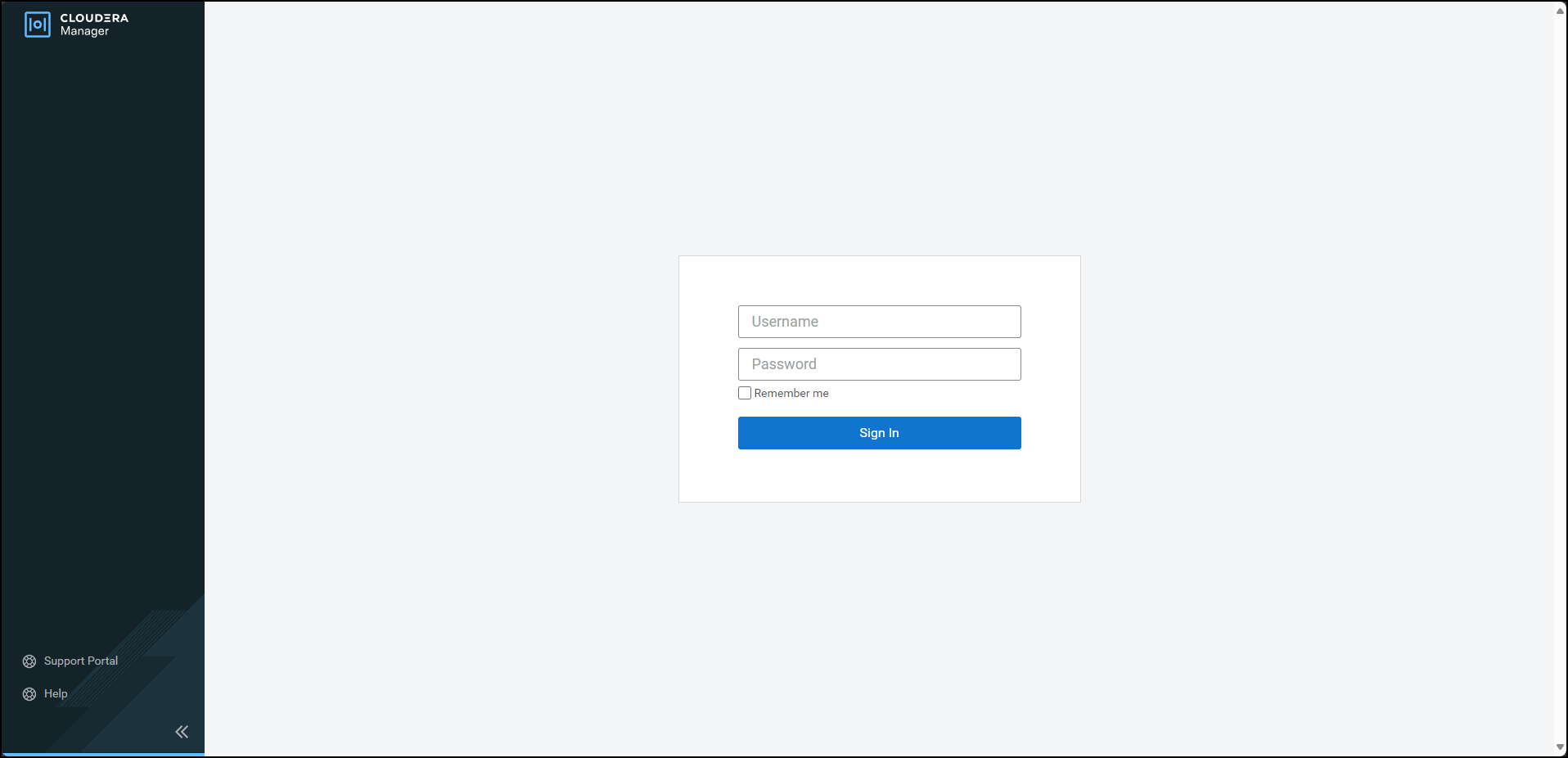
Enter the Username.
Enter the Password.
Click Sign In.
The Cloudera Manager Home page appears.
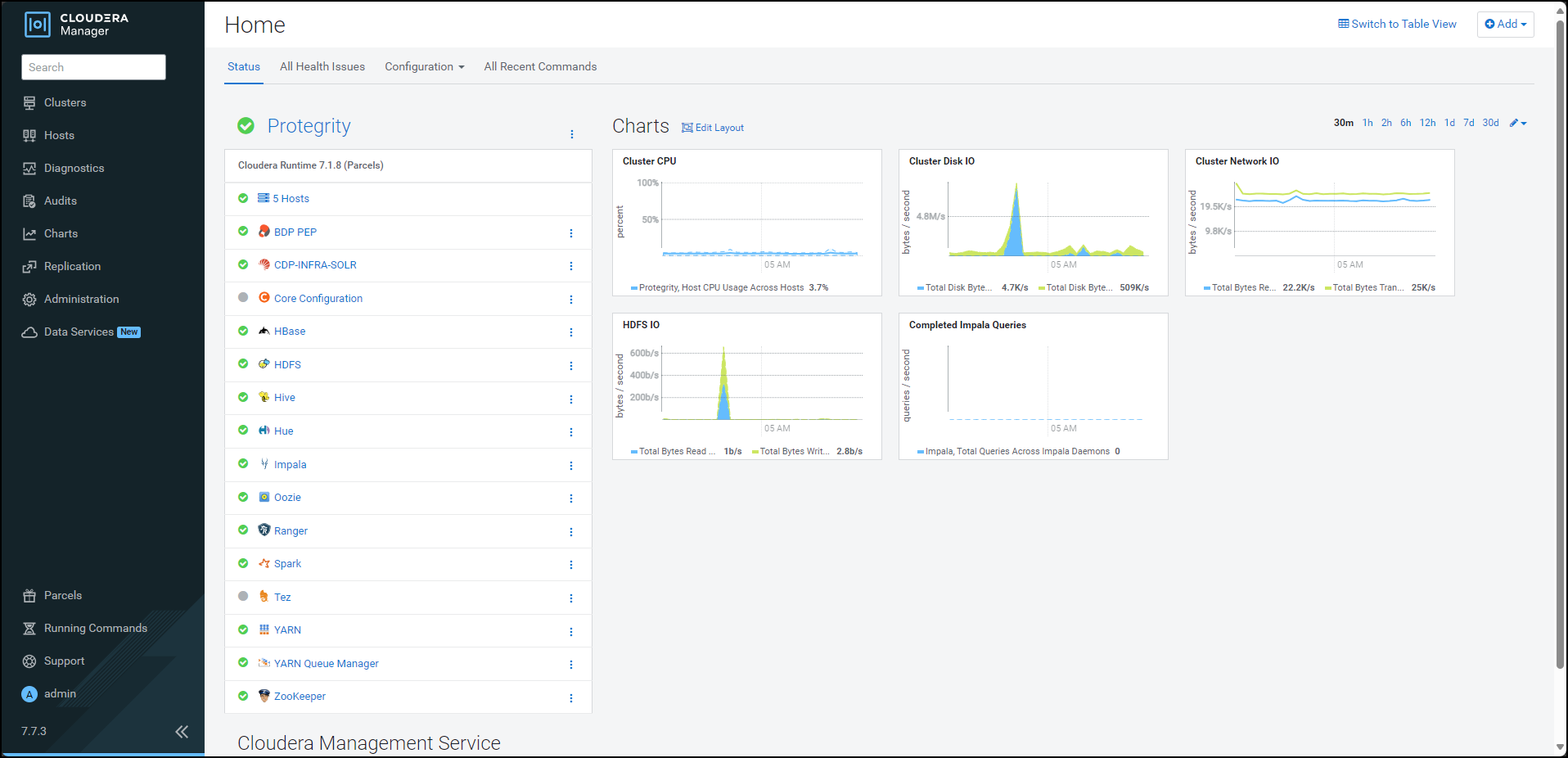
Click BDP PEP. The BDP PEP page appears.
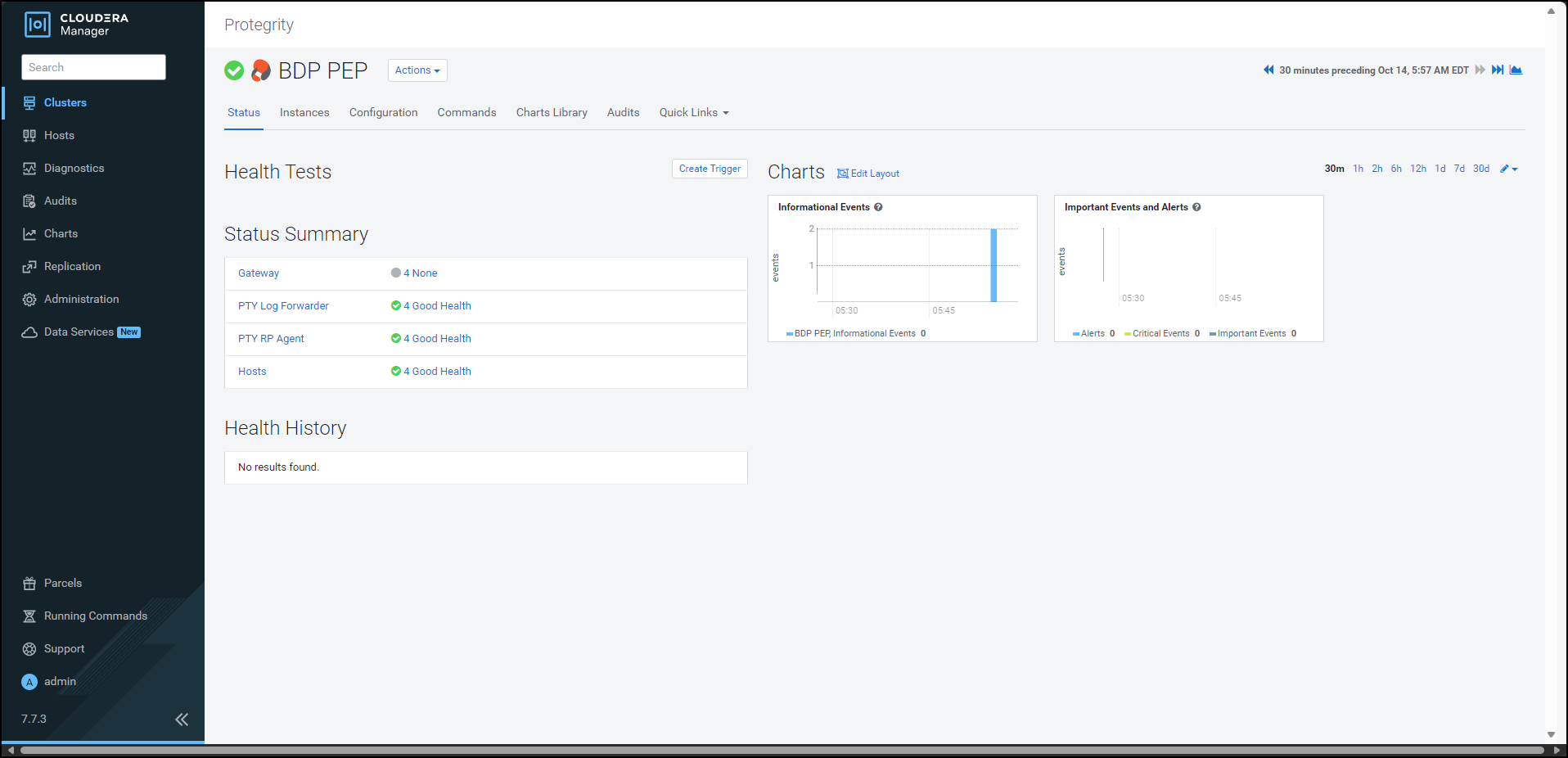
Click the Configuration tab. The Configuration tab appears.
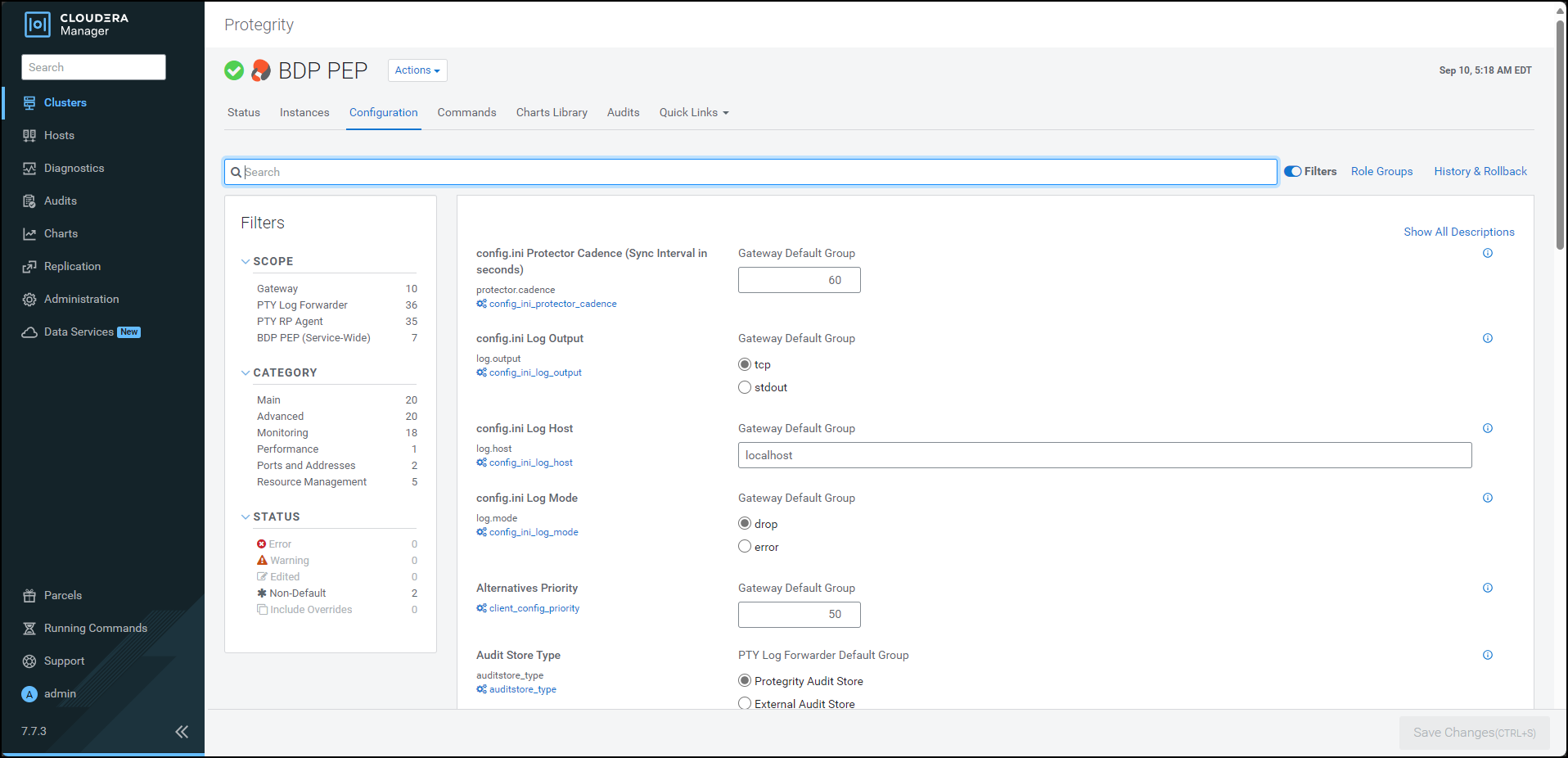
In the Filters pane, under Scope, click Gateway. The options related to the
config.inifile appear.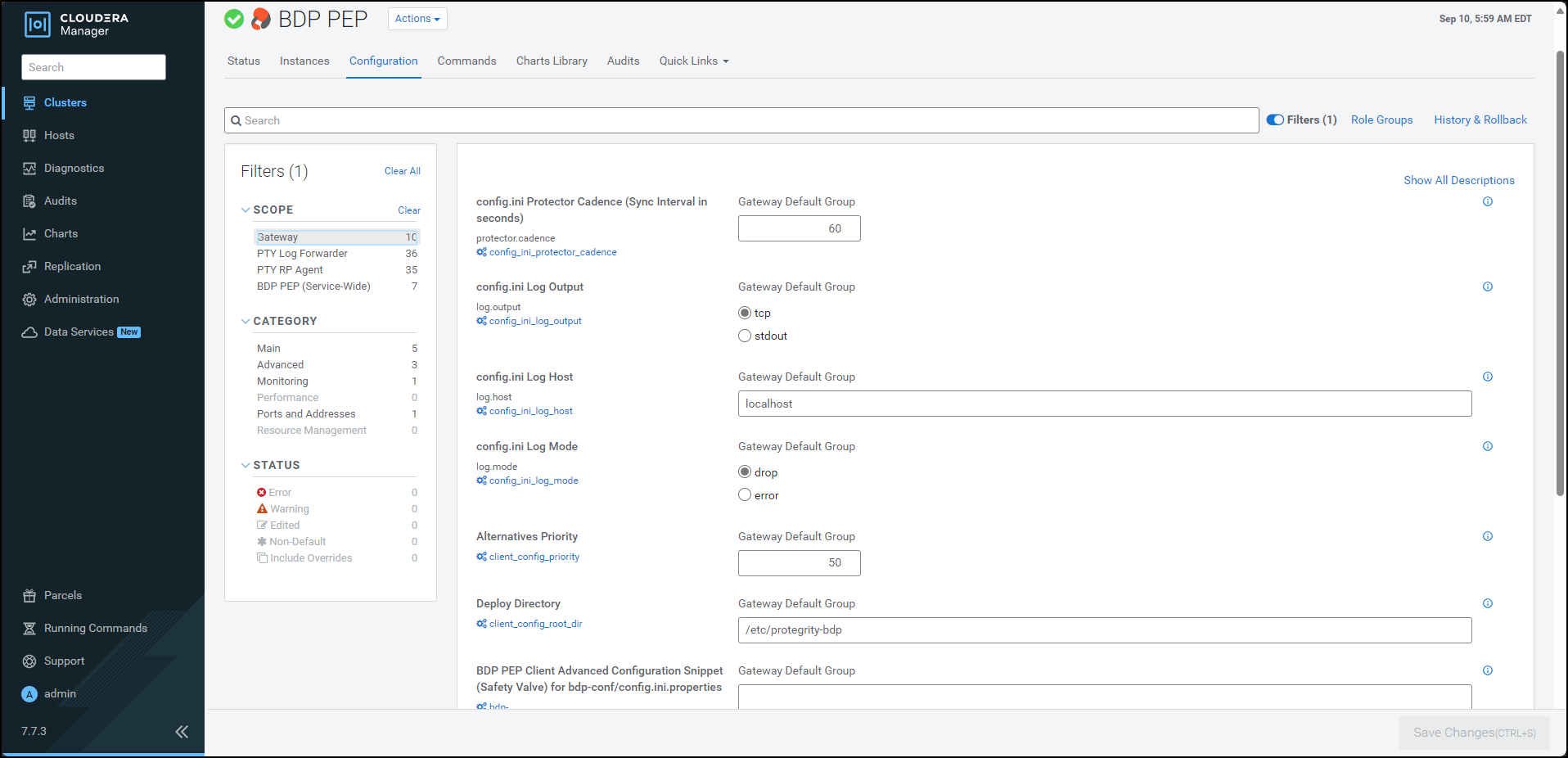
To add a new parameter for the
config.inifile, perform the following steps:- Under the BDP PEP Client Advanced Configuration Snippet (Safety Valve) for bdp-conf/config.ini.properties box, enter the required parameter and the corresponding value in the
group.key=valueformat. When you enter the parameter in thegroup.key=valueformat, Cloudera Manager appends the parameter in theconfig.inifile on all the nodes in the following format:[group] key = value - Click Save Changes (CTRL+S).
- Under the BDP PEP Client Advanced Configuration Snippet (Safety Valve) for bdp-conf/config.ini.properties box, enter the required parameter and the corresponding value in the
To verify whether the parameter is added to the config.ini file, perform the following steps:
- Log in to the Master Node.
- To navigate to the
/opt/cloudera/parcels/PTY_BDP/bdp/data/directory, run the following command:cd /opt/cloudera/parcels/PTY_BDP/bdp/data/ - Press ENTER.
The command changes the working directory to
/opt/cloudera/parcels/PTY_BDP/bdp/data/. - To view the contents of the
config.inifile, run the following command:vim config.ini - Press ENTER.
The command displays the contents of the
config.inifile.[log] host=localhost port=15780 output=tcp mode=drop [protector] cadence=60 [core] emptystring=empty
Using a browser, login to the Cloudera Manager home page.
Click BDP PEP. The BDP PEP page appears.
To generate the
config.inifile on the nodes where you have installed the Gateway Role, select Actions » Deploy Client Configuration. The prompt to confirm the action appears.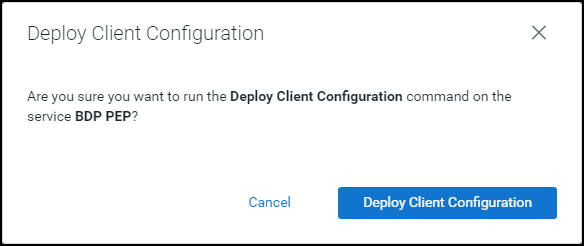
Click Deploy Client Configuration.
Cloudera Manager generates the
config.inifile to all the nodes where the Gateway role is installed.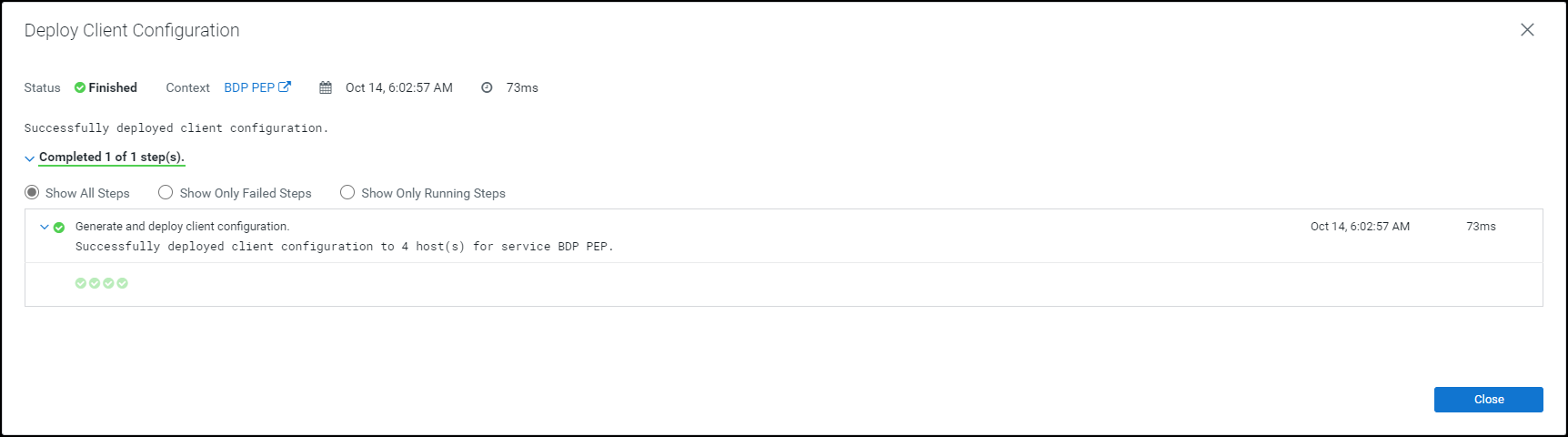
Note: If you add or modify any parameter in the
config.inifile, then you must restart all the dependent services to reload the configuration changes.
Feedback
Was this page helpful?