Updating Parameters in the config.ini file
To update the configuration parameters in the config.ini file:
Using a browser, navigate to the Cloudera Manager web UI.
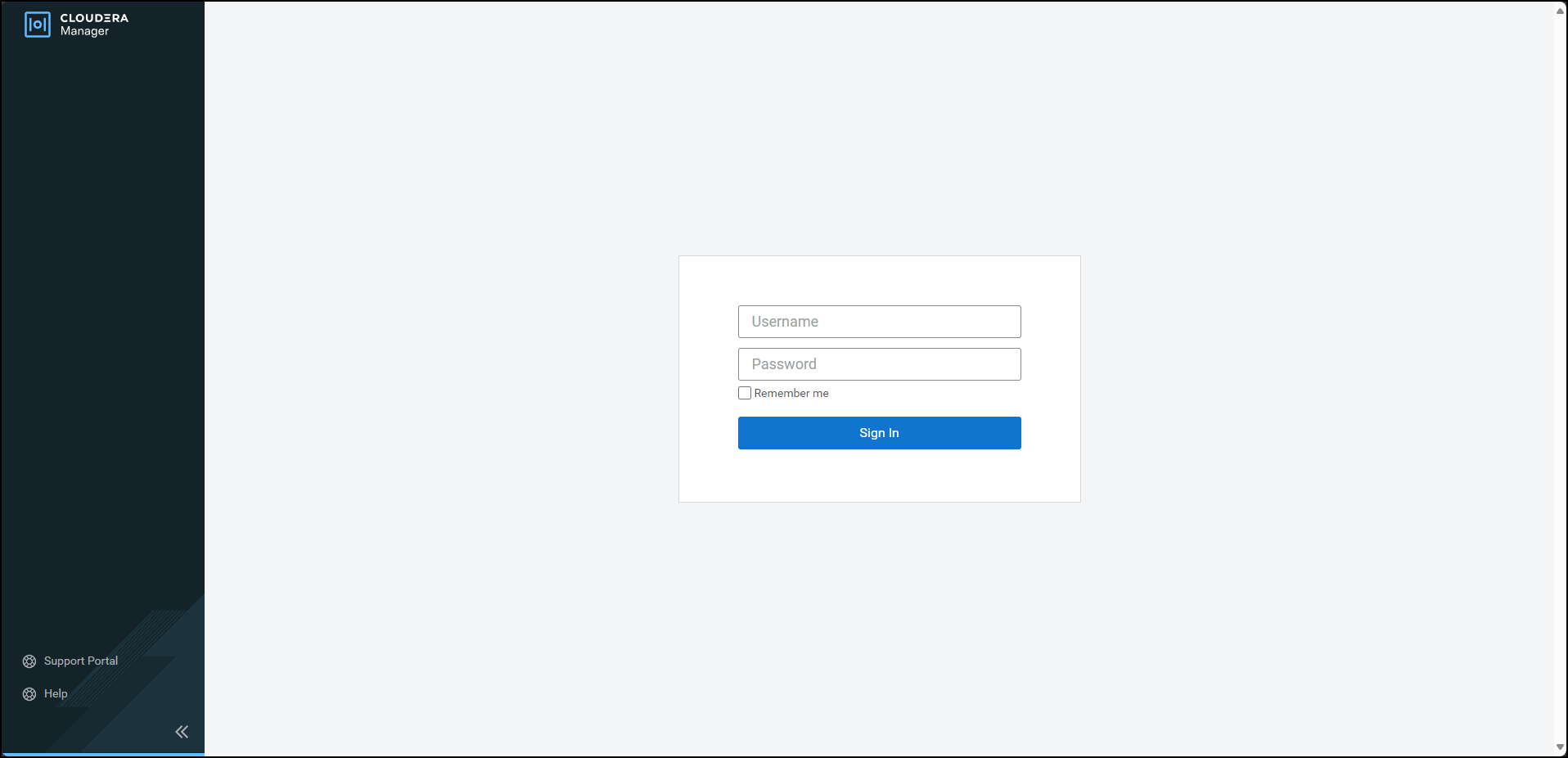
Enter the Username.
Enter the Password.
Click Sign In.
The Cloudera Manager Home page appears.
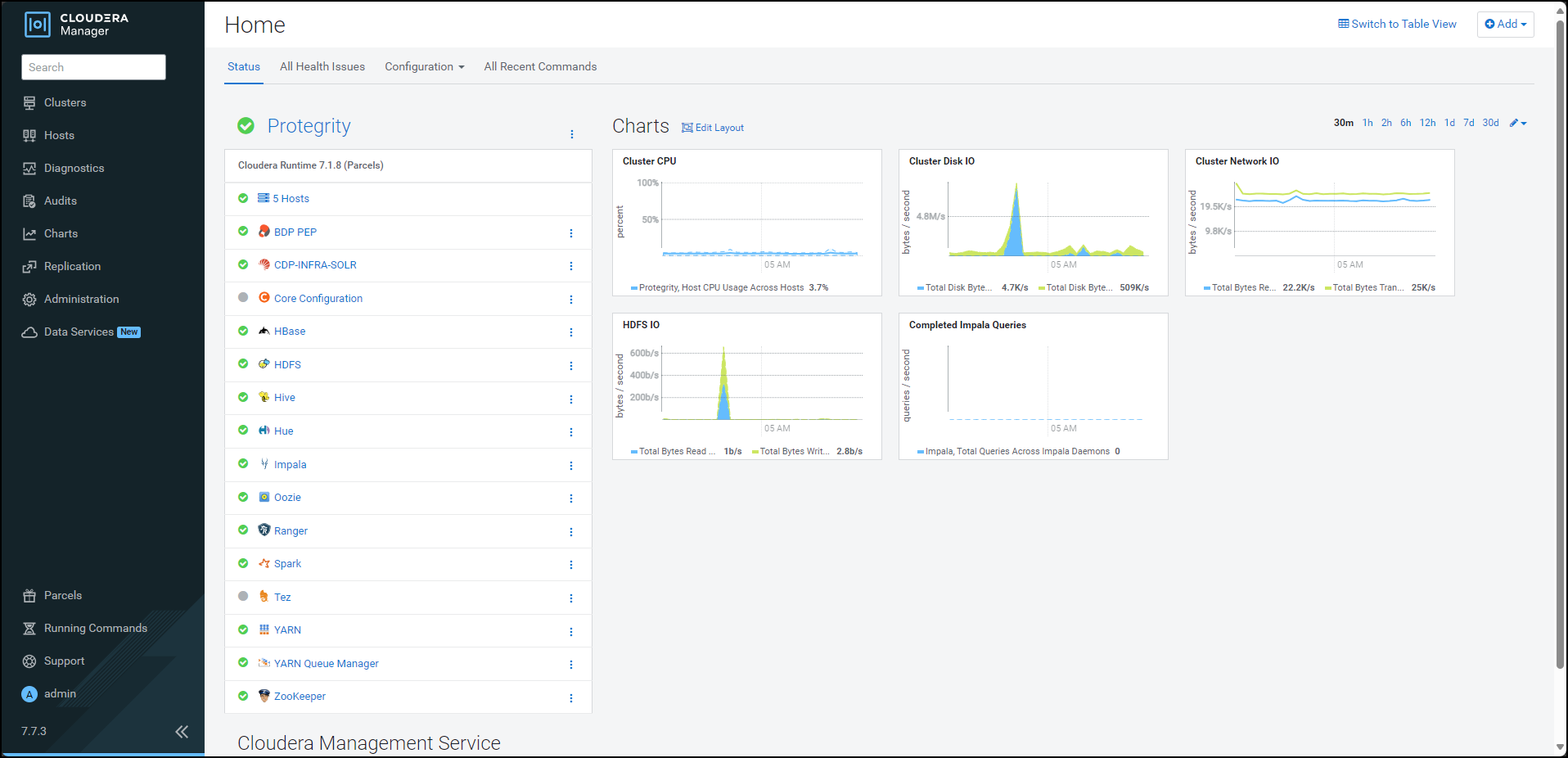
Click BDP PEP. The BDP PEP page appears.
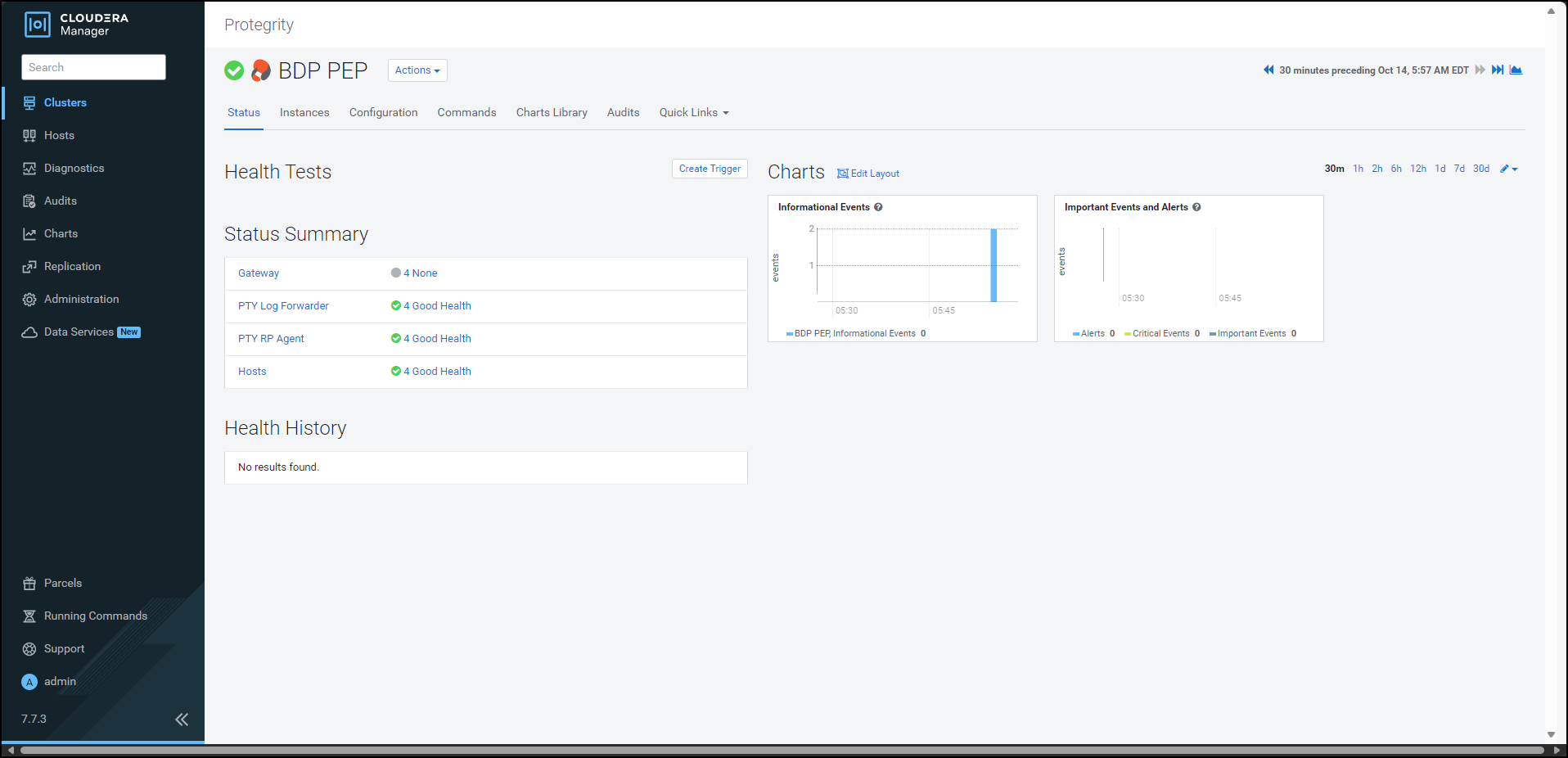
Click the Configuration tab. The Configuration tab appears.
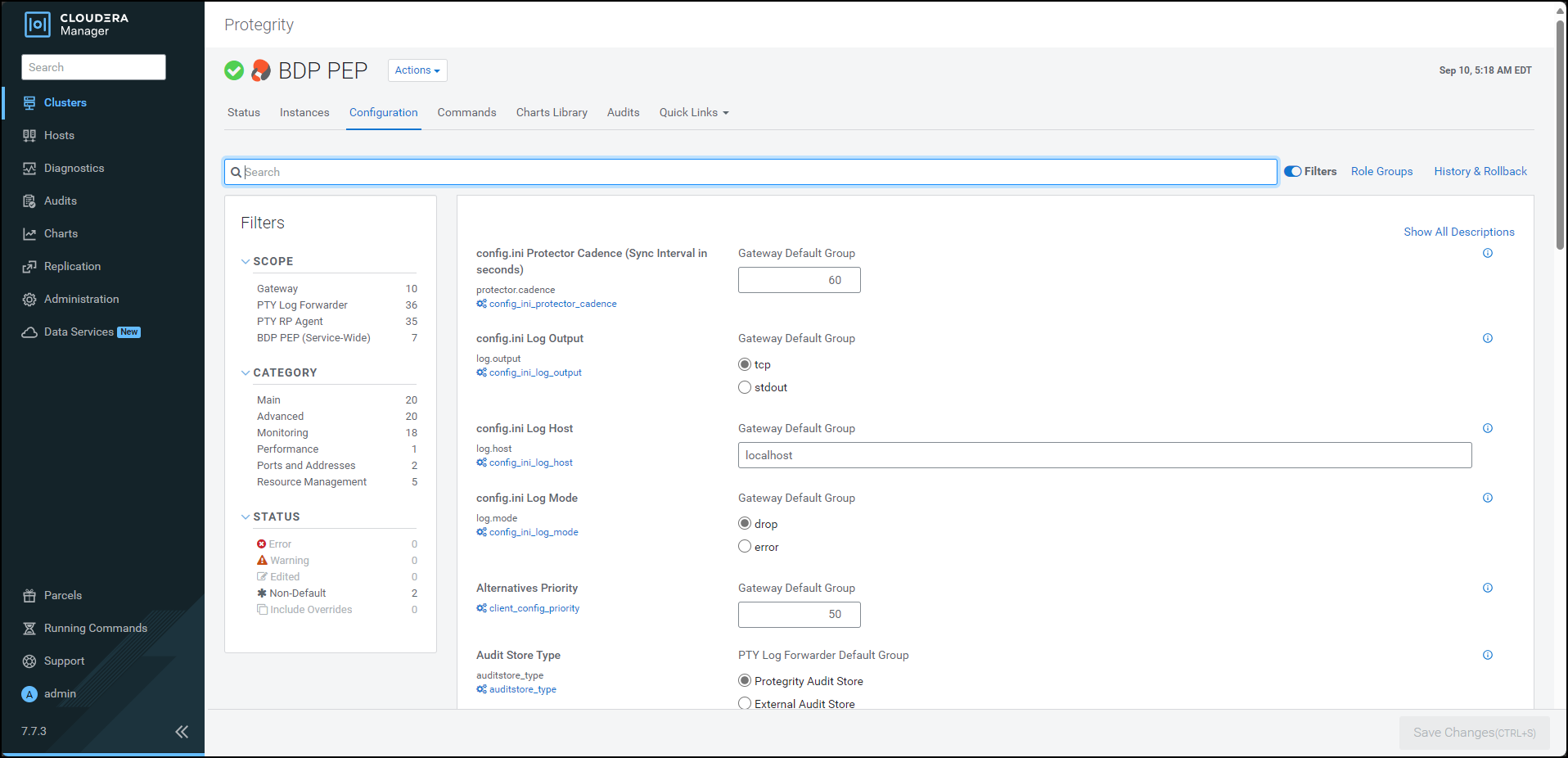
In the Filters pane, under Scope, click Gateway. The options related to the
config.inifile appear.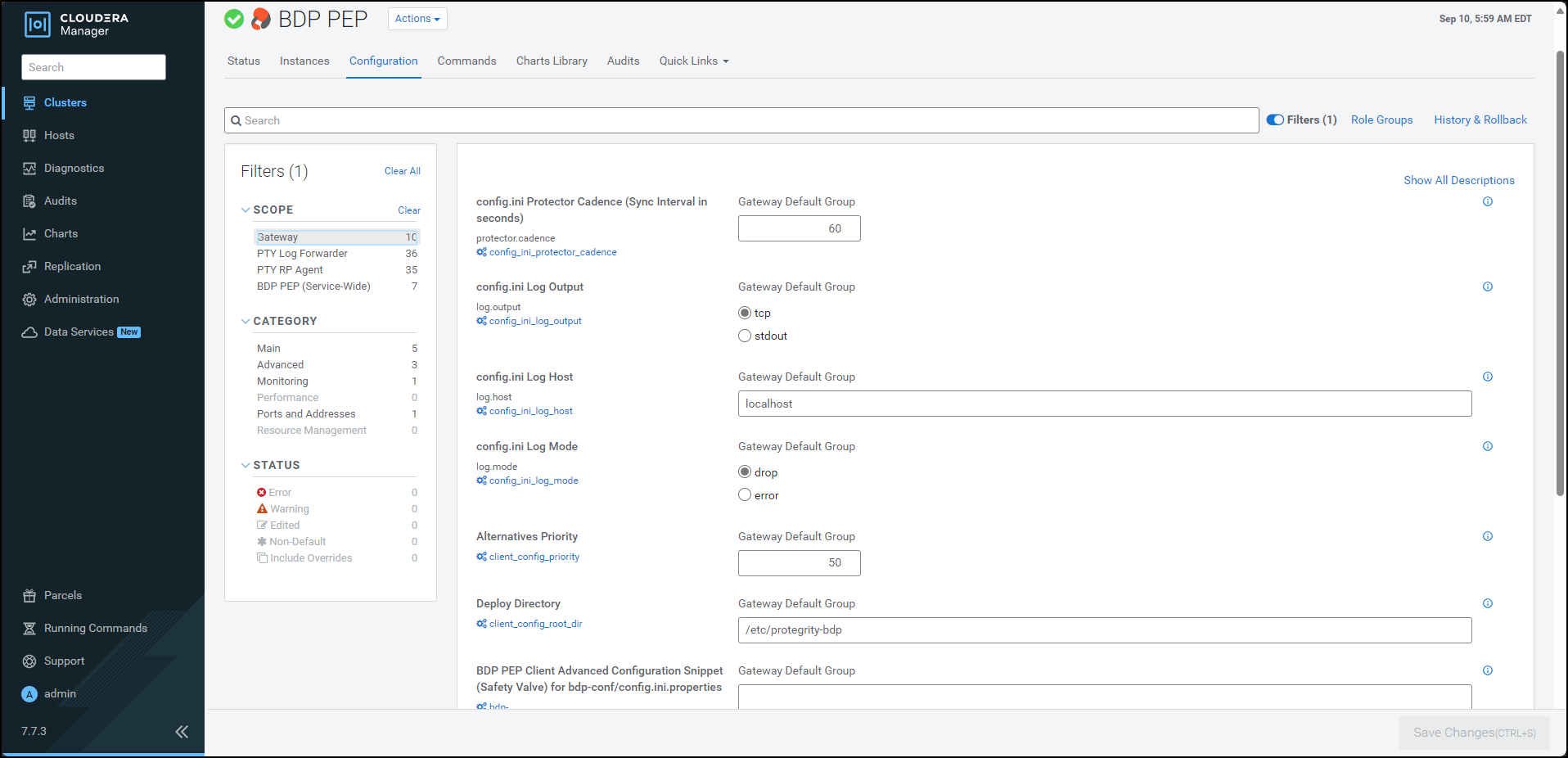
Update the parameters, as per the descriptions, listed in the following table:
| Parameter | Description |
|---|---|
| Protector Cadence | Determines how often the protector’s sync thread will execute (in seconds). The default is 60 seconds. By default, every 60 seconds the protector attempts to fetch the policy updates. If the cadence is set to ‘0’, then the protector will get the policy only once (per process). The interval is reset when the previous sync is finished. Minimum Value = 0 sec Maximum Value = 86400 sec (i.e. 24 hours) |
| Log Output | Defines the output type for protections logs. Accepted values are: - tcp = (Default) Logs are sent to LogForwarder using tcp - stdout = Logs are sent to stdout. |
| Log Host | Specifies the LogForwarder Host/IP Address where logs will be forwarded from the protector. |
| Log Mode | Determines the approach to handle logs when the connection to the LogForwarder is lost. This setting is only for the protector logs and not application logs. - drop = (Default) Protector throws logs away if connection to the logforwarder is lost. - error = Protector returns error without protecting/unprotecting data if connection to the logforwarder is lost. |
| Deploy Directory | Specifies the directory where the client configs will be deployed. Note: The Gateway Role requires this parameter to stage the temporary files (like the config.ini.properties). The default value is set to /etc/protegrity-bdp/. |
| BDP PEP Client Advanced Configuration Snippet (Safety Valve) for bdp-conf/config.ini.properties | For advanced use only, a string to be inserted into the client configuration for bdp-conf/config.ini.properties. |
| Log Port | Specifies the LogForwarder port where logs will be forwarded from the protector. |
Note: After adding or modifying any parameter in the
config.inifile, restart all the dependent services to reload the configuration changes.
Feedback
Was this page helpful?