Updating the Certificate Parcels without a Restart
After you update the certificate parcel and distribute them to the nodes, you must restart the BDP PEP service. This restart enables Cloudera Manager to ensure the state of BDP PEP service is up to date and links itself with the latest activated PTY_CERT parcel. However, restarting results in a loss of production hours. Therefore, Protegrity has introduced a feature wherein you can update the certificate parcel without restarting the BDP PEP service.
To update the certificates parcel without restarting the BDP PEP service:
Follow steps from 1 to 23 as mentioned in the section Updating the certificate parcels
Note: Do not restart the BDP PEP service at this point.
Using a browser, navigate to the Cloudera Manager screen.
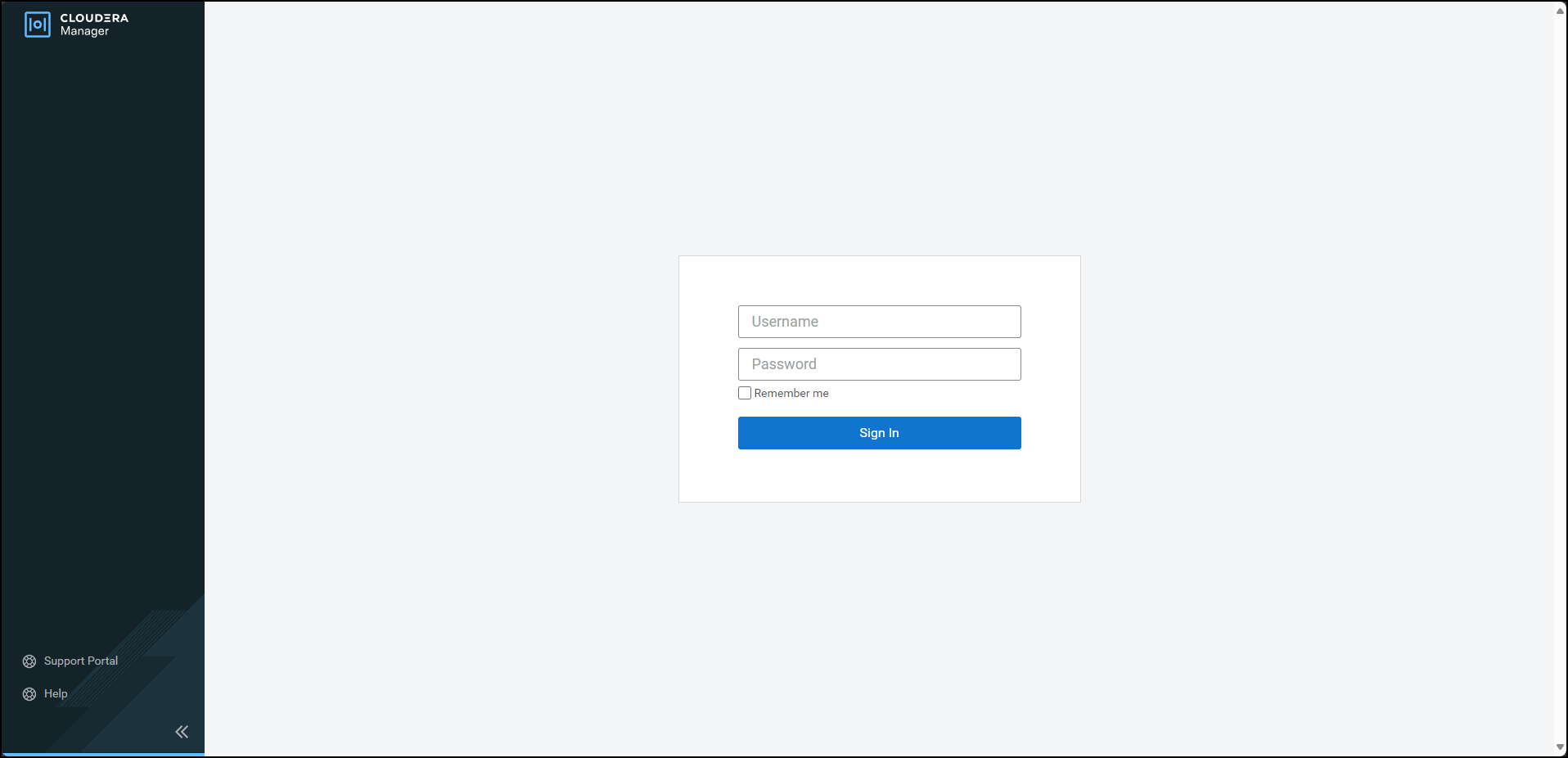
Enter the Username.
Enter the Password.
Click Sign In.
The Cloudera Manager Home page appears.
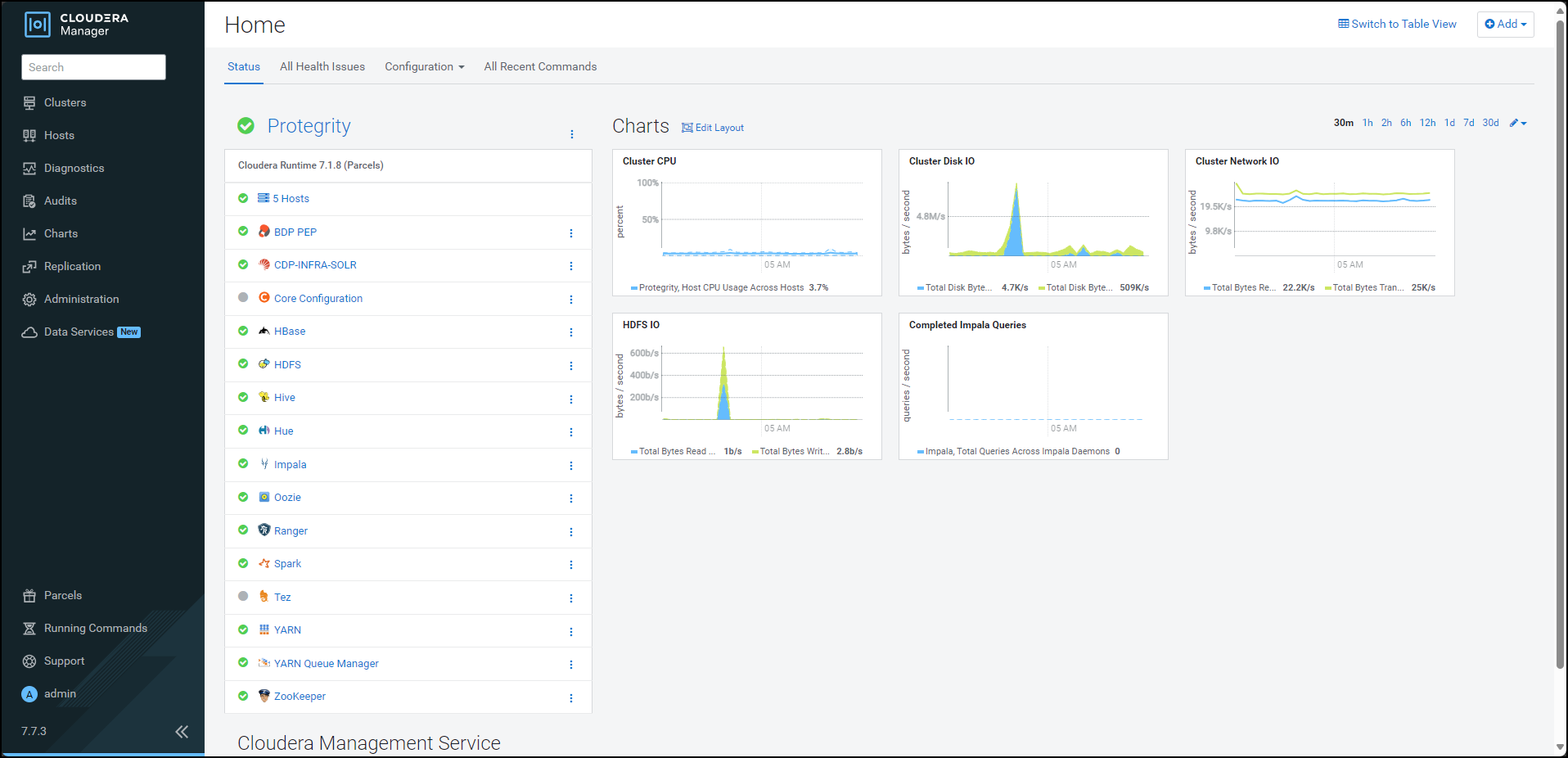
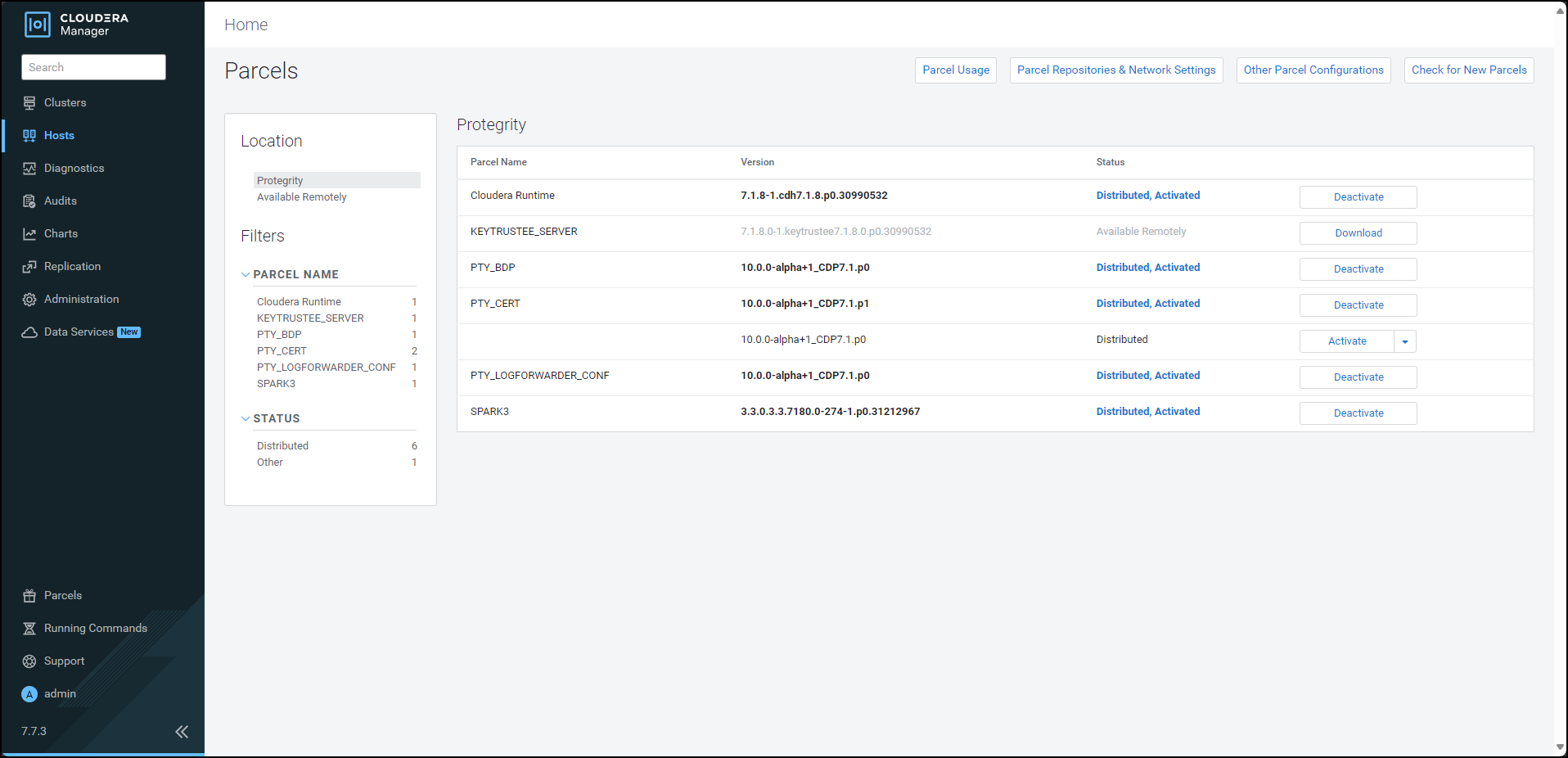
From the left pane, click Parcels. The Cloudera Manager Parcels page appears.
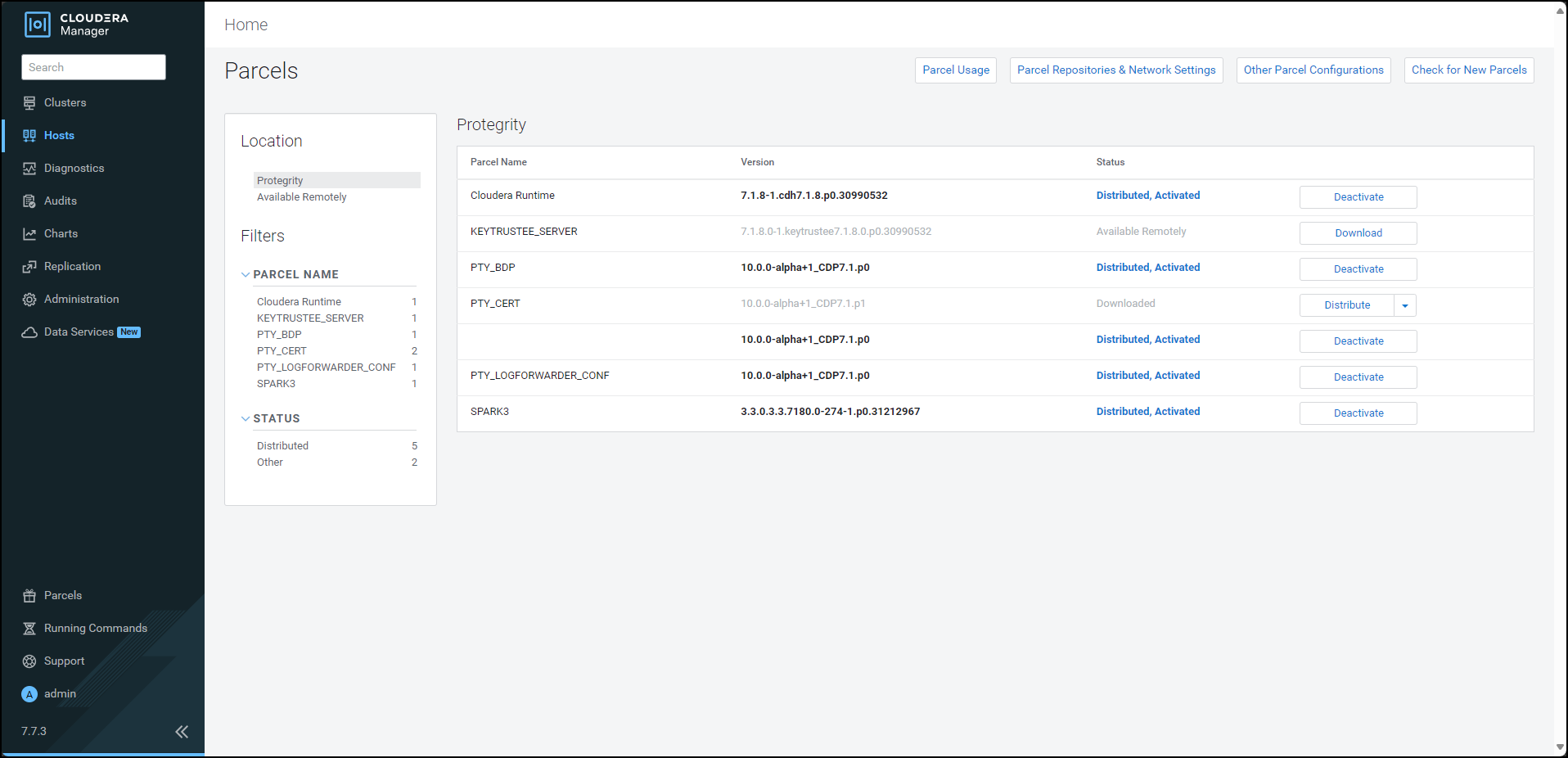
To distribute the Certificates parcel, besides the PTY_CERT parcel, click Distribute. Cloudera Manager distributes the Certificates parcel to all the nodes and enables the Activate button.
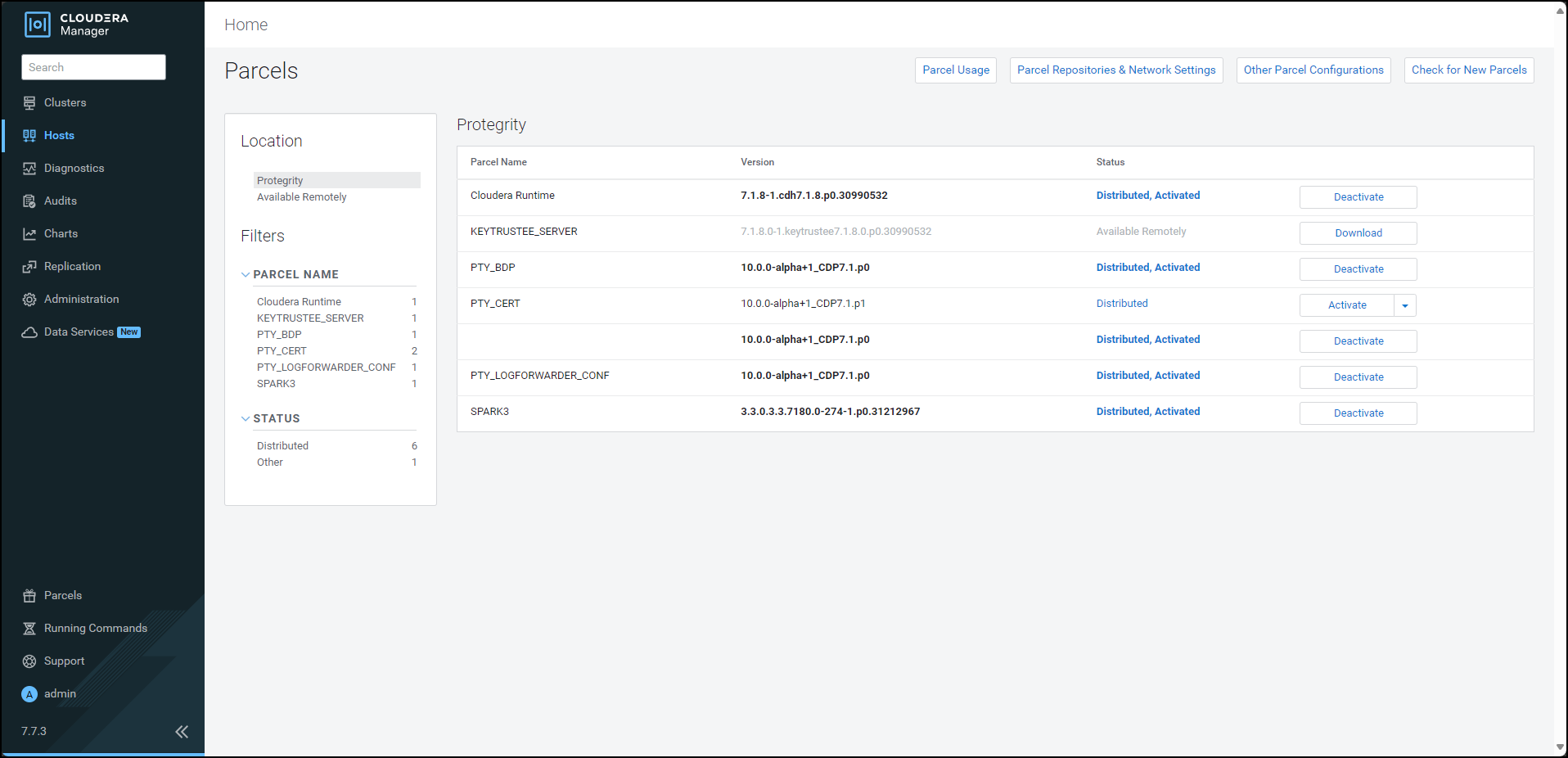
To activate the certificates parcel without a restart, besides the PTY_CERT parcel, click Activate. The prompt to activate the certificates parcel appears.
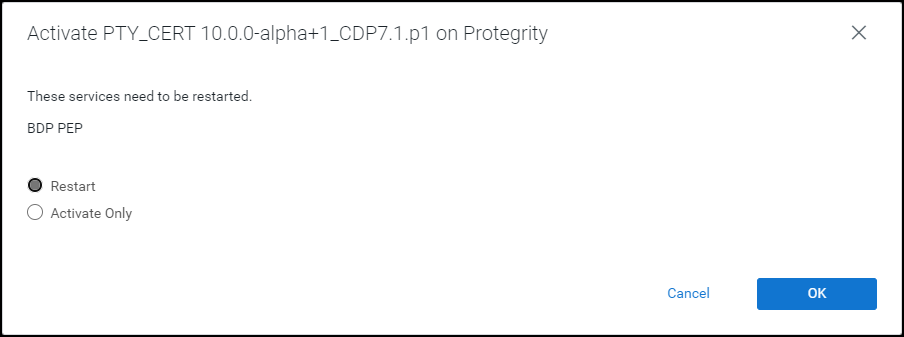
Select Activate Only.
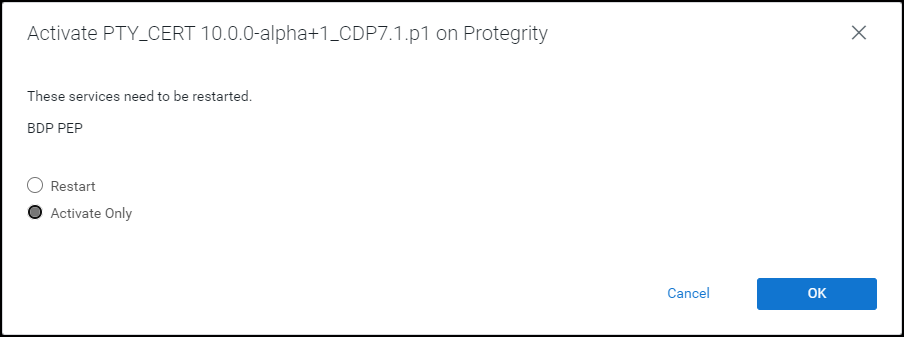
Click OK. Cloudera Manager deactivates the existing certificates parcel from all the nodes and activates the updated certificates parcel on all the nodes. After the activation is complete, Cloudera Manager enables the Deactivate option for the updated PTY_CERT parcel.
Navigate to the Cloudera Manager home page. The Cloudera Manager home page indicates a stale configuration in the BDP PEP service because we activated the updated certificates parcel without a restart.
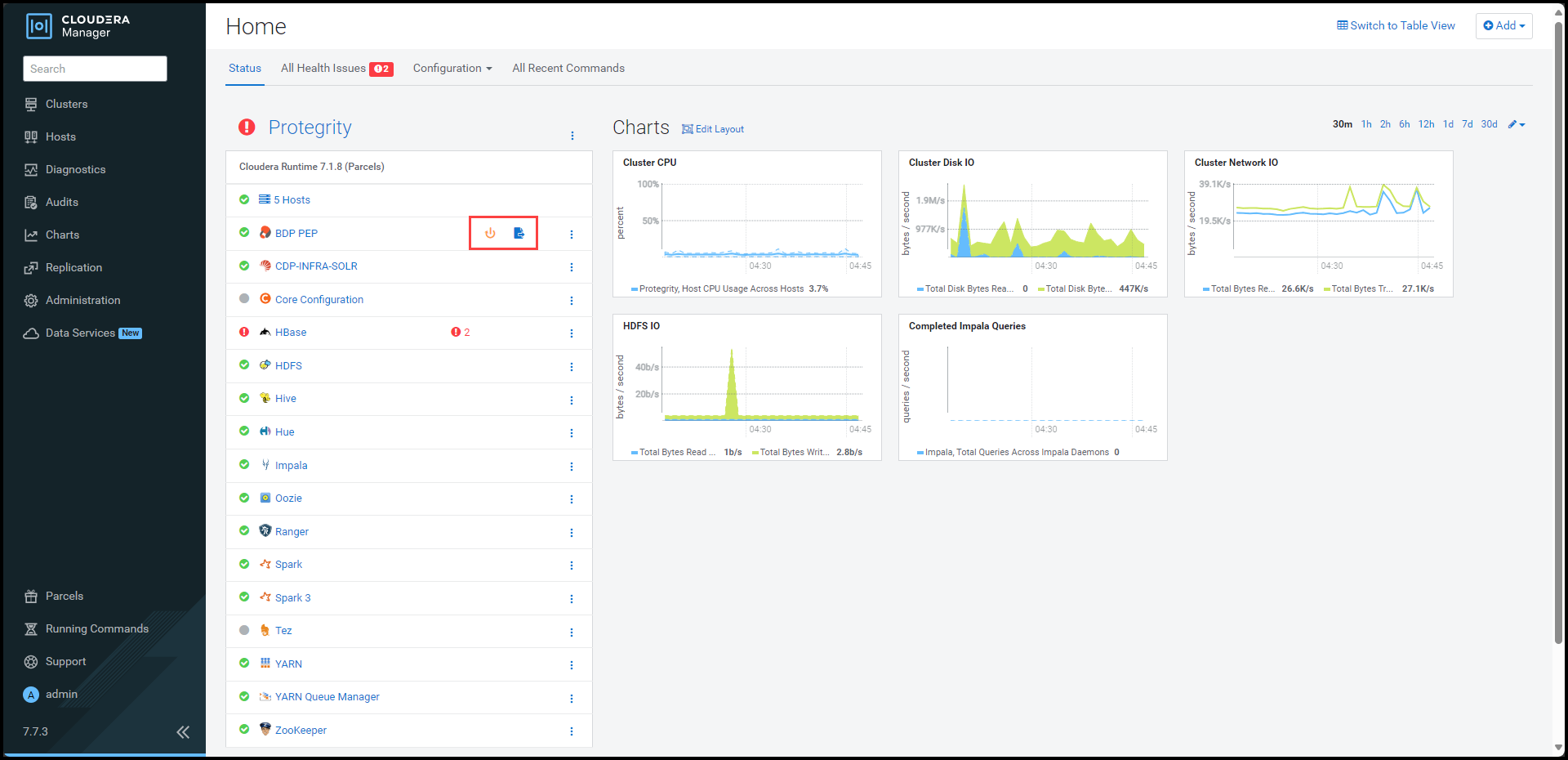
Note: You can safely ignore the stale configuration alert because the update certificate feature does not require a restart of the BDP PEP service.
To view the service page, click BDP PEP. The BDP PEP page appears.
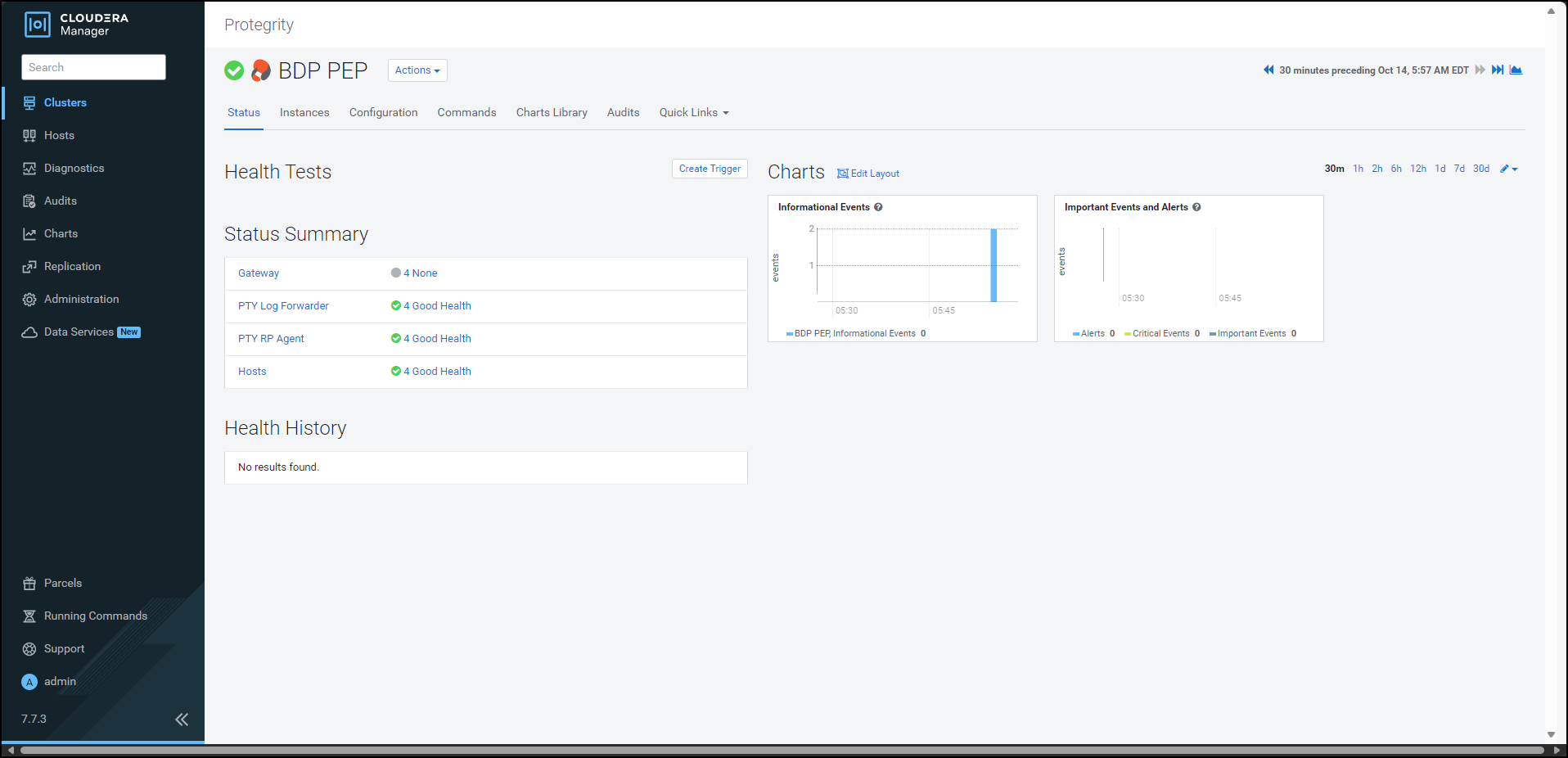
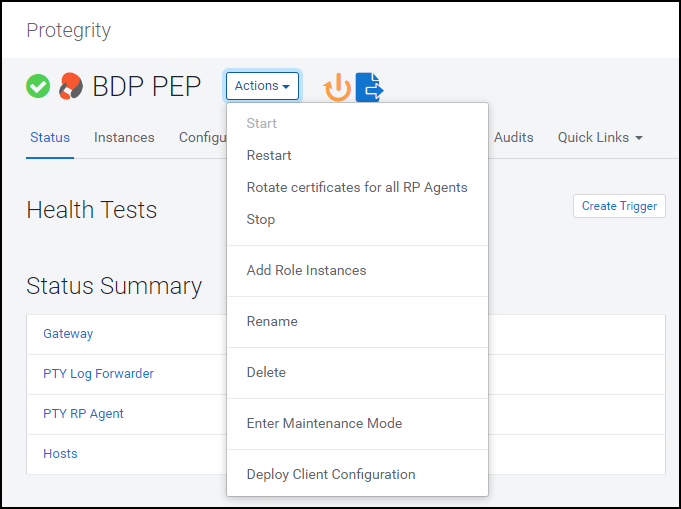
To update the certificates parcel on all the nodes, select Actions > Rotate certificates for all RP Agents.
The prompt to confirm the action appears.
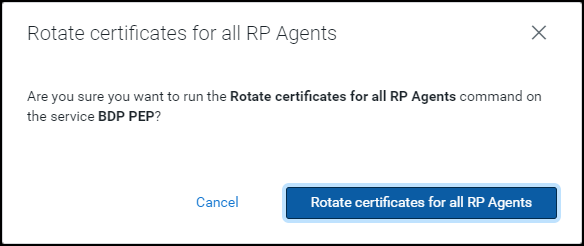
Click Rotate certificates for all RP Agents. Cloudera Manager executes the rotate certificate command and updates the certificates used by the RP Agents on all the nodes in the cluster.
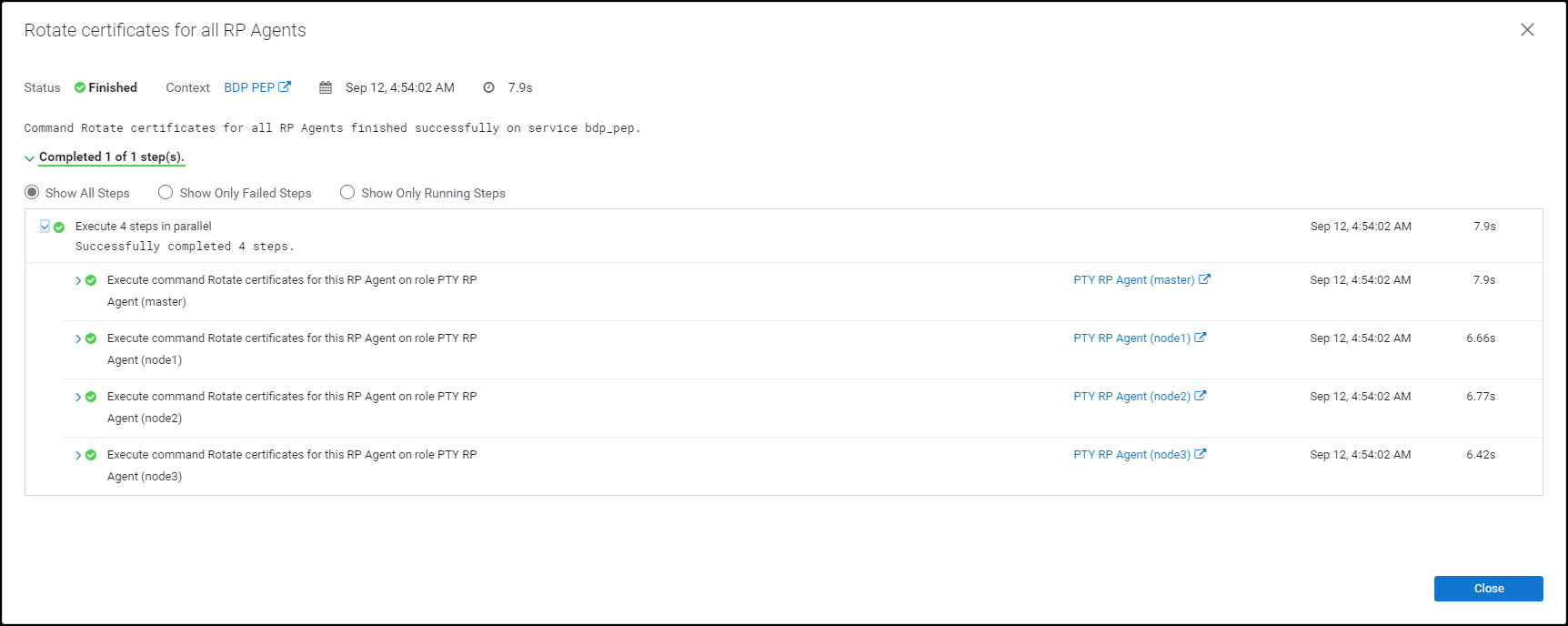
Click Close.
The command extracts the certificates from the latest activated PTY_CERT parcel directory
/opt/cloudera/parcels/PTY_CERT/data/esacerts.tarto the default RP Agent directory/opt/cloudera/parcels/PTY_BDP/rpagent/data/on each node. The RP Agent will establish a TLS connection, download the policy, and fetch the certificates from therpagent/data/directory every time it polls ESA. This eliminates the need to restart the service to fetch the updated certificates.Note: The BDP PEP service in Cloudera Manager will fetch the updated certificates (PTY_CERT) parcel on the new node whenever you add a new node to an existing cluster.
Feedback
Was this page helpful?