Activating the parcels
After distributing the Big Data Protector parcels on the cluster nodes, you must activate them to add and start the Big Data Protector-related services on the nodes in the cluster.
To activate the Big Data Protector Parcels on the Nodes:
Using a browser, navigate to the Cloudera Manager screen.
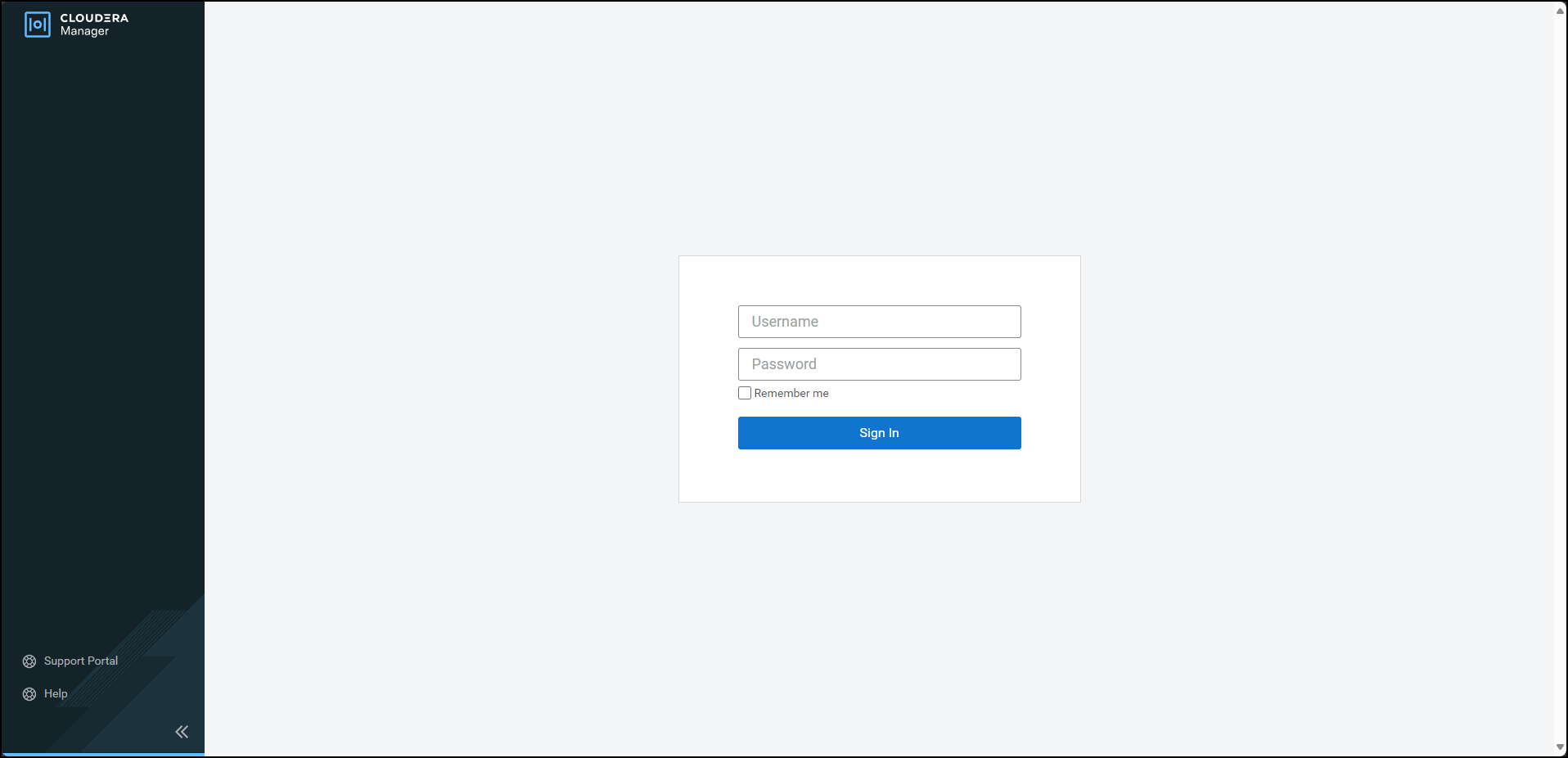
Enter the Username.
Enter the Password.
Click Sign In.
The Cloudera Manager Home page appears.
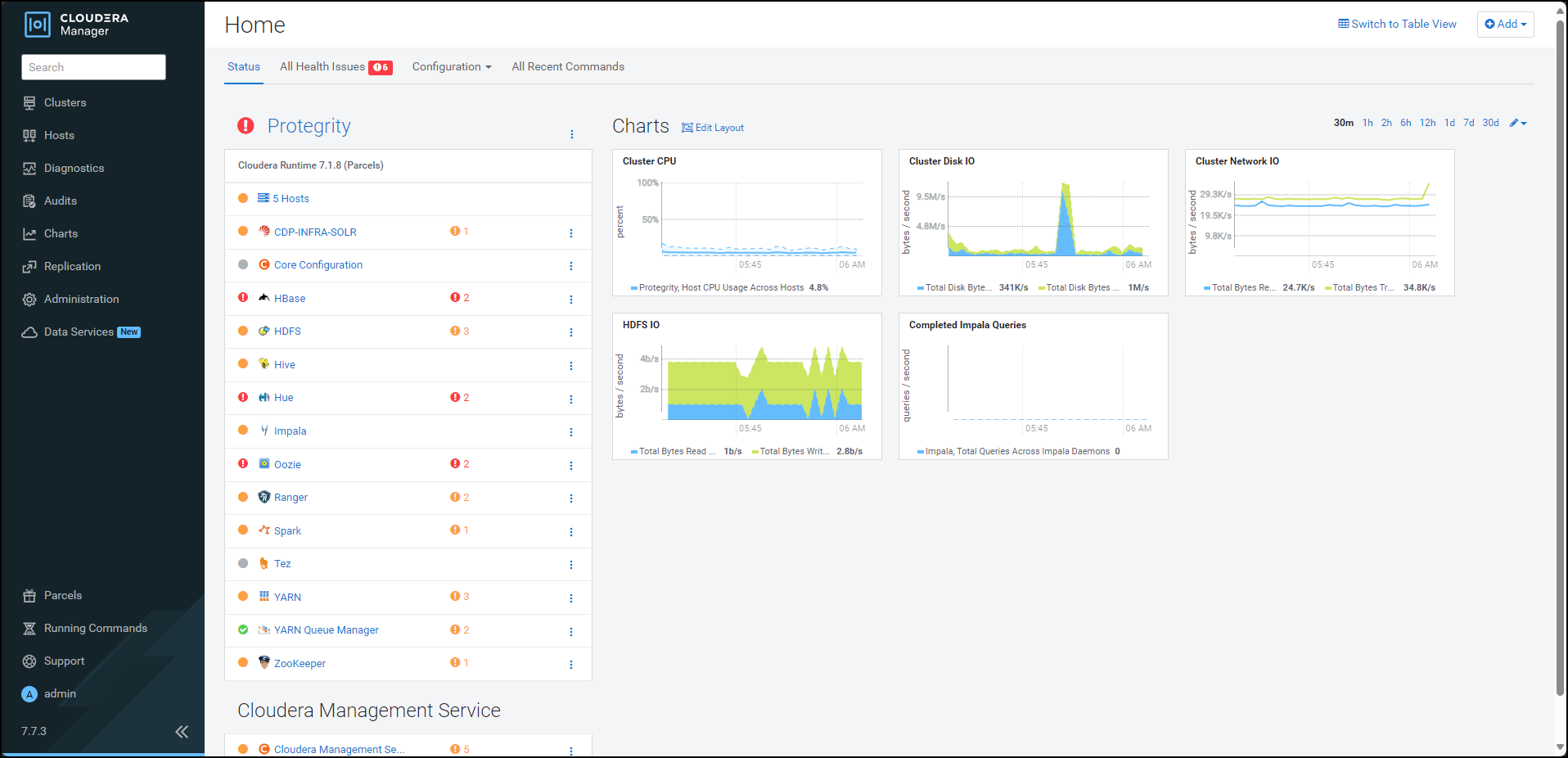
From the left pane, click Parcels.
The Cloudera Manager Parcels page appears.
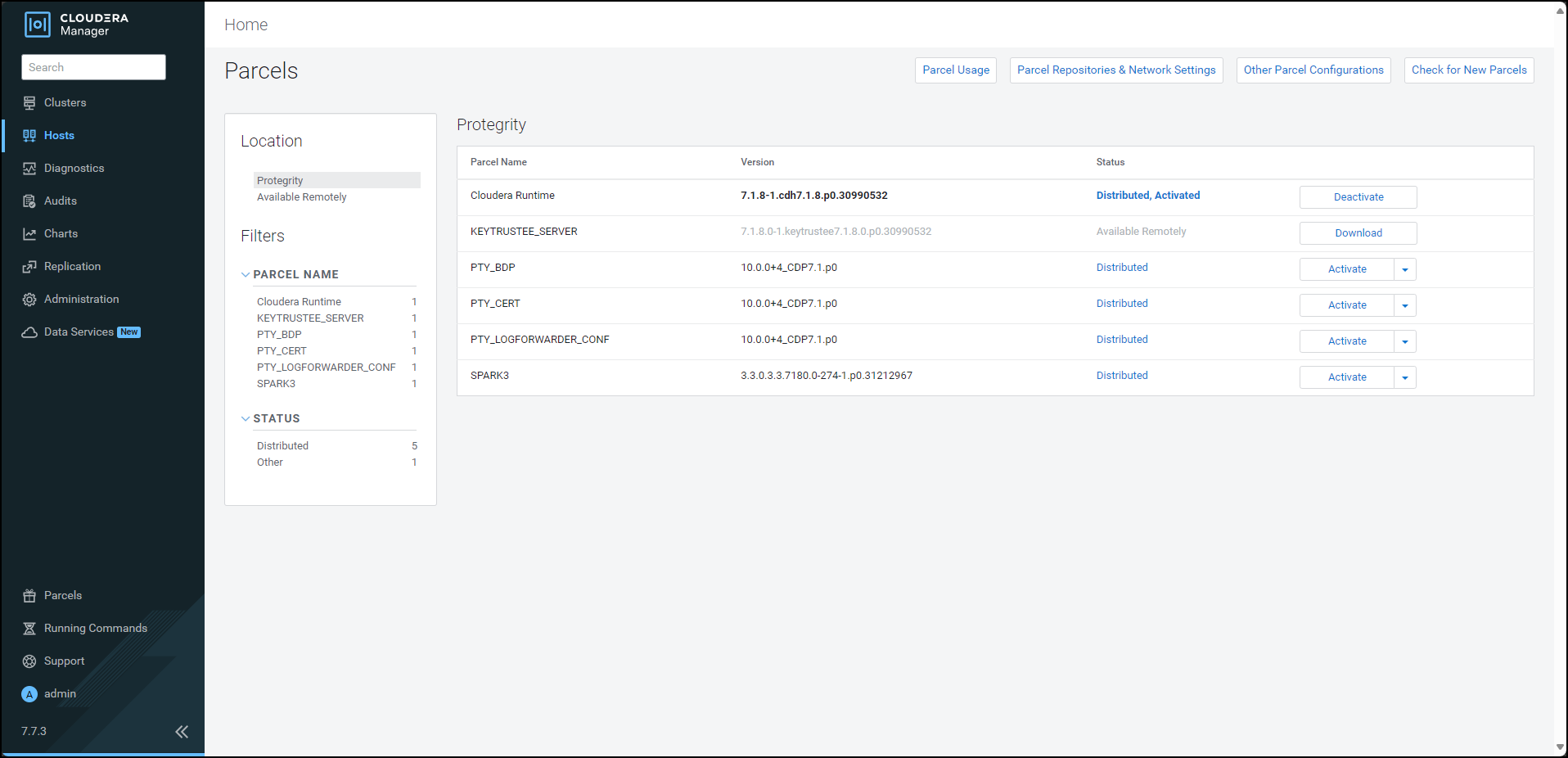
Note: The PTY_LOGFORWARDER_CONF parcel will be visible only if you choose to add the location of the Fluent Bit configuration files while generating the installation files.
To activate the Big Data Protector parcel, besides the PTY_BDP parcel, click Activate.
A prompt to confirm the activation of the parcel appears.
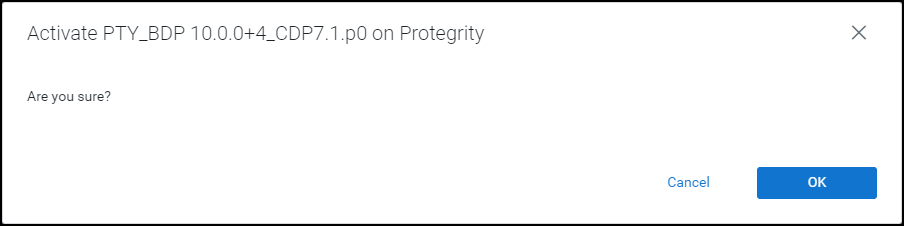
To activate the Big Data Protector parcel, click OK.
Cloudera Manager activates the Big Data Protector parcel on all the nodes in the cluster.
To activate the Certificates parcel, besides the PTY_CERT parcel, click Activate.
A prompt to confirm the activation of the parcel appears.
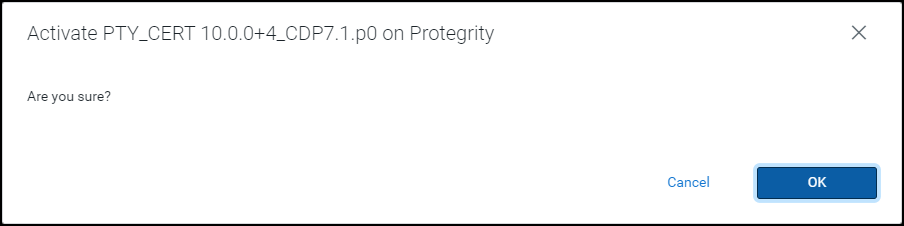
To activate the Certificates parcel, click OK.
Cloudera Manager activates the Certificates parcel on all the nodes in the cluster.
To activate the Log Forwarder configuration parcel, besides the PTY_LOGFORWARDER_CONF parcel, click Activate.
A prompt to confirm the activation of the parcel appears.
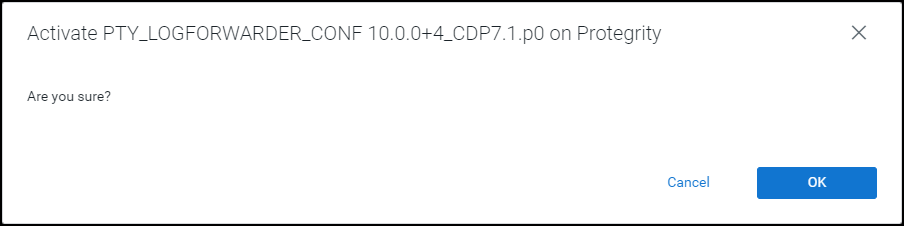
To activate the PTY_LOGFORWARDER_CONF parcel, click OK.
After the Protegrity parcels are activated on the nodes, their status on the Parcels page is updated to Distributed, Activated. The Deactivate button appears.
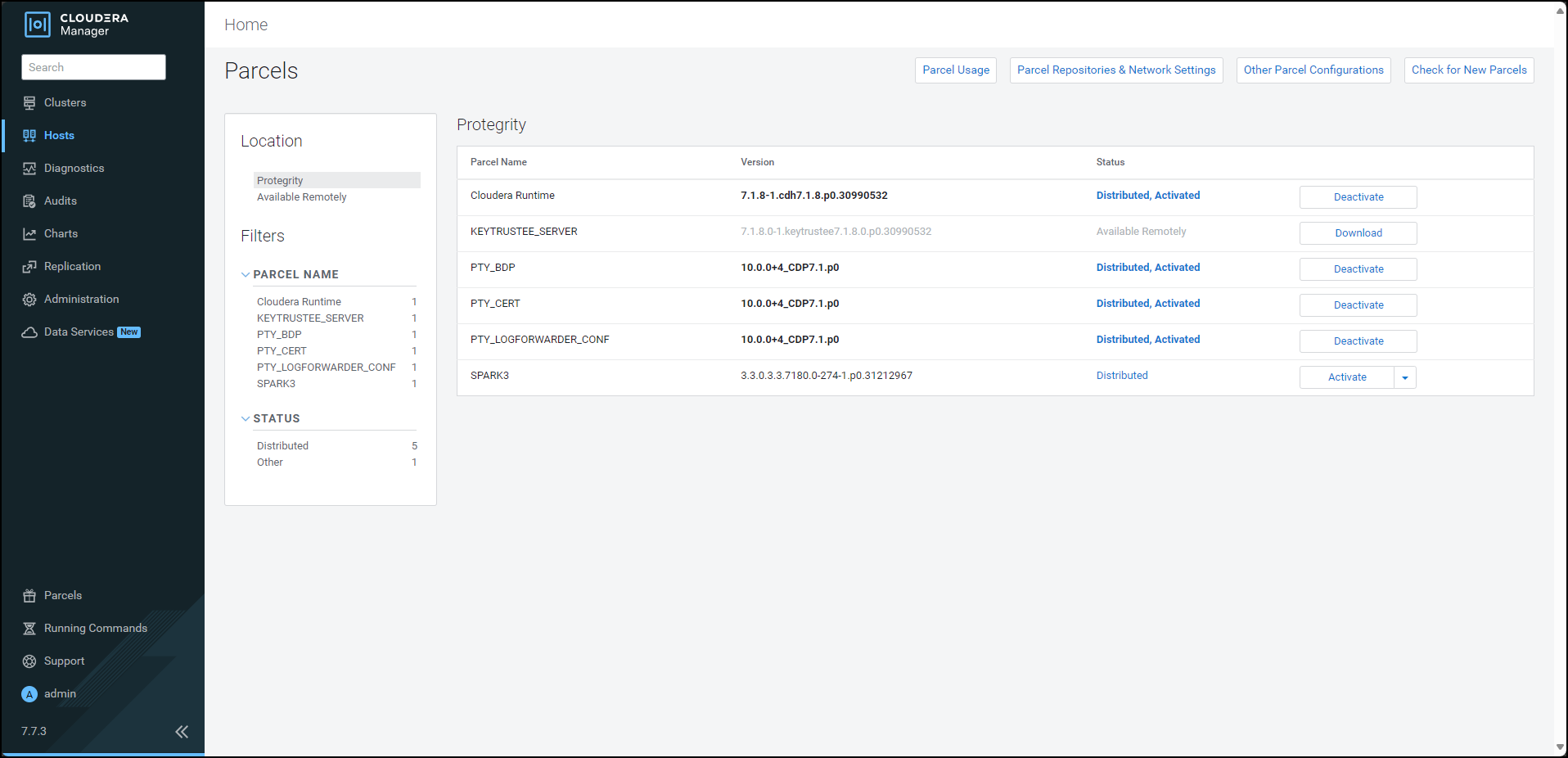
Restart the Cloudera Management Service to re-deploy the service configuration for the stale configurations.
After activating the PTY_BDP parcel, the CDP services will change to Stale configuration state and will require a restart. However, it is recommended to defer the restart of the services until you set all the required configurations for the Big Data Protector.
For more information about setting the configuration, refer Setting the Big Data Protector Configuration
Feedback
Was this page helpful?