Distributing the parcels
Distribute the following Big Data Protector parcels to the nodes in the cluster before installing or activating them on the nodes:
- Big Data Protector parcel: PTY_BDP
- Certificates parcel: PTY_CERT
- Log Forwarder configuration parcel: PTY_LOGFORWARDER_CONF
Note: To distribute the Big Data Protector parcels to the nodes, Cluster Administrator privileges are required.
Note: For more information about the required role, refer to https://docs.cloudera.com/cloudera-manager/7.1.1/managing-clusters/topics/cm-parcels.html.
Note: In the screenshots, the build number for the Cloudera Manager user interface reflects the version number of the Big Data Protector build. This version number indicates the build that you download and install from the My.Protegrity portal.
To distribute the Big Data Protector Parcels to the Nodes in the Cluster:
Using a browser, navigate to the Cloudera Manager page.
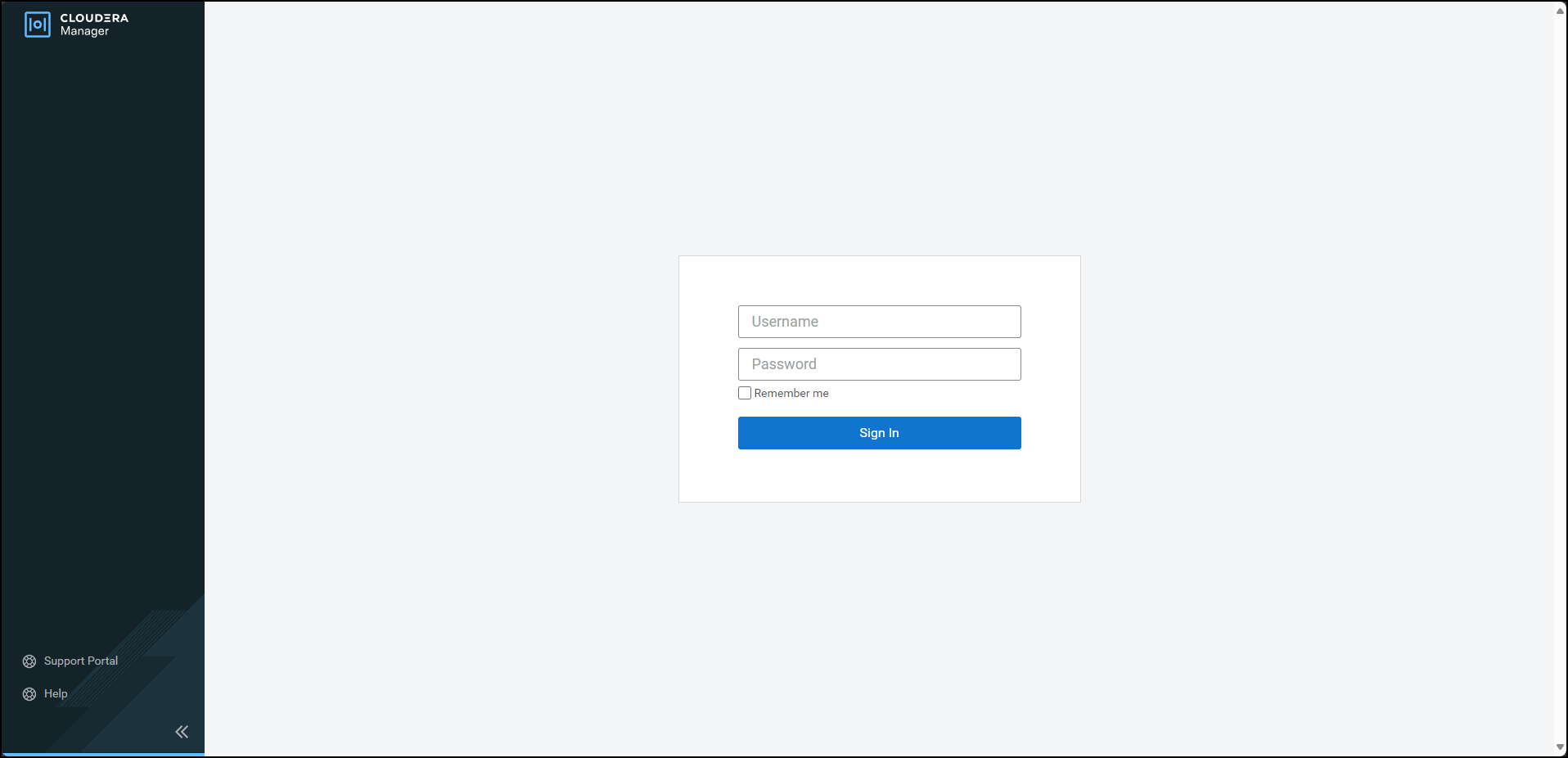
Enter the Username.
Enter the Password.
Click Sign In.
The Cloudera Manager Home page appears.
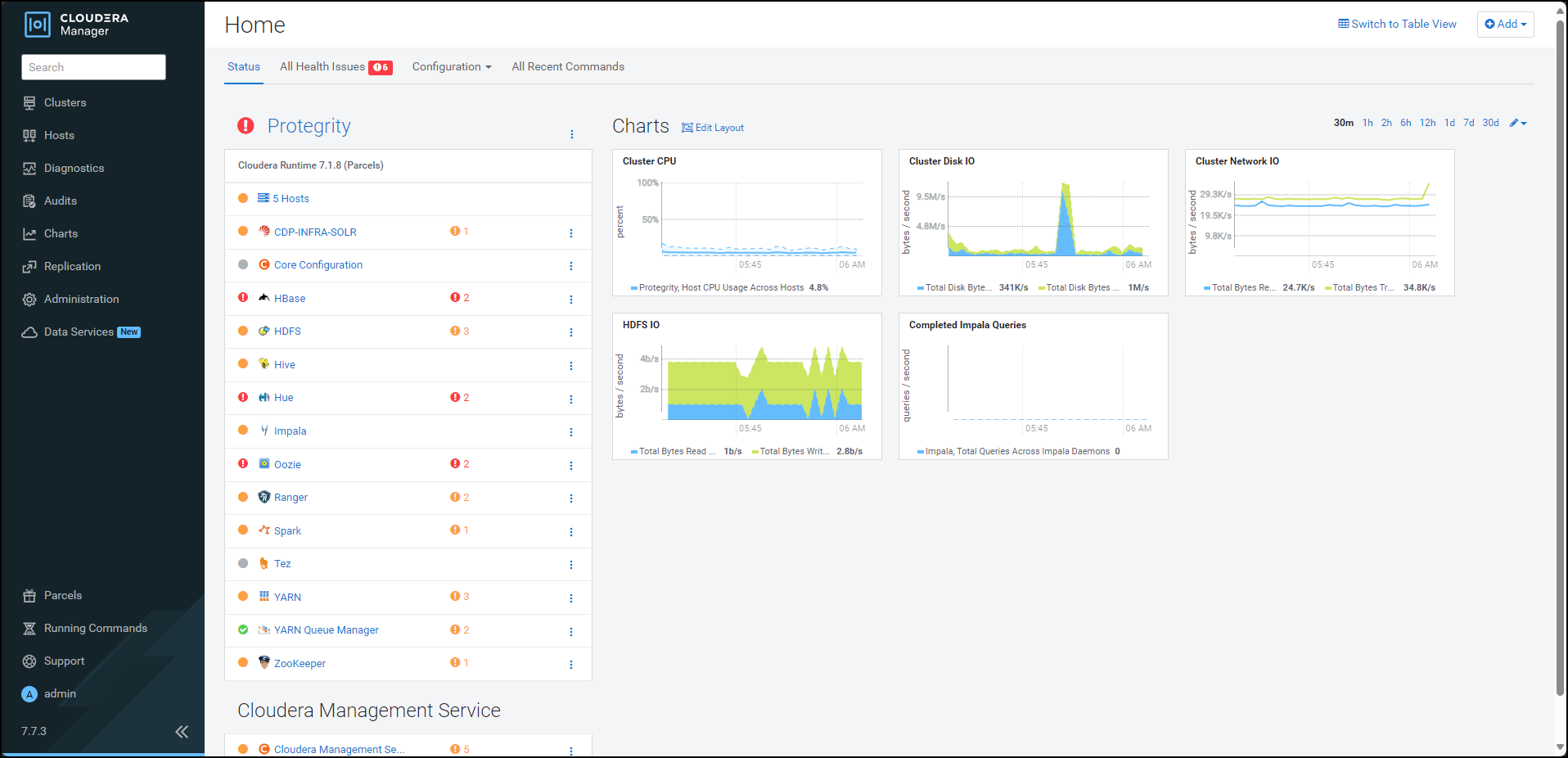
Navigate to Administration > Settings.
The Settings page appears.
To view the settings related to parcels, from the Filters pane, under CATEGORY, click Parcels.
The options related to the parcels appear.
Ensure that you select the following options:
- Create Users and Groups for Parcels
- Apply Permissions with respect to files installed by the parcels
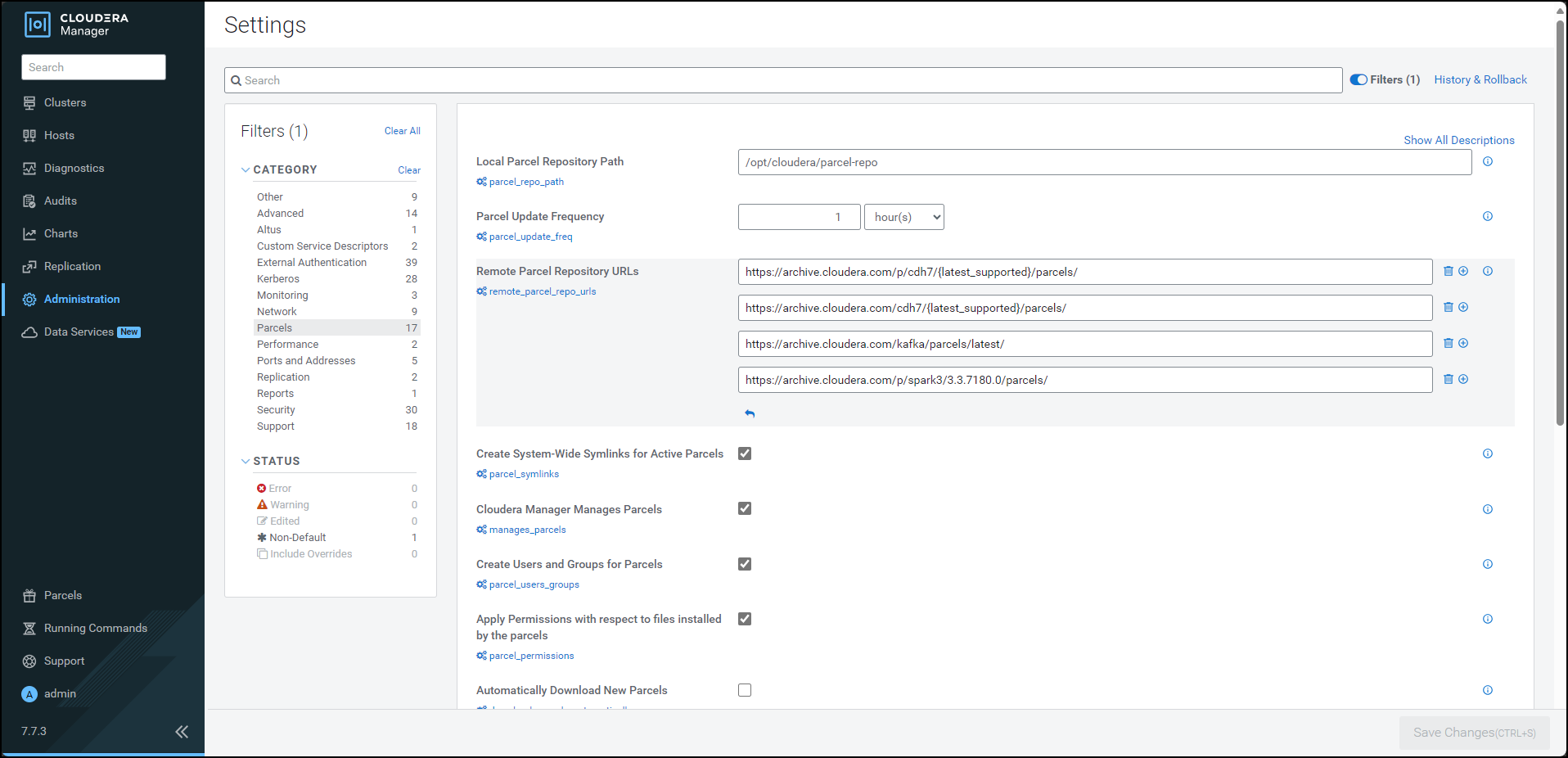
From the left pane, click Parcels.
The Cloudera Manager Parcels page appears.
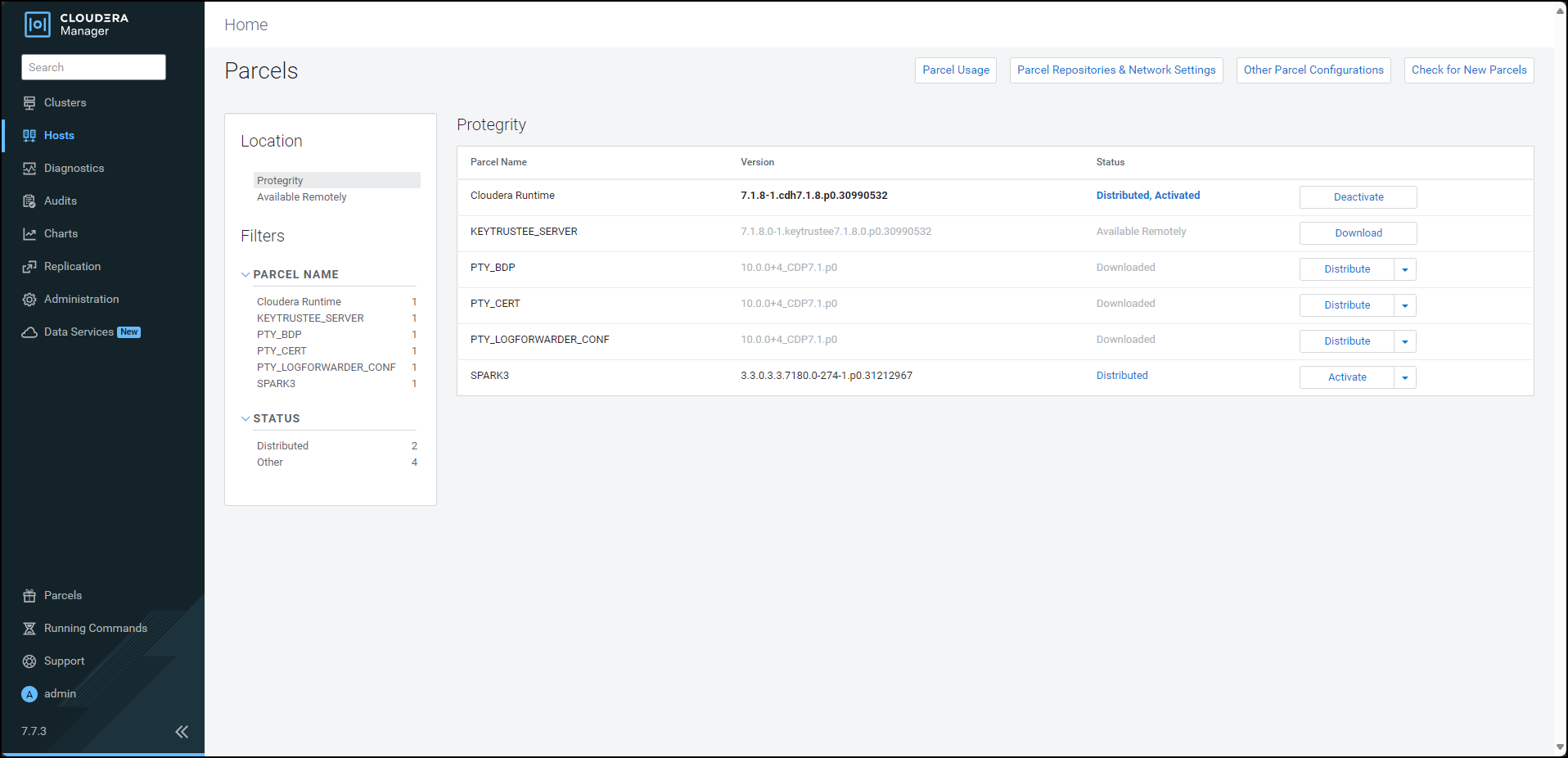
Note: The PTY_LOGFORWARDER_CONF parcel will be visible only if you choose to add the location of the Log Forwarder configuration files while generating the installation files.
Ensure that the following Protegrity parcels appear on the Parcels page:
- PTY_BDP: Big Data Protector parcel
- PTY_CERT: Certificates parcel
- PTY_LOGFORWARDER_CONF: Log Forwarder configuration parcel
To distribute the Big Data Protector parcel, besides the PTY_BDP parcel, click Distribute.
The distribution of the Big Data Protector parcel starts.
To distribute the Certificates parcel, besides the PTY_CERT parcel, click Distribute.
The distribution of the Certificates parcel starts.
To distribute the Log Forwarder configuration parcel, besides the PTY_LOGFORWARDER_CONF parcel, click Distribute.
The distribution of the Log Forwarder configuration parcel starts.
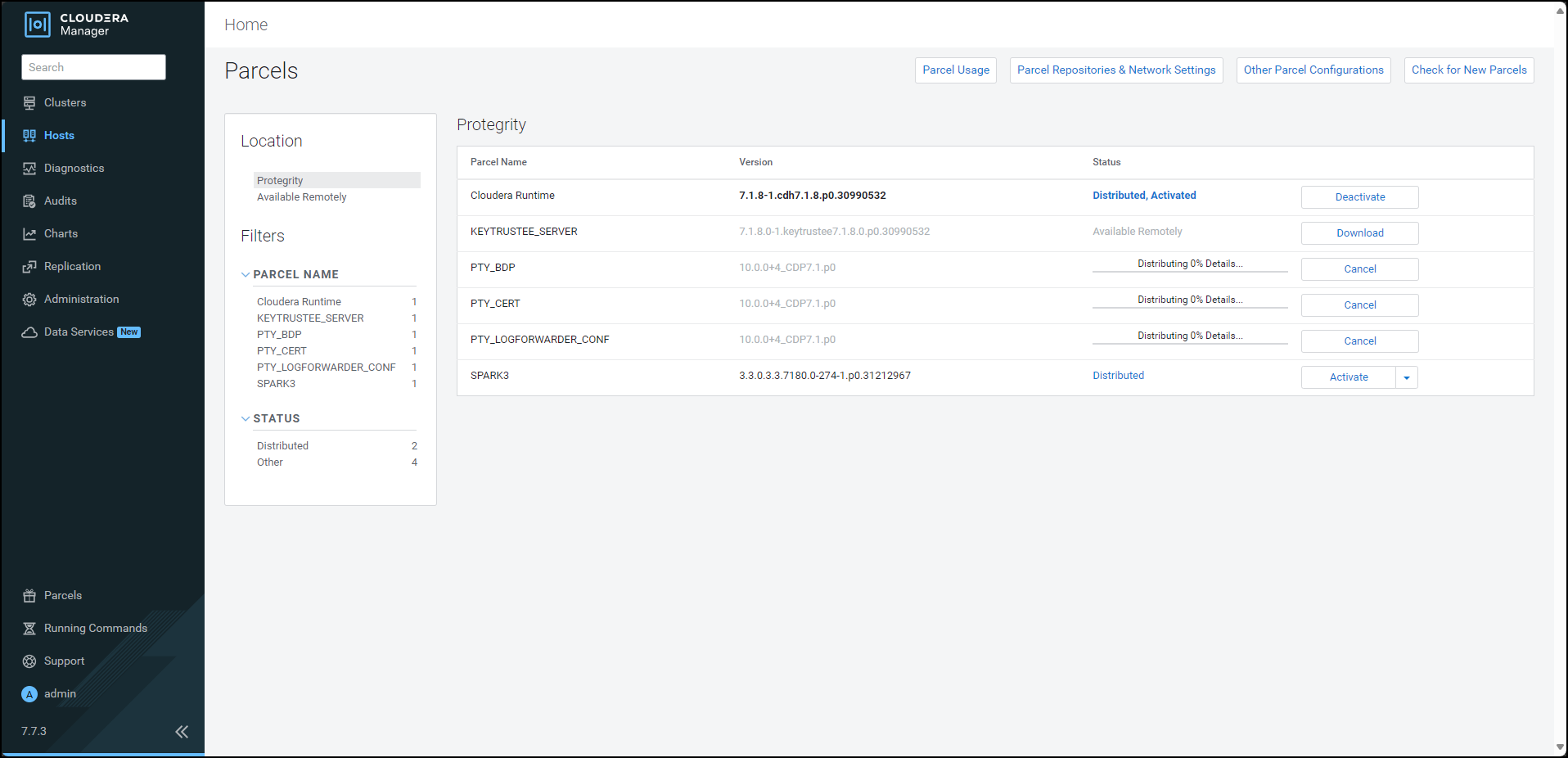
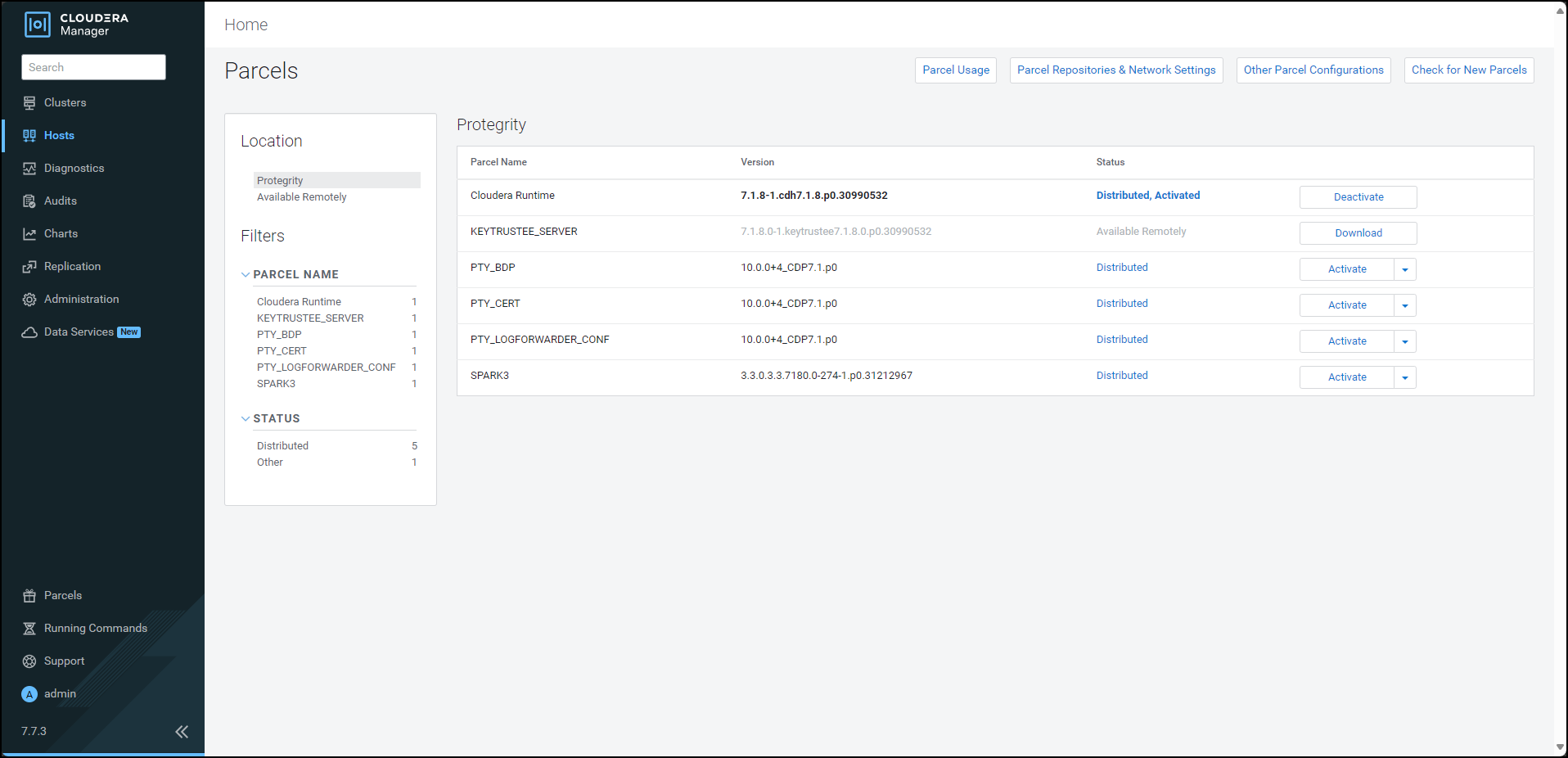
After the Protegrity parcels are distributed to the nodes, Cloudera Manager updates the status of the parcels. The status on the Parcels page is updated to Distributed, and the Activate button appears.
Feedback
Was this page helpful?