Deactivating the parcels
After removing the Big Data Protector-related services from all the nodes in the cluster, deactivate the Big Data Protector parcels from all the nodes.
To deactivate the Big Data Protector Parcels from all Nodes in the Cluster:
On the Cloudera Manager home page, click Parcels.
The Parcels page appears.
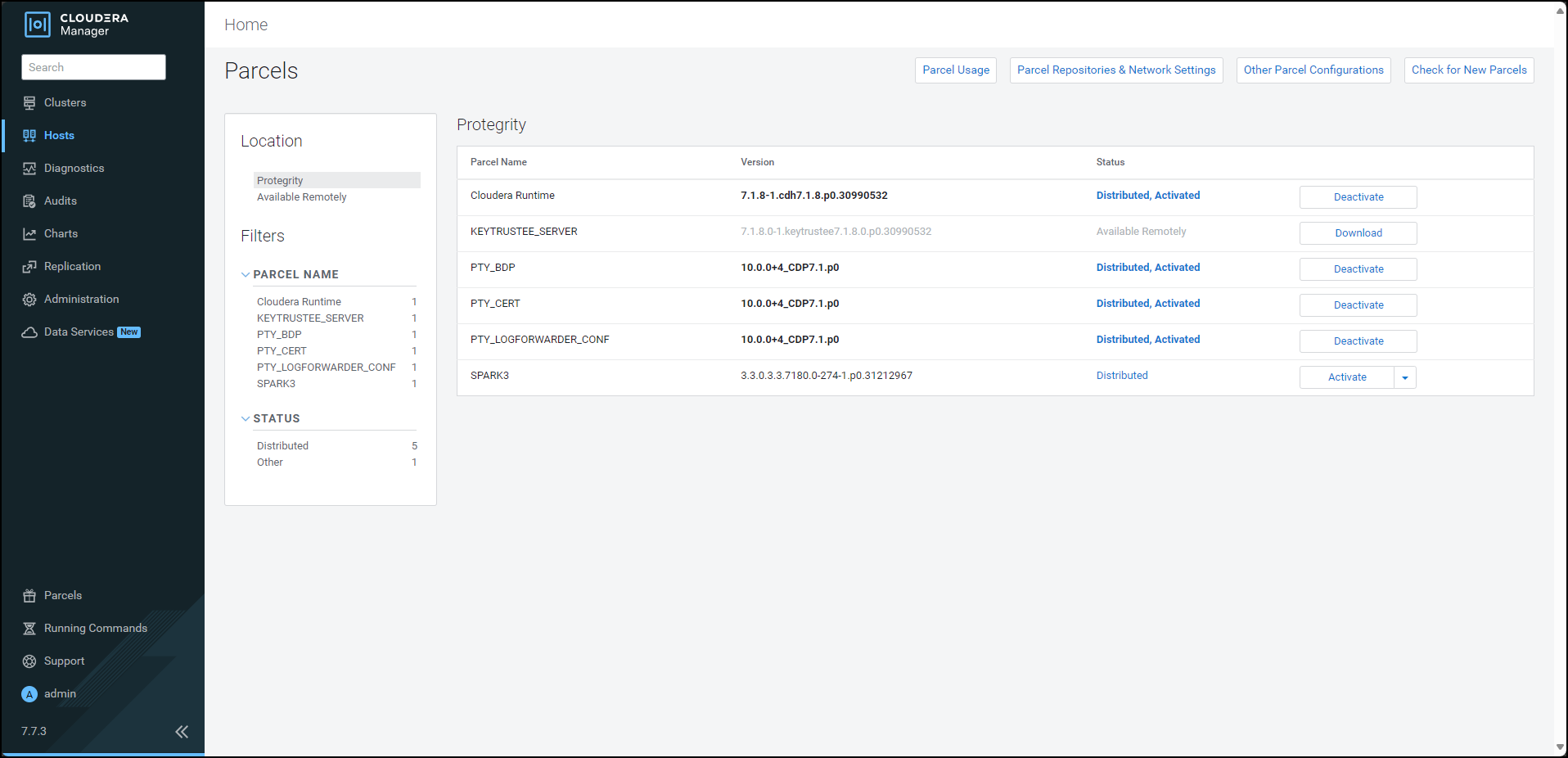
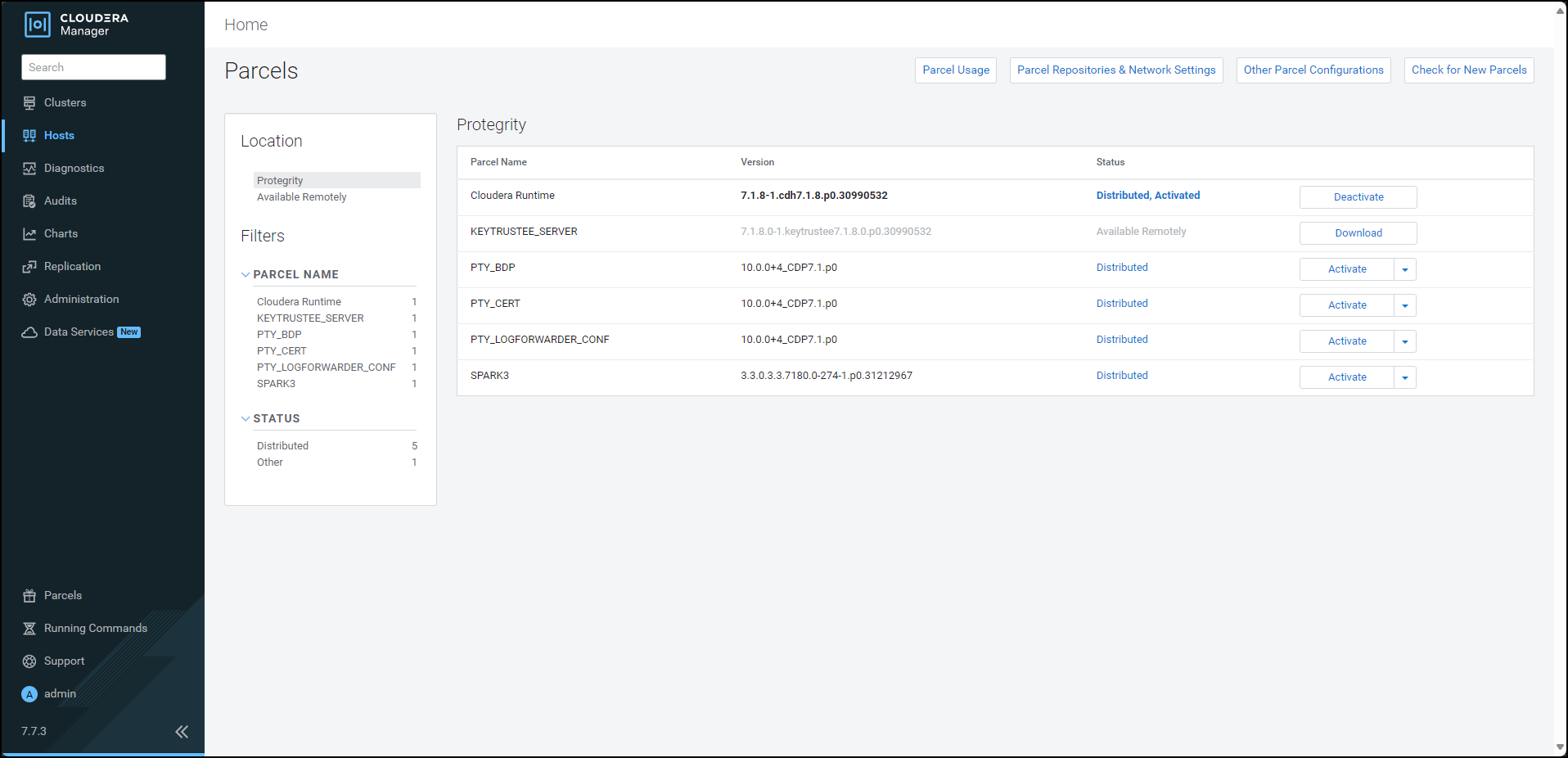
The following Protegrity parcels appear on the Parcels page:
PTY_BDP: Big Data Protector parcelPTY_CERT: Certificates parcelPTY_LOGFORWARDER_CONF: Log Forwarder configuration parcel
Note: The
PTY_LOGFORWARDER_CONFconfiguration parcel will be visible only if you have selected it during installation.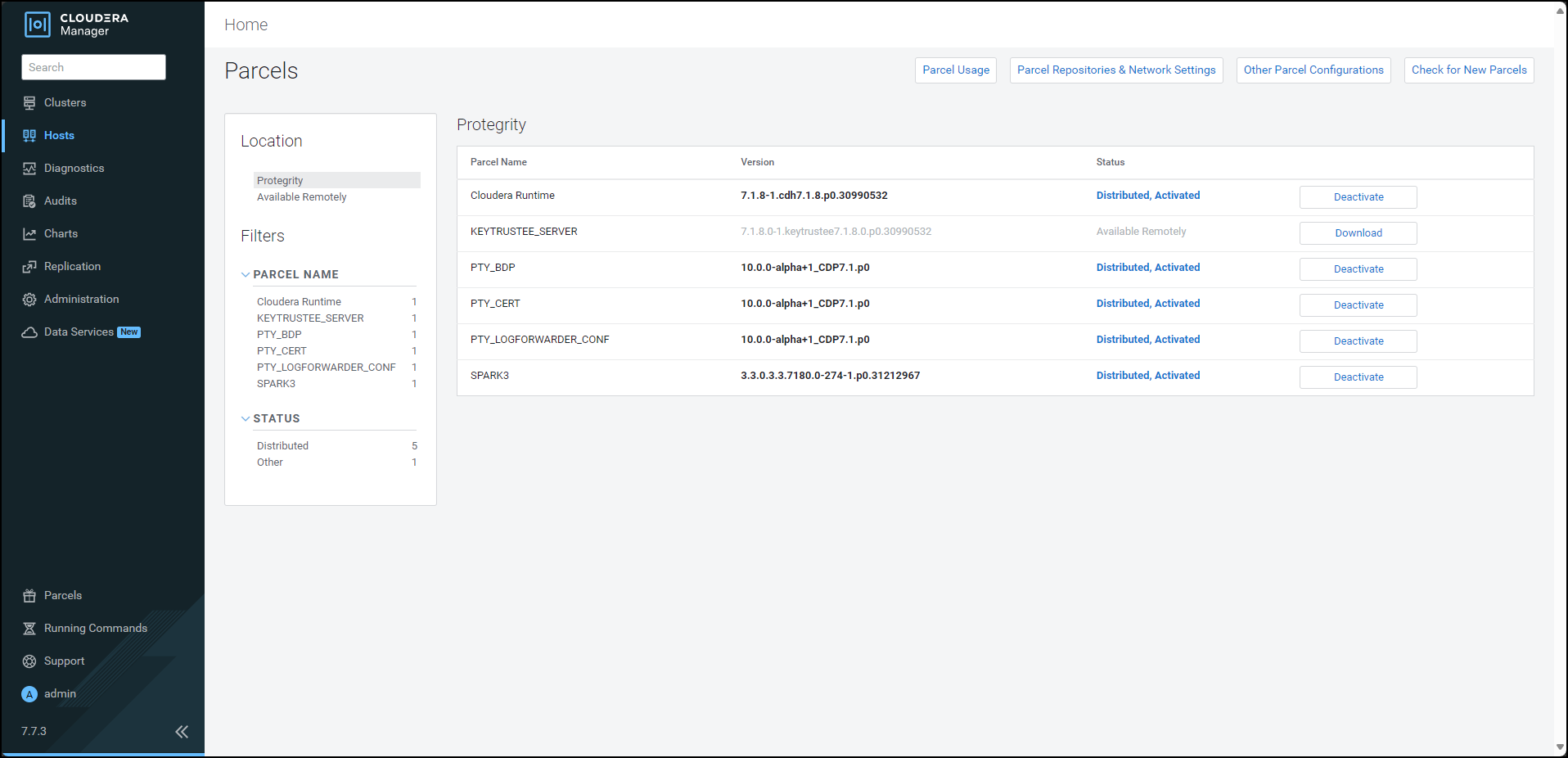
To deactivate the Log Forwarder configuration parcel, besides the
PTY_LOGFORWARDER_CONFparcel, click Deactivate.The prompt to confirm the deactivation of the parcel appears.

Click OK.
To deactivate the certificates parcel, besides the PTY_CERT parcel, click Deactivate.
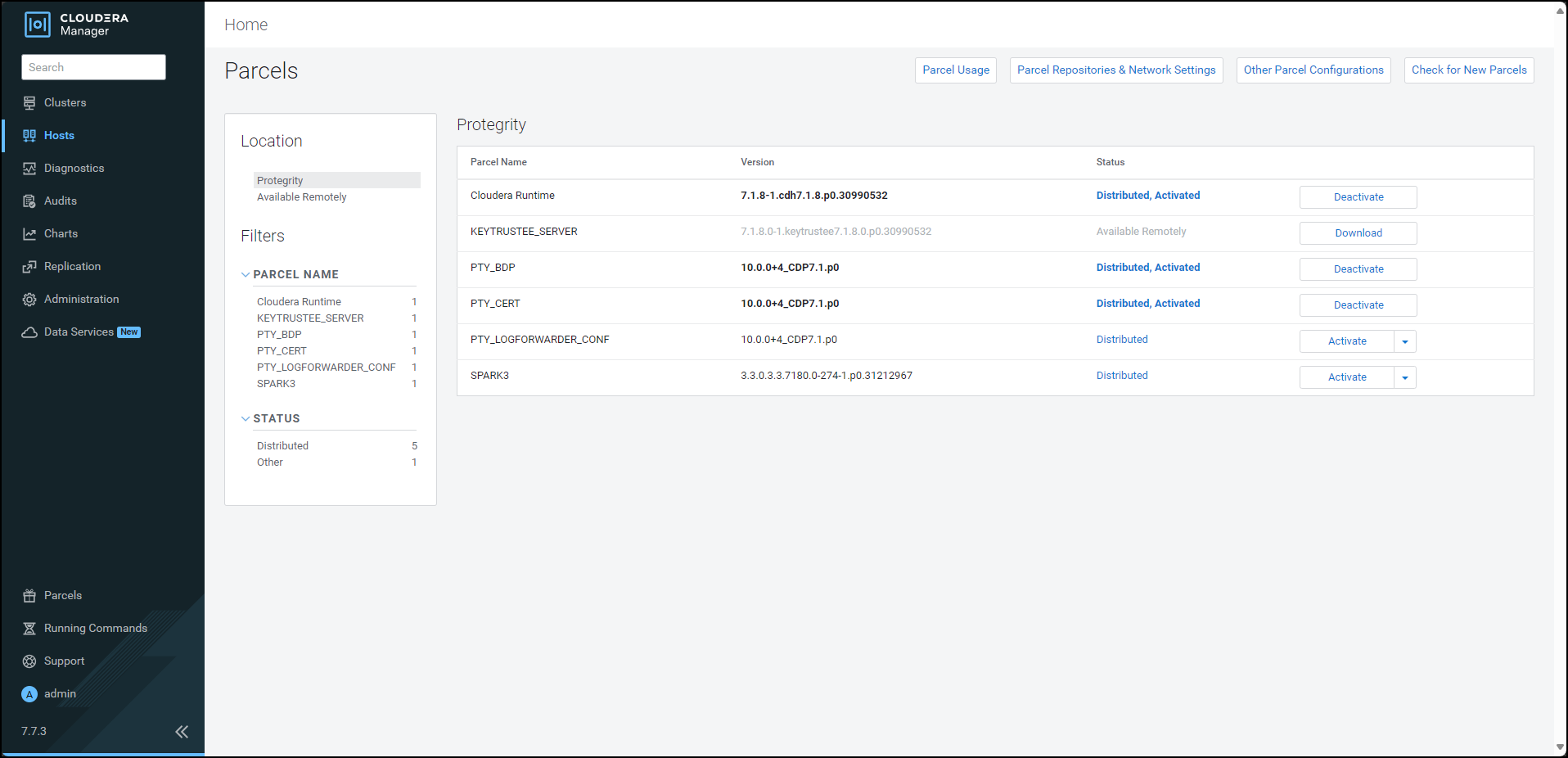
The prompt to confirm the deactivation of the parcel appears.

Click OK.
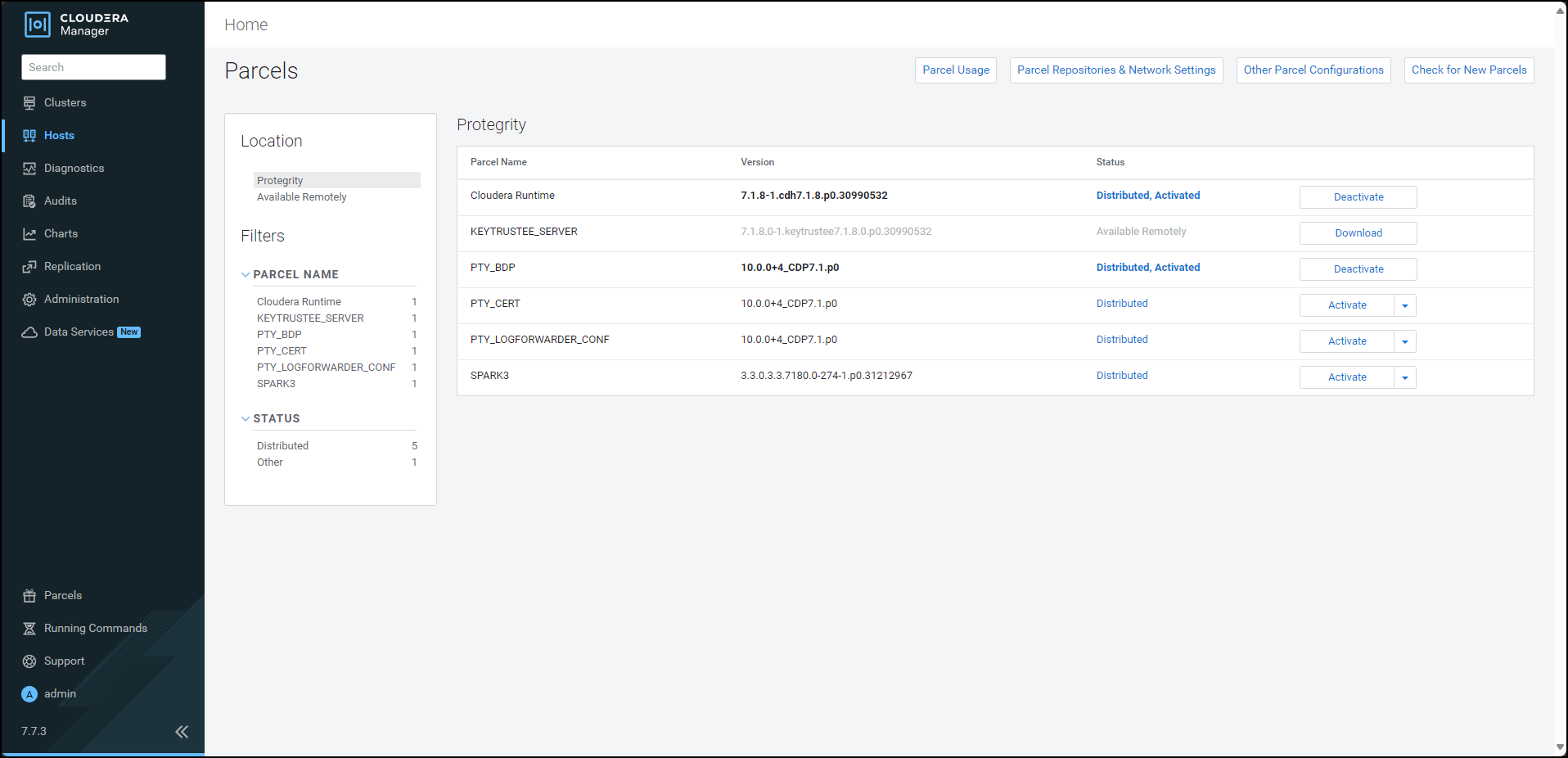
To deactivate the Big Data Protector parcel, besides the PTY_BDP parcel, click Deactivate.
The prompt to confirm the deactivation of the parcel and restart of the dependent services appears.
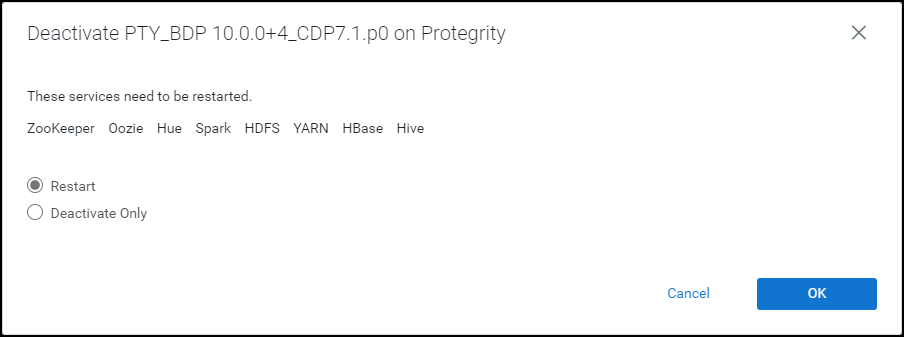
To restart the services, which are dependent on the parcel that needs to be deactivated, select Restart.
Alternatively, to just deactivate the parcel, select Deactivate Only.
Note: You can restart the dependent services later also. However, it is recommended to restart the dependent services immediately. This will ensure that the dependent services do not utilize the parcel that is being deactivated.
To deactivate the Big Data Protector parcel, click OK.
Note: Alternatively, to terminate the deactivation, click Abort.
The deactivation of the Big Data Protector parcel starts.
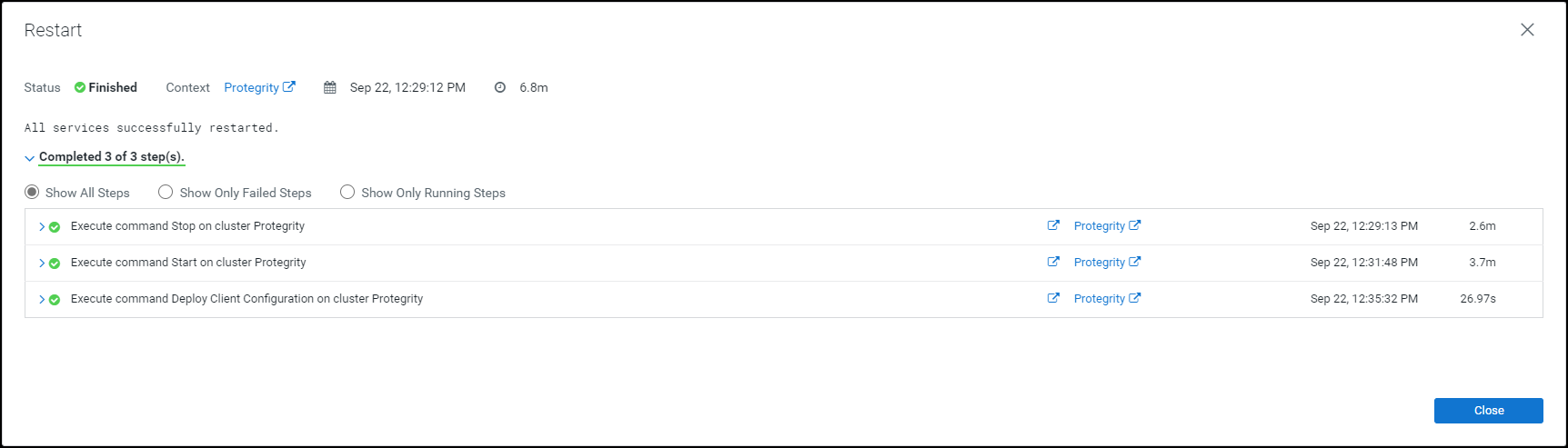
To complete the deactivation of the Big Data Protector parcel, click Close.
After you deactivate the PTY_LOGFORWARDER_CONF, PTY_CERT, and PTY_BDP parcels, their status on the Parcels changes to Distributed, and the Activate button appears.
Feedback
Was this page helpful?