Deleting the parcels from the local repository
After removing the Big Data Protector parcel from the nodes, delete the following Big Data Protector parcels from the local Cloudera Manager repository:
- PTY_BDP: Big Data Protector parcel
- PTY_CERT: Certificates parcel
- PTY_LOGFORWARDER_CONF: Log Forwarder configuration parcel
To delete the Big Data Protector Parcels from the Local Repository:
On the Cloudera Manager web interface, navigate to the Parcels page.
The Parcels page appears.
Besides the PTY_BDP parcel, click
 .
.The drop-down menu appears.

Select Delete.
The prompt to confirm the deletion of the Big Data Protector parcel appears.
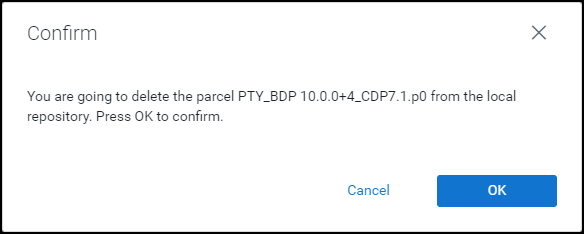
Click OK.
The Big Data Protector parcel is deleted from the local repository.
Besides the PTY_CERT parcel, click
.The drop-down menu appears.
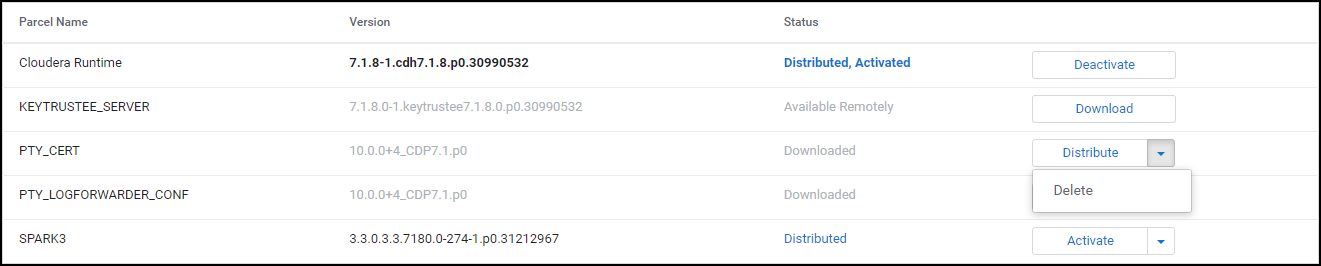
Select Delete.
The prompt to confirm the deletion of the Certificates parcel appears.
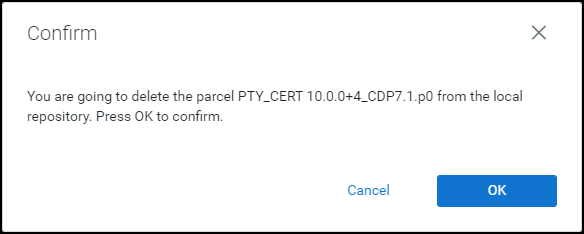
Click OK.
The Certificates parcel is deleted from the local repository.
Besides the PTY_LOGFORWARDER_CONF parcel, click
.The drop-down menu appears.

Select Delete.
The prompt to confirm the deletion of the Log Forwarder configuration parcel appears.
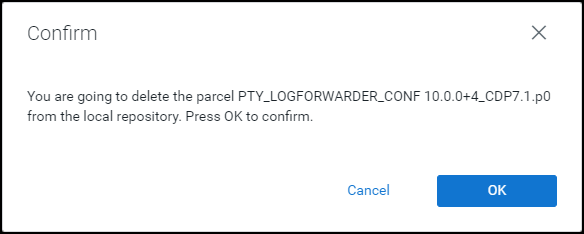
Click OK.
The Log Forwarder configuration parcel is deleted from the local repository.
After all the Big Data Protector parcels are deleted from the repository, remove the Big Data Protector related configuration updates from the cluster.
Note: For more information about removing the Big Data Protector configuration updates from the cluster, refer to section Restoring the Big Data Protector Configuration.
Feedback
Was this page helpful?