Removing the Big Data Protector Services
Before deactivating the Big Data Protector parcels from all the nodes in the cluster, stop and remove the Big Data Protector-related services from all the nodes.
To stop and remove the Big Data Protector related services from all the nodes in the cluster:
On the Cloudera Manager Home page, besides the BDP PEP service, click the kebab menu
 .
.The BDP PEP Actions drop-down menu appears.
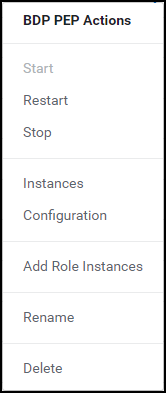
Select Stop.
The prompt to confirm the termination of the BDP PEP service appears.
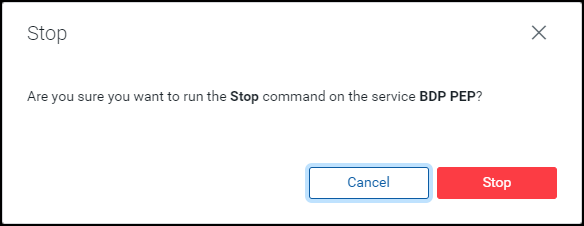
Click Stop.
The BDP PEP service is terminated and the following page appears.
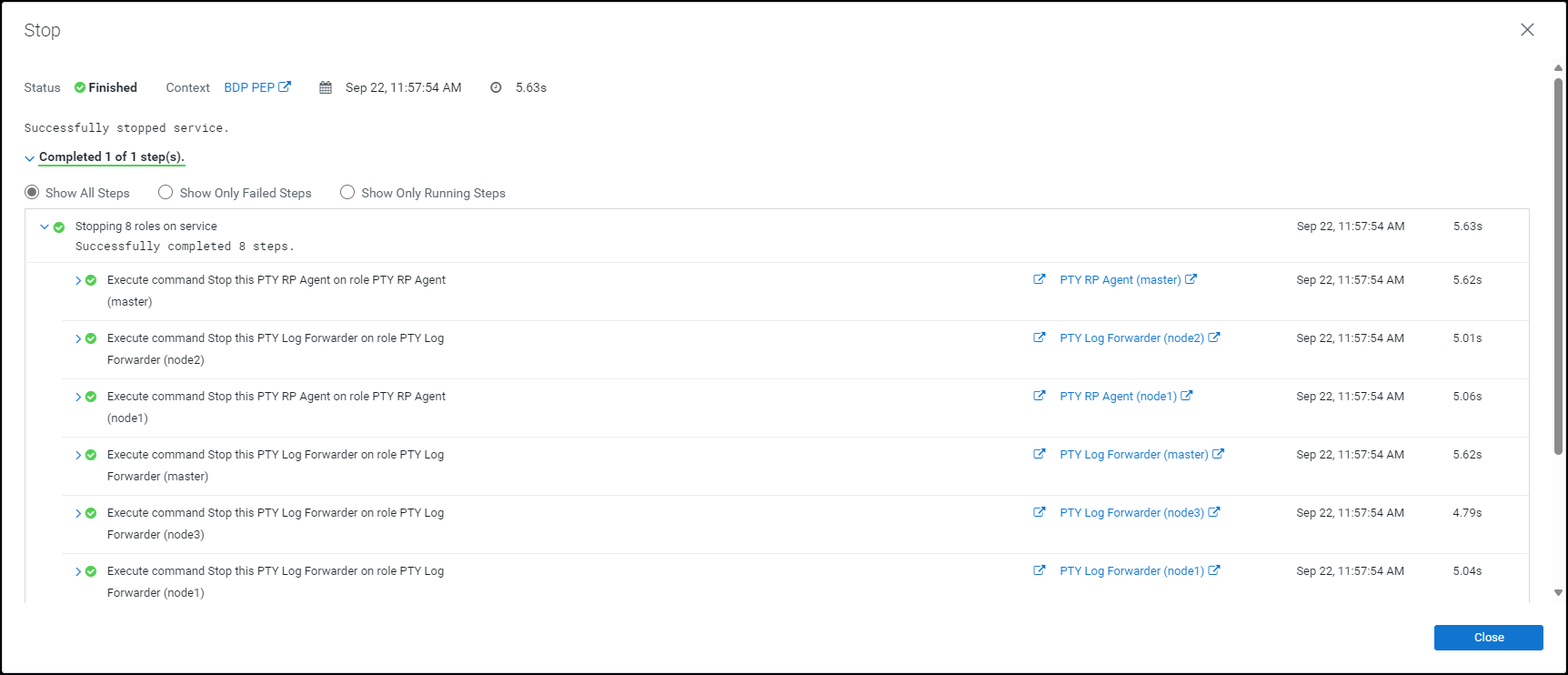
Click Close.
The BDP PEP service is stopped and the status is updated on the Home page of the Cloudera Manager.
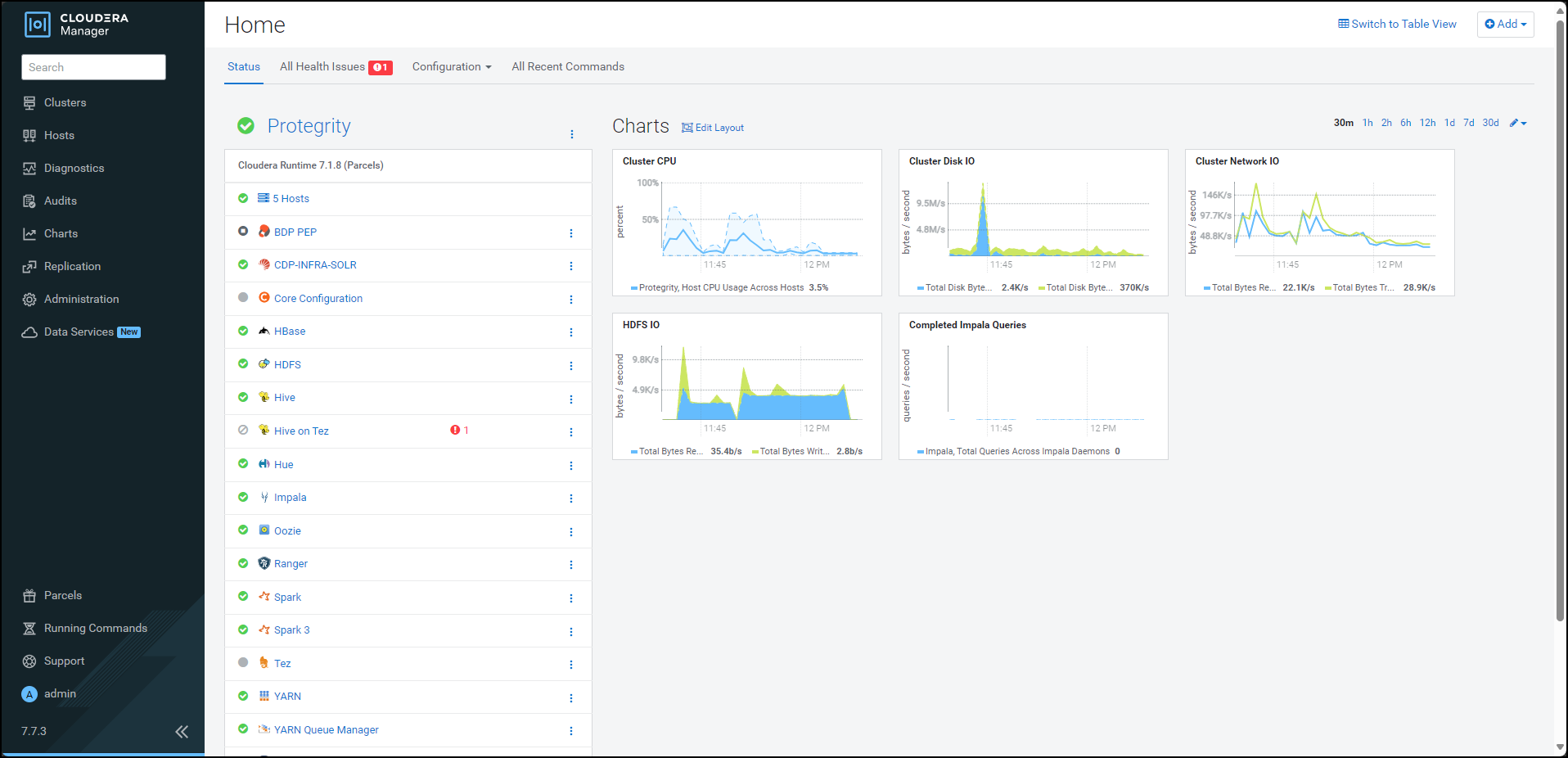
Besides the BDP PEP service, click the kebab menu
.The BDP PEP Actions drop-down list appears.
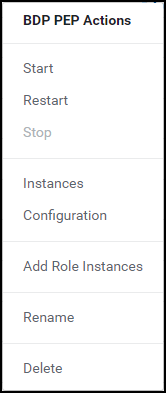
Select Delete.
The prompt to confirm the deletion of the BDP PEP service appears.
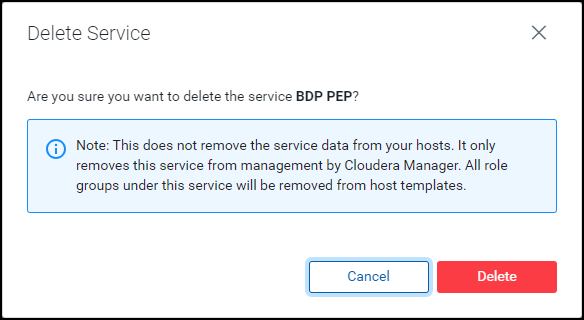
Click Delete.
The BDP PEP service is removed from all the nodes in the cluster.
Feedback
Was this page helpful?